


Introducing Frame War
Submit your best edit, make it into the Top 3, and compete for the monthly Frame War reward. The winner receives cash plus exposure across EarnEdits community channels.

PRODUCT CATEGORIES
Submit your best edit, make it into the Top 3, and compete for the monthly Frame War reward. The winner receives cash plus exposure across EarnEdits community channels.
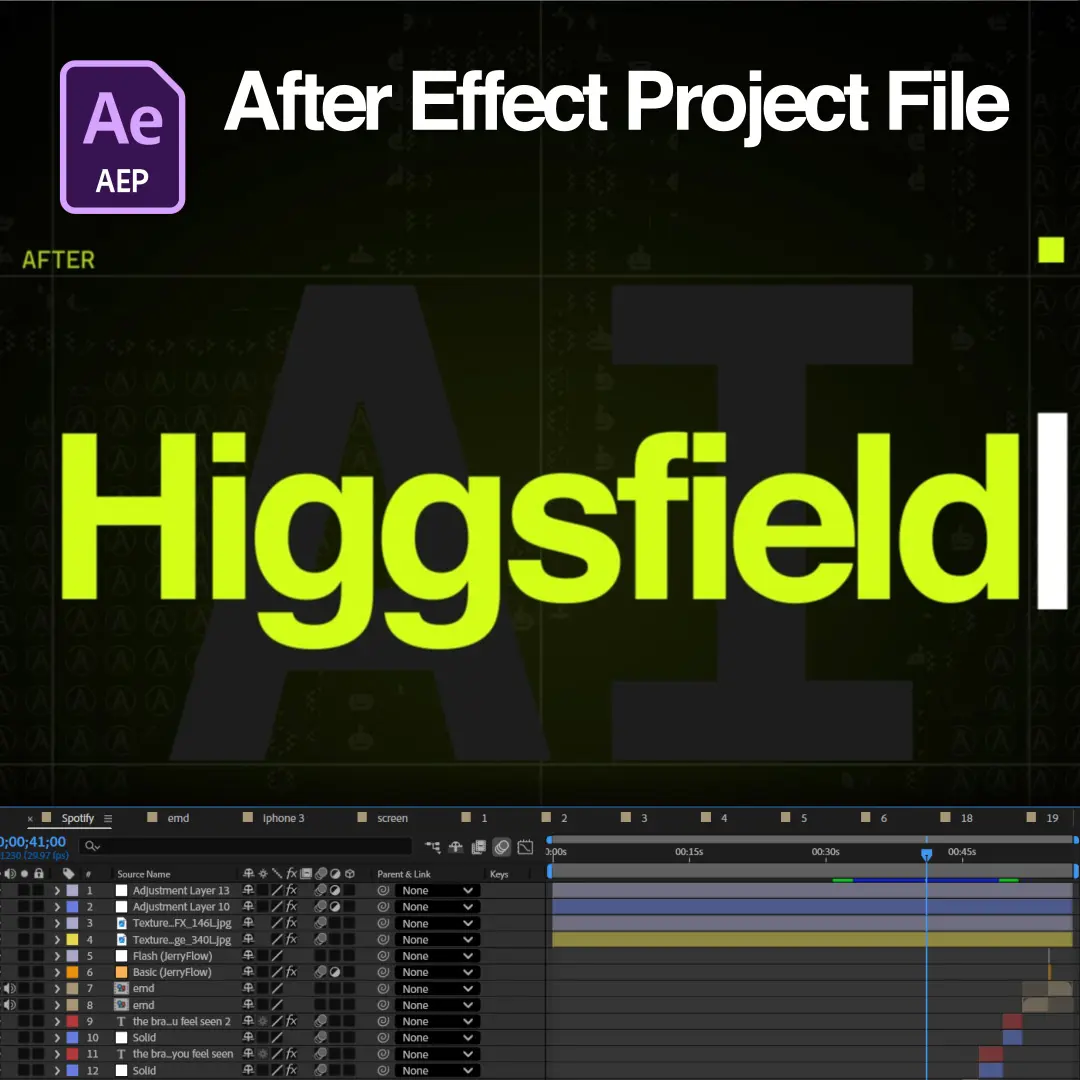
Download the exact .AEP file used in this tutorial and follow along inside After Effects.
WHAT THE VIDEO ACTUALLY SHOWS
You will learn how to recreate the important visual techniques from a fast-paced Higgsfield-style reel in After Effects using animated fractal backgrounds, repeated shapes, glitch-style timing, typography, glow, and layered compositing.
Final Result / Output:
-A fast-paced vertical motion design reel featuring an animated fractal-noise background, repeated graphic shapes, letters, symbols, rectangles, glowing elements, and rapid one-to-two-frame visual changes.
Plugins / Extensions Required:
-Deep Glow
Techniques Taught:
-Animated Fractal Noise Background
-Evolution Animation
-Pre-composing
-Black-and-White Asset Preparation
-Curves
-Extract
-Alpha / Background Removal
-CC Reptile
-CC Mosaic
-Luminance-Based Extraction
-Track Matte
-Shape Layer Design
-Fast-Paced One-to-Two-Frame Editing
-Glitch-Style Visual Timing
-Typography Animation
-Font Styling
-Glow Compositing
-Color Treatment
-Layer Duplication
-Asset Replacement
-Composition Organization
-Region of Interest
-Cropping to Region of Interest
Key Tools / Features Used:
-Fractal Noise
-Curves
-Tint
-Extract
-CC Reptile
-CC Mosaic
-Track Matte
-Deep Glow
-Fill
-Shape Layers
-Region of Interest
-Pre-compose
Aspect Ratio / Orientation:
-9:16
When would someone use this?
-Fast-paced Reels
-Abstract Motion Graphics
-Glitch-Style Animations
-Graphic Backgrounds
-Social Media Motion Design
-Visual Branding
-Experimental Motion Graphics
Best suited for:
-Motion Designers
-After Effects Artists
-Video Editors
-Short-form Content Creators
-Reel Designers
Skills viewer should already have:
-Basic After Effects navigation
-Basic layer and keyframe knowledge
-Basic understanding of compositions and pre-compositions
-Basic knowledge of shape layers
-Basic understanding of masks / mattes
Stay inspired with weekly viral edits, motion tutorials, and behind-the-scenes design breakdowns.




 Back
Back


