Introducing Frame War
Submit your best edit, make it into the Top 3, and compete for the monthly Frame War reward. The winner receives cash plus exposure across EarnEdits community channels.

PRODUCT CATEGORIES
Submit your best edit, make it into the Top 3, and compete for the monthly Frame War reward. The winner receives cash plus exposure across EarnEdits community channels.
 Back
Back

 Jul 27, 2026
 Muhammad Sikandar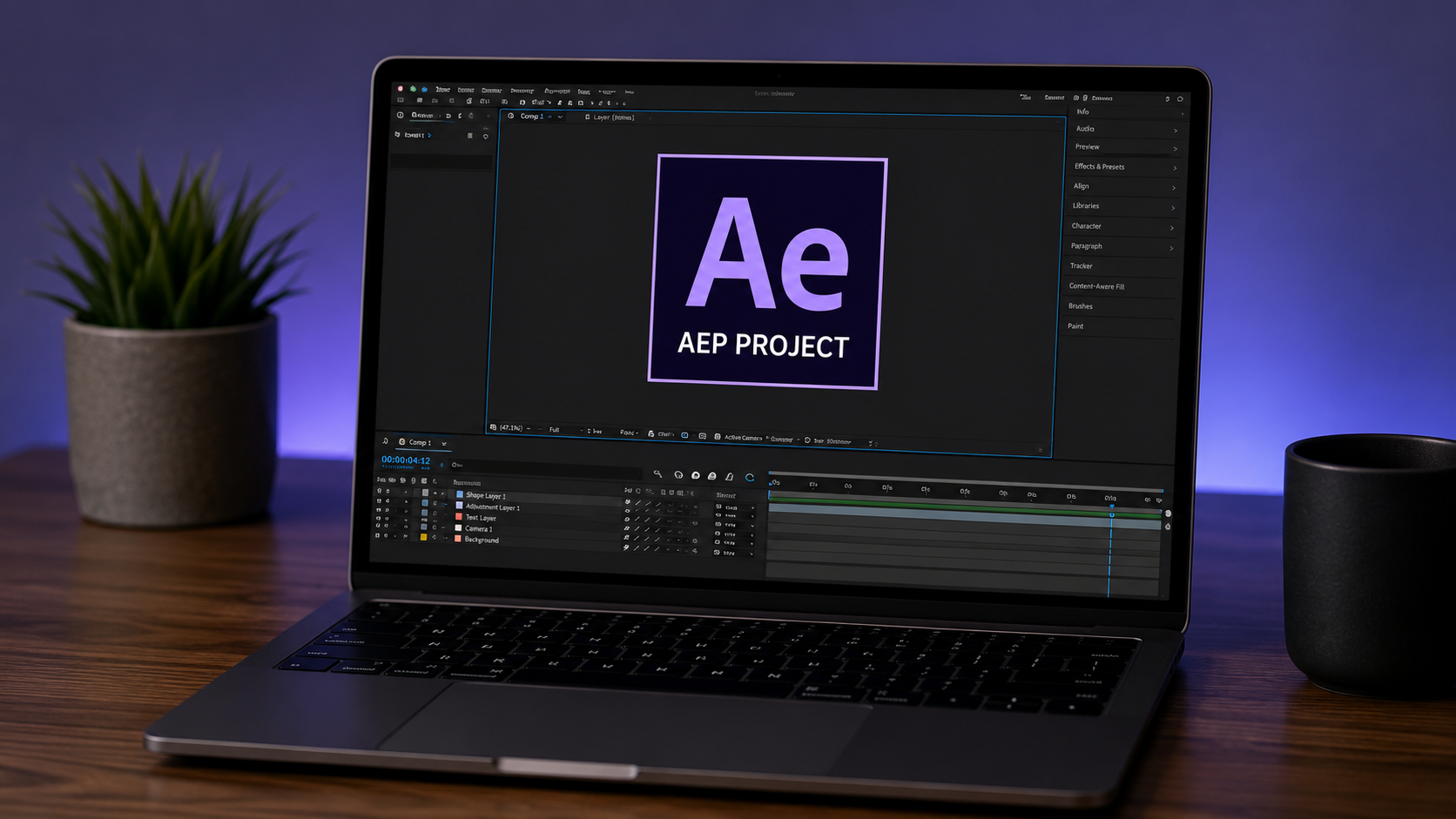
No program opens an AEP file without After Effects, because the .aep format stores editable project data only After Effects can read. We give the honest answer here, because it matters. Dozens of pages promise an AEP viewer or an online opener, and none of them work as promised. Some fail on upload.
Some convert to a different format and lose the project. We build open project files for a living, so we know the format from the inside. Below we cover what an AEP file really is, why no viewer exists, and the four routes that give real access without the software.
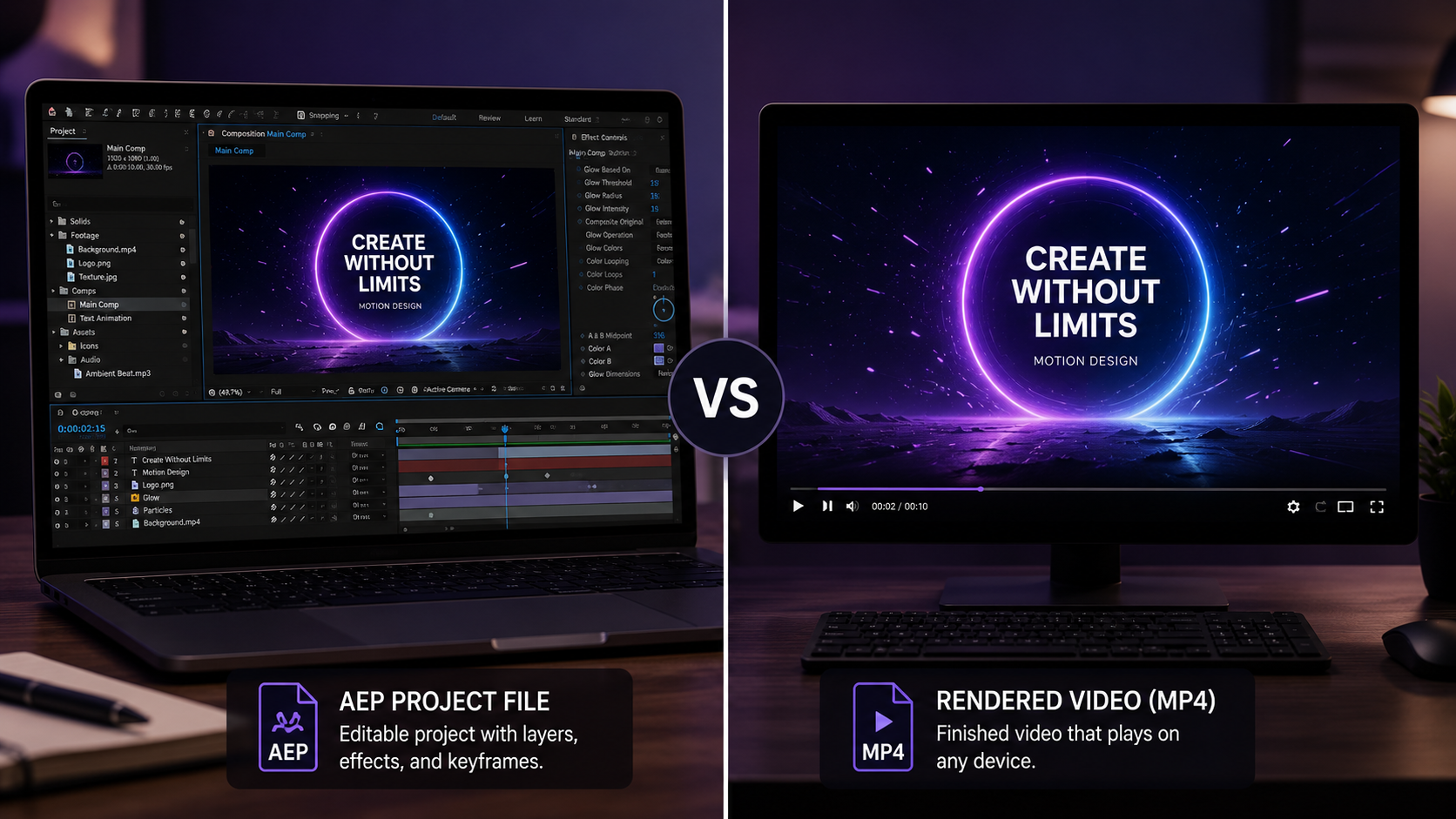
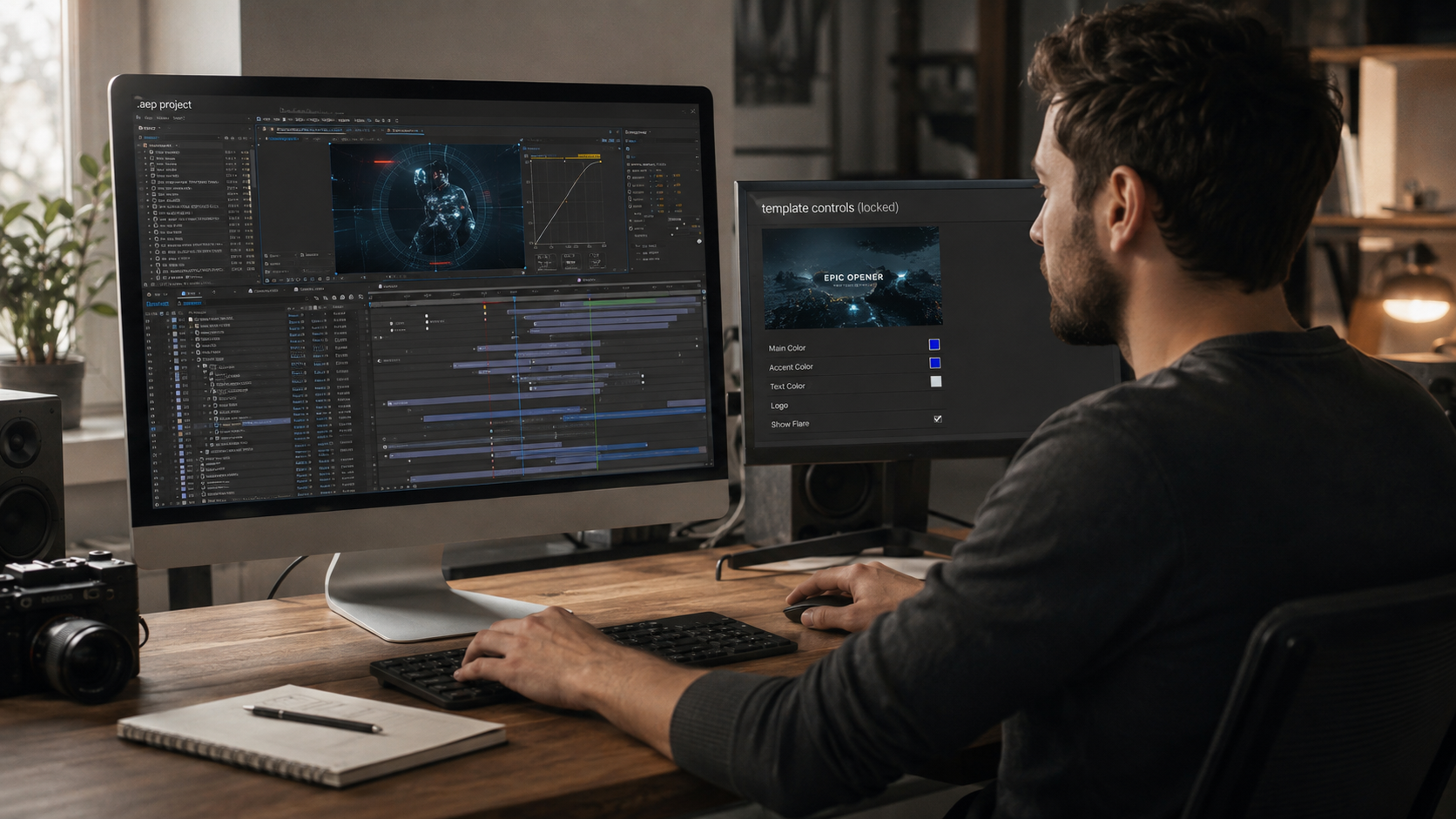
An AEP file is the Adobe After Effects project document, and it stores editing instructions rather than a finished video. The file holds layer positions, keyframes, expressions, effect settings, and references to source footage. The .aep extension does not contain the rendered video. The file contains the recipe that builds the video.
This single fact explains the whole problem we see editors run into. A finished video is a self-contained file any player reads. An AEP file is a set of instructions only the software written to execute them can open. No universal player exists, because the format was never built to be universal.
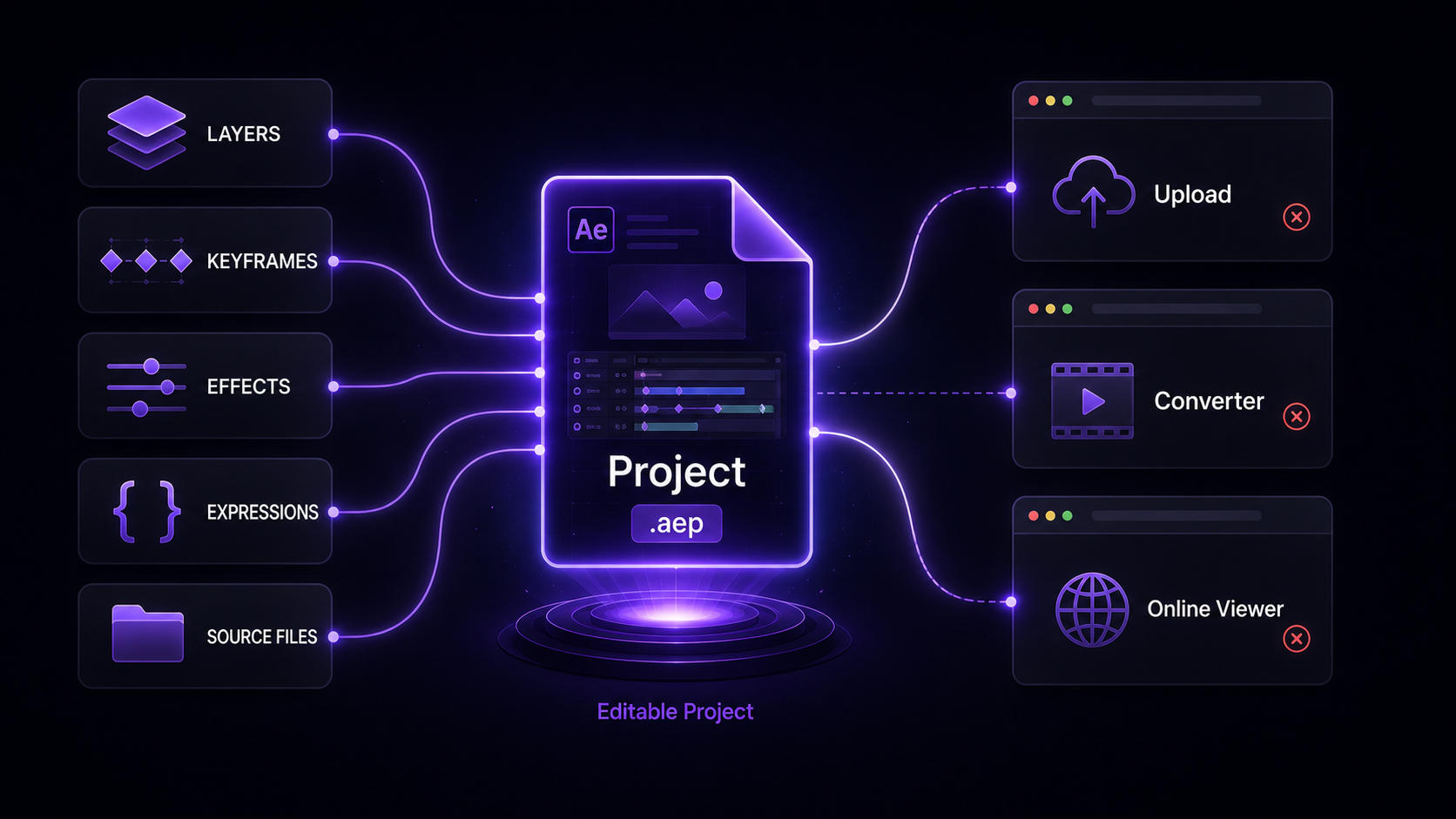
AEP files depend on the After Effects engine to interpret their data, so a standalone viewer must rebuild that engine. Rebuilding the After Effects rendering engine is the reason no real viewer exists. A viewer has one path: replicate layers, effects, expressions, and compositing. That path is the software itself, not a lightweight viewer.
The tools that claim otherwise
Most tools promising an AEP viewer or online opener either fail or redirect to something else. Three patterns repeat across these tools:
A page implying users can open an AEP file through a feature that does not function is a misleading-functionality problem. Our four routes below do not pretend. We state what each one delivers and what it does not.
The After Effects free trial opens any AEP file at full capability for seven days. Adobe provides a working trial of the complete software. The trial opens the project, plays it, edits it, and exports it. The route suits anyone who needs genuine access to the project once.
The trade is time-limited, not feature-limited. Seven days covers opening a received file, checking its contents, and rendering a version. We recommend this route when you received an AEP and need the video out of it.
A rendered MP4 opens on every device, so requesting one from the file’s sender solves most real situations. In our experience, most people asking how to open an AEP file do not want to edit. They want to see the result. A rendered video delivers the result with zero software.
The request is simple. Ask the sender to export an MP4 or MOV from After Effects. The exported video plays in any browser, phone, or media player. We point clients and reviewers here first, because watching beats editing when the result is all they need.
An AEPX file is the XML version of an After Effects project, and its structure opens in any text editor. After Effects saves projects in two formats. The binary .aep is unreadable outside the software. The .aepx variant stores the same project as XML text.
An AEPX file opens in any text editor and reveals project structure: layer names, some settings, asset references. The text does not render the video. The XML exposes the skeleton. We suggest this route for developers or technical users checking what a project contains without opening it. The full difference between the formats sits in our guide to AEP vs AEPX file formats.
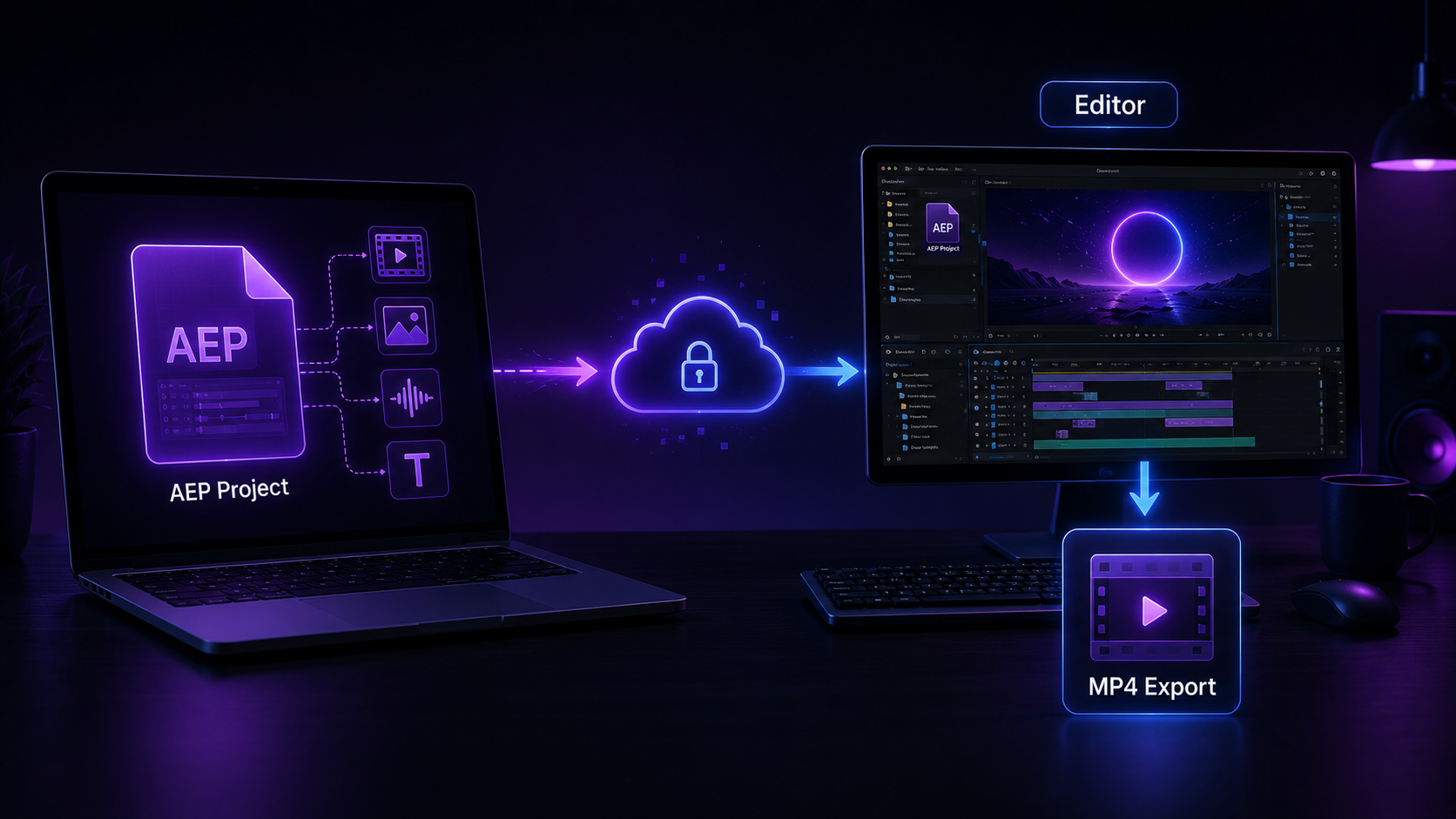
Sending the AEP to someone who owns After Effects is faster than fighting a broken viewer. Collaboration solves the access problem directly. An editor, a colleague, or a freelancer opens the file, makes the change or export, and returns the result.
This route requires the file plus its assets. An AEP alone often arrives with missing footage, because the project references source files stored separately. We recommend packaging the project before sending to prevent the missing-file errors. The packaging process is covered in our guide on how to collect files in After Effects.
The correct route depends on the goal: view the result, or access the project. The table maps each goal to its route.
| The goal | The route | What it delivers |
| Watch the finished video | Ask the sender for a render | An MP4 that plays anywhere |
| Open and edit once | After Effects free trial | Full access for 7 days |
| Check project structure | Inspect the AEPX as text | Layer names and references, no video |
| Get a change made | Send to an After Effects user | The edited or exported result |
No row lists a viewer, because no viewer belongs on the list. Every route we recommend runs through the software, a render, or the raw file structure.
Opening an AEP file to study the build requires the software, and the file has to be worth studying. Learning from a project file requires full timeline access, which requires After Effects. The free trial opens the door for seven days. Serious study needs the full version and files we build to teach.
The files that teach share specific traits: labeled layers, organized compositions, and native effects. Our guide to the best After Effects project files for beginners covers the standards we build to. Every file in our library of open project files ships to that open standard.
No free AEP viewer exists that opens the real project. Tools advertising the feature either fail or convert the file and lose the editable data. The After Effects free trial is the genuine free route.
No. Premiere Pro imports After Effects compositions through Dynamic Link. That link still requires After Effects installed. The AEP does not open in Premiere as a standalone file.
No online tool opens an AEP file reliably. The project data depends on the After Effects engine, which no browser tool replicates. We recommend requesting a rendered video as the practical online-friendly answer.
No. Converting an AEP to MP4 requires rendering. Only After Effects renders the project. The conversion is an export, and the export happens inside the software.
Any text editor opens an AEPX file, because the format is XML. A text editor shows the project structure as readable text. Rendering the video still requires After Effects.

Explore more guides on After Effects project files and viral editing workflows.
Production-ready edits that teach you how they were built.