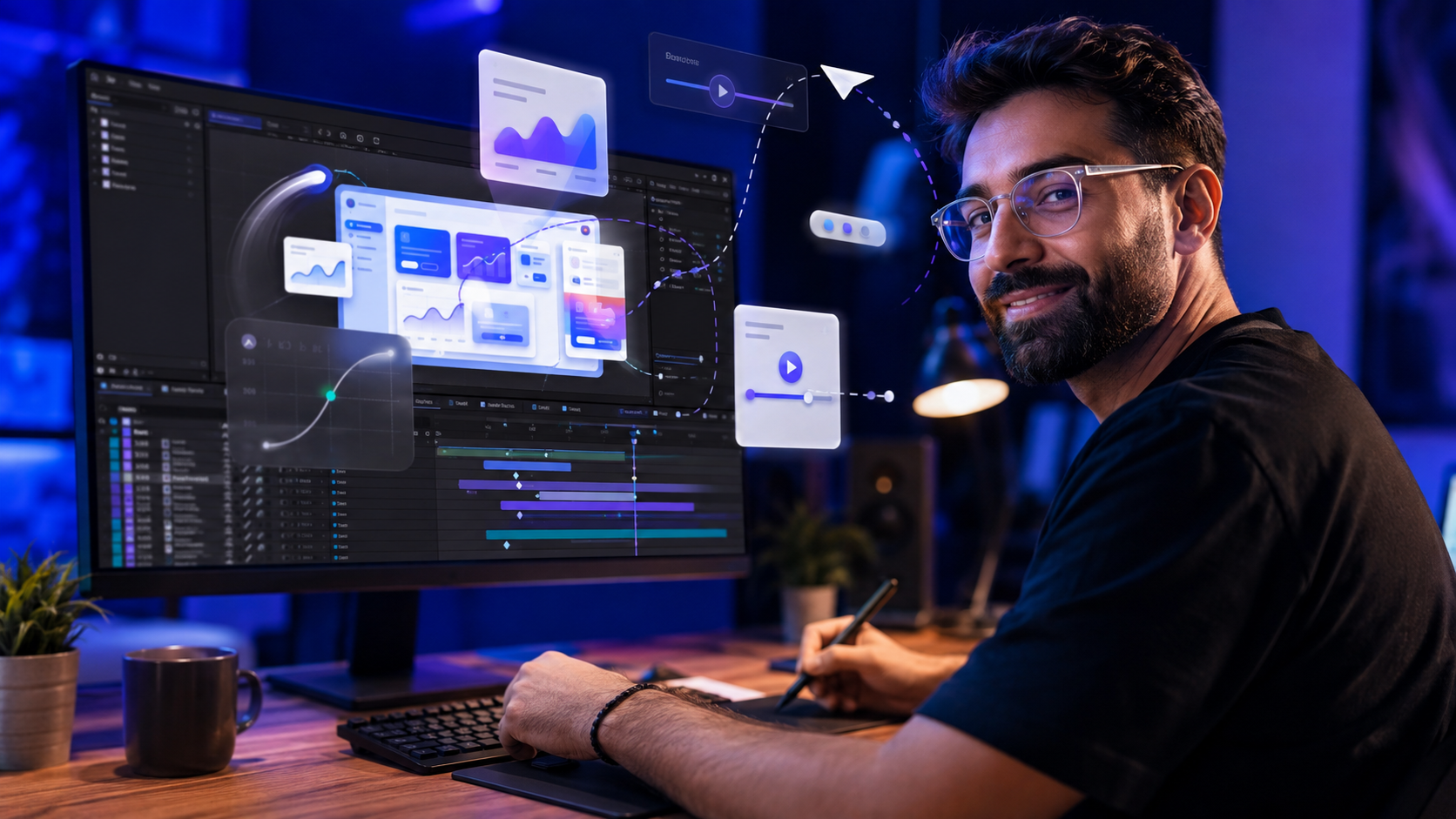
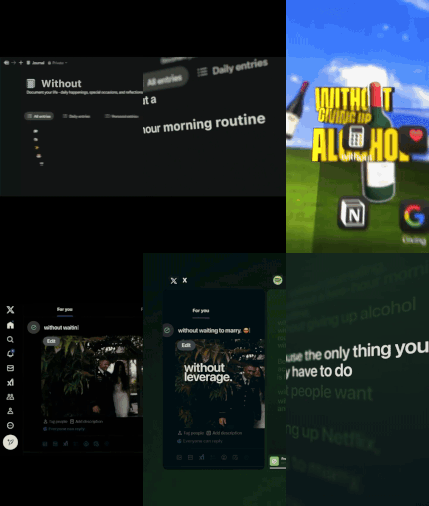
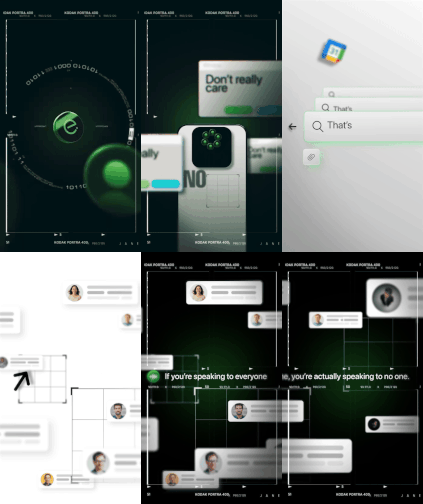
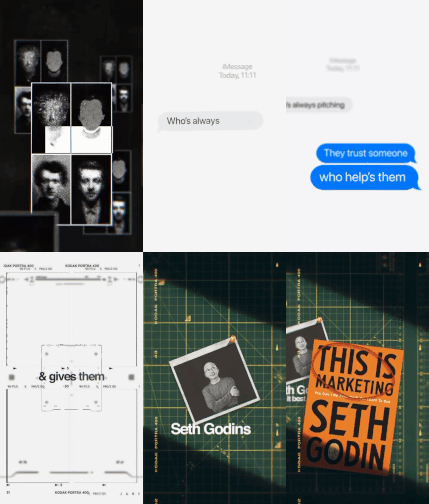
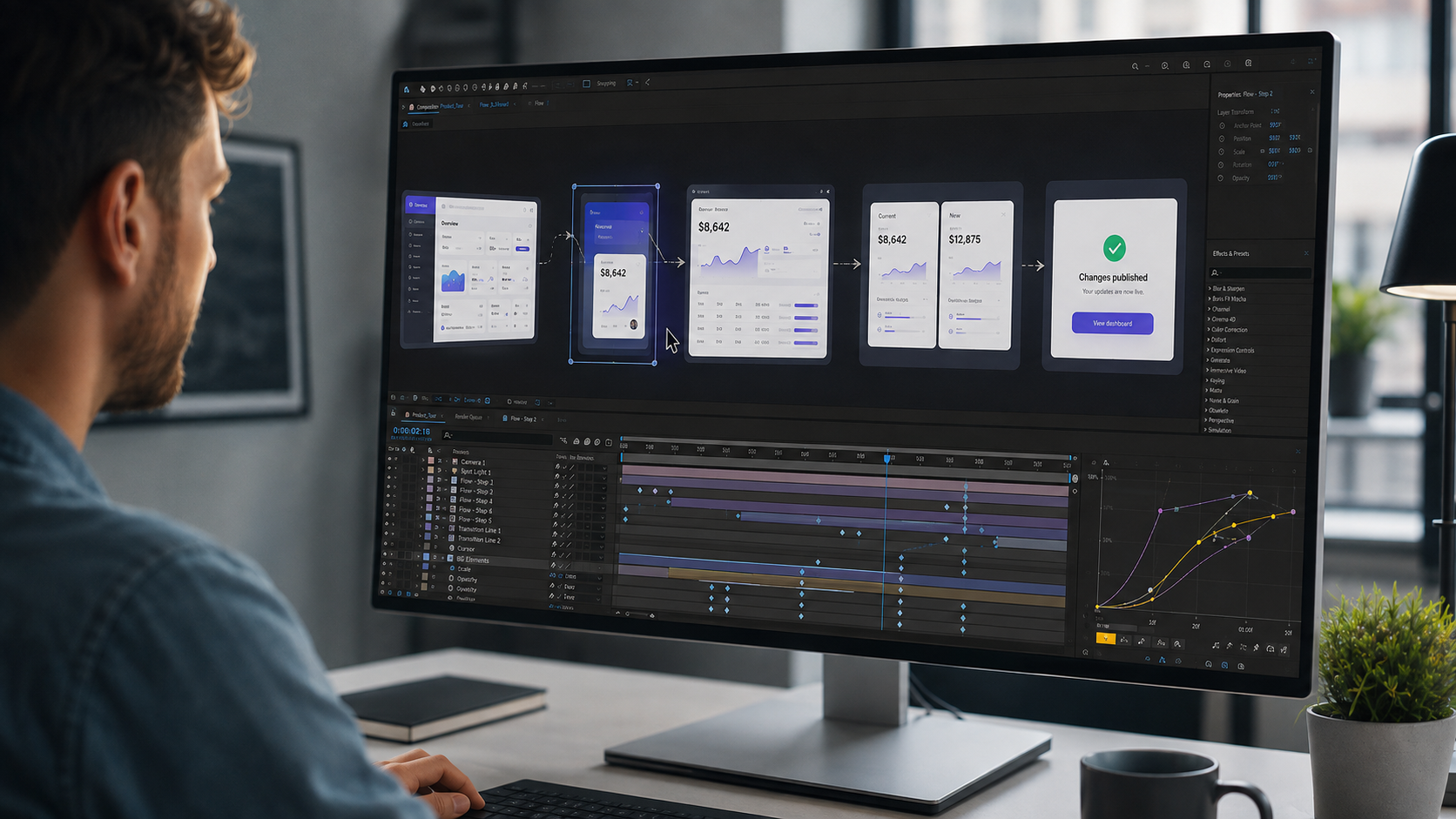
The SaaS UI animation style is built from six techniques, the UI mockup stage, cursor choreography, typing and micro-interactions, eased camera moves, screen transitions, and the polish layer, governed by one rule: clarity beats flash. We rebuild recognizable styles to study them, and SaaS UI animation is the one companies pay editors real money to produce.
The style turns a static software interface into a product video that sells. Every technique runs on native After Effects tools. This deconstruction covers each technique, the sequence they build in, and the rule separating a premium product video from a confusing one.
What Defines the SaaS UI Animation Style
SaaS UI animation is clean interface motion built to communicate product value, where every movement serves the message. App promo videos, product demos, and feature explainers all run on this style. Tech companies pay for it because a clear product video sells software, and clarity on screen is a craft, not an accident.
The style belongs to the wider motion graphics family, covered in our guide to After Effects motion graphics project files. The SaaS branch has its own signature: minimal palettes, smooth eased motion, and an interface that always stays readable. The six techniques below build that signature in sequence.
Technique 1: The UI Mockup Stage
Every SaaS animation starts with a clean vector interface, organized in layers before a single keyframe exists. The mockup is the stage, and the stage decides everything after it.
The interface arrives as vector artwork, prepared with each animatable element on its own layer: buttons, panels, text fields, cursors. Device frames hold mobile interfaces. Browser frames hold web dashboards. Disorganized preparation produces broken animation later, which is why professional builds treat layer structure as the first technique, not an afterthought.
Technique 2: Cursor Choreography
The cursor is the viewer’s guide, and its movement runs on keyframed position with carefully eased curves. A SaaS video without a cursor leaves the viewer searching the frame. A choreographed cursor tells the eye exactly where the story is.
The build syncs cursor clicks to interface reactions: the cursor arrives, the click lands, the panel responds. Easing does the acting. A cursor that moves in straight lines at constant speed reads as robotic. A cursor with gentle acceleration and settle reads as human. The gap between the two is a Graph Editor adjustment, not a plugin.
Technique 3: Typing and Micro-Interactions
Micro-interactions are the small motions that make an interface feel alive: typewriter text, button presses, toggles, and loading states. The product looks real because its details behave.
Typewriter text fills a search bar character by character. A button compresses slightly on click. A toggle slides with a soft bounce. Each micro-interaction is small on its own, and together they carry the realism of the demo. The typewriter rig runs on a short expression. Reading that expression inside an open file is the fastest way to own it. Our guide to After Effects expressions for editors who do not code covers the method.
Technique 4: The Smooth Camera Move
The premium feel of SaaS animation comes from eased camera moves across 3D layers, controlled in the Graph Editor. The zoom into a feature, the pan across a dashboard, and the pull-back reveal all run on the same system.
Interface layers convert to 3D, a camera moves through the composition, and the easing curves decide the feel. Slow acceleration, a confident middle, a soft landing. Screens arranged in 3D space around a null object produce the orbiting multi-screen shots that close many product videos. The move looks expensive, and the build is native After Effects.
Technique 5: Screen Transitions and Product Flows
Product flows connect interface scenes into a story, and the transitions carry the viewer from feature to feature without confusion. A SaaS video is a guided tour, not a slideshow.
The dashboard opens, a panel expands into the next scene, a split screen compares two states. Each transition answers a narrative question: what happens after the click, where does this feature live, what does the result look like. Transitions that serve the flow keep the viewer oriented. Transitions performed for their own sake break the tour.
Technique 6: The Polish Layer
Polish is the final pass: soft shadows, subtle glows, background gradients, depth of field, and feature callouts timed to the motion. The pass is quiet by design. Polish that announces itself has failed.
Shadows seat the interface in space. Gradients give the background depth without stealing attention. Callout labels appear exactly when the feature they name activates. That timing is text animation craft, covered in our guide to After Effects text animation project files. The polish layer is the difference between finished and almost.
The One Rule That Separates Professional From Amateur
A professional SaaS animation moves one element at a time so the interface stays the hero, and an amateur animation moves everything at once and buries the product. Every serious voice teaching this style says the same thing: clarity, structure, and intentional motion beat flashy effects.
The failure mode is constant simultaneous movement. Panels sliding, text flying, camera drifting, all at once, and the viewer loses the product inside the show. The professional version sequences the motion: the cursor moves, then the click lands, then the panel responds, then the callout appears. One thing at a time, and the eye never gets lost. The six techniques are instruments. The rule is the conductor.
Why Courses Charge for What Open Files Show
Paid courses teach this style by recording one build over many hours, and an open project file is that finished build, handed over directly. The SaaS animation course market is large, and the course format has a structural limit: you watch someone else make decisions.
An open SaaS project file inverts the format. The decisions sit in front of you, in the timeline, attached to results you can change. The easing curves, the precomp structure, the cursor sync, and the polish stack are all readable at your own pace. The full comparison between the two learning formats runs through our guide on After Effects courses versus project files.
Studying the SaaS Style From a Real Project File
The fastest way to learn SaaS UI animation is opening a finished product video build and reading it layer by layer. A technique list builds recognition. An open timeline builds the skill.
A SaaS file shows the mockup organization, the cursor keyframes, the micro-interaction rigs, and the camera easing exactly as the build used them. Our SaaS and UI animation project files open every interface layer for study and rebranding to a client product. The complete deconstruction method runs through our guide to learning After Effects with real project files.
Frequently Asked Questions
How are SaaS explainer videos made?
SaaS explainer videos are built in After Effects from layered UI mockups, animated with cursor movement, micro-interactions, and eased camera moves. The interface is prepared as vector layers first, then animated in sequence, then polished with shadows, gradients, and callouts.
What software makes app promo videos?
After Effects is the standard tool for app promo and SaaS product videos. The style relies on precise keyframing, Graph Editor easing, 3D camera moves, and expression-driven micro-interactions, all native After Effects capabilities.
Do SaaS UI animations require plugins?
No. The core SaaS animation techniques run on native tools. Vector layers, keyframed cursors, typewriter expressions, 3D cameras, and the Graph Editor cover the full system.
How is the cursor animated in product videos?
The cursor animates on keyframed position with eased curves, synced to interface reactions. The click lands, the panel responds, and the easing gives the movement its human feel. The sync work happens in the timeline, not in a plugin.
How long does learning SaaS animation take?
The individual techniques are learnable in weeks, and studying finished open builds shortens the path considerably. Editors who read real timelines absorb the easing, sync, and structure decisions faster than watching them get made.




 Back
Back