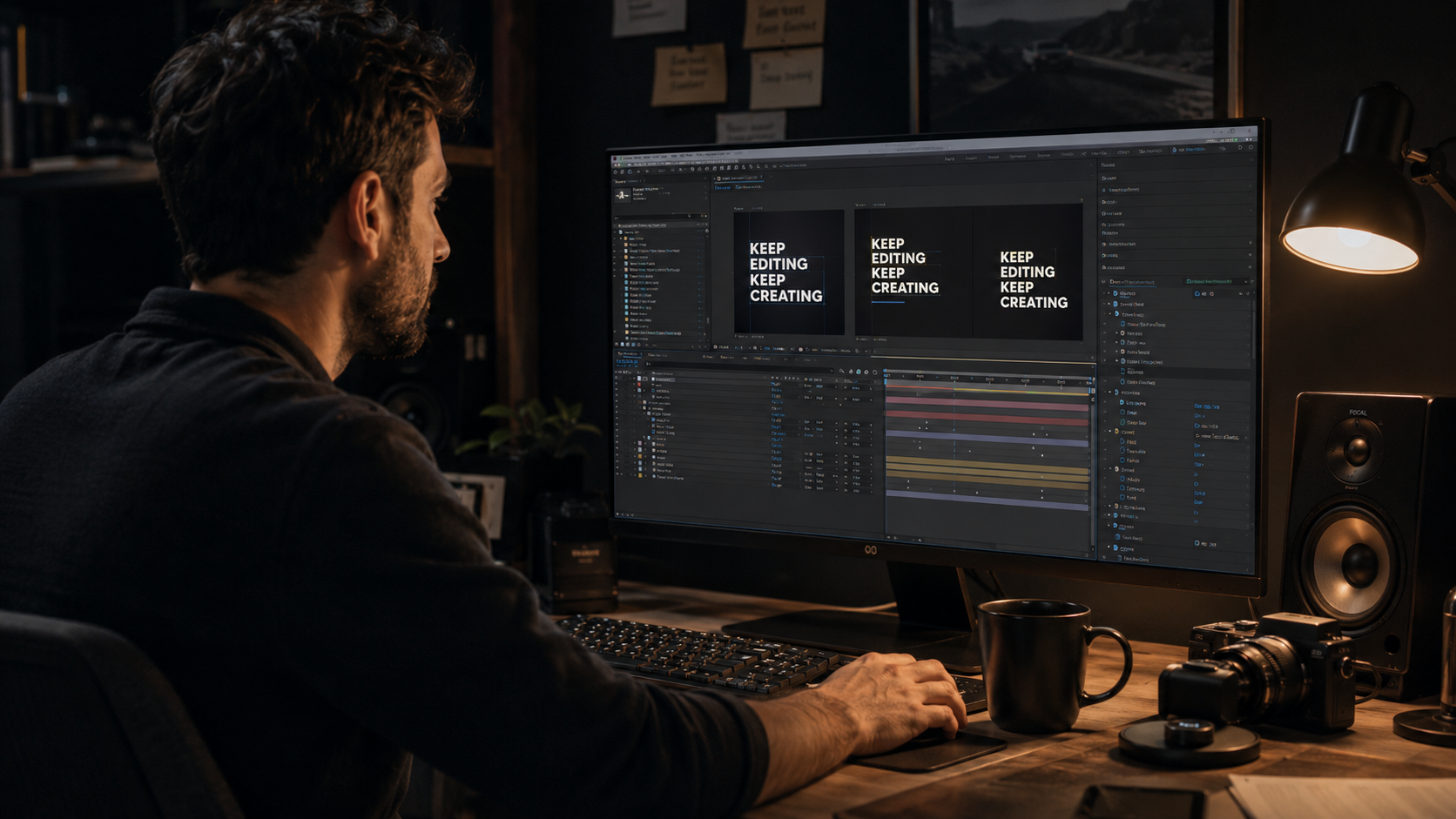
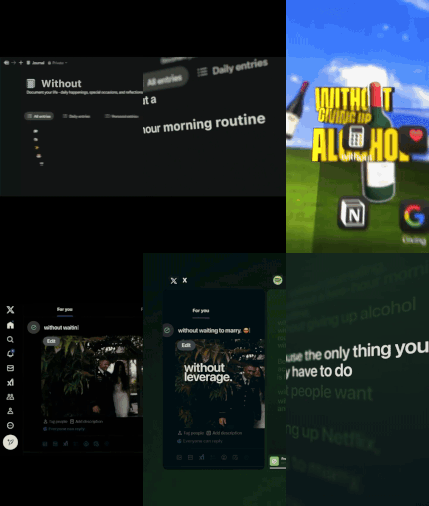
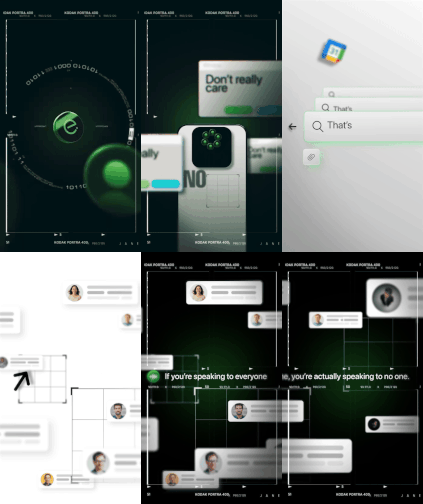
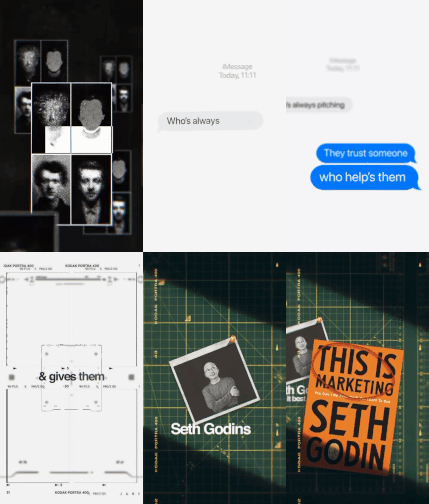
After August and September, Frame War returns for its third edition. Create your best edit using the supplied voice-over, compete for the $250 prize, and showcase your talent across the EarnEdits community.
Open theme. One editor. One entry.
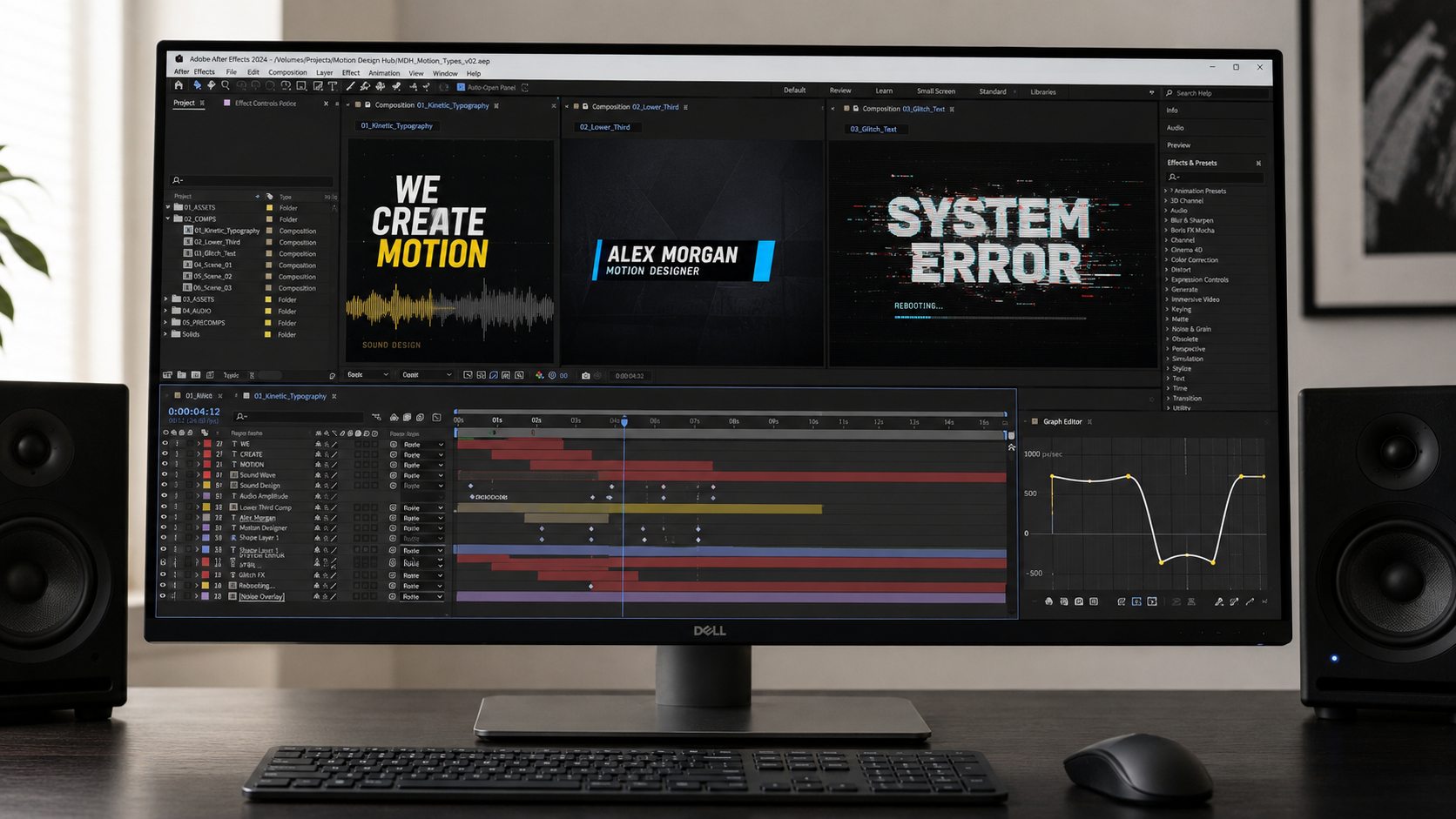
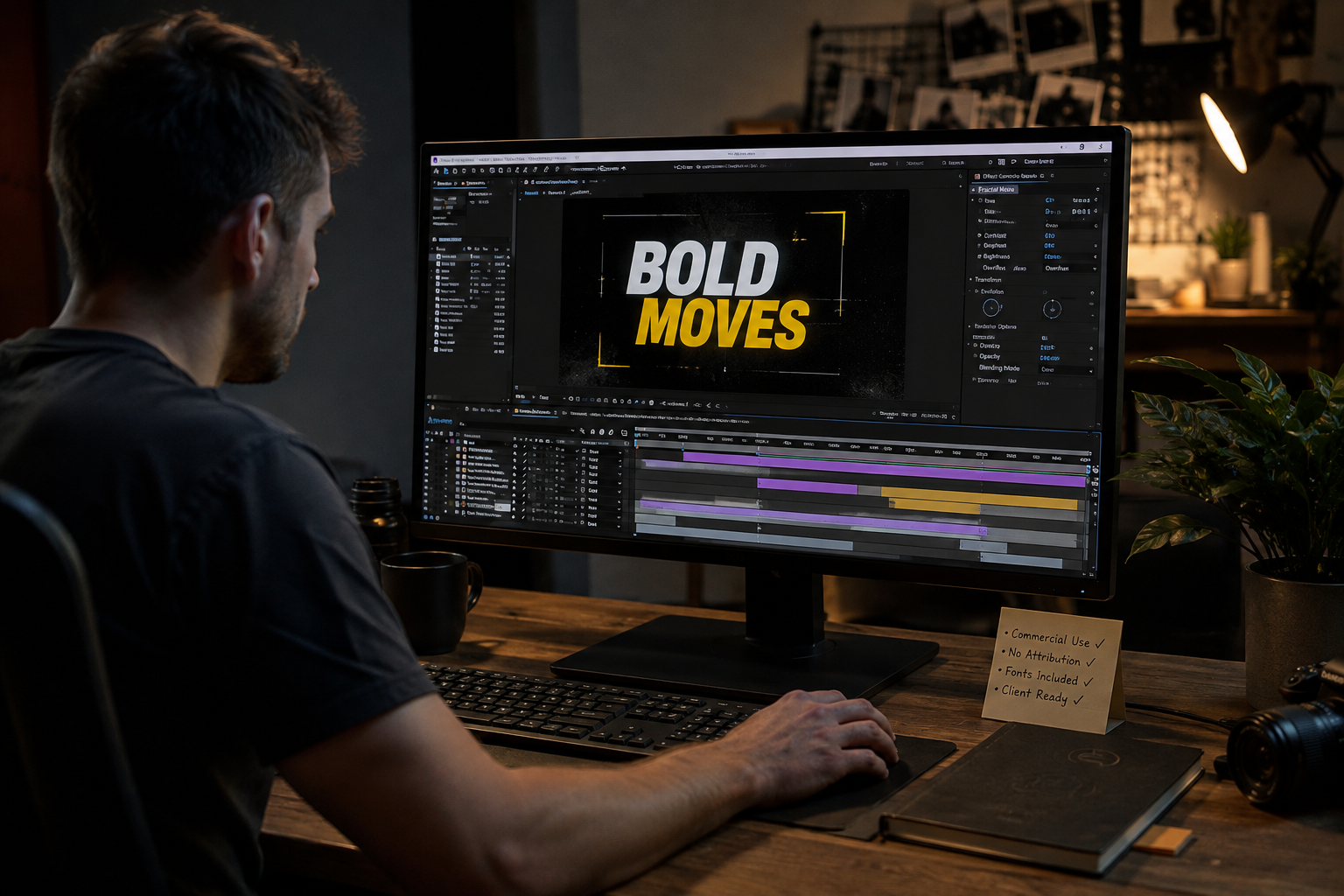
After Effects text animation project files are open typography projects that stay fully editable, unlike locked templates that break the moment you change the copy, the line count, or the timing. We build these files, so we know exactly where locked text templates fail. A text template and a text preset are two different things, and most editors buy the wrong one for the job. This guide explains the difference, shows why open files survive real client edits, and covers the text animation styles that carry the most work. The short version: presets move fast, and open project files give you control that lasts through every revision.
What After Effects Text Animation Project Files Are
A text animation project file is an open .aep containing pre-animated typography with every layer, keyframe, and expression editable. The file ships a finished title, lyric sequence, or kinetic-type build, and it hands you the full timeline behind it.
The value sits in the openness. Swap the copy, change the font, recolor through a control panel, and re-time the animation to new audio. Nothing is sealed. A text project file is not a locked graphic you fill in. The file is a working build you shape. Every file in our library of After Effects project files opens to this standard, with labeled text layers and readable structure.
Text Animation Templates vs Presets: The Difference Editors Miss
A text preset applies one saved animation to a single layer, and a text project file is a full open composition you rebuild. The two words get used interchangeably in marketplaces, and the confusion costs editors time and money.
What a text animation preset is
A preset is a saved .ffx effect that animates one text layer through settings stored on the file. Presets live in the Effects and Presets panel, apply with a drag, and animate type without keyframing every character. They move fast, and they stay shallow. A preset animates the layer it lands on and nothing more.
What a text animation project file is
A project file is the entire open build: compositions, layers, expressions, and timing, all editable. The file exposes how the animation was constructed, not only the result. An editor reads the keyframes, adjusts the easing, and restructures the sequence. The rules behind that motion often run on expressions. Those expressions stay readable in an open file, covered in our guide to After Effects expressions for editors who do not code.
When to use each
Reach for a preset when speed is the whole job, and reach for a project file when the edit needs control that survives revisions. A quick lower third on a fixed brief suits a preset. A lyric video, a title sequence, or any client edit with revision rounds suits the open project file. Clients ask for changes the preset cannot make.
Why Locked Text Templates Break, and Open Files Do Not
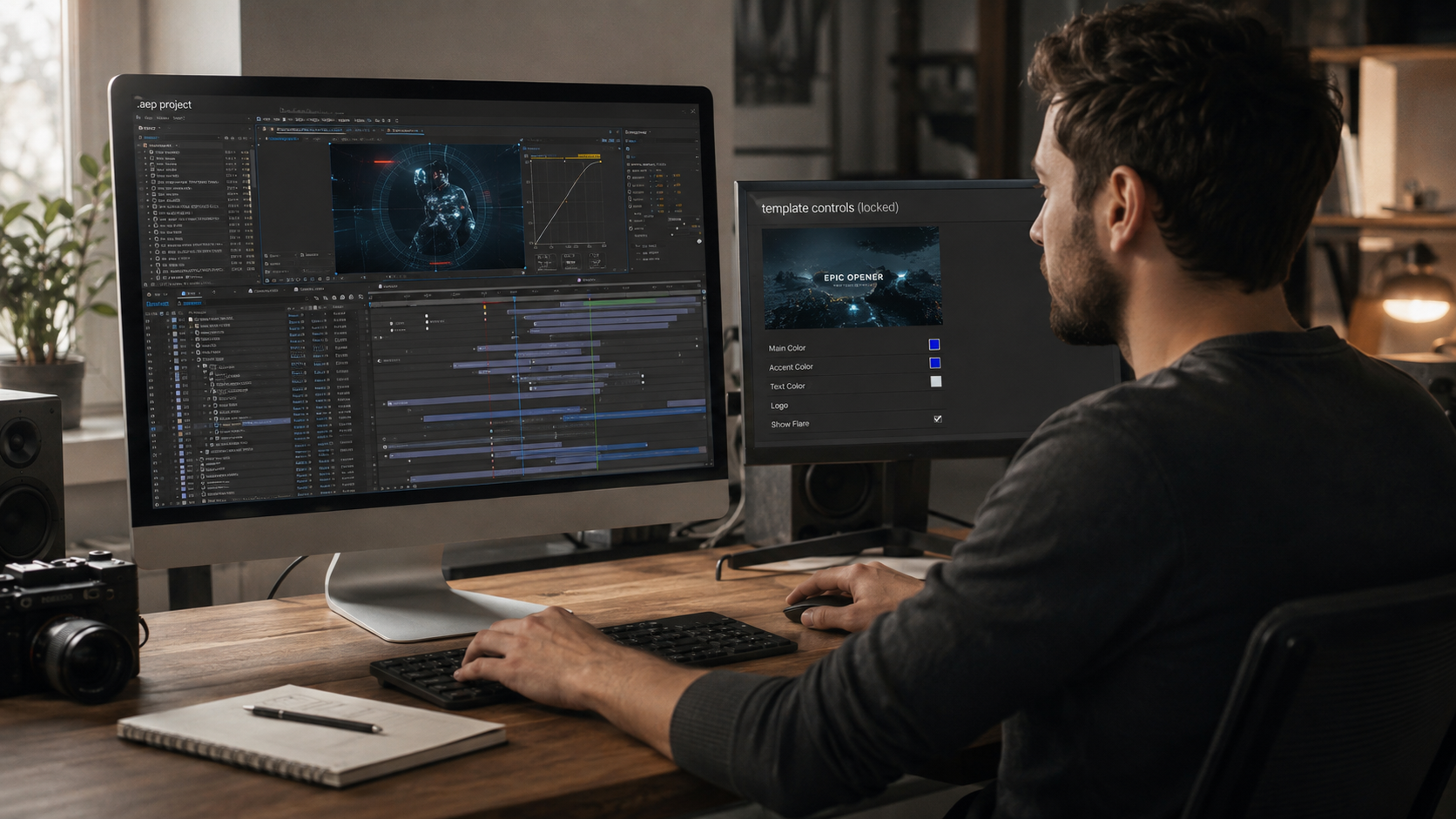
Locked text templates fail on the three edits real work demands most: multiple lines, copied layers, and re-timing. This is the part marketplace listings leave out, and it is the reason we build open files instead.
Multi-line text breaks the animation. Templates rigged for one line distort or clip when the copy runs long, and the fix stays locked away.
Copy-paste corrupts expressions. Moving a locked text layer into another composition scrambles the time-based expressions driving it, and the animation stops working.
Timing stays sealed. A template locks the pacing, so matching the text to a new voiceover or beat is impossible inside the exposed controls.An open project file carries none of these limits. The full difference between the two formats sits in our comparison of After Effects project files versus templates.
The Text Animation Styles That Carry the Most Work
Three text animation styles handle the majority of editing jobs: kinetic typography, titles and lower thirds, and reveal builds. Each one rewards an open file over a locked template.
Kinetic typography
Kinetic typography animates text in rhythm with audio, and it lives or dies on timing. Lyric videos, quote reels, and music-driven edits run on it. Timing is the whole craft, and locked templates seal it. That is why our lyric and motion graphics project files ship with every keyframe open to re-time against your track.
Titles and lower thirds
Titles and lower thirds are the workhorse text animations, used in nearly every edit. Names, captions, and section headers all run on them. An open file lets the editor match the brand font, adjust the entrance, and reposition inside the safe zone for vertical delivery.
Reveal and glitch builds
Reveal builds and glitch effects carry the trend-driven text work short-form rewards. Slot-machine flips, flicker reveals, and mask-driven builds sit here. These styles stack the most expressions, so an open, readable file is the difference between adapting the effect and fighting it.
How to Edit Text in an After Effects Project File
Editing text in an open project file runs three moves: change the copy, swap the font and color, and re-time the animation. Each move is direct in a well-built file.
Changing the copy
The copy lives in a labeled text layer, so editing it is a click and a retype. A clean file names the layer plainly, and the animation follows the new text automatically because the rig was built to.
Swapping fonts and colors
A control panel changes the font and color across the whole build in one place. Well-structured files link the type properties to a control layer, so one change cascades instead of forcing a layer-by-layer edit.
Re-timing to your audio
Re-timing shifts the keyframes to land the text on your beats or voiceover. This is the move locked templates block entirely, and it is the one client work needs most. The selection standards for files that edit this cleanly sit in our guide to the best After Effects project files for beginners.
Commercial Licensing for Client Text Animations
A text animation file is safe for client work only when its license clears commercial use, and free packs vary widely. Licensing is the detail that decides if an editor can legally bill for the edit.
Free text templates often restrict commercial use, require attribution, or carry unclear terms on bundled fonts. An open, documented project file with clear commercial rights removes the question. The honest comparison of what free really includes sits in our guide to free After Effects project files.
How to Study Text Animation From a Project File
The fastest way to learn text animation is opening a file that uses it and reading the build directly. A finished lyric or title sequence shows the easing curves, the expression logic, and the timing decisions in the actual timeline.
Reading the build teaches more than any tutorial, because the technique sits in front of you attached to a result you can change. The full deconstruction method runs through our guide to learning After Effects with real project files.
What is the difference between a text template and a text preset?
A preset animates one text layer through saved settings, and a template or project file is a full build. A preset is fast and shallow. An open project file is complete and fully editable, which matters for client work.
Are free After Effects text templates good enough for client work?
Free text templates suit quick fixed jobs, and they break on the edits client work demands. Multi-line text, copy-paste, and re-timing all cause problems in free packs, and the licensing is often unclear for paid delivery.
Do text animation templates work in the latest After Effects?
Open project files built to current standards open in After Effects 2023 or later. Updating to the current release removes version friction, which is the most common reason a downloaded file fails to open.
How do I stop text templates from breaking on multiple lines?
Use an open project file where the text rig is editable, not a locked template built for a single line. Locked templates seal the rig, so multi-line fixes stay impossible. An open file lets you adjust the rig to the copy.
Can I use text animation templates commercially?
Only when the license permits it. Open files with documented commercial rights clear client work. Free packs vary, and checking the license before delivery stays the editor's responsibility.
Muhammad Sikandar
Muhammad Sikandar brings deep expertise in design research, visual trend analysis, and advanced creative development, backed by extensive hands-on experience in the motion graphics industry.
Continue Learning
Explore more guides on After Effects project files and viral editing workflows.




 Back
Back