Introducing Frame War
Submit your best edit, make it into the Top 3, and compete for the monthly Frame War reward. The winner receives cash plus exposure across EarnEdits community channels.

PRODUCT CATEGORIES
Submit your best edit, make it into the Top 3, and compete for the monthly Frame War reward. The winner receives cash plus exposure across EarnEdits community channels.
 Back
Back

 Aug 16, 2026
 Muhammad Sikandar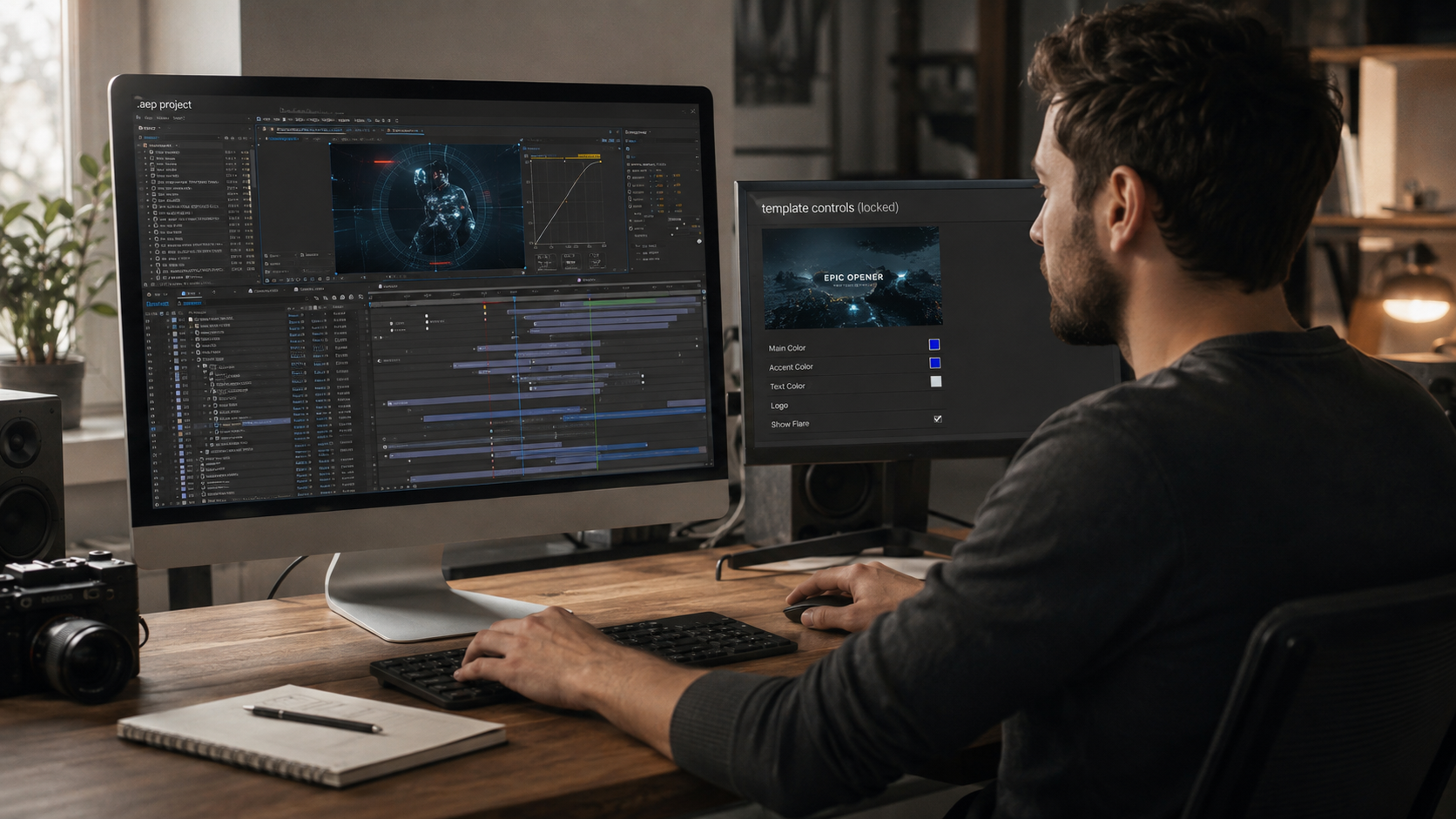
After Effects motion graphics project files are open .aep builds where every layer, keyframe, and expression stays editable, unlike .mogrt Motion Graphics templates that expose a few controls and seal the rest. We build motion graphics files for a living, and the confusion between these two formats breaks more workflows than any other mistake buyers make. A project file and a .mogrt are different products with different limits.
This guide separates the two formats. The sections below explain the install After Effects error that traps Premiere editors, and why open files survive the revisions locked templates cannot.
A motion graphics project file is a complete open .aep containing the full animation build: compositions, layers, keyframes, expressions, and effect stacks, all editable. The file hands you the finished motion design and the entire construction behind it.
Openness is the defining attribute. Scrub the timeline, open the Graph Editor on any property, read the expressions, reorder the effects. Nothing is pre-rendered, collapsed, or sealed. A project file is the working document of the animation, not a locked output with placeholders. Every file in our library of After Effects project files ships to this open standard, with labeled layers and readable structure.
A .mogrt Motion Graphics template exposes a handful of controls through a panel, and a project file exposes the entire build. The two get sold under the same “motion graphics templates” label, and buyers discover the difference only after the purchase.
What a .mogrt Motion Graphics template is
A .mogrt is a packaged template exported from After Effects for use in Premiere Pro through the Essential Graphics panel. The creator picks which properties to expose: a text field, a color picker, a slider. Those exposed controls are the whole editing surface. The build underneath stays sealed inside the package, and the panel is the only door.
What a motion graphics project file is
A project file is the open .aep itself, with no packaging layer between you and the build. Every composition opens. Every keyframe sits in the Graph Editor where the creator placed it. The editing surface is the entire project, not a curated set of controls. Timing, structure, and layout all stay in your hands, which is the difference our comparison of After Effects project files versus templates covers in full.
Why the install After Effects error happens in Premiere
A .mogrt built in After Effects requires After Effects installed to render inside Premiere Pro, which is why Premiere shows the install prompt. This is the trap behind the most common motion graphics template complaint. The buyer drops the .mogrt into Premiere, expects it to work standalone, and hits a wall asking for software they never planned to install. The .mogrt is not self-contained. Premiere borrows the After Effects engine to render it, so the engine must exist on the machine.
The format comparison in one view:
| Motion graphics project file (.aep) | Motion Graphics template (.mogrt) | |
| Opens in | After Effects | Premiere Pro panel |
| Editing surface | Every layer and keyframe | Exposed controls only |
| Timing changes | Full control | Sealed |
| Structure changes | Full control | Sealed |
| Requires After Effects | Yes, as the working tool | Yes, hidden, for rendering |
| Survives client revisions | Yes | Only inside the exposed controls |
Both formats require After Effects on the machine. Only one of them tells you upfront.
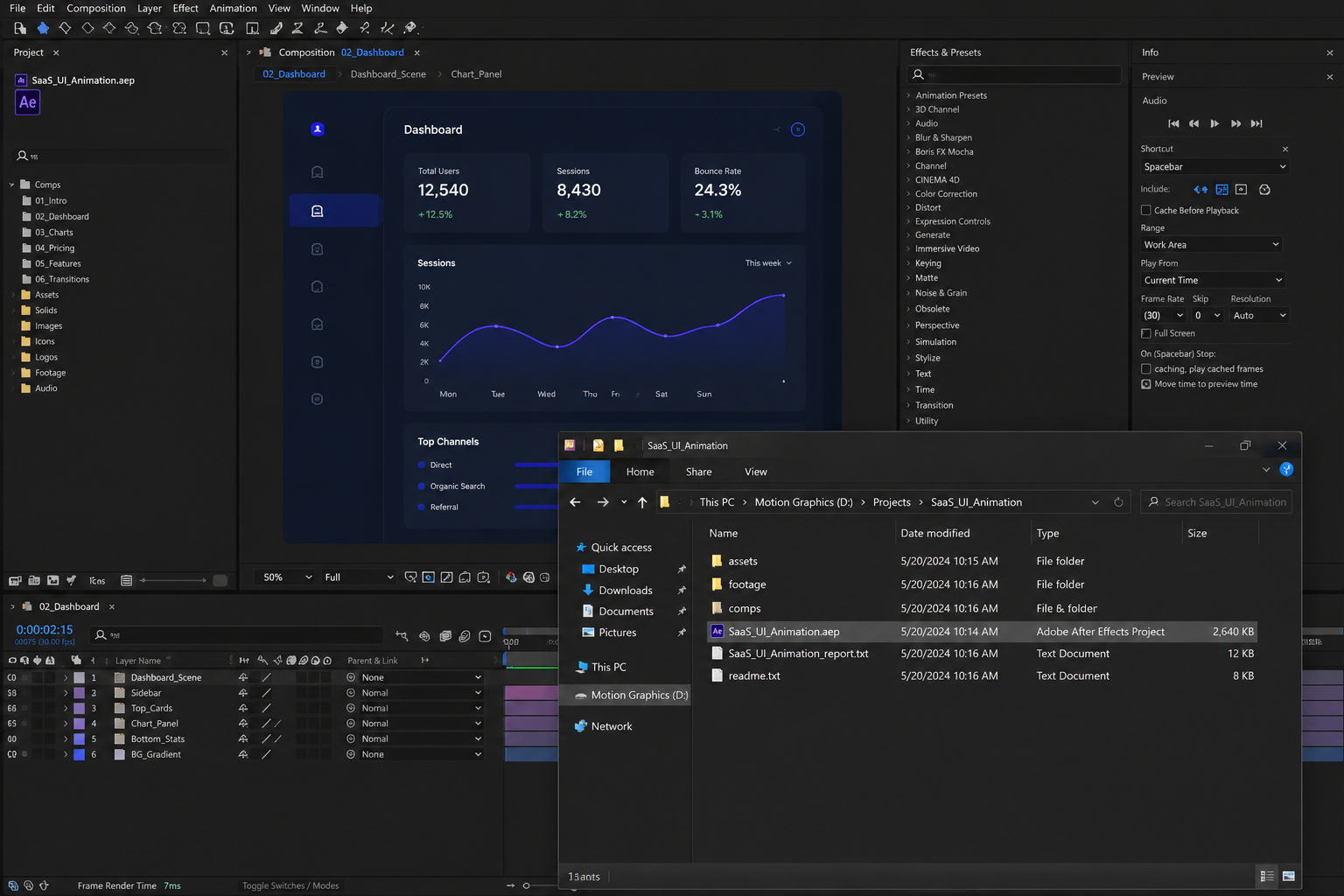
A motion graphics project file opens directly in After Effects, and the working steps are open, swap, and adjust. No panel, no install surprise, no packaging layer.
Opening the .aep
Double-click the .aep or use File then Open Project inside After Effects 2023 or later. The project loads with its compositions in the Project panel and the main composition ready on the timeline. Version friction is the only common blocker, and updating After Effects removes it. The full walkthrough sits in our guide on how to open AEP files.
Swapping media, text, and colors
Labeled layers make the swaps direct: select the text layer and retype, replace the media placeholder, recolor through the control layer. A well-built file names its layers plainly, so the edit points announce themselves. Changes cascade through the build because the rig was constructed for editing, not sealed against it.
Why project files skip the .mogrt friction
A project file has no packaging layer, so there is no panel ceiling, no library install step, and no hidden render dependency. The file and the software are the whole system. Editors who work in After Effects lose nothing to format translation, and the build responds like their own project, because structurally it is one.
Locked templates fail at the exact point real work begins: the revision. The editability advantage is not a preference. Client work makes it a requirement.
The full argument for openness as the deciding attribute runs through our guide on why editable After Effects project files matter.
Our catalog covers seven motion graphics styles, Mo-graph, SaaS and UI animation, Retro, Storytelling, Viral edits, VOX, and AI edits, every one shipped as an open project file. Three styles carry the heaviest motion graphics demand.
Viral and social edits
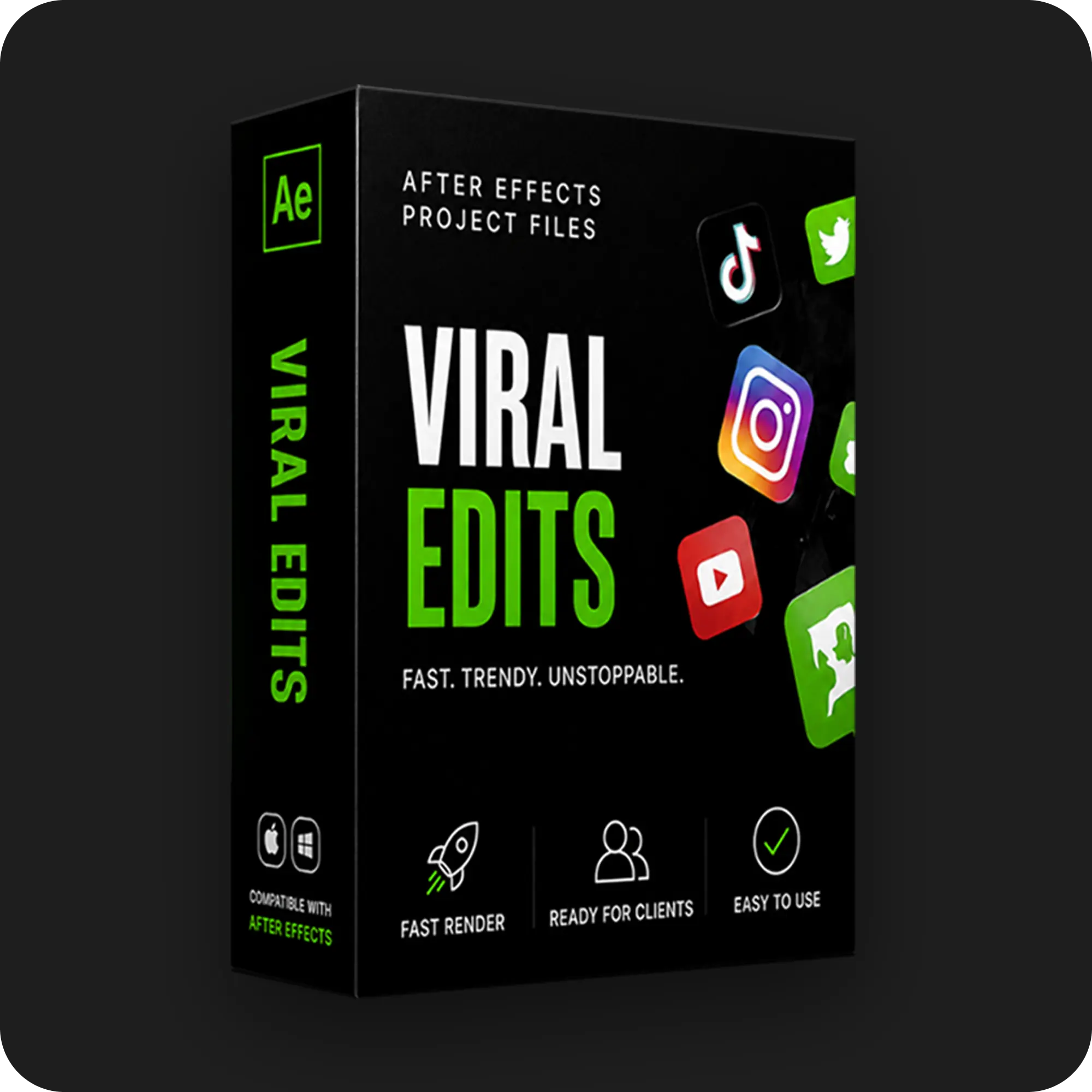
Viral edits are fast-paced vertical motion graphics built for short-form platforms. Kinetic captions, dynamic scaling, and hook-driven pacing define the style. The open files in our viral After Effects project files category ship at 1080×1920 with the retention techniques visible in the timeline.
SaaS and UI animation
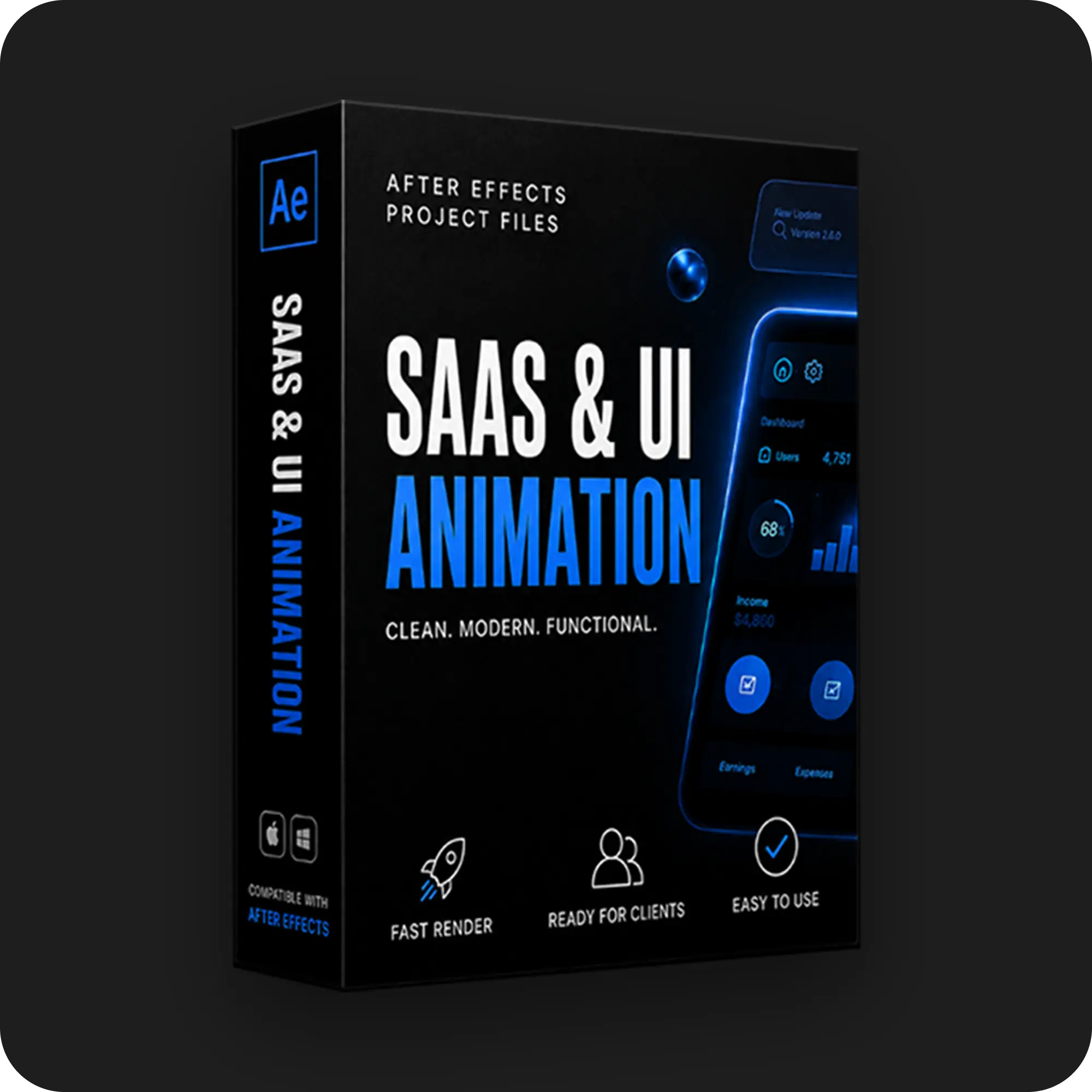
SaaS animation presents product interfaces in motion: clean device mockups, cursor movement, and smooth vector zooms. The style carries product launches and explainer work. Our SaaS and UI animation project files open every interface layer for rebranding to the client product.
Lyric and kinetic typography
Lyric edits animate type in rhythm with audio, where timing is the entire craft. Beat-synced motion demands re-timing to the track, which locked templates block and open files invite. Our lyric and mo-graph project files keep every keyframe open against the waveform.
A motion graphics file is safe for paid client work only when its license clears commercial use, and the license question decides more than the design does. Free packs restrict commercial use more often than buyers expect, and bundled music or fonts carry separate terms.
An open, documented file with clear commercial rights removes the legal question from the delivery. The honest breakdown of what free files include and exclude sits in our guide to free After Effects project files.
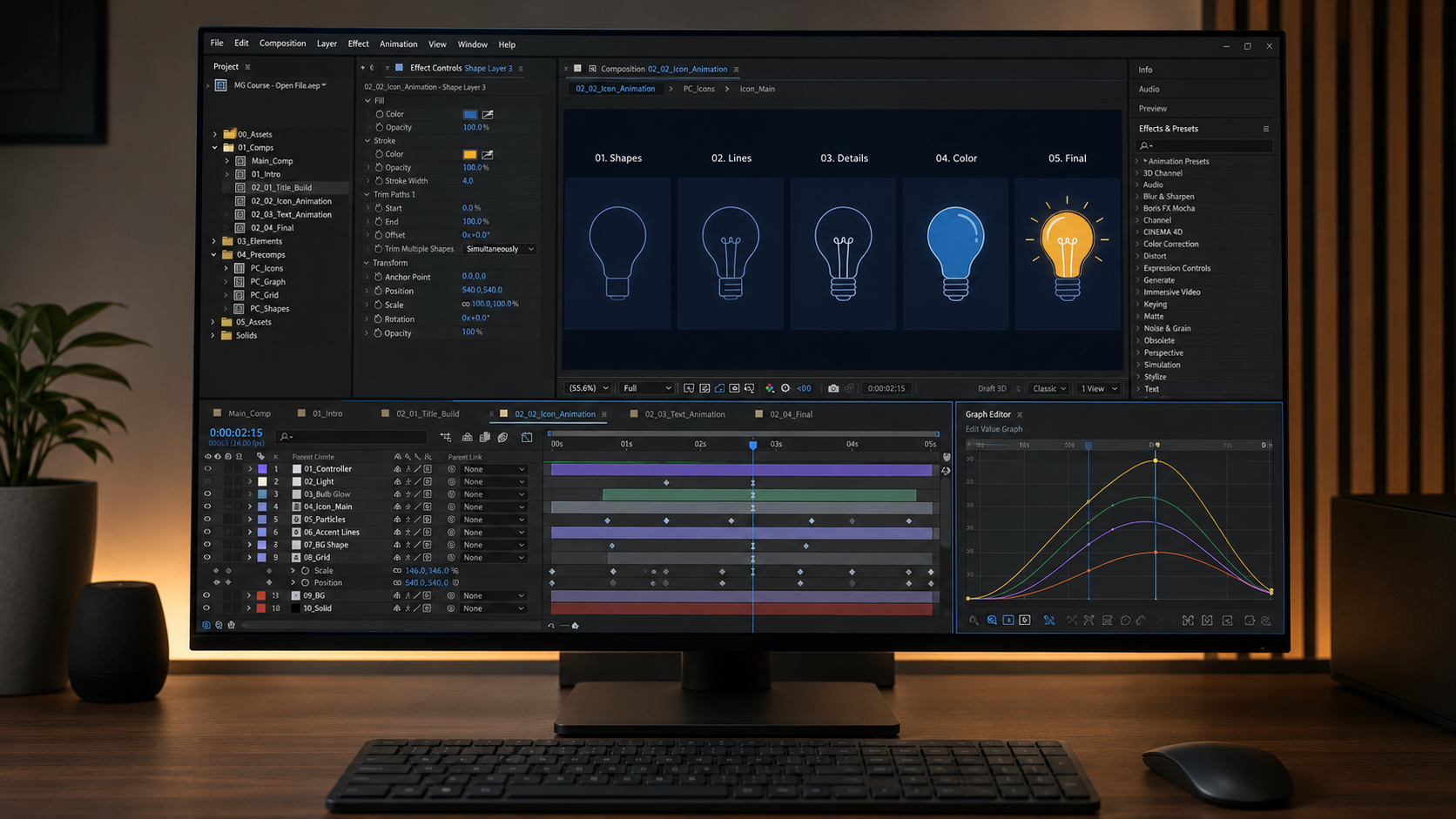
The fastest motion graphics education is reading a finished open timeline, because the build teaches what tutorials describe. Keyframe spacing, easing curves, effect order, and composition hierarchy all sit visible in a real file.
Study the build, change one property, watch the result. The technique transfers because the discovery is self-directed. The complete method runs through our guide to learning After Effects with real project files.
A project file is the full open .aep build, and a .mogrt is a packaged template exposing selected controls through the Essential Graphics panel. The project file edits at every layer. The .mogrt edits only where the creator allowed.
A .mogrt opens in After Effects through File then Open Project, which unpacks it into an editable project. An .aep project file opens the same way, with no unpacking step, because nothing was packaged.
Premiere Pro borrows the After Effects engine to render .mogrt templates built in After Effects, so the software must exist on the machine. The template is not self-contained. Installing After Effects or choosing a Premiere-native template resolves the prompt.
Only when the specific license clears commercial use, and many free licenses do not. Attribution requirements, personal-use limits, and separate terms on bundled assets all appear in free packs. Reading the license before delivery stays the editor's responsibility.
Yes. Labeled layers and control panels make the core edits direct for any editor who knows the After Effects interface. Text, media, and color changes take minutes. Deeper structural changes grow with skill, and the open file supports both levels.

Explore more guides on After Effects project files and viral editing workflows.
Production-ready edits that teach you how they were built.