Introducing Frame War
Submit your best edit, make it into the Top 3, and compete for the monthly Frame War reward. The winner receives cash plus exposure across EarnEdits community channels.

PRODUCT CATEGORIES
Submit your best edit, make it into the Top 3, and compete for the monthly Frame War reward. The winner receives cash plus exposure across EarnEdits community channels.
 Back
Back

 Jul 14, 2026
 Muhammad Sikandar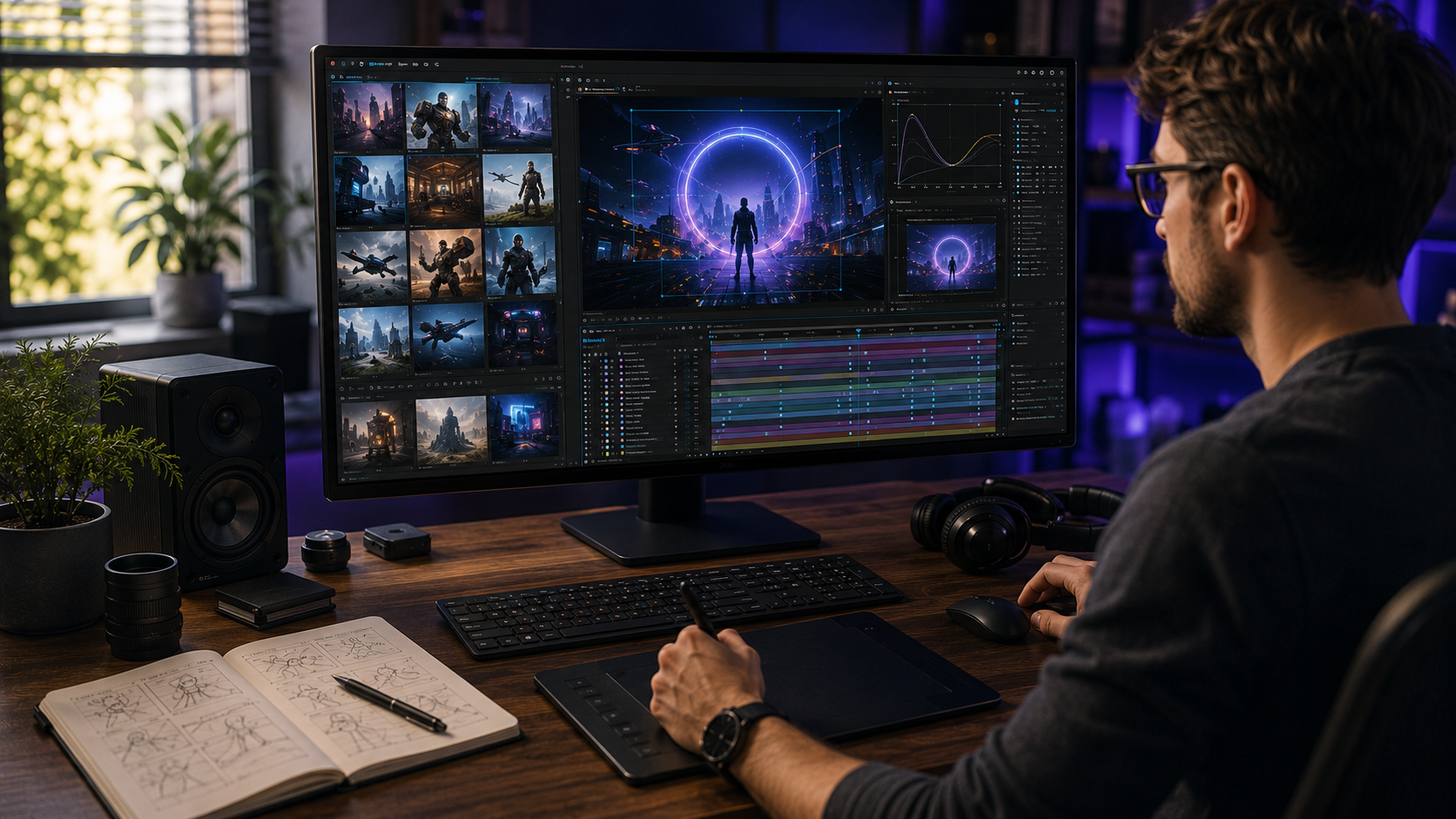
The AI + After Effects workflow splits production into two roles: AI tools generate the raw assets, and After Effects turns those assets into finished professional motion. The pipeline runs through 4 stages: generate, prepare, animate, and polish. AI platforms such as Higgsfield produce video assets, and image models such as Nano Banana produce still visuals.
Composition, animation principles, and creative judgment stay inside After Effects. Editors who master the combined workflow occupy the highest-demand corner of the 2026 motion design market. The workflow replaces asset sourcing, never animation skill.
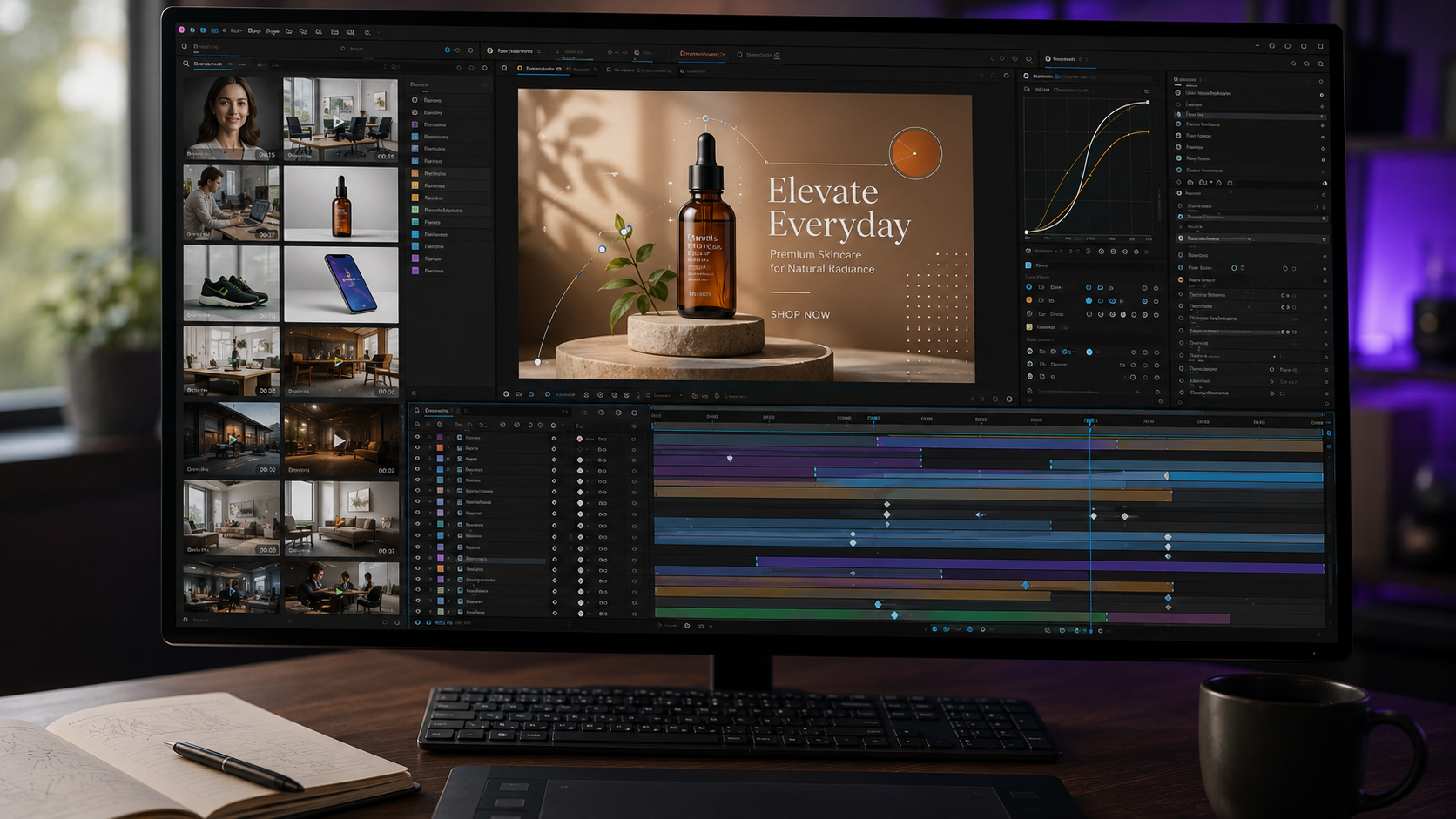
The AI + After Effects workflow is a production pipeline where generative AI supplies the media and After Effects supplies the motion. The division answers the question most editors ask backwards. AI does not edit. AI manufactures raw material: characters, backgrounds, product shots, and short video clips. After Effects remains where the material becomes an edit, through keyframes, expressions, camera rigs, and timing decisions.
The workflow changes the economics of asset sourcing more than the craft of animation. An editor who previously spent hours hunting stock footage or commissioning illustrations now generates purpose-built assets in minutes. The animation hours stay the same. The sourcing hours collapse.
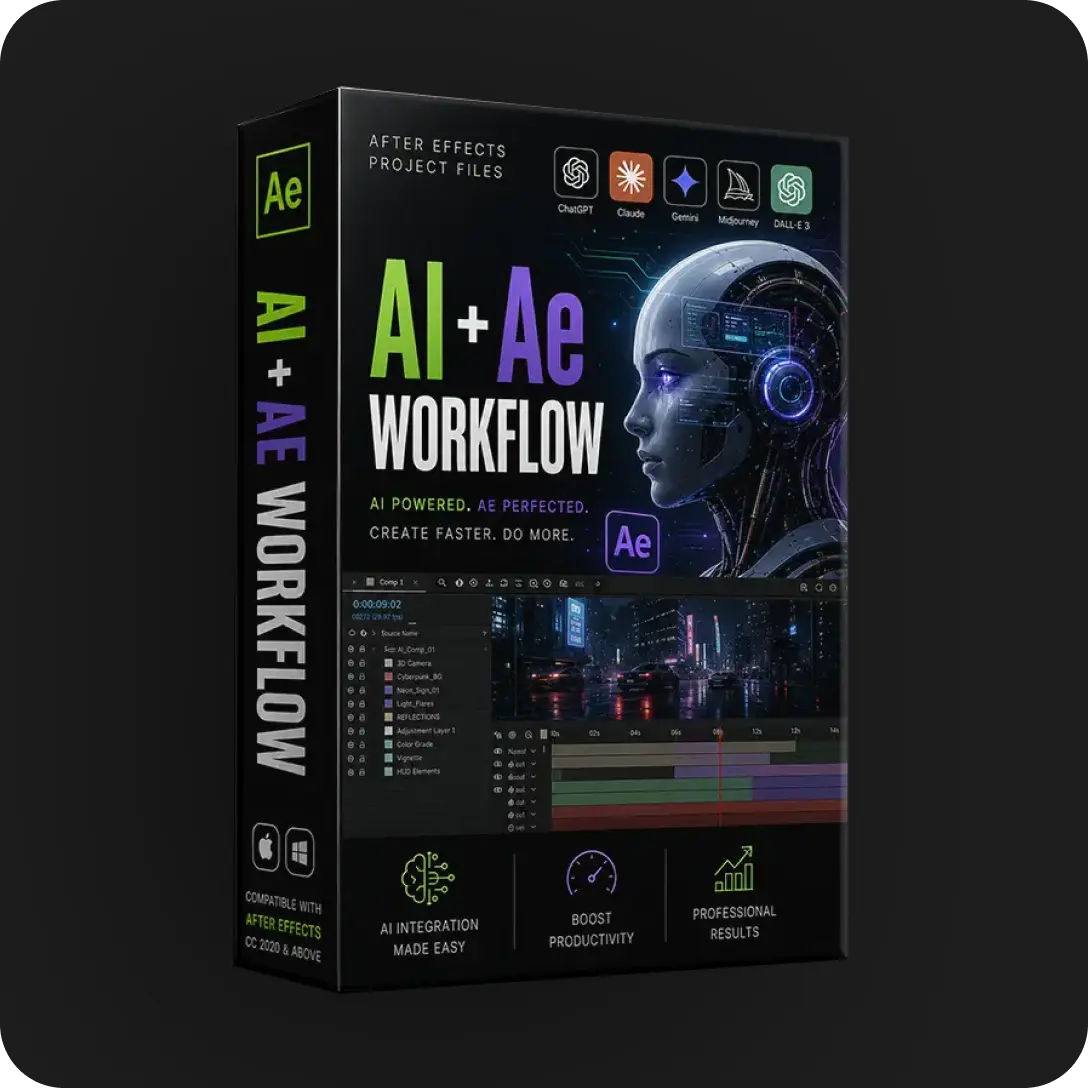
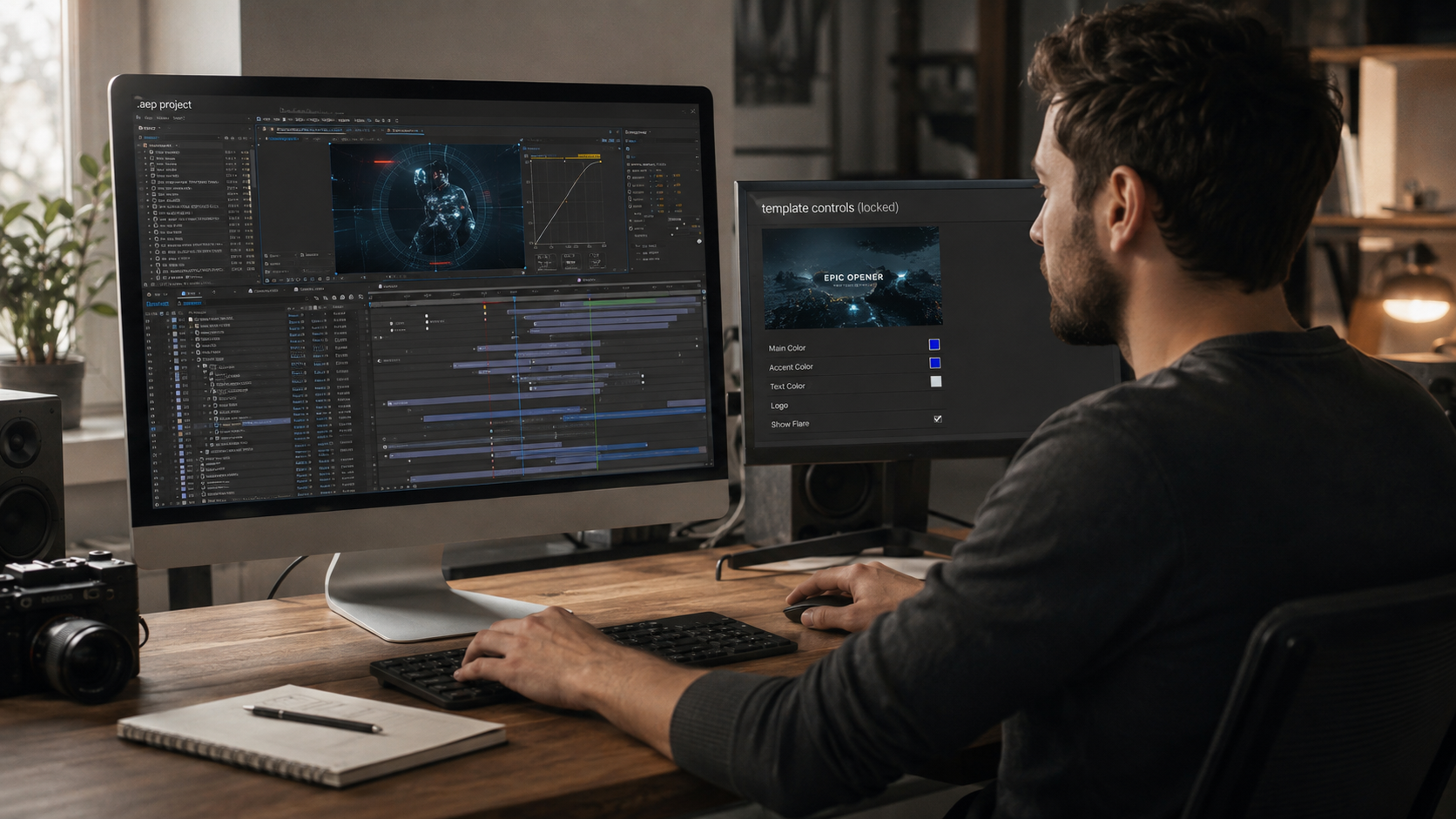
The clearest way to see the pipeline in motion is inside a working file. Every project in the AI + After Effects workflow project files category was built through this exact pipeline. The generated assets and the animation timeline ship open for study.
The pipeline runs generate, prepare, animate, polish, and each stage has one job
Stage 1: Generate. The editor produces assets through AI platforms using structured prompts. Structured means specifying subject, angle, style reference, lighting, and background in a single prompt. Vague prompts produce unusable generations and burn the time the workflow exists to save.
Stage 2: Prepare. Generated assets get production-ready: transparent backgrounds confirmed, resolution checked against the composition size, perspective and lighting matched across assets from separate generations. Preparation quality decides how much correction work Stage 3 inherits.
Stage 3: Animate. The prepared assets enter After Effects. Parenting structures, keyframe animation, expressions, and camera movement turn static and short-form generated media into designed motion. Every animation principle applies exactly as it does to filmed or illustrated media.
Stage 4: Polish. Motion blur, grain, color correction, and sound land the composite. Polish carries extra weight in AI-assisted work because grain and unified color grading blend generated assets with native elements into one believable frame.
The full pipeline build, from prompt to final render, is demonstrated step by step in our free Higgsfield AI x After Effects tutorial. The open project file behind the lessons ships with the tutorial.
Each tool category owns one slot in the pipeline, and combining tools beats forcing one tool across every task.
Tool selection follows one rule: the tool serves the asset need, never the reverse. Editors who pick the asset first and the tool second avoid the trap of building edits around whatever one platform generates well.
AI replaces asset sourcing and accelerates ideation, and four capabilities stay entirely human. The boundary matters because editors who outsource these four to AI produce work that reads as generated, and platforms increasingly suppress it.
The market consequence is direct. Editors who ONLY generate compete with everyone who owns a prompt box. Editors who generate AND animate hold a skill moat, because the animation stage is where the differentiated work lives. The learning path for that stage runs through deconstruction of professional timelines, covered in our guide to learning After Effects with real project files.
Three pipeline-level mistakes waste more production time than any prompting error.
AI replaces asset sourcing, not editors. Demand concentrates on editors who animate AI-generated media, because generation is now common and designed motion is not. The combined skill set commands more client work in 2026, not less.
Higgsfield leads video asset generation for After Effects workflows, and Nano Banana leads still asset generation. The categories matter more than the brands: one video generator, one image model, one background removal tool, and one upscaler cover the full pipeline.
AI platforms produce clips, not designed edits. Generated video lacks beat-synced timing, narrative structure, brand integration, and revision control. Client-standard deliverables still require the animation and polish stages.
Generated assets work in client deliverables when the platform license permits commercial use. License terms vary by platform and plan, and checking the commercial clause before client delivery stays the editor's responsibility.
The fastest route is studying a finished AI-assisted project with the timeline open. Our AI workflow project files ship with the generated assets, the animation structure, and a full build tutorial, so the complete pipeline is visible in one file.

Explore more guides on After Effects project files and viral editing workflows.
Production-ready edits that teach you how they were built.