Introducing Frame War
Submit your best edit, make it into the Top 3, and compete for the monthly Frame War reward. The winner receives cash plus exposure across EarnEdits community channels.

PRODUCT CATEGORIES
Submit your best edit, make it into the Top 3, and compete for the monthly Frame War reward. The winner receives cash plus exposure across EarnEdits community channels.
 Back
Back

 Aug 16, 2026
 Muhammad Sikandar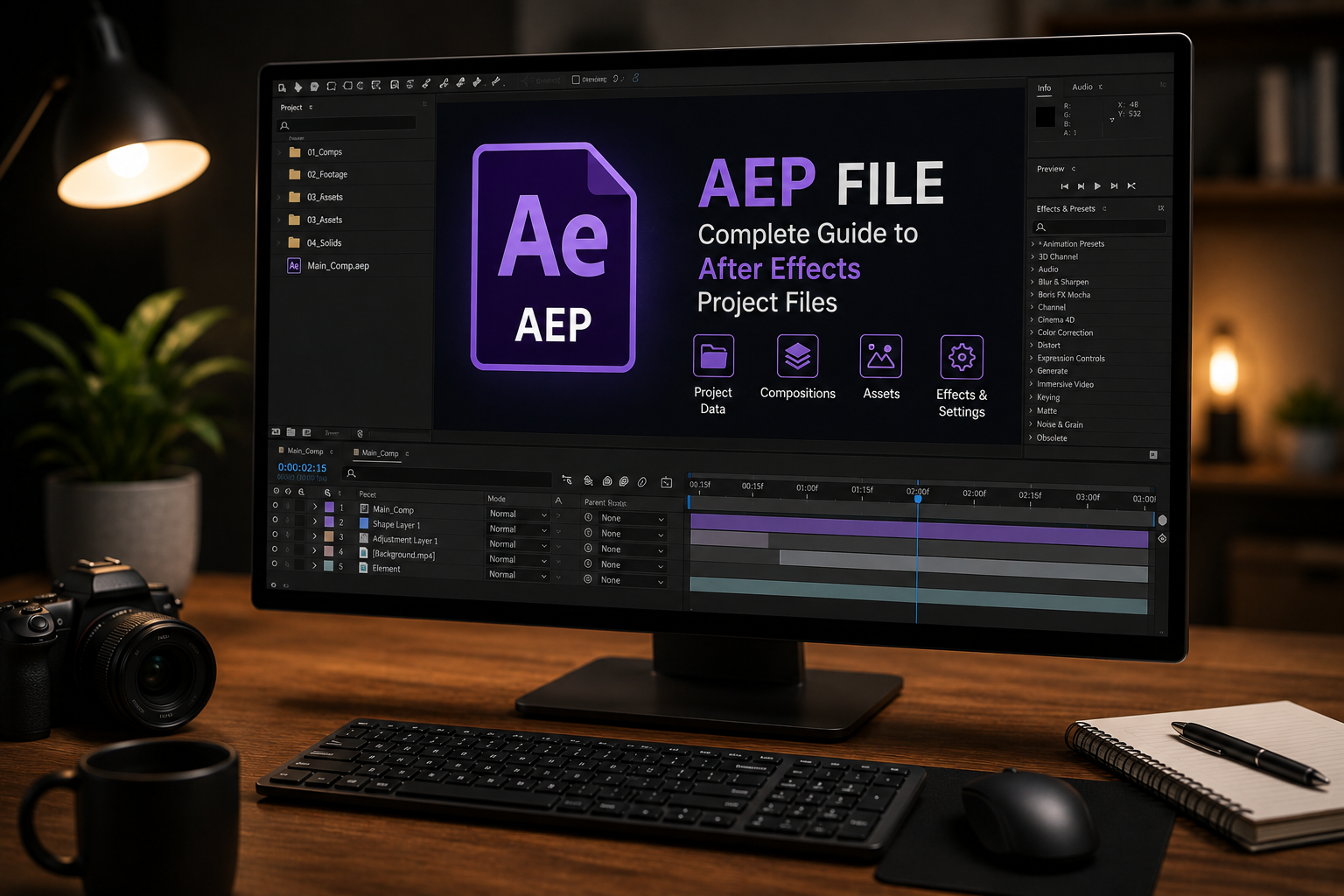
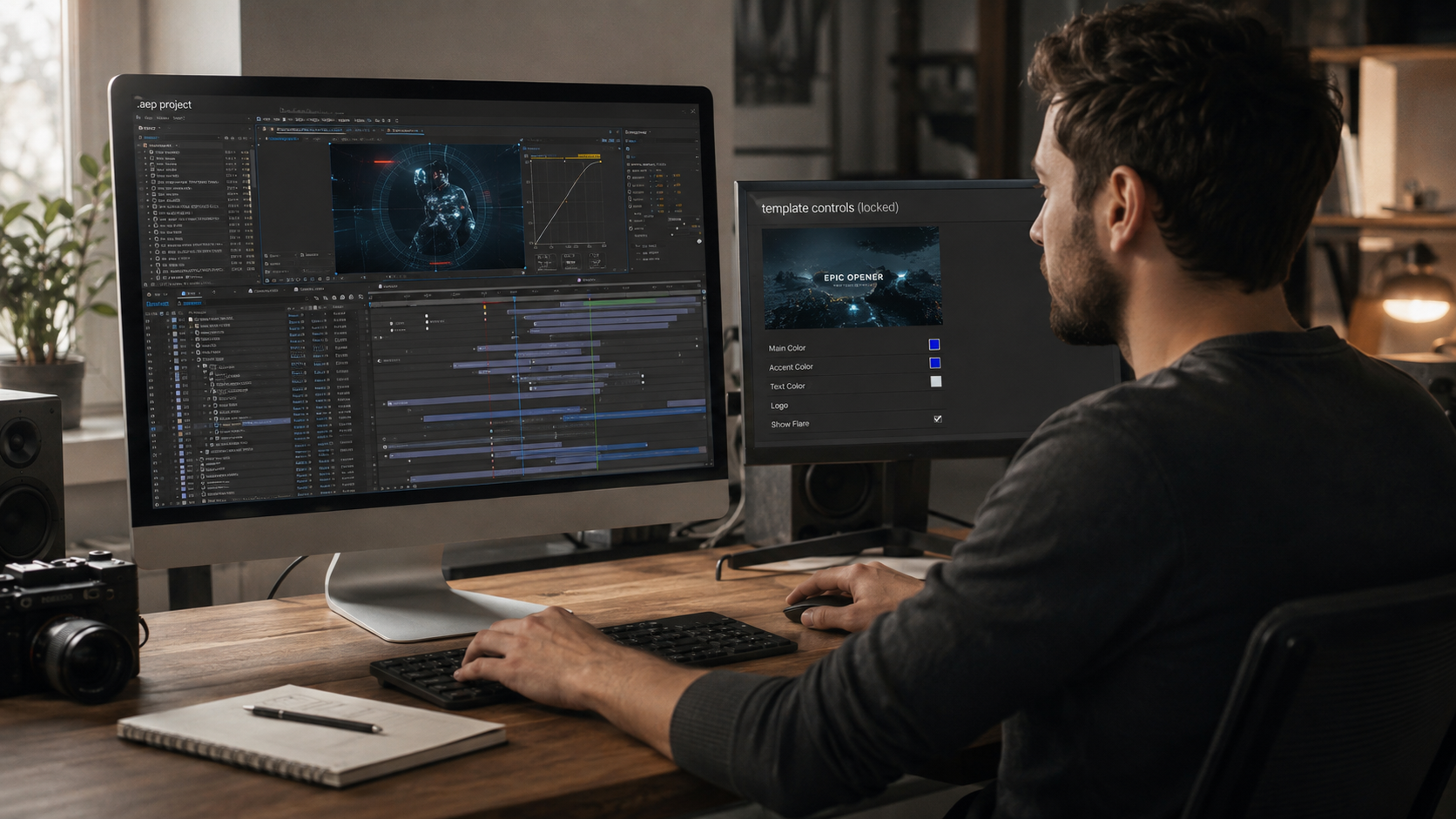
An AEP file is the native Adobe After Effects project document that stores compositions, layers, keyframes, effects, and references to linked media. The file holds the working timeline of a real After Effects build, not the finished video.
Video editors open .aep files inside Adobe After Effects to access every layer, adjust every keyframe, and customize every effect parameter directly. EarnEdits builds open .aep project files across 4 categories: viral edits, mo-graph edits, SaaS and UI animation, and retro edits.
An .aep file is the binary project document for Adobe After Effects. The file extension stands for After Effects Project. Adobe Systems developed the format alongside After Effects, and .aep remains the standard project format across every After Effects version from CS6 through 2026.
An AEP file stores 7 categories of project data. The categories are compositions and pre-comps, layer hierarchies, keyframes for position and scale and rotation, applied effects with parameter values, expressions and scripts, project markers, and timing data. The file also holds project settings such as resolution, color space, time format, and rendering options.
The .aep does not contain the source media. Footage, audio, images, and external scripts remain as file-path references inside the project. The actual media files sit in a separate folder that ships alongside the .aep.
An AEP file is a working document, not an output file. A finished video uses 1 of 4 delivery formats: MP4, MOV, AVI, or GIF, rendered through the After Effects render queue or Adobe Media Encoder. The .aep stays editable across unlimited render passes, while the rendered output is a flat, non-editable file.
An .aep file is a binary project format. An .aepx file is an XML-based version of the same project. Both file types open the same project in After Effects. The .aep loads faster and suits most users. The .aepx opens slower but stays human-readable in text editors, which makes it useful for automation workflows, backups, and version control across teams.
The full breakdown of when each format applies sits in the guide on AEP vs AEPX file format explained.
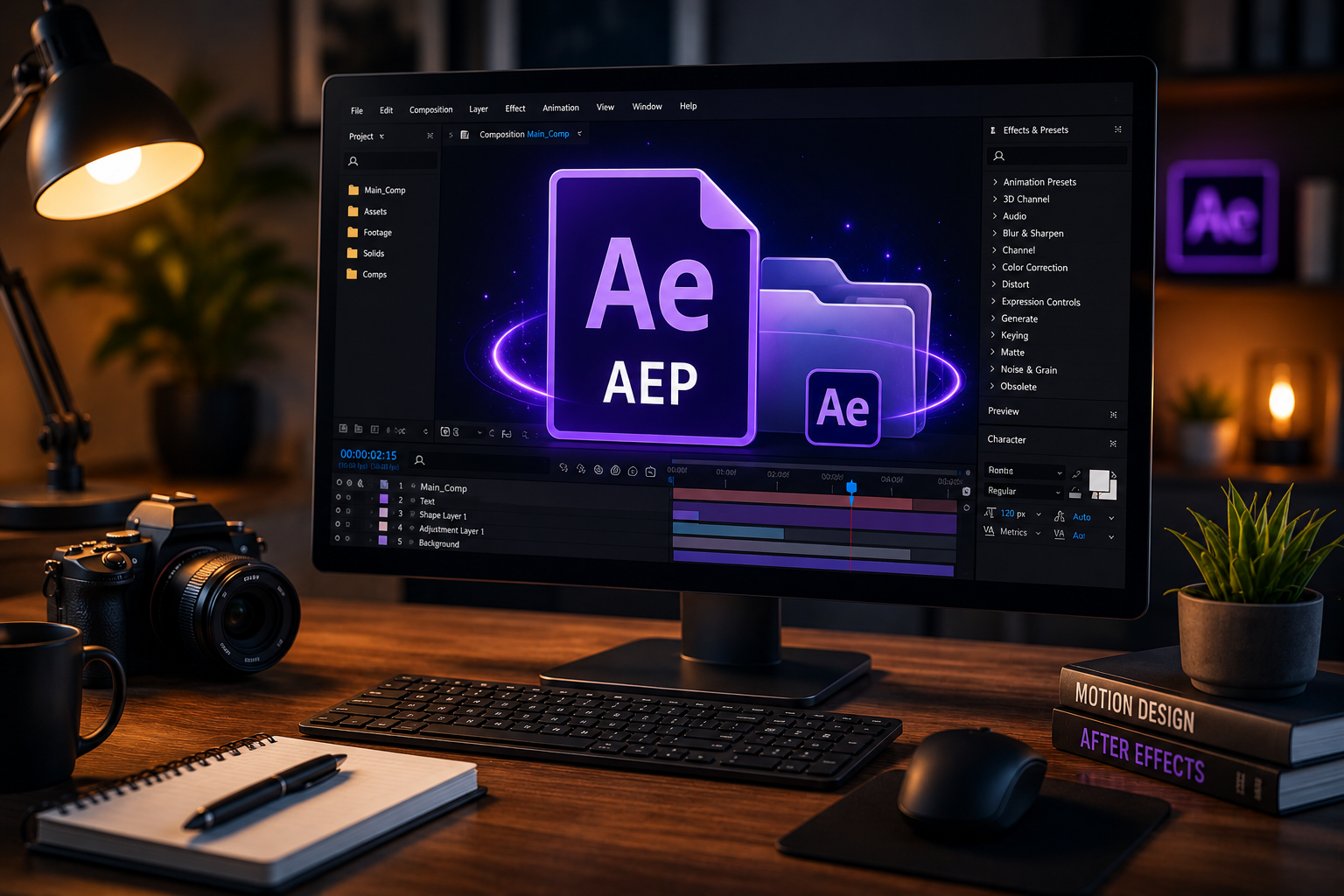
Adobe After Effects is the only software that opens an .aep file for editing. The format is proprietary to Adobe Systems. No third-party application opens an .aep with full edit access to compositions, layers, keyframes, and effects.
After Effects opens .aep files saved in 3 version states. The first state is the same version as the local install. The second is an older version than the local install, which opens with a conversion prompt. The third is a newer version, which opens only when downsaved by the original creator. The standard rule on version compatibility is one-directional. Newer versions open older files. Older versions do not open newer files unless the file was saved as a copy for the previous version.
Adobe Premiere Pro imports .aep files through Adobe Dynamic Link rather than opening them directly. Dynamic Link connects an After Effects composition to a Premiere Pro timeline as a live, editable reference. Changes made to the .aep inside After Effects update in Premiere Pro automatically. Premiere Pro does not open the .aep for direct keyframe-level editing.
The .aep format does not open in 7 common video applications: Final Cut Pro, DaVinci Resolve, Filmora, CapCut, iMovie, VLC, or QuickTime. The format also does not open in Photopea or browser-based video editors. Browser-based “AEP viewers” extract limited metadata from the file but do not open the project for editing.
Opening an .aep file follows 5 steps inside After Effects. The 5 steps are: download the project folder, extract the archive, launch After Effects, open the project, and resolve missing-file warnings. The full workflow runs in under 5 minutes when the file ships from a verified source.
A verified source delivers the project as a compressed archive containing the .aep, an assets folder, and a readme noting dependencies. Archive size ranges from 50MB to 500MB based on linked footage. The detailed sourcing checklist lives in the guide on download After Effects project files safely.
Extract the archive into a dedicated project folder on a local drive. Avoid extracting to the Desktop or inside a cloud-synced directory such as Dropbox, OneDrive, or iCloud Drive. Cloud-sync directories rewrite file paths during sync, which breaks the .aep’s links to its source media.
Use a clear folder naming convention. Examples include ClientName_ProjectTitle or YYYY-MM-DD_ProjectTitle.
Launch Adobe After Effects. Select File > Open Project from the top menu. Navigate to the extracted .aep file. Double-click the file to open it.
A version-conversion dialog appears when the file was built in a newer After Effects version than the local install. Click OK to run the conversion automatically. After Effects creates a converted copy and opens it.
Run File > Save As immediately after the project opens. Save the project with a new name inside the same folder. The action preserves the original file and locks the working project’s paths to the correct extraction location.
After Effects displays missing-file warnings when the project references assets it cannot locate. The warnings cover 3 missing-asset types: missing fonts, missing footage, and missing effects from third-party plugins.
Type “missing” into the Project Panel search bar. The panel filters to items After Effects cannot locate. Right-click any missing footage item and select Replace Footage > File to relink the asset to its source. The full troubleshooting workflow appears in the dedicated section below.
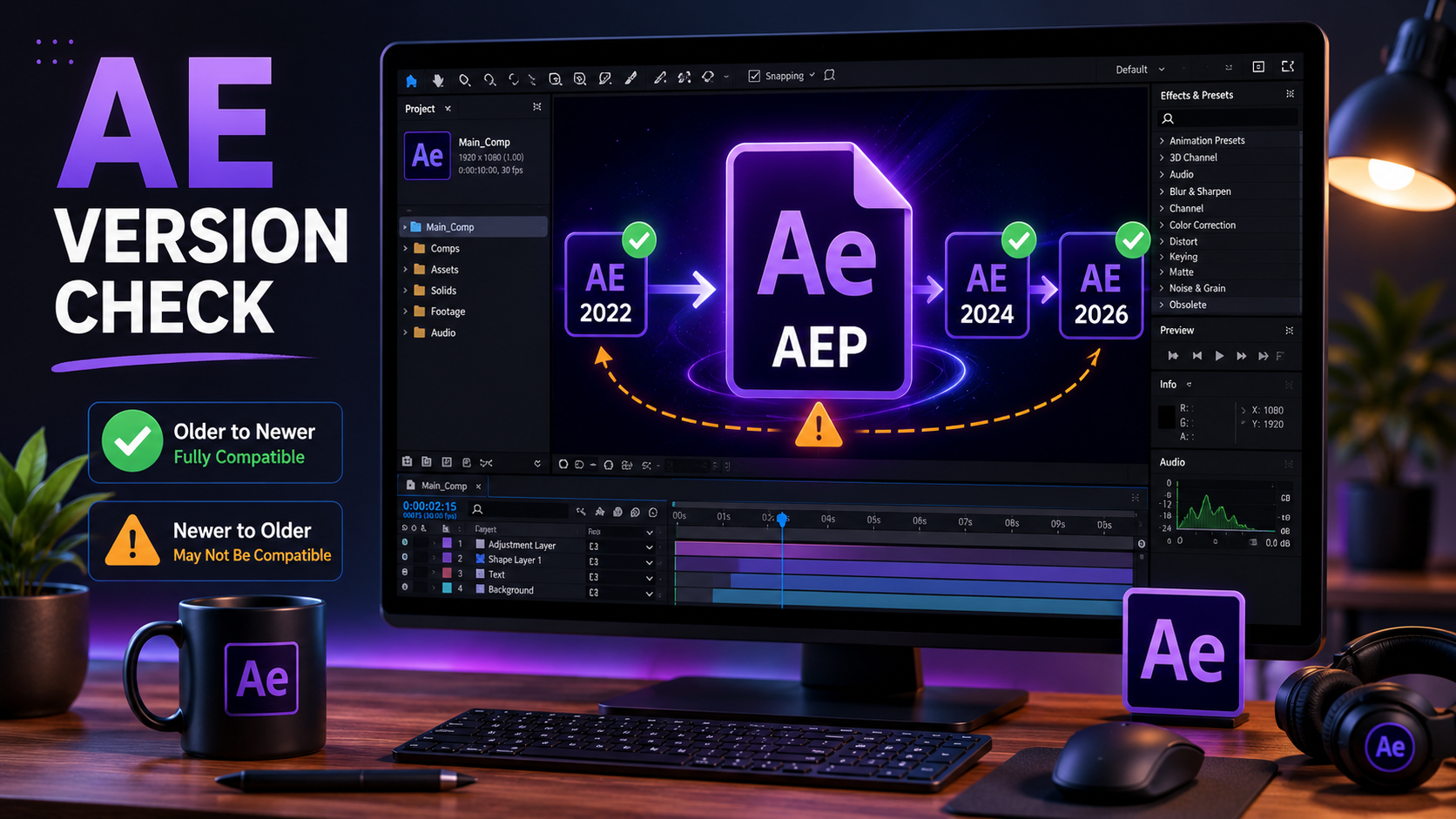
The required After Effects version matches or exceeds the version the .aep file was saved in. Reputable project file sources list the AE version every file was built in. Confirm the version match before download.
After Effects projects carry 3 version relationships with the local install: forward-compatible, backward-compatible, and downsaved.
A forward-compatible file is one saved in an older version than the local install. A project saved in After Effects 2022 opens in After Effects 2024 with a conversion prompt. The conversion runs automatically.
A backward-incompatible file is one saved in a newer version than the local install. A project saved in After Effects 2026 fails to open in After Effects 2022. The file shows an error message rather than a conversion option.
A downsaved file is one the original creator saved as a copy for an earlier version. Downsaving runs through File > Save As > Save a Copy as [previous major version]. The downsaved copy opens in the older version, with new features from the source version stripped out.
Open the .aep in any text editor. The first line of the file contains the After Effects version string. The string format reads “RIFX” followed by the version code. Most project file marketplaces list the version on the product page so editors confirm compatibility before download.
A .aep file fails to open for 5 reasons: version mismatch, missing plugins, corrupted archive, locked file permissions, or incomplete download. Each cause carries a specific fix.
A version mismatch produces an error message stating the file was saved in a newer version. The fix runs through 2 options: update After Effects to the matching version, or request a downsaved copy from the file source.
Missing plugins produce “Missing Effects” warnings inside the Project Panel. The error appears in red text on the affected layers. Common plugin dependencies include Trapcode Particular, Element 3D, Sapphire, and Twixtor. Each plugin requires a separate license install. Commercial plugin licenses range from $200 to $1,000 per plugin.
A corrupted archive fails to extract or produces incomplete files after extraction. The fix runs through 2 steps: re-download the source archive, and verify the file size matches the source listing before re-extracting.
Locked file permissions produce a “permission denied” error on open. The fix runs through the file properties panel. Right-click the .aep, select Properties on Windows or Get Info on macOS, then grant read and write access to the current user.
An incomplete download produces a smaller file size than the source listing. The fix runs through one step: re-download the archive on a stable connection.
The complete troubleshooting workflow for every missing-file warning lives in the guide on how to fix missing files in After Effects.
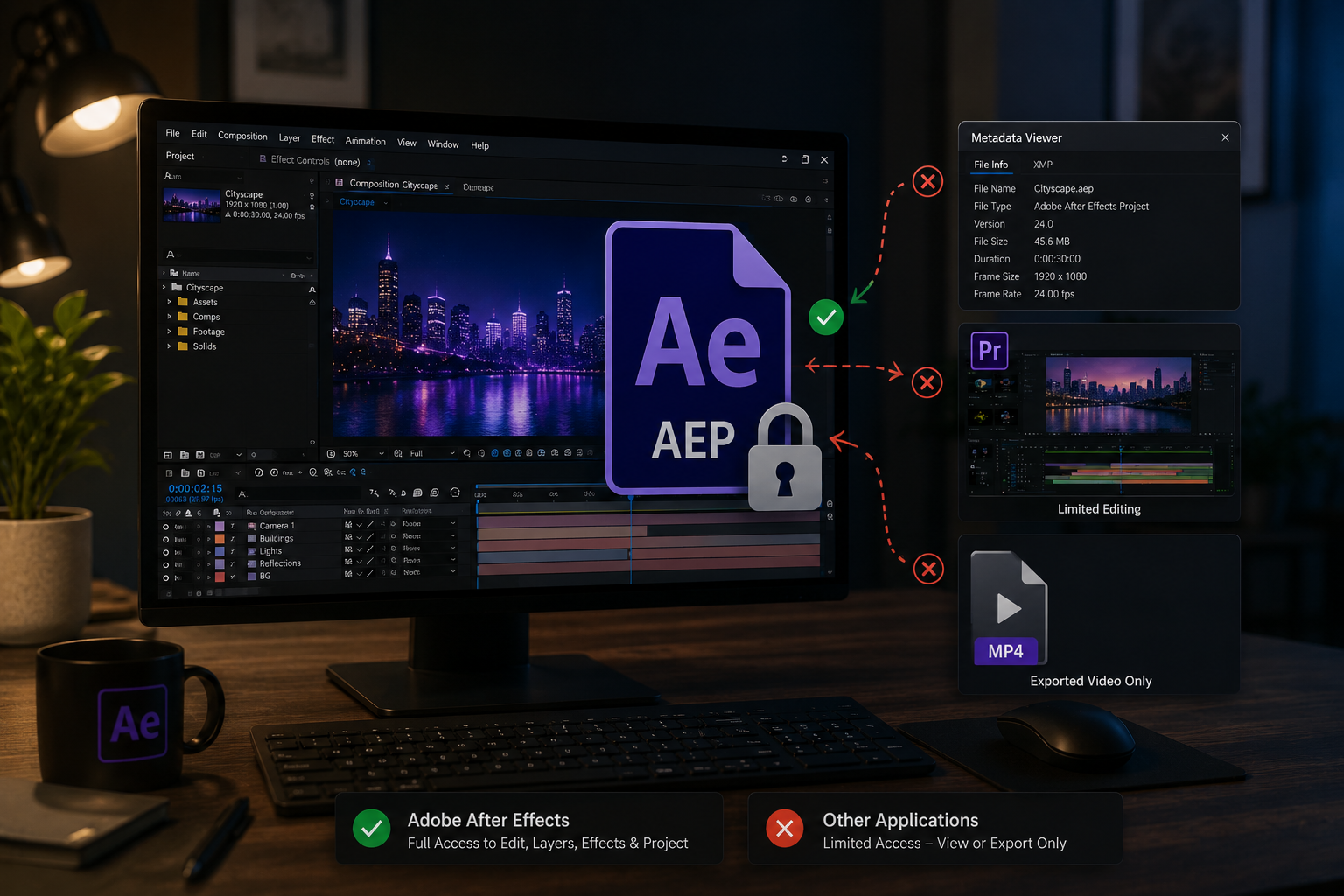
No third-party application opens an .aep file for editing without Adobe After Effects. The format is proprietary to Adobe Systems and requires the After Effects application to access compositions, layers, and keyframes.
3 limited workarounds exist for users without After Effects, each with significant trade-offs.
The first workaround is metadata viewers. Tools such as AEviewer extract project metadata, preview thumbnails, and asset lists from a .aep file. The tools do not open the file for editing.
The second workaround is Adobe Premiere Pro Dynamic Link. Premiere Pro imports an .aep through Dynamic Link, which displays the composition as a live reference inside a Premiere Pro sequence. Editing still requires After Effects on the same machine.
The third workaround is requesting a rendered export. The original creator renders the .aep to MP4 or MOV, which produces a flat video file. The render plays in any standard video player but loses every layer, keyframe, and effect parameter.
A working .aep session moves through 4 stages: read the structure, replace placeholders, customize the build, and export the final video. The standard session runs between 30 minutes and 6 hours depending on customization depth.
Open the Project Panel. Expand each folder to view its contents. Note the composition hierarchy, the layer naming convention, and the labeled control comps. Organized project files use 5 standard folder labels: Comps, Footage, Audio, Images, and Pre-comps.
Press U on any layer in the timeline to reveal its animated properties. The keyboard shortcut filters the timeline to show only keyframed values, which makes the project’s motion logic readable in seconds.
Locate the placeholder compositions inside the Footage folder. Drag new clips into the placeholder slots, matching the original clip duration. Mismatched durations produce awkward holds or premature cuts.
Replace placeholder text in the labeled TEXT_EDIT compositions. Default placeholder text signals template use to viewers and reduces the final output’s perceived originality.
Adjust the color grade through the project’s color control panel. The control panel propagates changes across linked layers without affecting individual layer settings.
Re-time keyframes to match the new audio. Press LL on the audio layer to display the waveform. Drag keyframes so transitions and text animations align with the new track’s beats. Audio re-timing is the single largest factor that separates a templated output from a custom one.
Send the composition to Adobe Media Encoder through Composition > Add to Adobe Media Encoder. Target H.264 codec at the platform’s standard bitrate range. Bitrate targets break down by platform. Vertical Instagram and TikTok content uses 15 to 20 Mbps. Horizontal YouTube content uses 25 to 40 Mbps. Archival masters use 50 to 100 Mbps.
Run File > Dependencies > Collect Files before closing the project to bundle every linked asset for storage or handoff. The complete collection workflow lives in the guide on how to collect files in After Effects.
A .aep file inherits 2 dependency types from the original build: third-party plugin dependencies and font dependencies. Both dependencies remain external to the .aep itself and require separate install on the editor’s machine.
Third-party plugins extend After Effects with effects, scripts, and rendering tools that ship outside the base application. Common plugin categories include particle systems, optical flow retiming, sky replacement, and 3D rendering.
Reputable project file sources list every plugin a file uses on the product page. The list specifies the plugin name and the version requirement. Confirm the plugin list before download to avoid the situation where a $30 project file requires a $400 plugin license.
After Effects does not embed fonts inside .aep files. A file using uninstalled fonts substitutes system defaults, which breaks text sizing, spacing, and design intent.
3 font sources handle most dependencies. The first source is Adobe Fonts activated through Creative Cloud. The second source is Google Fonts installed through the standard system font folder. The third source is commercial typefaces installed from .ttf or .otf files. Adobe Fonts handles the majority of cases for files built by professional creators, since the Adobe library is the default type source inside After Effects.
The .aep file extension belongs to Adobe After Effects. The extension stands for After Effects Project. The format stores the working timeline of an After Effects build, including compositions, layers, keyframes, effects, and references to linked media.
AEP stands for After Effects Project. The acronym refers to the native project document format used by Adobe After Effects across every version from CS6 through 2026.
Open an .aep file inside Adobe After Effects through File > Open Project. Launch After Effects, select File > Open Project from the top menu, navigate to the extracted .aep, and double-click the file. A version-conversion dialog appears for files saved in newer AE versions.
Adobe Premiere Pro imports .aep files through Adobe Dynamic Link. Dynamic Link connects an After Effects composition to a Premiere Pro timeline as a live reference. Changes made inside After Effects update in Premiere Pro automatically. Premiere Pro does not open the .aep for direct layer-level editing.
No third-party application opens an .aep file for editing without Adobe After Effects. Metadata viewers such as AEviewer extract previews and asset lists from .aep files, but do not open the project for editing.
Adobe After Effects does not release a version for Android or iOS. The .aep format opens only on Windows and macOS systems running the desktop After Effects application.
The .aep is a binary format and the .aepx is an XML-based format of the same project. Both file types open the same project in After Effects. The .aep loads faster and suits most users. The .aepx opens in text editors, which makes it useful for automation workflows and team version control.
An .aep file converts to MP4 through the After Effects render queue or Adobe Media Encoder. Open the .aep in After Effects. Send the composition to Media Encoder through Composition > Add to Adobe Media Encoder. Select H.264 codec, then render to MP4. No standalone .aep-to-MP4 converter exists outside the Adobe ecosystem.
The .aep itself ranges from 2MB to 15MB on average. The accompanying media folder adds 50MB to 500MB based on footage resolution and length. SaaS UI animations built on vector assets often come in under 5MB total.
The required plugins depend on the original project build. Common third-party plugins include Trapcode Particular, Element 3D, Sapphire, and Twixtor. Reputable sources list every plugin a file uses on the product page. Project files built on native After Effects effects require no third-party plugins.
EarnEdits builds open .aep project files across 4 categories: viral edits, mo-graph edits, SaaS and UI animation, and retro edits. Every file ships with 5 standard properties. The properties are organized layers, labeled compositions, listed plugin and font dependencies, the AE version listed upfront, and royalty-free commercial-use licensing with no attribution required. The full catalog sits inside the EarnEdits shop, with brand-level positioning covered in the After Effects project files guide and viral-style files covered in the guide on viral After Effects project files for social media.

Explore more guides on After Effects project files and viral editing workflows.
Production-ready edits that teach you how they were built.