Back
  • Insights
  • Viral After Effects Project Files for Social Media

Viral After Effects Project Files for Social Media

  • Tools & Resources
  • Jun 02, 2026
  • Muhammad Sikandar
Viral After Effects Project

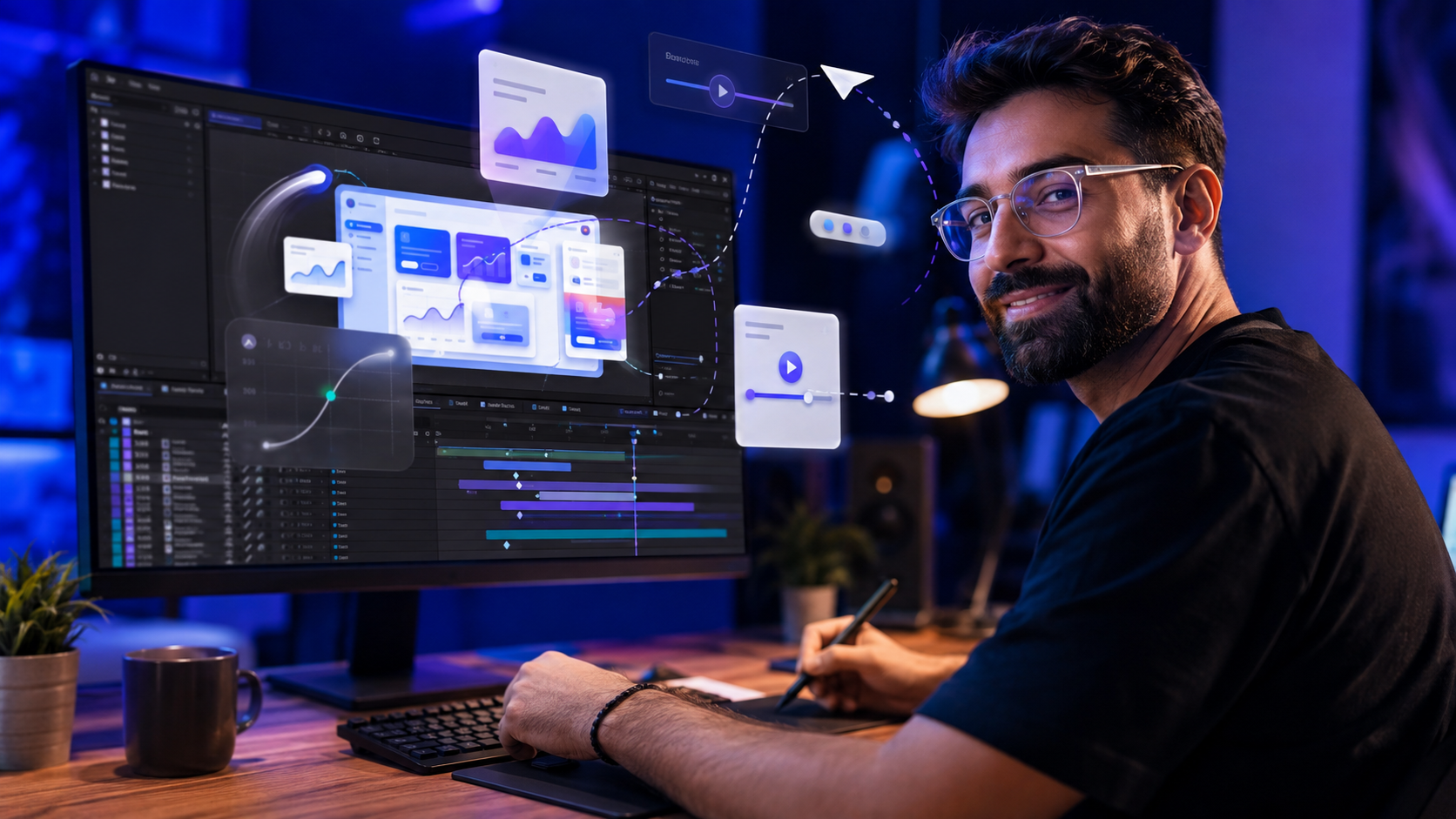
Viral social media edits across reels, TikTok, and YouTube Shorts follow specific technical patterns inside After Effects that drive watch time and shares. The first 1.5 seconds hook viewers through motion, beat-synced cuts hold rhythm, velocity remapping controls energy, and 3D camera movement adds depth to flat footage. These patterns live inside .aep project files as keyframe structures, effect stacks, and composition hierarchies any video editor studies, customizes, and exports. 

EarnEdits builds project files around these exact viral patterns, with fully exposed keyframe structures, organized layers, and editable compositions designed for social media editors.
Why Social Media Edits Require After Effects Project Files

Social platforms reward specific motion patterns, and After Effects is where those patterns get built. Instagram favors reels with high completion rates. TikTok promotes early engagement spikes. YouTube Shorts prioritizes watch-through percentage. Every platform penalizes static content and rewards dynamic motion.


What Motion Patterns Platforms Reward

Text animations scale and fade on beat. Footage transitions time to audio waveforms. Camera movements create parallax depth. Effects such as glow and motion blur add visual energy. Every technique gets constructed inside After Effects. The patterns map to algorithm signals that drive distribution.


Time Savings From Project File Workflow

Building these techniques from scratch takes 3 to 6 hours per edit. Opening a project file, studying the keyframe structure, replacing footage, re-timing to audio, and exporting takes 30 to 45 minutes.

A social media editor producing 3 to 5 edits per week saves 10 to 20 hours weekly through project file workflow. The time saving compounds while the editor studies the techniques behind every delivered edit.

What Makes an Edit Go Viral From an Editing Perspective

Viral After Effects Project

Viral edits share 6 structural patterns that trigger platform algorithms and hold attention. The patterns are technical rather than accidental, and each one maps to a specific After Effects technique.


Hook in the First 1.5 Seconds

The opening frame uses 3 hook techniques: high-speed camera movement, a bold text statement, or a dramatic visual shift. Algorithms measure scroll-stop rate. Content that fails to pause viewers within the first second fails regardless of quality.


Beat-Synced Cuts and Keyframes

Every transition, zoom, and text animation lands on an audio peak. Viewers sense the sync even when they cannot identify it technically. The beat-cut pairing carries a measurable retention lift on short-form platforms.


Velocity Remapping

Time stretches and compresses within a single clip. Speed slows to 0.5x at a peak moment, then snaps to 3x on the exit. The signature hard-edit feel comes from Bezier velocity curves drawn in the graph editor.


3D Camera Movement

A null object parents the camera layer. The camera orbits, pushes in, and pulls back through position and rotation keyframes on the null. The technique creates cinematic depth in flat 2D compositions.


Motion Blur on Every Animated Layer

Every animated layer runs with motion blur enabled. Fast movements without motion blur look choppy and amateurish on playback. The composition-level motion blur switch sits next to the layer-level switch and both stay on for viral-grade output.


Vertical Format, Short Duration

1080×1920 resolution at 30fps. 15 to 32 seconds total runtime. Every frame carries information with no dead space.
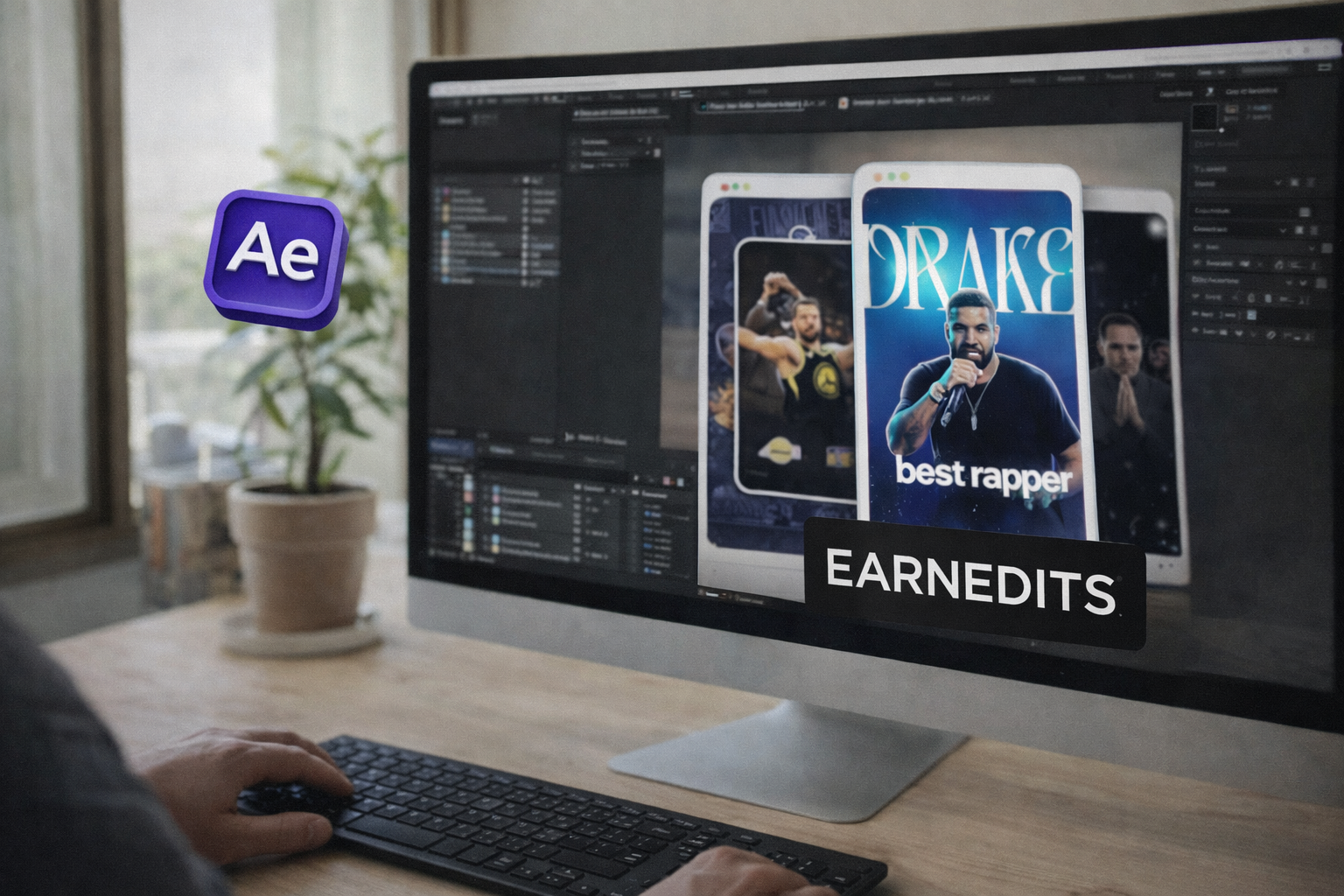
Explore Our Collection Of After Effects Projects

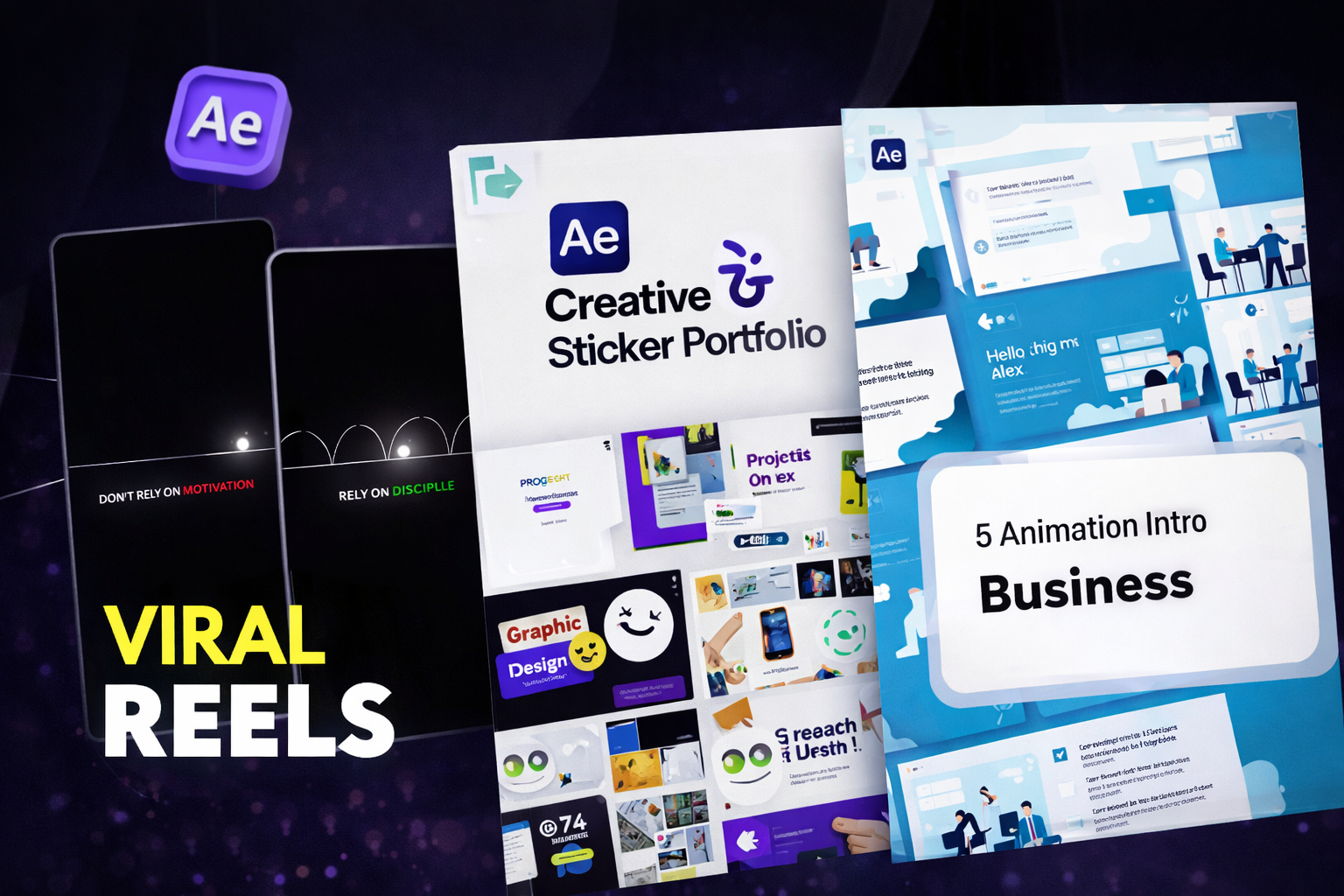
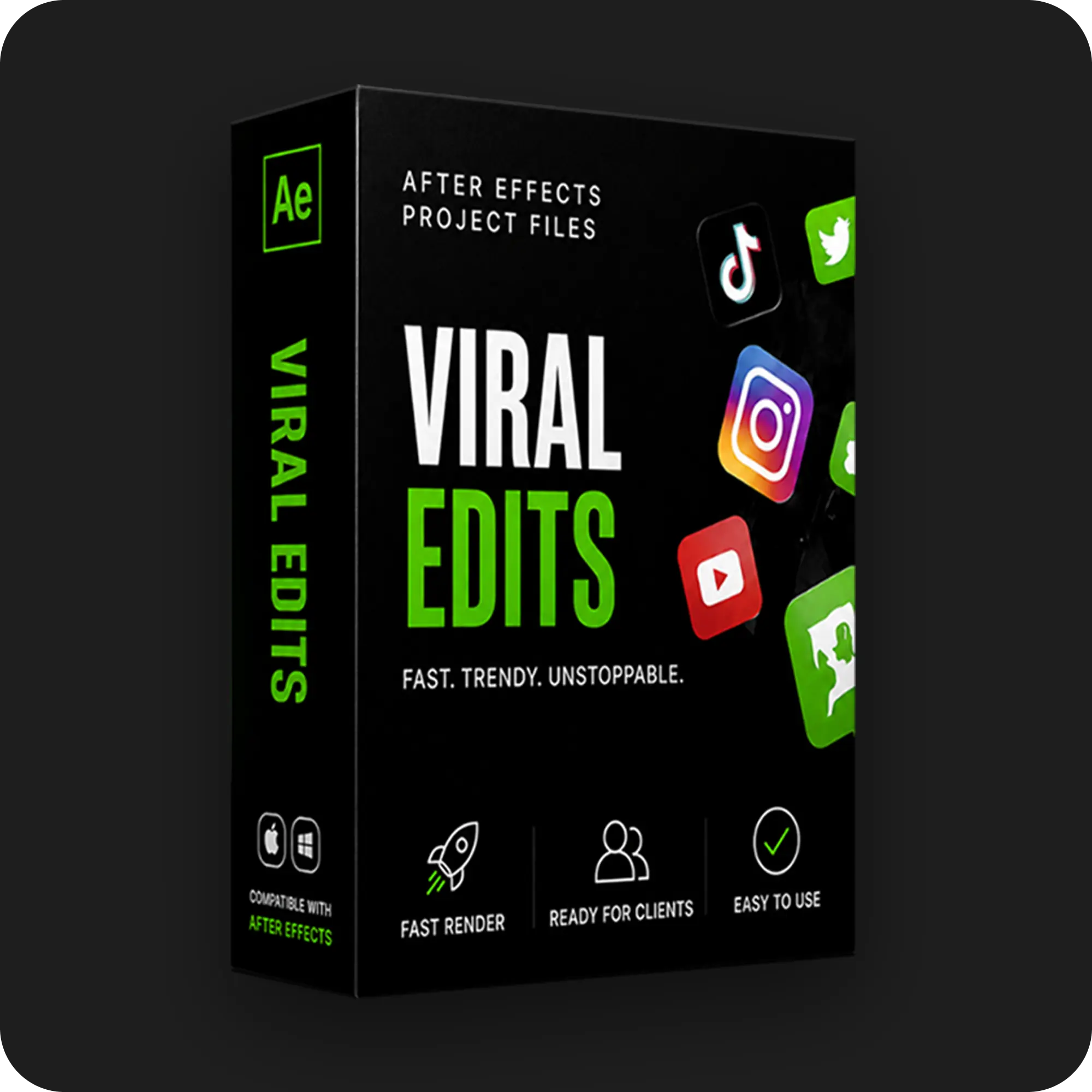
A curated selection of our top-performing viral edit projects - crafted to capture attention instantly and convert viewers from the very first scroll.

Composition Settings for Social Media Formats

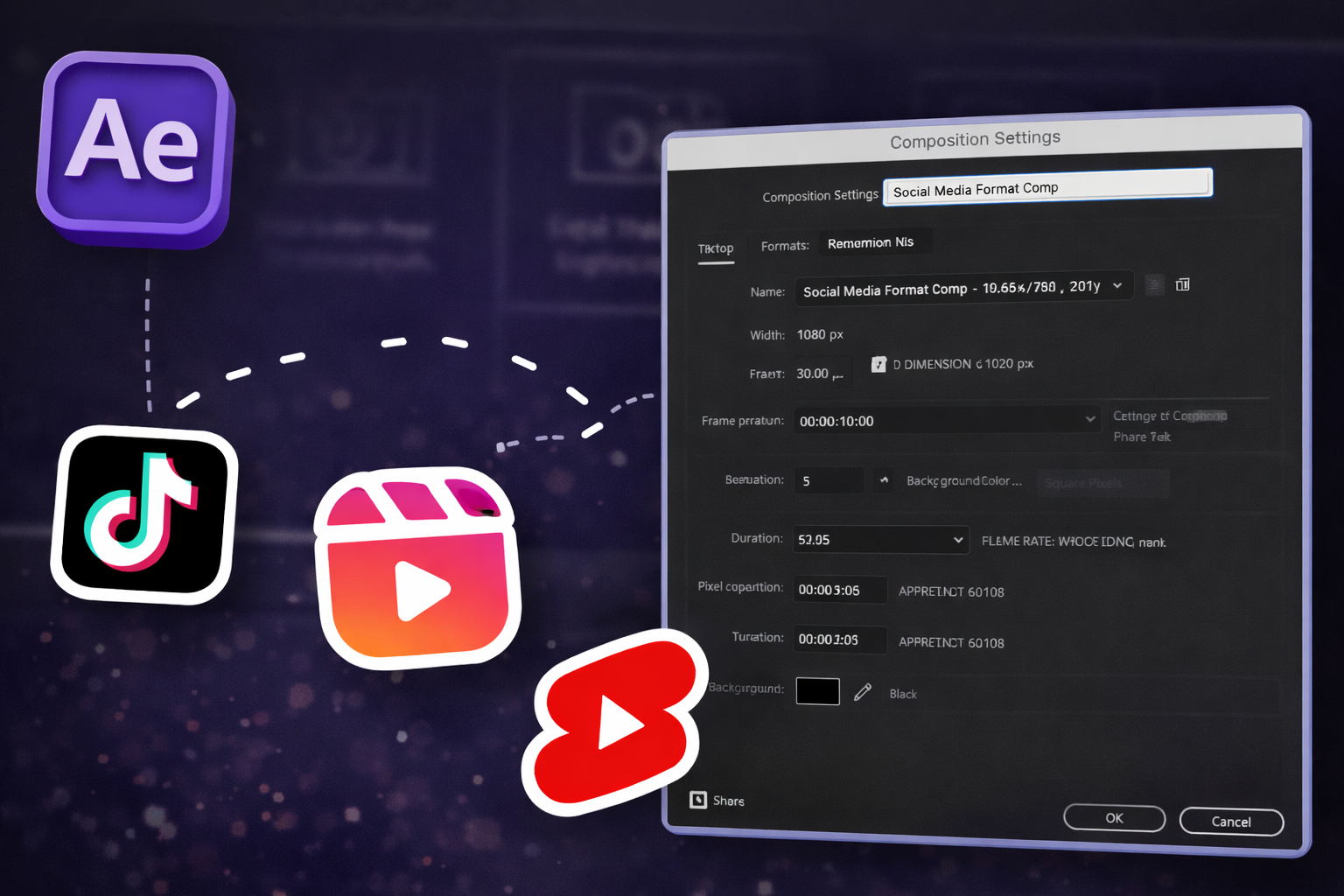
Every social media project file starts with correct composition settings. Incorrect settings produce awkward cropping, quality loss, or platform rejection during upload.


Vertical Video Settings

Reels, TikTok, and YouTube Shorts use 1080×1920 pixels at 9:16 aspect ratio. Standard content runs at 30fps. High-motion edits that contain slow-motion segments run at 60fps to produce smoother slow-motion without frame-interpolation artifacts. Most viral edits perform best between 20 and 32 seconds.


Square Format Settings

Instagram feed and Facebook square posts use 1080×1080 pixels at 1:1 aspect ratio. The format suits carousel-adjacent posts more than motion-heavy content.


Horizontal Footage Reframed for Vertical

16:9 footage at 1920×1080 reframes to 1080×1920 through 2 methods: position keyframes inside the composition, or Auto-Reframe through Window > Auto-Reframe. Unframed 16:9 uploads display with black bars on mobile, which platforms penalize.


Safe Zones for Platform UI

Platform UI elements overlay the top and bottom of vertical video. Critical text and visual elements stay centered within 80 percent of the frame. The top 10 percent holds profile names. The bottom 10 percent holds buttons, description text, and platform watermarks.


Export Settings for Platform Upload

Export settings preserve quality at H.264 codec, VBR 1-pass encoding, and a target bitrate of 15 to 20 Mbps for 1080×1920 output. Instagram and TikTok re-encode every upload. Higher source quality produces cleaner final playback after platform compression.

The 5 Viral Edit Styles Dominating Social Platforms

5 distinct styles account for the majority of high-performing After Effects edits. Each style maps to a specific technique stack and a specific content category.


Hard Edit / Phonk Style

Hard edits use 4 visual techniques: heavy camera shakes, RGB distortion, fast cuts, and bass-synced timing. Velocity remapping drives the pacing through sharp ease curves in the graph editor. 3D camera movement on null objects syncs to audio peaks.

The style dominates 3 content categories: gaming, fitness, and automotive.


Minimalist Motion Graphics

Minimalist motion graphics use 4 visual elements: clean typography, smooth easing, generous white space, and shape layer animation. Scale and opacity animations follow refined Bezier curves at 75 to 85 percent influence. Shape layer animations use trim paths for line reveals.

The simplicity is deceptive. Smooth easing requires precise graph editor control. The style performs in 3 content categories: tech, education, and lifestyle.


Caption-Driven Story Edits

Caption-driven story edits use 3 core elements: word-by-word text animation, voiceover sync, and subtle background footage. Per-word text animators offset scale, opacity, and position against audio waveform markers. Sound effect layers trigger at each text reveal.

The style dominates 3 content categories: commentary, storytime, and educational content.


Collage and Paper Rip

Collage edits use 3 visual elements: textured overlays, torn-edge masks, and stop-motion feel. The layered compositions combine footage with graphic elements through track mattes and blend modes. The build teaches blending and compositing fundamentals.

The style performs in 3 content categories: fashion, documentary, and storytelling.


Cinematic 3D Scene Transitions

Cinematic 3D transitions use 4 technical elements: full 3D camera moves, multi-layered scenes, Z-axis depth, and motion blur with depth of field. Elements exist on separate Z-axis planes. The camera flies between scenes using multiple null objects and expression-driven camera rigs.

The technique is the most complex in the 5-style group. The style works for 3 content categories: travel, food, and narrative content.


Time to Learn vs Time to Apply

Learning one style from scratch takes 10 to 40 hours of tutorial consumption and trial-and-error. Opening a project file that already contains the complete technique stack takes 30 seconds. The deeper breakdown of project-file learning versus tutorial learning lives in the guide on learning editing faster using AE projects

How to Customize a Viral Project File for Your Content

Viral After Effects Project

Downloading a project file and exporting it unchanged produces generic content audiences recognize as template work. Customization separates effective use from cookie-cutter output. The process runs through 6 steps.


Step 1: Study Before Touching Anything

Press U on each layer to reveal animated properties. Open the graph editor to understand the timing logic before changing any value. Labeled layers make this step faster.


Step 2: Replace All Placeholder Footage

Drop clips into the designated footage compositions. Match the original clip duration, or adjust keyframes to fit. Mismatched durations create awkward holds or premature cuts.


Step 3: Re-Time the Audio

Set the audio waveform to visible (press LL on the audio layer). Move cut points and transition keyframes to align with the new track’s beats and drops. The audio re-timing step alone makes the edit feel custom rather than templated.


Step 4: Adjust the Color Grade

Use the dedicated color control panel inside the project file to modify the global color scheme across compositions. The control panel adjusts all linked layers at once without affecting individual layer settings.


Step 5: Modify Text and Graphics

Change headline text, font weights, and animation timing in the labeled TEXT_EDIT compositions. Default placeholder text signals template use immediately to viewers.


Step 6: Layer Custom Sound Effects and Verify Export

Add whooshes, impacts, and texture sounds synced to transition points and text reveals. Confirm no critical elements sit in the top or bottom 10 percent of the frame. Export at 15 to 20 Mbps.

Step-by-Step Workflow for a Viral Reel

A repeatable open-to-export workflow turns a downloaded project file into a published reel in 30 to 45 minutes. The procedure moves through 3 phases: setup, customization, and export.


Phase 1: Set Up After Effects for Vertical Editing

Create a new composition at 4 settings: width 1080, height 1920, 30fps, and a duration between 15 and 30 seconds. Use 60fps only for slow-motion footage. Enable title-safe and action-safe margins through View > Title/Action Safe.

Organize the Project Panel into 4 folders: Media, Text, Audio, and Render. The folder structure mirrors how professional project files are built.


Phase 2: Open, Replace, and Sync

Open the .aep file and locate the main render composition, usually labeled “Final Comp” or “Render Here.”

Import footage through File > Import. Drag clips into placeholder compositions. Trim with Option+[ for the in point and Option+] for the out point.

Edit text layers directly. Match fonts to the content tone. Open the Effects Controls panel to adjust layers labeled “Color Control.” Enable motion blur on each animation layer and the composition header.

Import the audio track. Press L twice (LL) to display the waveform. Shift transition keyframes so each animation lands on a beat.


Phase 3: Export for Instagram and TikTok

Use Composition > Add to Adobe Media Encoder for H.264 output at 1080×1920 and 30fps. Target a bitrate between 10 and 15 Mbps. Files above 20 Mbps get aggressively recompressed by Instagram and TikTok, which produces blurry output and visible artifacting.

Run File > Dependencies > Collect Files before closing the project to bundle every linked asset. The full collection workflow lives in the guide on how to collect files in After Effects

Explore Our Collection Of After Effects Projects

A curated selection of our top-performing viral edit projects - crafted to capture attention instantly and convert viewers from the very first scroll.

Common Mistakes With Social Media Project Files

5 repeated errors account for most failed social media edits. Each one carries a specific fix that prevents recurrence.


Exporting Without Re-Timing to the Audio

The most visible sign of template use. Cuts that do not align with the new track’s beats feel disconnected regardless of visual quality. The fix is mandatory audio re-timing on every edit.


Ignoring Platform Safe Zones

Text placed in the bottom 15 percent of vertical video gets obscured by the platform UI. The fix is previewing the edit inside the actual app interface before export to catch overlap.


Over-Stacking Effects Without Checking Render Time

Glow, blur, particles, and motion blur applied simultaneously push per-frame render times over 30 seconds. On a 30-second edit at 30fps, that produces 7.5 or more hours of total rendering time.


Using Plugins the Project Requires But the Editor Does Not Own

Deep Glow, RSMB, Twixtor, and Sapphire render as red “Missing” errors when the plugin is not installed. The fix is reviewing the plugin list before download.


Exporting at a Low Bitrate

Platforms recompress every upload. A low-bitrate source produces double compression, which shows up as visible banding and soft text in the final playback. The fix is exporting at 15 to 20 Mbps for vertical 1080×1920.

The full breakdown of project file errors lives in the guide on common mistakes when using project files

Why Open Project Files Teach Editing Faster Than Tutorials

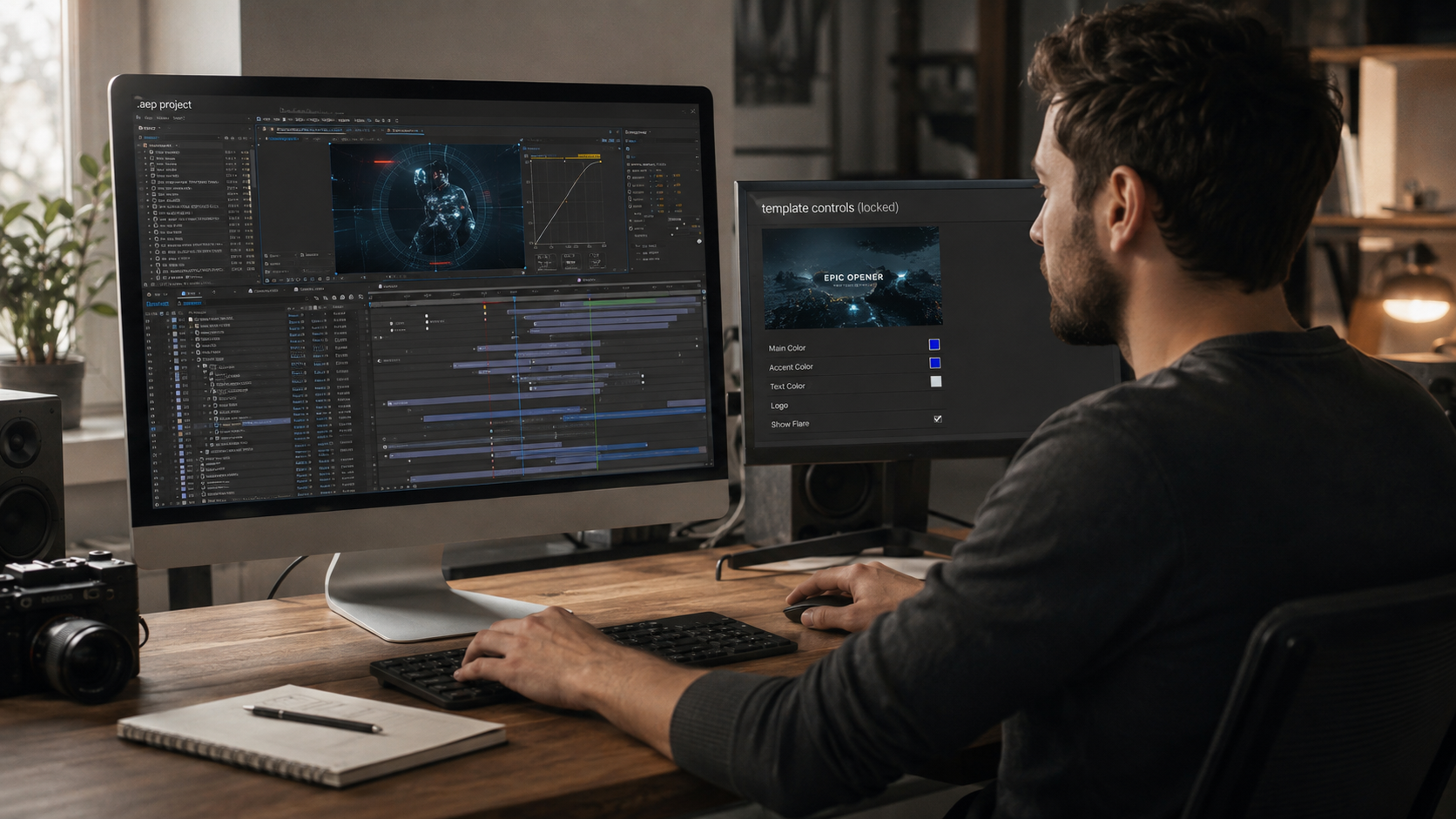
Studying an open .aep from a proven viral edit reveals more about motion design than hours of tutorial video. A 60-minute tutorial shows one editor’s screen. An open project file exposes every keyframe, layer, and effect parameter in a format the editor manipulates directly.

Real project timelines reveal the exact decisions behind each transition, text reveal, and camera movement. Selecting a keyframe and inspecting its easing curve in the graph editor explains why a specific animation feels fast or smooth. 

The approach runs through 4 stages. The editor starts from a viral edit that already performed. The editor studies the build. The editor customizes it with new content. The editor publishes a reel following the same proven structure.

Where to Find Viral-Style After Effects Project Files

Sources range from free community resources to curated production libraries. Each source type serves a different editorial need.


Curated Production Libraries

EarnEdits provides a curated library of viral-style .aep project files built specifically for social media editors. Each file covers a 20 to 32 second edit. The files ship at vertical 1080×1920 resolution with organized layers, labeled compositions, and fully exposed keyframe structures.


YouTube Tutorial Companions

Creators publishing downloadable project files alongside tutorial videos vary in quality. Some files arrive clean and labeled. Others arrive as raw working files with unnamed layers and no documentation.


Free Template Libraries

Mixkit offers free templates optimized for basic social media motion graphics in template format. The files cover entry-level use with limited learning value, since the timeline is locked behind placeholder systems.


Large Marketplace Libraries

VideoHive and Motion Array deliver large template libraries built around controller layers and placeholder systems. The libraries serve deadline work efficiently. The format limits editors who want to understand how effects were built, since the underlying timeline stays hidden.


The Foundational Technical Reference

The complete technical foundation behind every project file format lives in the guide to After Effects project files.

Frequently Asked Questions

What frame rate works best for viral social media edits?

30fps for standard edits. Edits with velocity remapping that creates slow-motion segments benefit from a 60fps source frame rate, which produces smoother slow-motion without frame-interpolation artifacts.

Can I use horizontal footage in vertical project files?

Yes. Scale the footage up and reposition using position keyframes to frame the subject within the 9:16 composition. The approach loses edge content but maintains resolution on the visible area.

How long is a viral edit?

15 to 45 seconds. The 20 to 32 second range performs most consistently across platforms. Watch-through percentage matters more than total length for algorithm distribution.

Do I need plugins for viral-quality edits?

An AEP file opens directly in After Effects with full access to every layer, effect, and keyframe. A MOGRT is a packaged format built for Premiere Pro that limits customization to a small set of exposed parameters inside the Graphics panel.

How do I make a project file edit look original instead of templated?

Re-time to the new audio, adjust the color grade, modify text animations, layer custom sound effects, and replace all placeholder elements. Every customization layer moves the final edit further from recognizable template territory.

What bitrate works for Instagram and TikTok exports?

15 to 20 Mbps for 1080x1920 vertical output. Files above 20 Mbps trigger aggressive platform recompression that produces blurry output. Files below 10 Mbps arrive at the platform already compressed, which compounds during the platform's own re-encode.

How long does customizing a viral project file take?

30 to 45 minutes per edit. The time includes footage replacement, audio re-timing, color adjustment, text modification, sound effect layering, and export. Building the same edit from scratch takes 3 to 6 hours.

Muhammad Sikandar
Muhammad Sikandar

Muhammad Sikandar brings deep expertise in design research, visual trend analysis, and advanced creative development, backed by extensive hands-on experience in the motion graphics industry.

Browse 30 Viral-Ready .AEP Project Files

Production-ready edits that teach you how they were built.