


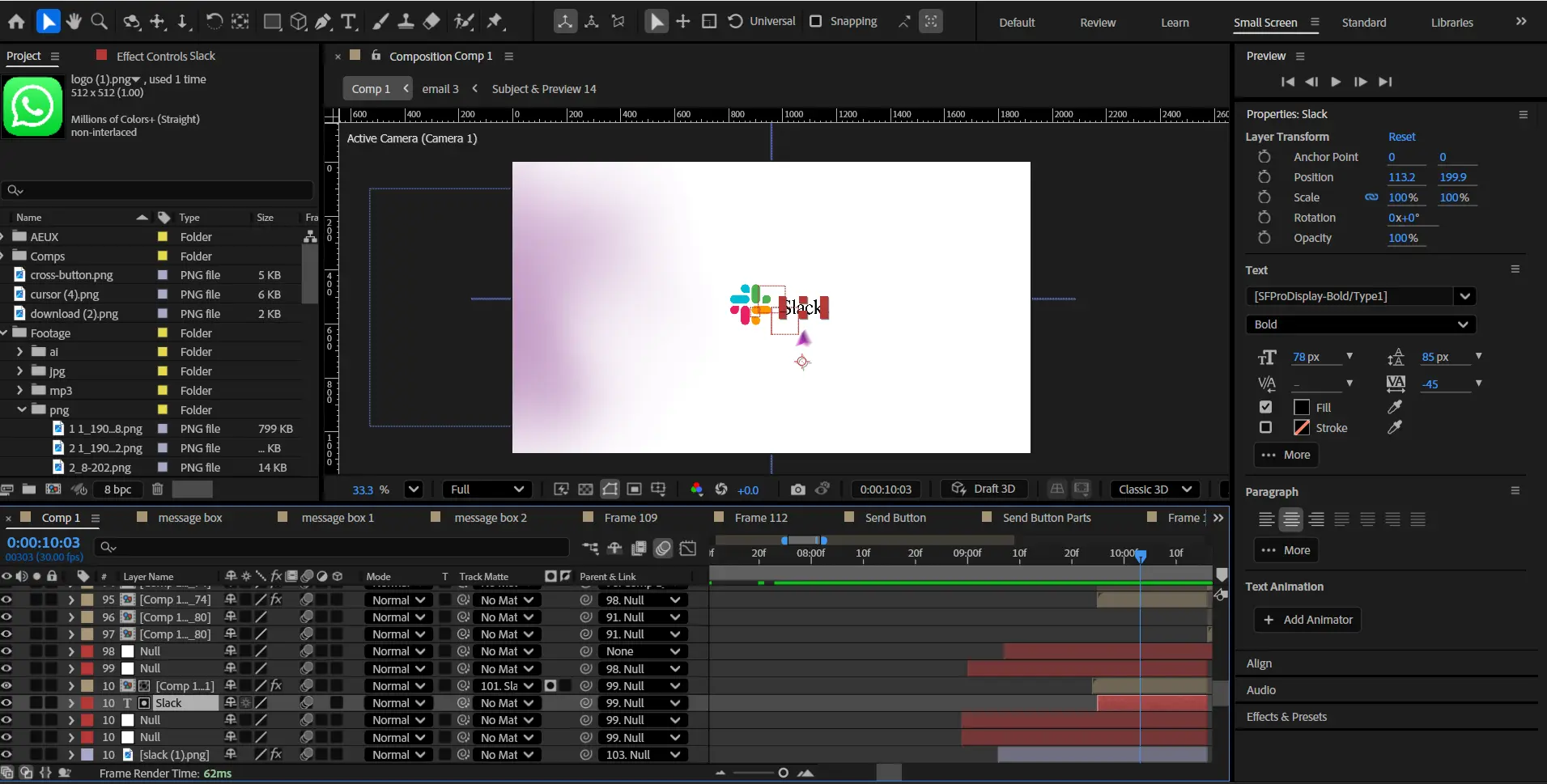
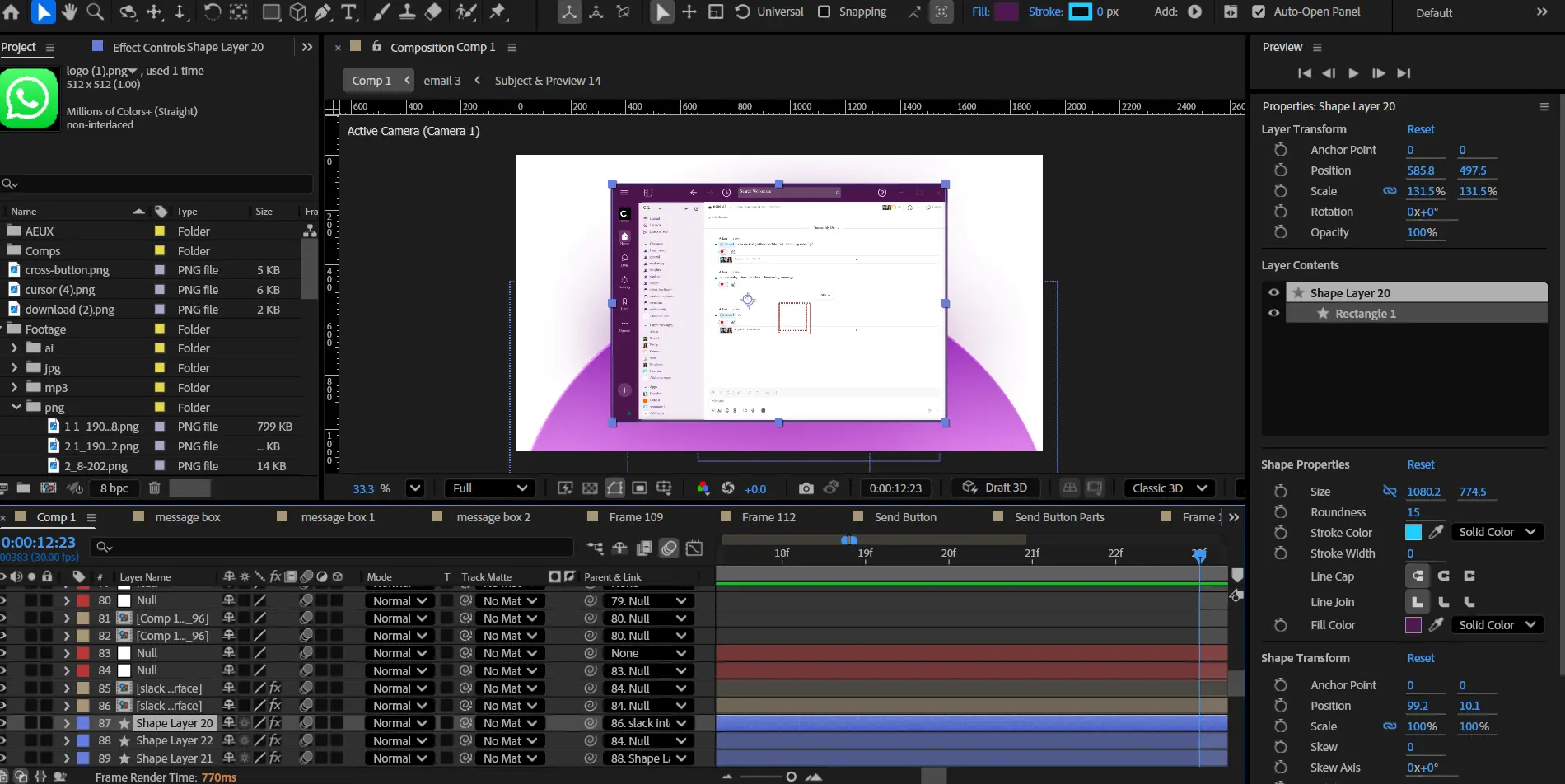
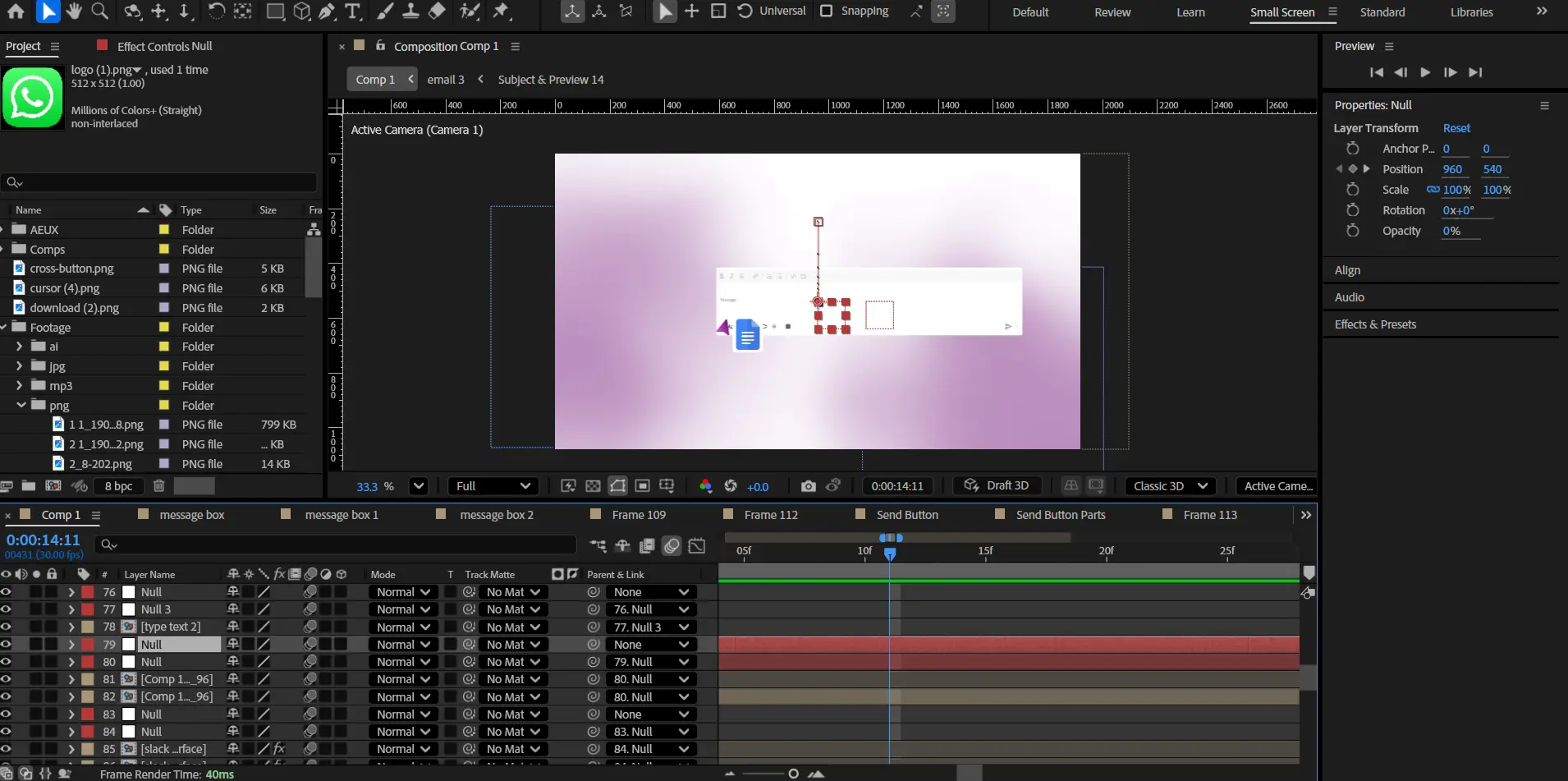
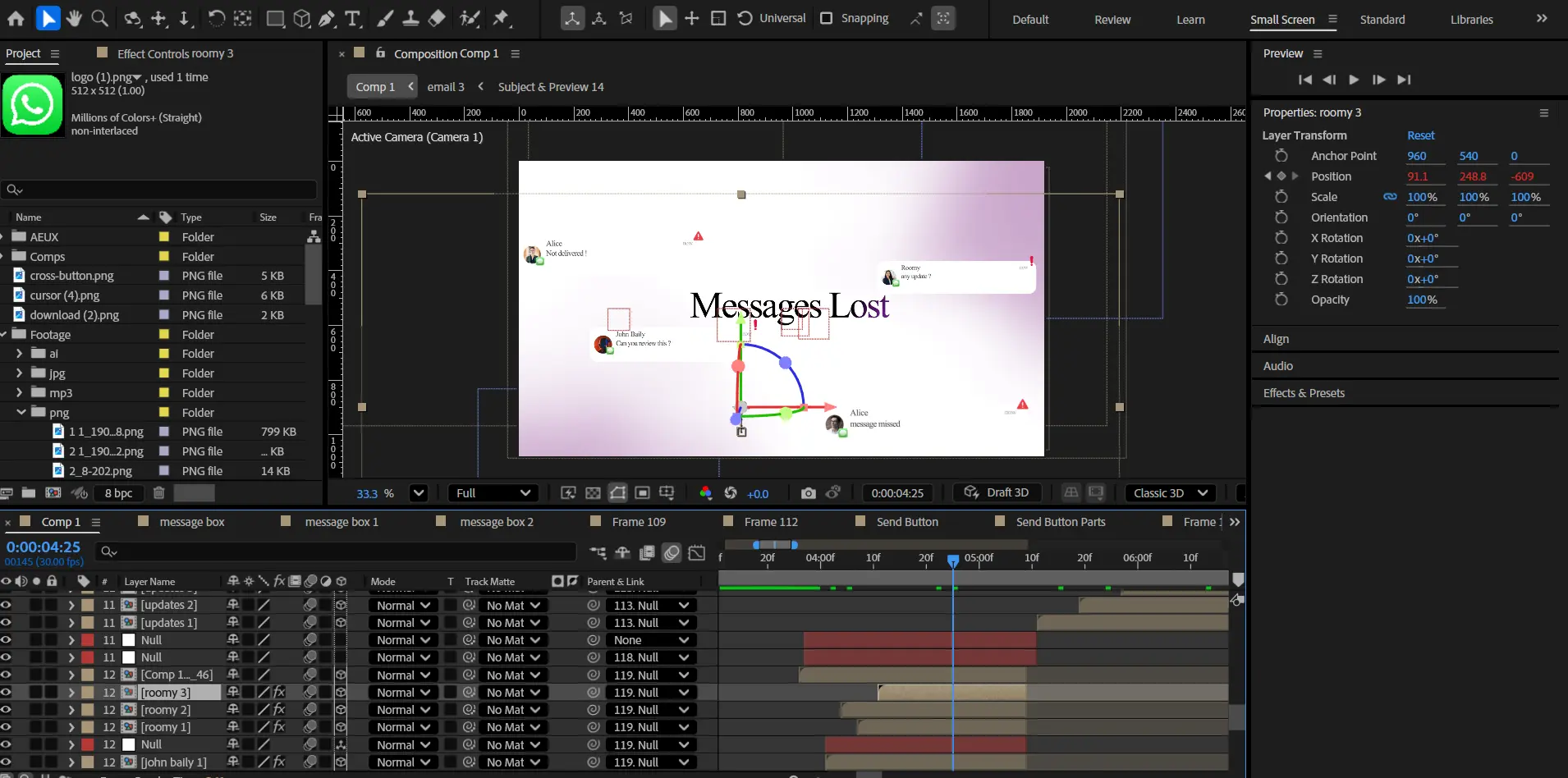
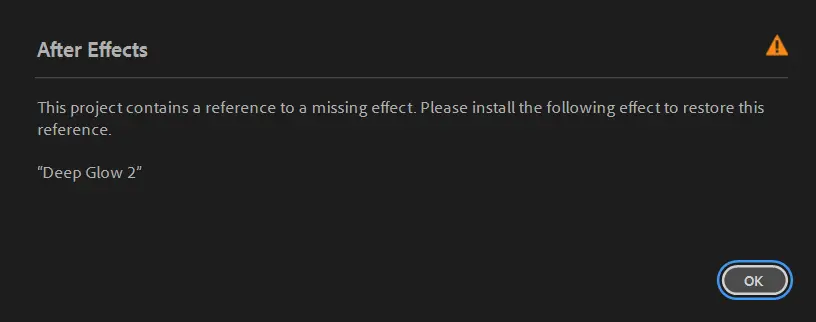

 If the project files aren't enough, watch our tutorial library.
Slack SaaS Workflow Explainer Animation | After Effects Project File (AEP)
This project is built around clean UI storytelling inspired by modern travel platforms.


Still switching between apps just to talk to your team?
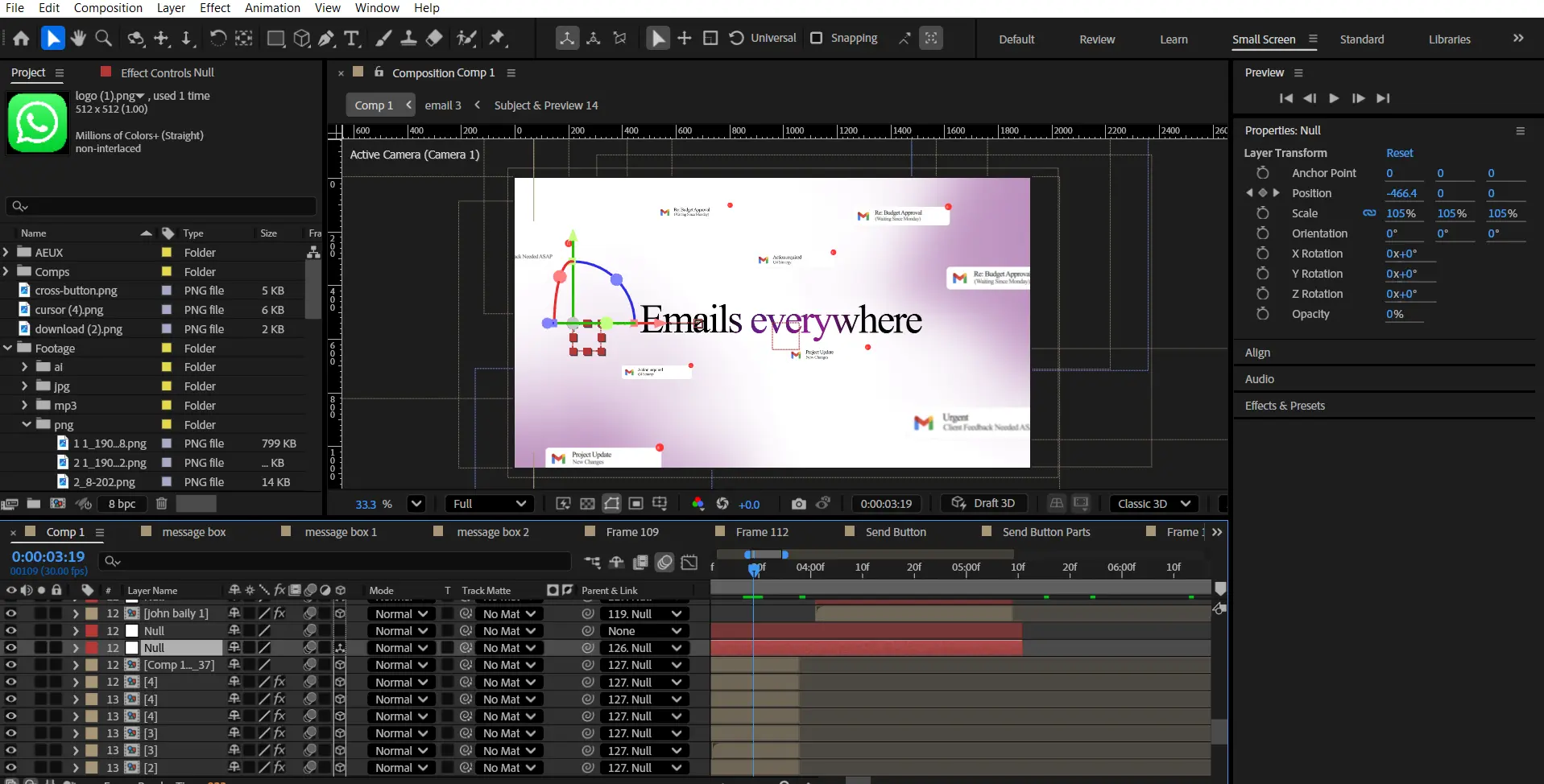
Emails everywhere.
Messages lost.
Updates buried.
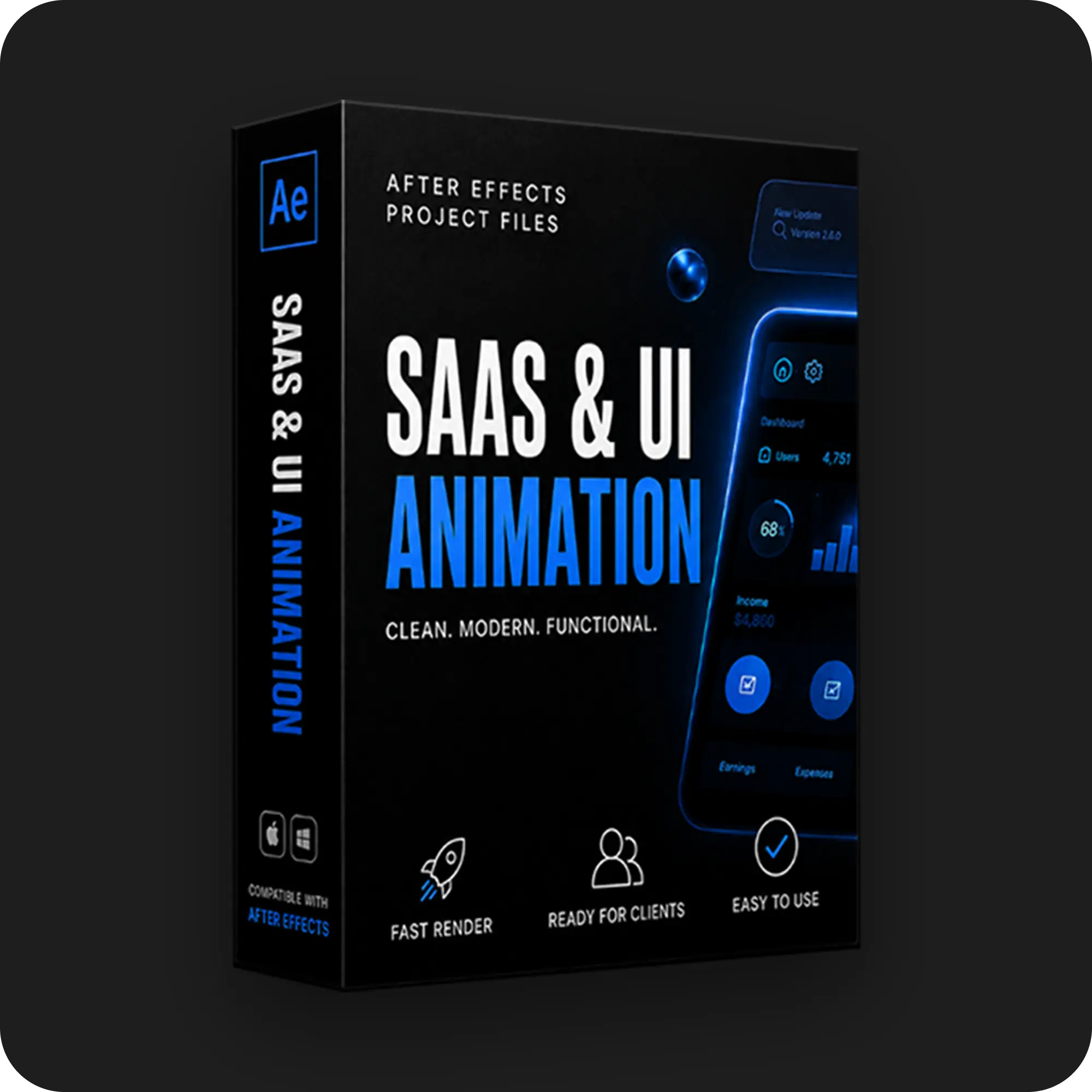
This edit demonstrates how modern SaaS UI explainer animations are structured using clean interface design, smooth camera motion, and minimal typography.
Inside this open After Effects project file, you’ll study:
- How to animate SaaS product interfaces in a clean explainer style
• How to structure UI storytelling: problem → solution → product flow
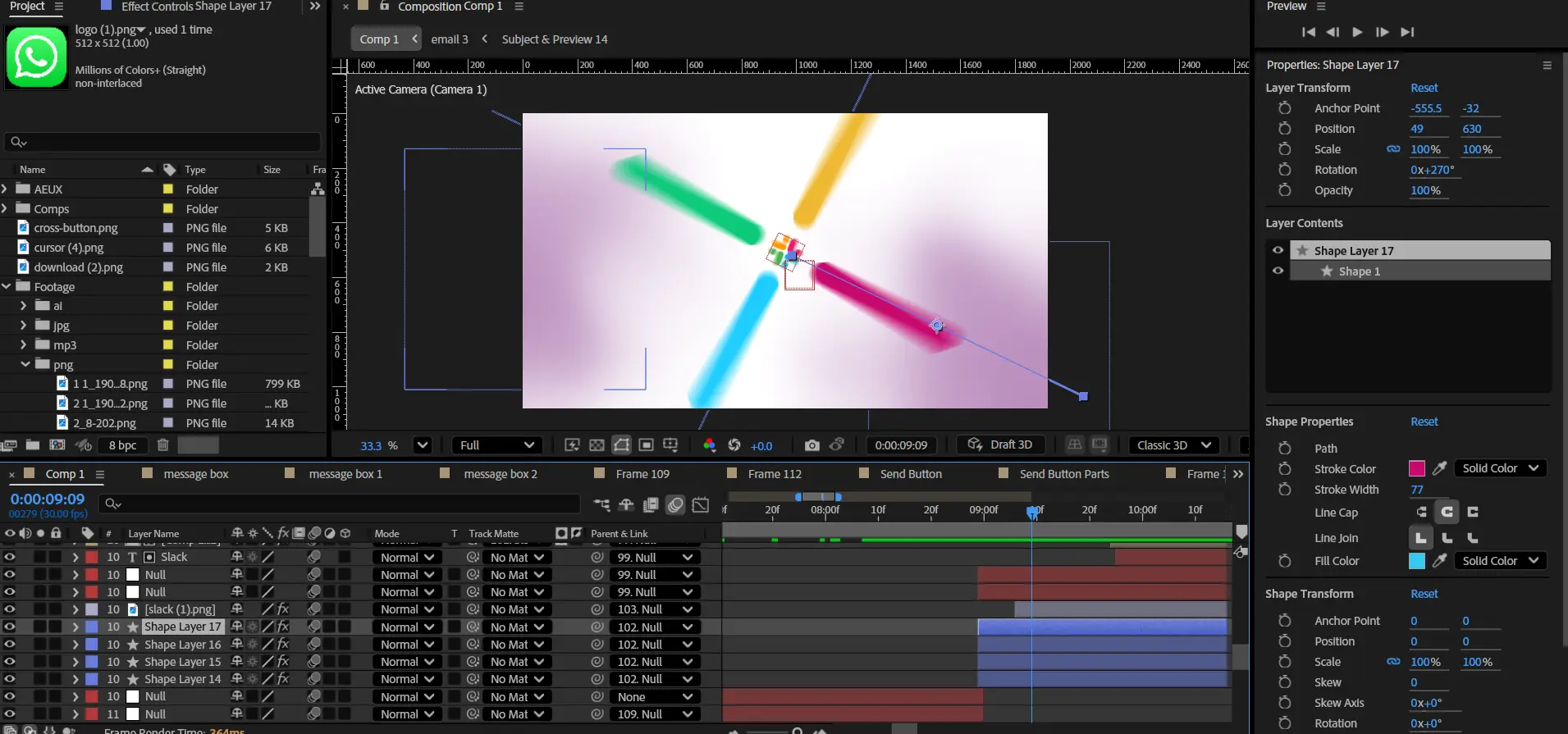
• How to combine camera movement with UI layers for depth
• How notification elements and message cards animate smoothly
• How typography guides the viewer through the interface
Perfect for editors who want to create:
- SaaS product ads
• Startup explainer videos
• UI product demos
• Tech product marketing videos
• Modern app presentation edits
Open the timeline and study how professional SaaS interface animations are built.
Important Notice – Required Assets
This project uses specific fonts and effects that must be installed on your system for full functionality.
Please note:
- We do not provide or redistribute any third-party assets — fonts, effects, plugins, scripts, etc. — out of respect for their creators’ copyright and licensing.
- The good news: inside our community on Patreon, we offer full support. Our entire team helps you reach the official sources for these assets and guides you through getting them in the easiest way possible.
- After Effects will automatically show any missing fonts or effects when you open the project.
- All required items are clearly listed in the preview images above.
- You must download/install these fonts/effects independently.
- You can easily find all required fonts/effects online by searching their names — or our team in the community will help you get them.
What’s Included?
Everything you need to customize your viral edit quickly and professionally - all neatly organized inside one Adobe After Effects project.

Full .AEP File
Complete, fully editable After Effects project.

Organized Folders
Clean project structure designed for easy nav & learning.

Editable Text
All titles and typography elements can be fully customized.

Color Controls
Quick global color adjustments using built-in control layers.

Sound Recommendations
Suggested audio tracks curated to match the editing style.
Everything inside this project is crafted to give you full control, smooth performance, and fast exports — built for real viral editing workflows.
Everything inside this project is crafted to give you full control, smooth performance, and fast exports — built for real viral editing workflows.
100% Editable
Full access to every layer, effect, keyframe, and composition, giving you complete freedom to modify the project however you want.
Smooth Motion Graphics
Clean, dynamic, and professionally crafted animations designed to perform well on TikTok, Instagram, and other short-form platforms.
Fast Render
An optimized composition structure ensures quick render times without compromising visual quality — perfect for creators on tight deadlines.
Real Feedback From Real Creators
Social proof from creators who know our standards






































Follow Us on Instagram
Stay inspired with weekly viral edits, motion tutorials, and behind-the-scenes design breakdowns.


