







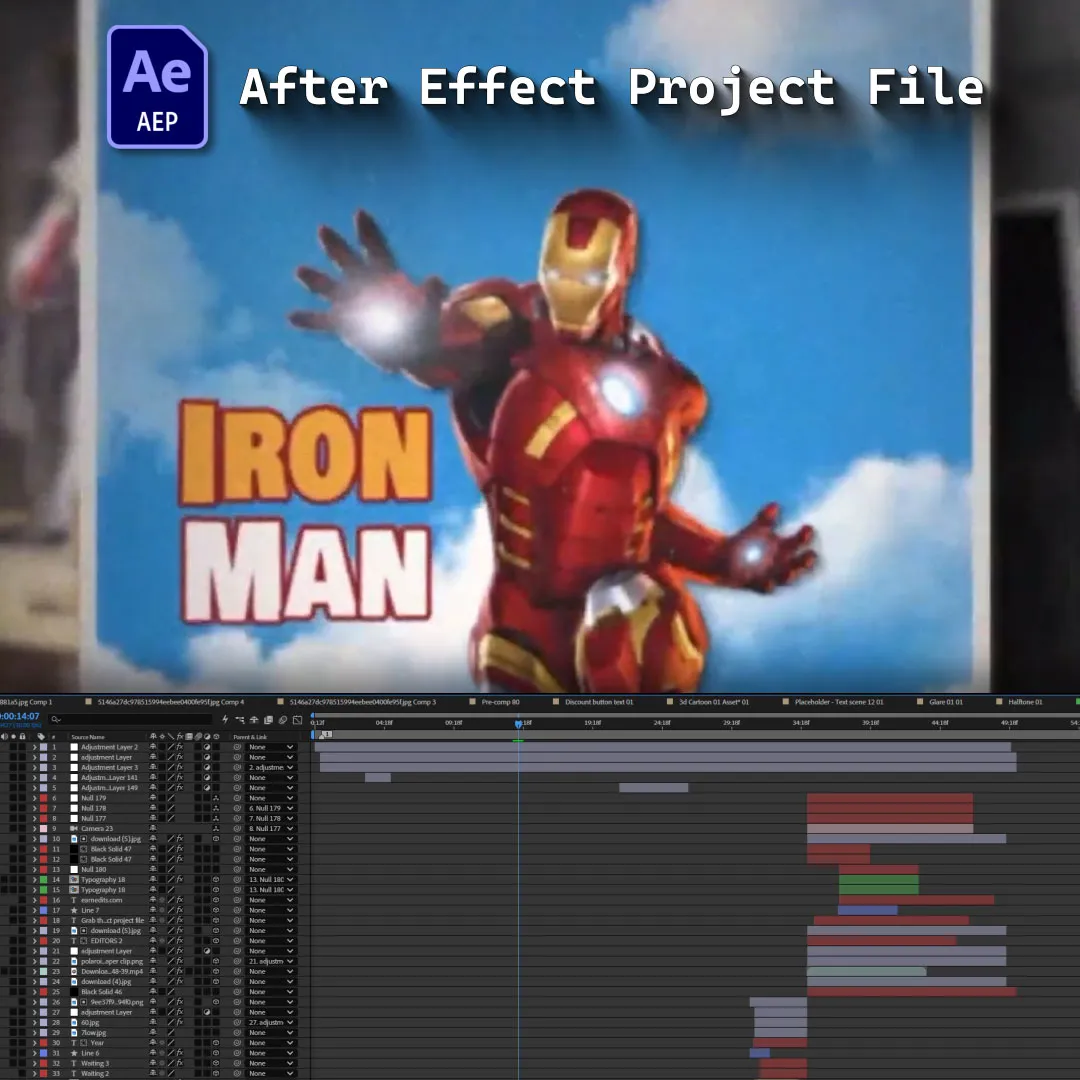
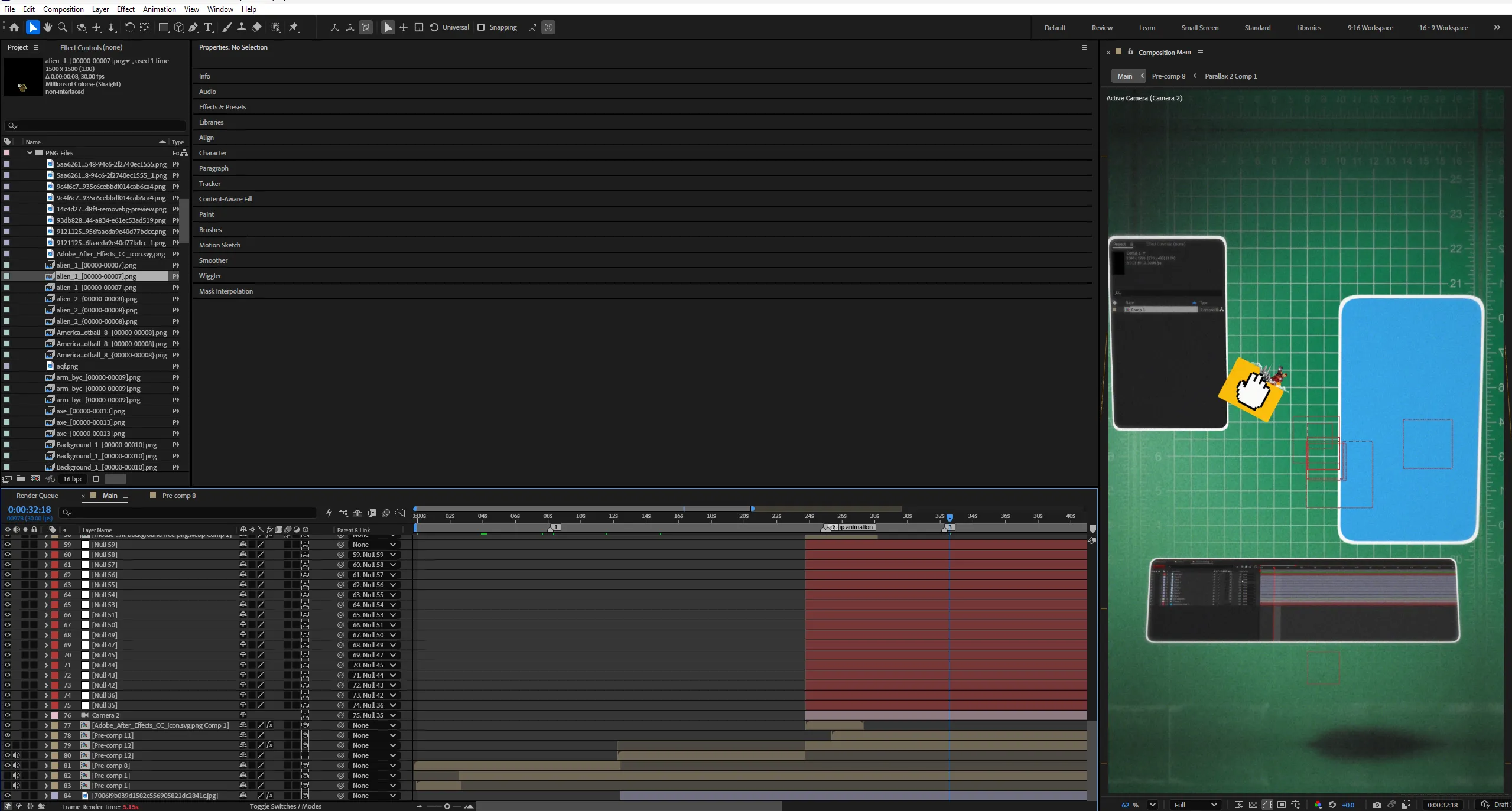
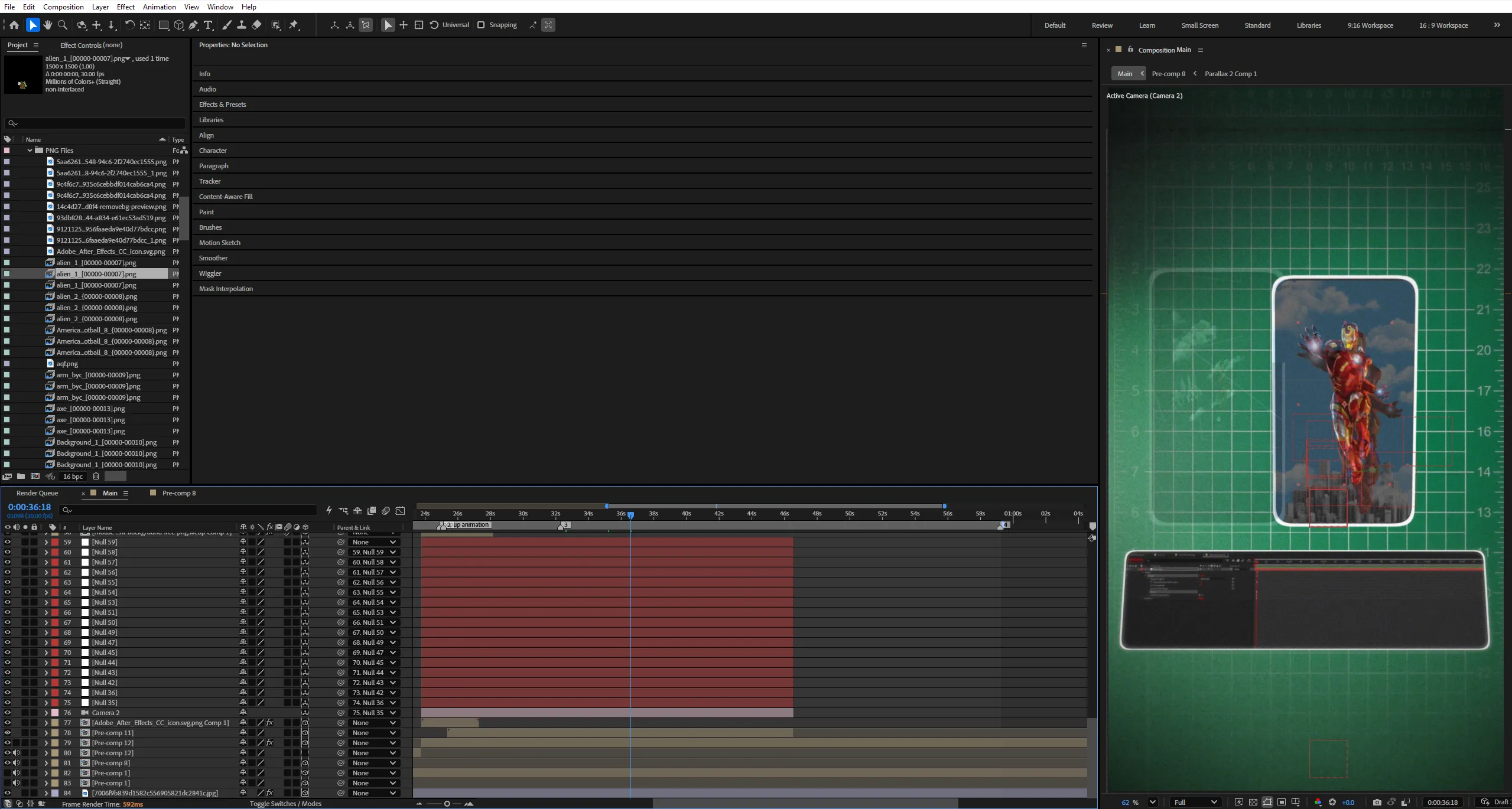
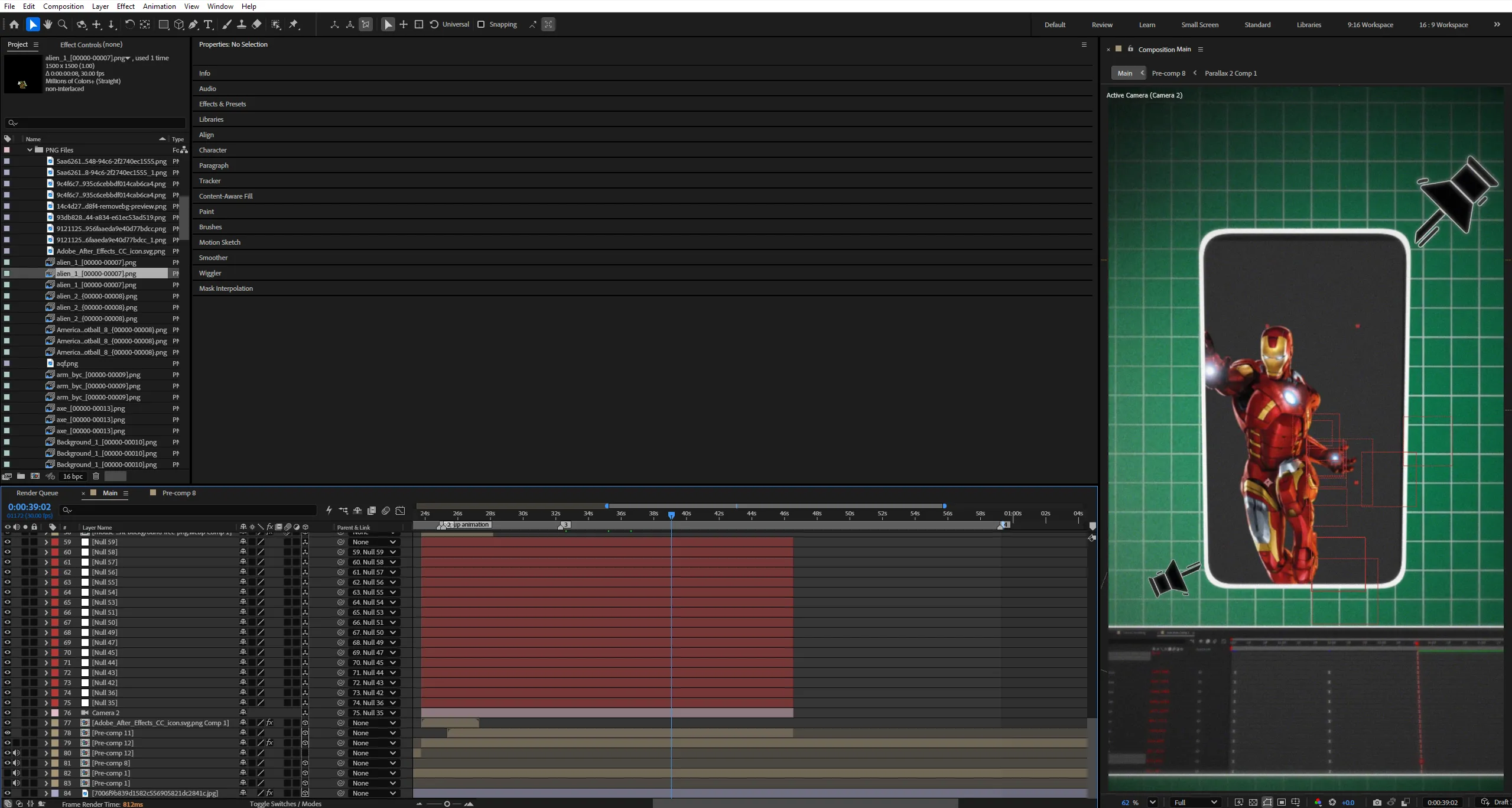
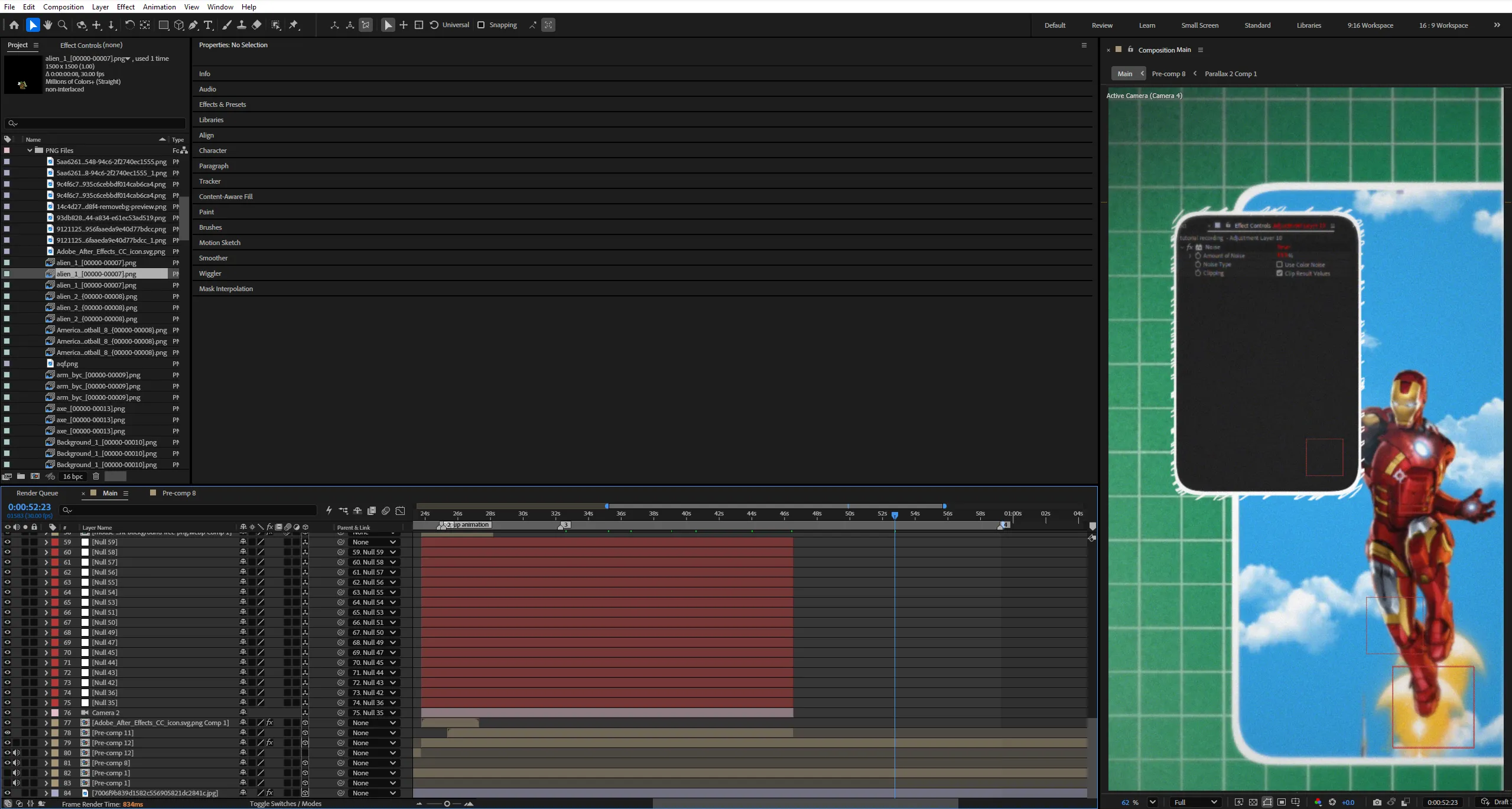

 If the project files aren't enough, watch our tutorial library.
Parallax Effect in After Effects — Create 3D Depth From a 2D Image


A flat image doesn’t have to stay flat.
What if you could take a single photograph and transform it into a cinematic 3D scene without building an entire 3D environment?
The Parallax Effect is a powerful motion design technique that creates the illusion of depth and perspective by separating a flat image into multiple layers and moving a virtual camera through them.
In this tutorial, we’ll break down the complete process of transforming an ordinary 2D image into a dynamic 2.5D scene using Adobe After Effects.
You’ll begin by separating the image into individual elements, isolating the foreground, subject, background, and environmental details. Each layer will become an independent part of the scene, allowing you to control its position and movement.
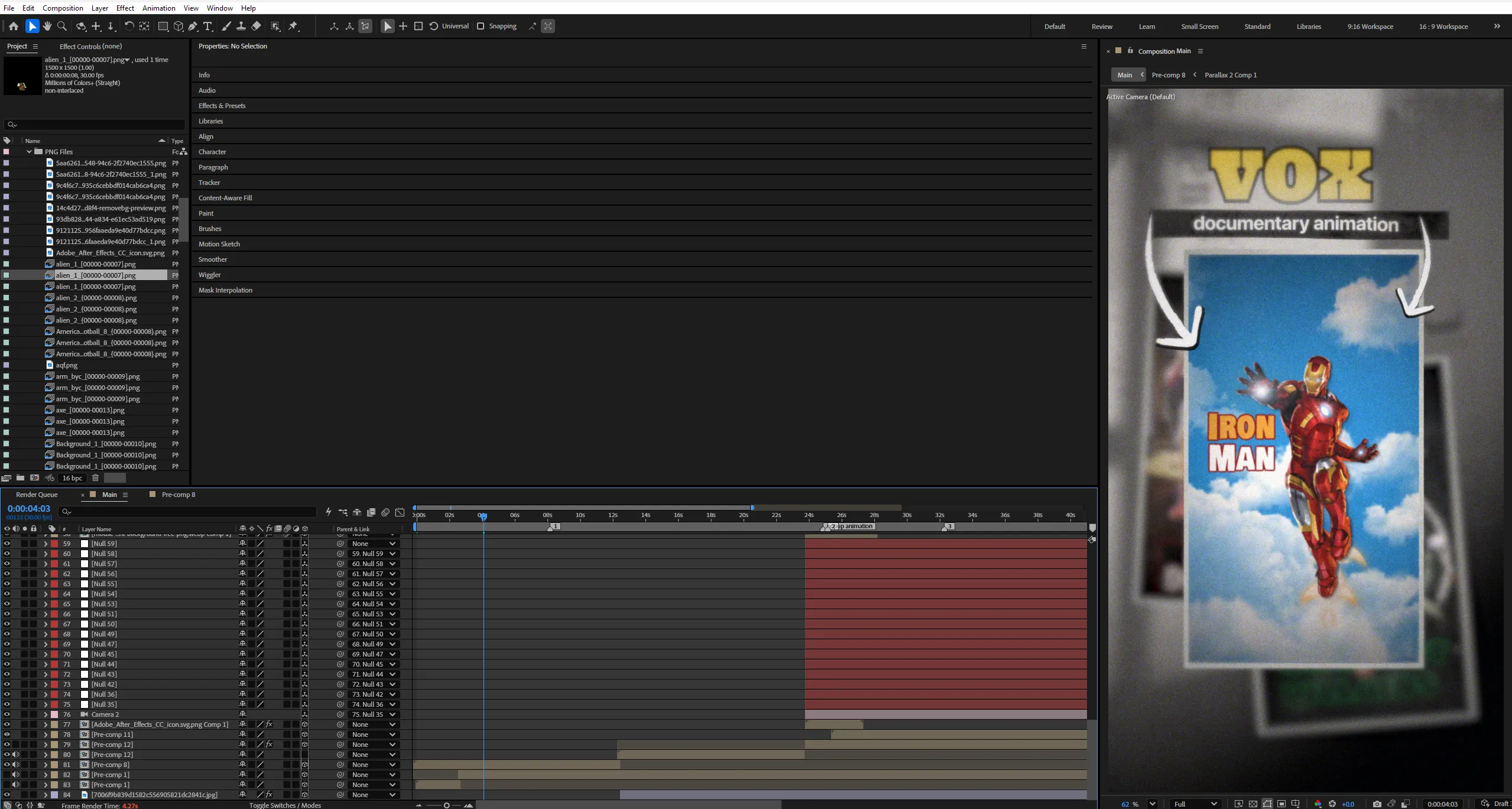
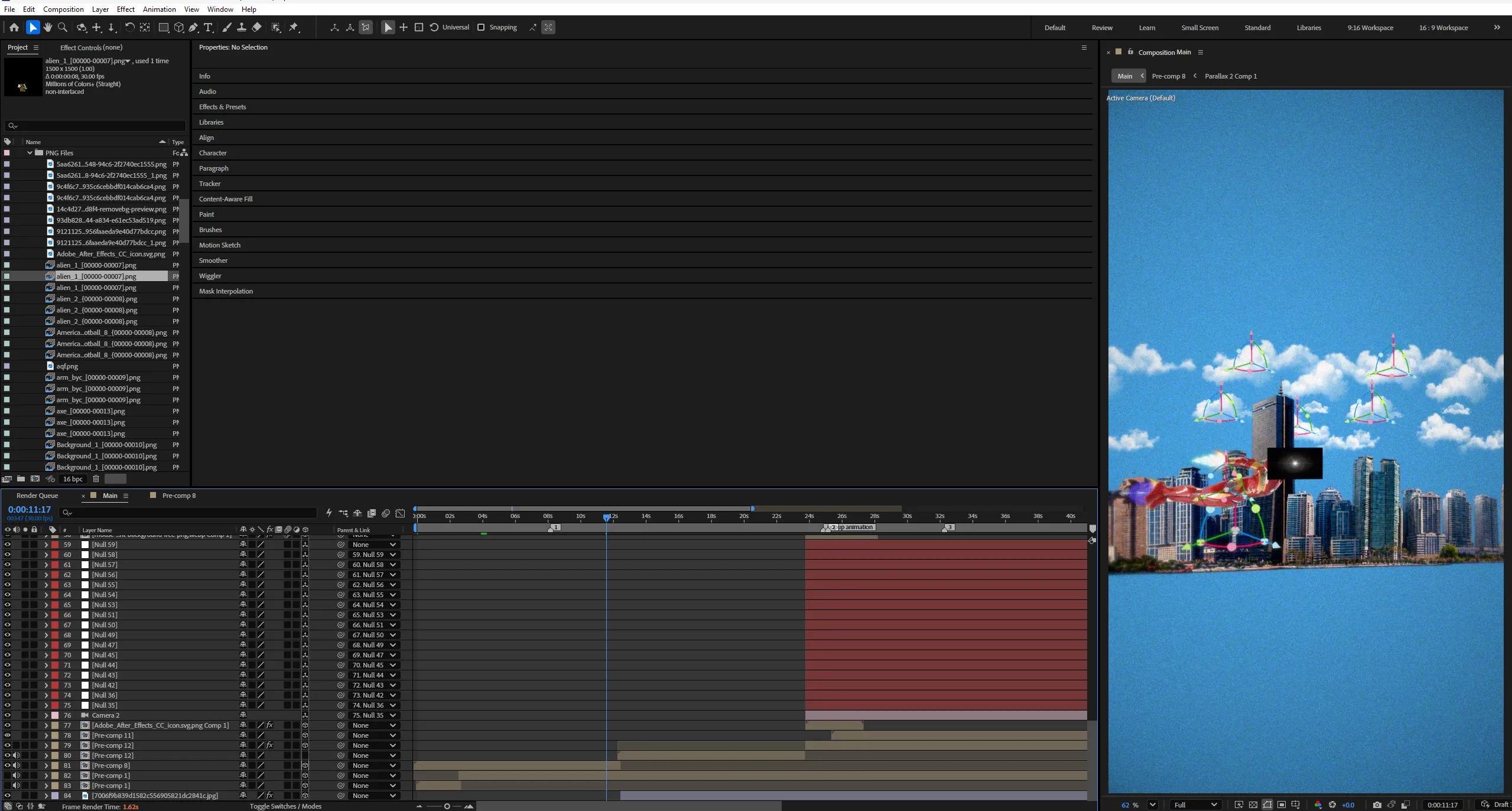
Next, you’ll bring these elements into After Effects, convert them into 3D layers, and position them at different depths along the Z-axis. By introducing space between the layers, you’ll establish the foundation for a convincing parallax effect.
But the real transformation happens when the camera starts moving.
Using a 3D camera and a Null Object controller, you’ll learn how to navigate the scene, create smooth camera movements, and produce natural perspective shifts. Elements closer to the camera will move differently from those farther away, creating the illusion that the original image exists within a three-dimensional environment.
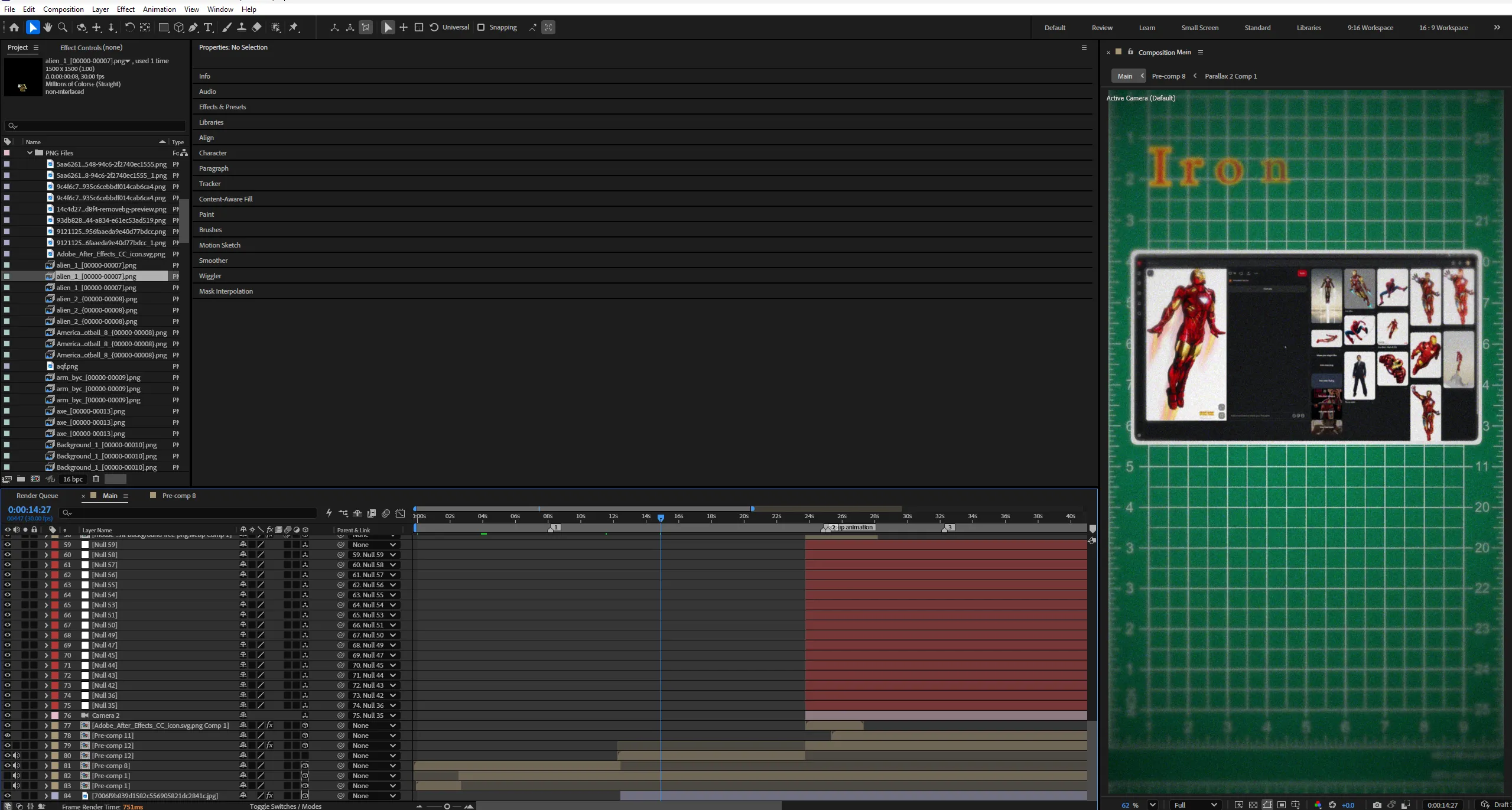
We’ll also explore multiple Composition views, camera positioning, smooth keyframes, easing, subtle rotations, and scale adjustments to refine the final animation.
The goal isn’t simply to move a camera through a stack of layers. It’s to create a scene that feels dimensional, cinematic, and alive.
By the end, you’ll have a reusable 2.5D parallax workflow that can be applied to photographs, illustrations, documentary visuals, editorial artwork, and short-form motion graphics.
One image.
Multiple layers.
A completely different perspective.
Key Features:
- 2.5D Parallax Animation
Learn how to transform a flat image into a scene with convincing depth using layered artwork and camera movement. - Image Separation & Layer Preparation
Understand how to isolate the foreground, subject, background, and environmental elements to create independent layers for animation. - 3D Layer Positioning
Convert 2D layers into 3D layers and position them along the Z-axis to establish depth and spatial relationships. - 3D Camera Animation
Create cinematic camera movements that reveal depth through perspective shifts, parallax, and controlled movement through the scene. - Null Object Camera Control
Use a Null Object to control the camera more efficiently, making complex movements easier to animate, adjust, and refine. - Multiple Composition Views
Learn how to inspect your scene from different viewpoints to understand layer placement, camera positioning, and the overall 3D layout. - Smooth Keyframes & Easing
Refine the animation with controlled timing, smooth transitions, subtle rotations, and scale adjustments for more natural movement. - Cinematic Depth & Perspective
Discover how the distance between layers affects the perceived depth and how to avoid camera movements that feel artificial or exaggerated. - Organized After Effects Workflow
Build a structured composition with clearly separated layers, editable camera controls, and reusable animation techniques.
Technical Specifications:
- Format:
Adobe After Effects Project File - Compatibility:
After Effects CC 2025 and Above - Resolution:
1080 × 1920 (Portrait) - Audio:
Designed for tutorial narration with supporting background music and sound effects where appropriate. - Organization:
Organized compositions, separated image layers, 3D camera setup, Null Object controller, and editable animation keyframes.
Perfect For:
- Motion Graphics Artists
Add cinematic camera movement and dimensionality to flat artwork, photographs, and editorial compositions. - After Effects Beginners
Learn the fundamentals of 3D layers, camera controls, Z-axis positioning, and spatial relationships inside After Effects. - Documentary Editors
Transform historical photographs, archival images, and still visuals into engaging sequences with cinematic movement. - Content Creators
Create more dynamic visuals for Instagram Reels, YouTube Shorts, video essays, and storytelling content.
Project Concept:
A single image can hold an entire world.
But without movement, its depth remains hidden.
The parallax effect changes that by separating an image into layers and using camera movement to reveal the space between them. What begins as a flat photograph gradually becomes a cinematic environment with perspective, depth, and motion.
This tutorial takes you through that transformation step by step, showing how a combination of layer preparation, 3D positioning, and camera animation can completely change the way an image feels.
No complicated 3D modeling.
No need to build an entire environment from scratch.
Just a thoughtful workflow that turns a flat composition into something more immersive.
Separate the layers.
Build the depth.
Move the camera.
Bring the image to life.
Stop editing alone. Join EarnEdits.com and take your editing skills to the next level!
Important Notice – Required Assets
This project uses specific fonts and effects that must be installed on your system for full functionality.
Please note:
- We do not provide or redistribute any third-party assets — fonts, effects, plugins, scripts, etc. — out of respect for their creators’ copyright and licensing.
- The good news: inside our community on Patreon, we offer full support. Our entire team helps you reach the official sources for these assets and guides you through getting them in the easiest way possible.
- After Effects will automatically show any missing fonts or effects when you open the project.
- All required items are clearly listed in the preview images above.
- You must download/install these fonts/effects independently.
- You can easily find all required fonts/effects online by searching their names — or our team in the community will help you get them.
What’s Included?
Everything you need to customize your viral edit quickly and professionally - all neatly organized inside one Adobe After Effects project.

Full .AEP File
Complete, fully editable After Effects project.

Organized Folders
Clean project structure designed for easy nav & learning.

Editable Text
All titles and typography elements can be fully customized.

Color Controls
Quick global color adjustments using built-in control layers.

Sound Recommendations
Suggested audio tracks curated to match the editing style.
Everything inside this project is crafted to give you full control, smooth performance, and fast exports — built for real viral editing workflows.
Everything inside this project is crafted to give you full control, smooth performance, and fast exports — built for real viral editing workflows.
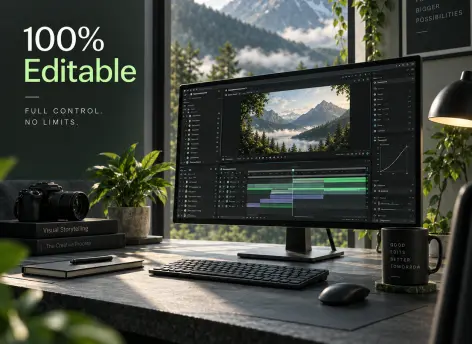
100% Editable
Full access to every layer, effect, keyframe, and composition, giving you complete freedom to modify the project however you want.
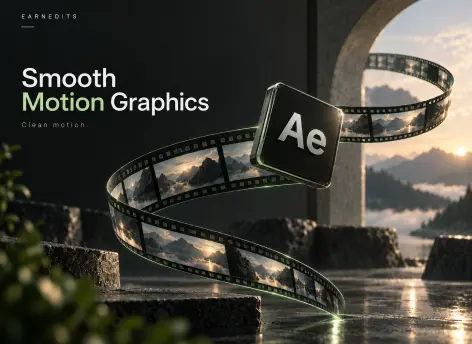
Smooth Motion Graphics
Clean, dynamic, and professionally crafted animations designed to perform well on TikTok, Instagram, and other short-form platforms.
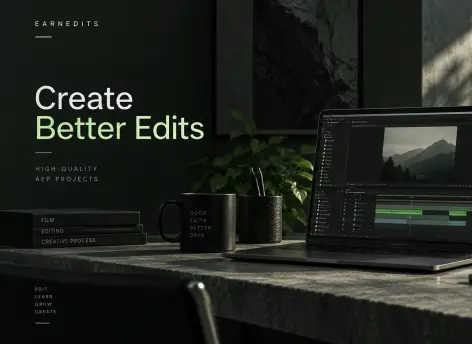
Fast Render
An optimized composition structure ensures quick render times without compromising visual quality — perfect for creators on tight deadlines.
Real Feedback From Real Creators
Social proof from creators who know our standards






































Follow Us on Instagram
Stay inspired with weekly viral edits, motion tutorials, and behind-the-scenes design breakdowns.


