




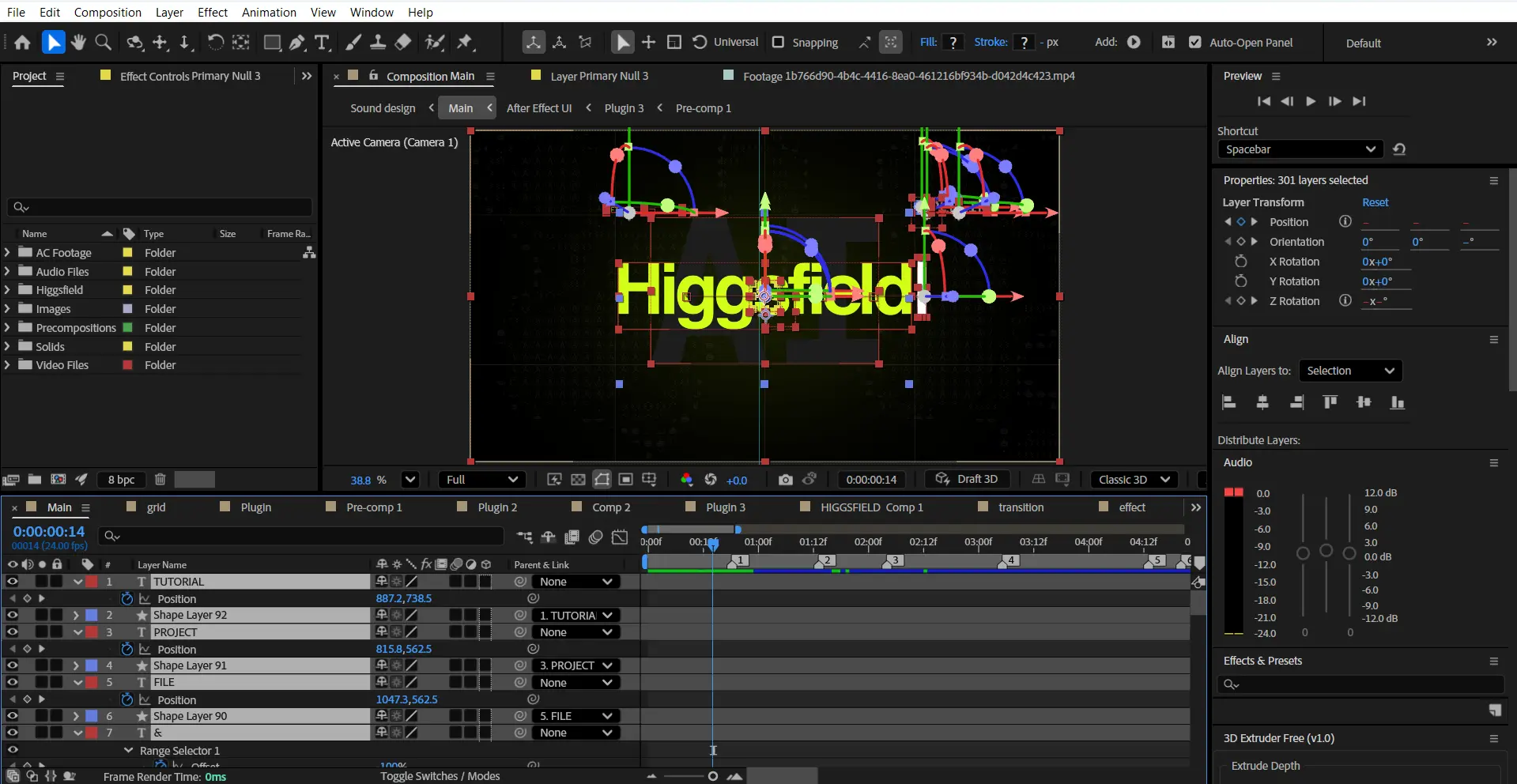
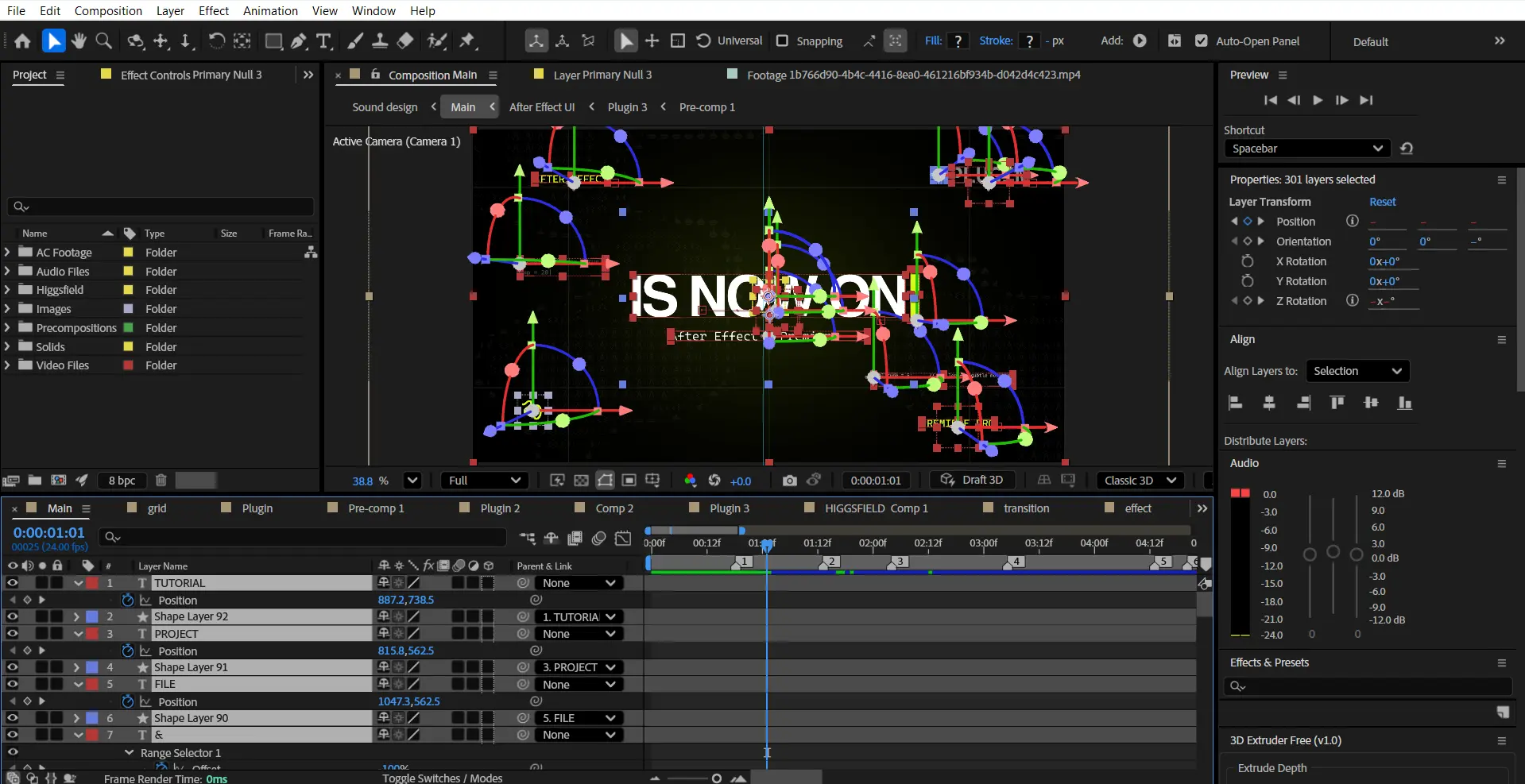
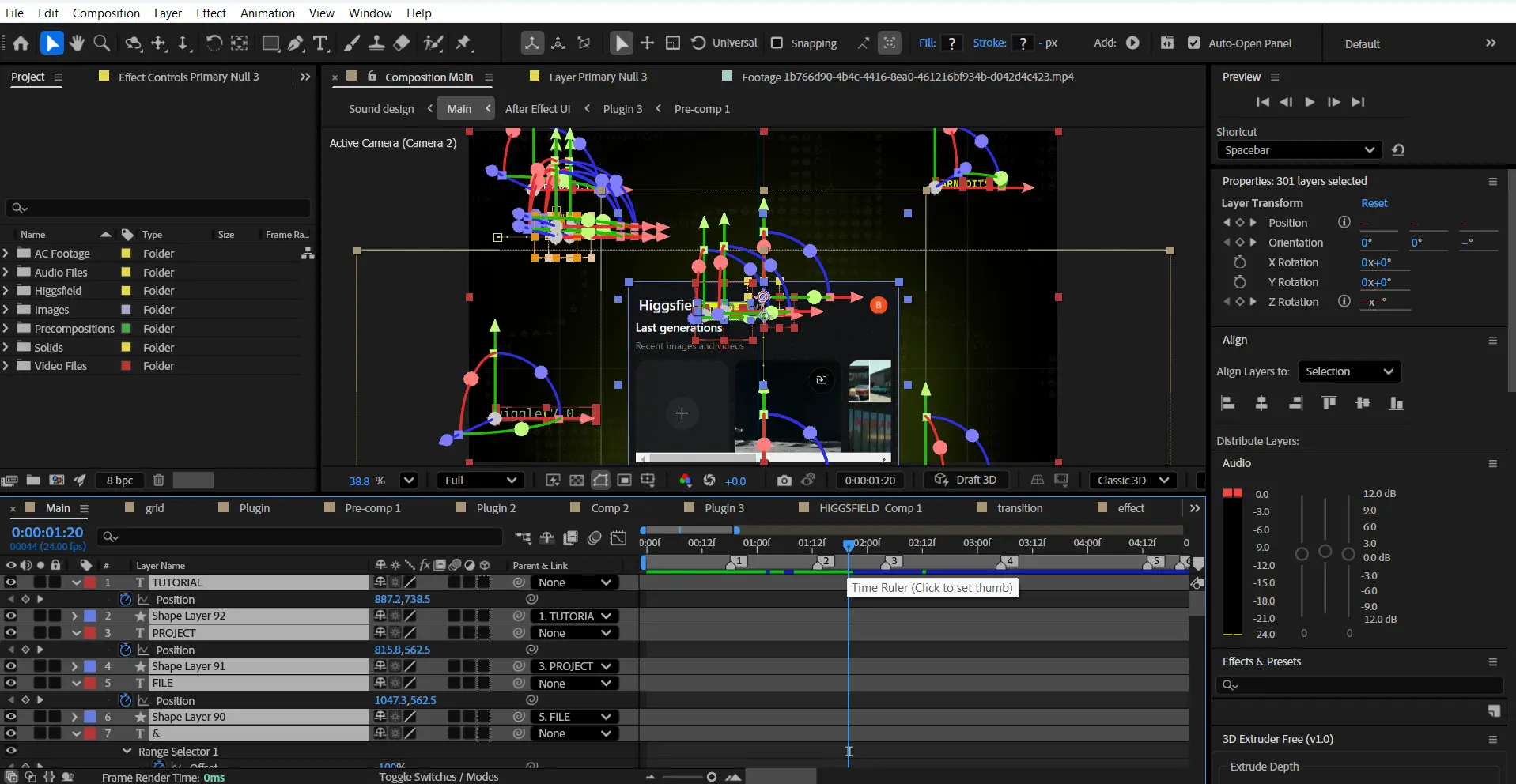
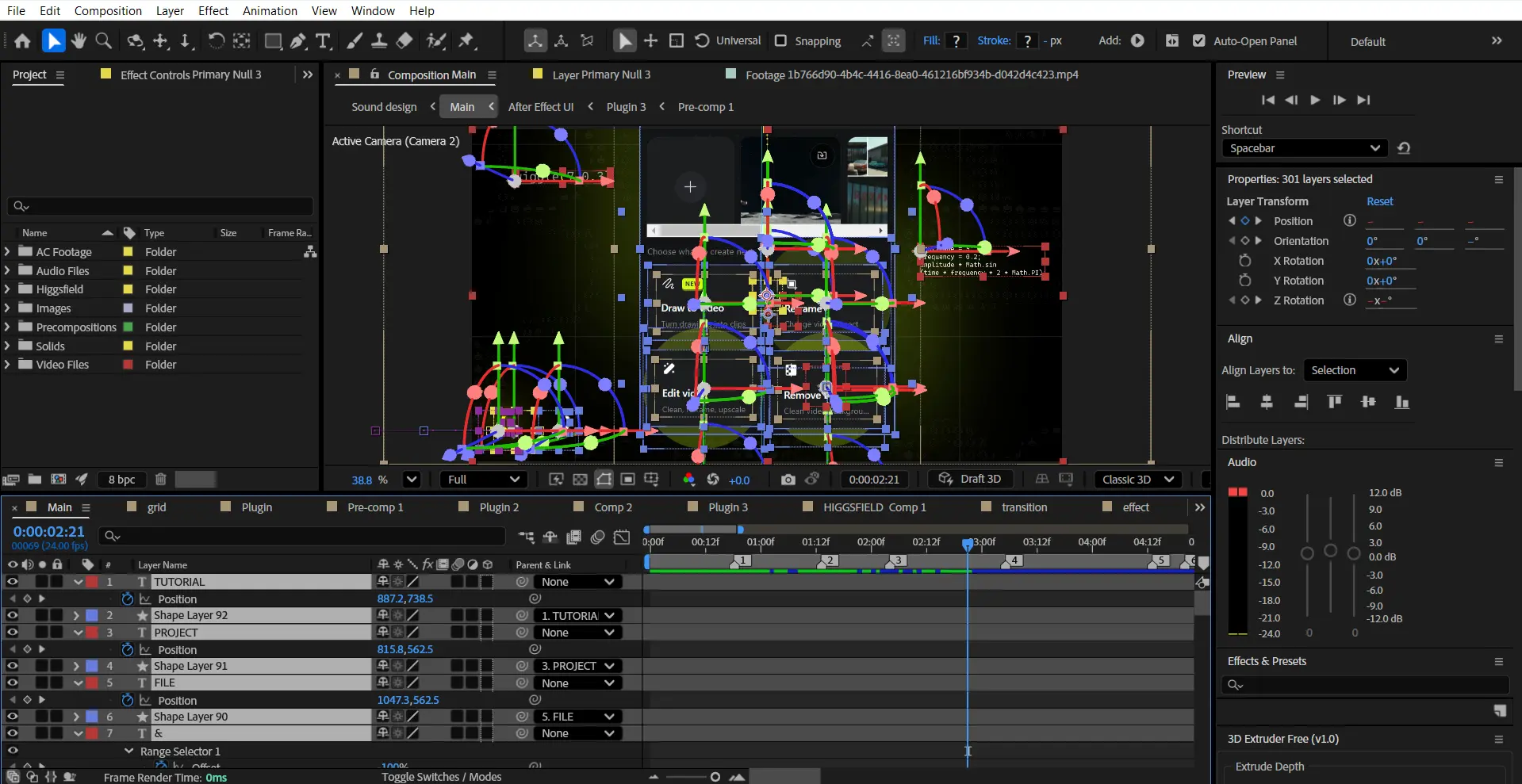

 If the project files aren't enough, watch our tutorial library.
Higgsfield for After Effects — AI Editing, Reimagined


Video editing used to mean jumping between plugins, masking frame by frame, and spending hours fixing problems that shouldn’t exist.
Need to remove a background?
Open another tool.
Need to reframe a shot?
Animate it manually.
Need to upscale footage?
Export. Wait. Repeat.
Then AI changed the workflow.
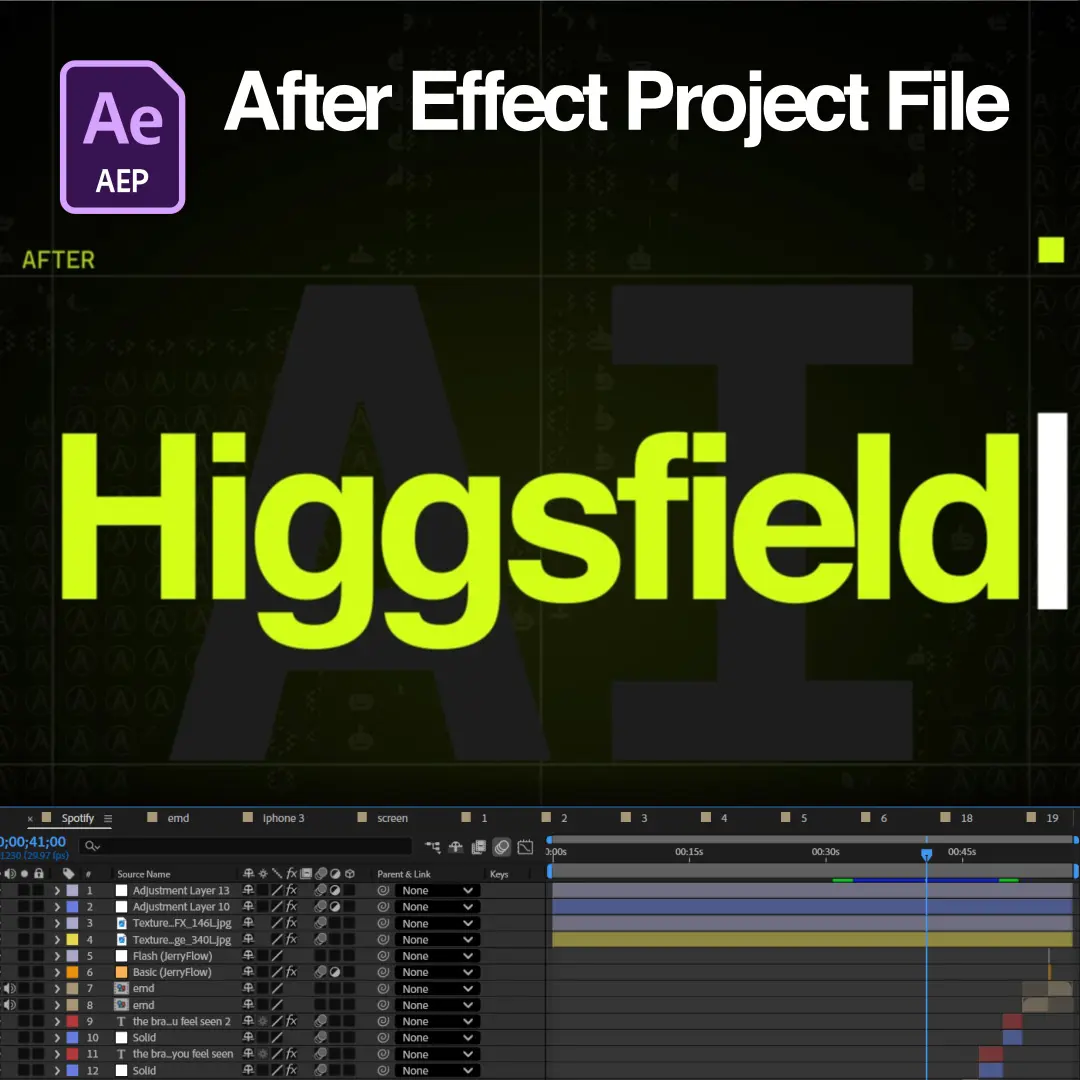
This project explores how the Higgsfield plugin for After Effects transforms post-production through intelligent editing tools designed to eliminate repetitive tasks and accelerate creativity. Built entirely in a clean SaaS-inspired motion design style, the project combines premium UI animation, floating dashboards, workflow visualizations, and cinematic typography to recreate the experience of editing with an AI-powered assistant directly inside After Effects.
Draw directly onto your footage.
Remove backgrounds in seconds.
Reframe videos automatically.
Upscale low-resolution clips with ease.
Less technical friction.
More creative momentum.
This project visualizes that shift through polished interface systems, modern creator dashboards, smooth transitions, and startup-inspired product storytelling designed for today’s AI-powered editing landscape.
The plugin doesn’t replace editors.
It removes the busy work.
Key Features:
- Modern SaaS Interface Design: Clean dashboard layouts, floating control panels, premium AI tool interfaces, smooth gradients, and polished interaction systems.
- AI Draw & Video Enhancement Animation: Visual demonstrations of drawing directly inside footage, intelligent object interaction, and AI-assisted creative workflows.
- Background Removal Visualization: Instant subject isolation, one-click cutout systems, before-and-after comparisons, and seamless compositing storytelling.
- Smart Reframing Systems: Automatic aspect ratio adjustments, subject tracking visuals, dynamic crop previews, and multi-platform optimization workflows.
- AI Upscaling Animation: Resolution enhancement showcases, quality comparison sequences, detail restoration visuals, and premium footage transformation systems.
- Cinematic Typography Motion: Minimal kinetic typography with modern pacing, clean transitions, and startup-inspired storytelling aesthetics.
- Organized Pre-Compositions: Fully structured compositions with labeled scenes, editable placeholders, modular layouts, and optimized workflow organization.
Technical Specifications:
- Format: Adobe After Effects Project File
- Compatibility: After Effects CC 2025 and above
- Resolution: 1920×1080 Full HD (Landscape)
- Style: SaaS / AI Product / Modern Motion Design aesthetic
- Organization: Fully organized and labeled compositions for efficient workflow.
Perfect For:
- Motion Designers & Editors Perfect for creators looking to integrate AI into their professional editing workflows.
- After Effects Users Learn how modern AI-assisted tools can streamline compositing, reframing, and footage enhancement.
- SaaS & Product Motion Designers Ideal for startup advertisements, software showcases, and technology-driven storytelling.
- Educational & Creator Content Optimized for YouTube, website showcases, product launches, and modern digital presentations.
Project Concept:
Editors should spend their time creating.
Not masking frame by frame.
Not rebuilding the same workflows.
Not wasting hours on technical limitations.
Higgsfield brings intelligent tools directly into After Effects, turning complex processes into simple interactions and giving creators more time to focus on ideas that matter.
Draw naturally.
Edit faster.
Enhance instantly.
This project visualizes that philosophy through cinematic SaaS-inspired motion design, AI-powered workflow animation, and modern product storytelling built for the future of video editing.
Important Notice – Required Assets
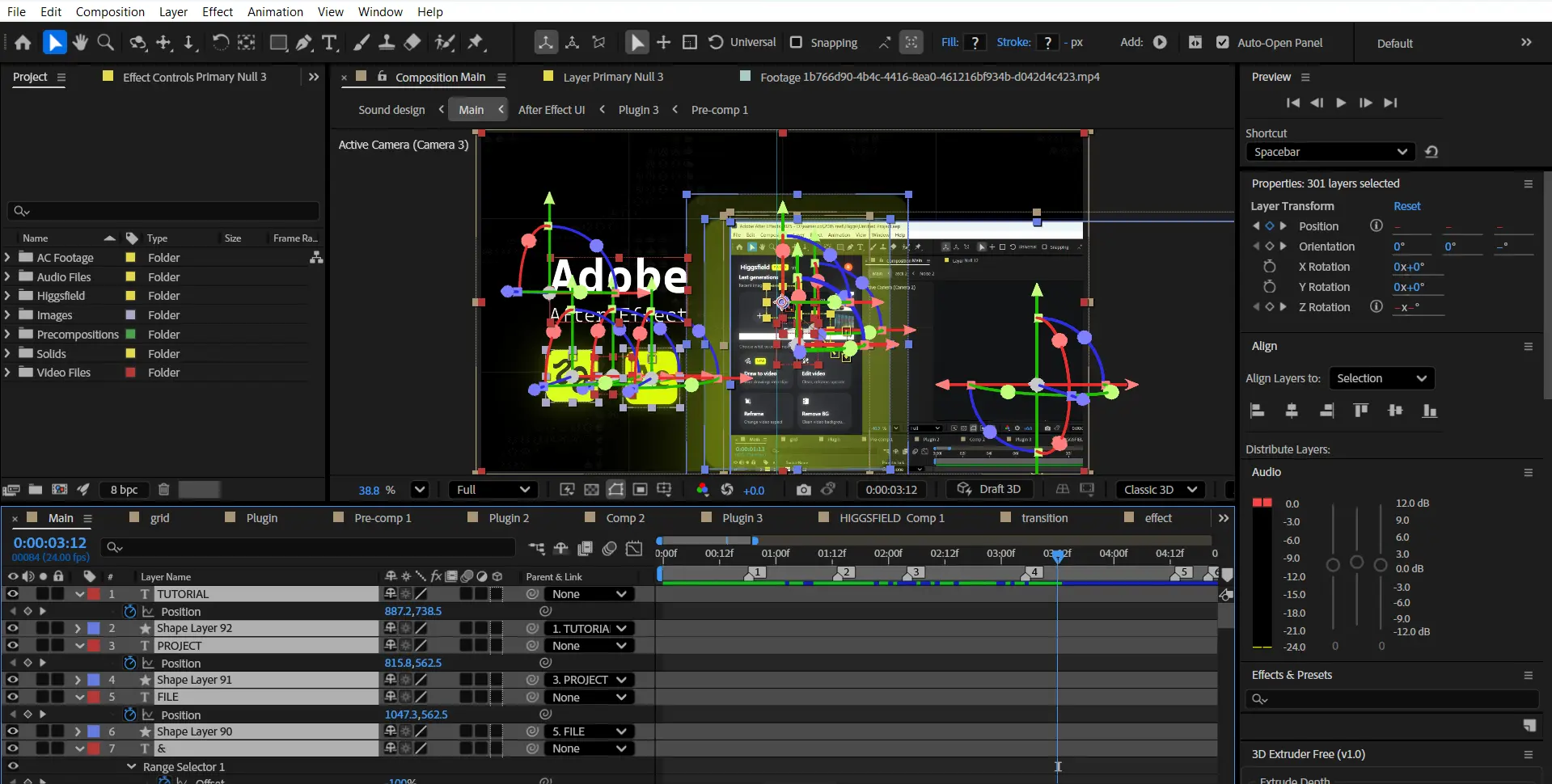
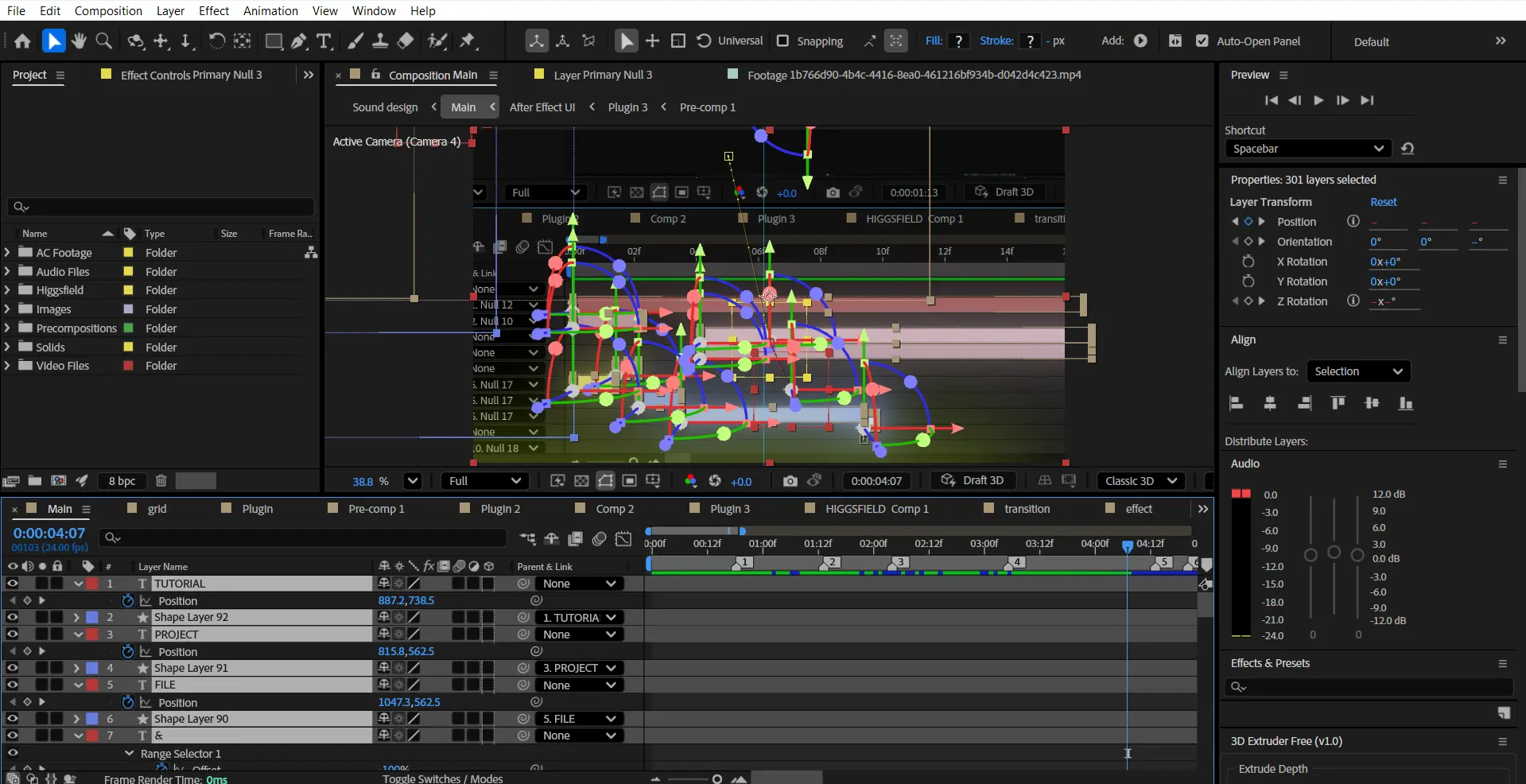
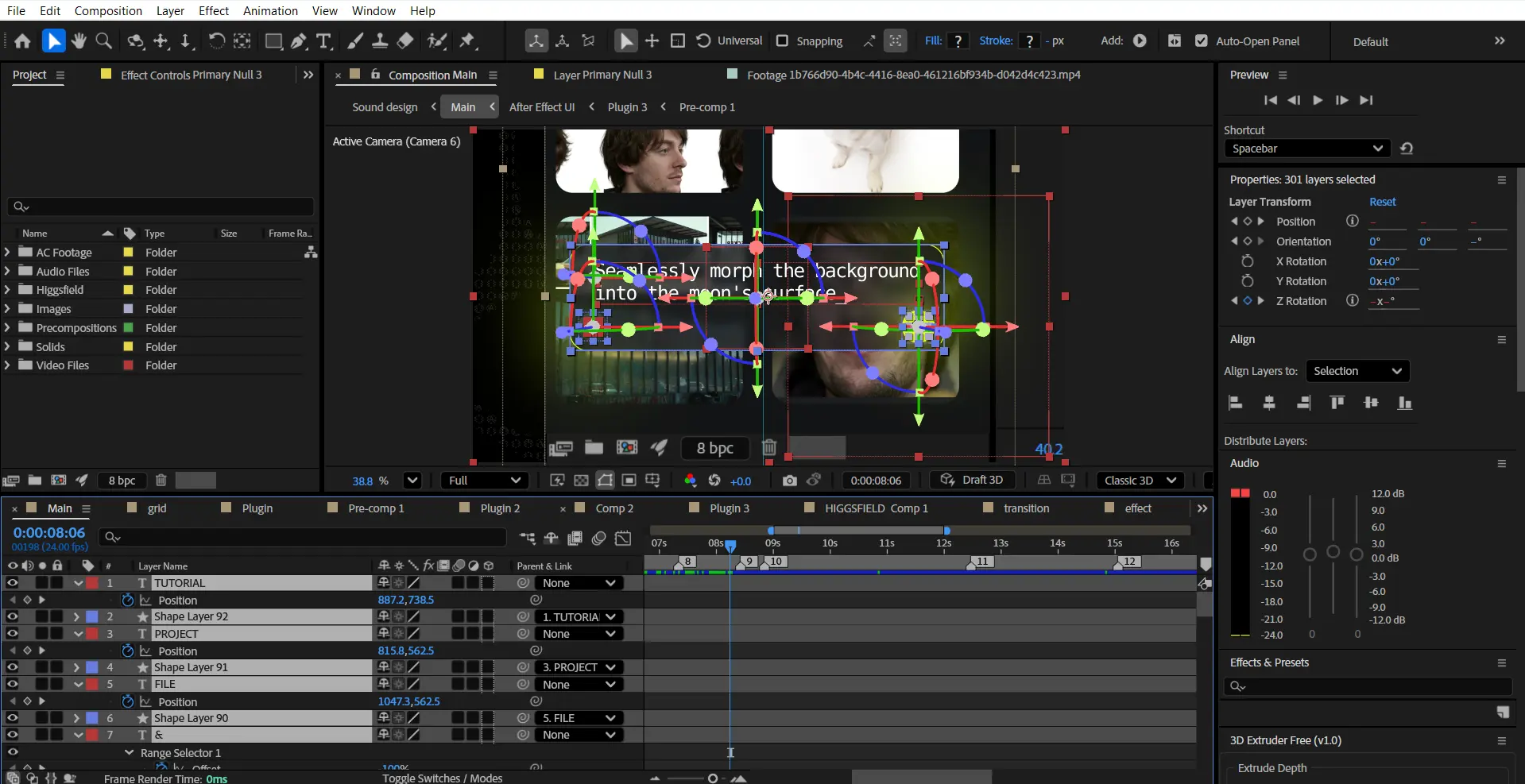
This project uses specific fonts and effects that must be installed on your system for full functionality.
Please note:
- We do not provide or redistribute any third-party assets — fonts, effects, plugins, scripts, etc. — out of respect for their creators’ copyright and licensing.
- The good news: inside our community on Patreon, we offer full support. Our entire team helps you reach the official sources for these assets and guides you through getting them in the easiest way possible.
- After Effects will automatically show any missing fonts or effects when you open the project.
- All required items are clearly listed in the preview images above.
- You must download/install these fonts/effects independently.
- You can easily find all required fonts/effects online by searching their names — or our team in the community will help you get them.
What’s Included?
Everything you need to customize your viral edit quickly and professionally - all neatly organized inside one Adobe After Effects project.

Full .AEP File
Complete, fully editable After Effects project.

Organized Folders
Clean project structure designed for easy nav & learning.

Editable Text
All titles and typography elements can be fully customized.

Color Controls
Quick global color adjustments using built-in control layers.

Sound Recommendations
Suggested audio tracks curated to match the editing style.
Everything inside this project is crafted to give you full control, smooth performance, and fast exports — built for real viral editing workflows.
Everything inside this project is crafted to give you full control, smooth performance, and fast exports — built for real viral editing workflows.
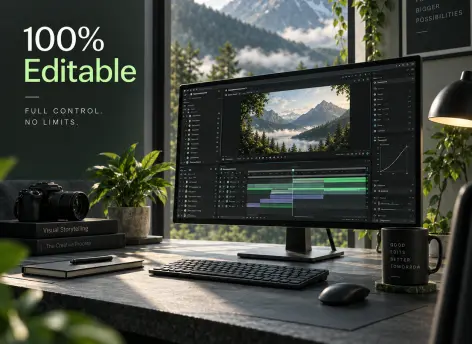
100% Editable
Full access to every layer, effect, keyframe, and composition, giving you complete freedom to modify the project however you want.
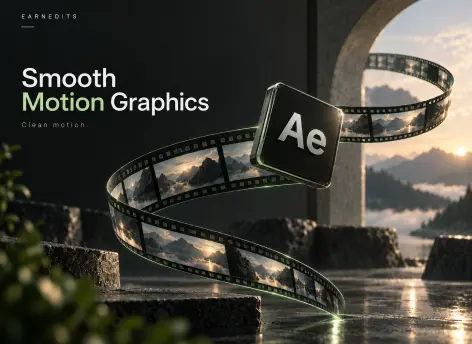
Smooth Motion Graphics
Clean, dynamic, and professionally crafted animations designed to perform well on TikTok, Instagram, and other short-form platforms.
Fast Render
An optimized composition structure ensures quick render times without compromising visual quality — perfect for creators on tight deadlines.
Real Feedback From Real Creators
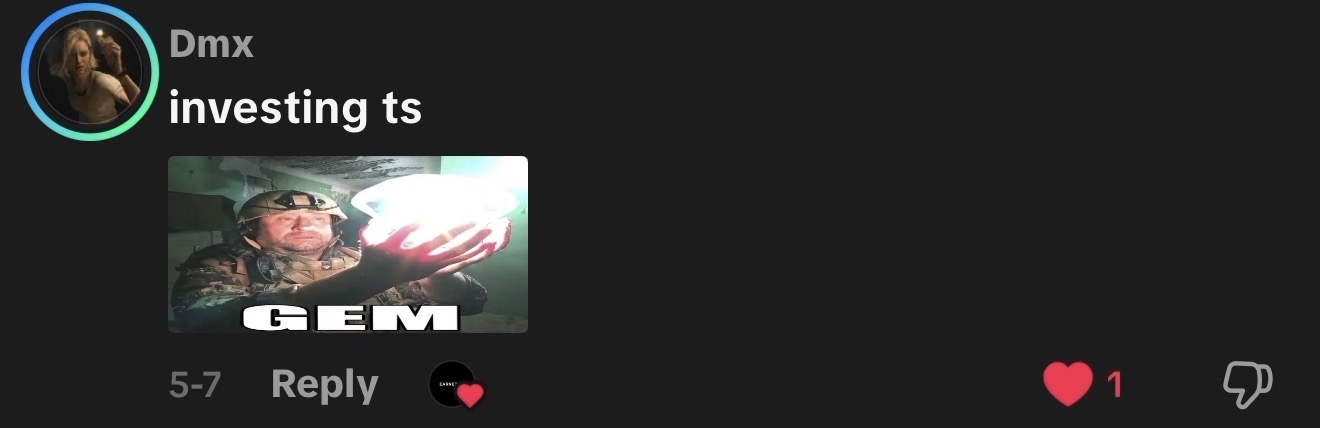
Social proof from creators who know our standards





































Follow Us on Instagram
Stay inspired with weekly viral edits, motion tutorials, and behind-the-scenes design breakdowns.


