Introducing Frame War
Submit your best edit, make it into the Top 3, and compete for the monthly Frame War reward. The winner receives cash plus exposure across EarnEdits community channels.
PRODUCT CATEGORIES
Submit your best edit, make it into the Top 3, and compete for the monthly Frame War reward. The winner receives cash plus exposure across EarnEdits community channels.
 Back
Back

 Aug 03, 2026
 Muhammad Sikandar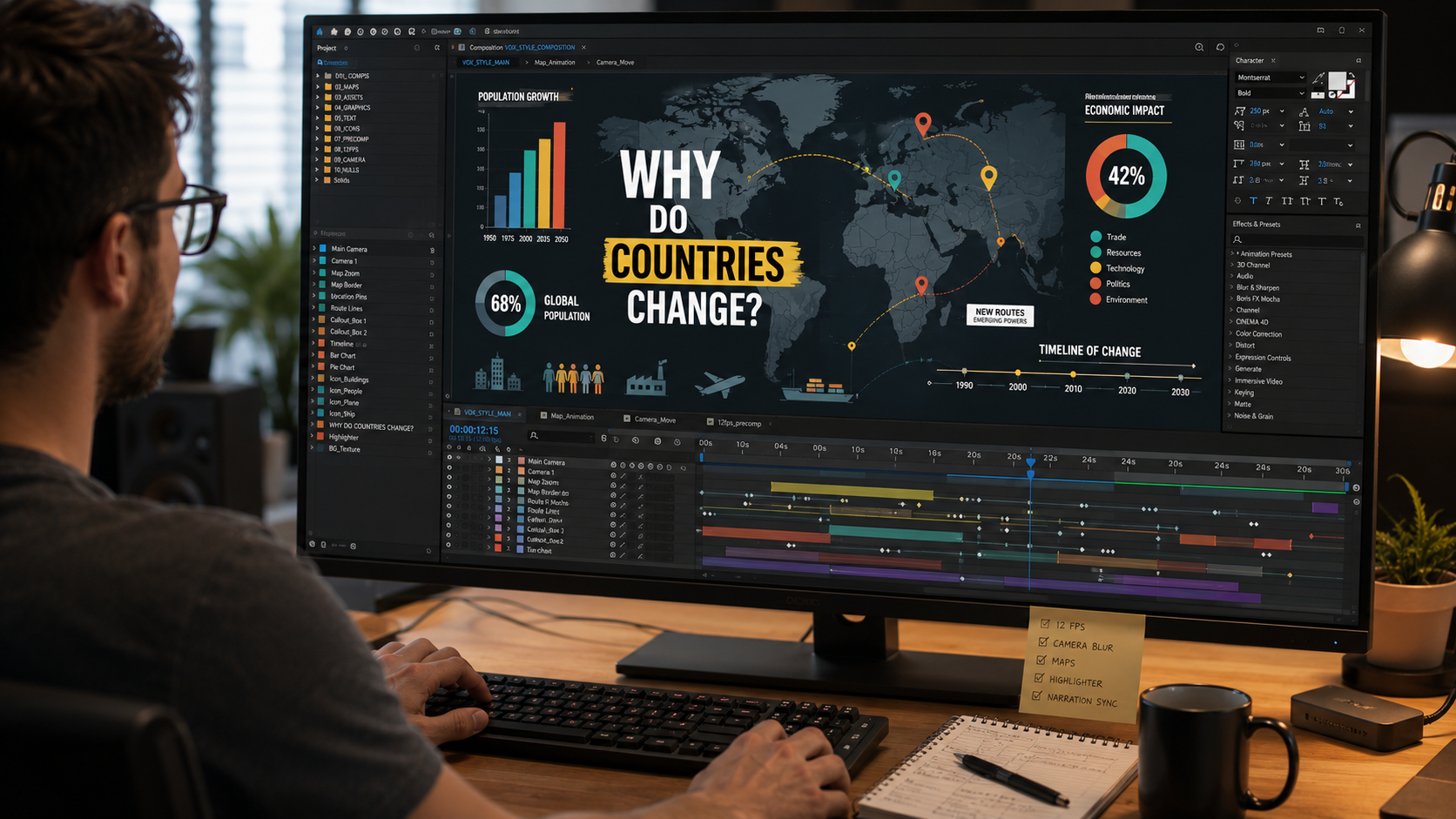
The Vox editing style is built from six recognizable techniques: the 12fps stutter, camera-blur transitions, animated maps, the highlighter effect, flat limited-palette design, and motion synced to narration. We rebuild recognizable styles to study them, and the Vox look breaks down into specific, repeatable moves. The style dominates YouTube explainers, from Vox itself to Johnny Harris and countless documentary channels. This deconstruction covers each technique, how the pieces combine, and the single rule that separates a professional Vox edit from an amateur imitation.
The Vox style is clean flat-design motion graphics driven by narration, where every animated element clarifies information rather than decorates it. The look emerged around 2015 and spread across the explainer-video world.
The core identity is informational, not decorative. Clean sans-serif type, bold infographics, animated maps, and tight editing carry a voiceover through a complex topic. The animation explains. The style suits the short-form explainer work covered in our guide to viral After Effects project files for social media. Each technique is learnable.
The Vox stutter comes from animating graphics at 12fps inside a 24fps timeline, which creates the signature choppy-on-purpose motion. This is the smallest technique and one of the most recognizable.
The method is simple. Build the graphics composition at 12fps and render it at 12fps. Drop it into a 24fps edit, and the graphics stutter against the smoother footage. The reduced frame rate gives text and shape animations a deliberate, hand-made character. The effect reads as intentional craft, not a mistake.
Vox transitions blend scenes using a 3D camera move paired with a touch of blur, which makes cuts nearly invisible. The transition creates a linear sense of movement between sequences.
The build uses two pre-edited sequences set as 3D layers. A 3D camera keyframes a backward or forward move across the cut point, and a blur blends the two sequences. The camera motion carries the eye through the edit while the blur softens the seam. The result feels like the camera moves in and out of focus between scenes.
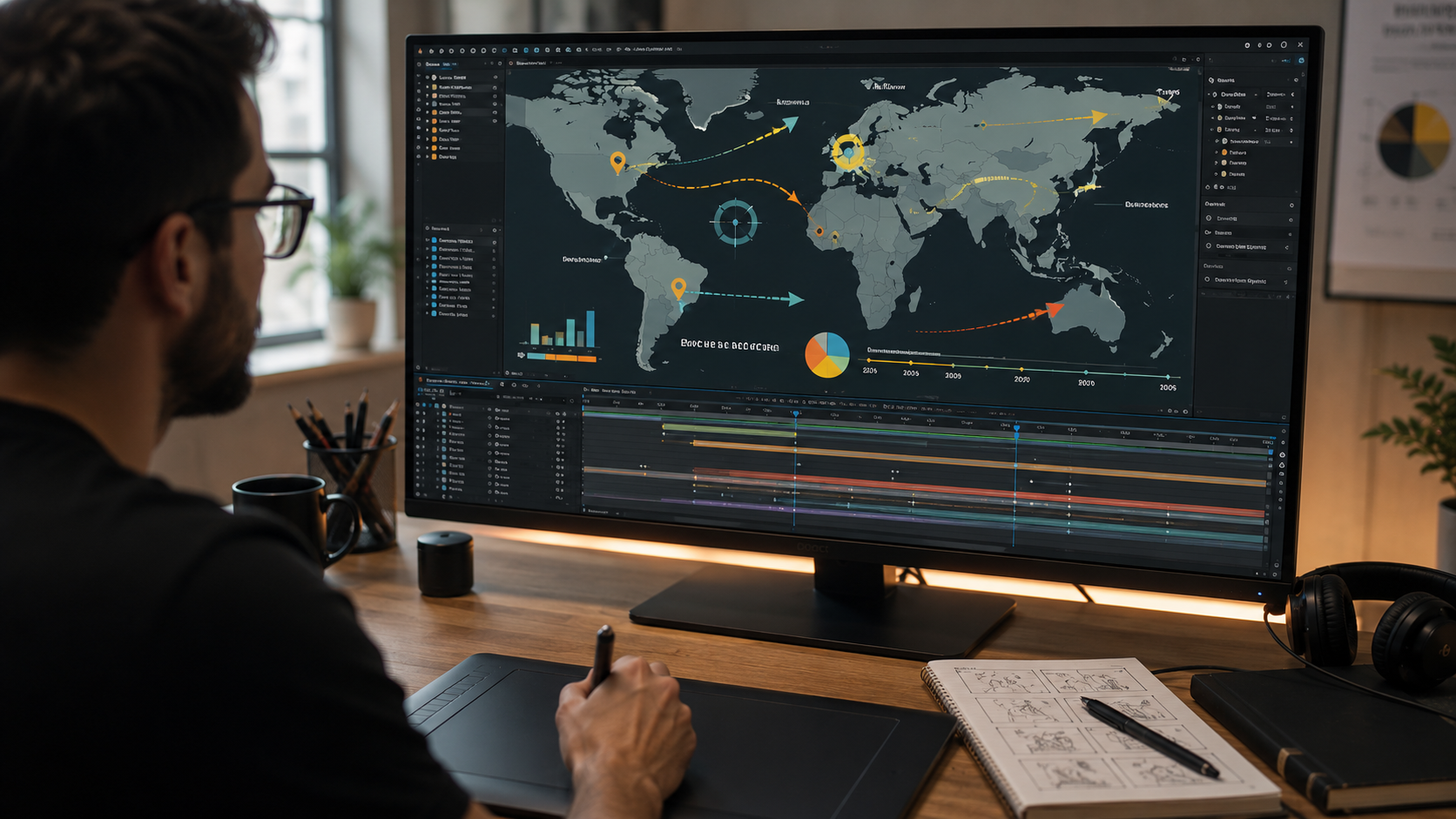
Animated maps with soft callouts are a Vox signature, used to visualize geography, data, and movement over time. Maps carry a large share of Vox explainer content.
The technique layers a prepared map, then animates zoom and camera movement across it. Borders highlight with a brush-drawn stroke. Animated labels and callouts appear on cue with the narration. A timeline scrolling left to right often accompanies the map to show change over time. The map answers a specific question the voiceover raises.
The highlighter effect draws the eye to key information by animating a highlight or color block behind text on cue. The move emphasizes the point the narrator is making at that exact moment.
The effect runs on a shape layer animated behind or across the text. Timing is everything: the highlight lands as the narrator stresses the word. The technique keeps a dense informational frame readable by directing attention one point at a time.
Vox edits use simple flat illustrations and a limited color palette to keep focus on the message. Visual restraint is a deliberate choice, not a limitation.
The palette usually holds a few colors applied consistently across the whole video. Illustrations stay simple and clean. The restraint prevents the frame from competing with the information, which is the entire point of an explainer. Consistent color and type also build the recognizable brand identity across a channel.
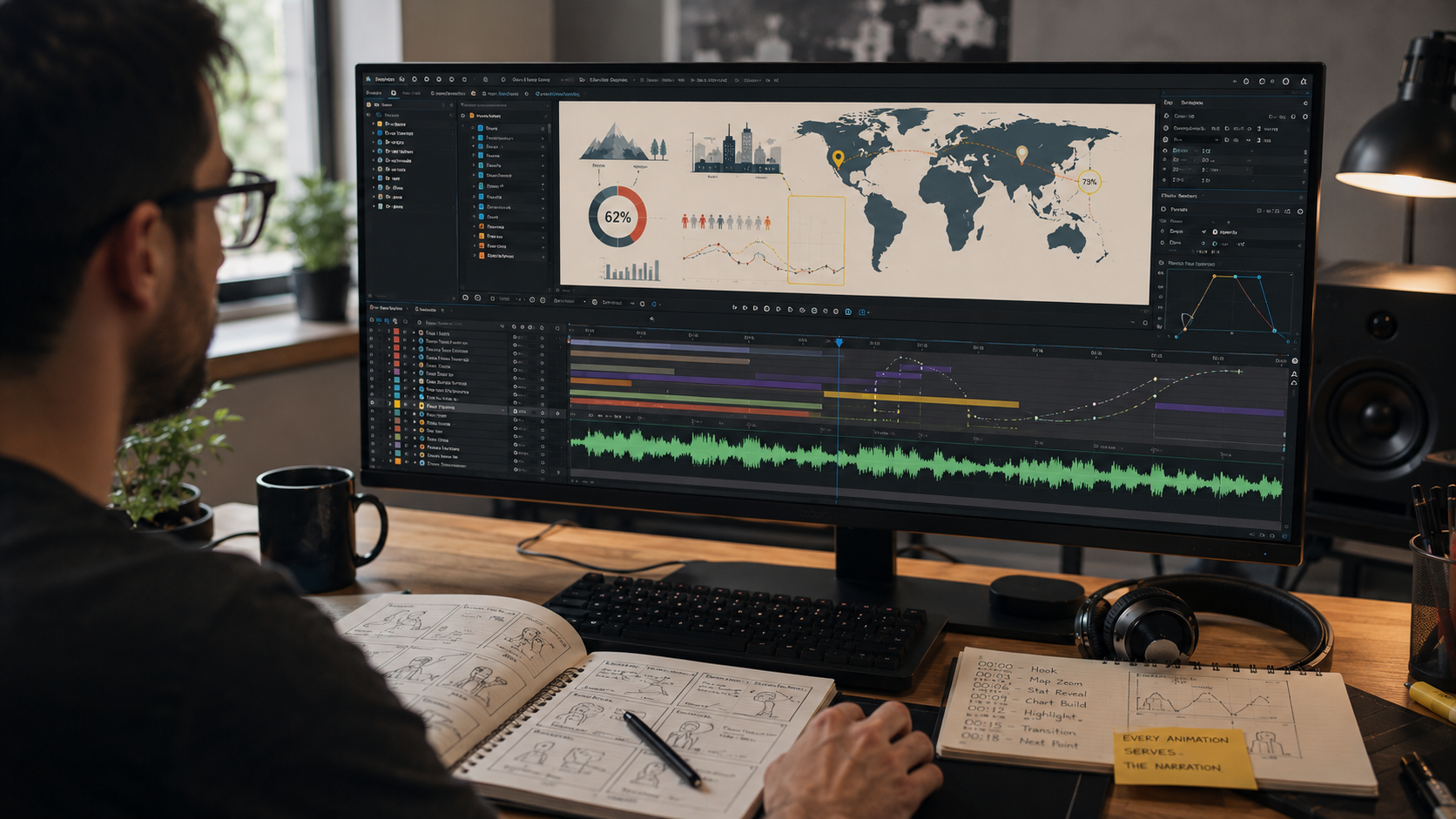
Every animation in a Vox edit times to the voiceover, so motion appears exactly when the narrator introduces the idea. Synchronization is the technique that ties the other five together.
Text animates in as the narrator says it. A chart grows as the figure is spoken. A map callout appears on the place named. The motion follows the script beat by beat, which is why the style feels effortless to watch. The edit is built against the narration timeline, not the other way around.
A professional Vox edit uses motion to carry information, and an amateur imitation adds motion for decoration. This single rule is the difference between the look and the substance.
The failure mode is constant meaningless motion. A map appears, then disappears, then a chart shows up for no reason. The techniques are present, and the result still feels wrong, because the motion answers no question. The professional version makes every animated element respond to the point the narrator raises. The stutter, the maps, the highlights all serve the information. Master the rule, and the six techniques assemble into the real style.
The fastest way to learn the Vox style is opening a project file built in it and studying the construction directly. Reading a technique list builds recognition. Opening the timeline builds the skill. The file-selection standards for study sit in our guide to the best After Effects project files for beginners.
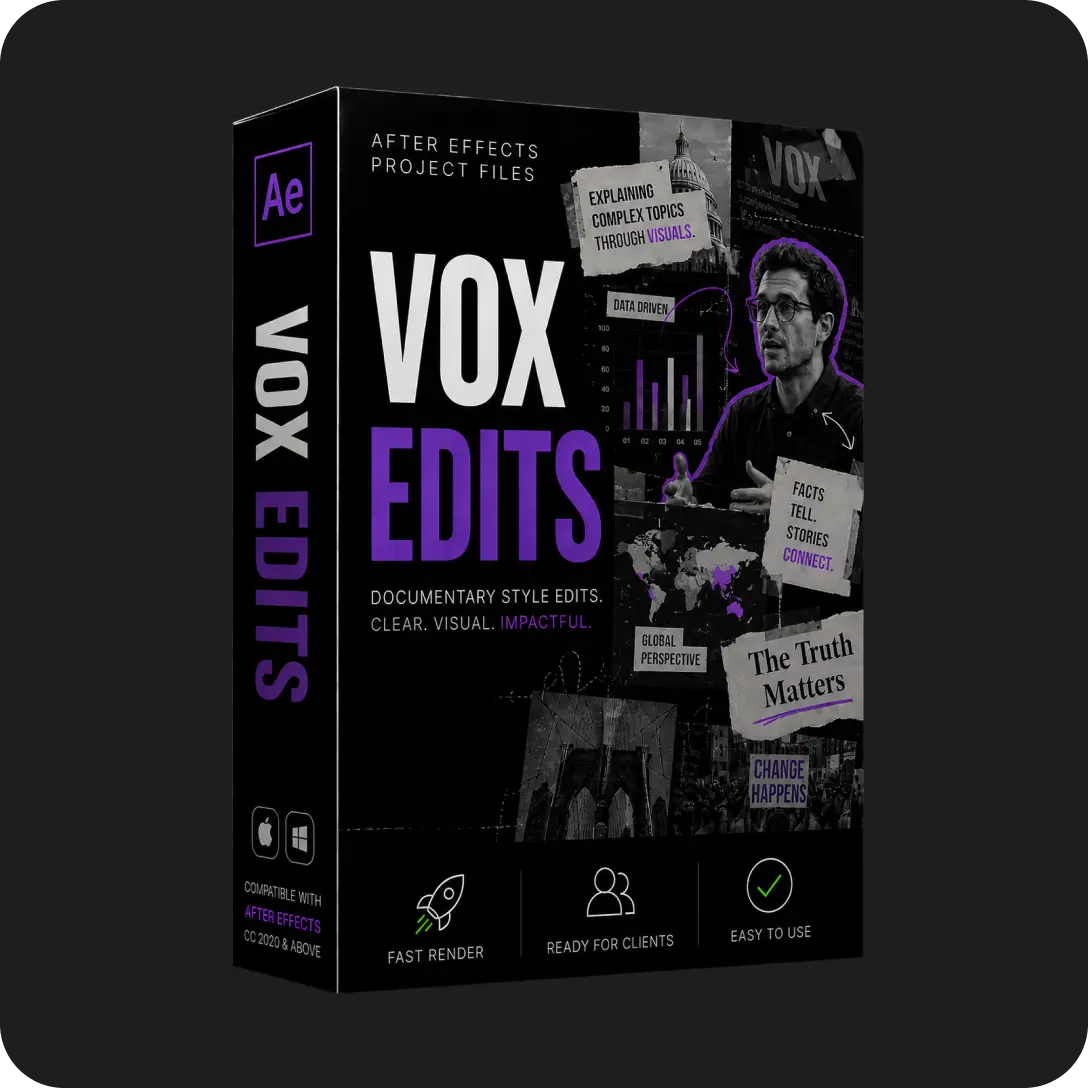
A file built in the Vox style shows the real construction. The 12fps composition settings, the 3D camera keyframes, the map animation layers, and the narration-synced timing all sit in the timeline. Our Vox-style edits category carries open project files built in exactly this style, with every layer available for study. The deconstruction method that turns a studied file into skill sits in our guide to learning After Effects with real project files.
The Vox stutter animates graphics at 12fps inside a 24fps timeline. Building and rendering the graphics composition at 12fps creates the choppy-on-purpose motion against smoother footage.
After Effects is the standard tool for Vox-style motion graphics. The style relies on 3D camera moves, shape animation, and precise keyframe timing, all native After Effects capabilities.
No. The core Vox techniques run on native After Effects tools. Frame rate changes, 3D layers, cameras, and the brush tool all ship with After Effects.
The individual techniques are learnable in a few sessions each, and combining them well takes practice. Studying a finished Vox-style project file shortens the path considerably.
The style clarifies complex topics effectively, so explainer channels adopted it widely. Johnny Harris, documentary channels, and educational creators all built on the Vox visual language because it works for information delivery.

Explore more guides on After Effects project files and viral editing workflows.
Production-ready edits that teach you how they were built.