Introducing Frame War
Submit your best edit, make it into the Top 3, and compete for the monthly Frame War reward. The winner receives cash plus exposure across EarnEdits community channels.

PRODUCT CATEGORIES
Submit your best edit, make it into the Top 3, and compete for the monthly Frame War reward. The winner receives cash plus exposure across EarnEdits community channels.
 Back
Back

 Feb 26, 2026
 Muhammad Sikandar
After Effects project files are open .aep documents exposing the full editing timeline, while templates are finished projects with the build hidden behind a small set of editable placeholders. The difference decides five outcomes: timeline access, customization depth, learning value, output originality, and revision freedom on client work. Templates win on speed for parameter-level edits. Project files win everywhere the editor touches the build. The comparison below maps both formats across every dimension that matters, plus the honest cases where a template is the right call.
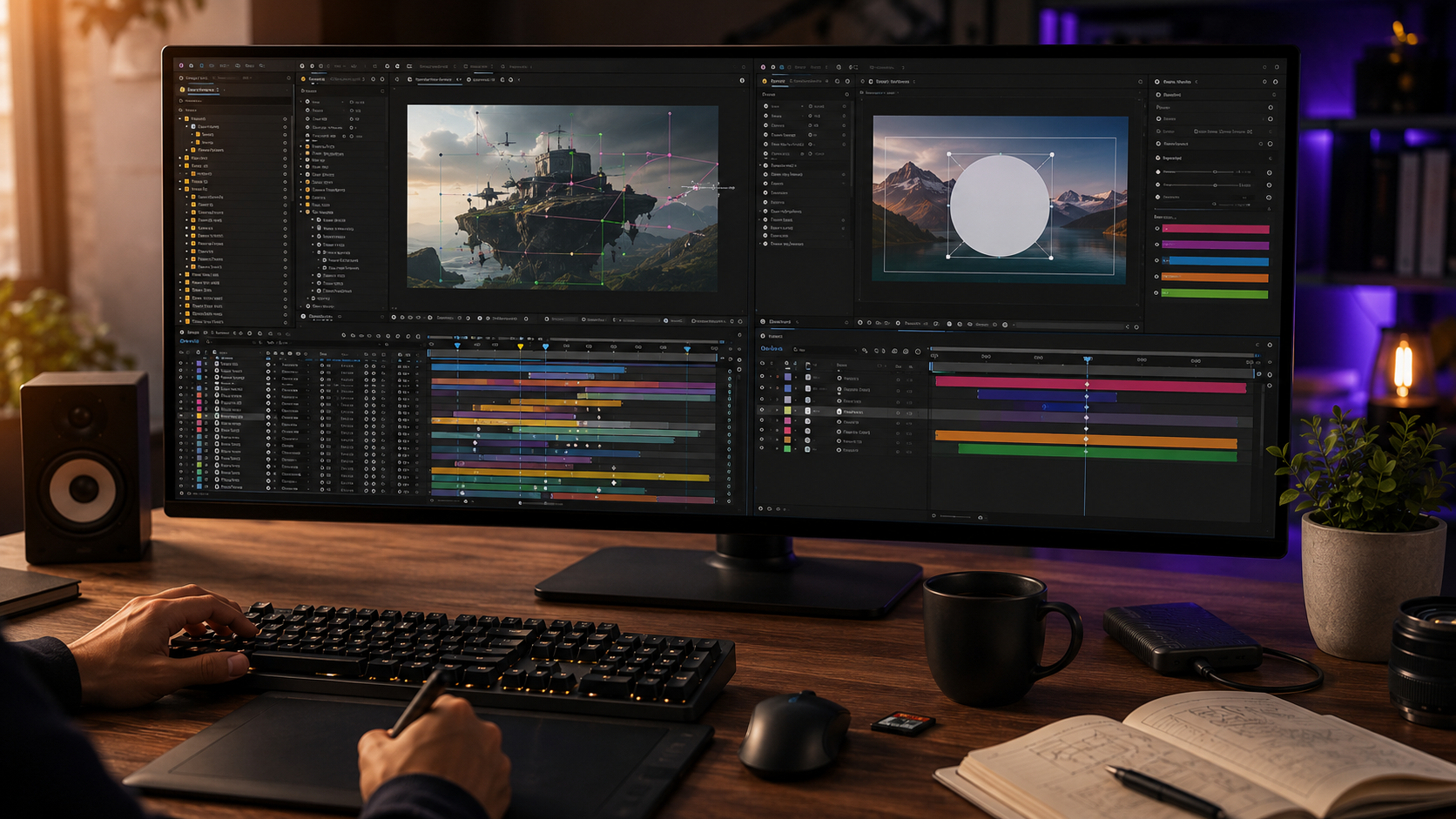
The table below maps the two formats across the seven dimensions editors decide on.
| Dimension | Project Files (.aep) | Templates (locked) |
| Timeline access | Full: every layer, keyframe, expression | Hidden: placeholders only |
| Customization depth | All five layers: footage, text, color, timing, structure | Exposed parameters only |
| Learning value | Complete: the build is studyable | Near zero: the build is sealed |
| Output originality | High: rebuild until unrecognizable | Low: outputs resemble the source |
| Client revisions | Unlimited: any element is editable | Capped at the exposed controls |
| Editing speed | Fast after the first study pass | Fastest for parameter swaps |
| Skill transfer | Every file teaches techniques | None transfers |
The speed row deserves honesty. A locked template produces output faster on the first use, because parameter swaps take minutes. The advantage inverts by the second or third project. The editor who studied an open file customizes faster than the editor re-learning a template’s limits, and the gap compounds from there.
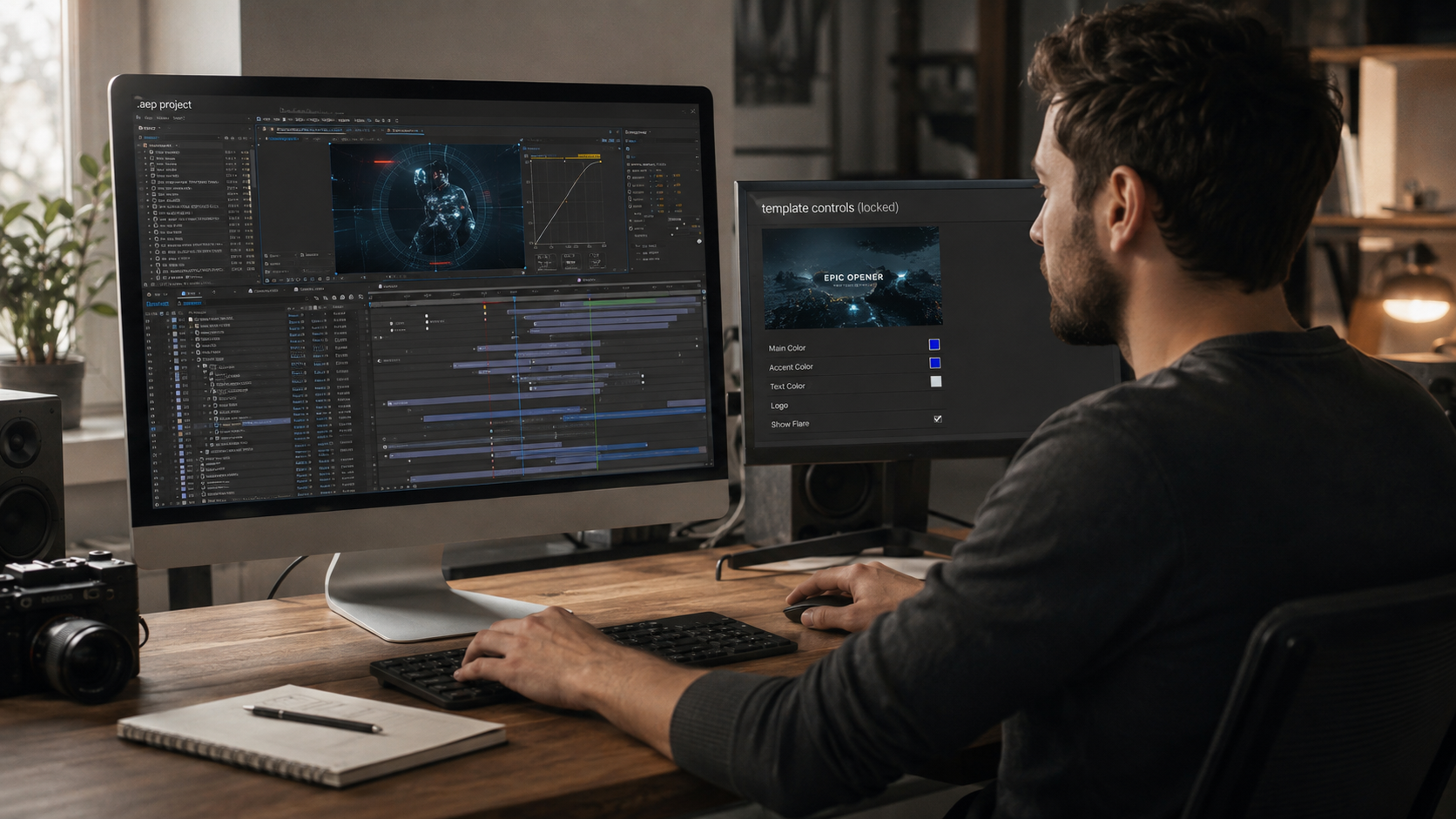
A project file opens with every composition, layer, keyframe, and expression visible and editable. The editor sees why a transition lands on a specific frame and how an expression drives a movement. A template hides that entire structure. The creator pre-selects a handful of controls (text fields, color swatches, media slots) and seals everything else.
Access is the root difference, and every other difference below flows from it. Openness is the property the complete guide to After Effects project files builds the whole format definition around.
Project files support all five customization layers: footage, text, color, timing, and structure. The editor replaces footage, rewrites text, recolors through control panels, re-times keyframes to new audio, and restructures scenes. Templates expose a subset, usually text and color, occasionally media slots. Timing and structure stay sealed in nearly every locked format.
Depth matters most on client work. A client request that touches a sealed layer ends the template’s usefulness mid-project. The same request inside an open file is an edit, not a wall.
An open project file doubles as a curriculum, and a template teaches nothing by design. Every studied .aep exposes the professional decisions behind the result: easing curves, effect stacking order, layer organization, expression logic. The deconstruction method turns those decisions into transferable skill, one file per week. The full learning path runs through our guide to learning After Effects with real project files.
A template cannot teach because the build is the sealed part. The editor who uses templates for a year finishes the year with outputs and no new technique.
Client revisions stay unlimited inside a project file and capped inside a template. Revision rounds are where the formats separate hardest in paid work. The open file absorbs any request. The template absorbs only requests that fit its exposed controls, and the editor explains the limitation to the client on every round it blocks.
Project file output looks original because every visible element is rebuildable, and template output resembles every other project from the same source. Locked templates ship identical motion to every buyer. Two brands using the same template publish recognizably matching videos. An open file customized across all five layers produces output the source creator does not recognize.
Originality carries commercial weight. Platforms reward novel-feeling content, and clients pay for edits that look like nobody else’s.
Templates earn their place in three specific situations, and pretending otherwise is dishonest.
The pattern across all three: the template fits when nobody touches the build. The moment the build matters, the format flips.
“Template” covers several technical formats, and the format sets the ceiling before the creator’s choices do. MOGRT files edit through the Essential Graphics panel, FFX presets apply single effects, and pre-rendered MOV overlays permit no editing at all. Open .aep sits alone at the full-control end of that spectrum. The format-by-format breakdown, including which customization layers each format supports, lives in the guide to After Effects template formats and creative control.
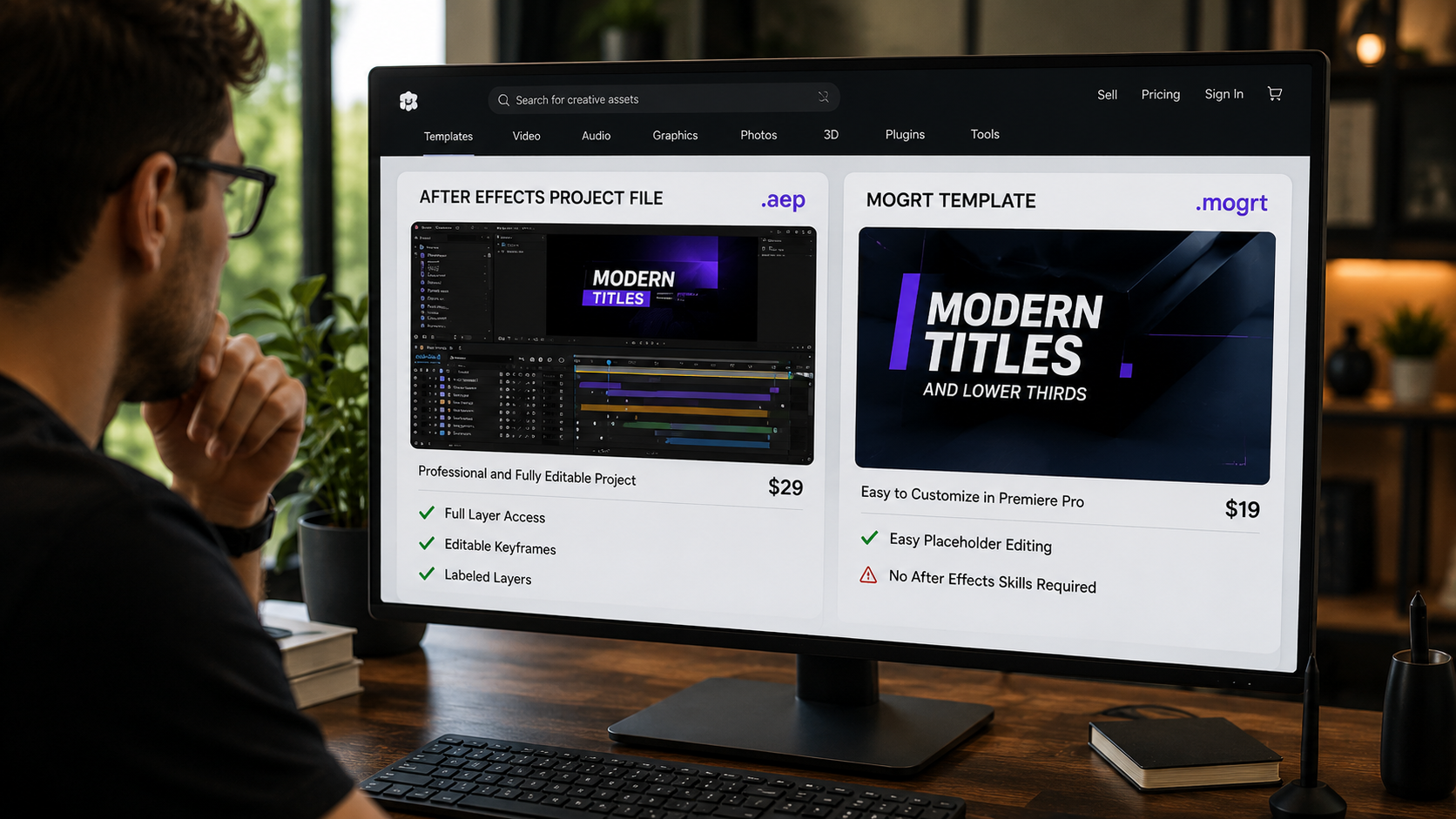
Marketplace listings use “project file” and “template” loosely, and three checks confirm which one is truly for sale.
A listing failing all three checks sells a template regardless of what the title says. The check takes one minute and prevents the most common mismatched purchase in the market.
No. A project file exposes the full editable timeline, and a template exposes selected placeholders only. The words get used interchangeably in marketplaces, which is exactly why the distinction needs checking before any purchase.
No. The locked structure is baked in by the creator, and buyers cannot unseal it. The choice happens at purchase time, not after.
Project files carry the full build, which is the part with lasting value. The buyer receives the output AND the education AND unlimited customization. A template price buys the output alone.
An organized project file suits a beginner better because the same purchase teaches and produces. Beginner-structured files with labeled layers and color controls remove the intimidation a raw timeline carries.
EarnEdits sells fully open project files exclusively, and every file in the library exposes the complete timeline. Buyers looking for sources across the wider market find the full breakdown in the guide on where to buy After Effects project files.

Explore more guides on After Effects project files and viral editing workflows.
Production-ready edits that teach you how they were built.