



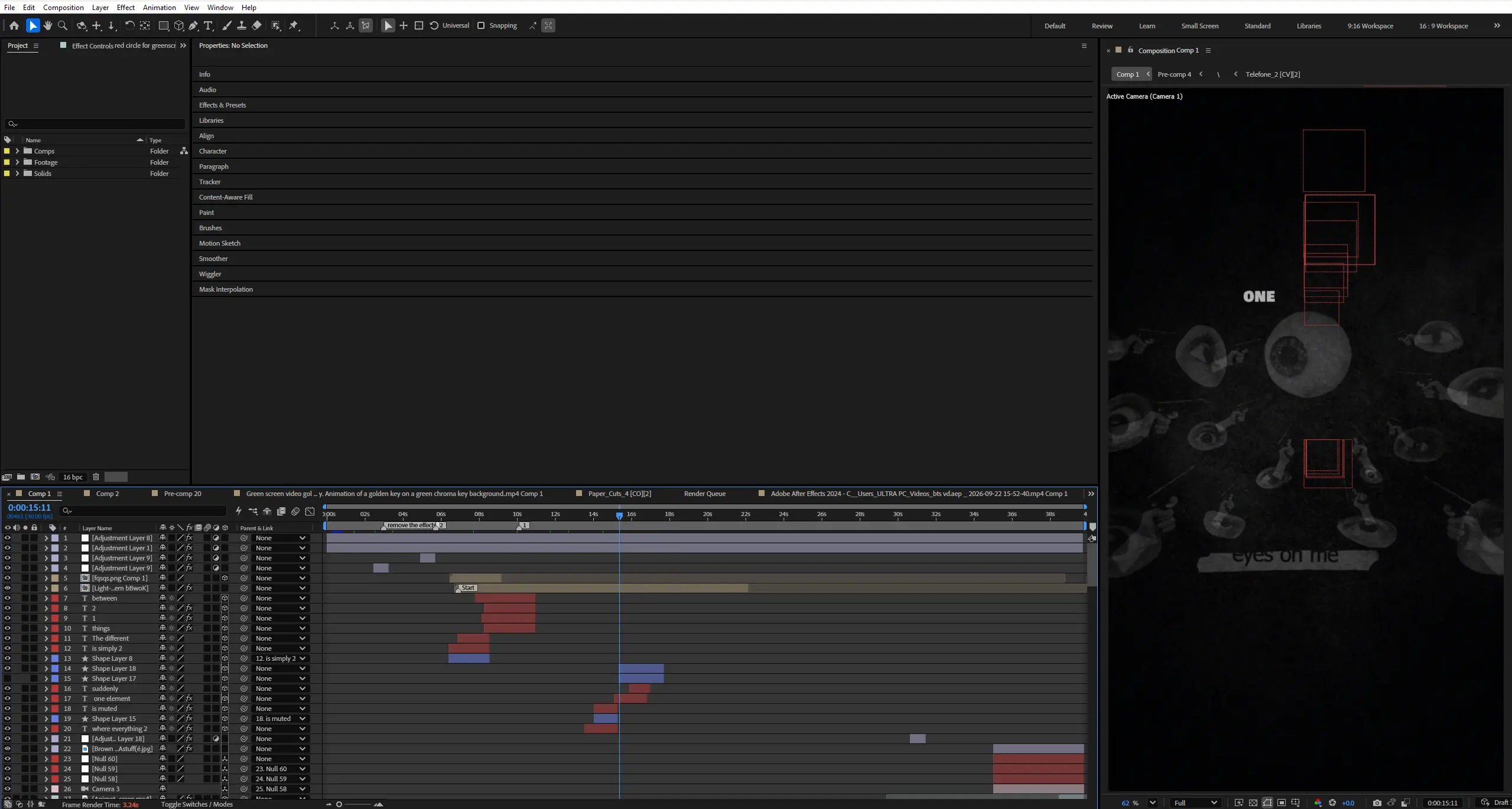
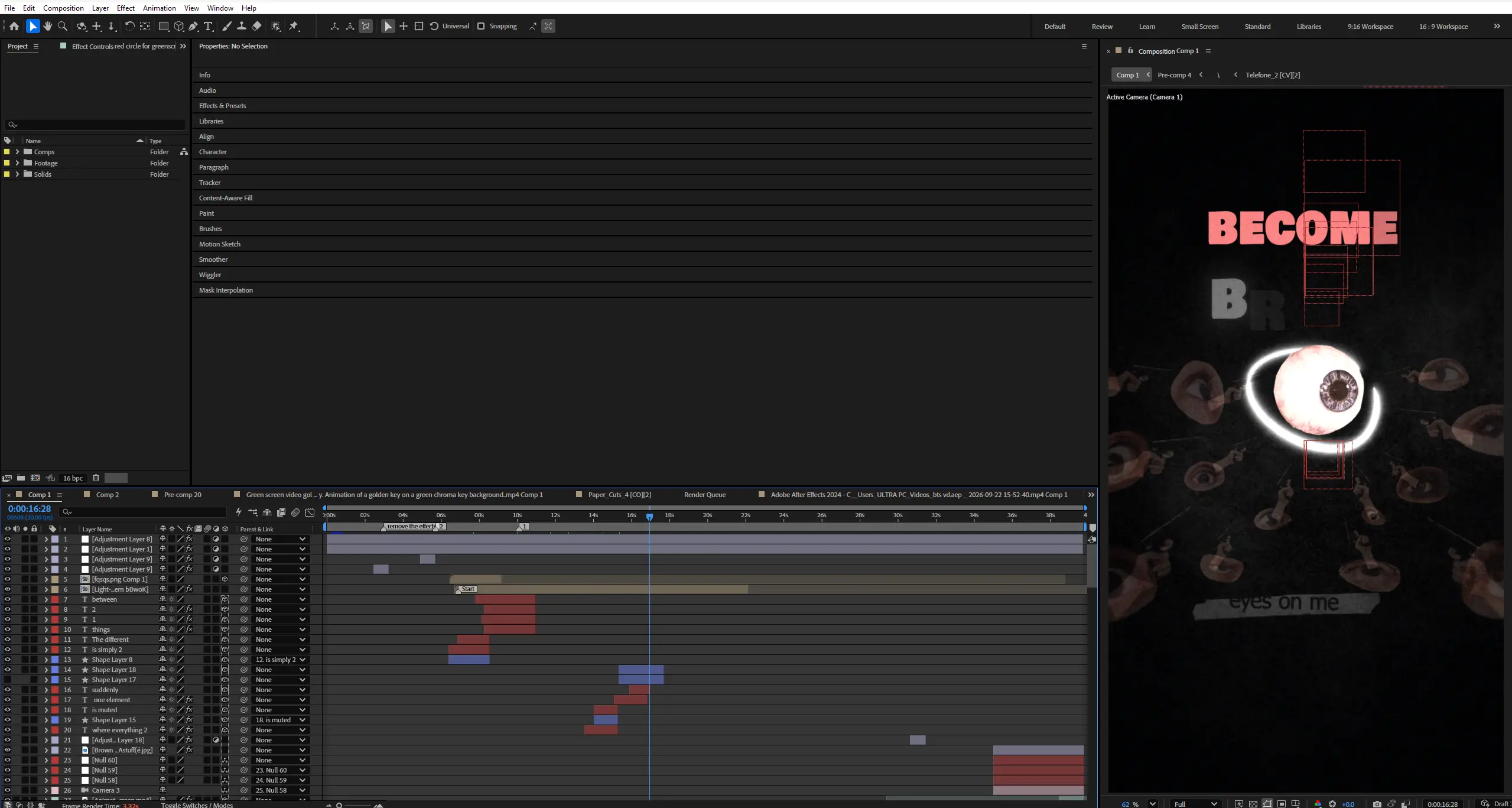
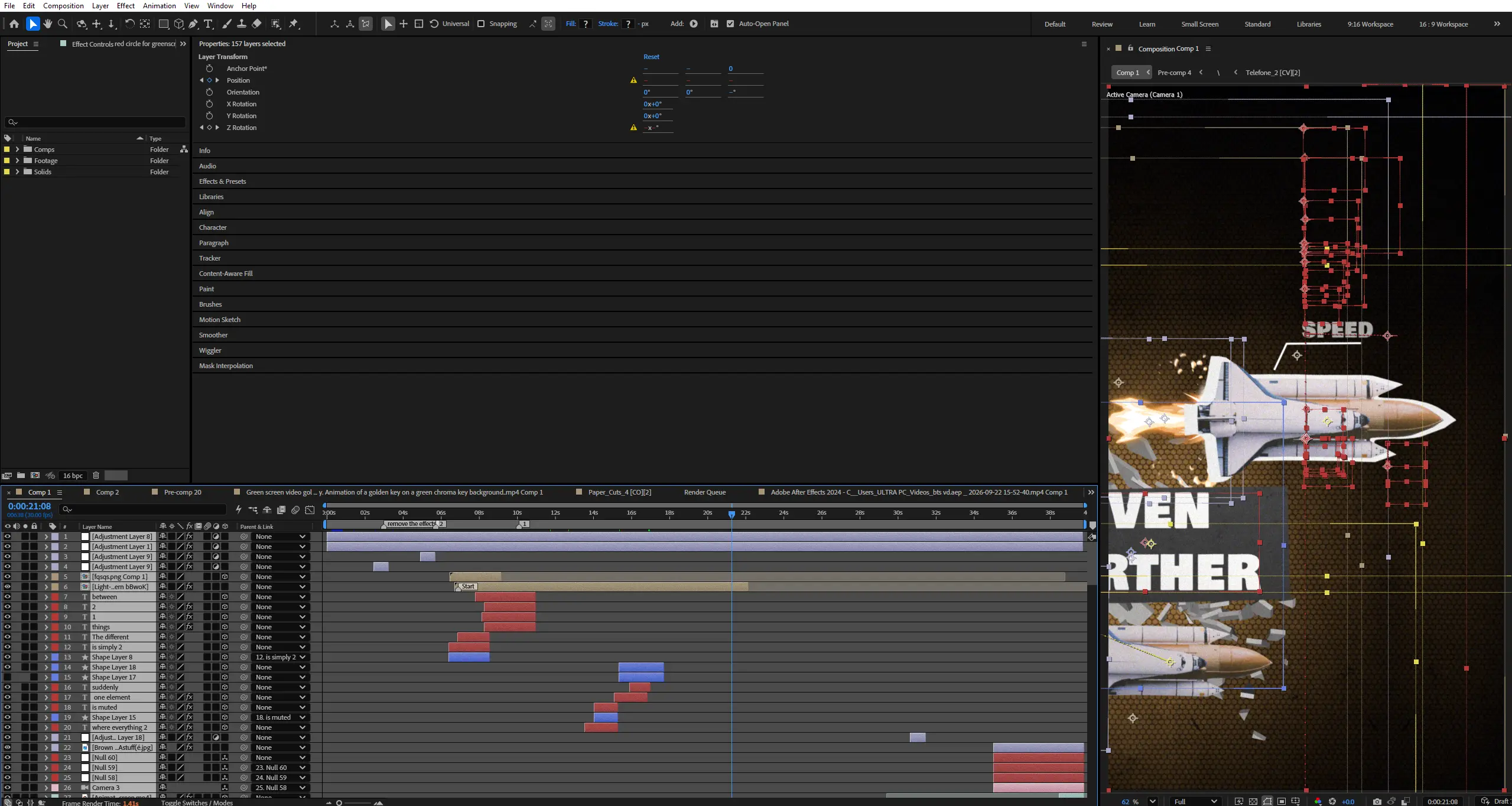
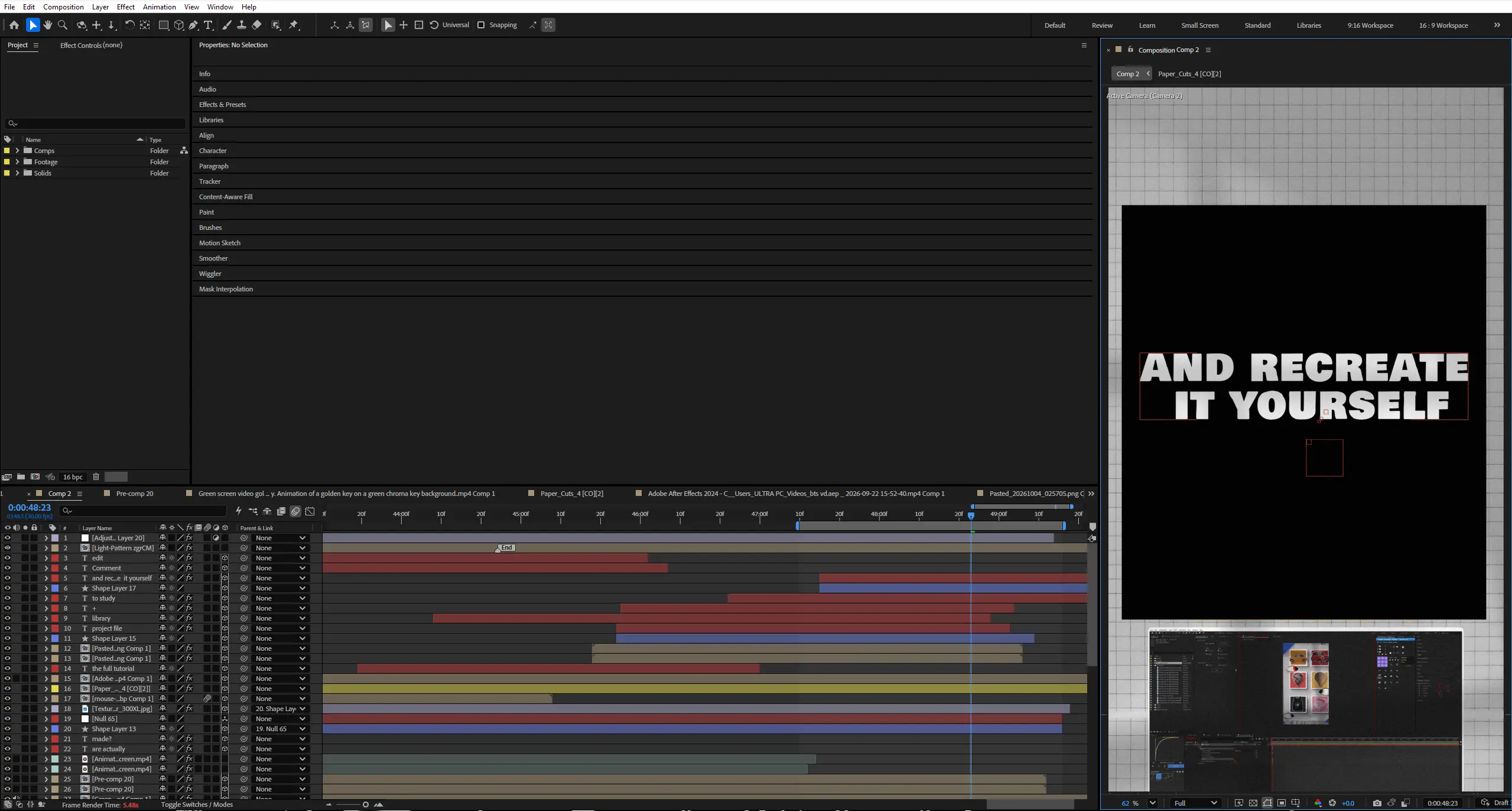

 If the project files aren't enough, watch our tutorial library.
Contrast — Editing Direction


Your animations might not be boring because they lack effects.
They might be boring because they lack contrast.
This project is designed to teach contrast through the edit itself.
Instead of having a narrator explain design principles while unrelated motion graphics play in the background, every concept is directly demonstrated on screen.
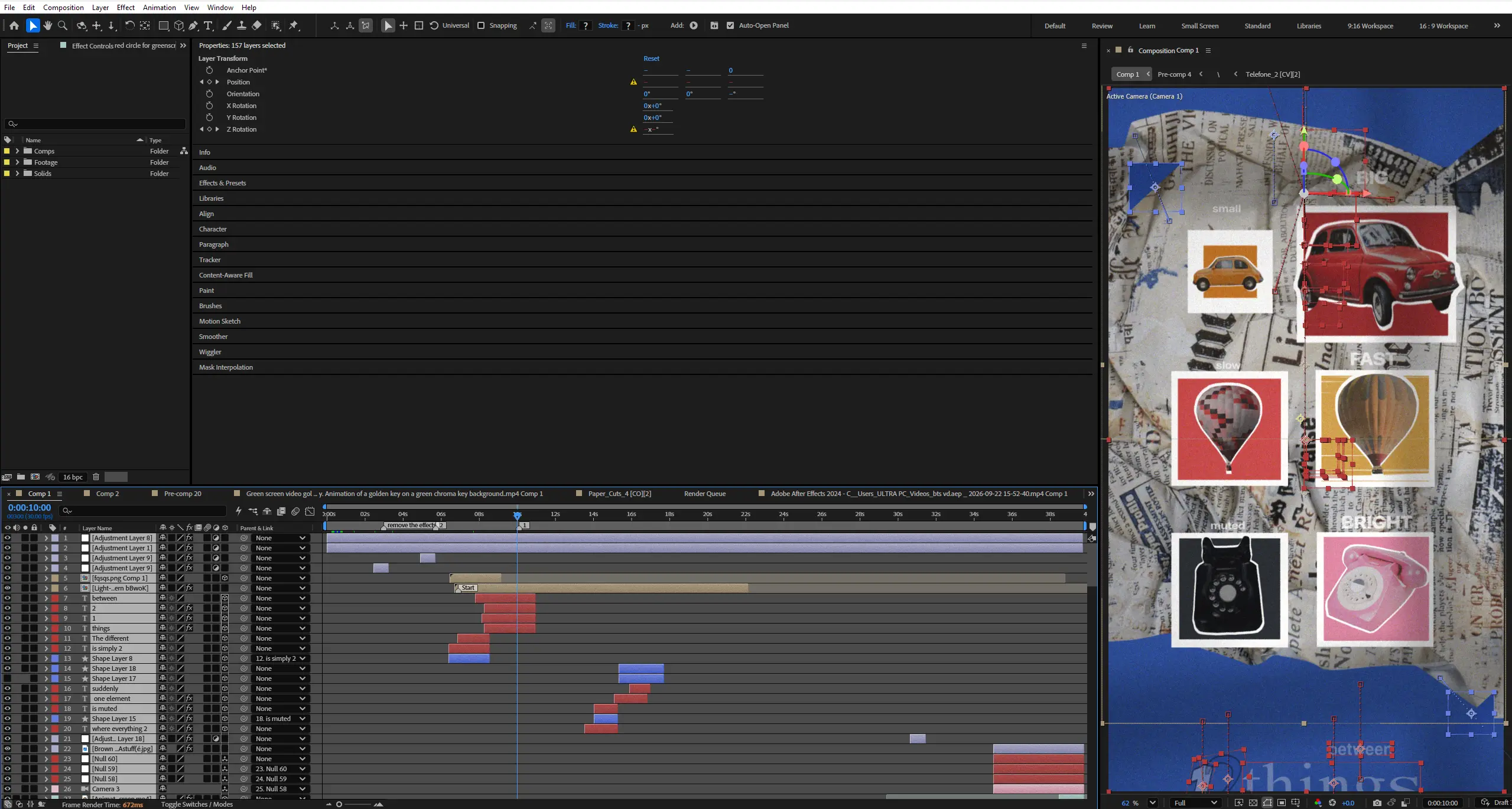
If the narration says size, the viewer sees small versus large.
If it says speed, they see slow versus fast.
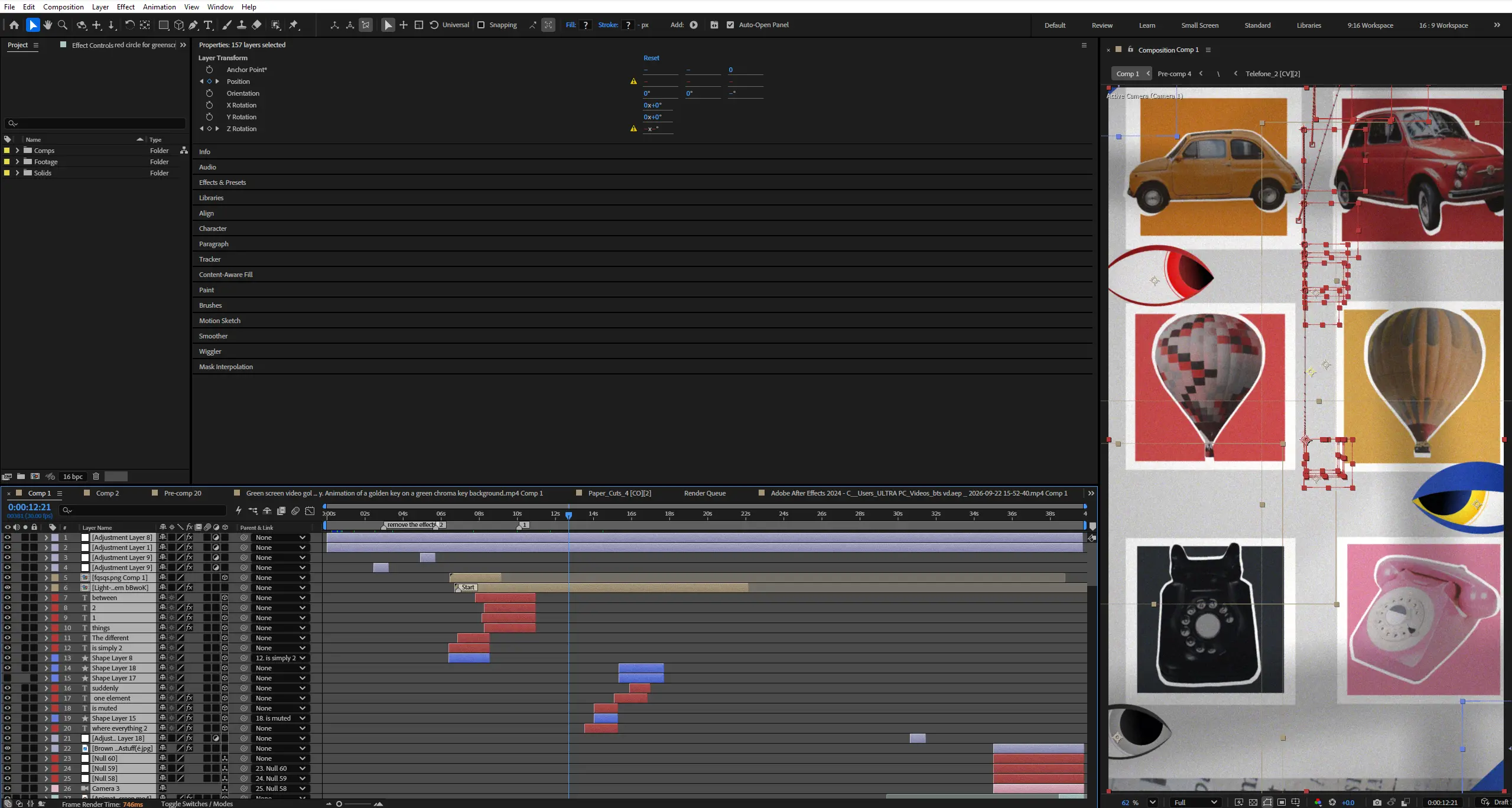
If it says density, they see busy versus empty.
The animation becomes the lesson.
The project explores how contrast creates attention through a series of carefully constructed visual demonstrations, covering size, color, speed, shape, and density.
The visual direction stays clean, intentional, and modern, avoiding unnecessary effects, excessive transitions, and animations that exist purely to make the screen busy.
The core principle is simple:
Contrast creates attention.
Key Features:
- Visual Teaching Approach
Every design principle is demonstrated directly through animation so the viewer can understand the concept even without the narration. - Size Contrast
Learn how dramatically changing the size of one element can establish hierarchy and immediately direct attention. - Color Contrast
Explore how one saturated element can become the focal point inside an otherwise muted composition. - Speed Contrast
Demonstrate the difference between slow and fast movement using controlled timing and the powerful Slow → Fast → Stop sequence. - Shape Contrast
Show how introducing a different shape into a predictable environment immediately creates visual interest. - Density Contrast
Learn how removing visual elements can create breathing room and make one important object significantly more powerful. - Visual Hierarchy
Understand how contrast determines where the viewer looks and which elements feel important. - More ≠ Better
Visually demonstrate how continuously adding effects, transitions, elements, and movement can actually make an animation less effective. - Kinetic Typography
Use typography to reinforce the core concepts with clean, purposeful animation. - Sound-Driven Emphasis
Use sound design to emphasize major changes in scale, speed, color, density, and composition. - Organized Project Structure
Professionally labeled compositions, reusable assets, editable elements, modular scenes, and structured timelines.
Technical Specifications:
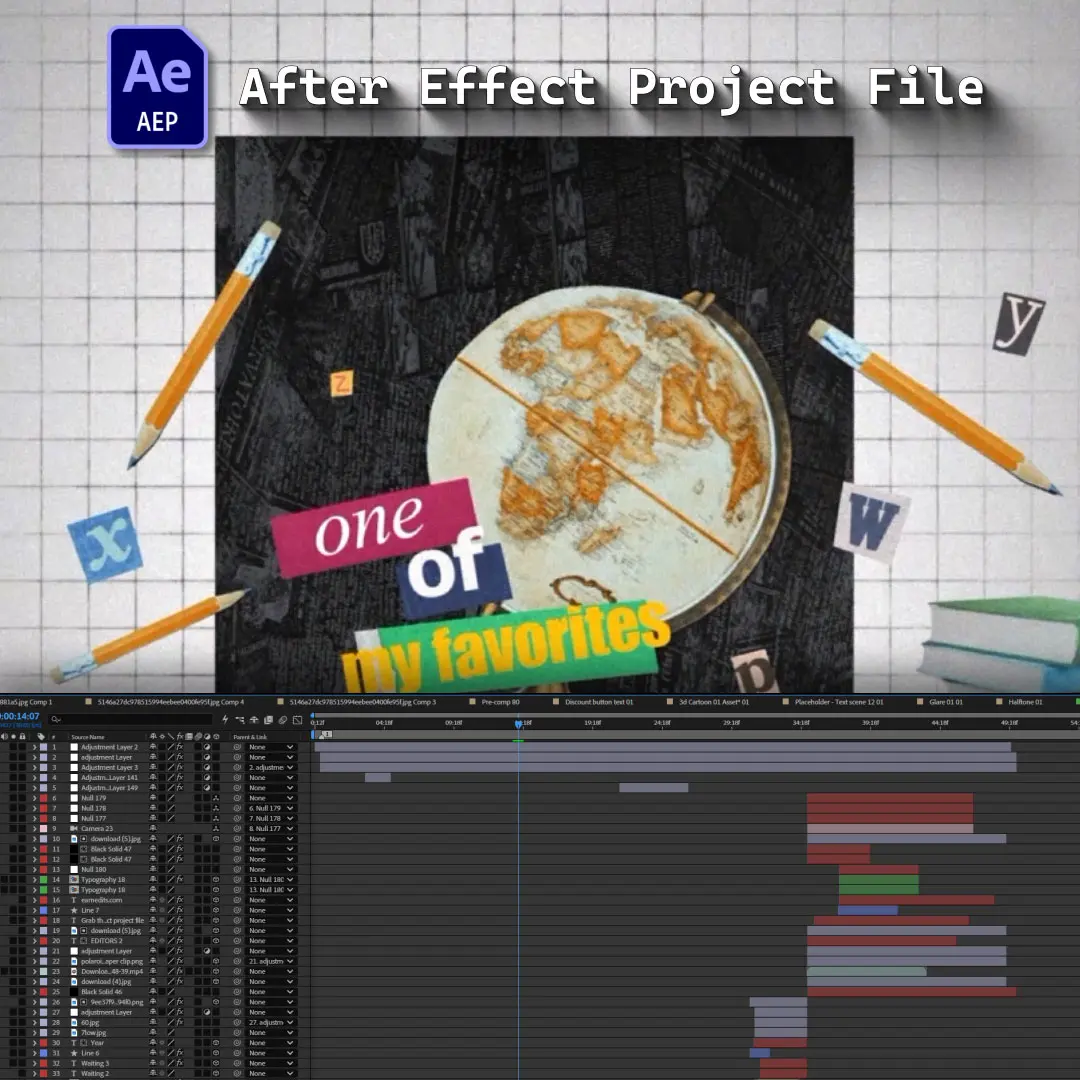
- Format: Adobe After Effects Project File
- Compatibility: After Effects CC 2025 and Above
- Resolution: 1080 × 1920 (Portrait)
- Project Type: Motion Design Tutorial / Editing Direction
- Audio: Designed for educational narration with detailed sound design emphasizing major visual changes.
- Organization: Fully organized project with individual compositions for each contrast principle, reusable assets, editable elements, and structured timelines.
Perfect For:
- Motion Graphics Artists
Learn how to use contrast to create stronger visual hierarchy, better compositions, and more engaging animations. - Video Editors
Understand how editing choices such as pacing, density, and visual hierarchy can direct viewer attention. - Beginner Designers
Learn the fundamentals of contrast through simple visual examples rather than abstract design theory. - Creative Directors
Develop a stronger visual language for directing motion design and evaluating whether an animation has a clear focal point. - After Effects Artists
Build practical examples of size, color, speed, shape, and density contrast that can be reused in future projects.
Project Concept:
The entire project follows one rule:
Don’t decorate the explanation. Visualize the explanation.
The opening deliberately creates a boring composition.
Everything feels the same.
Same size.
Similar colors.
Similar spacing.
Similar movement.
Nothing stands out.
Then one element changes.
It becomes larger.
Brighter.
Faster.
More isolated.
And suddenly, the viewer knows exactly where to look.
From there, the project explores the different ways contrast can control attention.
SIZE
Small versus large.
COLOR
Muted versus saturated.
SPEED
Slow versus fast.
SHAPE
Predictable versus unexpected.
DENSITY
Busy versus empty.
The project then demonstrates one of the biggest mistakes editors and motion designers make:
Trying to make an animation more interesting by simply adding more.
More transitions.
More effects.
More elements.
More movement.
Until the composition becomes chaotic.
Important Notice – Required Assets
This project uses specific fonts and effects that must be installed on your system for full functionality.
Please note:
- We do not provide or redistribute any third-party assets — fonts, effects, plugins, scripts, etc. — out of respect for their creators’ copyright and licensing.
- The good news: inside our community on Patreon, we offer full support. Our entire team helps you reach the official sources for these assets and guides you through getting them in the easiest way possible.
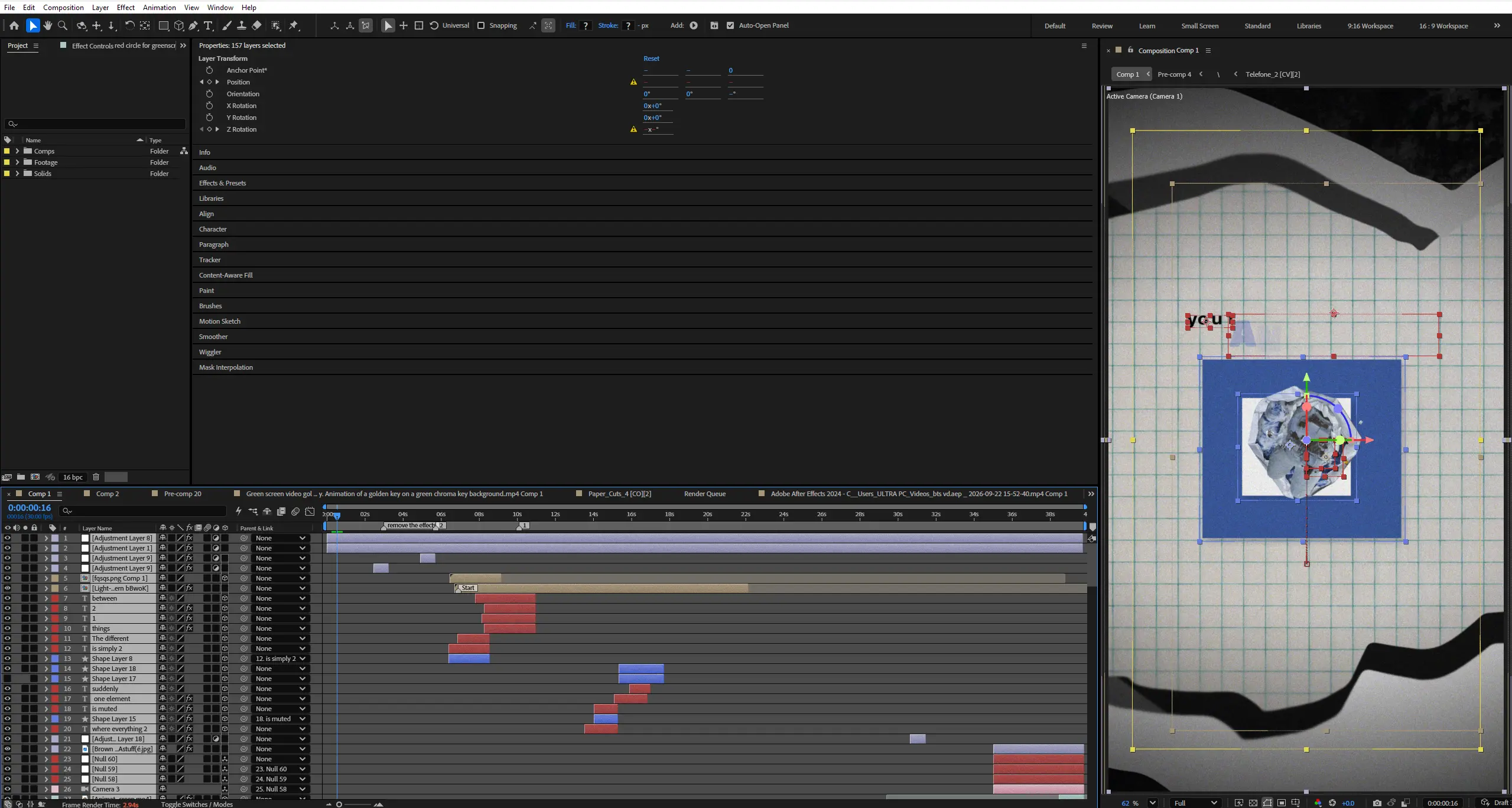
- After Effects will automatically show any missing fonts or effects when you open the project.
- All required items are clearly listed in the preview images above.
- You must download/install these fonts/effects independently.
- You can easily find all required fonts/effects online by searching their names — or our team in the community will help you get them.
What’s Included?
Everything you need to customize your viral edit quickly and professionally - all neatly organized inside one Adobe After Effects project.

Full .AEP File
Complete, fully editable After Effects project.

Organized Folders
Clean project structure designed for easy nav & learning.

Editable Text
All titles and typography elements can be fully customized.

Color Controls
Quick global color adjustments using built-in control layers.

Sound Recommendations
Suggested audio tracks curated to match the editing style.
Everything inside this project is crafted to give you full control, smooth performance, and fast exports — built for real viral editing workflows.
Everything inside this project is crafted to give you full control, smooth performance, and fast exports — built for real viral editing workflows.
100% Editable
Full access to every layer, effect, keyframe, and composition, giving you complete freedom to modify the project however you want.
Smooth Motion Graphics
Clean, dynamic, and professionally crafted animations designed to perform well on TikTok, Instagram, and other short-form platforms.
Fast Render
An optimized composition structure ensures quick render times without compromising visual quality — perfect for creators on tight deadlines.
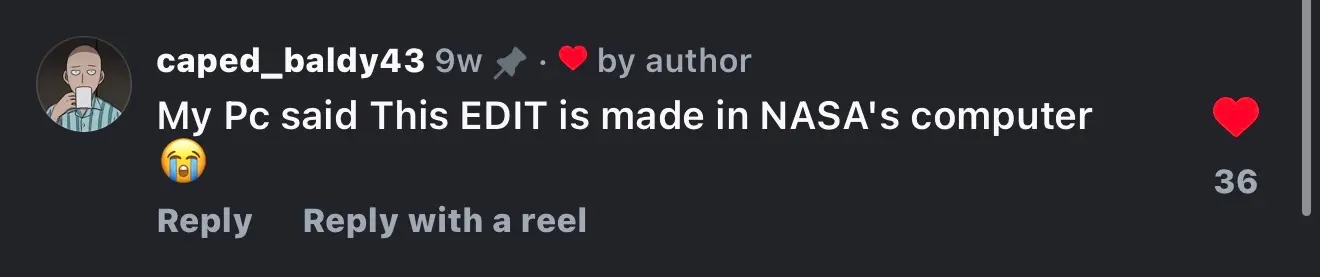
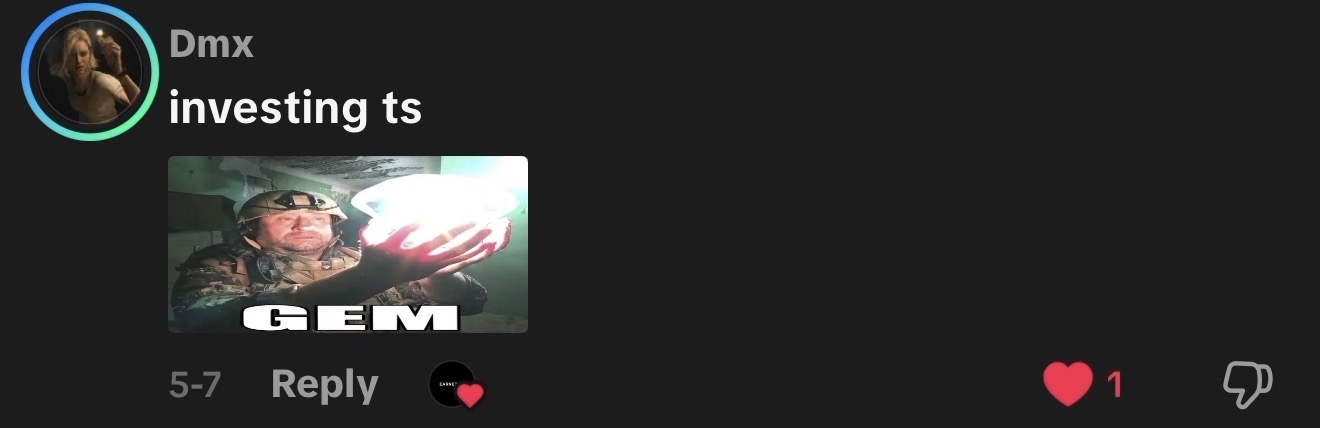
Real Feedback From Real Creators
Social proof from creators who know our standards





































Follow Us on Instagram
Stay inspired with weekly viral edits, motion tutorials, and behind-the-scenes design breakdowns.


