Introducing Frame War
Submit your best edit, make it into the Top 3, and compete for the monthly Frame War reward. The winner receives cash plus exposure across EarnEdits community channels.

PRODUCT CATEGORIES
Submit your best edit, make it into the Top 3, and compete for the monthly Frame War reward. The winner receives cash plus exposure across EarnEdits community channels.
 Back
Back

 Aug 03, 2026
 Muhammad Sikandar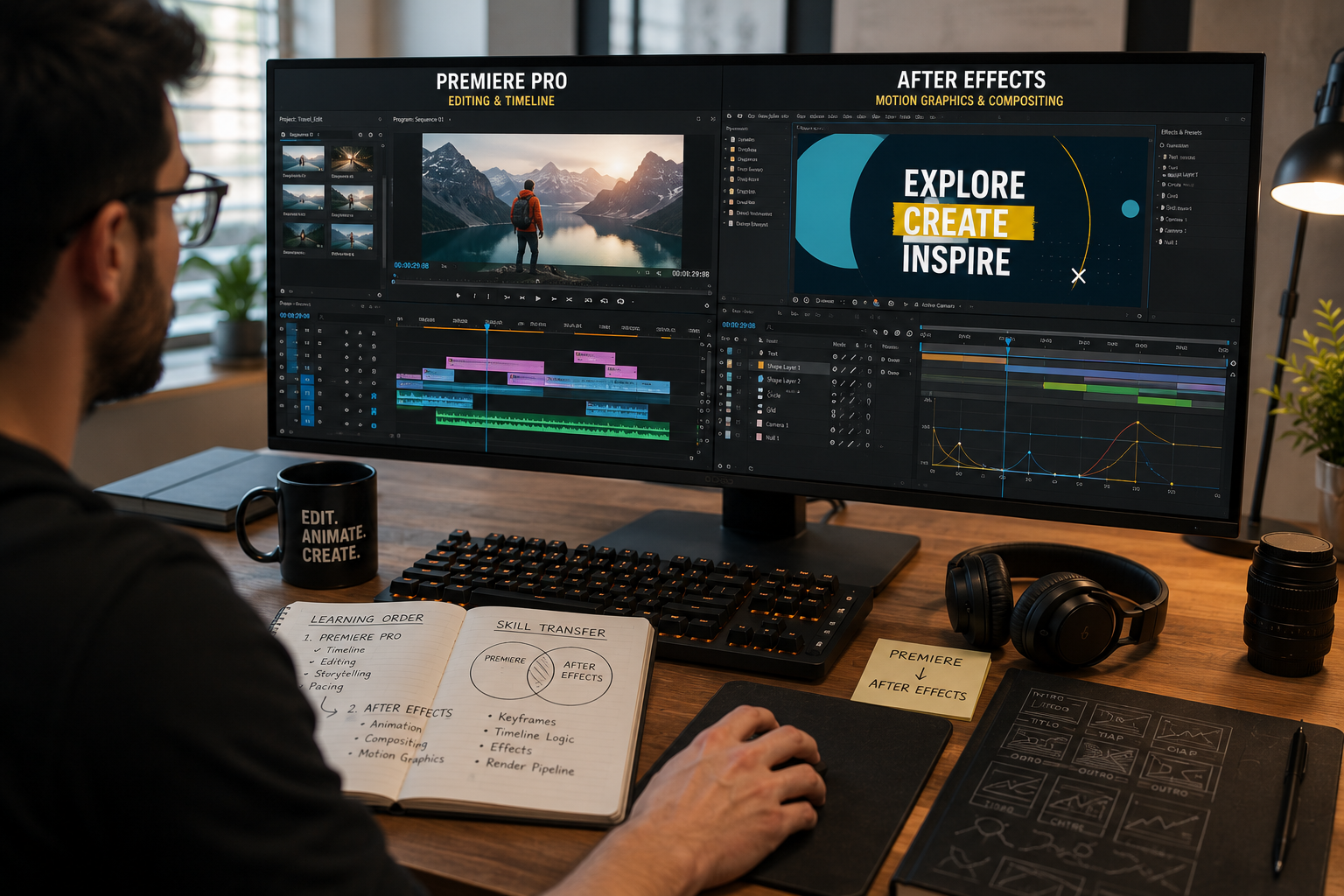
Learn Premiere Pro first, then After Effects, because Premiere fluency removes one to two weeks from the After Effects learning path. We teach editors through project files, and the students who arrive from Premiere move faster every time. The two tools do different jobs. Premiere assembles and cuts video. After Effects animates and composites. The learning order is not a preference, it is a sequence, and the skill transfer between them is the reason. This guide covers what each tool does, why the order matters, and the one case where After Effects comes first.
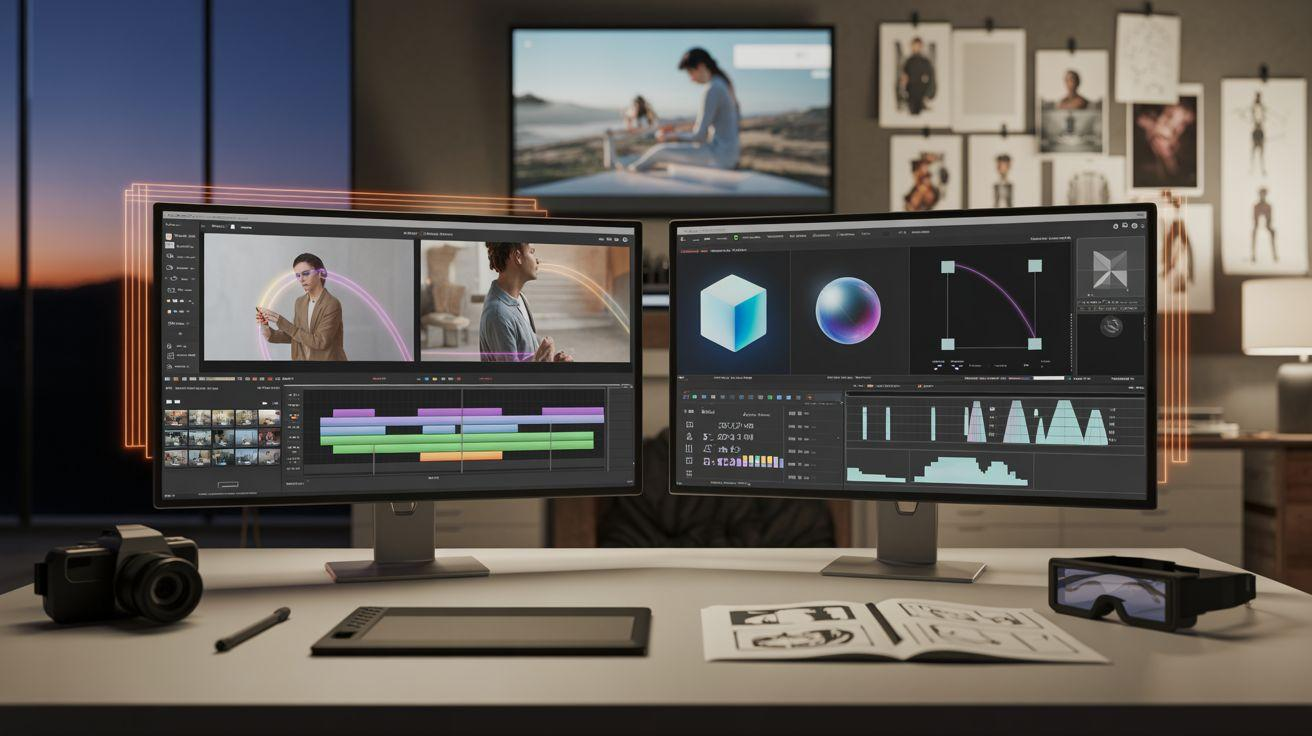
Premiere Pro is a timeline editor, and After Effects is a composition and motion design environment. The difference sits in what each program treats as the product.
In Premiere, the timeline is the product.
The editor arranges clips along it, cuts, adds transitions, mixes audio, and exports a finished video. The whole tool organizes around the linear progression of the edit.
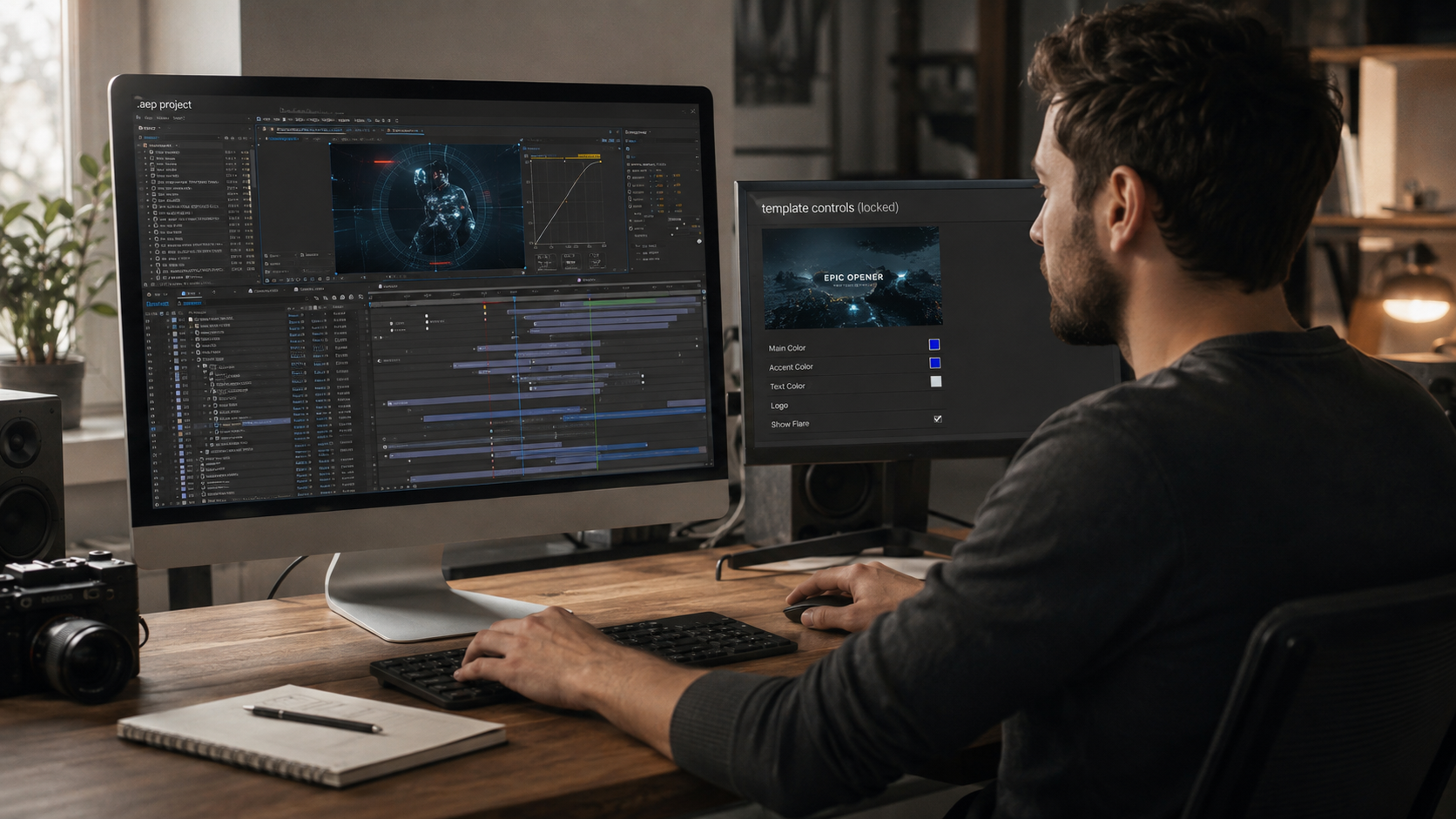
In After Effects, the composition is the product. The editor brings in footage, graphics, and text, then animates their properties: position, scale, rotation, opacity, color. The tool organizes around transforming elements through time, not arranging them in sequence. The open files in our library of After Effects project files show that composition structure directly.
Premiere Pro teaches the fundamentals that After Effects builds on, and it produces usable results faster. Three reasons put it first in the sequence.
The job market reinforces the order. More entry-level video roles require Premiere skills than After Effects skills. Starting with the tool that pays first is the practical sequence.
Premiere fluency removes one to two weeks from the After Effects path, because the core concepts transfer directly. This is the argument most comparisons miss, and it is the real reason for the order.
An editor who learned Premiere already understands keyframes, the render pipeline, timeline logic, and how effects apply to a layer. After Effects reuses every one of those concepts. The beginner arriving from Premiere skips the conceptual groundwork and starts on the genuinely new parts: compositions, precomps, and property animation.
A complete beginner starting cold in After Effects learns the interface AND the concepts at the same time. The Premiere-trained editor learns only the interface, because the concepts already transferred. That gap is the one to two weeks.
A person certain they want motion design and nothing else can start with After Effects directly. The sequence is a default, not a law.
An editor may know the goal is title animation, logo motion, VFX, or infographic work, with no interest in cutting long-form video. That editor loses little by starting in After Effects. The motion design path is the destination, and the Premiere detour serves it less. The case is narrow. Most editors benefit from the editing foundation first, because most paid work runs through an editing timeline at some stage.
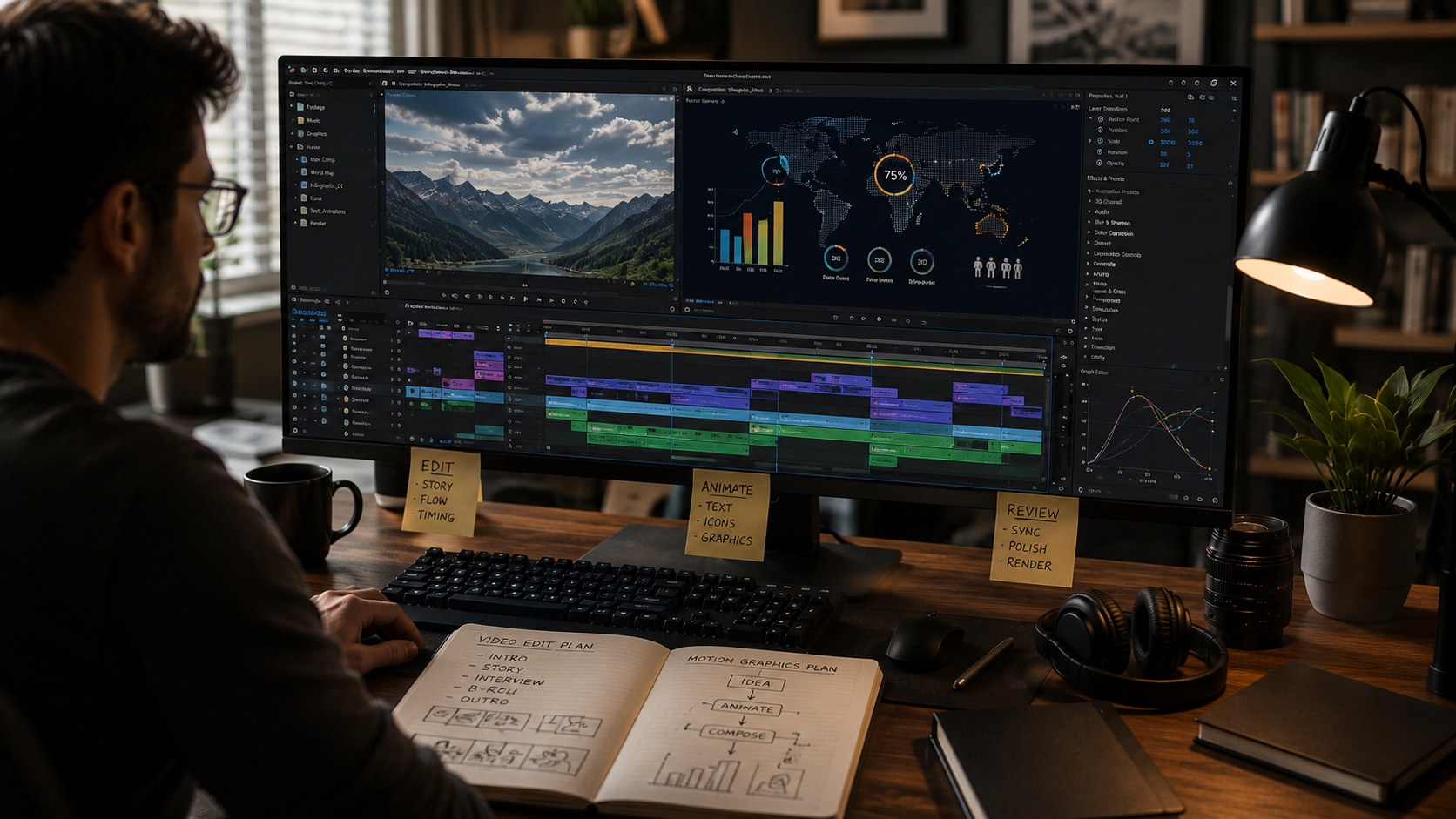
Premiere and After Effects connect through Dynamic Link, so a real workflow uses both without rendering between them. The tools complement rather than compete.
A standard production runs like this. Footage logs and assembles in Premiere. A sequence passes to After Effects through Dynamic Link for motion graphics and effects. The composition renders back into Premiere in real time, with no manual export step. The edit finishes and color-grades in Premiere, then exports. Neither tool replaces the other. The pipeline needs both.
The fastest After Effects path after Premiere studies real project files, because the interface is the only new part left to learn. The Premiere-trained editor already holds the concepts. What remains is seeing how compositions, precomps, and animation assemble in practice.
Opening an organized project file shows exactly that. The timeline exposes how a finished piece was built, and the Premiere foundation makes every keyframe legible. The selection standards for study-ready files sit in our guide to the best After Effects project files for beginners. The full path sits in our guide to learning After Effects with real project files. The timeline math for each method sits in our guide on how long learning After Effects takes.
Premiere Pro first for most editors. The timeline interface produces results faster, the skills transfer to After Effects, and the entry-level paying work is editing. After Effects becomes the natural next step.
Yes. After Effects carries a steeper learning curve. Motion design adds keyframe animation, compositing, and expressions on top of editing logic. Premiere fluency softens the curve by transferring the shared concepts.
After Effects can cut video, and it is not built for it. After Effects handles single shots and animation well, and it struggles with long-form timeline editing. Premiere is the tool for assembling and cutting a full video.
Yes. A standard workflow uses both. Editing runs in Premiere, and compositions pass to After Effects through Dynamic Link. The two tools form one pipeline.
Premiere fluency removes roughly one to two weeks from the After Effects path. The keyframe, timeline, and render concepts transfer directly, leaving only the After Effects interface and composition logic to learn fresh.

Explore more guides on After Effects project files and viral editing workflows.
Production-ready edits that teach you how they were built.