Introducing Frame War
Submit your best edit, make it into the Top 3, and compete for the monthly Frame War reward. The winner receives cash plus exposure across EarnEdits community channels.

PRODUCT CATEGORIES
Submit your best edit, make it into the Top 3, and compete for the monthly Frame War reward. The winner receives cash plus exposure across EarnEdits community channels.
 Back
Back

 Jul 14, 2026
 Muhammad Sikandar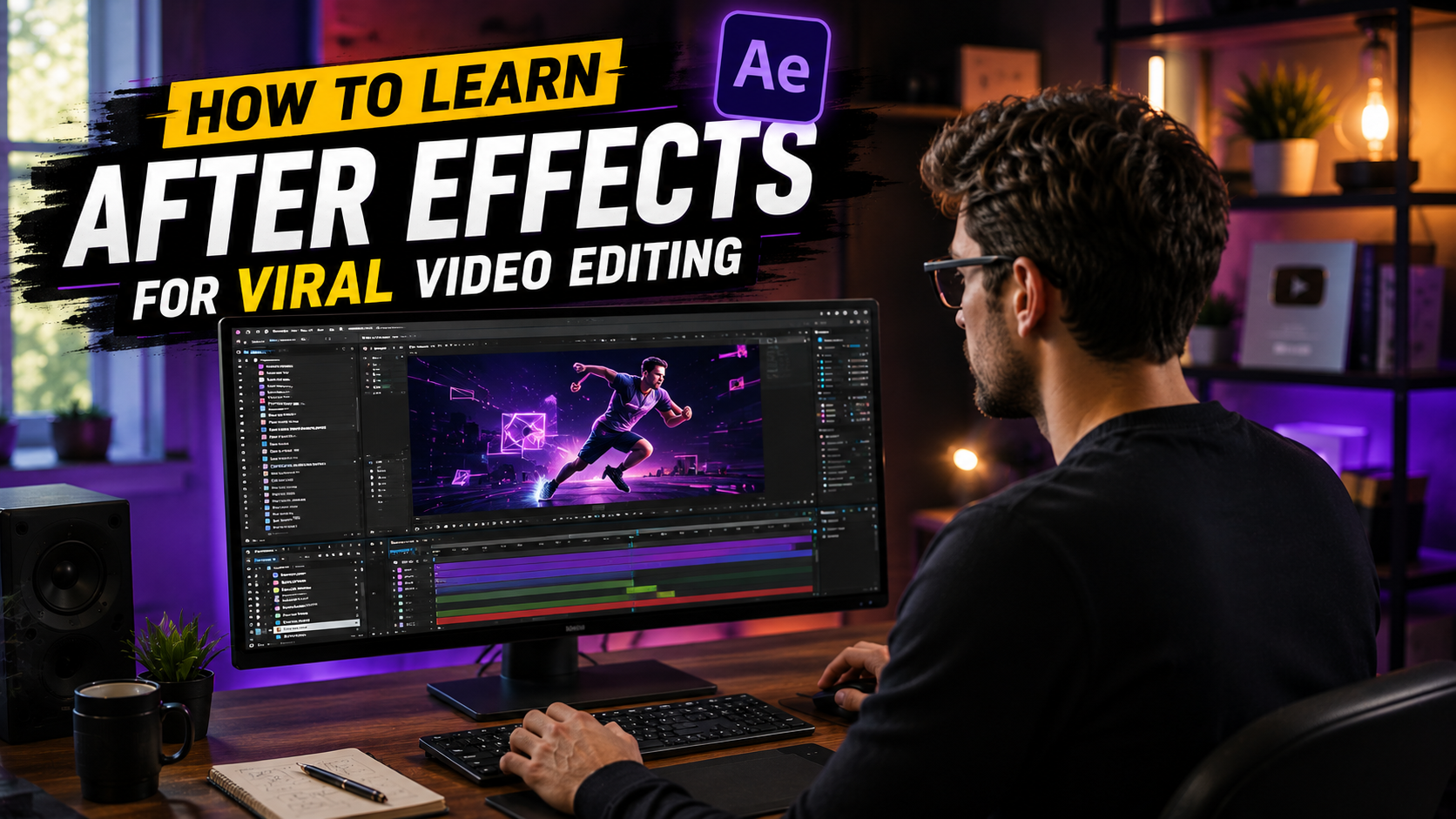
Learning After Effects for viral video editing means mastering 5 skills in a fixed order: hook construction, beat synchronization, text animation, transitions, and retention pacing. The viral path is the fastest After Effects specialization because the technique surface is small and the formats are standardized. Editors learning through open viral project files reach publishable short-form skill in 6 to 8 weeks.
The viral path runs faster than the general 2 to 3 month client-ready timeline. Every skill on the path is visible inside finished viral edits, which makes deconstruction the natural learning method. The sections below map the skill order, the study method, and the mistakes that keep edits from performing.
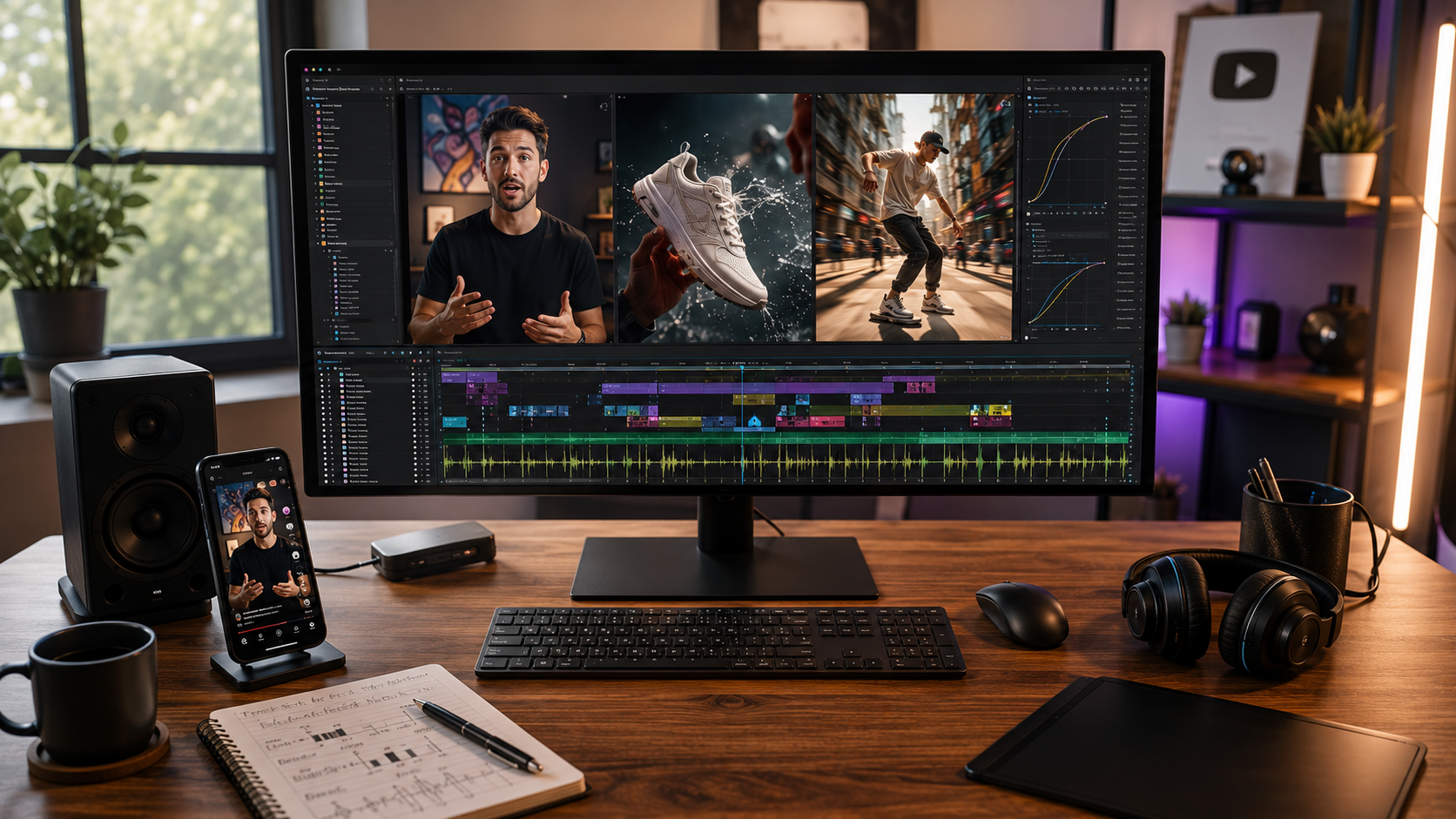
Viral editing draws on a narrow, deep slice of After Effects: motion timed to sound, text choreographed to speech, and pacing engineered for retention. The full application contains hundreds of capabilities. The viral slice uses five.
Hook construction builds the first 3 seconds that decide the scroll
Beat synchronization aligns cuts and transitions to audio peaks
Text animation choreographs captions and headlines to narration rhythm
Transitions move between scenes without breaking momentum
Retention pacing distributes visual change so attention never settles
The narrow surface is the strategic advantage. An editor targeting broadcast motion design studies for a year. An editor targeting Reels, TikTok, and Shorts masters the five viral skills in weeks. Every viral edit uses the same technique set inside the same 1080×1920 vertical format.

Each skill on the path maps to a specific study target inside an open viral project file. The deconstruction method stays constant: watch the render, walk the timeline, isolate the technique, and rebuild it in a fresh composition. The viral application changes only the isolation targets.
Hook study isolates the first 75 to 90 frames of the file and nothing else. Beat sync study solos the audio layer, displays the waveform, and maps every keyframe sitting on a peak. Text study opens one caption animator and reads the property stack. Transition study counts the frames between scene A and scene B. Pacing study scrubs the full timeline and marks every second without visual change.
Working through one viral After Effects project file per week with these targets covers the full skill path in 6 to 8 files. The complete deconstruction method behind this study pattern is covered in our guide to learning After Effects with real project files.
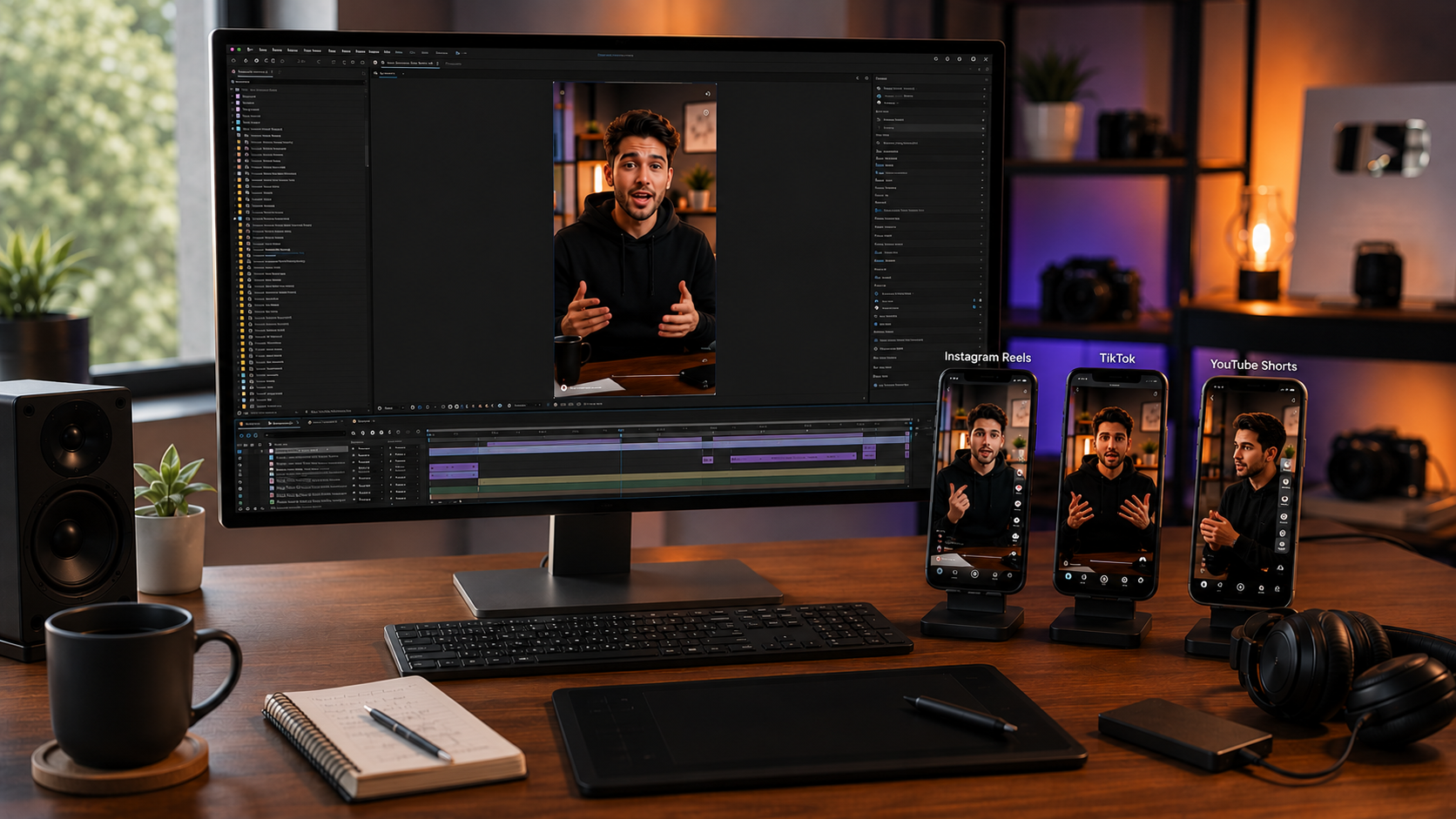
All three short-form platforms share one delivery standard: 1080×1920 vertical, H.264, 30 frames per second. The shared spec is why viral skill transfers across platforms without relearning.
The differences sit in duration sweet spots and safe zones rather than format. Caption placement clears the platform UI at the bottom and the engagement buttons on the right. Editors building from viral project files inherit correct framing automatically, because the compositions were built inside the spec. The full breakdown of formats, platforms, and file structure lives in our guide to viral After Effects project files for social media.
Yes, and the viral path is the recommended first specialization. Viral project files are short, vertical, and technique-dense, which makes them the fastest study material after interface basics.
No. The five viral skills run on native After Effects tools. The toolset covers keyframes, the graph editor, text animators, and standard effects. Well-built viral project files carry zero paid plugin dependencies.
Beat synchronization matters most. Retention correlates with audio-visual rhythm, and beat-locked motion is the shared property across high-performing short-form edits.
Viral editing is a client service market, with editors producing short-form content for creators, brands, and agencies. The skill path above ends at publishable edits, and the business path continues through repurposing project files for paid client work.

Explore more guides on After Effects project files and viral editing workflows.
Production-ready edits that teach you how they were built.