Introducing Frame War
Submit your best edit, make it into the Top 3, and compete for the monthly Frame War reward. The winner receives cash plus exposure across EarnEdits community channels.

PRODUCT CATEGORIES
Submit your best edit, make it into the Top 3, and compete for the monthly Frame War reward. The winner receives cash plus exposure across EarnEdits community channels.
 Back
Back

 Jul 14, 2026
 Muhammad Sikandar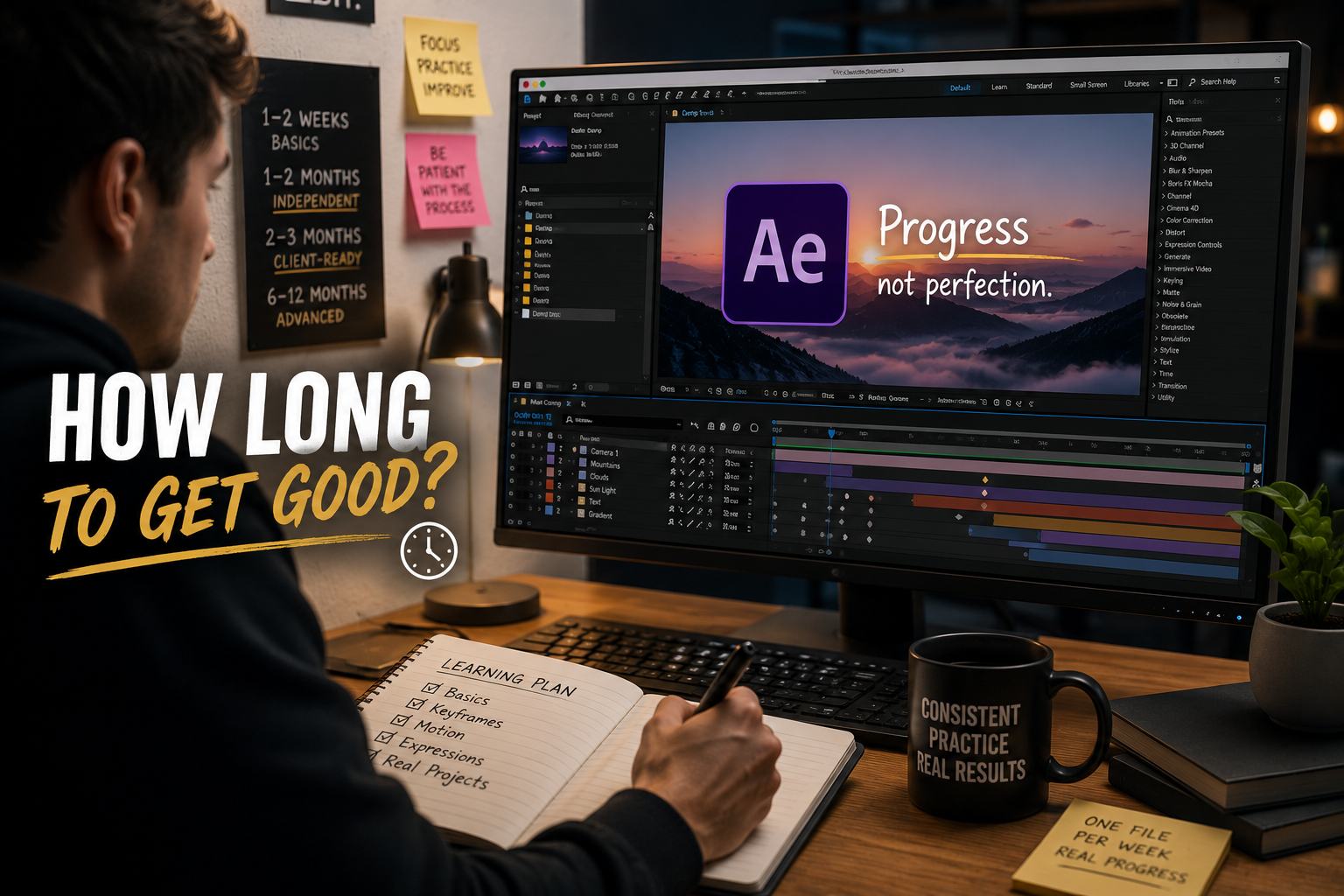
Learning After Effects takes 1 to 2 weeks for interface basics, 1 to 2 months for comfortable independent work, and 2 to 3 months for client-ready skill with the project-file method. The timeline depends on three variables: the learning method, the weekly practice hours, and prior editing experience.
The method makes the largest difference, and editors studying open project files reach client-ready skill faster than editors following generic tutorial paths. Advanced mastery across multiple motion design styles extends into 6 to 12 months of consistent work. The stages below map each timeline with checkable completion signals instead of vague estimates.
After Effects skill develops across four stages, and each stage has a measurable timeline and a clear completion signal.
| Stage | Timeline | Completion signal |
| Interface basics | 1-2 weeks | Navigating the timeline, layers, and keyframes without searching |
| Comfortable independence | 1-2 months | Building simple animations without references |
| Client-ready skill | 2-3 months | Delivering a finished, paid-standard edit start to finish |
| Advanced mastery | 6-12 months | Working fluently across multiple styles and formats |
The first two weeks concentrate the difficulty. After Effects front-loads its learning curve into interface navigation: the timeline, the Project Panel, compositions, and keyframe basics. Editors who push through the first two weeks report the rest of the path feeling progressively easier, because every later technique builds on stable navigation.
The client-ready stage is the milestone most editors care about. The 2 to 3 month timeline holds for editors studying one open project file per week. The full milestone path with stage-by-stage completion signals lives in our guide to learning After Effects with real project files.
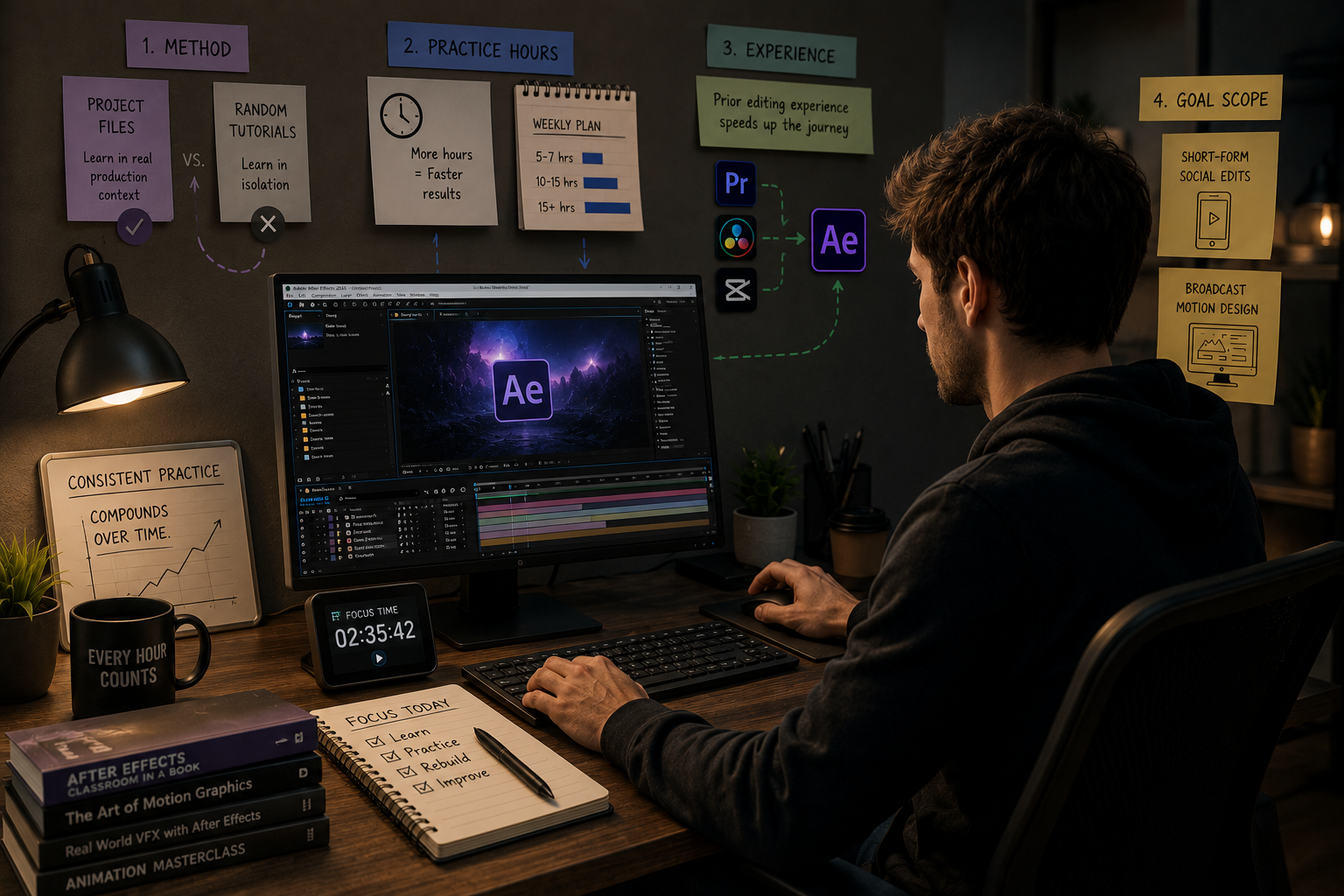
Three variables move the After Effects timeline more than any talent factor: method, practice hours, and prior editing experience.
Goal scope sets the finish line itself. An editor targeting short-form social edits reaches the goal months before an editor targeting broadcast-grade motion design, because the technique surface is smaller.
The learning method changes the After Effects timeline more than doubling the practice hours. The comparison below maps the three common paths to the client-ready stage.
| Method | Time to client-ready | The bottleneck |
| Generic YouTube tutorials | 6-12 months, often never | Recognition without recall, no production context |
| Structured courses | 3-6 months | Strong fundamentals, slow transfer to real work |
| Open project-file study | 2-3 months | Requires self-directed 4-stage practice |
The generic tutorial path fails most often at the recall gap. Watching a keyframe technique creates recognition, and recognition fades within days without rebuilding. Editors describe the result as tutorial hell: 50 watched lessons, zero buildable skills.
The project-file path closes the gap through the 4-stage method. The stages run: watch the render, walk the timeline, isolate one technique, and rebuild it from memory. Each studied file doubles as a production asset, so the practice hours produce inventory alongside skill. The stage-by-stage workflow is covered in the guide on how to study AE project files efficiently.
The first month decides most After Effects outcomes, and a structured week-by-week plan prevents the early quit.
Week 1: Interface only. Learn the timeline, the Project Panel, compositions, and basic keyframes. Build nothing impressive. The only goal is navigation without searching.
Week 2: First file deconstruction. Open one organized project file and complete the 4-stage study method on one technique. A beginner-structured file matters here, and the selection criteria are covered in our guide to the best After Effects project files for beginners.
Week 3: Modification practice. Take the same file and change things: swap easing curves, adjust expression values, re-time one transition. Breaking the file on purpose and diagnosing the break teaches faster than clean study.
Week 4: First rebuild. Rebuild the studied technique in a completely fresh composition from memory. The rebuild is the completion signal for month one, and the editor who finishes it has left the beginner stage.
Editors following this plan enter month two with one deconstructed file, one rebuilt technique, and stable navigation. Repeating the weekly file rhythm carries the path to client-ready by month three.

Stalled After Effects learning traces to two patterns: passive consumption and missing rebuild practice. Editors stuck at the same skill level for years almost always share the pattern of high watch time and zero fresh-composition rebuilds.
The stuck pattern has a direct exit. One project file per week, fully deconstructed, with the rebuild stage protected in every session. Editors switching from passive watching to the rebuild rhythm report visible progress within 2 to 3 weeks. Rebuild practice converts recognition into recall, and recall is the skill.
Consistent daily practice of 45 to 60 minutes beats occasional long sessions for After Effects retention. Motion design skill builds through spaced repetition, and six 1-hour sessions across a week retain more than one 6-hour weekend session.
Our recommended session split follows the 4-stage method. The split runs 10 minutes on the render review, 15 minutes in the timeline, 25 minutes isolating one technique, and the remainder rebuilding. Editors with less time protect the rebuild stage first and cut the review stages, because the rebuild carries the retention.
One week covers interface basics, not usable skill. A focused week produces stable navigation and first keyframes. Client-ready work stays a 2 to 3 month path on the fastest method.
After Effects is harder at the start because motion design adds keyframe animation, expressions, and compositing on top of editing logic. Premiere Pro editors hold an advantage: timeline fluency transfers directly and removes 1 to 2 weeks from the After Effects path.
Client-ready skill lands between 60 and 90 focused hours for most editors on the project-file method. The hours spread best across 2 to 3 months of consistent weekly practice rather than compressed sprints.
Practice structure matters and background barely does. Editors from design, video, and completely unrelated fields reach client-ready on the same timelines when the weekly file rhythm and rebuild practice hold.
The fastest path pairs open project files with build tutorials: watch the construction, study the open timeline, and rebuild the technique from memory. Our After Effects tutorials built on real project files follow exactly this structure, with the open file shipping alongside every lesson.

Explore more guides on After Effects project files and viral editing workflows.
Production-ready edits that teach you how they were built.