Introducing Frame War
Submit your best edit, make it into the Top 3, and compete for the monthly Frame War reward. The winner receives cash plus exposure across EarnEdits community channels.

PRODUCT CATEGORIES
Submit your best edit, make it into the Top 3, and compete for the monthly Frame War reward. The winner receives cash plus exposure across EarnEdits community channels.
 Back
Back

 Jul 14, 2026
 Muhammad Sikandar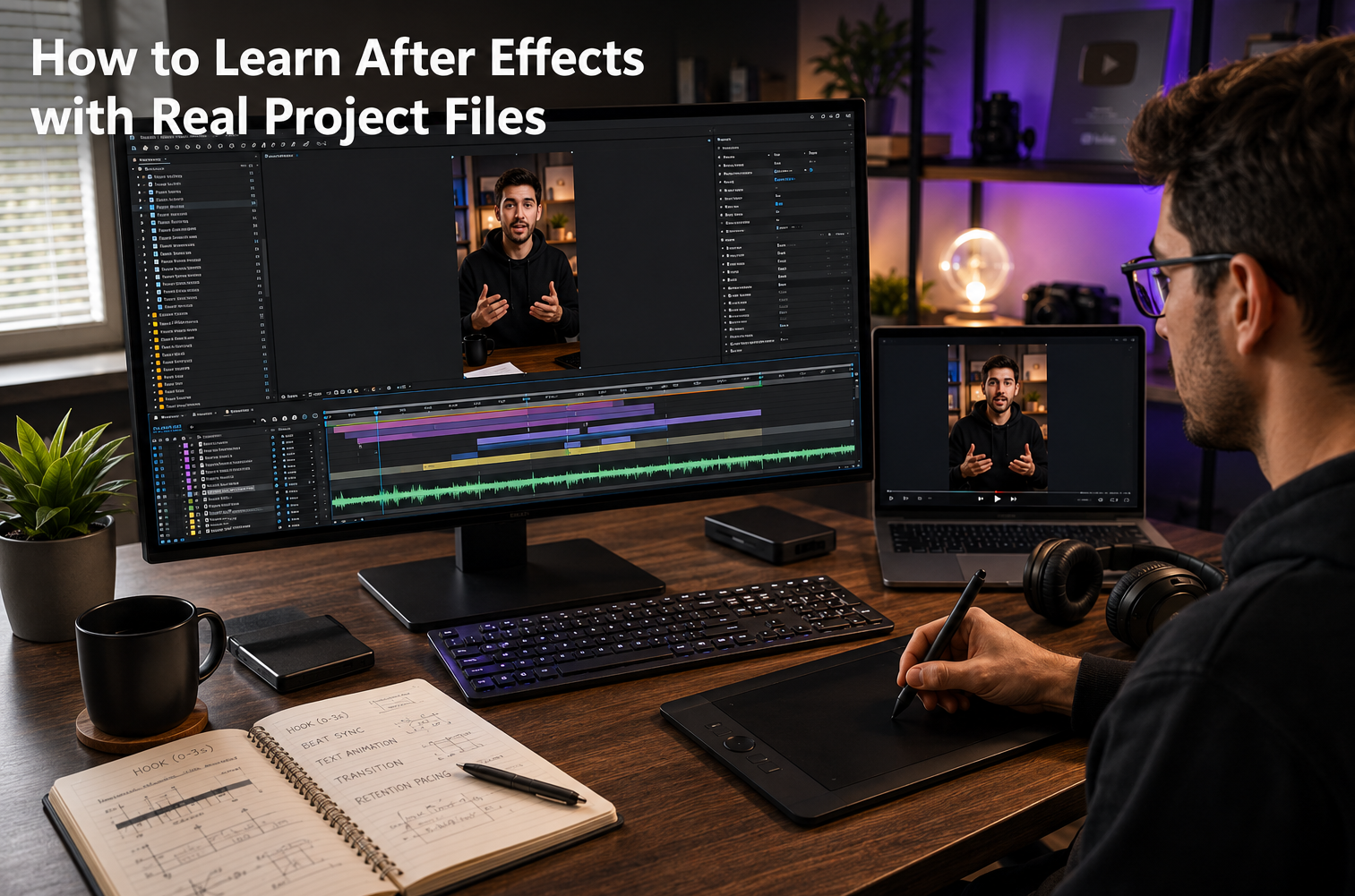
Learning After Effects with real project files means studying open professional timelines and rebuilding their techniques instead of following generic lesson sequences. Project-file learning teaches faster than generic tutorials because every technique appears inside finished, working context rather than isolated exercises.
The method runs through 4 stages: watch the render, walk the timeline, isolate one technique, and rebuild it in a fresh composition. Editors progress from first file study to client-ready skill across measurable milestones. EarnEdits builds every After Effects project file as an open learning instrument, with full layer access, organized structure, and paired build tutorials.
Project-file learning is the deconstruction method: an editor opens a finished professional After Effects project and studies how every result was built. The open .aep exposes each keyframe, expression, layer decision, and composition structure behind the final render. Generic lessons show one technique in isolation. An open project file shows dozens of techniques working together in a real deliverable.
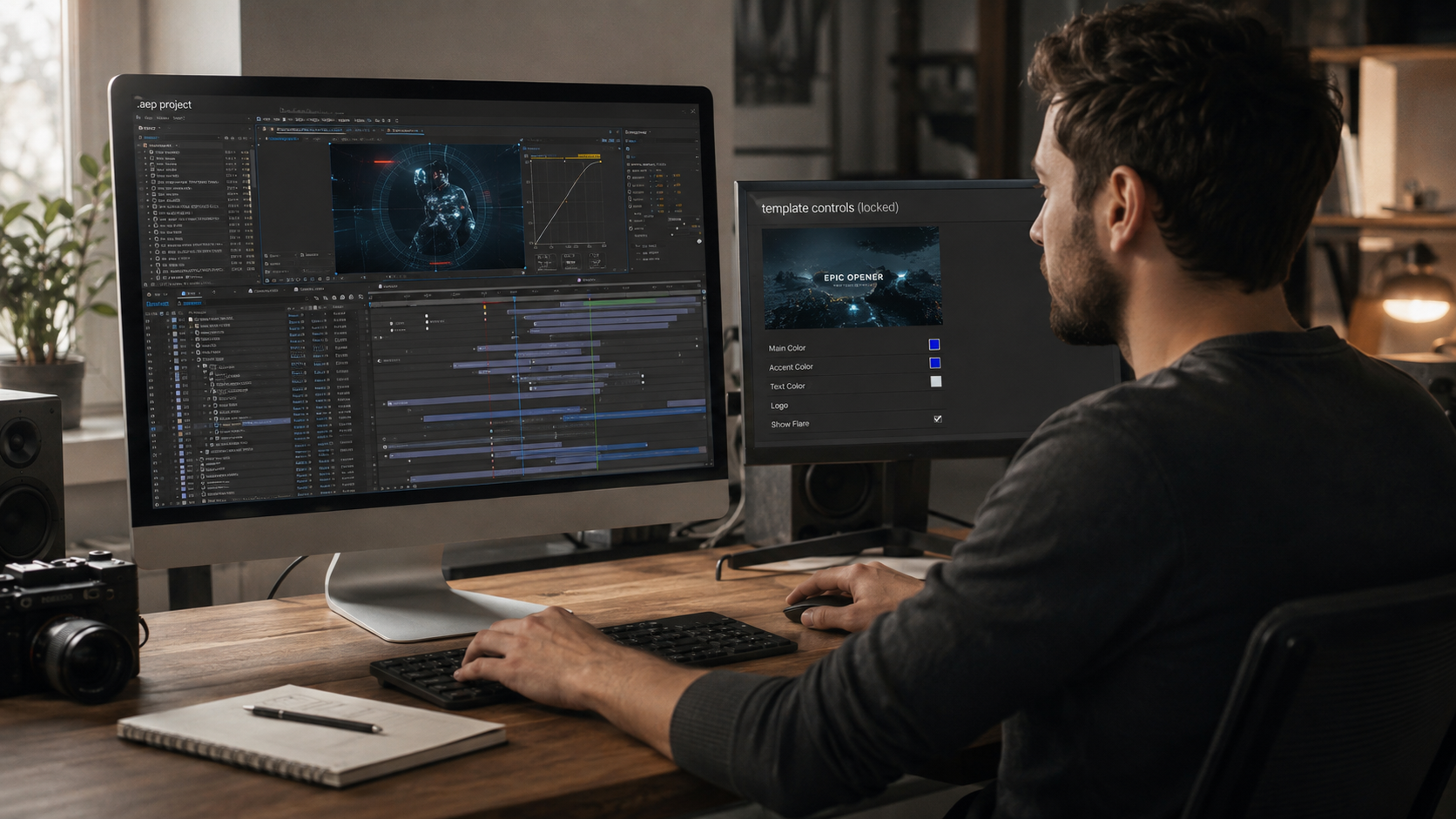
The method rests on one property: openness. A locked template hides the build and permits only surface edits. An open project file exposes the build completely. The editor sees why a transition lands on the beat, how a text animator was configured, and where an expression replaced manual keyframes. Openness turns a purchase into a curriculum.
Three learning inputs live inside every open file. The structural input covers composition nesting, layer order, and precomp logic. The technical input covers keyframes, easing curves, expressions, and effect stacks. The judgment input covers the creative decisions behind the build. Examples include why a cut lands on a specific frame, why one font carries a scene, and why a color shift marks a story turn. Generic lessons deliver the technical input alone. Open files deliver all three at once.
Deconstruction mirrors how working editors describe their own growth. Studying finished professional work, then rebuilding it, compresses years of trial and error into structured practice. The full library of After Effects project files exists as exactly this kind of study inventory. Every file is a real edit, built by verified creators, open at every layer.
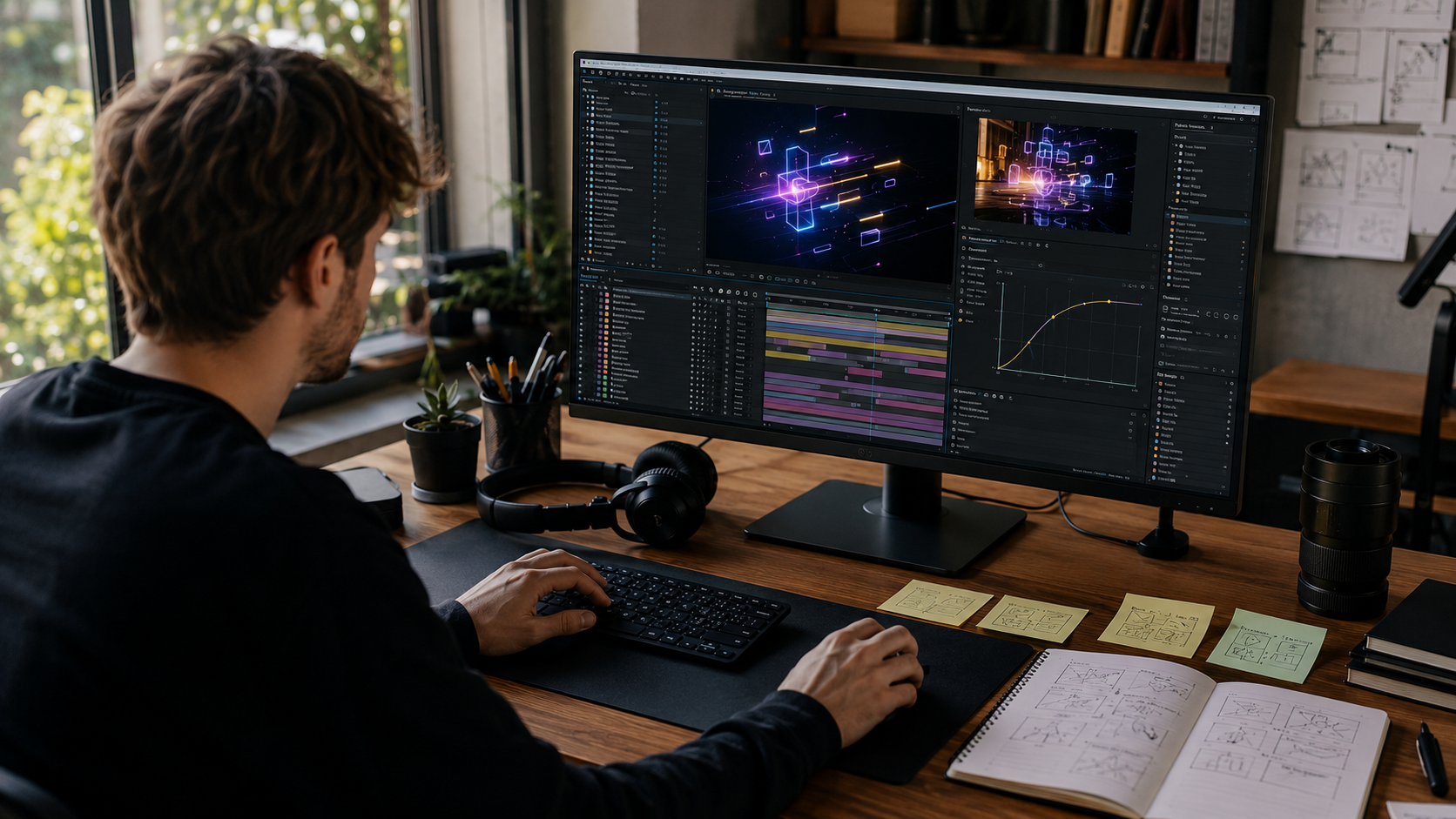
Project files teach faster because context carries the learning. A generic tutorial teaches a bounce expression in an empty composition. A project file shows the same bounce expression driving a logo reveal, timed to a soundtrack, inside a finished viral edit. The second version teaches the technique AND its purpose, timing, and placement in one pass.
Three structural advantages separate the methods.
The difference shows in a single worked comparison. An editor learning beat-synced transitions from generic lessons watches three separate exercises. The lesson path covers a transition tutorial, an audio waveform tutorial, and a graph editor tutorial in isolation. The same editor opening one EarnEdits viral edit file finds all three techniques already working together. The waveform sits visible on the audio layer, the transition keyframes align to the peaks, and the easing curves take shape in the graph editor. One file session replaces three disconnected lessons, and the editor sees the connective decisions the lessons never mention.
Speed also compounds through the production overlap. The hours spent studying a file are simultaneously hours spent preparing a usable asset. An editor who studies one file per week finishes each month with 4 studied techniques AND 4 customizable production files. The generic tutorial path finishes the same month with watch history.
Generic tutorials keep one advantage: breadth. A lesson library covers more isolated topics than any single file. The strongest learning path combines both, with project files as the spine and targeted lessons filling specific gaps. The comparison table later on this page maps the trade-offs directly.
Efficient project-file study runs through 4 stages: watch, walk, isolate, rebuild. Each stage extracts a different layer of learning from the same file.
Stage 1: Watch the render. Play the final video 3 to 5 times before opening the project. Note the moments that catch attention: a transition, a text reveal, a camera move. Those moments become the study targets.
Stage 2: Walk the timeline. Open the .aep and move through the composition from start to finish. Read the layer names, the folder structure, and the precomp nesting. The walk builds a map of how the project is organized before any technique study begins.
Stage 3: Isolate one technique. Solo the layers behind one target moment. Study the keyframes, the easing curves in the graph editor, and any expressions attached. One technique per session beats surveying everything shallowly.
Stage 4: Rebuild it fresh. Close the reference and rebuild the isolated technique in a new composition from memory. Rebuilding converts recognition into skill. Recognition fades within days. Rebuilt skill persists.
A working session structure keeps the 4 stages honest. Sessions run 60 to 90 minutes. The split allocates 10 minutes to Stage 1, 15 minutes to Stage 2, 25 minutes to Stage 3, and the remaining time to Stage 4. Shorter sessions cut Stage 4 first, which removes the stage that builds skill. Protecting the rebuild time is the single highest-value scheduling decision in the method.
Study depth beats study volume at every milestone. One file deconstructed across 4 stages teaches more than 5 files opened and skimmed. The temptation to skim grows with library access, which is exactly why the method fixes the pace at one file per week.
The dedicated guide on how to study AE project files efficiently expands each stage with session structures and common study errors.
Each project file category teaches a distinct After Effects skill set, and the 6 categories together form a complete learning path. Editors choose the category matching their target work, master its core techniques, then expand outward.
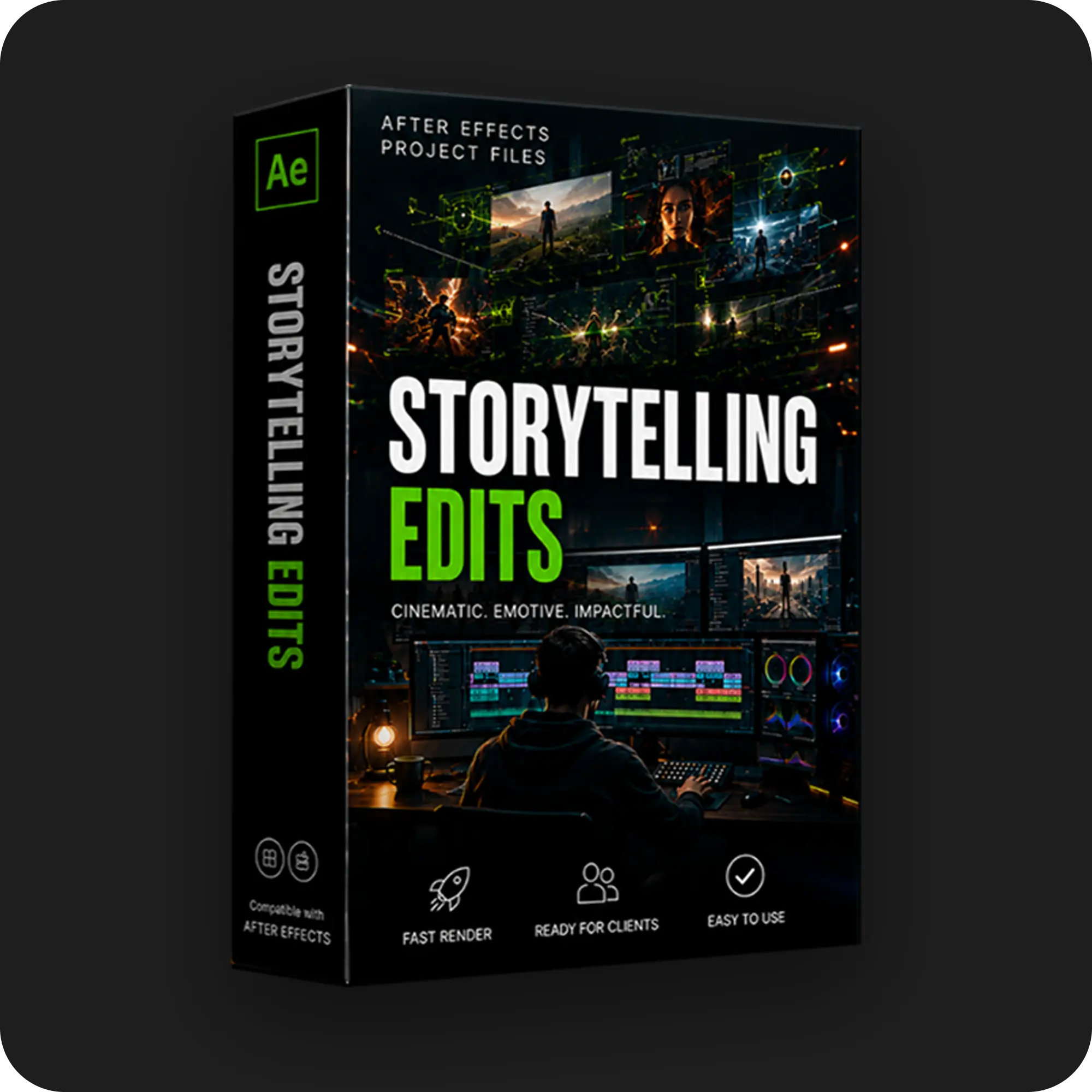
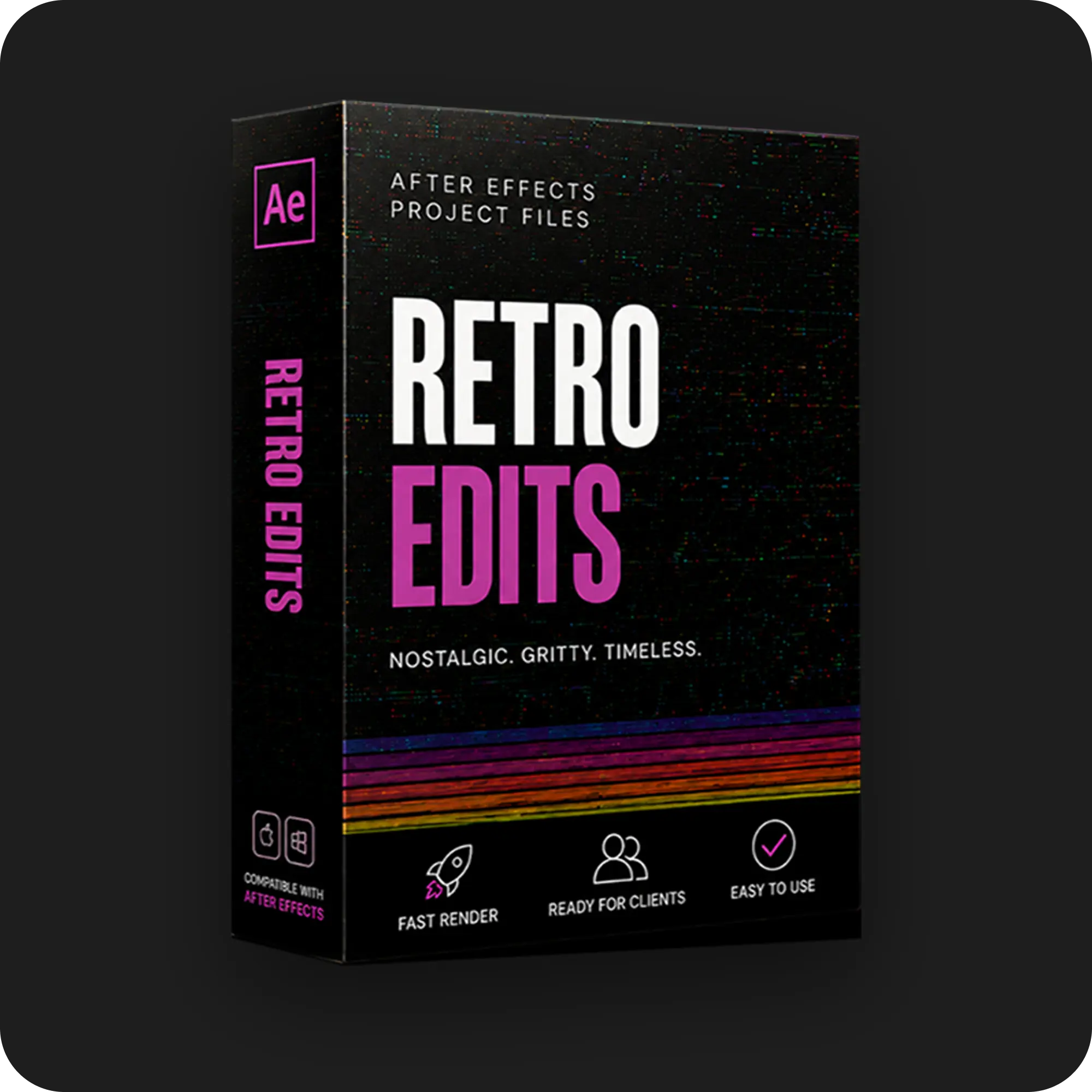
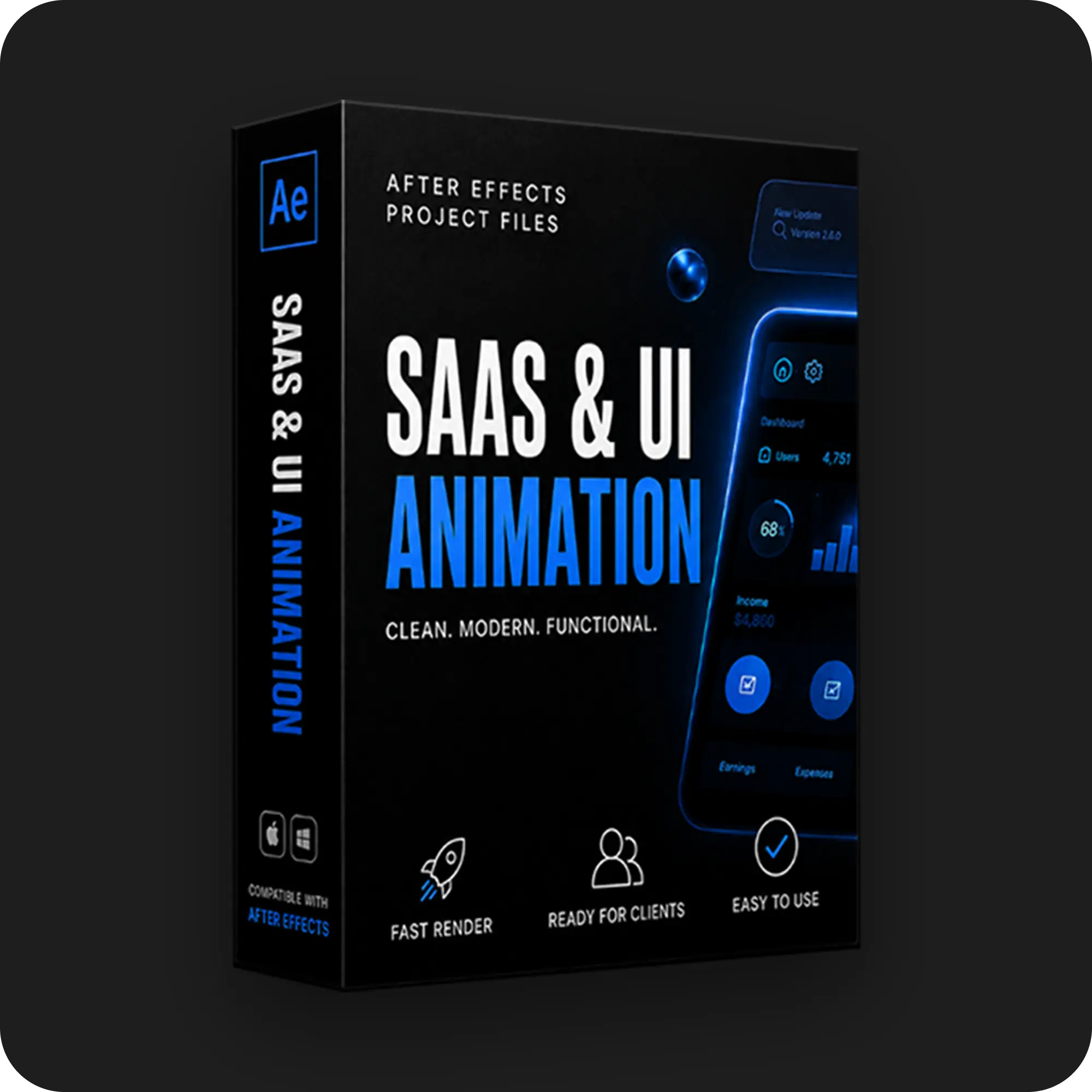
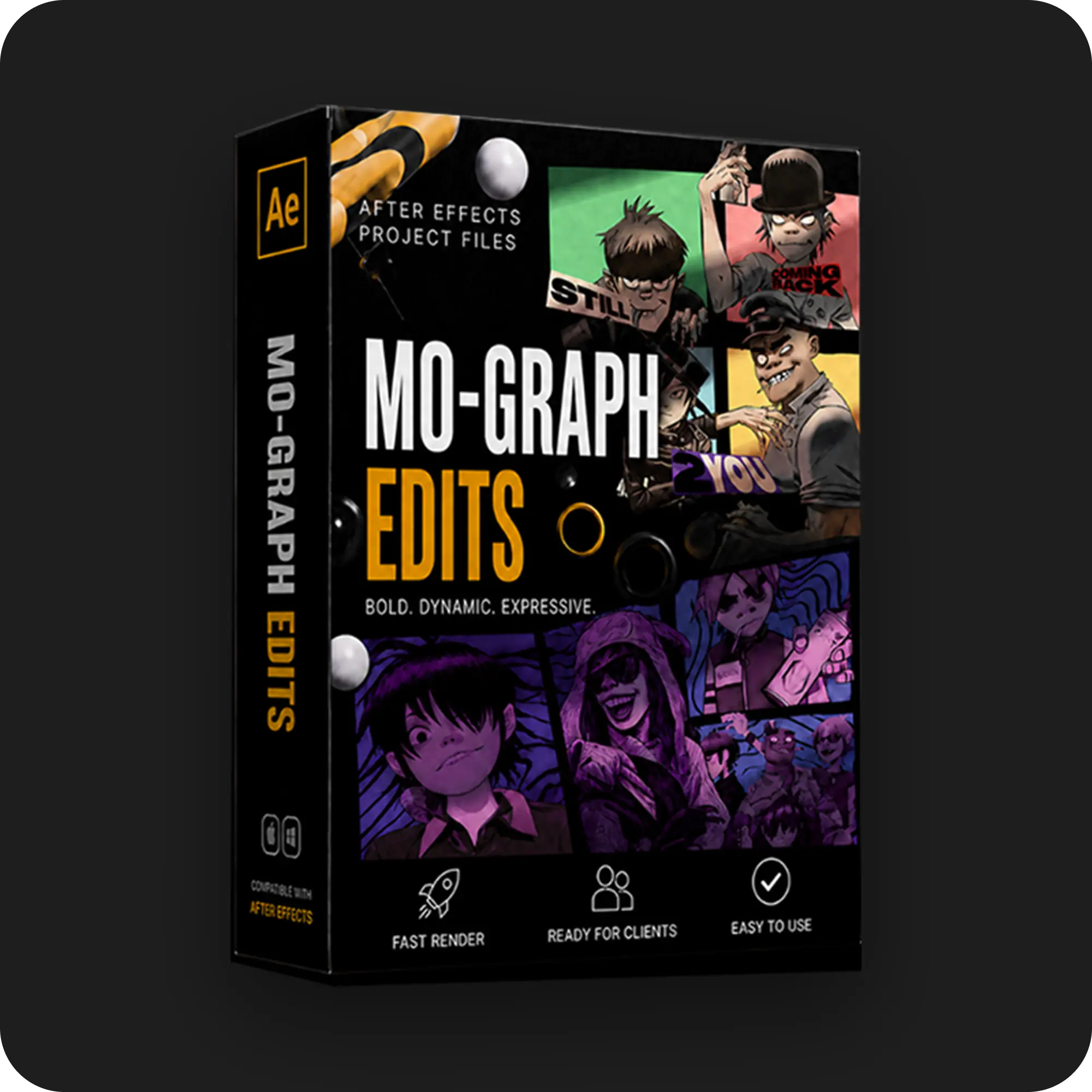
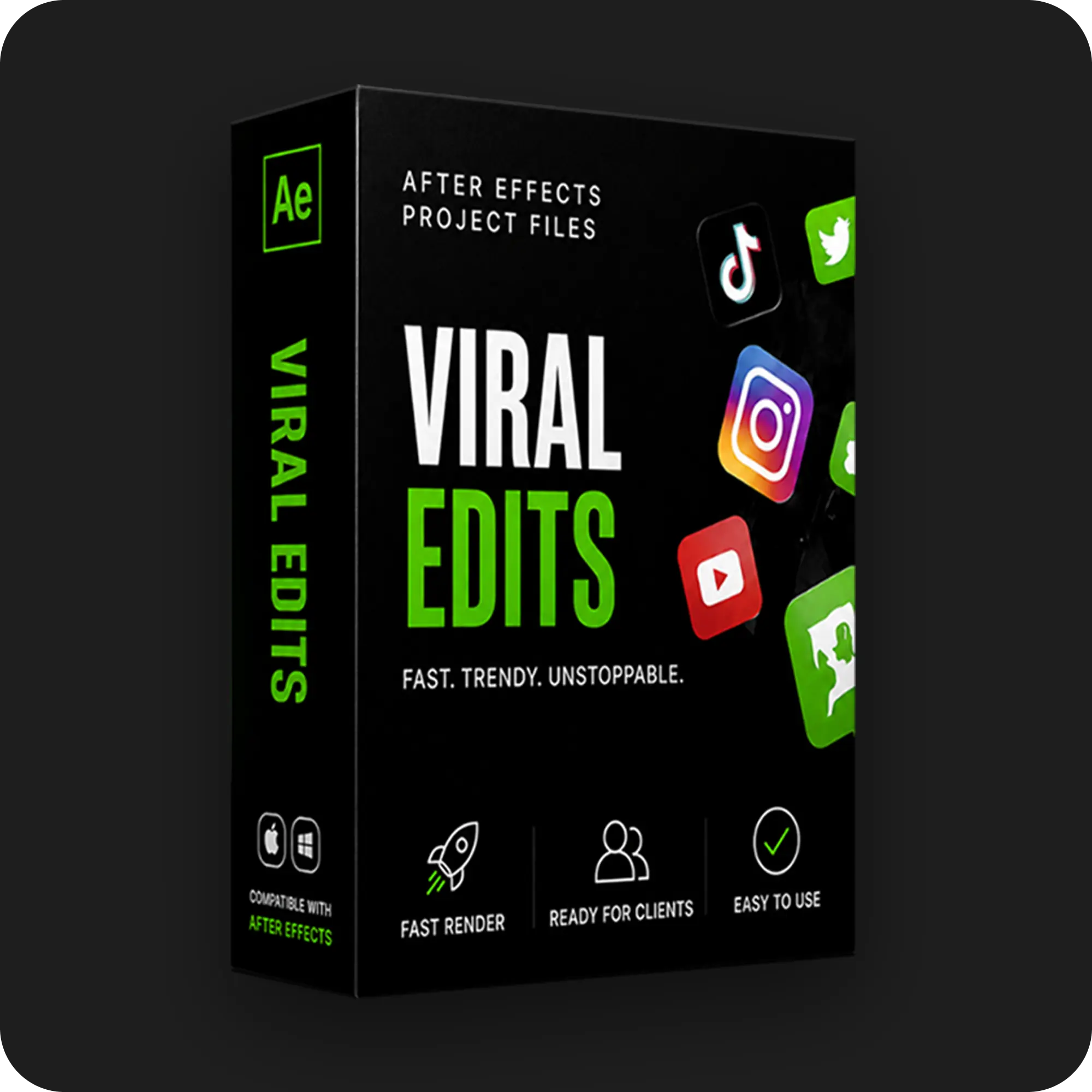
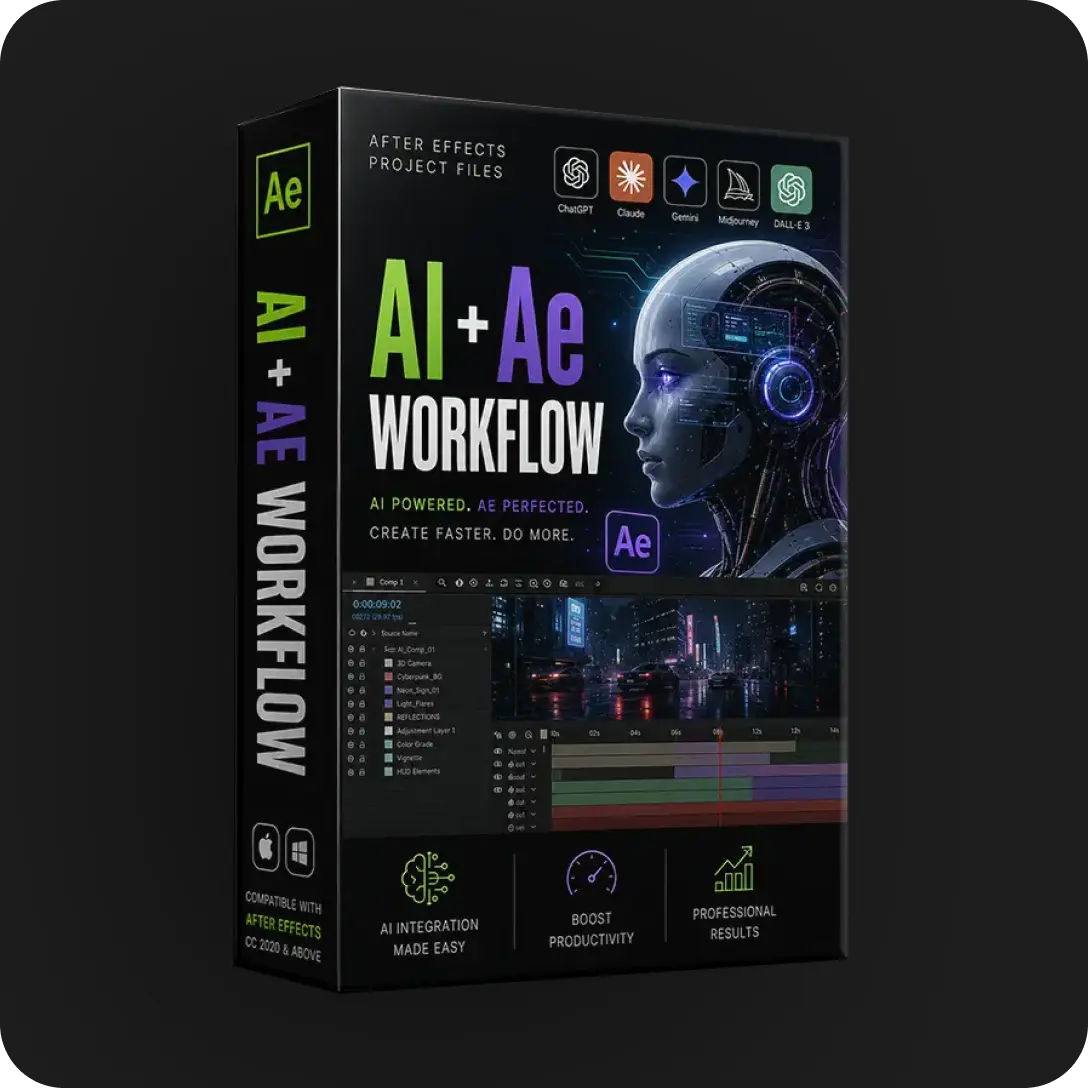
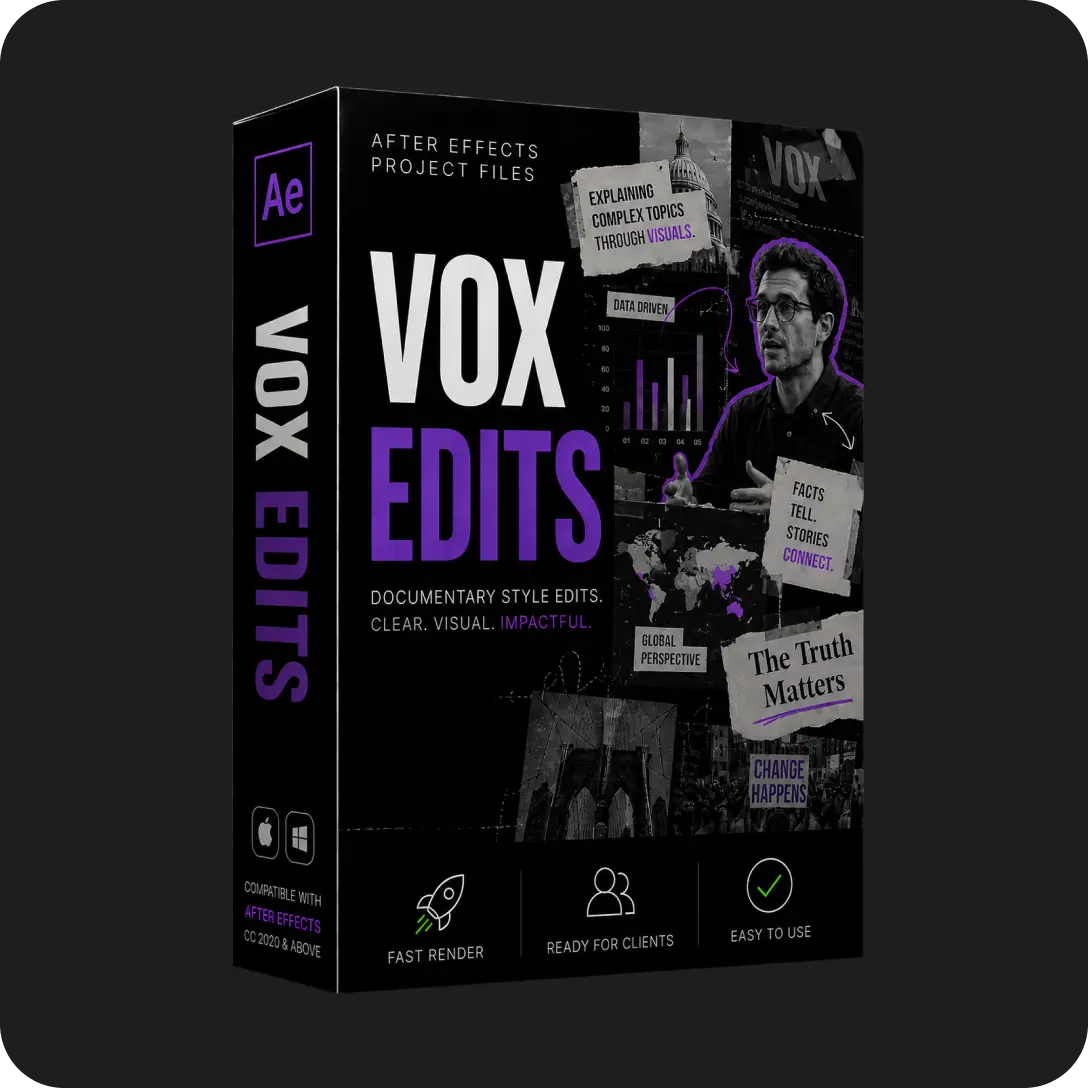
Each category also carries signature techniques worth targeting in study sessions. Storytelling files reward attention on scene transition logic and text pacing. Retro files reward attention on adjustment layer stacks and grain treatments. Mo-graph files reward attention on audio keyframe conversion and reactive scaling. SaaS UI files reward attention on shape layer construction and micro-interaction timing. Viral files reward attention on hook framing inside the first 3 seconds. AI workflow files reward attention on asset preparation and composite matching between generated media and native elements.
A working editor rarely masters all six. Client demand decides the path. Editors serving social media clients start viral and mo-graph. Editors serving software companies start SaaS UI. The category structure lets the learning follow the income.
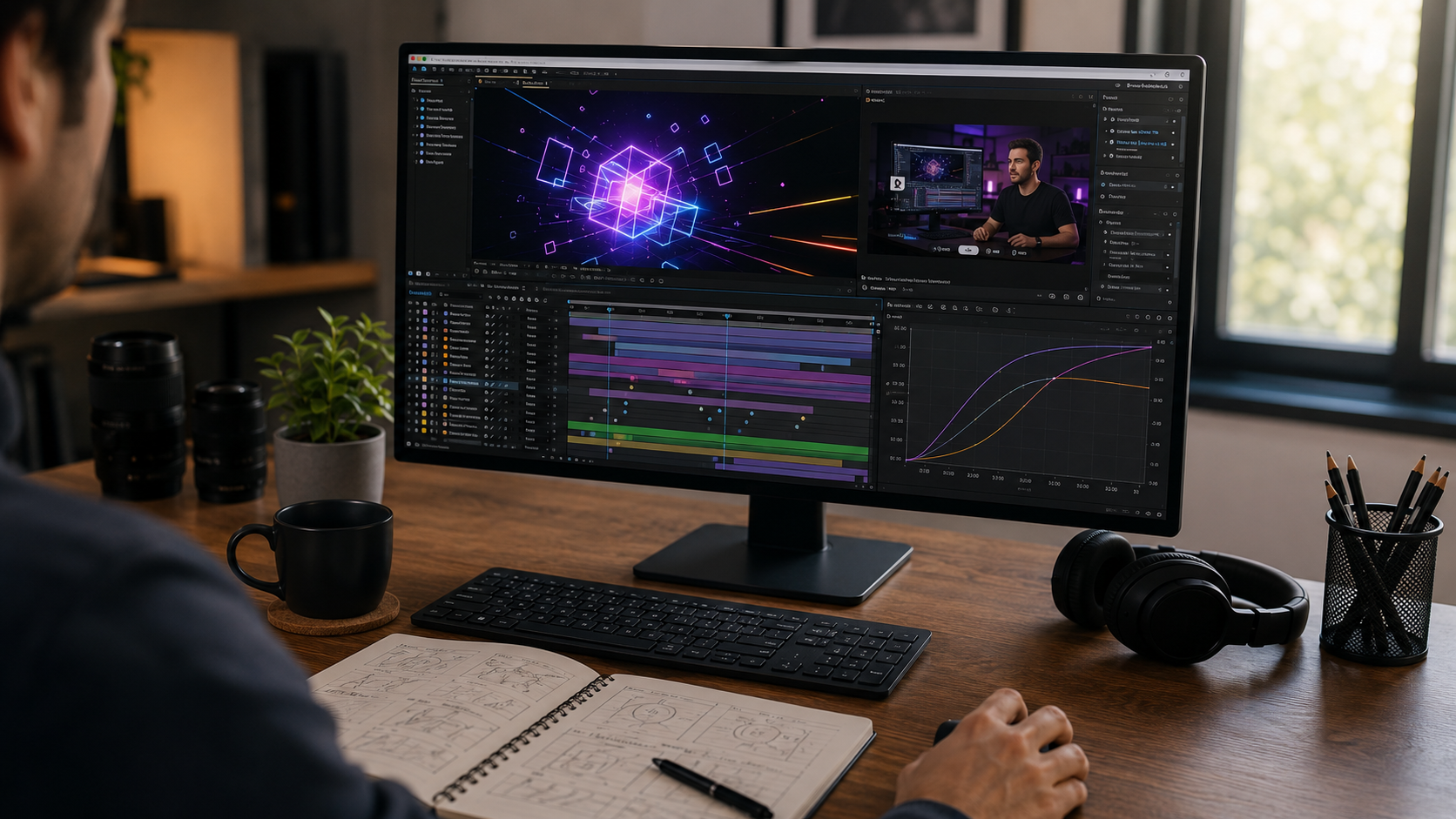
The EarnEdits learning stack pairs each open project file with a build tutorial, so editors watch the construction AND study the constructed file. The tutorial explains the decisions. The file proves them. Neither alone matches the pair.
The stack runs in three passes. First the editor watches the build tutorial to see the workflow in motion. Second the editor studies the open file using the 4-stage method above. Third the editor rebuilds the core techniques in a fresh composition. Our After Effects tutorials built on real project files follow this exact structure. One subscription covers the full tutorials library plus every project file category.
The pairing is the differentiator. Tutorial platforms teach without giving the working file. Template stores give locked files without teaching. The combination of open file plus build tutorial is the EarnEdits method.
After Effects progress through project files moves across 4 measurable milestones. Each milestone has a clear completion signal, which keeps the learning honest.
Milestone 1: First deconstruction. The editor completes the 4-stage study method on one file and rebuilds one technique from memory. Completion signal: the rebuilt technique plays correctly without reopening the reference.
Milestone 2: Full customization. The editor takes one project file and customizes every visible element: colors, typography, footage, and timing. Completion signal: the output looks original to someone who has seen the source file.
Milestone 3: Cross-file fluency. The editor combines techniques from 3 or more studied files into one original composition. Completion signal: an original edit built without any single reference file.
Milestone 4: Client delivery. The editor repurposes a project file into a paid client deliverable, start to finish. Completion signal: a delivered, accepted client video. The full workflow for this milestone lives in the guide on repurposing After Effects project files for client work.
Each milestone also has a common stall point and a direct correction. Milestone 1 stalls when editors skip the rebuild and count file-reading as study. The correction is closing the reference before rebuilding. Milestone 2 stalls when customization stops at colors and text while the original pacing stays untouched. The correction is re-timing to new audio, which forces engagement with the keyframe structure. Milestone 3 stalls when editors combine techniques without a project goal. The correction is picking a real brief: a product, a song, or a story, then building for it. Milestone 4 stalls on client acquisition rather than skill. The correction is treating the first delivery as portfolio work at reduced rate, since the milestone measures the workflow, not the invoice size.
The milestone path replaces the vague question “how long does learning take” with checkable outcomes. Editors moving through one file per week typically reach Milestone 4 within 2 to 3 months.
Four repeated mistakes account for most stalled After Effects learning. Each has a direct fix.
The two methods trade breadth against depth, and the table maps the trade directly.
| Dimension | Generic tutorials | Project-file learning |
|---|---|---|
| Technique context | Isolated exercises | Finished professional edits |
| Organization standards | Rarely covered | Demonstrated in every file |
| Output after study | Practice scraps | Usable production asset |
| Topic breadth | Very wide | Bounded by the file |
| Skill retention driver | Repetition | Rebuild from memory |
| Cost of practice material | Time finding lessons | File purchase or subscription |
The strongest path treats the two as layers, not rivals. Project files form the spine of the practice. Targeted lessons fill the specific gaps a file exposes.
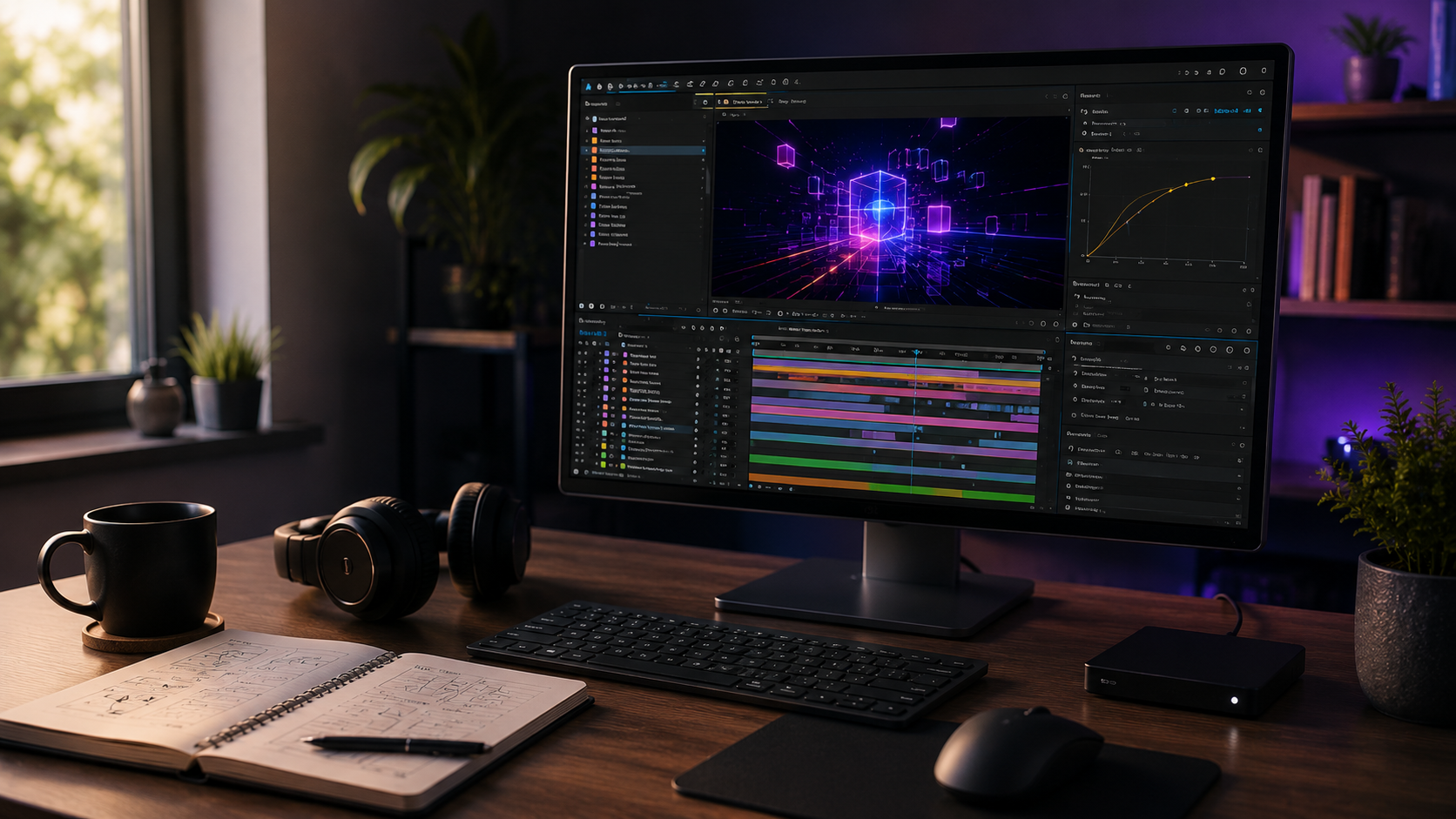
Starting requirements stay minimal: After Effects 2023 or later, a mid-range computer, and one well-organized open file. EarnEdits files ship with zero paid plugin dependencies, so the software subscription is the only cost beyond the file itself.
File selection matters more than hardware at the start. A disorganized file teaches disorganization. The selection criteria for a first study file include labeled layers, a color control panel, named precomps, and documented fonts. The guide to the best After Effects project files for beginners applies exactly these criteria across the current library.
Editors studying one project file per week reach client-ready skill in 2 to 3 months. The milestone path above replaces calendar estimates with checkable completion signals.
After Effects has a steep interface but a learnable structure. The difficulty concentrates in the first two weeks of timeline navigation. Project-file study shortens that phase because organized files model the structure directly.
Yes. Open project files plus build tutorials cover the full learning path without formal courses. Courses add scheduled structure for editors who want it. The deconstruction method requires none.
Beginner-friendly project files work from day one when they carry labeled layers and color controls. Disorganized files frustrate beginners. Organized files teach them.
After Effects remains the industry standard for motion design, and AI tools raised its value rather than reducing it. AI platforms generate assets. After Effects turns those assets into finished professional motion. Editors who animate AI-generated media occupy the highest-demand corner of the current market.
Project files replace courses for editors who learn by doing, and complement courses for editors who want scheduled structure. The deconstruction method covers the full technique path on its own. Formal courses add accountability and sequencing for editors who prefer external pacing.
Viral social media edits suit most first files because the projects are short, vertical, and technique-dense. Editors targeting software clients start with SaaS UI animation instead.

Explore more guides on After Effects project files and viral editing workflows.
Production-ready edits that teach you how they were built.