


Introducing Frame War
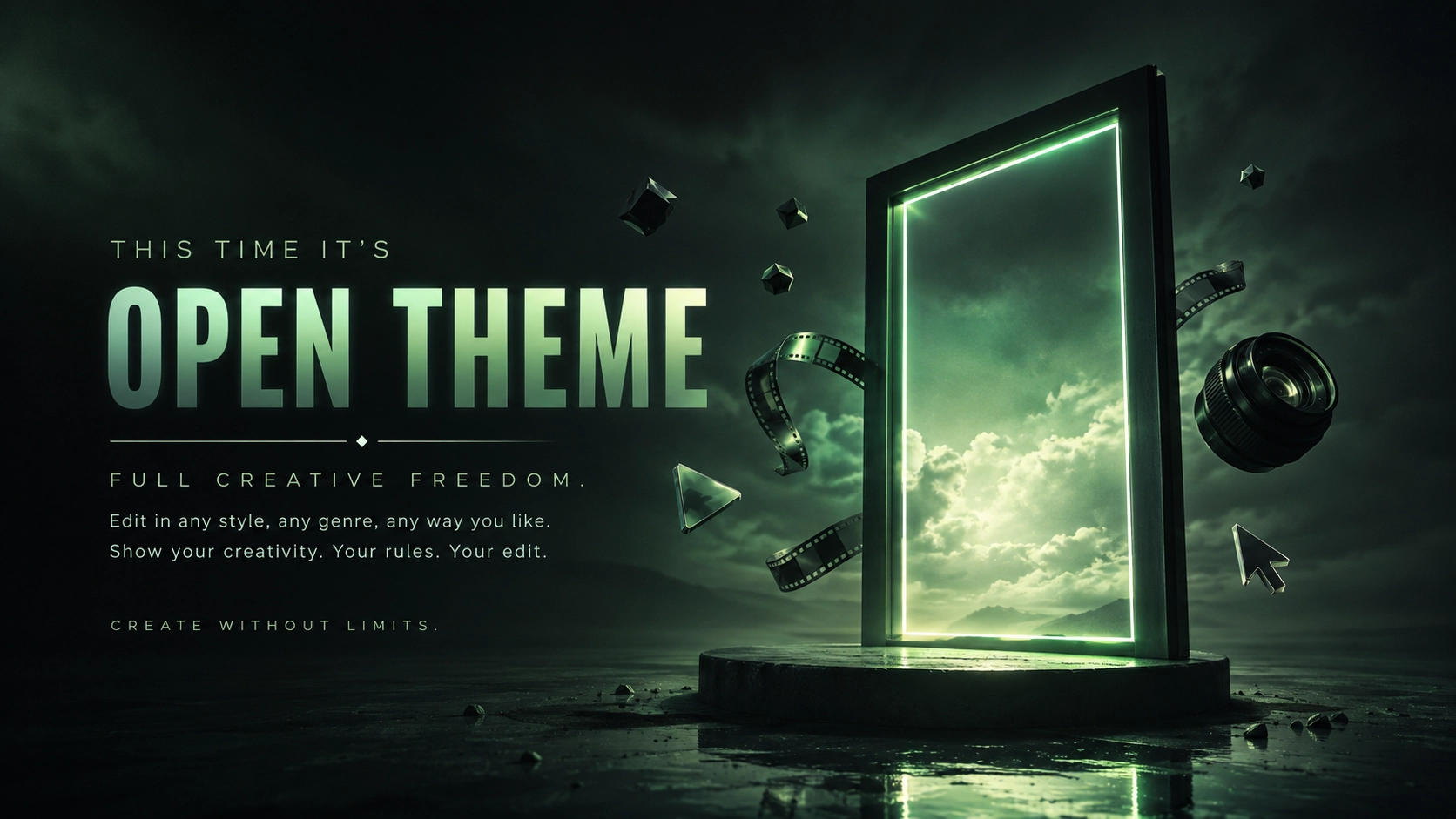
Submit your best edit, make it into the Top 3, and compete for the monthly Frame War reward. The winner receives cash plus exposure across EarnEdits community channels.
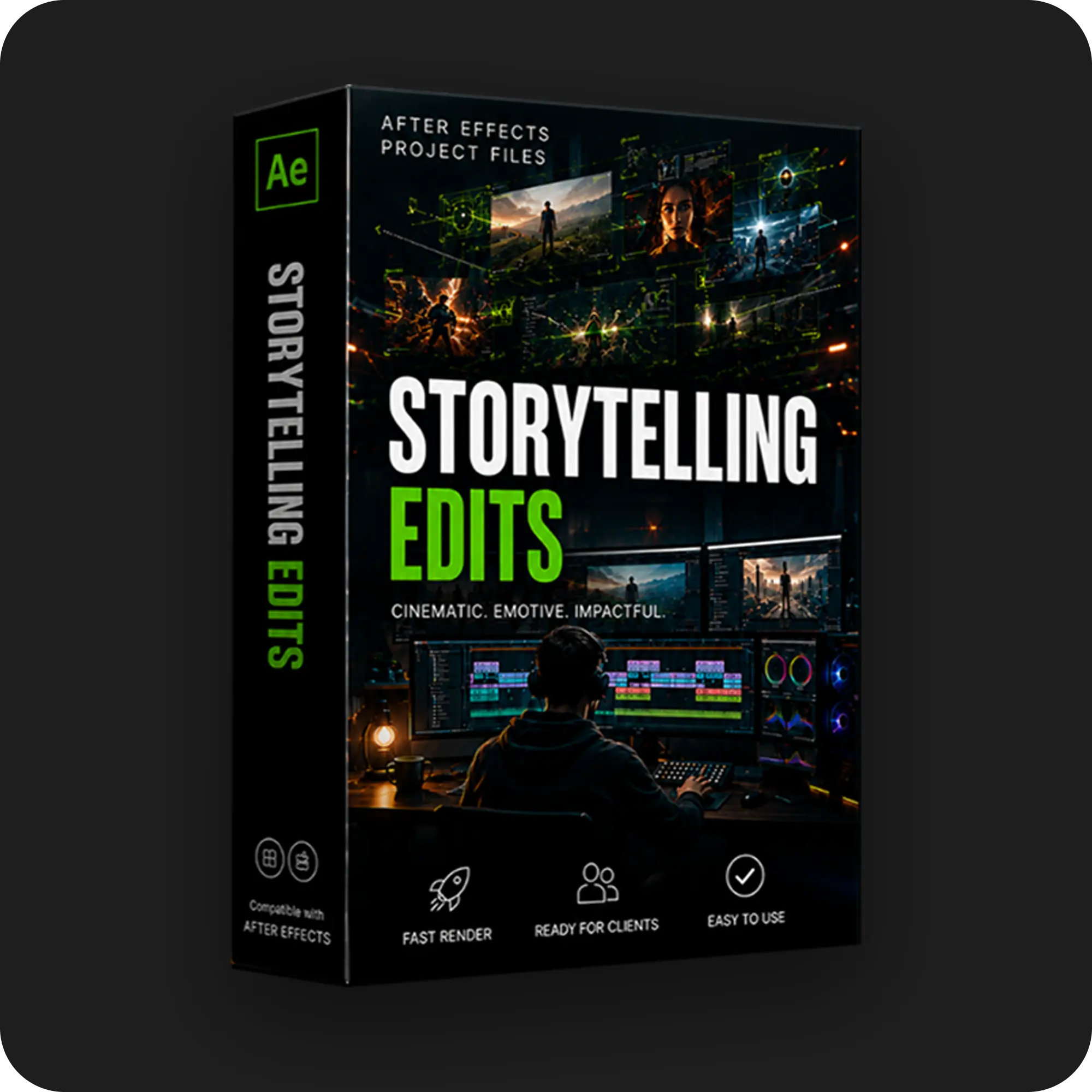
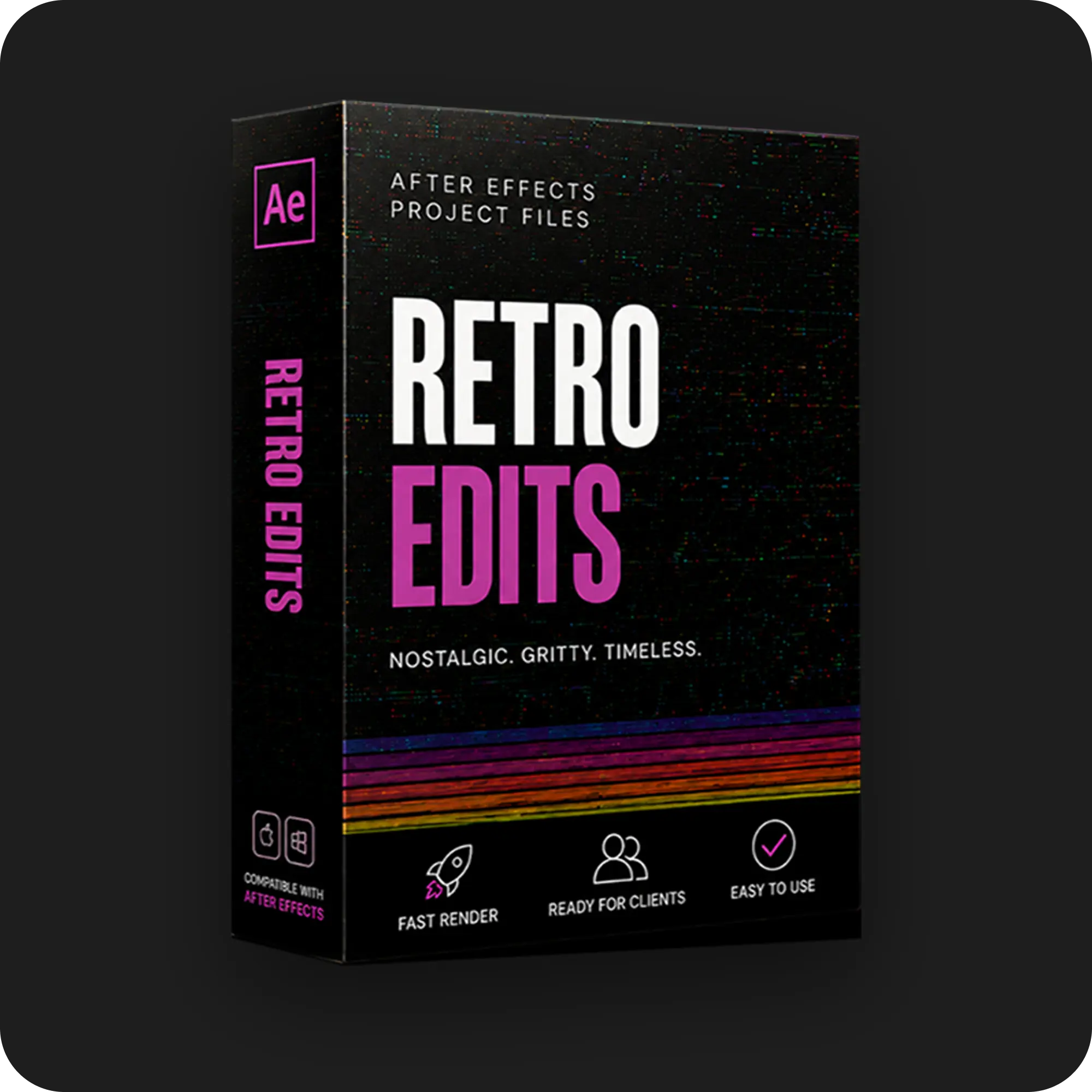
PRODUCT CATEGORIES
Submit your best edit, make it into the Top 3, and compete for the monthly Frame War reward. The winner receives cash plus exposure across EarnEdits community channels.
Every motion graphics template is only as powerful as the person using it.
That’s why every EarnEdits project is designed to be fully editable, well-organized, and easy to customize for your own videos. Whether you’re creating content for YouTube, social media, client work, or personal projects, understanding how to properly use the template allows you to save hours of work while maintaining a professional result.
In this comprehensive walkthrough, we guide you through the complete workflow of using the project file inside Adobe After Effects. From importing assets and replacing media to editing text, changing colors, customizing animations, and rendering the final video, every step is explained to help you adapt the template to your own project with ease.
We break down the project structure, showing you how each composition is organized, where editable elements are located, how placeholders work, and the fastest way to make changes without affecting the overall design. You’ll also learn how to swap images, videos, logos, fonts, and colors while preserving the animation quality and visual consistency of the template.
Throughout the tutorial, we share practical tips for working more efficiently, organizing your workflow, avoiding common mistakes, and making the template feel completely unique to your own brand or client. Every section is designed to help you get the maximum value from the project file while giving you the flexibility to customize every detail.
Whether you’re using the template exactly as designed or transforming it into something entirely different, this walkthrough demonstrates how to confidently use every part of the project and integrate it into your own creative workflow.
By the end of the tutorial, you’ll have a complete understanding of how to customize, edit, and export the project file, allowing you to create professional motion graphics faster while making the template truly your own.
Stay inspired with weekly viral edits, motion tutorials, and behind-the-scenes design breakdowns.


 Back
Back
