




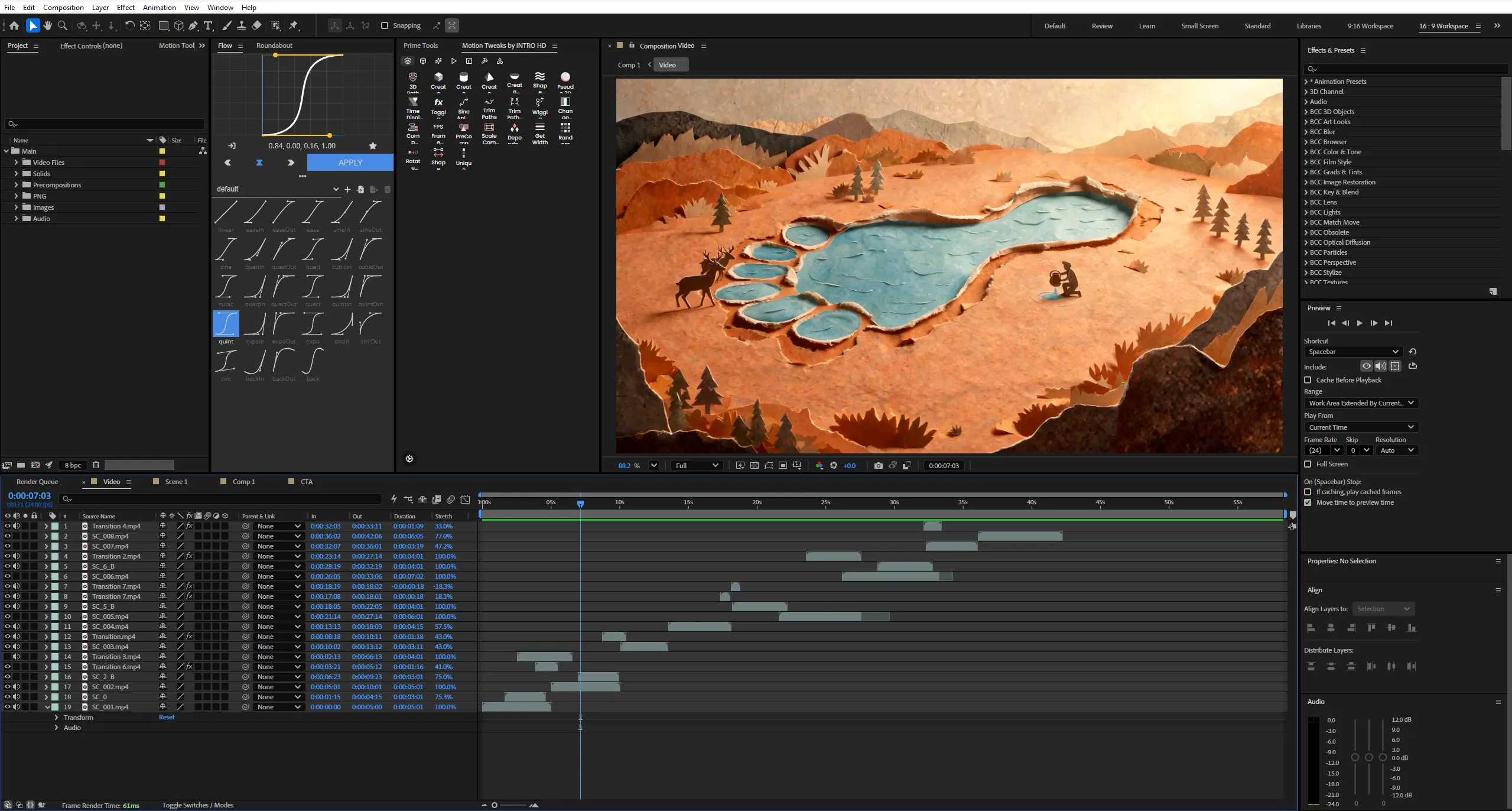
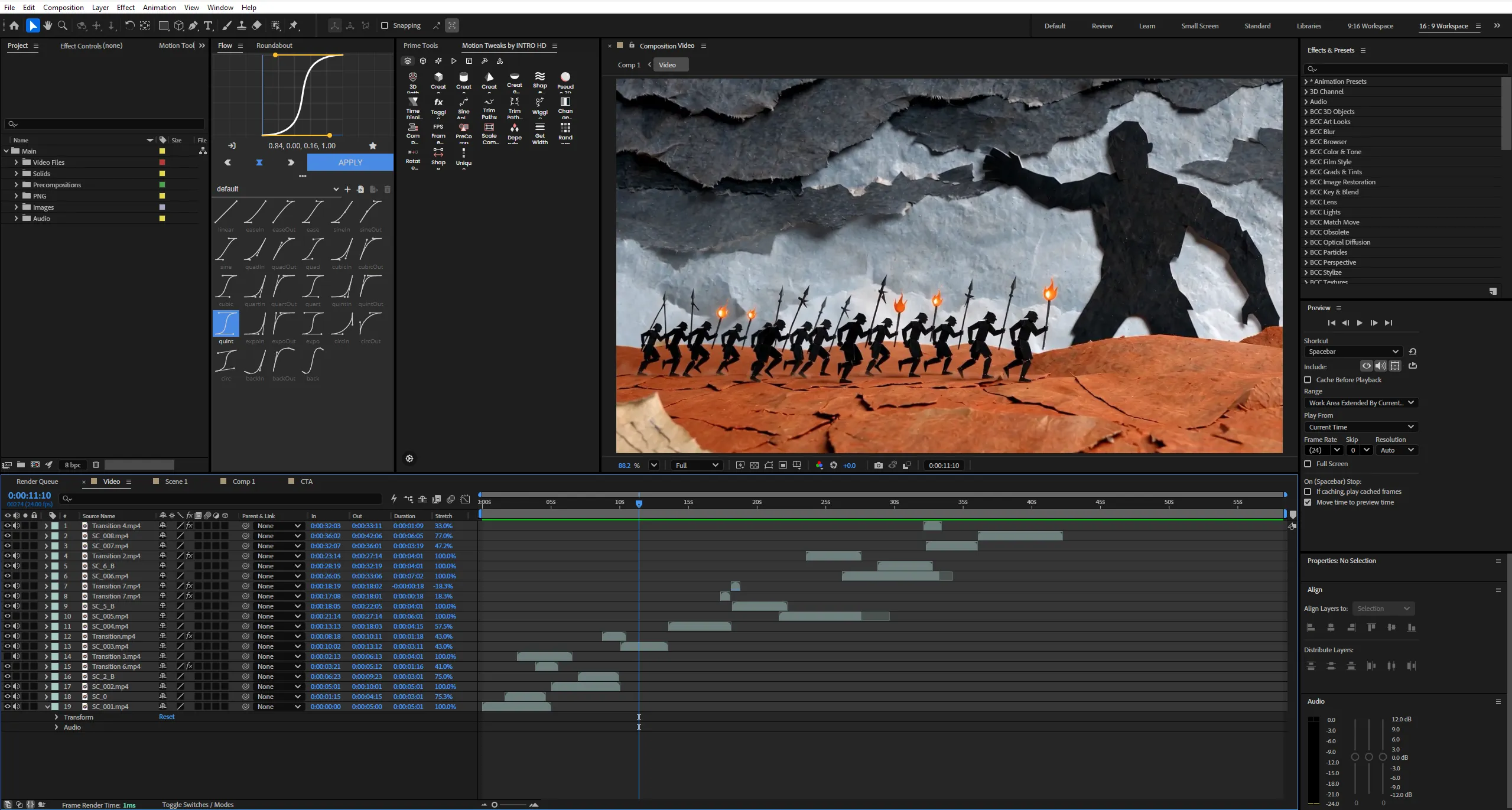
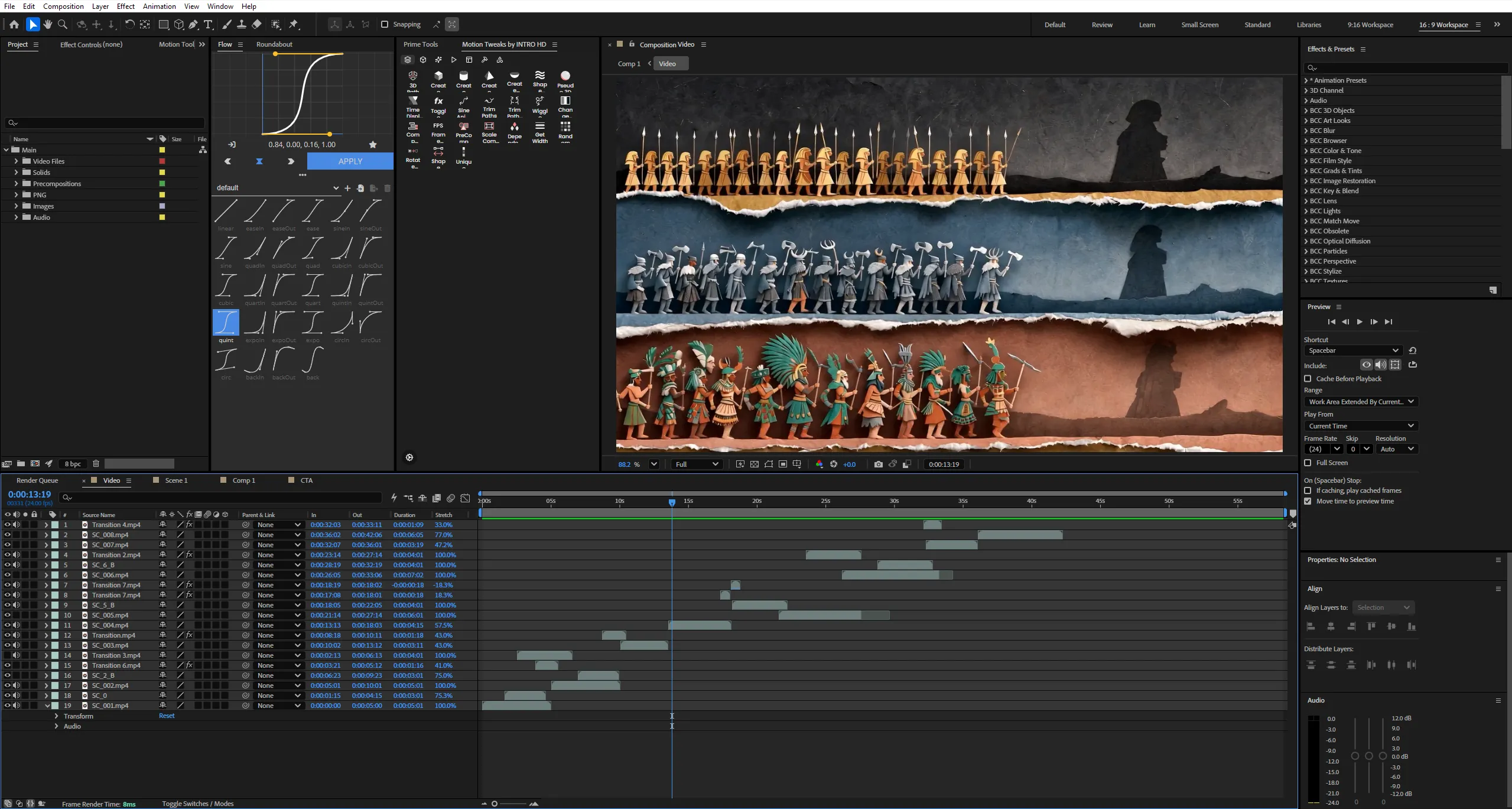
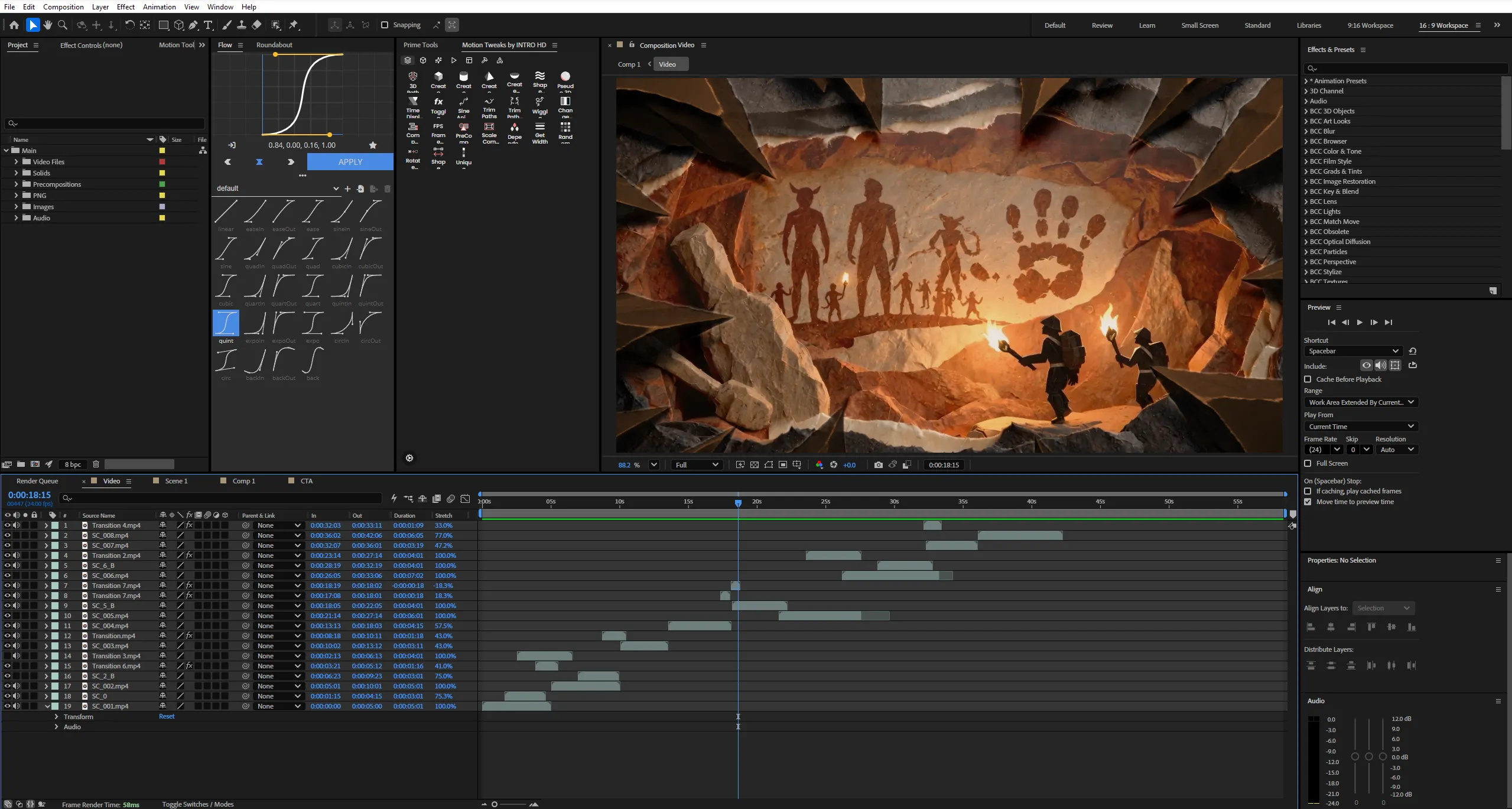
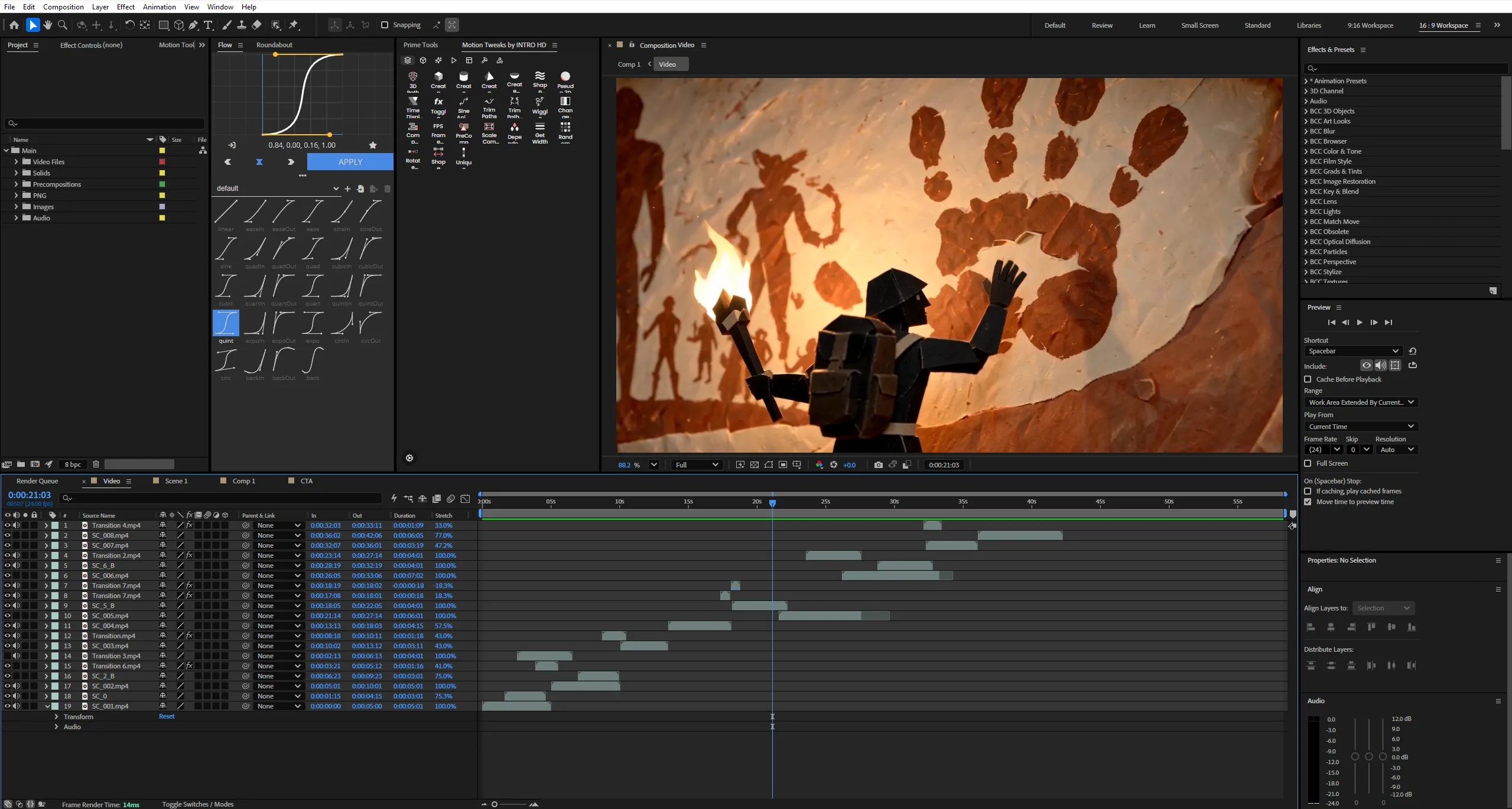
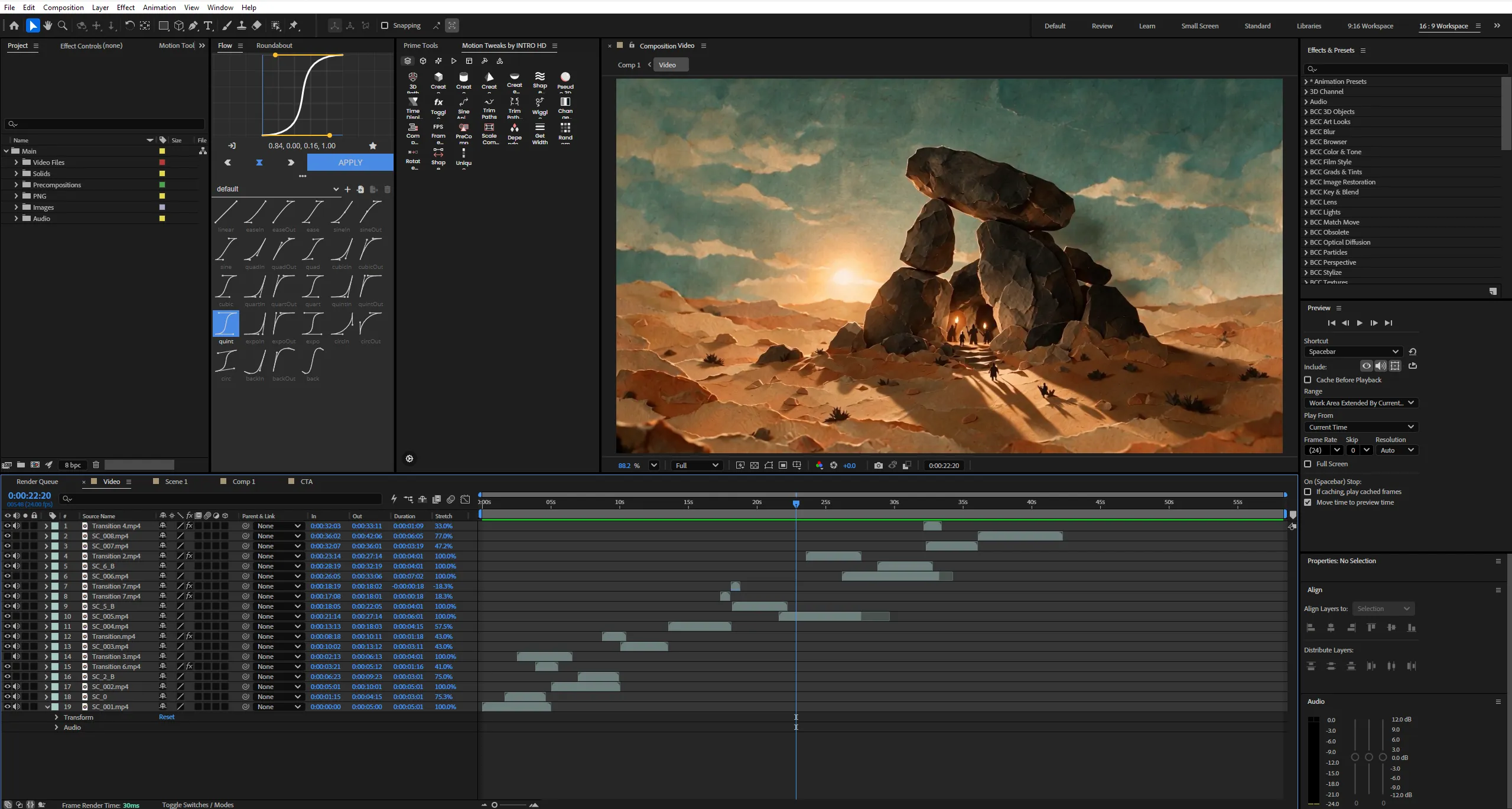
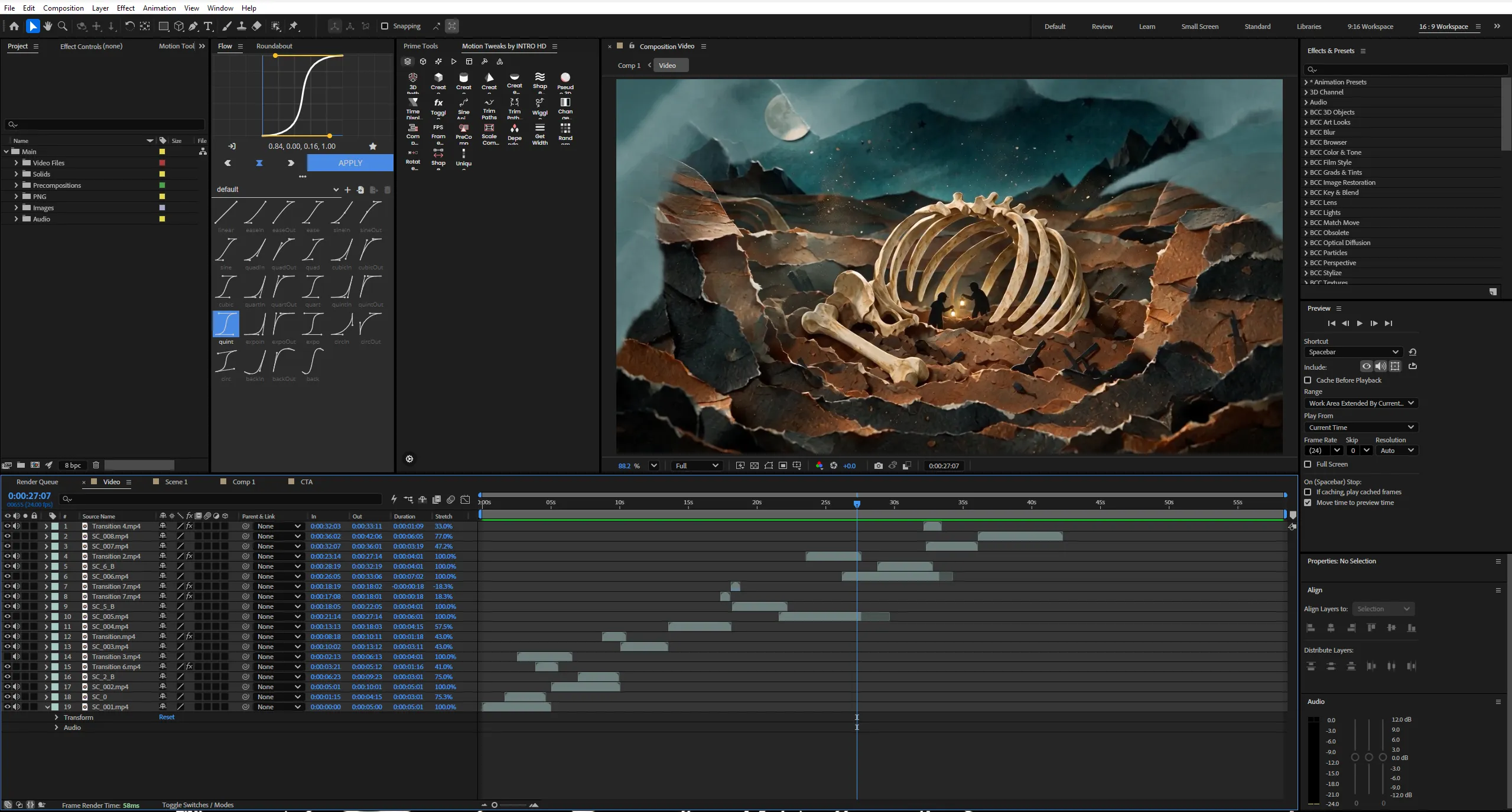
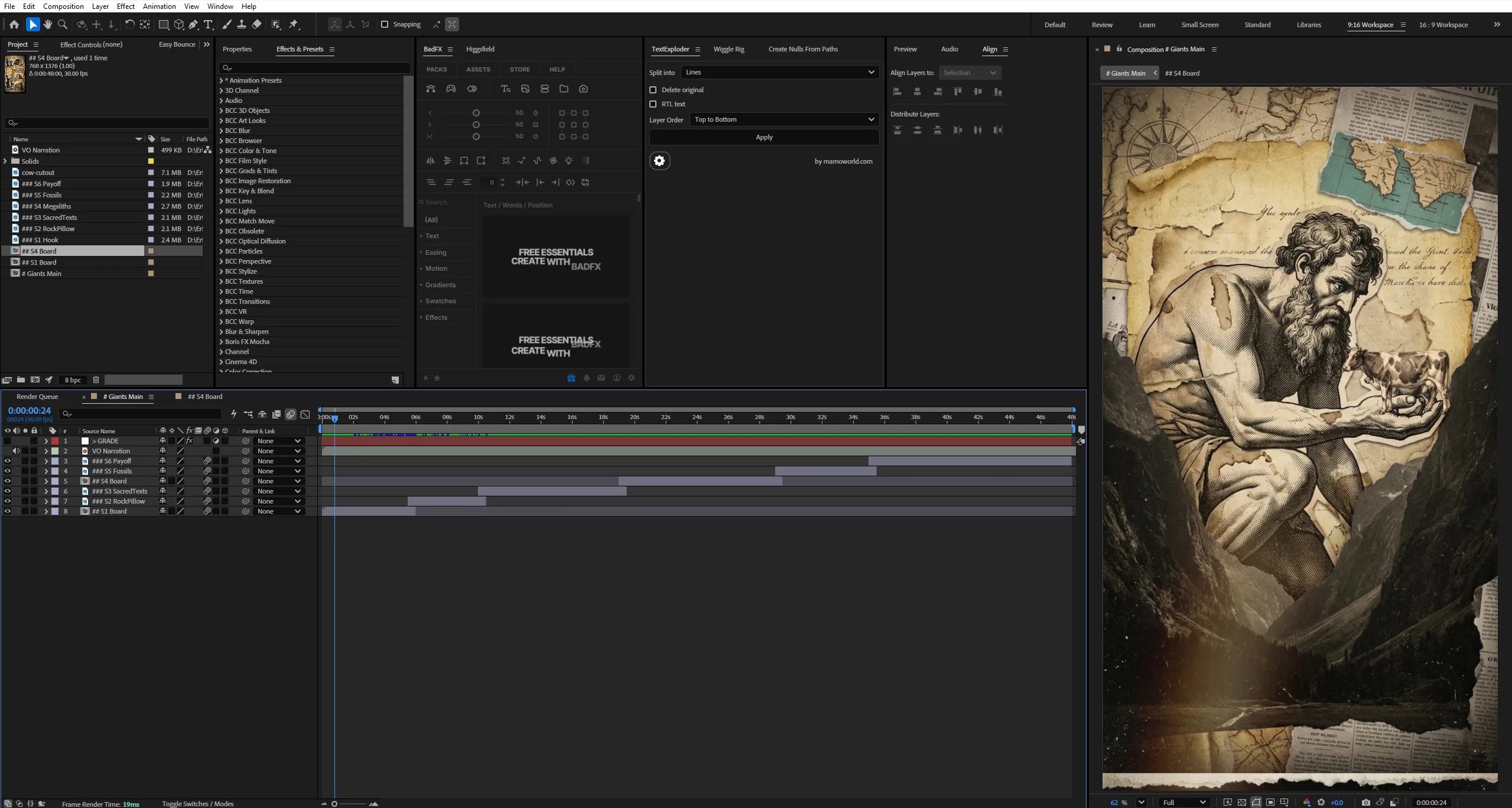
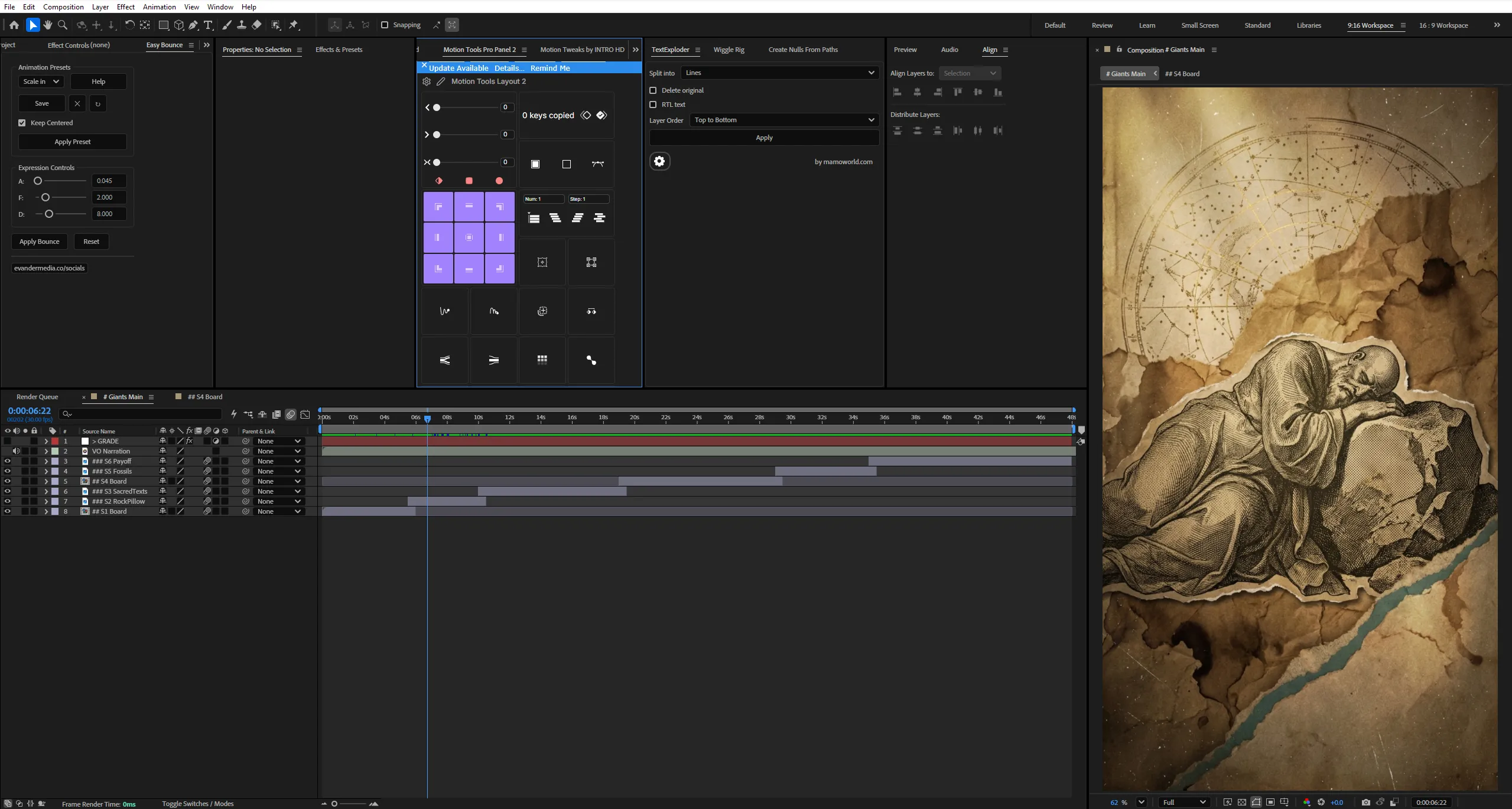
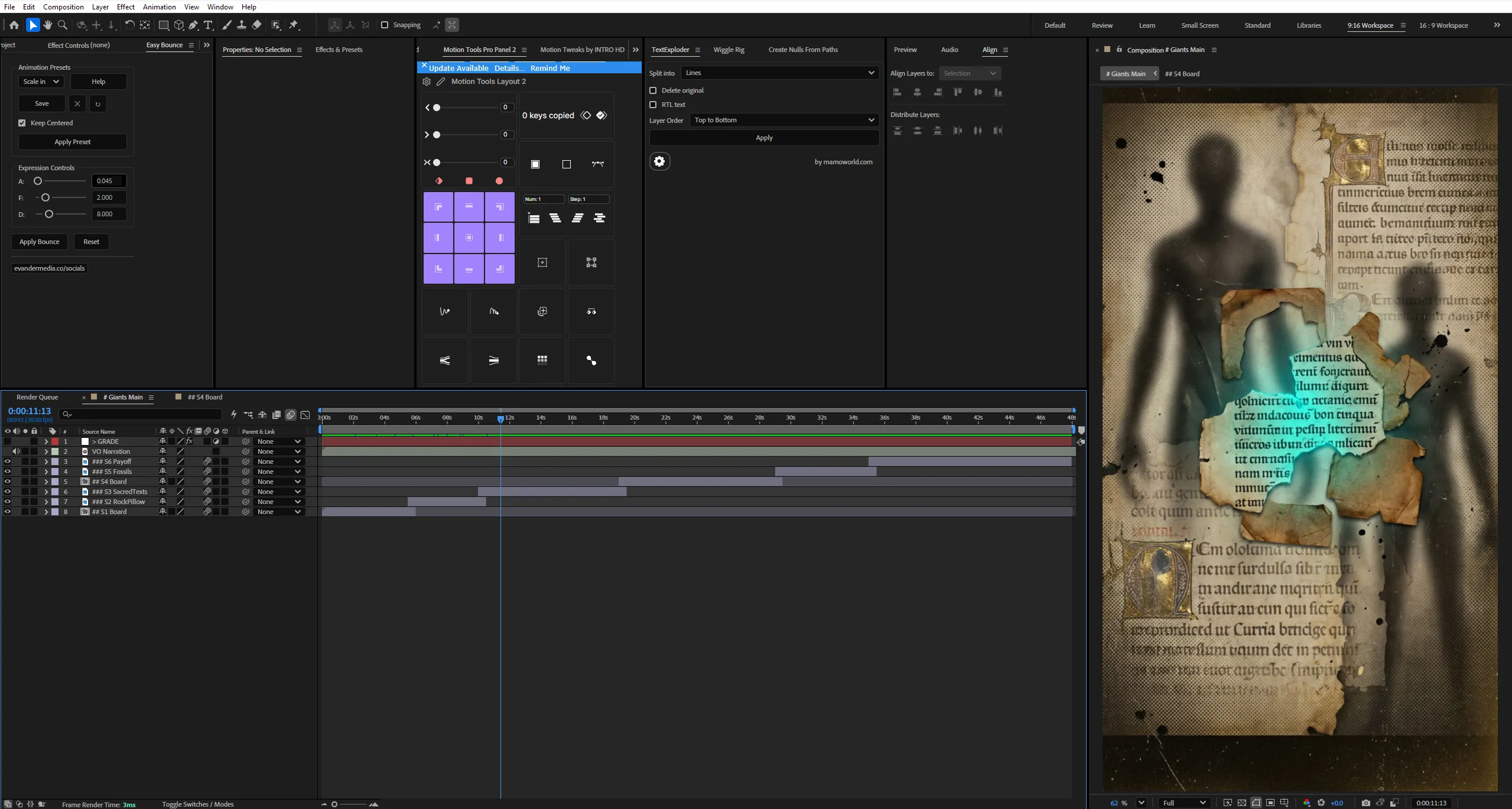
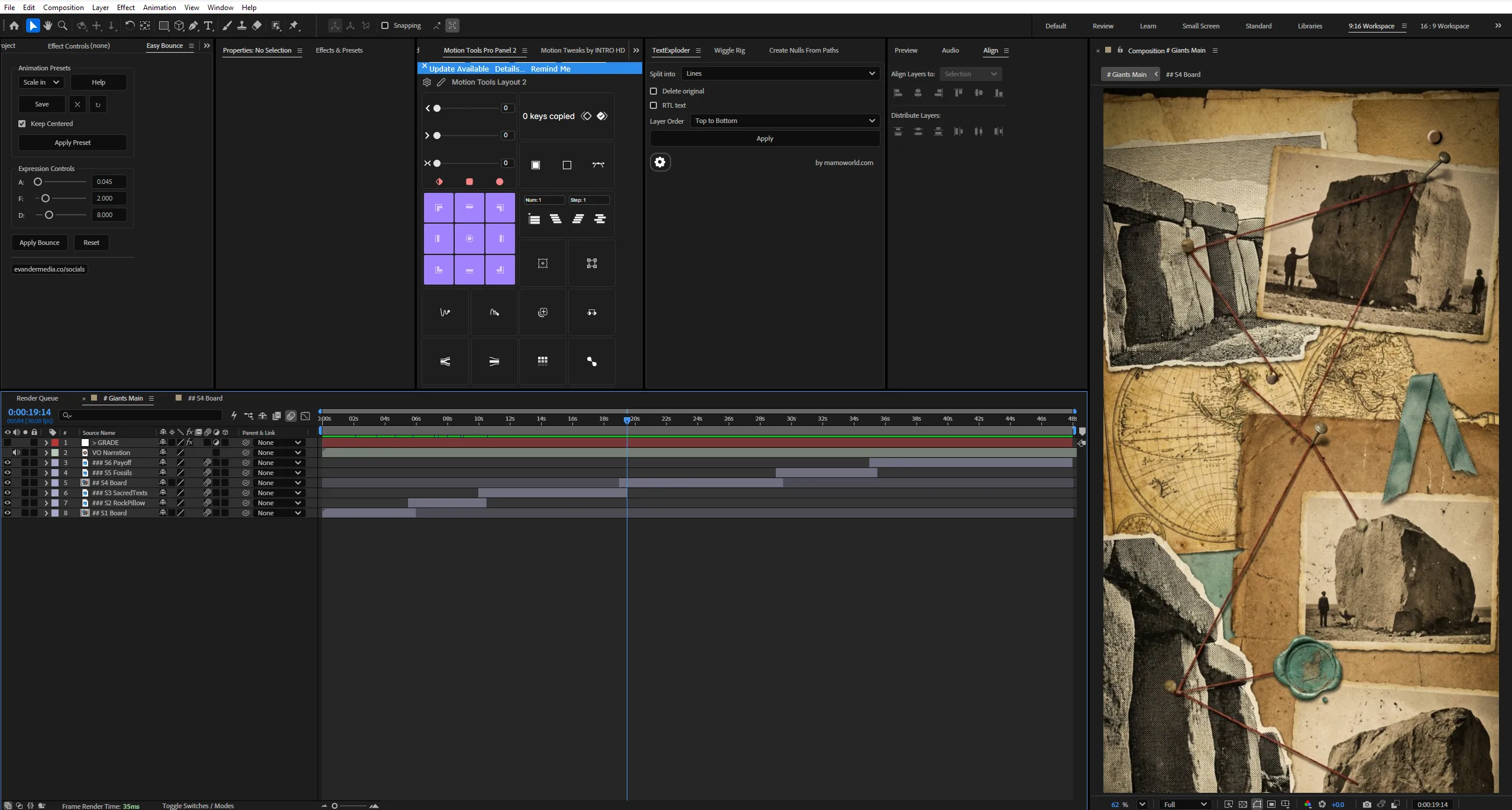
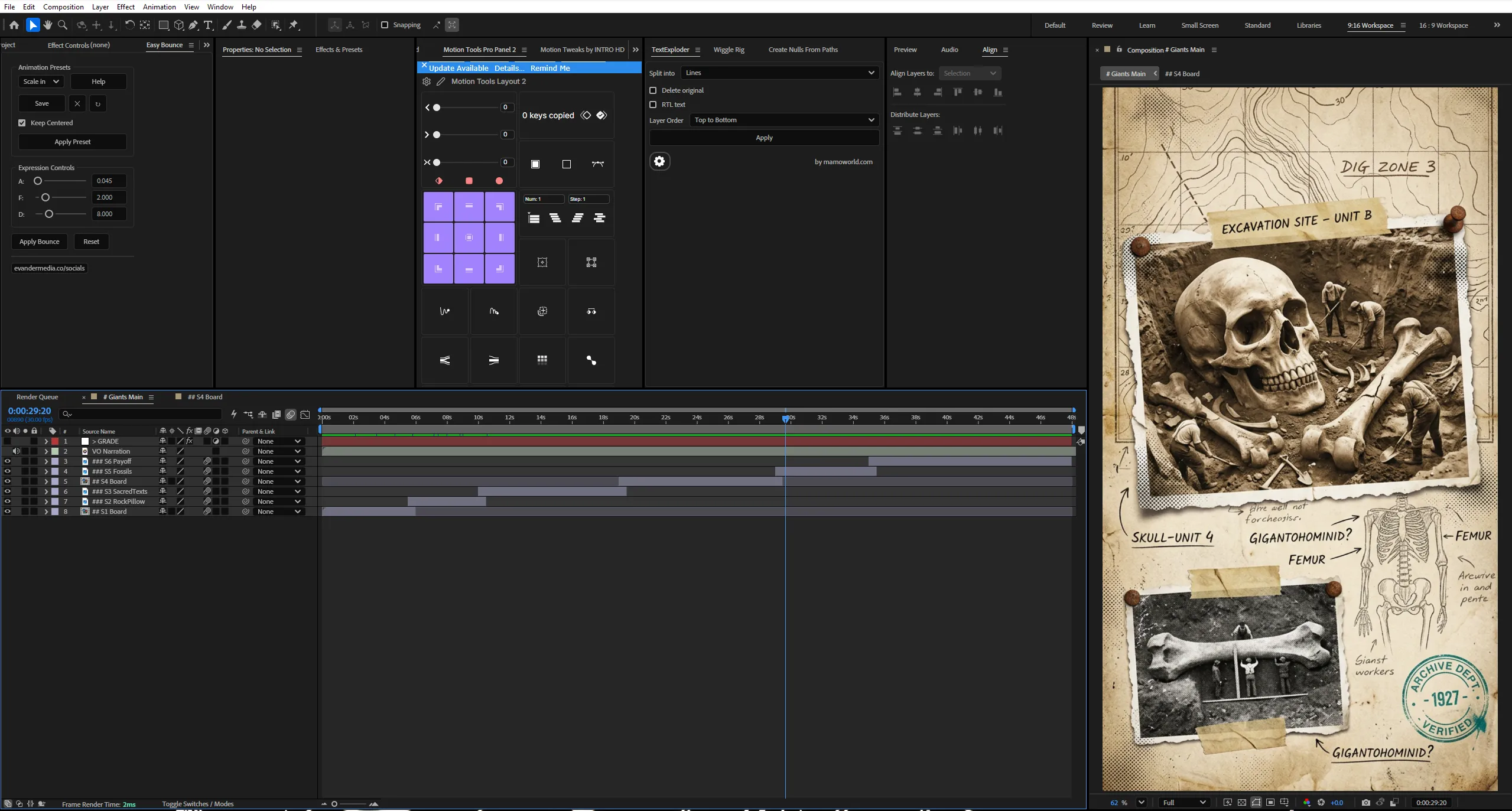
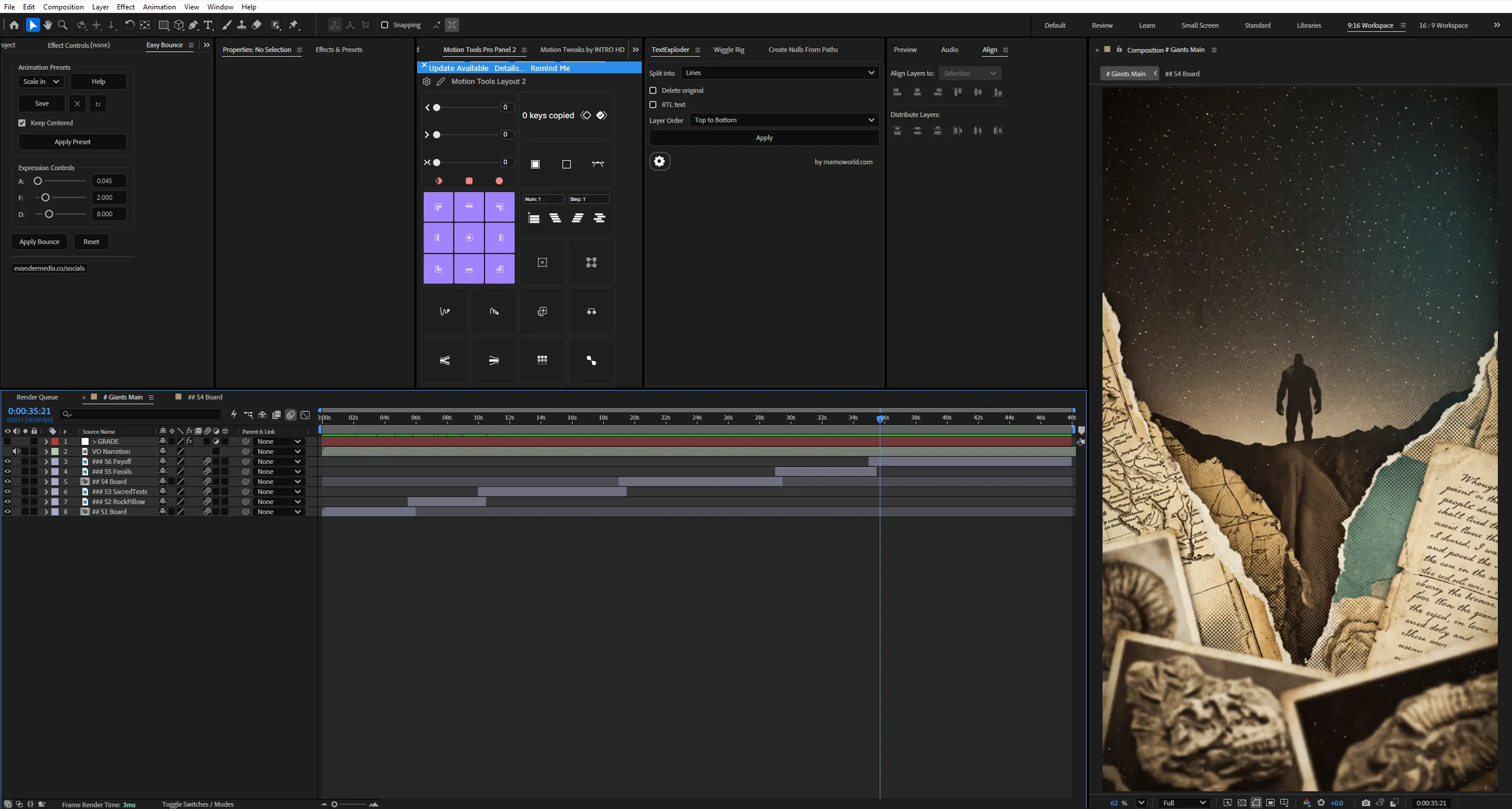

 If the project files aren't enough, watch our tutorial library.
Claude + After Effects — Building Motion Graphics With AI


What happens when AI becomes part of the motion design process?
This project explores how Claude and Adobe After Effects can work together to create a complete motion graphics project. Instead of treating AI as a replacement for the designer, the workflow uses Claude as a creative and technical assistant throughout the production process—from developing ideas and solving animation problems to generating expressions and improving the overall workflow.
The project demonstrates how AI can become part of a real motion designer’s production pipeline while keeping the creative decisions, visual direction, and final execution inside After Effects.
Every idea starts somewhere.
Every animation needs a solution.
Every technical problem can become another opportunity to experiment.
Throughout the project, Claude is used alongside After Effects to brainstorm animation concepts, develop visual approaches, generate and refine expressions, troubleshoot technical issues, structure compositions, and speed up repetitive parts of the workflow. After Effects remains the core environment where the ideas are designed, animated, refined, and polished.
The animation combines modern motion graphics, typography, UI elements, transitions, visual effects, and carefully controlled timing to demonstrate how AI-assisted workflows can support the creative process without taking away the designer’s control.
Rather than simply showcasing what AI can generate, the project focuses on how AI can be integrated into an actual motion graphics workflow—using Claude to solve problems and accelerate production while After Effects handles the final visual execution.
Whether you’re creating SaaS animations, commercial motion graphics, documentary edits, social media content, or experimental animation, this project demonstrates how combining AI assistance with professional After Effects techniques can open up new possibilities for motion designers.
Key Features:
- AI-Assisted Motion Design
Explore how Claude can support the creative and technical stages of a real After Effects project. - Expression Development
Use Claude to generate, modify, troubleshoot, and refine After Effects expressions. - Creative Ideation
Develop animation concepts, visual approaches, transitions, and motion ideas with AI assistance. - Workflow Optimization
Use AI to solve technical problems, speed up repetitive tasks, and organize complex animation workflows. - Modern Motion Graphics
Combine typography, UI elements, transitions, effects, and cinematic composition inside After Effects. - Human + AI Workflow
Keep creative direction and final execution in the hands of the motion designer while using AI as a supporting tool. - Organized Project Structure
Professionally labeled compositions, reusable assets, modular scenes, editable elements, and a structured production workflow.
Technical Specifications:
- Format: Adobe After Effects Project File
- Compatibility: After Effects CC 2025 and Above
- Resolution: 1920 × 1080 (Landscape)
- Style: AI / Motion Graphics
- Audio: Designed for modern motion graphics with cinematic background music.
- Organization: Fully organized project with reusable assets, modular compositions, and structured timelines.
Perfect For:
- Motion Graphics Artists
Explore AI-assisted workflows, expression development, creative ideation, and modern animation techniques. - After Effects Users
Learn how Claude can help solve technical problems and accelerate different stages of an After Effects project. - Content Creators
Use AI-assisted motion design workflows for social media animations, commercials, and creative content. - Creative Professionals
Experiment with combining AI tools and traditional motion design to create faster and more flexible production workflows.
Project Concept:
AI doesn’t have to replace the designer.
It can become part of the designer’s toolkit.
This project explores the combination of Claude and After Effects, showing how artificial intelligence can help turn ideas into working animation systems while the designer remains responsible for the creative direction, visual decisions, and final result.
Because the future of motion design…
might not be AI versus the designer.
It might be the designer…
with AI.
Important Notice – Required Assets
This project uses specific fonts and effects that must be installed on your system for full functionality.
Please note:
- We do not provide or redistribute any third-party assets — fonts, effects, plugins, scripts, etc. — out of respect for their creators’ copyright and licensing.
- The good news: inside our community on Patreon, we offer full support. Our entire team helps you reach the official sources for these assets and guides you through getting them in the easiest way possible.
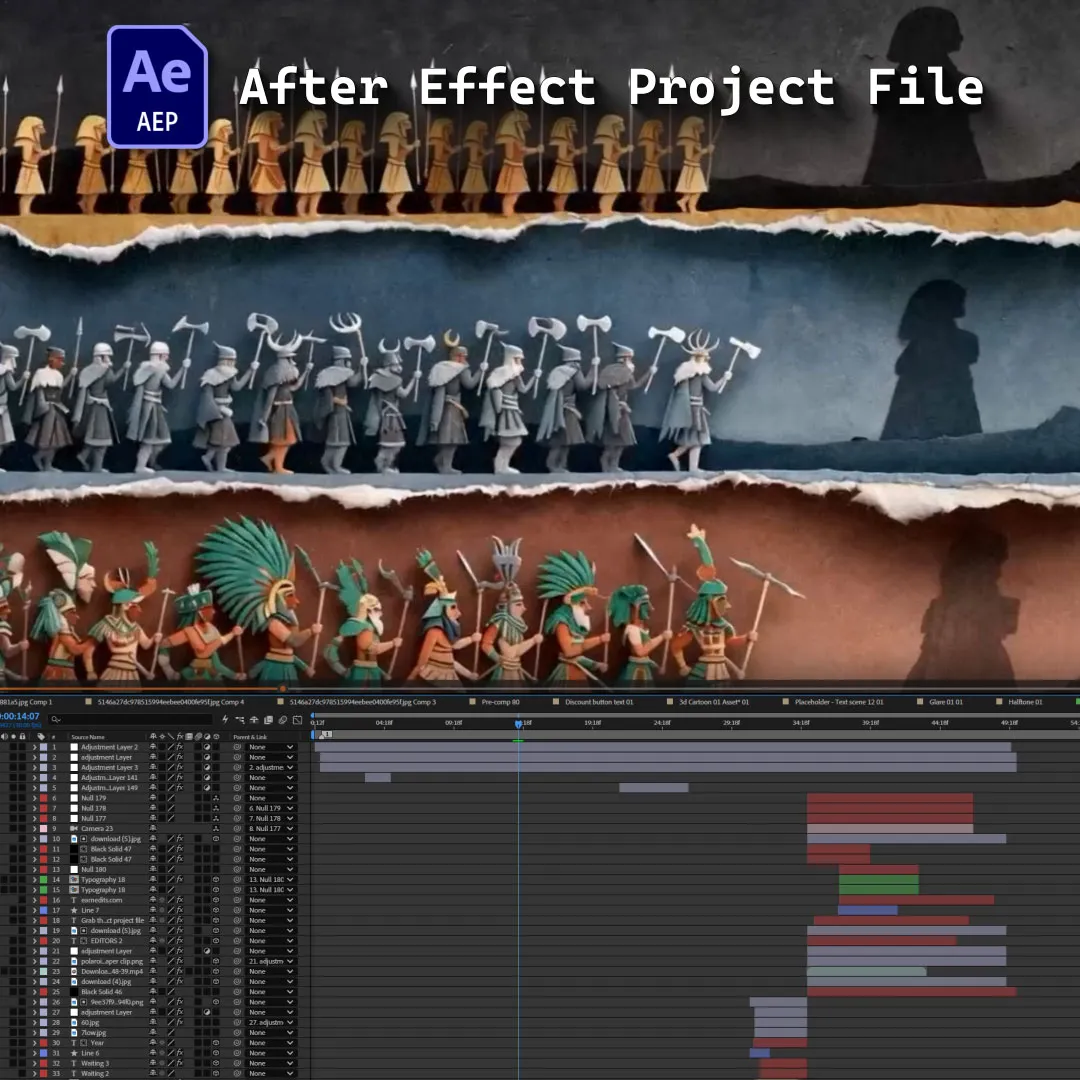
- After Effects will automatically show any missing fonts or effects when you open the project.
- All required items are clearly listed in the preview images above.
- You must download/install these fonts/effects independently.
- You can easily find all required fonts/effects online by searching their names — or our team in the community will help you get them.
What’s Included?
Everything you need to customize your viral edit quickly and professionally - all neatly organized inside one Adobe After Effects project.

Full .AEP File
Complete, fully editable After Effects project.

Organized Folders
Clean project structure designed for easy nav & learning.

Editable Text
All titles and typography elements can be fully customized.

Color Controls
Quick global color adjustments using built-in control layers.

Sound Recommendations
Suggested audio tracks curated to match the editing style.
Everything inside this project is crafted to give you full control, smooth performance, and fast exports — built for real viral editing workflows.
Everything inside this project is crafted to give you full control, smooth performance, and fast exports — built for real viral editing workflows.
100% Editable
Full access to every layer, effect, keyframe, and composition, giving you complete freedom to modify the project however you want.
Smooth Motion Graphics
Clean, dynamic, and professionally crafted animations designed to perform well on TikTok, Instagram, and other short-form platforms.
Fast Render
An optimized composition structure ensures quick render times without compromising visual quality — perfect for creators on tight deadlines.
Real Feedback From Real Creators
Social proof from creators who know our standards





































Follow Us on Instagram
Stay inspired with weekly viral edits, motion tutorials, and behind-the-scenes design breakdowns.


