




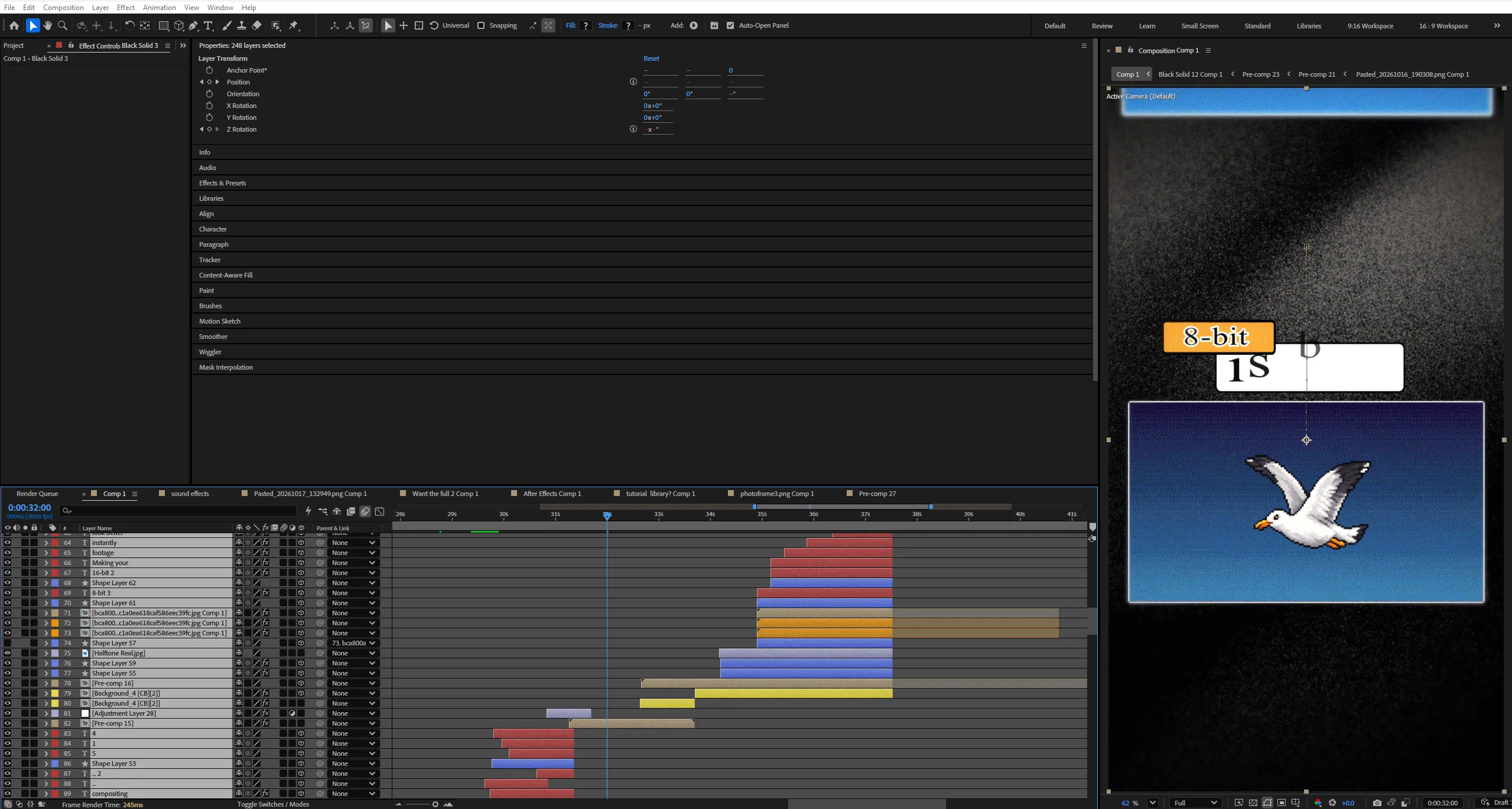
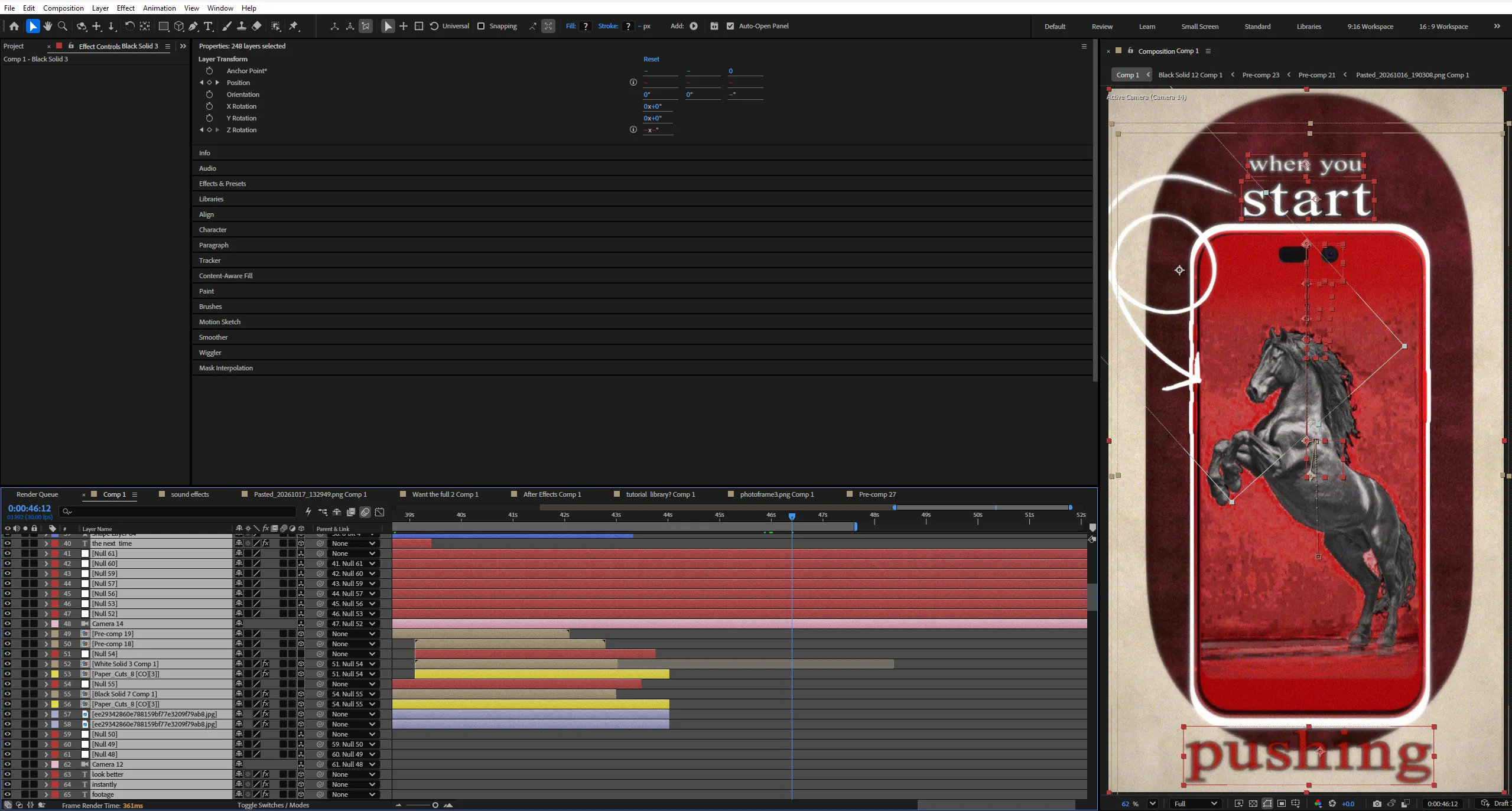

 If the project files aren't enough, watch our tutorial library.
8-Bit vs. 16-Bit Color — Understanding Color Depth Through Editing


Why does your footage sometimes fall apart when you push the colors too far?
A gradient that once looked perfectly smooth suddenly develops visible bands. Shadows lose their smooth transitions.
Colors begin to look harsh and broken.
But why does this happen?
It comes down to bit depth — and how much color information your image can represent.
This project explores the difference between 8-bit and 16-bit color through a visually driven editing breakdown. Instead of turning a technical concept into a computer-science lecture, the animation demonstrates what happens when you manipulate an image inside a real editing workflow.
Start with a smooth gradient. Push the exposure. Increase the saturation. Manipulate the curves. As the adjustments become more aggressive, the limitations of lower bit depth become easier to visualize.
Through split-screen comparisons, animated color values, gradient breakdowns, and simulated editing workflows, the project reveals why higher bit depth can provide more flexibility during demanding color grading and compositing.
From understanding color levels to visualizing banding and posterization, every scene turns an abstract technical difference into something editors can immediately recognize.
The goal isn’t to make 8-bit look bad or claim that 16-bit automatically produces a better image.
It’s to demonstrate when the additional color precision actually matters.
Because the difference isn’t always visible when you start editing.
It’s visible when you start pushing the image.
Key Features:
- 8-Bit vs. 16-Bit Comparison
Showcase the differences between lower and higher bit depth through synchronized split-screen comparisons, animated labels, and controlled visual demonstrations. - Gradient Banding Visualization
Demonstrate how smooth color transitions can develop visible steps when tonal information becomes insufficient, using exaggerated gradient comparisons to make the concept easy to understand. - Color Depth & Value Animation
Visualize the difference between 256 levels per channel in 8-bit and 65,536 levels per channel in 16-bit using animated sliders, expanding value ranges, and numerical graphics. - Extreme Color Grading
Show how aggressive exposure, contrast, saturation, and curve adjustments can reveal limitations in image data and highlight the advantages of higher-precision processing. - Before-and-After Editing Comparisons
Compare minimally adjusted footage against heavily manipulated footage to demonstrate why bit depth matters more in demanding workflows. - Staircase Color Metaphor
Transform tonal transitions into animated staircases, showing how fewer steps can produce visible banding while many smaller steps create smoother-looking transitions. - After Effects Compositing Visualization
Illustrate a layered composition containing glow, blur, gradients, color correction, and multiple processing stages to explain why precision can matter throughout a compositing workflow. - Kinetic Typography
Animate technical terms, key statements, and editing principles with clean typography that supports the explanation without distracting from the visuals. - Minimal Technical UI
Use modern sliders, color controls, numerical readouts, adjustment panels, and processing indicators to recreate the feel of a professional editing breakdown. - Educational Motion Design
Translate abstract concepts into satisfying visual transformations, allowing the viewer to understand bit depth by watching the image change. - Organized Project Structure
Work with clearly labeled compositions, editable text, reusable visual elements, modular scenes, and structured timelines for easier customization.
Technical Specifications:
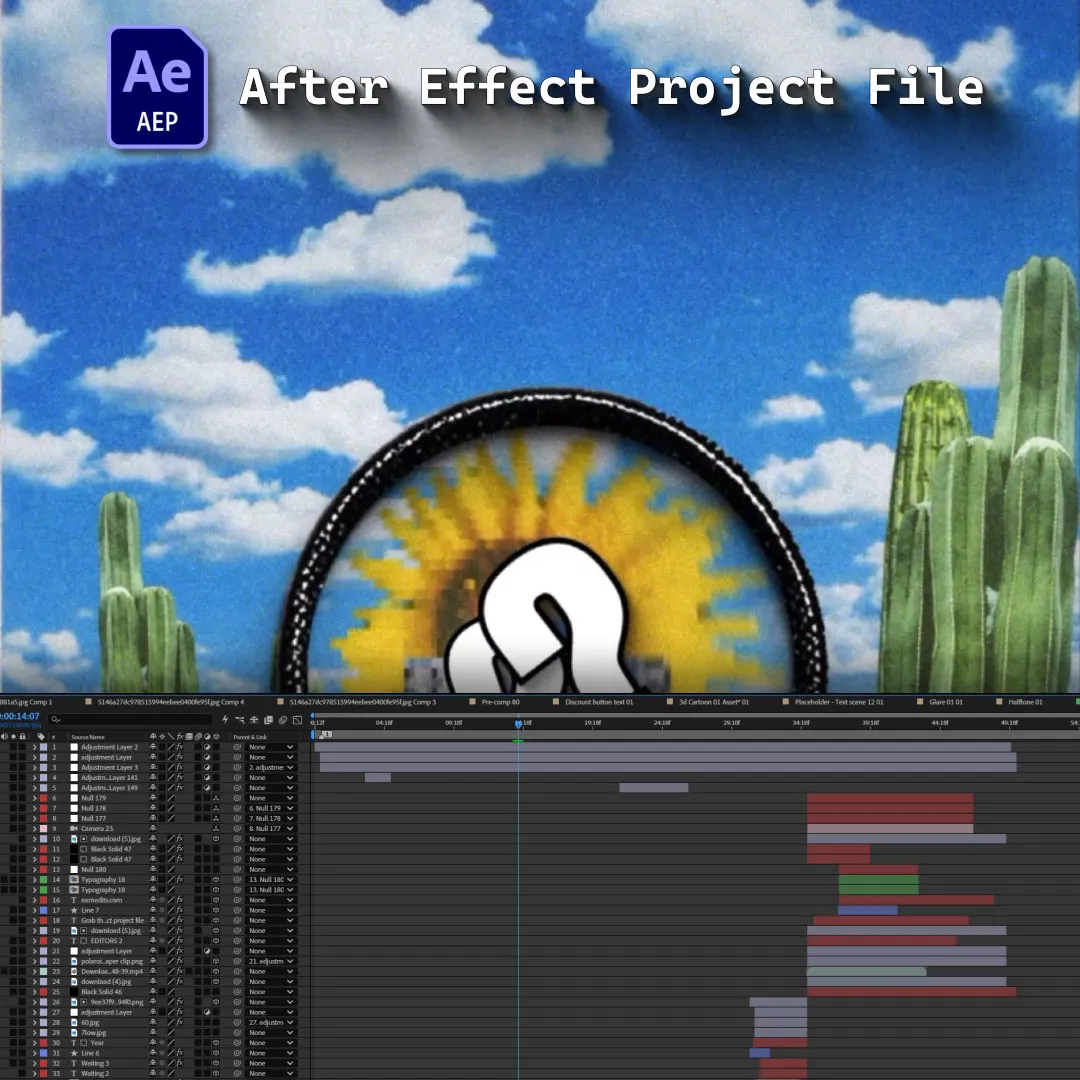
- Format: Adobe After Effects Project File
- Compatibility: After Effects CC 2025 and Above
- Resolution: 1080 × 1920 (Portrait)
- Audio: Designed for educational voiceover, subtle electronic background music, and synchronized interface sound effects.
- Organization: Organized project with modular compositions, editable typography, gradient demonstrations, color comparisons, UI elements, and structured timelines.
Perfect For:
- Motion Graphics Artists
Explore technical motion design through animated gradients, color visualization, kinetic typography, and structured visual explanations. - Video Editors & Colorists
Understand how bit depth affects demanding grading workflows and why higher-precision processing can help preserve smoother tonal transitions. - After Effects Artists
Study visual techniques for demonstrating color manipulation, compositing, image processing, and technical concepts through animation. - Educational Content Creators
Turn complex editing concepts into engaging, visually understandable short-form content. - Freelance Video Editors
Use an organized project structure to study the animation techniques, customize the visual explanations, and adapt the format for other editing topics.
Project Concept:
What if you could understand bit depth without memorizing a single technical definition?
This project approaches 8-bit versus 16-bit color as a visual experiment.
Beginning with a smooth gradient, the animation gradually introduces more demanding editing operations. Exposure, saturation, contrast, and curves are pushed further until the differences in tonal transitions become easier to see.
The narrative then moves through color levels, gradient banding, heavy grading, and compositing before returning to the central lesson: higher bit depth provides more precision and flexibility when manipulating image data.
The visual direction combines clean technical layouts, minimal interface graphics, animated values, and satisfying before-and-after transformations.
Every technical statement has a visual counterpart. When the narration mentions more color values, the values expand.
When it mentions banding, the gradient breaks apart. When it discusses heavy grading, the image is pushed to its limits.
The result is an educational motion graphics project where the edit itself becomes the explanation.
Less theory.
More visual proof.
8-bit gives you less room. 16-bit gives you more room to work.
The difference isn’t always visible at the start.
It’s visible when you start pushing.
Important Notice – Required Assets
This project uses specific fonts and effects that must be installed on your system for full functionality.
Please note:
- We do not provide or redistribute any third-party assets — fonts, effects, plugins, scripts, etc. — out of respect for their creators’ copyright and licensing.
- The good news: inside our community on Patreon, we offer full support. Our entire team helps you reach the official sources for these assets and guides you through getting them in the easiest way possible.
- After Effects will automatically show any missing fonts or effects when you open the project.
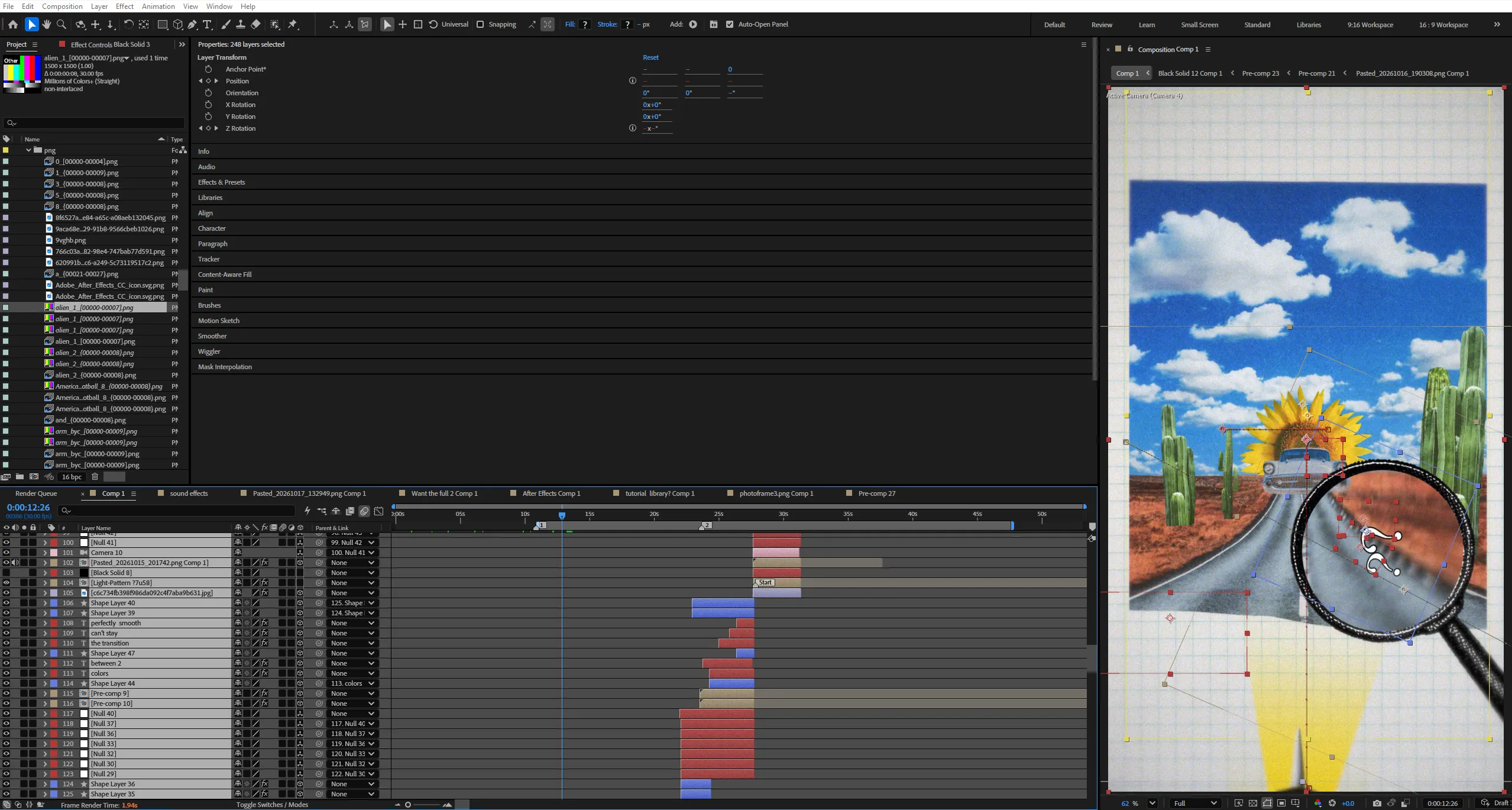
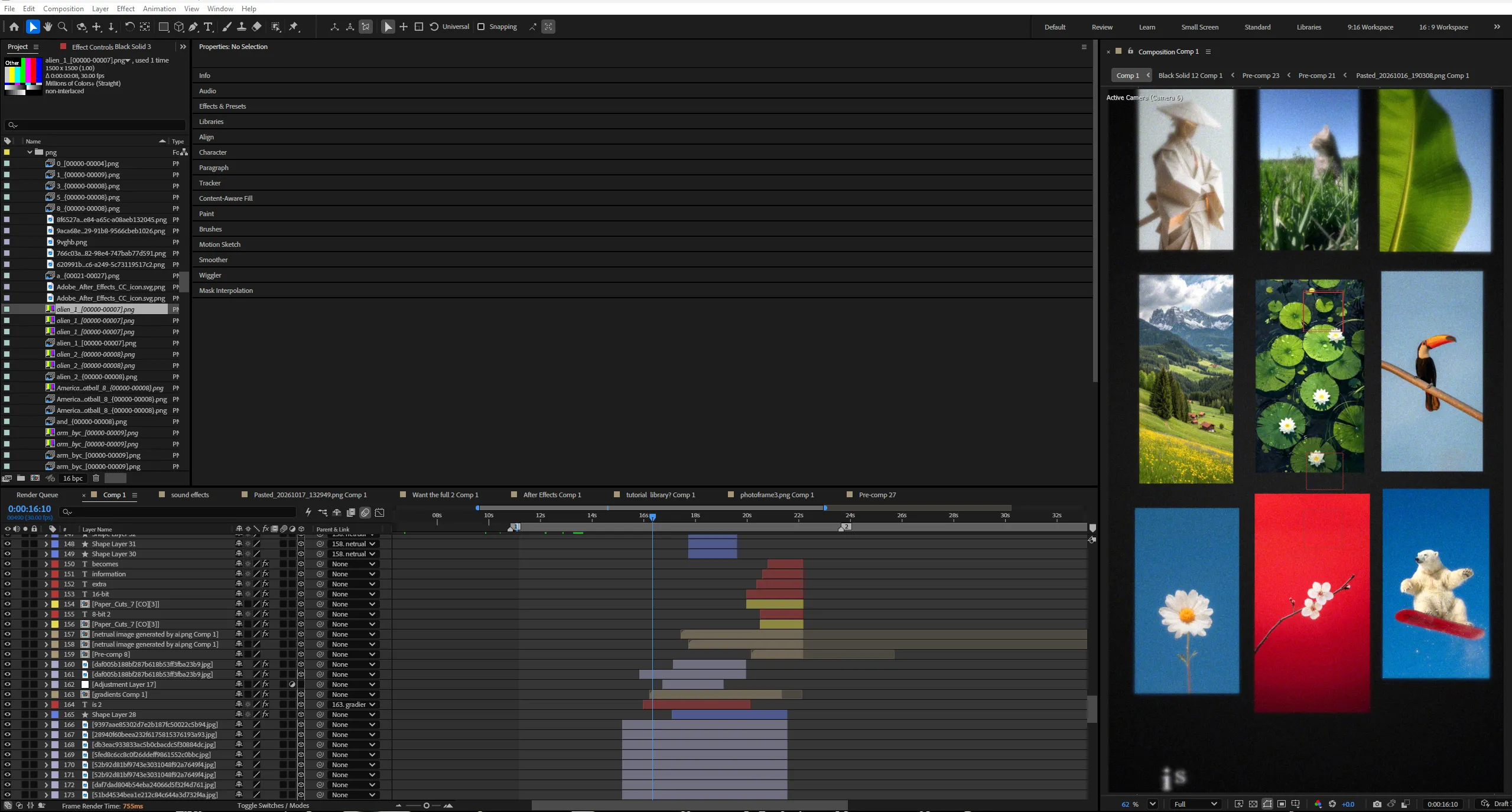
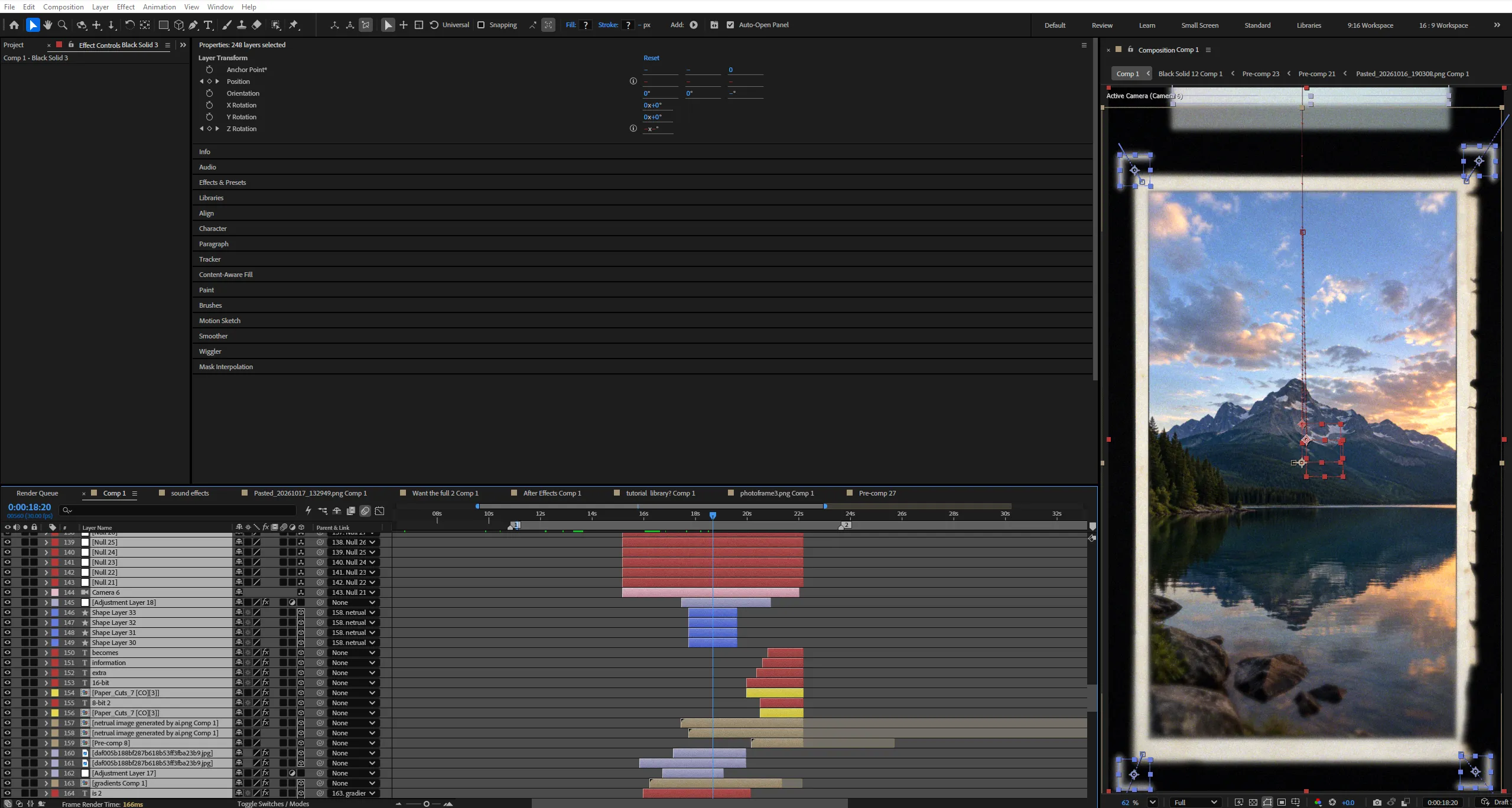
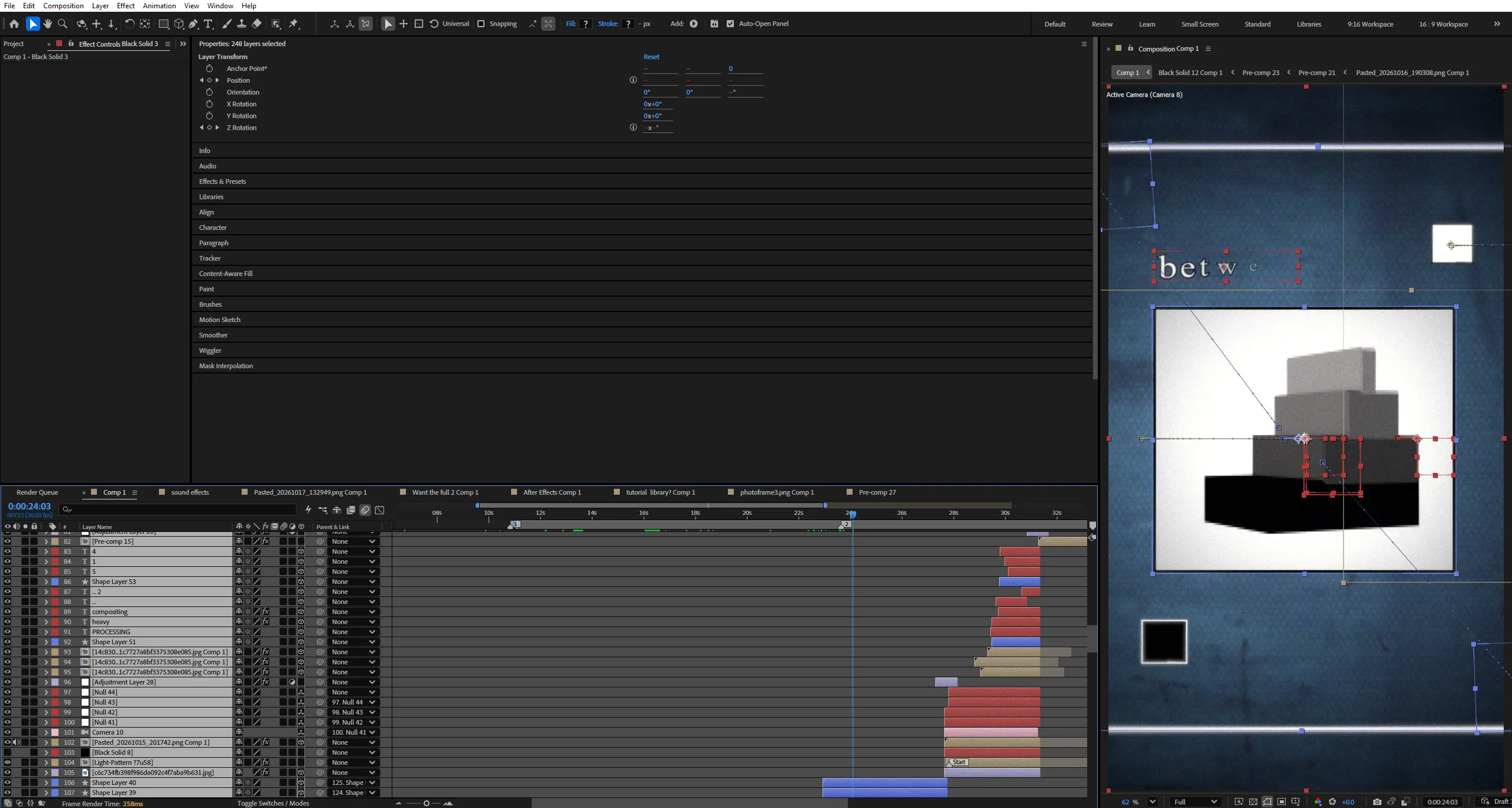
- All required items are clearly listed in the preview images above.
- You must download/install these fonts/effects independently.
- You can easily find all required fonts/effects online by searching their names — or our team in the community will help you get them.
What’s Included?
Everything you need to customize your viral edit quickly and professionally - all neatly organized inside one Adobe After Effects project.

Full .AEP File
Complete, fully editable After Effects project.

Organized Folders
Clean project structure designed for easy nav & learning.

Editable Text
All titles and typography elements can be fully customized.

Color Controls
Quick global color adjustments using built-in control layers.

Sound Recommendations
Suggested audio tracks curated to match the editing style.
Everything inside this project is crafted to give you full control, smooth performance, and fast exports — built for real viral editing workflows.
Everything inside this project is crafted to give you full control, smooth performance, and fast exports — built for real viral editing workflows.
100% Editable
Full access to every layer, effect, keyframe, and composition, giving you complete freedom to modify the project however you want.
Smooth Motion Graphics
Clean, dynamic, and professionally crafted animations designed to perform well on TikTok, Instagram, and other short-form platforms.
Fast Render
An optimized composition structure ensures quick render times without compromising visual quality — perfect for creators on tight deadlines.
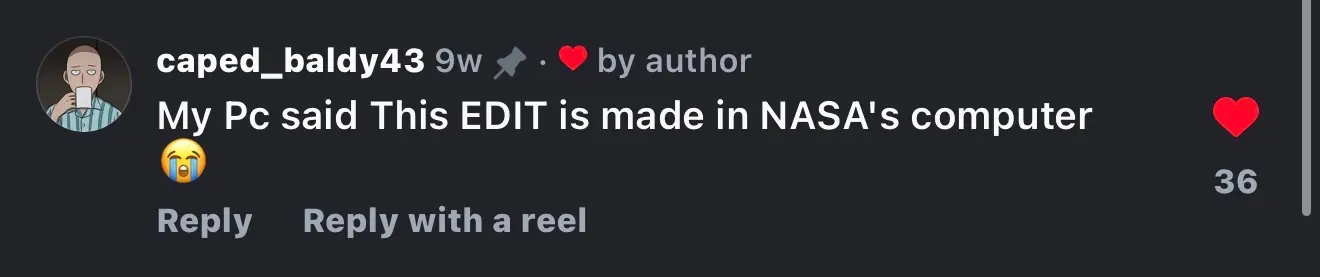
Real Feedback From Real Creators
Social proof from creators who know our standards





































Follow Us on Instagram
Stay inspired with weekly viral edits, motion tutorials, and behind-the-scenes design breakdowns.


