Back
Back

 Mar 01, 2026
 Muhammad Sikandar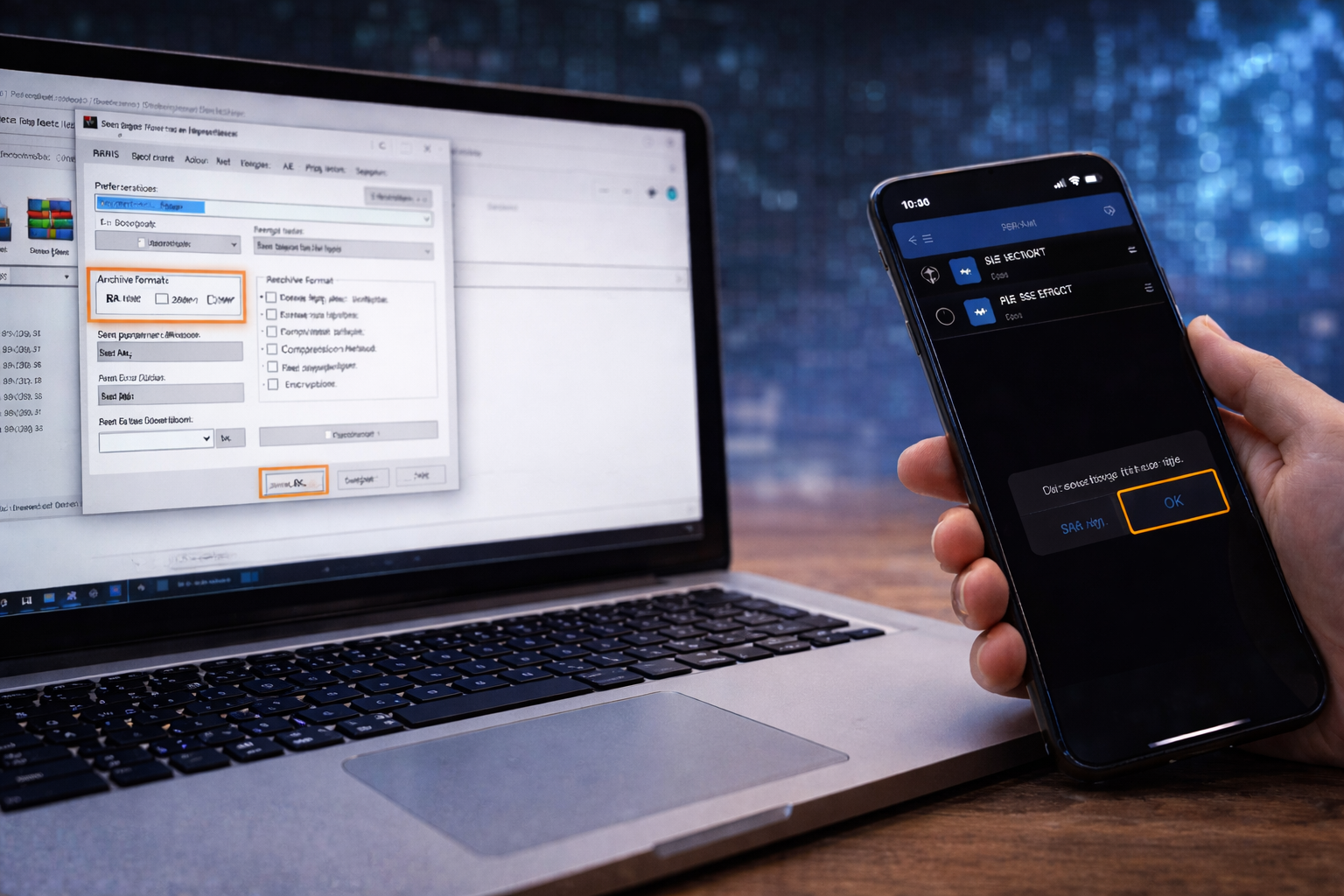
After Effects uses absolute file paths to locate every linked asset inside a project, and incorrect archive extraction breaks those paths before the .AEP ever opens. The result is color bars in the composition panel and a “missing files” warning in the Project panel. Windows 11 extracts RAR archives natively since version 23H2; macOS requires The Unarchiver for RAR support. The correct workflow extracts the full archive into a dedicated project folder, preserving the folder hierarchy After Effects requires to locate footage, audio, and images. EarnEdits project files ship as single-layer ZIP archives with flat folder structures and labeled asset folders, eliminating the nested archive and broken path problems this guide addresses.
After Effects stores absolute file paths for every linked asset (footage, audio, images, fonts), and incorrect archive extraction breaks those paths before the project ever opens.
When a file is imported into an AE project, After Effects records the exact folder location on disk. The .AEP does not contain the actual media. It contains path references pointing to where each asset sits in the local file system. If those assets are not in the expected locations when the project opens, After Effects marks them as missing and displays color bar placeholders.
This is why extraction method matters more than extraction tool. Extracting to the wrong location, pulling out only the .AEP without its asset folders, moving files after extraction, or opening the .AEP from inside the archive without extracting produces the same outcome: broken file paths, color bars in every composition, and a relink dialog before editing can begin. Every step in the workflow below exists to preserve these path references.

Windows 11 extracts RAR, ZIP, and 7Z archives natively since version 23H2 (October 2023), requiring no third-party software for basic extraction.
Windows 11 (23H2 or later): Right-click the archive in File Explorer and select Extract All. No installation required. Limitation: the native extractor cannot open password-protected RAR files or split multi-part archives.
Windows 10 or Windows 11 (pre-23H2): 7-Zip (free, open-source) or WinRAR. Both support RAR, ZIP, 7Z, and password-protected archives. 7-Zip is the lighter option with no trial expiration prompts.
macOS: The Unarchiver (free, available on the App Store). macOS Archive Utility extracts ZIP files natively but does not support RAR. The Unarchiver opens RAR, 7Z, and most other compressed archive formats.
The extraction tool matters less than the extraction process. Every tool listed above produces the same result when the workflow below is followed correctly.
The correct extraction workflow moves the archive from its download location into a dedicated project folder, extracts all contents while preserving the internal folder hierarchy, and verifies the structure before opening After Effects.
Step 1: Create a dedicated project folder:
Create a new folder on a local drive, not on the Desktop, not in Downloads, and not inside a cloud-synced directory like Dropbox or OneDrive. Name it clearly (e.g., “ClientName_ProjectTitle”). Move the downloaded archive into this folder before extracting. This prevents path conflicts, accidental deletion from folder cleanups, and sync issues that alter file paths after extraction.
Step 2: Extract the full archive into the project folder:
Right-click the archive and select “Extract Here” or “Extract All” depending on your tool and OS. The extraction creates a subfolder containing the .AEP file and its associated asset folders. Never drag individual files out of the archive manually, because selective extraction strips the folder hierarchy that After Effects relies on to locate linked media.
Step 3: Check for nested archives:
Some marketplace downloads package a RAR inside a ZIP, or contain a second compressed folder inside the first archive. If the extracted folder contains another .rar or .zip file instead of a visible .AEP, extract that inner archive into the same project folder before proceeding. For split multi-part archives (part1.rar, part2.rar), keep all parts in the same directory and extract only the first part. The extraction tool reads the remaining parts automatically.
Step 4: Verify the folder structure:
Before launching After Effects, confirm four things inside the extracted folder:
Step 5: Open the .AEP in After Effects:
Launch After Effects. Go to File > Open Project and navigate to the extracted .AEP file. If After Effects displays a “project must be converted” dialog (indicating the project was built in a different version), click OK and let it convert. Immediately use File > Save As and save the project with a new name inside the same folder. This preserves the original template file and locks the working project’s file paths to the correct extraction location.
If the project opens with zero warnings, run File > Dependencies > Collect Files as a final consolidation step. Collect Files gathers all linked assets into one clean folder and eliminates any fragile path references inherited from the original archive structure. For a full walkthrough of this process, see how to collect files in After Effects.
Clean ZIP Delivery, Zero Nested Archives
Every EarnEdits project file ships as a single-layer ZIP with organized asset folders, labeled compositions, and no nested archives. Extract once, open, edit.
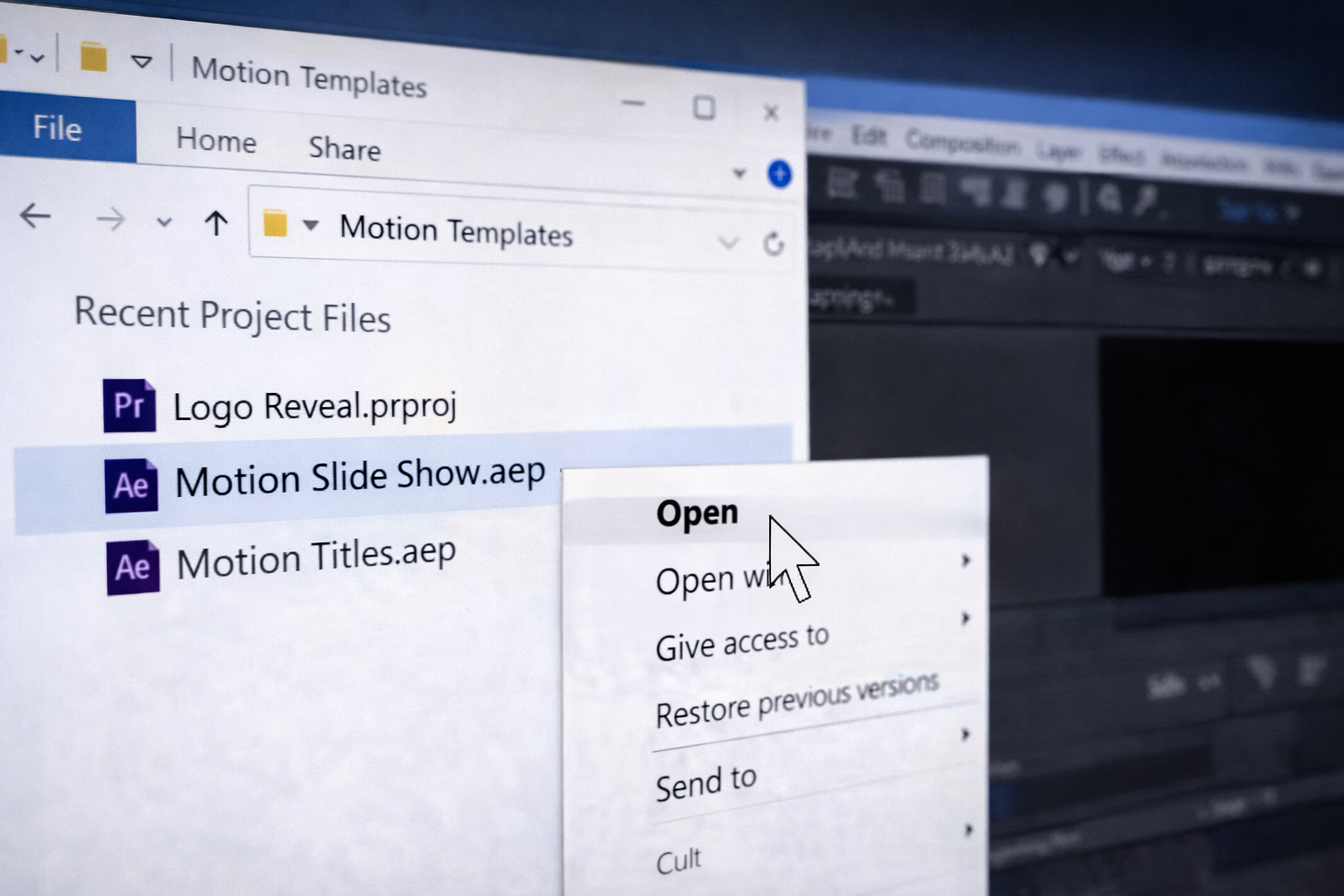
If After Effects opens the project and displays color bars in the composition preview with a “files are missing” warning, the file path references are broken, but the relink process takes under two minutes.
In the Project panel, type “missing” into the search bar. This filters the panel to show only files After Effects cannot locate. Each missing item displays a color bar icon instead of its normal thumbnail.
Right-click any one missing file and select Replace Footage > File. A file browser opens. Navigate to the assets folder inside your extracted project folder and select the file that matches the missing item’s name.
After relinking that single file, After Effects automatically scans the same folder for the remaining missing assets and reconnects them. If some files remain unlinked after this auto-scan, repeat the Replace Footage process for each remaining item. In most cases, relinking one file recovers the entire project because all assets typically sit in the same extracted directory.
For a deeper walkthrough covering missing fonts, missing effects, and version-specific relinking steps, see fix missing files in After Effects.
Four extraction habits cause missing files, broken paths, and wasted time before After Effects ever opens.
Opening the .AEP from inside the archive without extracting: Double-clicking an .AEP inside a RAR or ZIP viewer creates a temporary file path that disappears when the archive window closes. After Effects cannot maintain asset links to a temporary extraction location, so every linked file immediately registers as missing.
Extracting only the .AEP and ignoring the asset folders: The .AEP contains path references, not the actual media. Without the accompanying footage, audio, and image folders in the same relative location, every asset displays as a color bar in the composition panel.
Extracting to Desktop or Downloads: Both are high-traffic directories where files get moved, renamed, or deleted during routine cleanup. Cloud-synced folders add another failure point: background sync processes can alter file paths or create duplicate versions after extraction completes.
Moving files after extraction: Dragging the .AEP to a different folder after extracting it separates the project from its assets. After Effects still looks for files at the original extracted location, and every moved asset becomes a broken reference.
51 Project Files, One Clean Download
Viral edits and SaaS UI animations in fully open .AEP format. Organized layers, labeled compositions, editable effects. No nested archives, no missing files.
No. After Effects requires extracted files on disk with stable folder paths. Opening an .AEP from inside an archive viewer creates a temporary file reference that breaks the moment the archive window closes, disconnecting every linked asset in the project.
No. Windows 11 version 23H2 and later extracts RAR, ZIP, and 7Z files natively through File Explorer. Right-click the archive and select Extract All. For password-protected or split multi-part RAR archives, use 7-Zip (free) or WinRAR.
The most common cause is a nested archive: a RAR packaged inside a ZIP, or a second compressed folder inside the first extraction. Check the extracted folder for any remaining .rar or .zip files and extract those before opening the .AEP.
At minimum: one .AEP file and an assets or footage subfolder sitting in the same directory. Professional After Effects project files also include labeled composition folders, font files if custom typefaces are used, and a readme noting plugin or version requirements.
Enter the password supplied by the original download source, typically found in a readme file, purchase confirmation email, or the product page where the file was downloaded. If no password was included with the download, contact the seller directly. Never use third-party "RAR password recovery" websites, which can modify archive contents or collect uploaded files.

Explore more guides on After Effects project files and viral editing workflows.
Production-ready edits that teach you how they were built.