Back
  • Insights
  • Ultimate Guide to After Effects Templates: Formats, Evaluation Criteria, and How to Choose

Ultimate Guide to After Effects Templates: Formats, Evaluation Criteria, and How to Choose

  • Tools & Resources
  • May 02, 2026
  • Muhammad Sikandar
After Effects Templates

After Effects templates are pre-built composition files that editors open, customize, and render instead of building from scratch. The animation structure, layer organization, color setup, and timing decisions are already made. The editor replaces footage, updates text, adjusts color, and renders the output. That is the definition. The format, however, changes everything about what the editor can and cannot do, and most editors download a template before understanding the format they are getting.

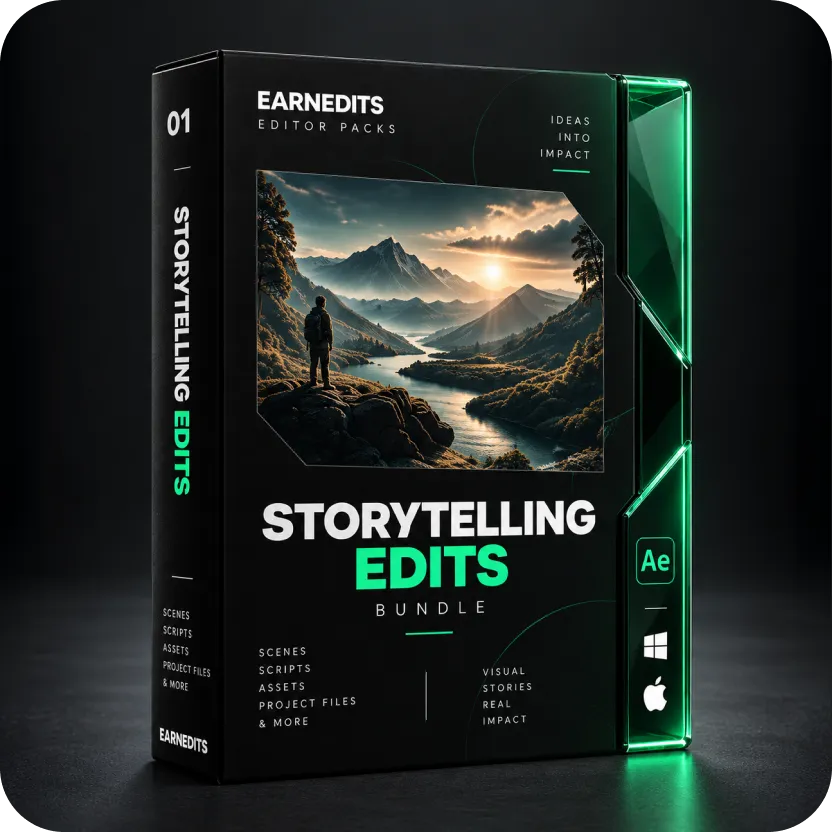
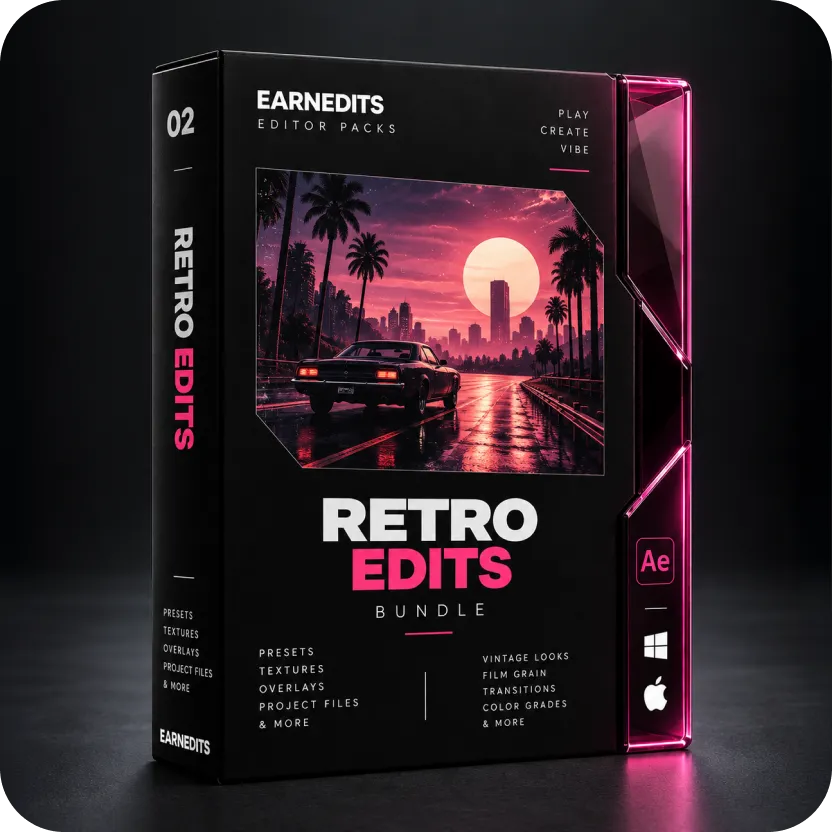
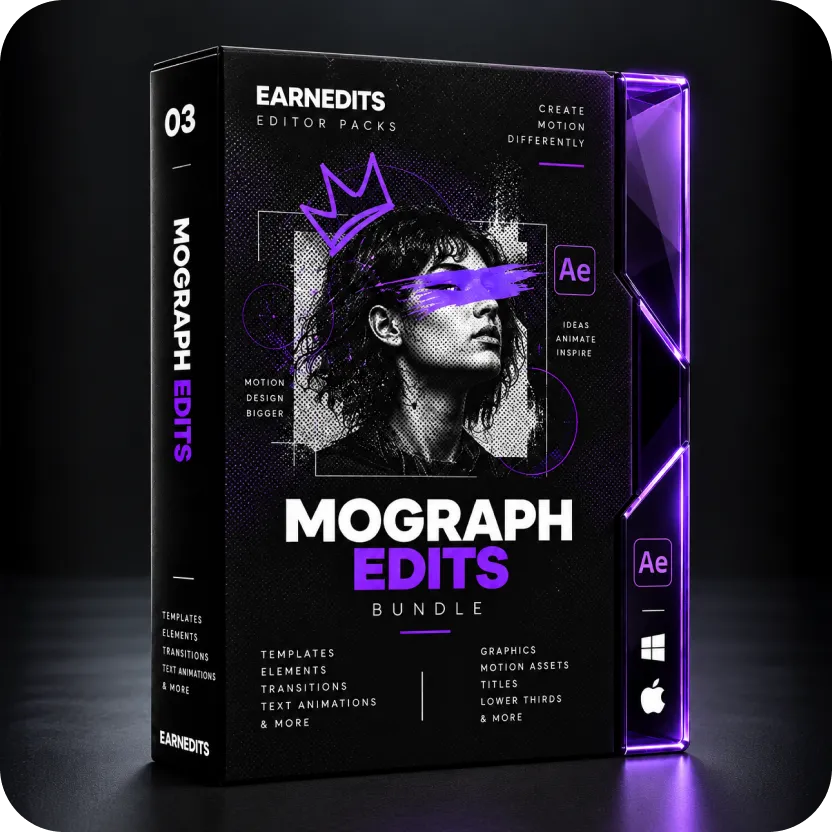
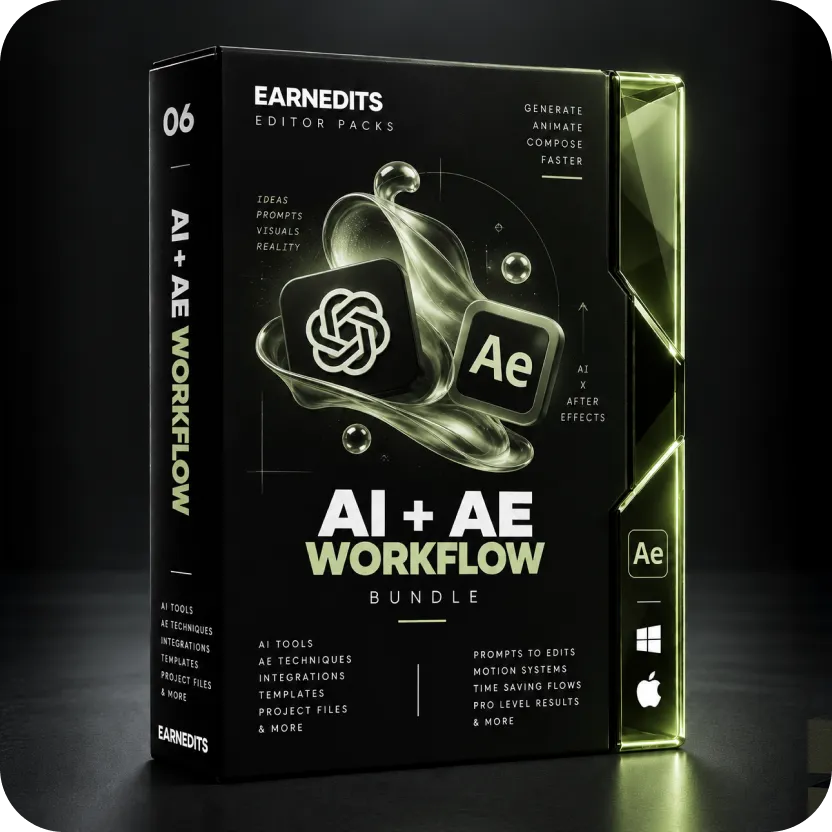
EarnEdits is a marketplace for open After Effects project files built for professional production. EarnEdits publishes AEP templates organized by production use case: social media content, branded intros, scene-based compositions, and lower third systems, each with named layers, color control, and a commercial license.

Explore Our Collection Of After Effects Projects

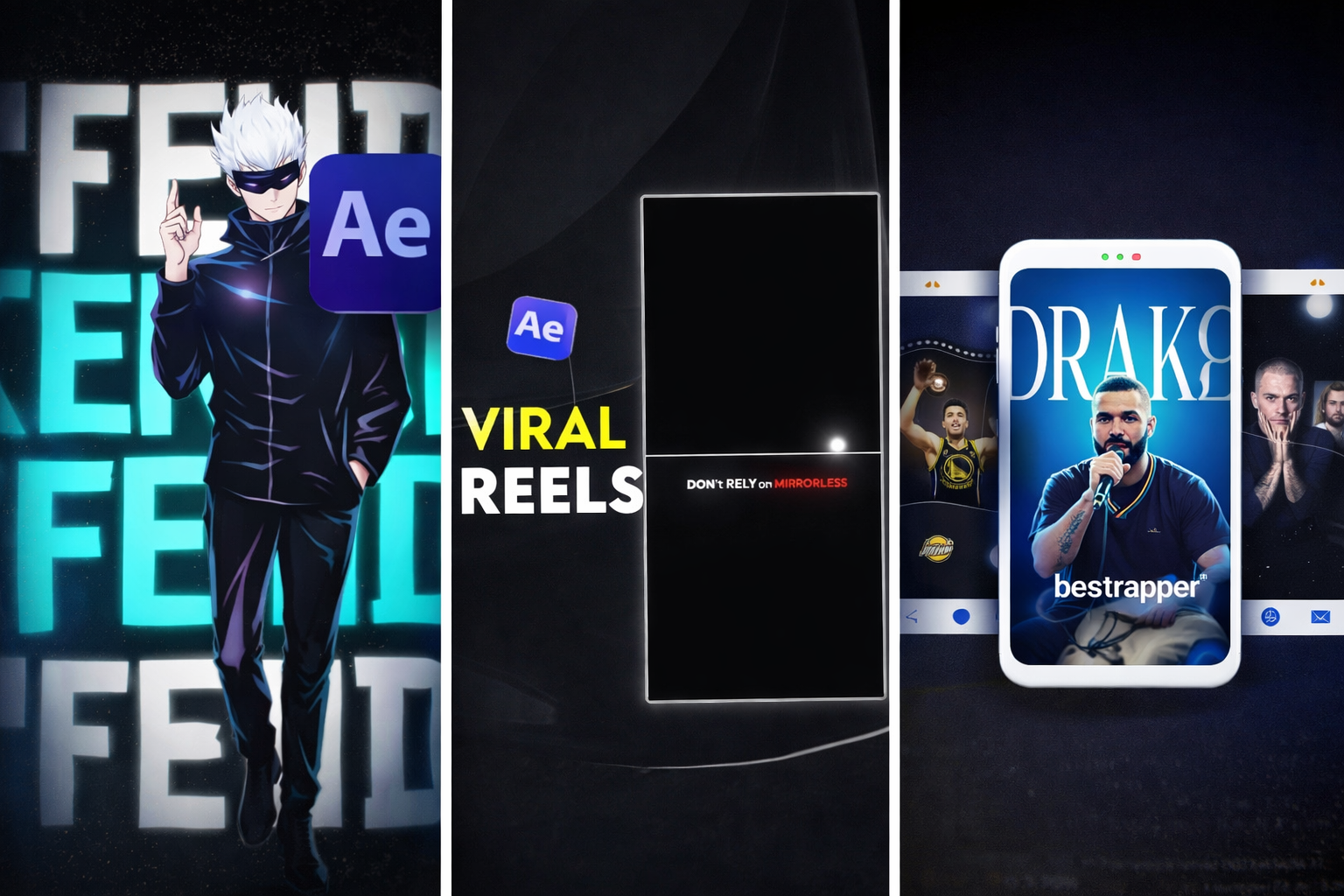
A curated selection of our top-performing viral edit projects - crafted to capture attention instantly and convert viewers from the very first scroll.

What Is an After Effects Template and How Does It Work?

An After Effects template is a project file, not a filter or a preset. The editor opens it in After Effects the same way they open any project they built themselves. Inside, the designer has already made the animation decisions: timing, layer structure, color system, compositional framing.

The editor replaces placeholder footage with their own clips, updates the text layers, and adjusts the color control. The template renders like any other After Effects composition.

What changes between template types is how much access the editor has to that underlying structure. Format matters more than library size, price, or visual style.

Three After Effects Template Formats and What Each Controls

After Effects Templates

Not everything marketed as an “After Effects template” gives editors the same level of control. Three formats cover the vast majority of what is available.


After Effects Project Files (.aep): Open Format

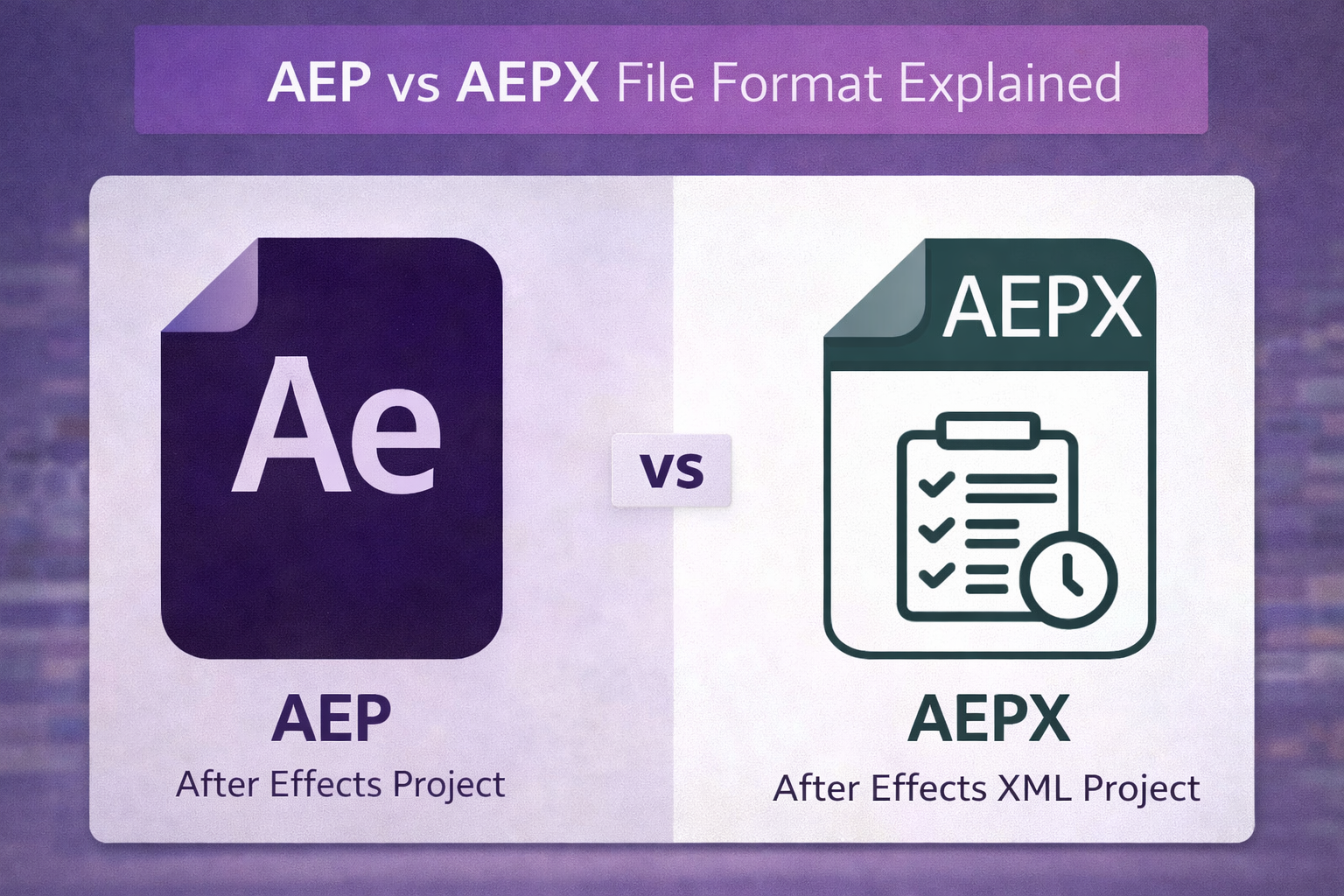
An .aep file is a full After Effects project. Opening it gives the editor complete timeline access: every layer, every keyframe, every effect is visible and editable. Duration changes, footage swaps, structural modifications, and animation adjustments are all possible.


This is the professional production format. Most well-built .aep files include named layers and a color control composition so editors can make changes efficiently without navigating every layer individually. EarnEdits publishes exclusively in this format.


Motion Graphics Templates (.mogrt): Locked Format

A .mogrt file is accessed through the Essential Graphics panel in Premiere Pro or After Effects. The editor does not get timeline access. They get a parameter panel: text fields, color pickers, and basic timing controls that the designer defined.


MOGRTs are fast. An editor can install a MOGRT, drag it to the timeline, update the text, and publish without opening After Effects. That speed comes at the cost of control. Animation structure and layer relationships are locked. MOGRTs work when the editor needs a consistent caption or lower third system without structural customization.


Animation Presets (.ffx): Layer-Level Effects

An .ffx preset is an animation applied to an existing layer, not a composition. The editor builds their own timeline and applies presets as motion ingredients. Presets are components, not deliverables. The production value of a preset-driven edit depends on how the editor assembles the composition around it.

Five Things to Check Before Using Any After Effects Template2

Most template failures happen before the editor even opens the file, because no evaluation happens before download. These five checks take less than two minutes and eliminate the most common professional template problems.


1. Confirm the File Format

Verify the file extension before downloading. Marketplace listings frequently present .aep and .mogrt files under the same label. If the production requires duration changes, footage layer swaps, or structural modifications, the file must be an .aep. A .mogrt will not support those changes regardless of how the listing describes it.


2. Check Plugin Dependencies

Search the template documentation for plugin requirements before downloading. Third-party plugins must be installed on the editor’s machine, or the render will fail. This is the most common reason professional templates fail at the deadline. Plugin-free templates render on any After Effects 2020 or later installation without additional requirements.


3. Verify a Color Control Composition Exists

A professional AEP template has a dedicated color control layer with effect controls that update the grade across the entire project in one adjustment. Without it, color changes require editing individual layers throughout every pre-composition. The presence of a color control composition is a reliable quality signal that the template was built for production use.


4. Check the Layer Naming Structure

Open the template and check the layer names. Named layers, Footage Placeholder, Text Layer, and Color Control indicate a template organized for another editor to use. Generic names like Layer 1 or Comp 3 indicate a template built for demonstration, not production. Named structure reduces navigation time before customization begins.


5. Read the Commercial License Per File

Read the per-file license terms, not the platform’s general license page. Platform subscription licenses and per-file licenses are different documents. The per-file license must explicitly state that commercial use and client delivery are covered. Platform-wide claims do not override per-file license restrictions.

How Do You Use an After Effects Template in Production?

After Effects Templates

The basic workflow for an .aep template is consistent across most professionally organized files.


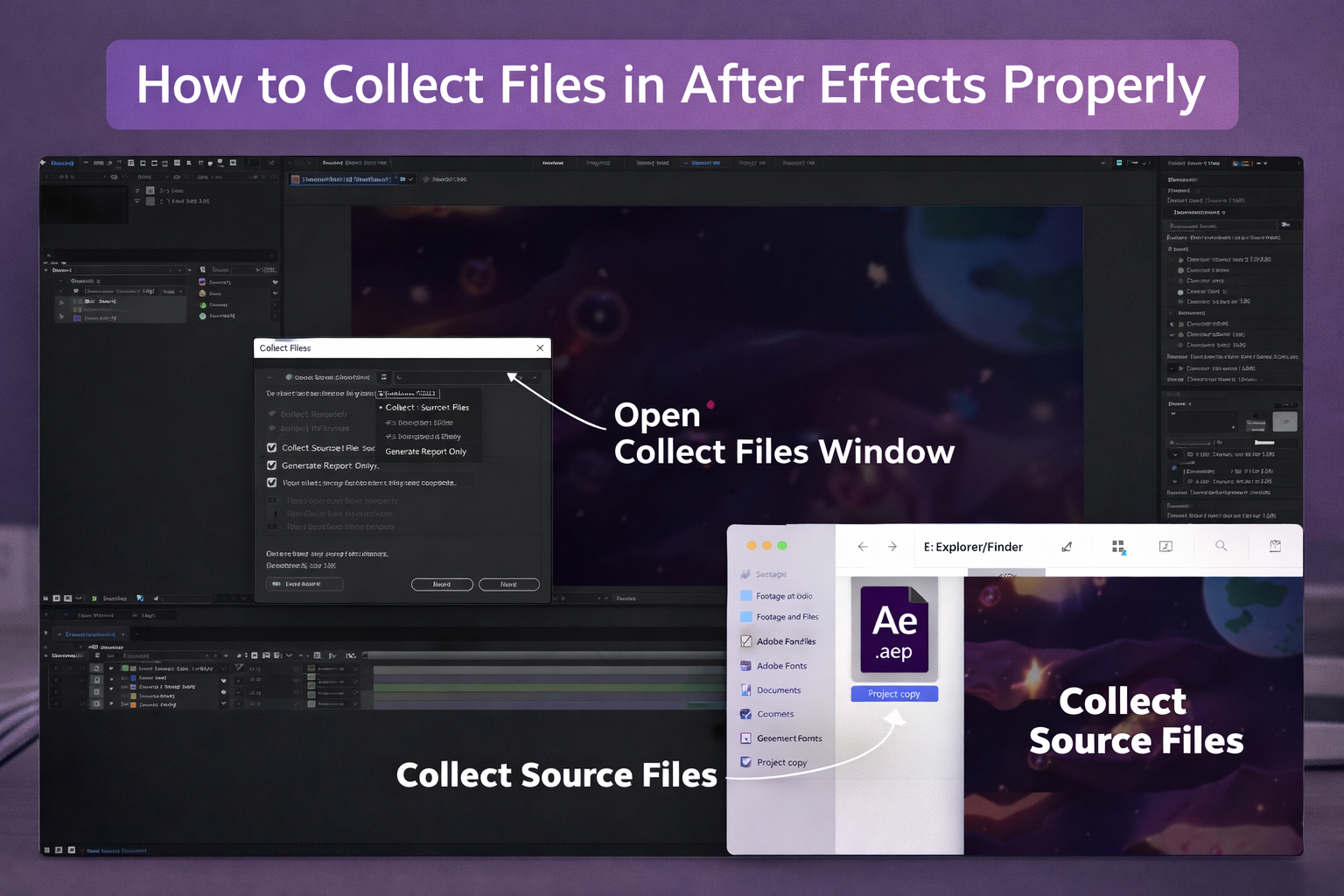
Open the project in After Effects. The Project panel will show a folder structure with the main composition, pre-compositions, and a media or footage folder containing the placeholder layers. Open the footage pre-composition, remove the placeholder media, and drop in the editor’s footage or image. The placeholder dimensions define the composition size; match them when possible.


Open the text pre-composition and update the text layers with the actual copy. If the template has a color control composition, open it and adjust the color effect controls. Preview the main composition to confirm the footage, text, and color are correct. Add the main composition to the Render Queue (Composition → Add to Render Queue), set the output format, and render.


Most professionally built .aep templates follow this structure. Version compatibility is the most common technical issue; templates built in newer AE versions may not open in older installations. Check the required version in the template documentation before opening.


The After Effects project files library at EarnEdits covers production-specific compositions organized by use case. Each file follows this structure with clearly labeled folders, footage placeholders, and a color control composition.


EarnEdits After Effects project files are open .aep compositions are built for professional production.


Named layers. Color control. Commercial license. Plugin-free. Organized by production use case.
Browse After Effects Project Files

Which After Effects Template Format Fits Your Production Context?

After Effects Templates

The format decision follows from the production context.


  • Client brand video or social media series: Open .aep with color control and footage placeholders. Footage replacement, duration adjustment, and color consistency across deliverables require full timeline access. A .mogrt will not support those changes.
  • Quick caption or lower third in Premiere Pro: .mogrt via the Essential Graphics panel. When text and color control are sufficient, and the Premiere Pro workflow is the priority, .mogrt is the faster choice.
  • Custom motion design built from scratch: .ffx animation presets applied to self-built compositions. The editor controls the timeline and applies presets as motion ingredients.


For editors evaluating template sources beyond the major marketplaces, the comparison of websites like Envato for After Effects templates covers the key platform distinctions.

When to Build From Scratch Instead of Using a Template?

Templates are the right tool when the editor will use the composition type more than once: social media content produced weekly, branded intros for a client’s video series, caption systems across multiple projects.


Building from scratch makes sense for one-off deliverables with no recurring use, for projects with highly specific visual requirements that no template can match, or for skill-building exercises where understanding the animation structure is the goal. The choice is production efficiency versus production specificity.


Every EarnEdits After Effects template is an open .aep file built for professional production.


One subscription. Every template has been released. Commercial license. Named layers. Plugin-free.
Access the Full Library

Explore Our Collection Of After Effects Projects

A curated selection of our top-performing viral edit projects - crafted to capture attention instantly and convert viewers from the very first scroll.

Three Mistakes Editors Make When Choosing Templates

Mistake 1: Downloading a .mogrt when the production needs an .aep

An editor downloads what the listing calls an “After Effects template,” opens the file, and discovers it is a .mogrt with no timeline access and no footage replacement beyond the designer’s defined parameters. Verify the file extension before downloading. If the listing does not specify the format, choose a source that explicitly publishes .aep files.


Mistake 2: Discovering plugin dependencies at render time

A template opens without errors. The editor customizes footage and text. At render time, the composition fails because a required plugin was not listed and is not installed. Check plugin dependencies in the documentation before opening the project. Templates requiring third-party plugins for basic rendering are a production risk unless those plugins are already installed.


Mistake 3: Assuming the platform license covers commercial delivery

Platform subscription licenses do not automatically cover all commercial delivery scenarios. Read the per-file license. Commercial use and client delivery must be explicitly named. For editors whose Instagram Reels still look flat despite using templates, the problem is usually structural rather than template quality. The guide to why Instagram edits look amateur covers the design failures that templates address and the ones they do not.

Frequently Asked Questions

What is the difference between an AEP file and a MOGRT file?

An .aep file is an open After Effects project with full timeline access and every layer editable. A .mogrt is a locked template with parameter-only control through the Essential Graphics panel. AEP files serve professional production. MOGRTs serve quick edits in Premiere Pro within defined parameters.

Can After Effects templates be used for commercial client work?

Only if the per-file license explicitly covers commercial use and client delivery. Platform subscription licenses and per-file licenses are separate documents. Read the per-file license before using any template for client-facing content. A platform's general license statement does not cover individual file commercial rights.

Why is my After Effects template not working correctly?

The three most common causes are version incompatibility (template requires a newer AE version), missing plugins (a required third-party plugin is not installed), and missing fonts (custom fonts not installed on the system). Check all three in that order.

Muhammad Sikandar
Muhammad Sikandar

Muhammad Sikandar brings deep expertise in design research, visual trend analysis, and advanced creative development, backed by extensive hands-on experience in the motion graphics industry.

Browse 30 Viral-Ready .AEP Project Files

Production-ready edits that teach you how they were built.