Back
Back

 Apr 23, 2026
 Muhammad Sikandar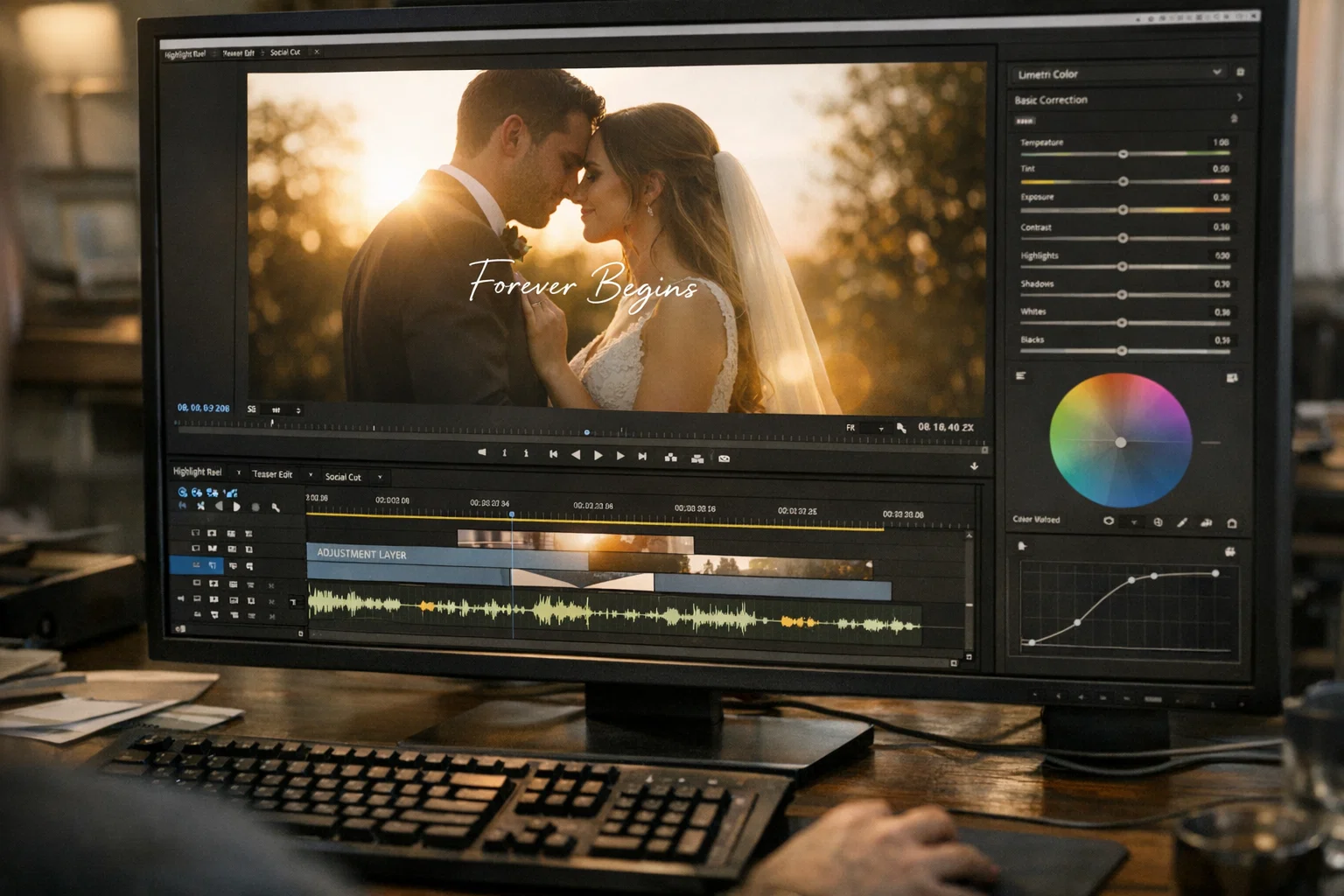
Wedding video templates give editors a structured starting point for highlight reels, social teasers, and same-day cuts, without having to build every transition and color grade from scratch. The cinematic look comes from three elements: color grading through LUTs, intentional transition design, and audio-visual sync that matches cuts to music. In 2026, wedding editing splits across four mood styles, each requiring different template structures that rigid closed files can’t accommodate. The editors producing the best wedding work aren’t using templates as designed; they’re working with open project files, where every layer, timing decision, and color choice is visible and editable for each wedding.
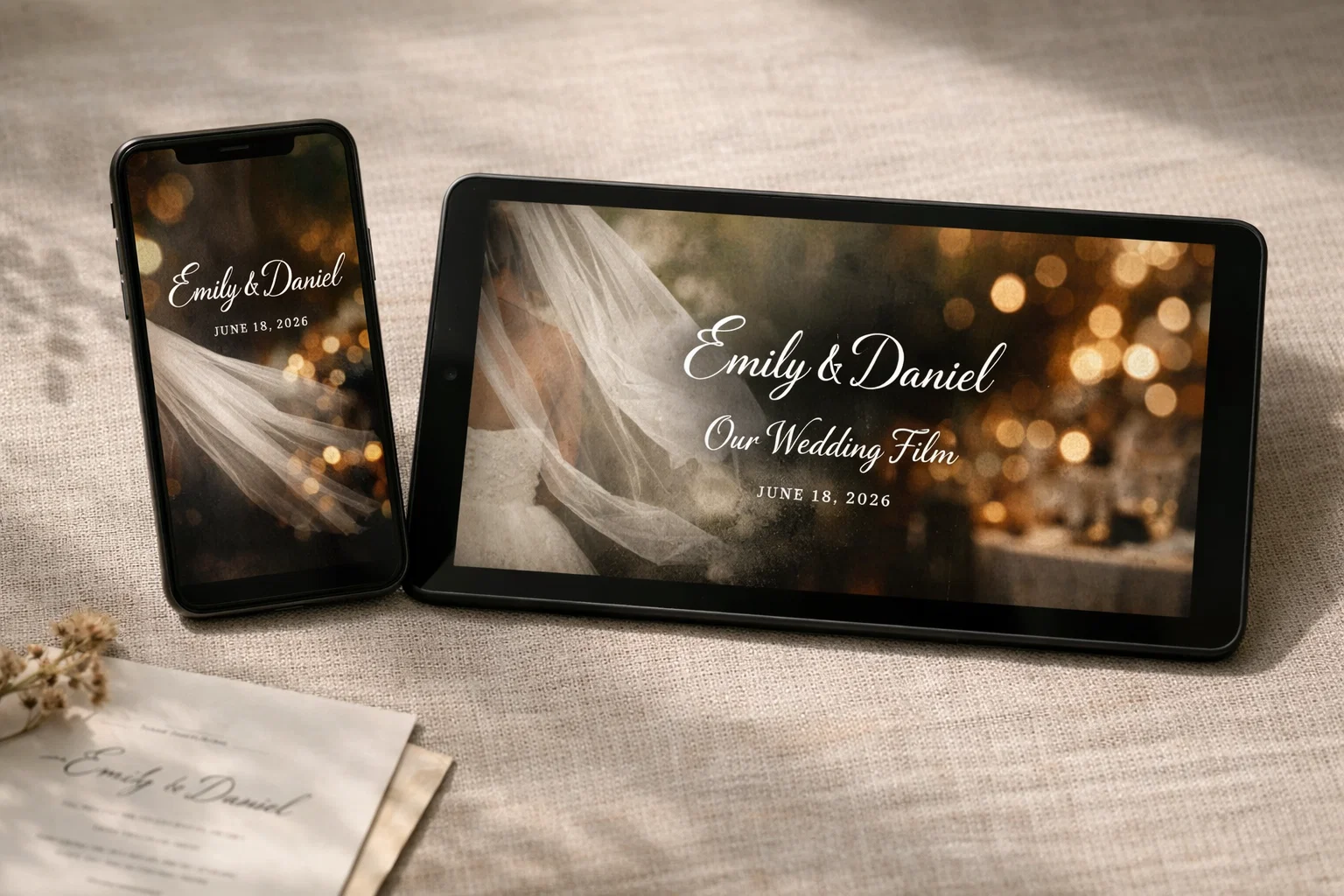
A cinematic wedding video template controls color grading, transition pacing, and audio-visual sync to produce highlight reels that feel like short films rather than slideshows with background music.
Three elements separate cinematic wedding templates from basic ones. First, color science, cinematic files include LUTs (Look-Up Tables) and adjustment layers that give footage a consistent film-like tone, whether warm and golden for outdoor ceremonies or desaturated for evening receptions. Second, transition design, ink dissolves, light leaks, film grain overlays, and bokeh effects replace hard cuts with movement that carries emotional weight. Third, audio integration, the best templates are built around music timing, with cut points that sync footage to beats, and room for layering vows, laughter, or ambient sound under the soundtrack.
Duration matters too. Cinematic highlight reels typically run 3–7 minutes. Social teasers run 30–90 seconds. A useful wedding video template uses the same project structure or, at a minimum, includes compositions for 16:9 and 9:16 aspect ratios.
The 2026 shift: “cinematic” no longer means slow motion over a piano track. The editors producing the strongest wedding work are moving toward editorial storytelling, mixed-media texture, and mood-specific color profiles that match a wedding’s actual atmosphere.
Wedding video editing in 2026 splits across four distinct cinematic moods, each requiring different template structures, color profiles, and transition sets.
Minimalist serif typography (Bodoni, Didot), black-and-white transitions, wide architectural shots. Color stays muted, desaturated, warm tones, or full monochrome. Built for black-tie venues and historic estates. Templates need clean title animations, slow dissolves, and LUTs that suppress saturation without crushing detail.
Film grain overlays on 4K footage, light leaks, 16mm frame borders, and jittery transitions that mimic the look of vintage film stock. Feels like a rediscovered family recording with modern clarity underneath. Fits outdoor rustic weddings and destination elopements. Templates need grain and dust overlays on separate tracks (so editors control intensity per scene) plus warm-shifted LUTs.
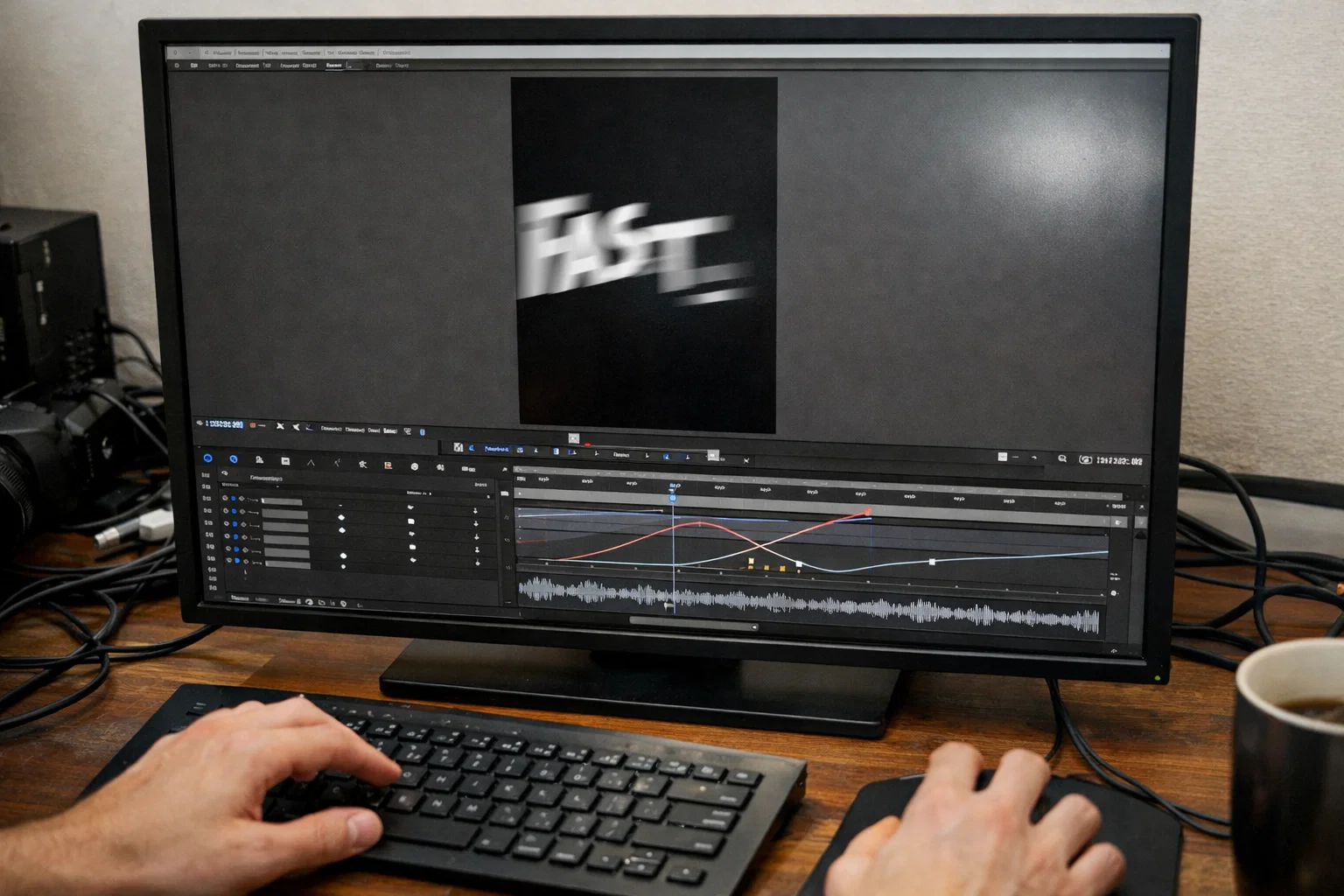
Fast cuts, whoosh sound effects, beat-synced editing, bold title reveals. Built for vertical 9:16, Instagram Reels, TikTok, and same-day social posts. Pacing is aggressive: 15–60 seconds, every cut on a musical hit. Templates need rhythmic cut markers, dynamic text animations, and vertical presets built for social performance.
Ambient sound takes priority over music. Vow audio, wind, and laughter layered under a minimal soundtrack. Handheld camera feel, natural color grading, no heavy stylization. Serves intimate weddings and elopements. Templates need subtle transitions, audio-first timelines, and organic text overlays that don’t compete with footage.
Each mood requires different layer structures, different LUTs, and different timing. One rigid template can’t serve all four, which is where most wedding editors run into problems.
Open Files. Real Edits. Built for Wedding Editors Who Customize.
Every After Effects project on EarnEdits ships with separated layers, editable timelines, and full color control, no locked effects, no rigid placeholders. Built for editors who need to adapt the look per wedding, not render the same output for every couple.
Browse Projects →
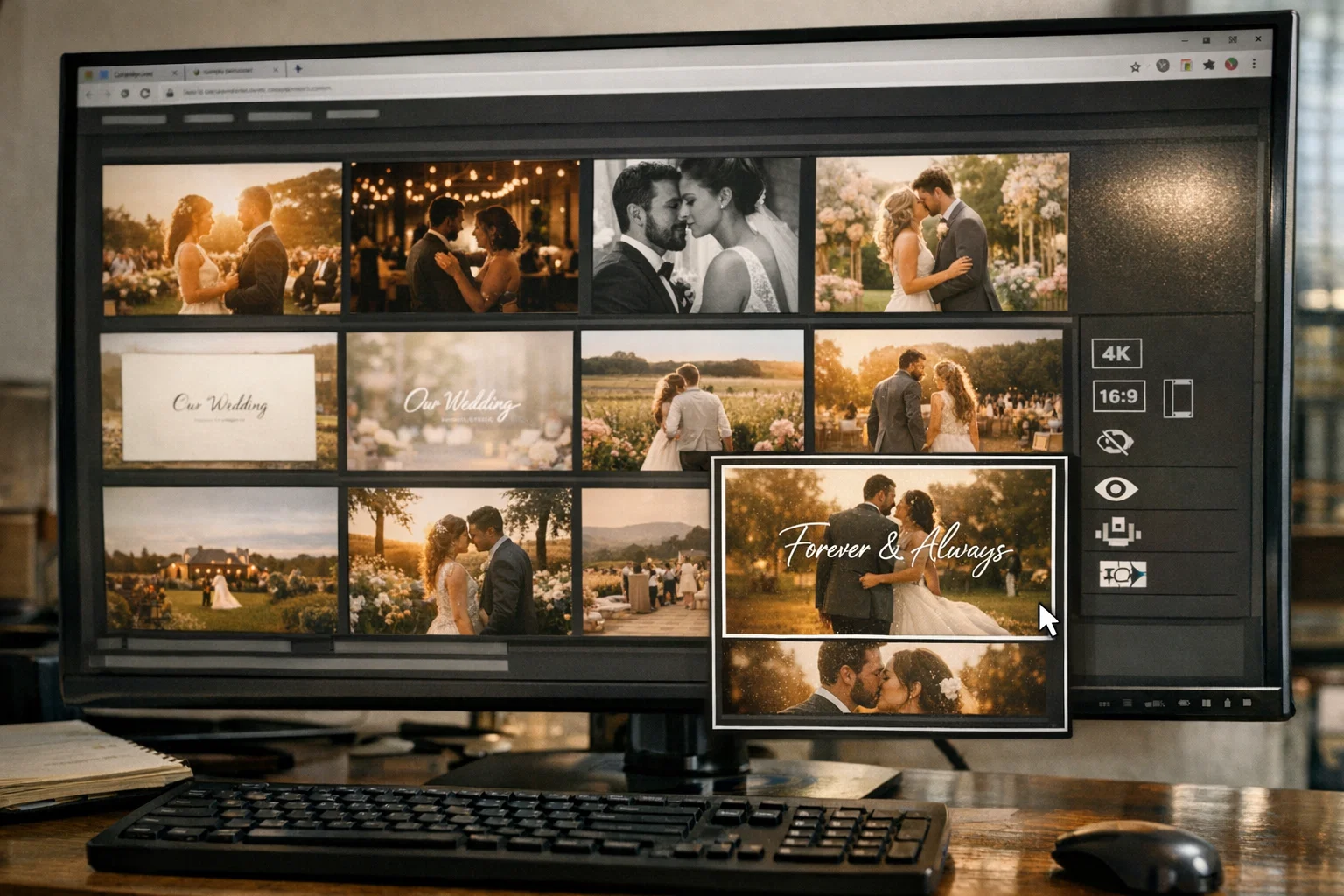
Template quality depends on six structural factors that most marketplace previews never show.
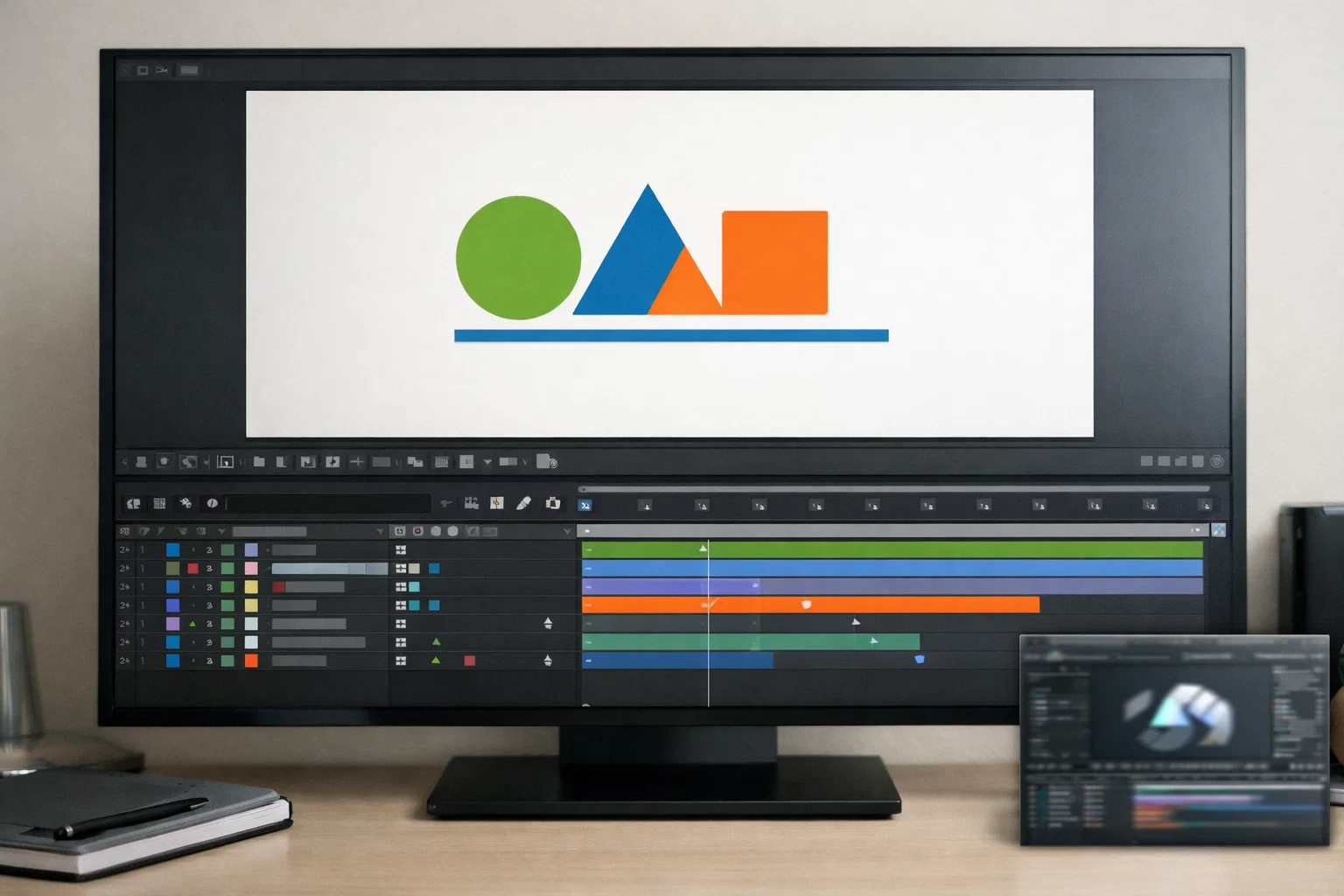
Are the effects applied to individual layers, or flattened into pre-comps? Separated layers let you adjust a single transition without breaking the rest of the timeline. Flattened files force you to accept the entire look or rebuild it.
Does the template include adjustment layers with swappable LUTs, or is the color baked into every clip? Baked color means every wedding gets the same grade regardless of venue lighting. Adjustment layers let you match the grade to actual conditions.
Many wedding templates use premium serif and script fonts, requiring a separate purchase. Adobe Fonts (included with Creative Cloud) are safe. Independent foundry fonts may add $50–$150 to the real cost if the license isn’t included.
4K (3840×2160) is the baseline for flexibility. But wedding editors in 2026 need both 16:9 (highlight reel) and 9:16 (social teaser) from the same project. If the template includes only one aspect ratio, you’re either buying a second file or manually rebuilding compositions.
Heavy particle effects and 3D light rays look impressive in previews, but add 3–5x render time on mid-range machines. If you’re editing 20+ weddings per season, check whether effects are GPU-accelerated before committing.
Can you reorder sections, extend the timeline for longer ceremonies, and add footage slots beyond the template’s preset count? A file that locks you into a single structure limits you to a single type of wedding edit.
Most marketplace previews show the output. Smart editors evaluate the build.
Closed wedding video templates force every couple’s story into identical placeholder structures, same transition timing, same color grade, same text positions, producing highlight reels that are visually interchangeable across hundreds of weddings.
The math is simple: when 500 videographers download the same “Cinematic Wedding Elegance” template from a marketplace, 500 couples receive the same ink transitions, font pairings, and music pacing. Couples paying $3,000–$8,000 for videography expect something that reflects their day.
Closed templates lock three things: placeholder count (can’t add or remove footage slots), color grading (LUT is baked in, can’t match venue lighting), and transition timing (cuts are fixed to the template creator’s music, not the couple’s song).
The result is a gap between what couples reference on Instagram, moody editorial reels, intimate documentary moments, energetic same-day trailers, and what the template allows. This isn’t a skill problem. It’s a tool problem, and it’s one of the most common mistakes editors make, choosing a file based on the preview instead of the file structure.
Open .aep project files give wedding editors full access to every layer, effect, and timing decision, turning a starting template into a custom cinematic edit matched to each wedding’s venue, lighting, music, and mood.
“Open” means every layer is visible and editable. Every LUT sits on an adjustment layer you can swap. Every transition lives on its own track. Every composition is accessible, not pre-rendered, not locked.
Venue matching becomes possible: Swap the color grade to match warm indoor reception lighting for one wedding, cool outdoor twilight for another, candlelit intimacy for a third, all from the same project file. Closed templates with baked-in color force one look at every venue.
Music sync becomes real: Restructure the timeline to match the couple’s chosen song. Move cut points to land on lyrics or beats. Extend sections for longer ceremonies, shorten for social teasers; the timeline adapts to the wedding, not the other way around.
One file produces multiple deliverables: From a single open project, editors pull a 5-minute 16:9 highlight reel, a 60-second 9:16 social teaser, and a same-day ceremony cut, three deliverables from one source file.
Editing speed compounds: Open files cut wedding post-production from 12+ hours to 3–4 hours per project by allowing editors to modify proven structures rather than build from scratch. Newer editors learn professional timing and color science by studying real project files, faster than any tutorial.
The editors producing the best wedding work in 2026 aren’t searching for prettier previews. They’re looking for open project files built around edit styles that actually perform.
Wedding video templates are distributed across general marketplaces, AI-powered platforms, and niche editing shops, each serving different skill levels and customization needs.
Envato Elements, Motion Array, and Storyblocks carry the largest libraries with thousands of wedding templates across every style. Trade-off: inconsistent file quality and mostly closed structures.
anva, InVideo, and FlexClip offer drag-and-drop wedding templates for beginners. Fast for invitation videos and basic slideshows, but not built for editors who need layer-level control in After Effects.
Smaller libraries are focused on being fully open .aep files with complete layer access and separated effects. Where working wedding editors find files worth reusing across multiple projects and client styles.
Preview quality tells you how a template looks. The file structure tells you how it works within your timeline.
Updated Weekly. Built by Editors Who Actually Edit.
EarnEdits adds new fully open After Effects project files every week, cinematic transitions, beat-synced cuts, and visual styles built around what performs on social platforms. No locked layers. No fixed placeholders. Files you can study, adapt, and deliver.
See the Latest Drops →
A cinematic wedding video takes a short-film approach to highlight coverage, emphasizing intentional music, color grading, creative transitions, and narrative pacing over chronological documentation. Highlight reels run 3–7 minutes; social teasers run 30–90 seconds.
Start with a project file as your timeline structure. Apply LUTs matched to venue lighting, sync cuts to music beats, layer ambient audio (vows, laughter) under the soundtrack, and use textured transitions, film dissolves, light leaks, and ink effects instead of hard cuts.
A template is a pre-structured file with placeholders, swap footage, change text, and export. Most are closed. A fully open project file (.aep) gives access to every layer, keyframe, and expression, so you can customize the edit per wedding instead of producing identical results.
Only if the file is open and editable. From one .aep project, editors export a 16:9 highlight reel and a 9:16 vertical social teaser by restructuring the timeline. Closed templates with fixed aspect ratios require separate purchases for each format.
Free templates from verified sources like Mixkit and Uppbeat are generally safe. Avoid unverified download sites and Telegram groups; these often include missing fonts, outdated files, or licensing issues that cause problems in client projects.

Explore more guides on After Effects project files and viral editing workflows.
Production-ready edits that teach you how they were built.