Back
Back

 Apr 22, 2026
 Muhammad Sikandar
2D logo animation templates are pre-built After Effects project files that animate flat logos using native tools, shape layers, trim paths, mask reveals, and the stroke effect, without 3D plugins or camera rigging. These templates render 5-10x faster than 3D equivalents, produce smaller files, and work cleanly across social media, websites, and client deliverables. Six core styles dominate editor search queries: draw-on reveals, typographic motion, shape-builds, flat fades, glitch effects, and kinetic typography. Choosing the right one depends on layer structure, customization depth, and whether the file lets you modify the animation, or just drop your logo into a locked placeholder.
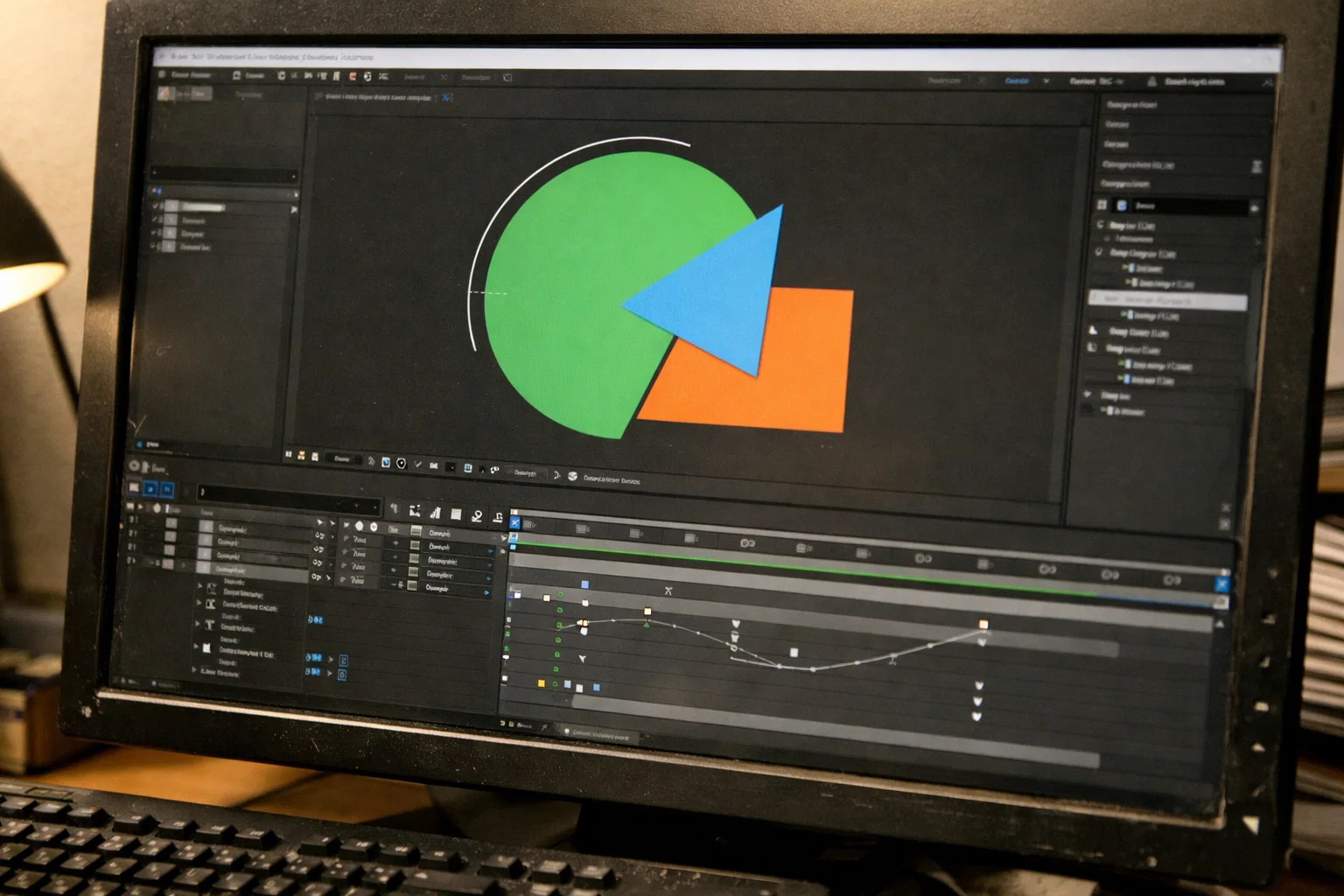
2D logo animation templates are pre-built motion design files that animate flat logos using After Effects’ native toolset, shape layers, trim paths, mask paths, and the stroke effect, with no 3D plugins, no camera rigging, and no extended render times.
A typical template includes a master composition with your logo placeholder, pre-keyed animation on shape layers or masks, color controls, and a render-ready output comp. Drop in your logo (AI, EPS, or PNG), adjust timing and colors, and export. What takes 3-5 hours from scratch takes 15-20 minutes with a solid template.
.aep files give full project access; every layer, keyframe, and expression is visible and editable. .mogrt files work in Premiere Pro’s Essential Graphics Panel, offering simplified controls but limited editing depth. Browser-based formats (Lottie/JSON, animated SVG) exist for web-specific use cases but don’t offer the layer-level control that .aep files provide.
The terms “logo reveal,” “logo sting,” and “logo bumper” all describe the same thing: a short animated moment, typically 1-3 seconds, where a logo appears on screen.
2D logo animations render 5-10x faster than 3D equivalents, produce smaller file sizes, and require zero third-party plugins, making them the practical default for editors working on social-first content.
| Factor | 2D Animation | 3D Animation |
| Render speed | Seconds to minutes | Minutes to hours |
| File size | Lightweight, MP4 under 5MB, Lottie under 100KB | Heavy, MP4/MOV often 50MB+ |
| Plugin requirements | None, native After Effects tools only | Element 3D, Cinema 4D Lite, or similar |
| Editability | High, change colors, timing, and paths directly | Low, most changes require a full re-render |
| Mobile performance | Instant load on web and social | May lag or buffer on mobile playback |
3D logo animations still work for broadcast and cinematic brand films. But for daily freelance work, client intros, YouTube bumpers, social media stings, 2D delivers faster with fewer dependencies.
Social media intros need to load instantly, play on mobile, and support transparent backgrounds. Most 3D logo templates fail all three: large files, extra steps for alpha export, and plugin costs on every project. 2D templates built with shape layers and trim paths skip all of that.
Six distinct 2D logo animation styles dominate template marketplaces and editor search queries, each suited to different brand personalities and platforms.
The logo draws itself stroke-by-stroke using the stroke effect applied to mask paths, animated with trim paths. Clean, modern, built entirely with native After Effects tools. Works best for minimal brands and design studios.
Text animates letter-by-letter or word-by-word through slide, bounce, pop, or path-based motion. Strong for personal brands and creator intros where the name IS the logo, no icon needed.
Geometric elements, circles, lines, and dots assemble into the logo through keyframed position and scale. Popular with tech startups and abstract-mark logos.
Simple opacity fade, scale-up, or slide-in. The workhorse style, subtle, professional, fits virtually any brand. Takes under 30 minutes to customize because the keyframing is straightforward.
Pixel displacement, chromatic aberration, and RGB split on a 2D plane. Achieved through layer duplication, offset positioning, and blending modes, with no 3D depth involved. Popular for gaming channels and creative agencies.
Pure text motion, stretching, jittering, rotating, where movement creates the brand personality. Growing fast in 2026 for creator intros on reels and TikTok, where high energy matters more than polished minimalism.
Match the style to your client’s brand and platform. A glitch reveal fits a gaming channel. A flat fade works well for a law firm’s website. Kinetic typography fits a creator’s reel intro.
Open Files. Real Techniques. No Locked Layers.
Every After Effects project on EarnEdits ships as a fully unlocked .aep, labeled layers, exposed keyframes, and editable compositions. Study the animation, customize for your client, and carry the technique forward.
Browse Projects →
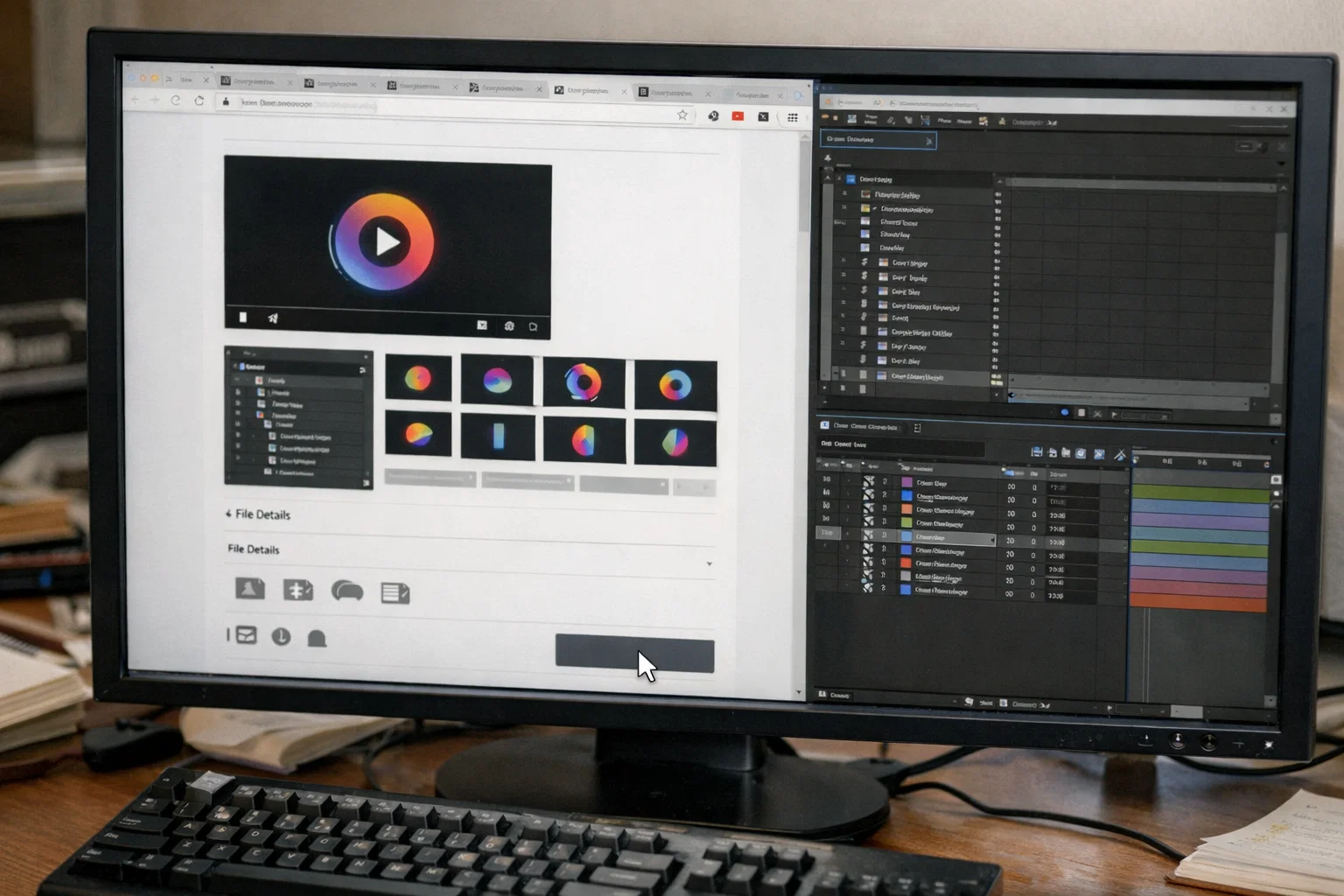
The preview video tells you almost nothing about a logo animation template’s actual usability, layer structure, customization depth, and export flexibility, which determine whether a template saves you time or wastes it.
Run through these six checks before committing:
Are layers named and organized? Or is everything labeled “Shape Layer 1,” “Comp 47”? Unnamed layers mean an hour of reverse-engineering before you can change anything.
Can you change colors at the fill and stroke level, or is everything pre-comped into a flattened layer? Exposed color controls let you match any brand palette in minutes. Locked structures mean rebuilding the entire animation to change a single hex value.
The best templates include a labeled “YOUR LOGO HERE” composition where you drop in your AI, EPS, or PNG, and the animation applies automatically. Templates requiring manual masking for every swap add unnecessary time.
Can you adjust the sting from 1 second to 3 seconds without breaking the animation? Templates built with time-remap or speed expressions handle duration changes cleanly. Hard-keyed timing at fixed frame counts breaks the moment you stretch them.
Your client might need MP4 for YouTube, WebM with an alpha channel for a website overlay, or MOV ProRes 4444 for transparent background compositing. If the template doesn’t support alpha export, it limits where you can use the output.
If the template requires Element 3D, Trapcode, or Optical Flares, it’s not a true 2D template. Native After Effects tools, shape layers, trim paths, masks, and the stroke effect are all that a 2D logo animation needs.
Most logo animation templates on marketplaces use closed compositions with locked layers. You drop your logo into a placeholder, render, and get one look with no ability to modify the animation.
That works for a single output. But when a client asks for a different reveal direction, adjusted timing, or a color shift the control layer doesn’t support, you’re stuck.
Open .aep project files take the opposite approach. Every shape layer is exposed. Every keyframe is editable. Every trim path, mask reveal, and stroke effect is visible in the timeline. You see how the 2D logo animation was constructed, the easing curves, keyframe spacing, and layer ordering.
That visibility serves two purposes. You customize faster because you understand the file’s structure, editing at the property level instead of guessing which pre-comp controls which element. And you learn the technique. After working through a few open logo animation project files, you understand how draw-on reveals are built, how shape-builds are timed, and how trim paths control stroke progression. Those skills transfer to every future project.
The growth path follows a clear progression: closed templates for quick renders → open project files for learning and customization → building original logo animations from scratch.
If you want to avoid the most common pitfalls when working with project files, this guide on mistakes editors make with After Effects project files covers what to watch for.
2D logo animation templates are available across professional marketplaces and browser-based tools.
For After Effects editors: Envato Elements and Motion Array offer large subscription libraries with “flat logo” and “minimal logo reveal” categories. Mixkit offers a smaller free selection and limited customization, but it’s functional for basic reveals.
For non-AE users: Canva and Adobe Express offer drag-and-drop animated logo tools with preset motion styles. Jitter provides minimal 2D logo templates as animated SVGs. Renderforest lets you upload a PNG and apply pre-built motion effects through a browser editor.
Marketplace templates cover the basics. For editors who need full-layer access and editable keyframes, open.aep files from dedicated editor libraries offer more control.
Built Around What Editors Actually Need.
EarnEdits project files include logo sting styles built around proven viral edit patterns, as well as transitions, pacing, and reveal techniques that perform on TikTok, Instagram, and YouTube Shorts. Updated weekly. Fully open .aep files you learn from, not just render.
Explore the Library →
After Effects is the industry standard for motion graphics and logo animation. Native tools like shape layers, trim paths, and the stroke effect handle every common 2D logo reveal style without third-party plugins.
1-3 seconds for social media intros, YouTube bumpers, and website headers. Broadcast intros can extend to 5-7 seconds. For reels and TikTok, shorter is stronger; a 1-second sting keeps pacing tight.
No. Every core 2D technique, shape-build, draw-on reveal, typographic motion, flat fade, glitch, uses native After Effects tools. If a template lists Element 3D or Trapcode as requirements, it's using 3D techniques regardless of how the preview appears.
Yes, but vector formats (AI or EPS) produce better results. Vectors scale to any resolution without loss of quality and integrate cleanly with shape-layer animations. PNG works for simple placeholders but limits customization.
For any logo sting that sits over video or web content, yes. Export as MOV ProRes 4444 with an alpha channel for compositing, or as WebM with an alpha channel for web use. Standard MP4 does not support transparency.
A solid template saves 3-5 hours per project. Open project files give you both speed and learning, a finished 2D logo animation, plus the ability to study every keyframe, trim path, and easing curve. After a few projects, you start building your own.

Explore more guides on After Effects project files and viral editing workflows.
Production-ready edits that teach you how they were built.