




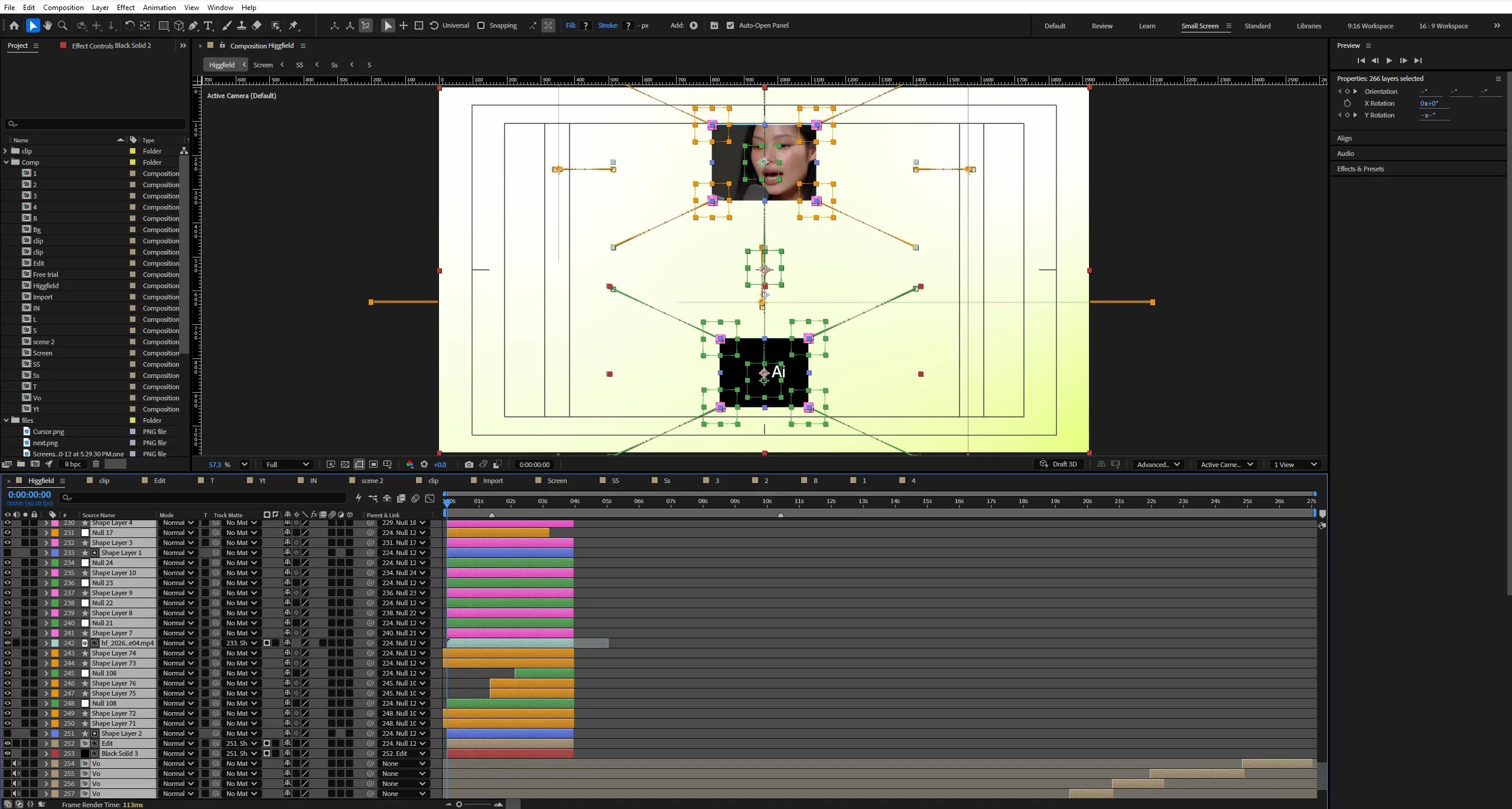
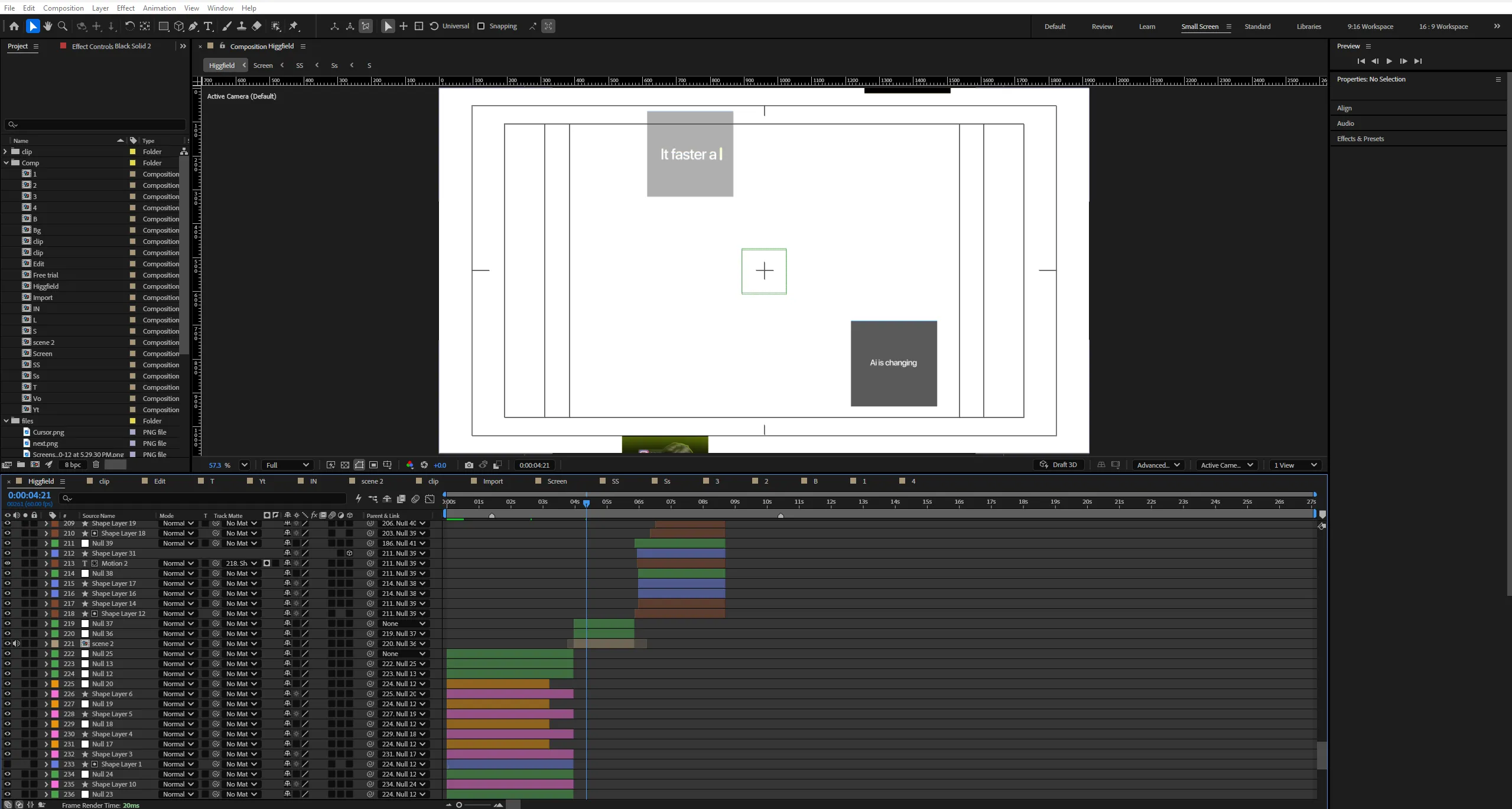
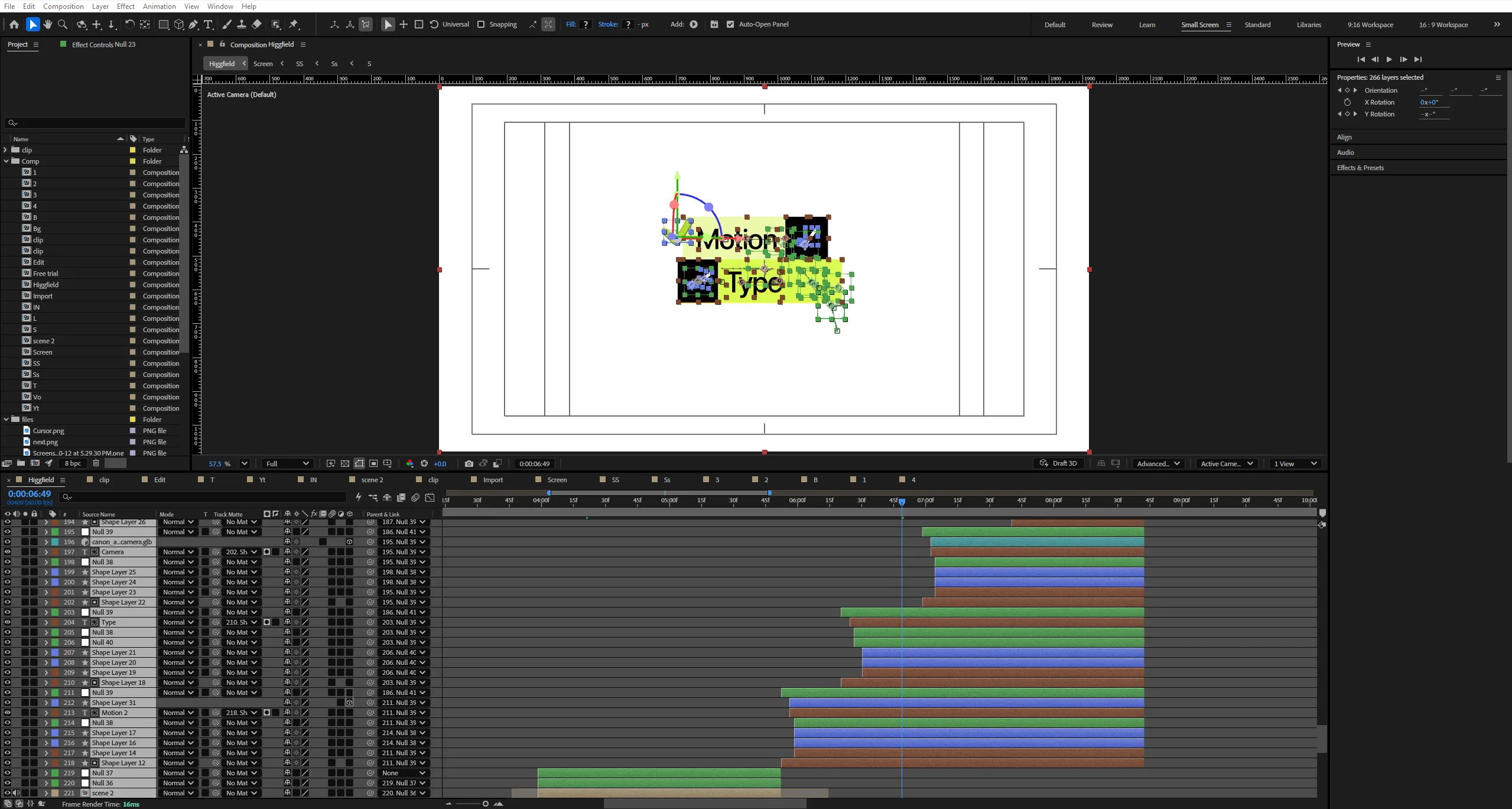
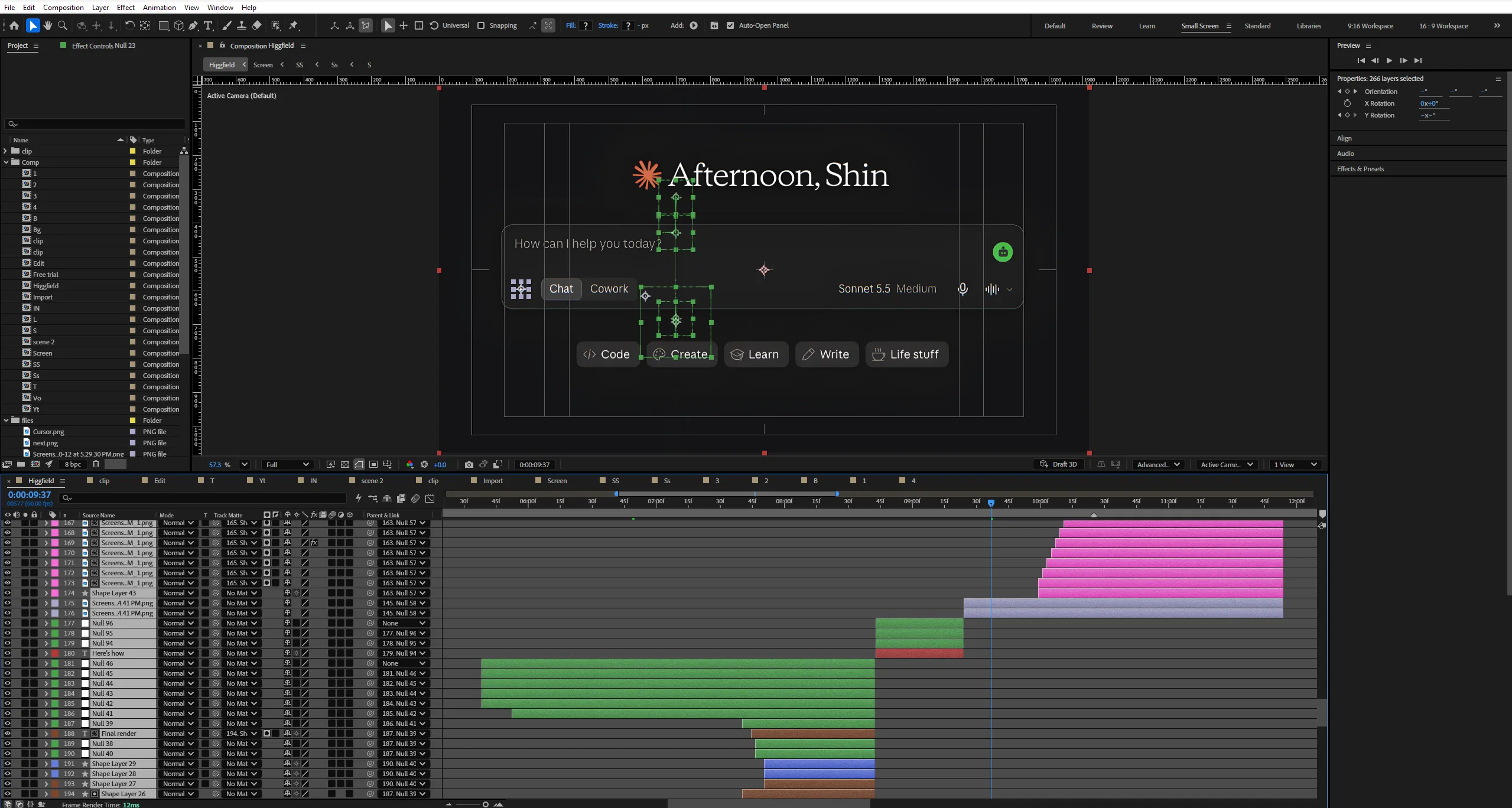
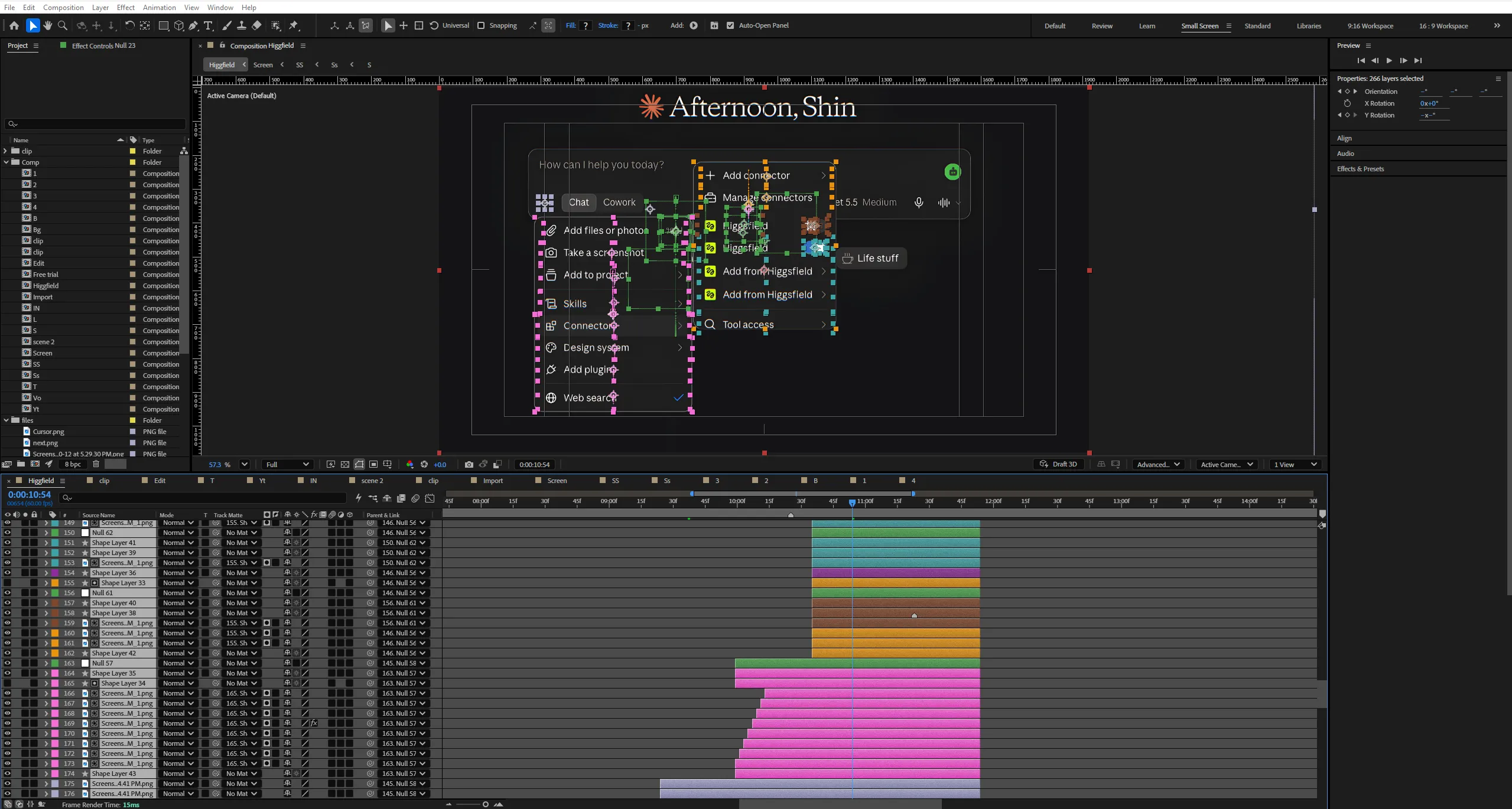
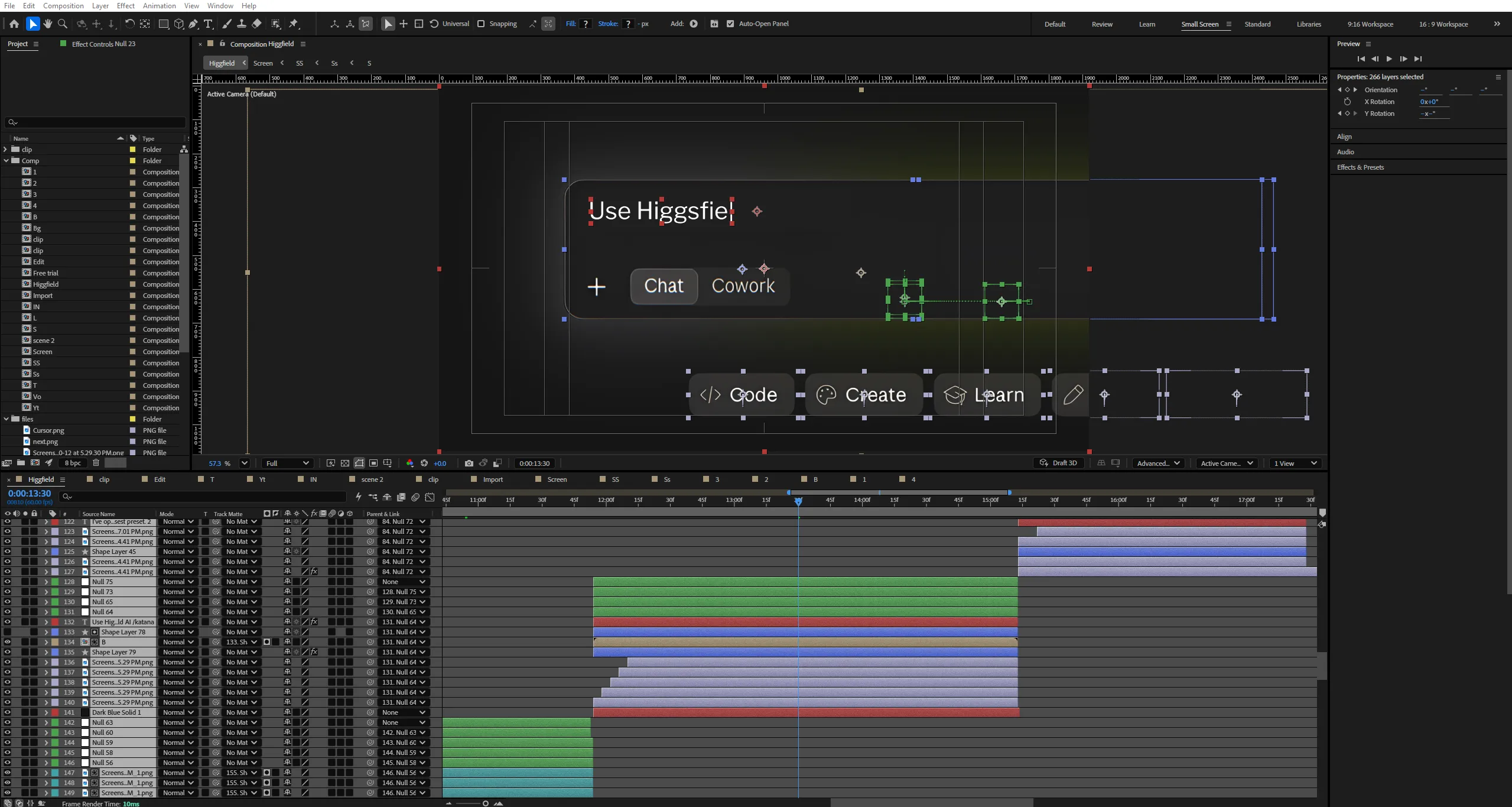
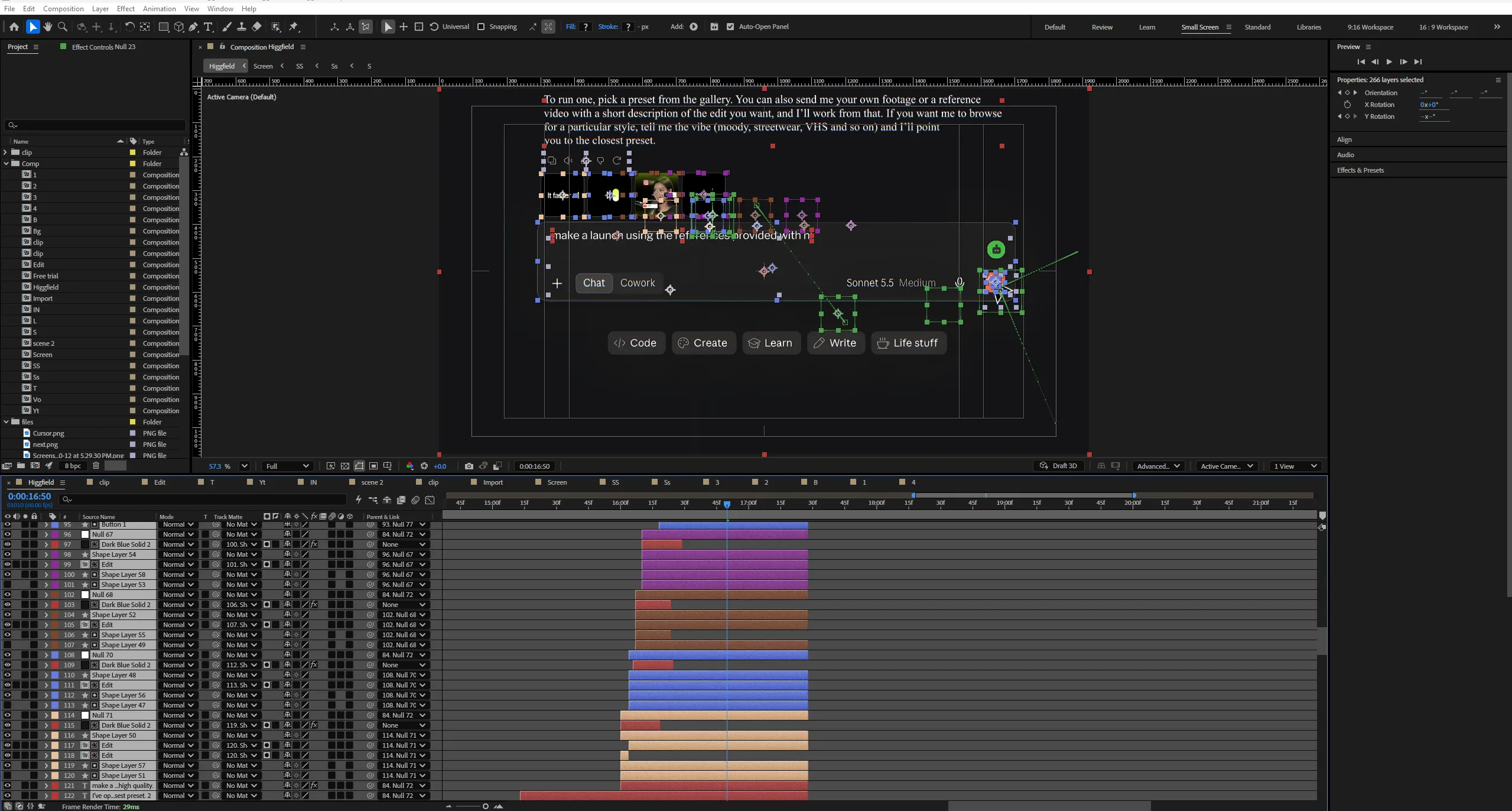

 If the project files aren't enough, watch our tutorial library.
Claude AI × Higgsfield Katana — Turn Raw Footage Into Launch Videos


What if a simple screen recording could become a complete product launch video with just a prompt?
No starting from a blank timeline. No manually building every animation. Just your raw footage, a creative direction, and an AI-powered workflow that transforms the way you approach video production.
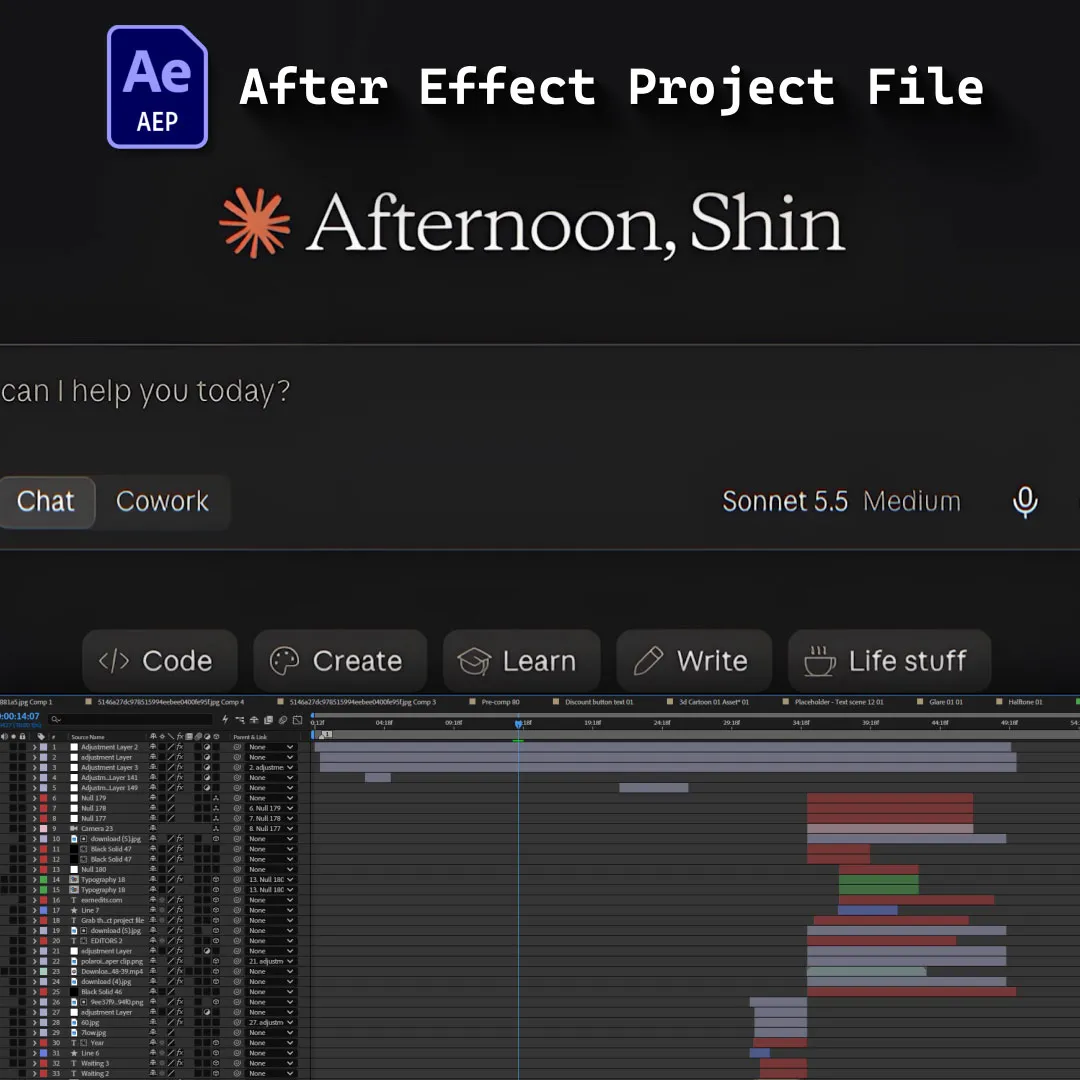
By connecting Claude AI to Higgsfield through MCP, this project explores how creators can use conversational AI to generate polished video content with Higgsfield Katana.
Start with an ordinary screen recording. Add your footage, describe the visual style you want, and let the AI-assisted workflow turn it into something that feels like a fully produced product commercial.
Dynamic camera movements. Kinetic typography. Smooth transitions. Carefully crafted visual pacing.
What begins as raw footage becomes a launch-video concept designed to capture attention and communicate a product’s value.
And the workflow doesn’t stop at the first result.
Want a different mood? Refine it. Need sharper timing? Ask for changes. Prefer cleaner typography or more dynamic movement? Describe the direction and iterate through supported controls.
This project transforms that process into a fast-paced SaaS-style motion design experience, using split-screen comparisons, animated software interfaces, bold typography, and cinematic transitions to showcase the difference between raw footage and the final output.
The focus isn’t just on generating another AI video.
It’s on turning an idea into a finished visual experience through conversation.
Because the next evolution of video production might not begin with opening a timeline.
It might begin with describing what you want to create.
Key Features:
- AI-Powered Video Creation
Showcase how an AI-assisted workflow can transform raw screen recordings into polished product-video concepts. - Claude AI Integration
Visualize Claude connecting with Higgsfield through MCP to initiate and guide the video creation workflow. - Higgsfield Katana Workflow
Highlight the process of providing footage, describing a creative direction, and generating a more complete visual presentation. - Raw Footage vs. Final Output
Use a split-screen comparison to contrast the original screen recording with the finished video, making the transformation the central visual hook. - Dynamic Camera Animation
Demonstrate cinematic zooms, smooth camera movements, and carefully framed product-interface shots. - Kinetic Typography
Animate impactful headlines, key phrases, and visual callouts to emphasize the speed and creative potential of AI-assisted production. - Iterative Creative Refinement
Show how conversational instructions can help refine supported aspects of the result, including timing, typography, and mood. - SaaS Motion Design
Combine modern UI animations, clean layouts, smooth transitions, and a clear problem-solution narrative. - Workflow Automation Visualization
Communicate the shift from manually assembling every visual element toward directing an AI-assisted creative process. - Organized Project Structure
Work with clearly labeled compositions, editable text, reusable assets, modular scenes, and structured timelines for easier customization.
Technical Specifications:
- Format: Adobe After Effects Project File
- Compatibility: After Effects CC 2025 and Above
- Resolution: 1080 × 1920 (Portrait)
- Audio: Designed for voiceover-led product storytelling with energetic background music and synchronized interface sound effects.
- Organization: Organized project with reusable assets, modular compositions, editable text, UI animations, and structured timelines.
Perfect For:
- Motion Graphics Artists
Explore how to visualize AI video generation, software integrations, creative workflows, and product transformations through motion design. - Video Editors
Discover new AI-assisted approaches to developing product videos and accelerating creative workflows. - SaaS Content Creators
Create engaging short-form product commercials that demonstrate emerging technology through clear, visually compelling storytelling. - AI Enthusiasts & Creative Professionals
Explore the intersection of conversational AI, video generation, and creative automation through polished motion graphics. - Product Marketers
Communicate the value of AI-powered creative tools using compelling before-and-after comparisons and product-focused storytelling.
Project Concept:
What if a raw screen recording was all you needed to start creating a product launch video?
This project explores an AI-assisted workflow in which Claude connects to Higgsfield through MCP, enabling creators to direct a video-generation process using natural-language prompts and their own footage.
From the initial screen recording to the final visual treatment, the concept highlights how AI can help bring together camera movement, typography, transitions, and a cohesive creative direction.
The animation combines split-screen comparisons, software-interface visualizations, kinetic typography, and cinematic product shots to make the workflow easy to understand.
Less time building everything from scratch.
More time directing the creative vision.
You bring the footage. You describe the vision. AI helps bring it to life.
Editors! Comment KATANA, and I’ll send you the setup link, plus a 3-day free trial if you’re new.
Important Notice – Required Assets
This project uses specific fonts and effects that must be installed on your system for full functionality.
Please note:
- We do not provide or redistribute any third-party assets — fonts, effects, plugins, scripts, etc. — out of respect for their creators’ copyright and licensing.
- The good news: inside our community on Patreon, we offer full support. Our entire team helps you reach the official sources for these assets and guides you through getting them in the easiest way possible.
- After Effects will automatically show any missing fonts or effects when you open the project.
- All required items are clearly listed in the preview images above.
- You must download/install these fonts/effects independently.
- You can easily find all required fonts/effects online by searching their names — or our team in the community will help you get them.
What’s Included?
Everything you need to customize your viral edit quickly and professionally - all neatly organized inside one Adobe After Effects project.

Full .AEP File
Complete, fully editable After Effects project.

Organized Folders
Clean project structure designed for easy nav & learning.

Editable Text
All titles and typography elements can be fully customized.

Color Controls
Quick global color adjustments using built-in control layers.

Sound Recommendations
Suggested audio tracks curated to match the editing style.
Everything inside this project is crafted to give you full control, smooth performance, and fast exports — built for real viral editing workflows.
Everything inside this project is crafted to give you full control, smooth performance, and fast exports — built for real viral editing workflows.
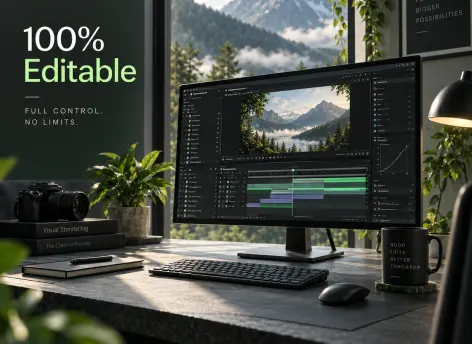
100% Editable
Full access to every layer, effect, keyframe, and composition, giving you complete freedom to modify the project however you want.
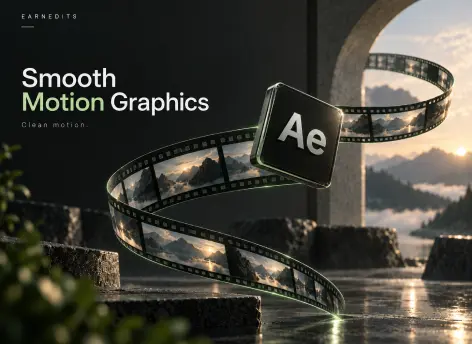
Smooth Motion Graphics
Clean, dynamic, and professionally crafted animations designed to perform well on TikTok, Instagram, and other short-form platforms.
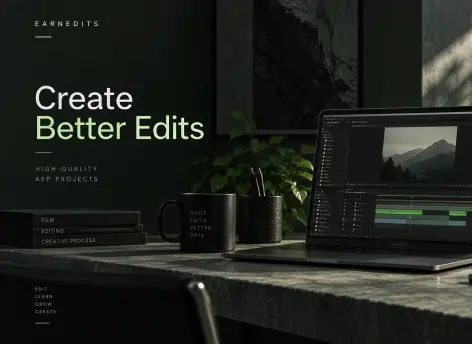
Fast Render
An optimized composition structure ensures quick render times without compromising visual quality — perfect for creators on tight deadlines.
Real Feedback From Real Creators
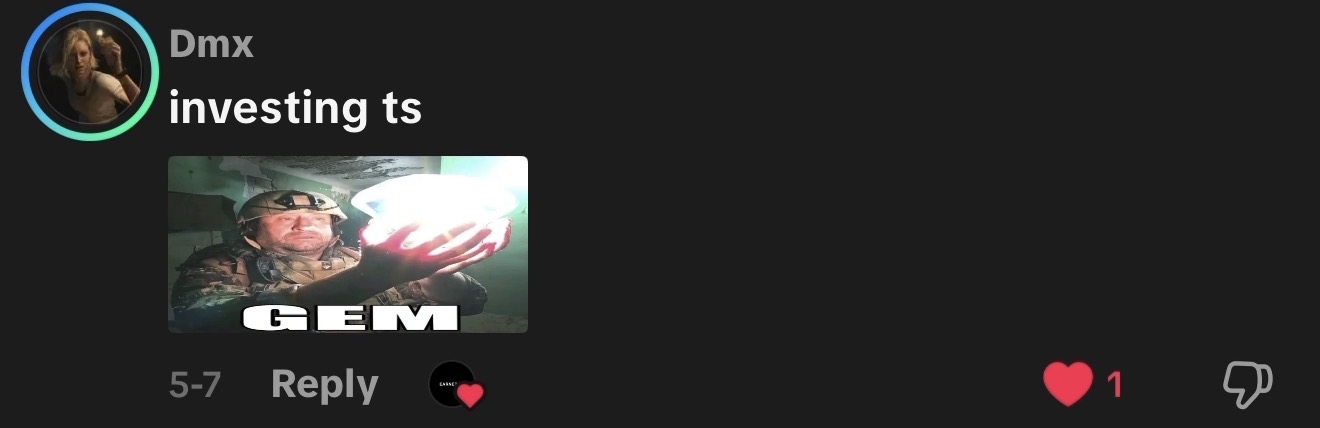
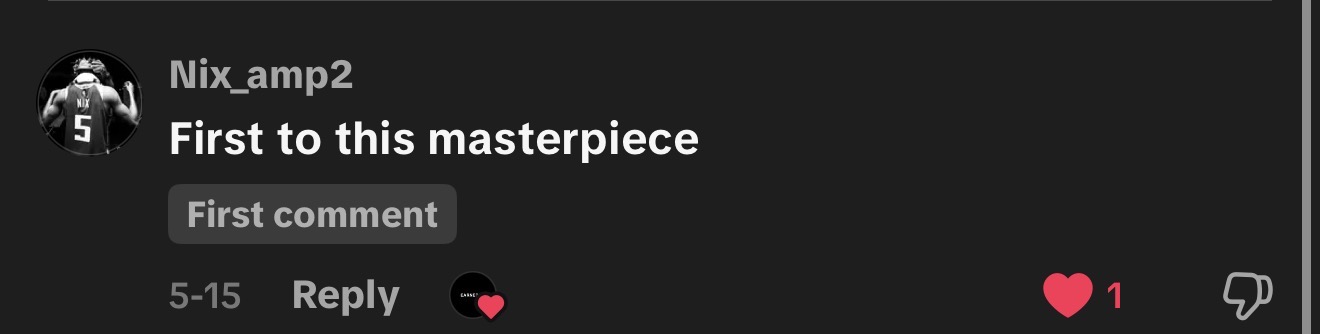
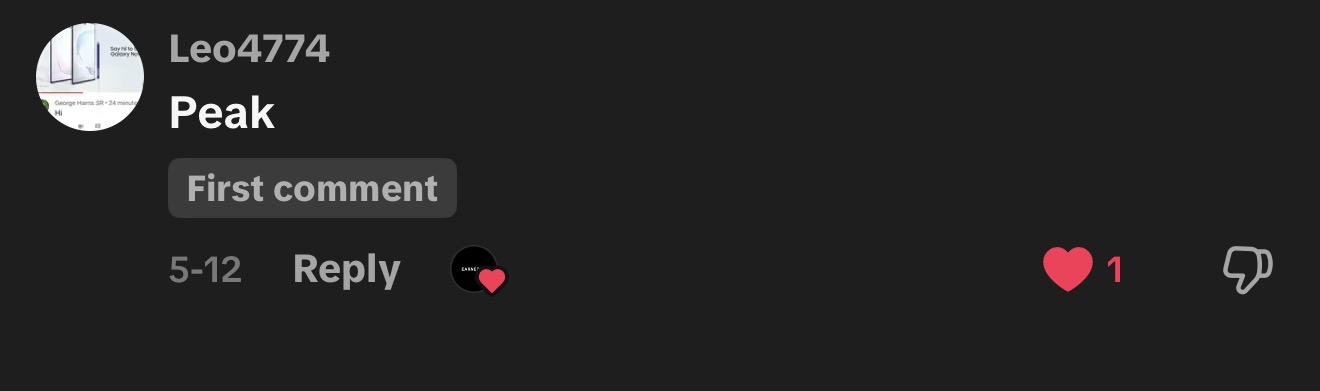
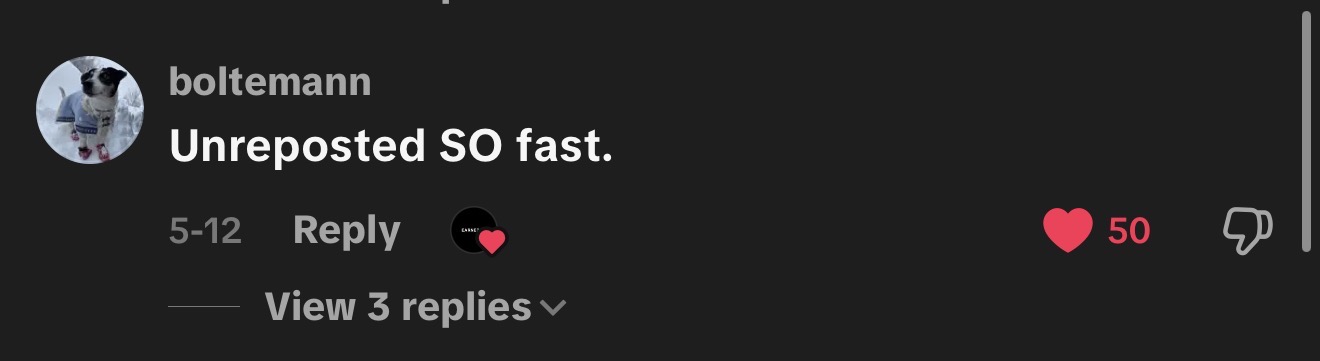
Social proof from creators who know our standards





































Follow Us on Instagram
Stay inspired with weekly viral edits, motion tutorials, and behind-the-scenes design breakdowns.


