Back
Back

 Feb 28, 2026
 Muhammad Sikandar
A transitions pack is a pacing tool that controls rhythm between shots, not a decorative effects library. Four content contexts benefit from transitions where pacing, rhythm, or visual continuity directly affect viewer retention. Four anti-patterns signal when a straight cut outperforms every effect in the pack. Five transition types map to specific content categories based on the energy behavior each type creates between clips. EarnEdits structures transitions within full viral edit project files, not as isolated preset collections.
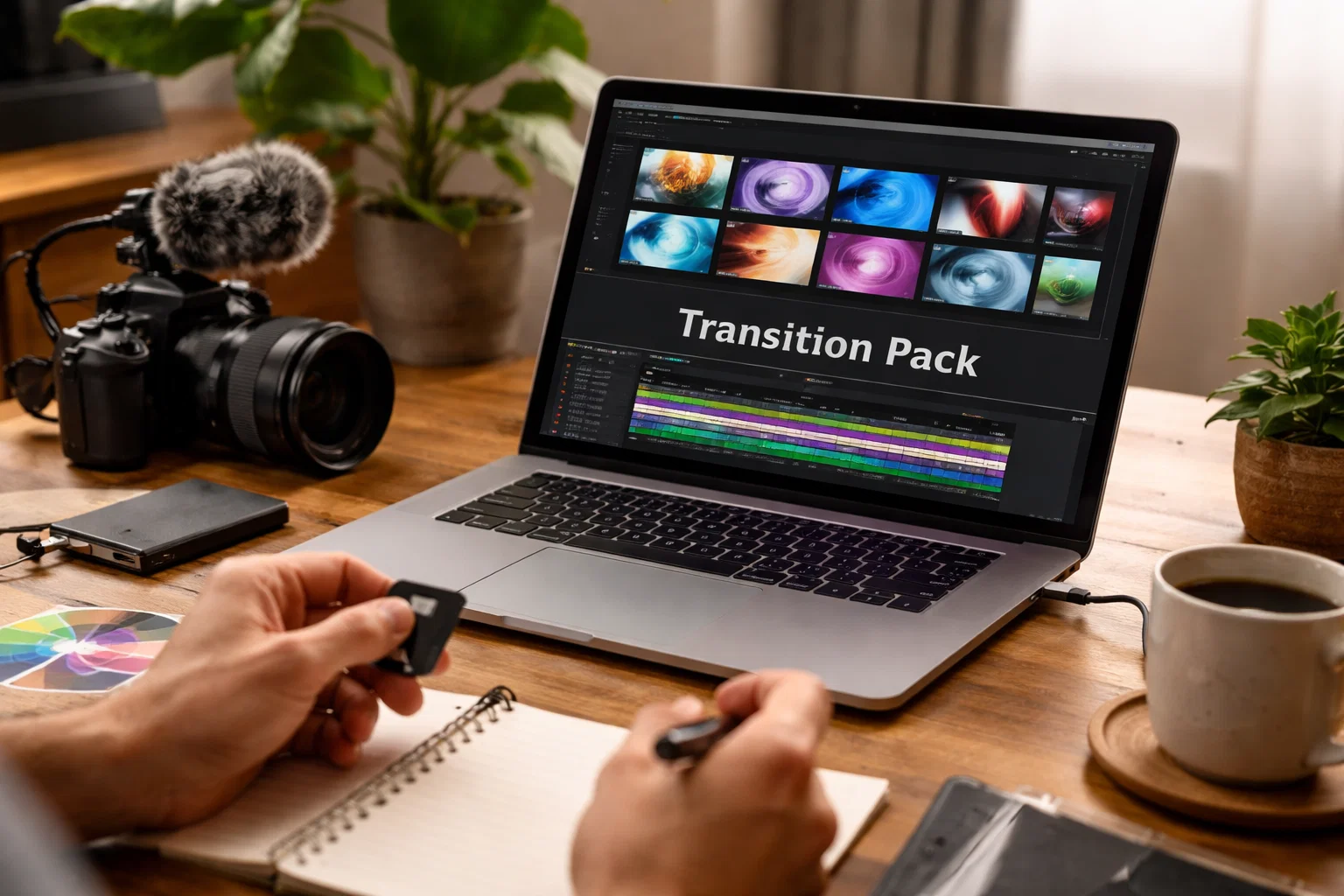
A transitions pack is a collection of pre-built motion effects (zoom, whip pan, glitch, light leak, motion blur, wipe) that control pacing and rhythm between shots in a video edit.
Most marketplace descriptions frame transitions as visual effects or creative techniques. That framing misses the functional role. Transitions are pacing instruments. They dictate the energy transfer between two clips. A zoom transition accelerates perceived tempo. A dissolve slows it down. A hard cut resets it.
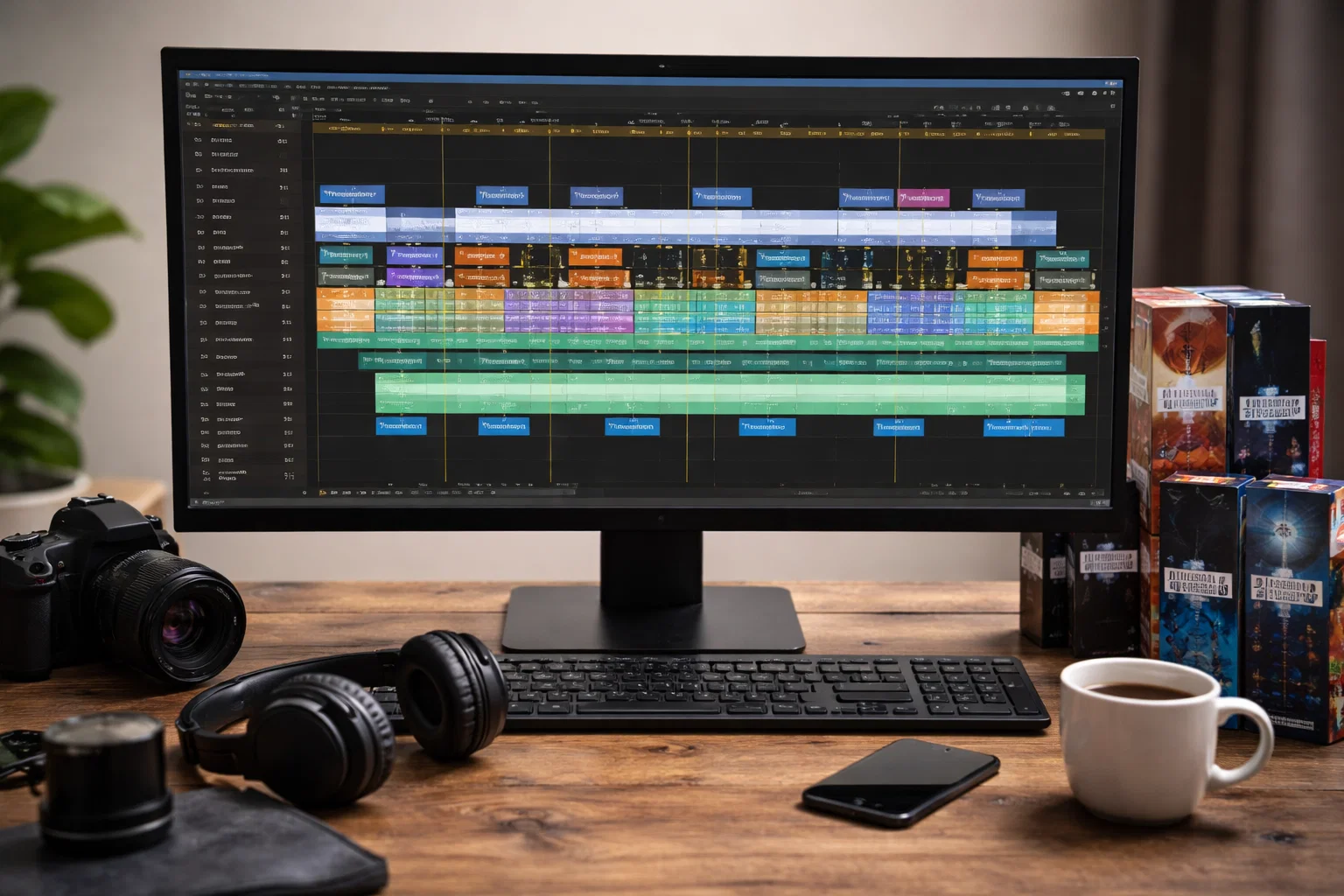
A typical pack contains 20-50 individual transitions across multiple styles: directional sweeps, glitch distortions, blur sweeps, light overlays, and shape wipes. Within After Effects editing packs, these transitions sit inside organized project structures with labeled layers and timing markers. The editorial question is never which transition looks best. The question is which pacing behavior each content type demands.
Transitions add measurable value in four content contexts where pacing, rhythm, or visual continuity directly affect viewer retention or production efficiency.
Short-form platforms reward constant visual momentum. Whip pans, zoom pushes, and directional wipes between clips maintain scroll resistance by preventing dead frames between shots. On a 15-second Reel, a 0.3-second transition sustains energy without consuming content time. On a 60-second YouTube Short, 4-6 transitions spaced across the edit create rhythm without overload.
Music-driven content (montages, hype reels, dance edits) functions on audio-visual alignment. Transitions with built-in beat markers allow editors to land zooms, glitches, or blur sweeps on bass hits and beat drops. The transition becomes a rhythm marker, not a visual effect. Without beat sync, the same transition feels arbitrary.
Freelancers and agency editors producing 10-20 deliverables per week cannot manually keyframe every transition per project. A structured pack with consistent motion styles reduces setup time per edit from 30-45 minutes to 5-10 minutes. The pack enforces visual consistency across deliverables without rebuilding transition animations per video.
Interview edits, talking-head content, and multi-take sequences produce visible jump cuts where the subject’s position shifts between takes. A subtle cross-dissolve, directional wipe, or motion blur sweep between these cuts smooths the visual discontinuity without drawing attention to the edit point.
Four transition patterns consistently reduce viewer retention and production quality regardless of how polished the individual effects appear.
Interviews, testimonials, cinematic dialogue, and personal storytelling demand stillness between shots. A hard cut during a pause in conversation carries emotional weight. A zoom transition during that same pause breaks immersion and trivializes the moment. When content relies on emotional connection, the straight cut outperforms every effect in the pack.
Transitions do not fix poor framing, unfocused storytelling, or missing hooks. If an edit feels weak, the problem is structure, not the cuts between clips. Adding transitions to mask pacing issues creates a layered problem: the original weakness plus visual distraction on top. Fix the edit first. Add transitions after the structure works on its own.
When every single cut in an edit carries a transition, the viewer stops registering them. Transition impact depends on contrast. A zoom between two shots lands because the surrounding cuts are clean. When every cut zooms, glitches, or blurs, the transitions become background noise and the edit feels templated. Reserve transitions for 20-30% of cuts in a typical edit, not 100%.
On Reels, Shorts, and TikTok, the opening seconds determine retention. A transition in the first 2 seconds delays the hook. The viewer sees motion but receives no content. Hook first with a face, bold text, or immediate visual. Transition after the hook lands. For templates structured around this retention logic, see how intro templates for viral Reels prioritize motion-first hooks over transition-first openers.
Five transition types serve distinct pacing roles, and each fits a specific content context better than the others.
Whip pans and directional sweeps accelerate perceived tempo between clips. They fit vlogs, travel content, behind-the-scenes footage, and fast social edits where the camera simulates physical movement between locations. Avoid in interview or talking-head content where directional motion has no spatial logic.
Glitches and digital distortions interrupt visual continuity with pixelation, RGB split, or static noise. They fit tech reviews, gaming content, high-energy promos, and cyberpunk aesthetic edits. Avoid in corporate branding or professional services content where visual disruption contradicts the brand tone.
Zoom and motion blur create depth and forward momentum between clips. They fit Reels, beat-driven montages, travel content, and product reveals where visual energy builds across the edit. Avoid in narrative storytelling or slow-paced lifestyle content where artificial acceleration breaks the natural rhythm.
Continuous wipe and match cut create visual continuity by linking similar frames across two different clips. They fit branded content, product showcases, narrative edits, and any context where the transition should feel invisible. These outperform flashy effects in conversion-focused content where clarity matters more than energy.
Light leak and dissolve soften the boundary between clips with warm overlays or gradual blending. They fit cinematic edits, emotional storytelling, lifestyle content, and wedding or event videos. Avoid high-energy social content where soft transitions slow the perceived tempo.
51 viral edit and SaaS UI animation project files with structured transitions, organized layers, and editable effects. Built by editors for short-form platforms.
Browse Projects
Three rules separate editors who use transitions effectively from editors who overuse them.
Before applying any transition, answer one question: why is this transition here? If the answer is “because it looks good” or “because the pack includes it,” remove it. A transition earns its place when it signals a change in time, location, mood, or energy level. If no change occurs between the two shots, a straight cut is the correct choice.
High-energy content (Reels, hype edits, music-driven montages) absorbs dynamic transitions. Low-energy content (interviews, documentaries, brand storytelling) demands minimal or no transitions. The transition must reflect the emotional temperature of the surrounding footage. A glitch transition in a calm testimonial feels like a mistake, not a stylistic choice.
If a transition delays the hook, obscures the subject, or confuses the viewer, it is reducing performance regardless of visual quality. On short-form platforms, clarity and retention always outrank production style. The viewer who understands the content in the first second stays. The viewer who sees a transition instead of information scrolls.
Transitions packs save 20-30 minutes of keyframing per edit by replacing manual animation with pre-built, tested motion. For editors producing 10+ deliverables per week, the cumulative time savings justify the cost within the first week of use. The value scales with output volume.
Transitions work best at 20-30% of cut points in a typical edit. Applying a transition to every cut creates transition fatigue, where the viewer stops registering them. The remaining 70-80% of cuts should be clean, straight cuts that let the content breathe.
A visual transition without a paired audio cue (whoosh, hit, or subtle sweep) feels incomplete. Layering a short sound effect with the visual transition increases perceived impact and production quality. Most professional packs include optional SFX files for this pairing.
Transitions using heavy motion blur, displacement maps, or particle effects increase render time per clip. Lighter transitions (directional wipes, simple zooms, dissolves) add negligible render overhead. If render speed matters, prioritize packs built with native After Effects effects over plugin-dependent motion.
A transitions pack delivers pre-built motion applied in seconds. Manual animation gives complete control over every keyframe but requires 15-30 minutes per transition. Packs suit volume workflows. Manual animation suits creative projects where the transition itself is a design decision.

Explore more guides on After Effects project files and viral editing workflows.
Production-ready edits that teach you how they were built.