Introducing Frame War
Submit your best edit, make it into the Top 3, and compete for the monthly Frame War reward. The winner receives cash plus exposure across EarnEdits community channels.

PRODUCT CATEGORIES
Submit your best edit, make it into the Top 3, and compete for the monthly Frame War reward. The winner receives cash plus exposure across EarnEdits community channels.
 Back
Back

 Mar 13, 2026
 Muhammad Sikandar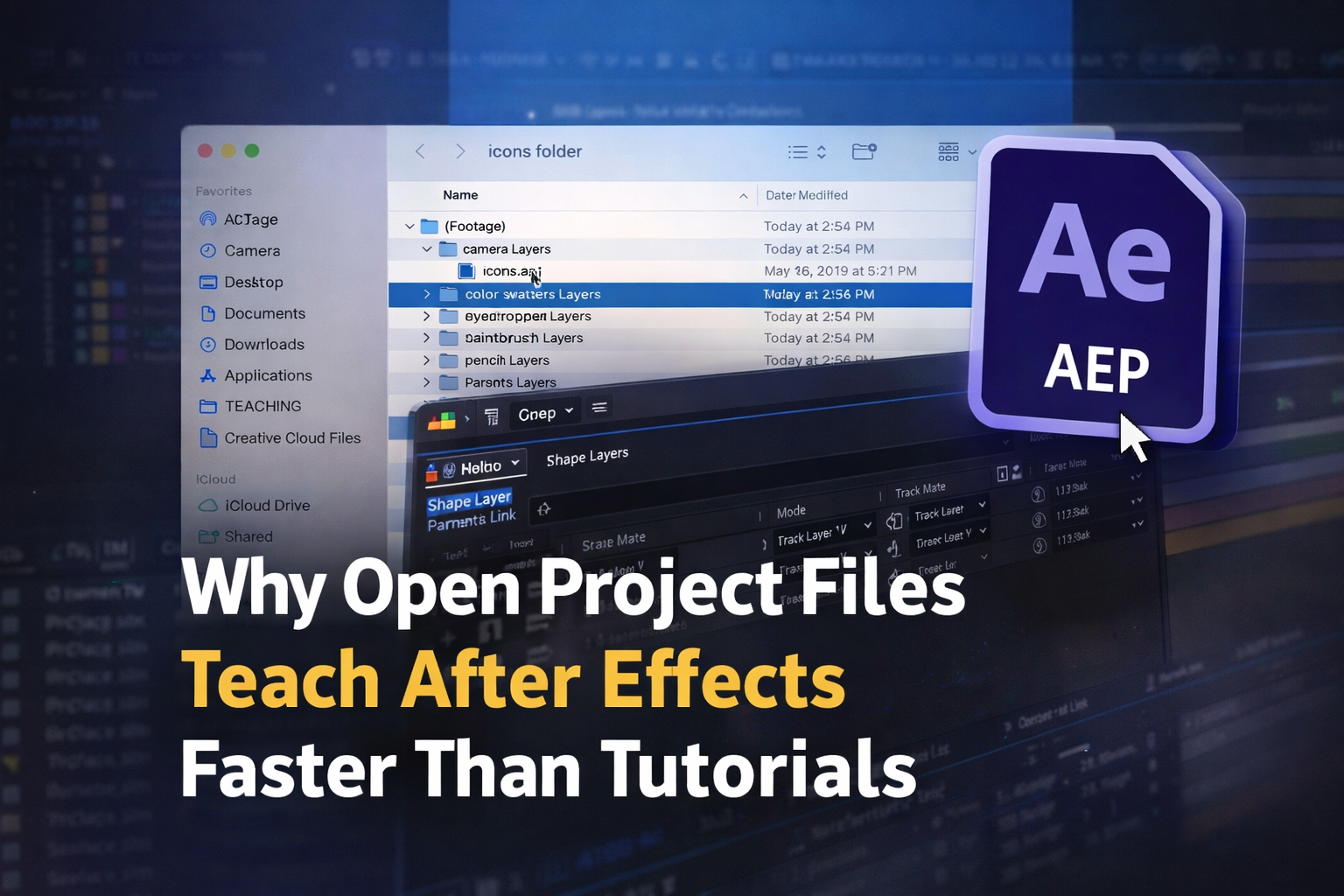
Open After Effects project files teach motion design faster than tutorials, courses, or closed templates because they expose every creative decision in a real production context. Reverse-engineering a finished .aep timeline build technique through active problem-solving rather than passive watching. The specific skills absorbed from studying open timelines, keyframe spacing, easing curves, expression logic, and effect stacking transfer directly into the original work.
Most editors progress from observation to modification to building original edits within 8-10 files. Open project files fill the gap every other learning method leaves behind: the space between understanding a concept and executing it under production conditions.
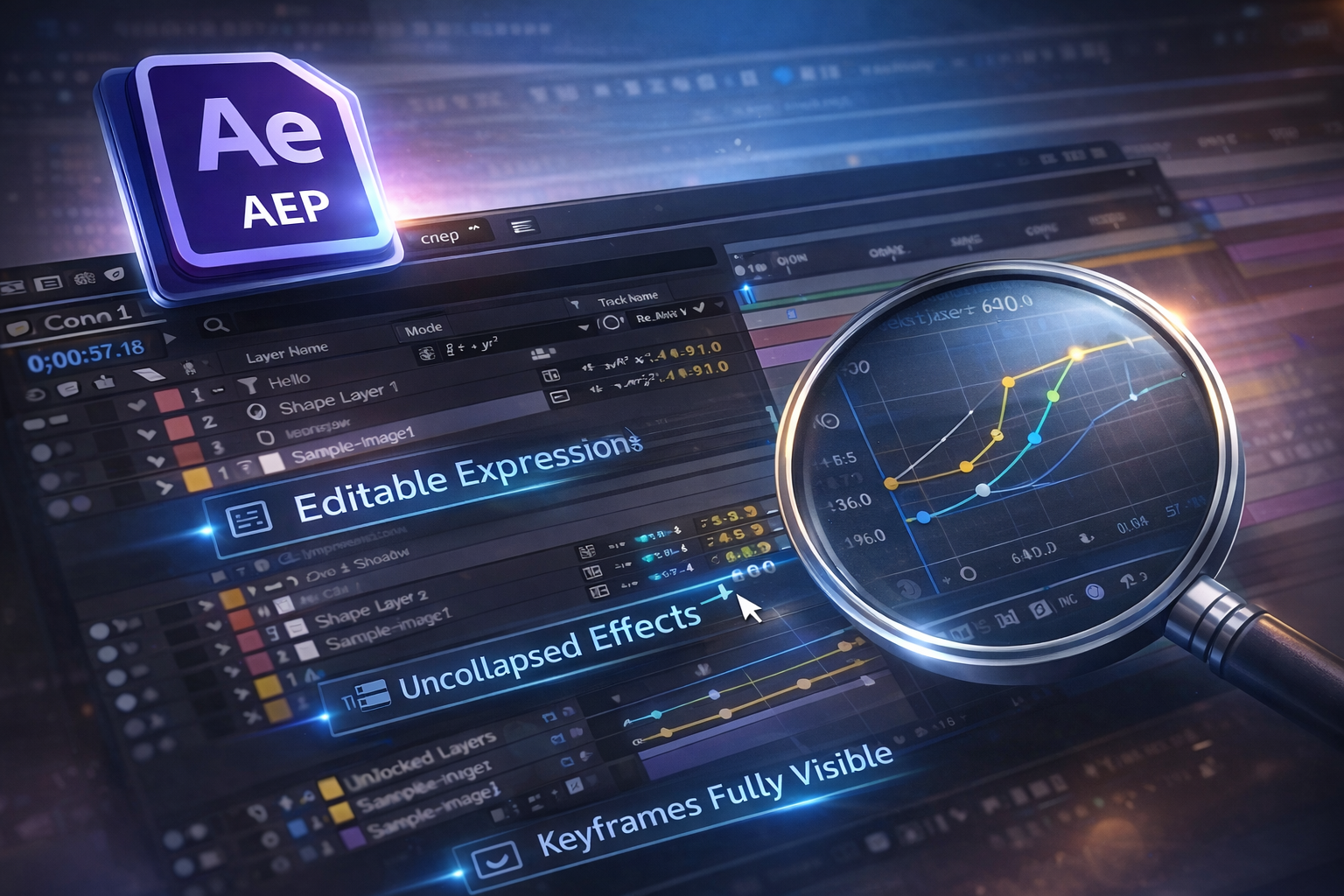
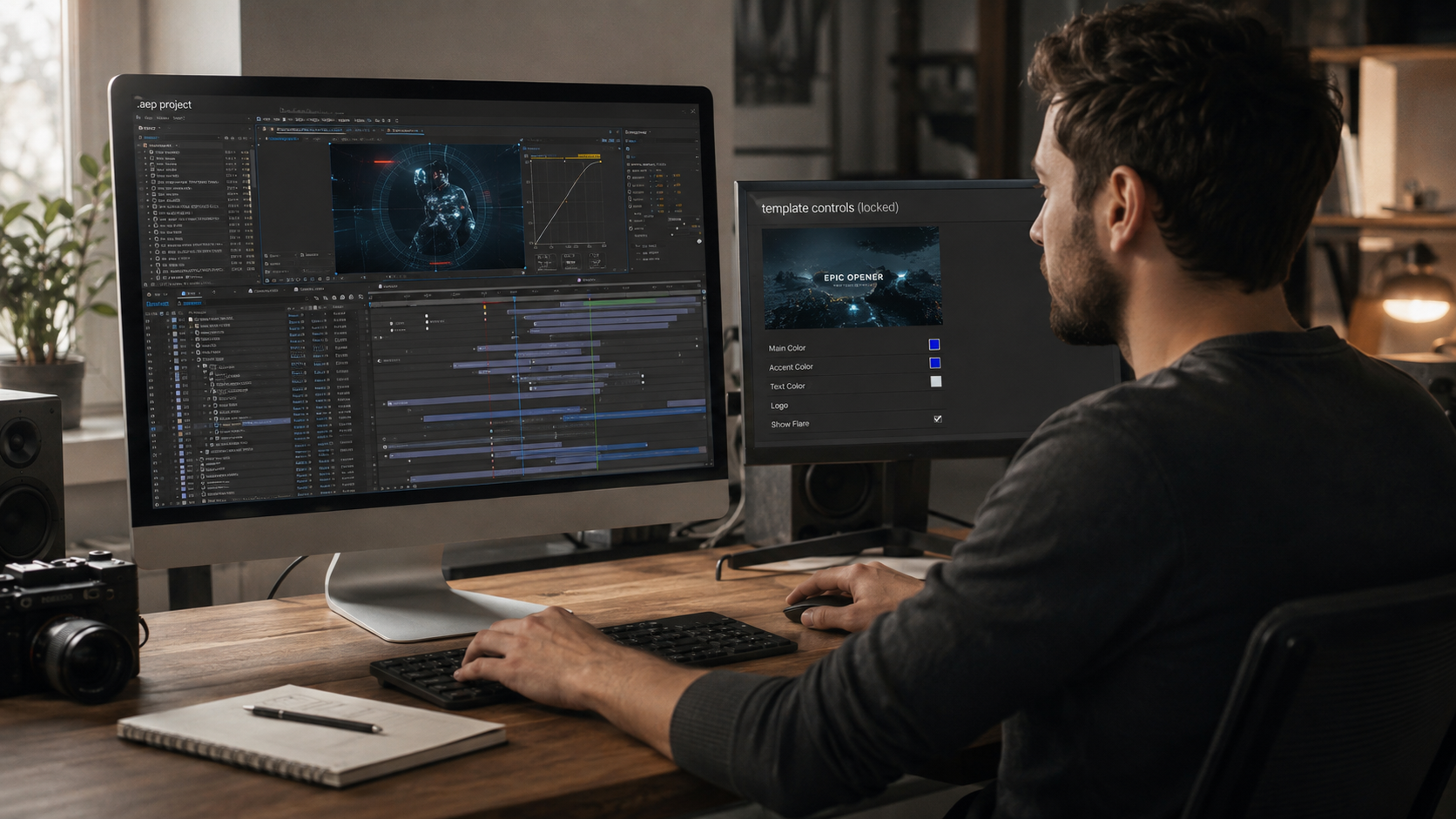
An open After Effects project file is fully accessible .aep, where every layer, keyframe, expression, and effect is visible and editable, nothing is pre-rendered, locked, or hidden inside collapsed compositions.
This distinction matters more than most editors realize. The majority of After Effects files online, especially templates from subscription marketplaces, are closed by design. Pre-rendered elements replace real animation work. Layers are locked or buried inside nested pre-comps. Expressions are collapsed into fixed values. You see the output, but the process that created it is invisible.
An open project file is the opposite. Every keyframe is in the Graph Editor exactly where the creator placed it. Every expression is readable. Every effect is stacked in the order it was applied. A closed template is like eating at a restaurant. An open project file is like standing in the kitchen watching the chef; same result, completely different education.

Reverse-engineering a real After Effects project file builds motion design intuition faster than tutorials because you learn from finished, production-grade work, not simplified demos stripped of real-world complexity.
The pattern is familiar: you watch 50+ YouTube tutorials and still can’t recreate effects from scratch. The tutorial felt easy while you were following along, but the skill didn’t stick. Editors call this “tutorial hell”, and there are three reasons it happens.
Tutorials show the happy path. Every click works perfectly. No troubleshooting, no creative dead ends. You follow steps without understanding why each matters, and the moment you try the same technique in a different context, you’re stuck.
Tutorials isolate techniques from context. A tutorial teaches one effect on a blank composition. A real project file shows the same effect layered with 4 others, timed to audio, and adjusted for a 9:16 frame. Context is where real learning lives.
Tutorials are passive. Watching someone else keyframe a transition creates recognition (“I’ve seen this”) but not recall (“I can build this”). Opening a timeline and figuring out how a transition was built activates a completely different part of your brain.
Reverse-engineering activates something different. You’re asking “how did they do this?” and discovering the answer through exploration, toggling layers, soloing compositions, and studying Graph Editor curves. Every discovery is self-directed, which is why it sticks.
After studying 3-5 open files, you start recognizing recurring patterns, easing curves that appear across animations, composition structures used the same way, and expression logic solving the same problems. These patterns become mental shortcuts you carry into every project.
Open project files also expose the production reality that tutorials hide. Multiple compositions referencing each other. Adjustment layers in specific orders. Expressions pulling values from other layers. This is what real editor work looks like, and the only way to learn it is by working on a real file.
Every open After Effects timeline contains specific, transferable techniques, from keyframe spacing and easing curves to expression logic and effect stacking, that no tutorial covers with the same depth or production context.
Here’s what you absorb from studying real files:
Keyframe spacing and timing: Open the Graph Editor on any animation in an open project file. You’ll see exactly how the creator spaced keyframes, which easing type was applied, Easy Ease, custom Bezier, linear, and how far the influence handles extend. This single view teaches more about animation feel than a 20-minute easing tutorial.
Expression logic: Real open project files contain expressions that link properties across layers and automate motion. Reading someone else’s expression in context, attached to a real layer, producing a visible result, makes the logic click faster than reading documentation in isolation.
Effect stacking order: The order in which the effects are applied to a layer changes the output. A blur before a color correction looks different from the same blur applied after. Studying an open file reveals which effects the creator layered first and why the chain was ordered that way.
Composition hierarchy: How compositions are nested, what gets pre-composed vs. kept in the main timeline, and how the project panel is organized. This architectural understanding separates editors who work fast from editors who lose hours navigating their own projects.
Beat-synced timing: For editors working in short-form video, studying how cuts and transitions are timed to audio markers in an open file teaches pacing instinct. You see the relationship between the waveform and the keyframes, where the hit lands, and how many frames before the beat the animation starts. No written guide replicates that.
Learn Real Technique From Real Timelines.
Every project on EarnEdits is fully open .aep file organized around viral edit techniques, labeled layers, visible keyframes, and zero locked effects. Learn the technique. Keep the skill.
Browse Projects →
Most editors follow a predictable progression when learning from open project files, from observation to modification to building original work, and the shift happens faster than any course timeline.
Files 1-3: Observation. You open the file, scrub the timeline, toggle layers on and off, and study the Graph Editor. You’re reading the project like a document. You notice patterns: how keyframes are spaced for smooth motion, where expressions control behavior, and how effects are stacked in a specific order.
Files 4-7: Modification. You start changing things. Swap the easing curve on a transition and see how it feels. Adjust expression values. Reorder effects. Break things on purpose, then figure out why they broke. Every mistake teaches you something the original file’s structure made visible.
Files 8-10: Extraction. You stop needing the reference file. The techniques you studied, easing patterns, expression logic, and timing instincts, are now mental models you apply to blank compositions. You’re building original edits using skills absorbed from real production work.
Compare that to the traditional path: bootcamps take weeks to months. YouTube binges create knowledge without developing executable skills. Closed templates deliver output but teach nothing. Open project files compress the learning curve by combining study and production practice in each session.
Open project files fill a gap that tutorials, courses, and closed templates each leave behind, the space between understanding a concept and executing it under production conditions.
| Learning Method | What It Teaches | What It Misses |
| YouTube tutorials | Individual techniques in isolation | Production context, decision-making |
| Bootcamps and courses | Fundamentals through a structured curriculum | Speed of skill transfer |
| Closed templates | Quick output delivery | Zero technique transfer |
| Open project files | Production-grade technique in a real context | Requires self-directed exploration |
The trade-off is worth naming: open project files aren’t a replacement for a structured curriculum if you’ve never opened After Effects. You need baseline familiarity with the interface before you can study easing curves in someone else’s file.
But for editors past the beginner stage, the ones who can navigate a timeline but can’t build a smooth animation from scratch, open project files close that gap faster than anything else available.
Not every open project file is equally useful for learning; the ones that accelerate growth share specific structural qualities that make the creator’s decisions easy to follow.
Named layers and folders: If the project panel shows “Layer 47” and “Comp 12,” you’ll spend more time decoding structure than studying technique. Clear labels tell you what each element does before you scrub the timeline.
Visible keyframes: Animations built with real keyframes in the Graph Editor, not pre-rendered into video layers. You need to see the curves to learn from them.
Readable expressions: Expressions are left intact so you can study the logic, not collapsed into fixed values that hide the automation.
No plugin dependencies hiding technique: Effects built natively in After Effects, not locked behind third-party plugins. If a plugin does the heavy lifting, you can’t learn the underlying method.
Logical composition nesting: A hierarchy you can follow from the main comp through sub-comps without getting lost in 6 levels of nesting.
Files Designed to Be Studied, Not Just Rendered.
EarnEdits projects ship with organized folders, labeled layers, native effects, and timelines built around viral editing techniques for TikTok, Instagram, and YouTube Shorts. No locked layers. Real technique you can see, learn, and reuse.
Explore the Library →
Editors who already know the After Effects interface can build real motion design techniques through open project files without enrolling in a formal course. Studying production timelines develops the same instincts courses teach, often faster, because you're learning and producing at the same time.
A tutorial walks you through one technique in a simplified environment. An open project file shows that the same technique is applied inside real production, layered with other effects, timed to audio, and adjusted for a specific output format. One teaches a step. The other teaches a workflow.
Most editors start building original work after studying 8-10 well-structured open files. The first few teach observation; the next few teach modification; by the eighth or ninth, techniques become mental models you apply without reference.
No. Expressions are something you learn from studying open files, not a prerequisite. Toggle the expression off, see what changes, then read the logic. Context makes expressions easier to grasp than documentation.
Start with the project panel, check how folders and compositions are organized. Open the main composition and scrub the timeline slowly. Toggle layers on and off to see what each contributes. Open the Graph Editor on any animated property to study keyframe spacing and easing. This pass takes 10-15 minutes and teaches more than most tutorials.

Explore more guides on After Effects project files and viral editing workflows.
Production-ready edits that teach you how they were built.