Back
Back

 Apr 21, 2026
 Muhammad Sikandar
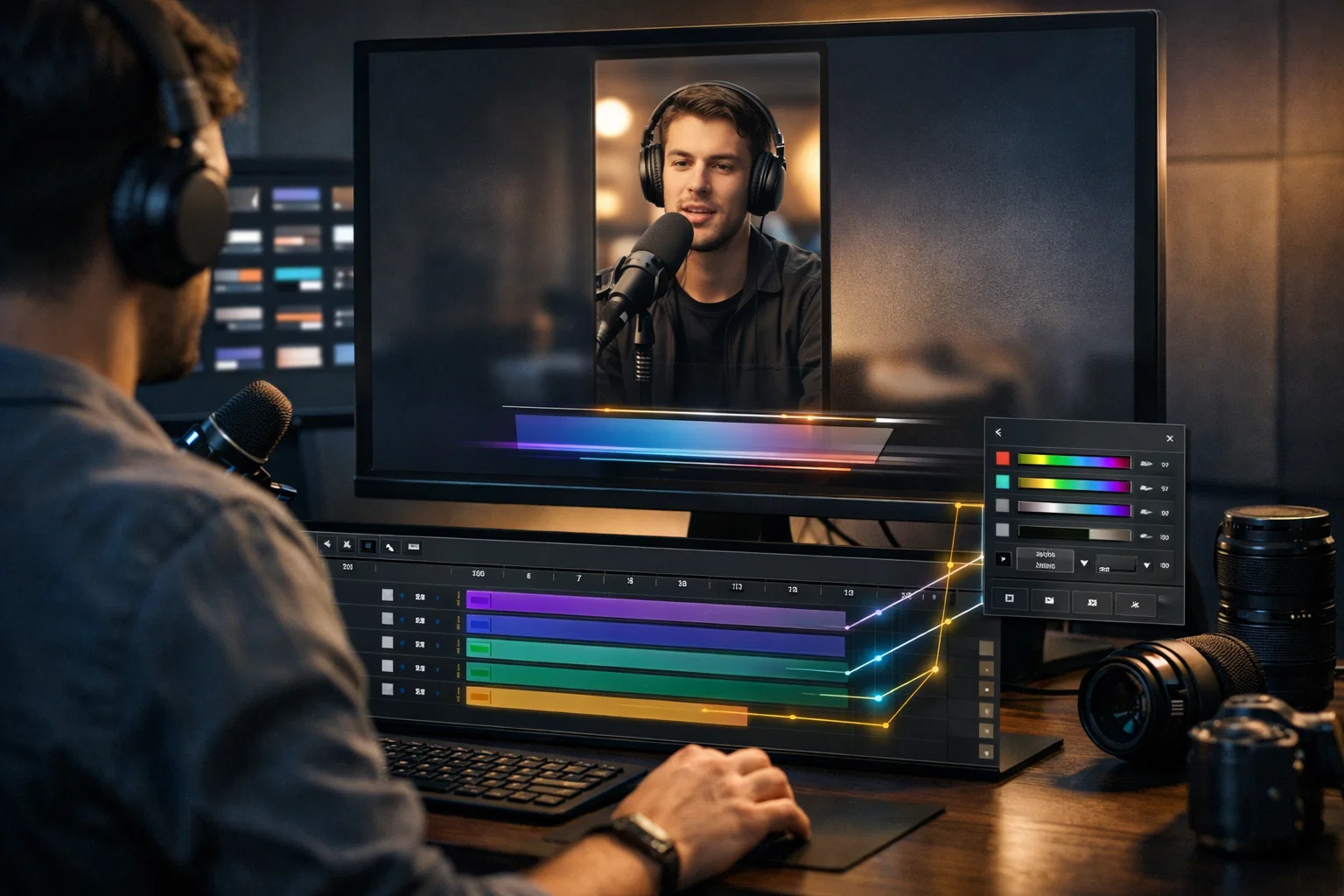
Motion Array is a subscription-based creative asset platform, owned by Artlist since 2020, that gives editors unlimited downloads of templates, stock footage, royalty-free music, sound effects, and plugins for a flat monthly fee. At $16.67/month billed annually, high-volume editors get access to 800K+ assets across Premiere Pro, After Effects, DaVinci Resolve, and Final Cut Pro. But unlimited downloads come with a trade-off, every review mentions, quality variance. Some Motion Array templates are production-ready with clean layer organization and global controls. Others feel dated and disorganized. The real question isn’t whether the subscription cost is worth it. It’s whether the time you spend filtering inconsistent files, working around plugin dependencies, and customizing closed templates costs more than what you’re saving.

Motion Array is a membership-based platform that bundles video editing templates, stock footage, royalty-free music, sound effects, and 40+ plugins into a single subscription, with unlimited downloads across all categories.
The template library covers six NLEs: Adobe After Effects, Adobe Premiere Pro, DaVinci Resolve, Final Cut Pro, Premiere Rush, and motion graphics formats. Beyond templates, the platform includes roughly 100,000 stock video clips, 100,000 music tracks, and 11,000 sound effects.
Two features separate Motion Array from basic template marketplaces. The Adobe Extension lets you browse, preview, and import assets directly inside Premiere Pro or After Effects without leaving your timeline. The Review collaboration tool allows editors to share video drafts with clients for timestamped feedback, similar to Frame.io, included with every subscription.
Pricing breaks down into three tiers: $29.99/month on a monthly plan, $16.67/month billed annually ($199/year), or $37.50/month per seat for teams of 2-20. A free trial gives access to a limited selection of assets for one month.
Founded in 2013 by Tyler Williams and Eri Levin, Motion Array was acquired by Artlist at the end of 2020, a merger that expanded both platforms’ asset libraries.
Motion Array’s strongest advantage is economics, unlimited downloads at a price point that undercuts most per-asset marketplaces, bundled with enough variety to cover an entire project without leaving the platform.
At $16.67/month on an annual plan, an editor downloading 20-30 templates per month pays fractions of a cent per asset. A single premium template on VideoHive costs $15-40, and one month of Motion Array costs less than one individual file elsewhere. For studios and freelancers running multiple client projects, the math is hard to argue with.
Most template libraries lean heavily toward After Effects or Premiere Pro. Motion Array covers both, plus DaVinci Resolve, Final Cut Pro, and Rush. Editors working across multiple NLEs don’t need separate subscriptions for each software.
The in-app browser for Premiere Pro and After Effects eliminates the download-unzip-import cycle. You search, preview, and drop assets directly into your timeline. For editors working under tight deadlines, that workflow friction reduction adds up across dozens of projects.
One license covers commercial use across broadcast, social media, and client work. No usage tiers or single-project restrictions. If you download an asset during your active subscription, you can use it in that project permanently.
The Review feature lets editors share video drafts with clients for timestamped comments, functionality that normally requires a separate Frame.io subscription.
Subscription Libraries Give You Volume. Open Project Files Give You Visibility.
Every After Effects project on EarnEdits is fully open, with real viral edit styles, and every layer, keyframe, and expression is accessible. No pre-comps hiding the technique. No locked effects. Study the workflow, customize every element, and build transferable skills with every file you open.
Browse Projects →
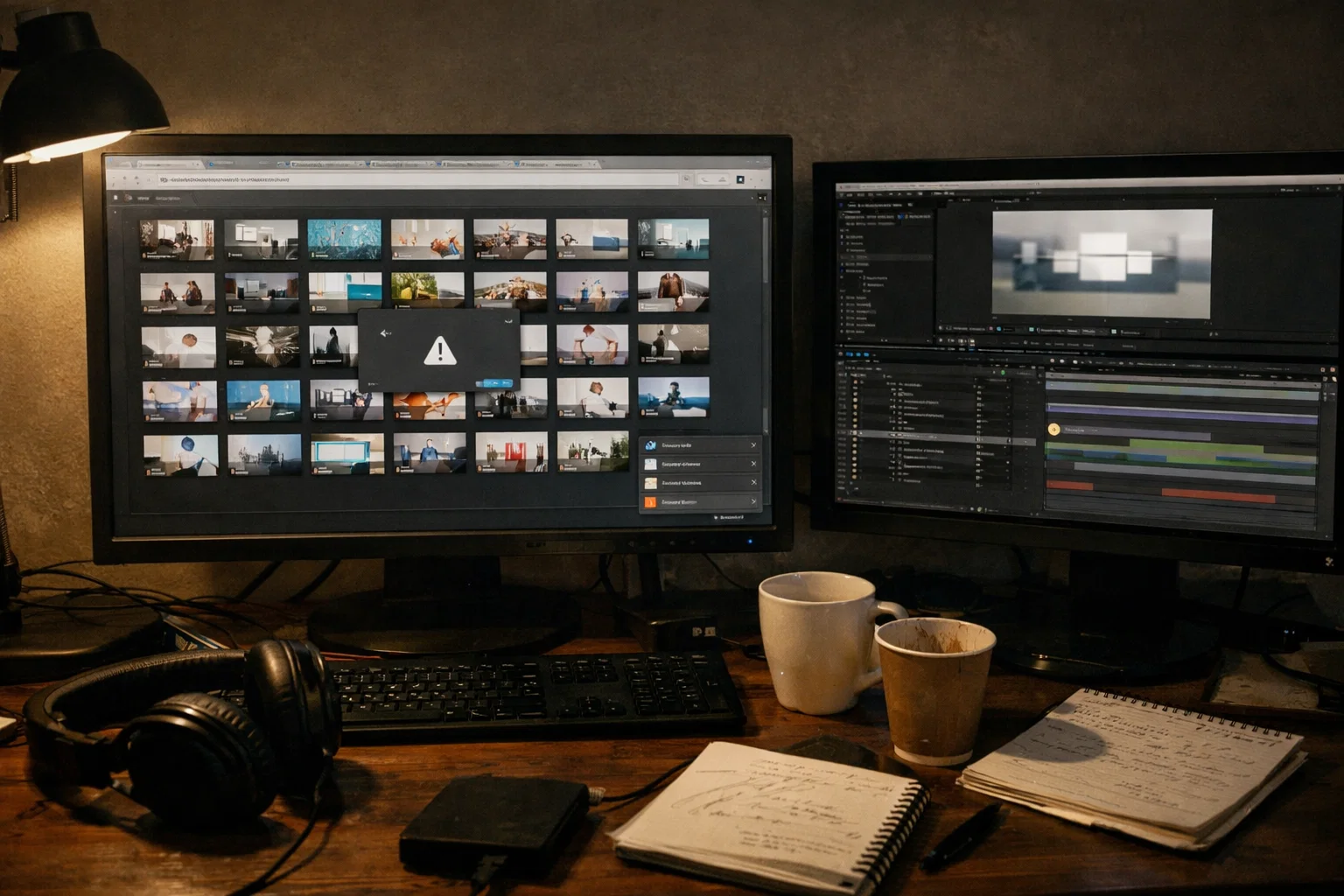
Motion Array’s biggest weakness isn’t any single flaw; it’s how quality inconsistency, search friction, and hidden costs compound into a filtering problem that “unlimited downloads” doesn’t solve.
This is the most consistent criticism across Reddit, YouTube reviews, and Trustpilot (where Motion Array holds a 3.9 rating across 1,078 reviews). Some templates are well-built with labeled folders and global color controls. Others use stiff animations, poor typography, and no control layers, files that look acceptable in preview but fall apart once you open the project panel. Unlimited downloads mean unlimited access to everything, including the files you’d never use. The real cost isn’t the subscription, it’s the hours spent scrolling, downloading, testing, and discarding duds.
Some After Effects templates require third-party plugins, such as Trapcode Particular (roughly $999 for the full suite) or Element 3D (around $199). The template listing doesn’t always flag this until you open the .aep file and hit “missing plugin” errors. A $16.67/month subscription becomes a $1,200+ commitment when the templates you need require paid plugins.
Finding specific template styles, vertical 9:16 reels, and beat-synced social edits takes extensive scrolling. Filters exist, but when a library contains hundreds of thousands of files, discoverability depends on curation, not search functionality.
If you cancel your subscription, you can use downloaded assets in projects completed during your active membership, but you cannot start new projects with those same files. For freelancers who cycle between busy and slow periods, this creates gaps where a previously downloaded library becomes unusable.
Motion Array’s categories still lean toward corporate presentations, YouTube intros, and wedding slideshows. Editors creating vertical content for TikTok, Instagram Reels, and YouTube Shorts find limited purpose-built options; most end up adapting 16:9 horizontal templates to vertical formats, adding rework that defeats the time-saving purpose.
Motion Array fits a specific type of editor, high-volume, deadline-driven, comfortable filtering through large libraries, but the platform isn’t built for every workflow.
Motion Array works well for studio editors and freelancers handling 5 or more client projects per month who need fast access to a variety of template styles. It also fits YouTubers and content creators who need intros, lower thirds, transitions, and background music from one subscription. Teams using the Review collaboration tool and multi-seat plans get additional value.
Motion Array is less ideal for editors who want to learn motion design from the files they work with. Most templates on subscription platforms are closed, pre-comped and pre-rendered, letting you customize the surface but hiding how the animation was built. You swap placeholder text and render, but you never see the keyframe spacing, easing curves, or expression logic behind the effects.
It’s also a weaker fit for social-first editors who need vertical templates built around trending edit styles, and for editors who value consistent file quality over library size, where rushing through template selection leads to common mistakes.
Whether a template teaches you anything beyond how to swap a placeholder is the gap subscription libraries aren’t designed to fill.
Subscription platforms like Motion Array optimize for volume and production speed, but that model deprioritizes file openness and the kind of editorial depth that makes editors better over time.
Quality variance exists partly because large subscription libraries incentivize contributors to upload quantity, not depth. There’s no structural reason to build deeply organized, fully open project files when the platform rewards the number of uploads over file quality.
The templates you download function as production shortcuts. Replace the placeholder, adjust a color, and render. The output looks polished. But the animation technique, expression logic, and timing decisions that make the effects work are buried inside pre-comps and pre-rendered layers. You used the template; you didn’t learn anything transferable.
Over months of template use, many editors realize they’ve produced hundreds of renders and still can’t build a smooth zoom transition or beat-synced cut from scratch, because no template ever showed them how.
The alternative isn’t building everything from an empty timeline. It’s working with files designed for study, where every keyframe, easing curve, and effect chain is visible and editable. Open After Effects project files bridge the gap between using someone else’s workflow and building your own.
The most common comparison editors make is Motion Array vs. Envato Elements, and the two platforms share more similarities than differences.
Both offer unlimited downloads at nearly identical annual pricing (Envato at roughly $16.50/month vs. Motion Array at $16.67/month). Envato Elements has a larger library, reportedly 2 million+ assets compared to Motion Array’s 800K+, but Motion Array counters with its Adobe Extension and Review collaboration tool.
One meaningful licensing difference: Envato Elements allows continued use of downloaded assets after cancellation (one registered project per asset). Motion Array restricts the use of new projects after your subscription ends.
Neither platform solves the core issues of quality filtering or closed template files. For editors weighing between these two, the decision comes down to library size versus workflow tools. For editors who want open .aep files with full layer access, built around viral edit styles for social platforms, the answer isn’t either subscription library.
Editing Reels, TikTok, or Shorts? Stop Adapting Corporate Templates.
EarnEdits builds every project around the edit styles actually performing on social platforms, vertical pacing, trend-driven transitions, and beat-synced timing. Fully open .aep files organized for editors who create short-form content, not corporate slideshows.
Explore the Library →
For high-volume editors who need templates, stock footage, and music from one platform at $16.67/month (annual), Motion Array delivers solid value. The trade-off is time spent filtering; unlimited downloads include both production-ready files and dated, poorly organized ones.
You can continue using assets in projects completed during your active subscription. You cannot use previously downloaded assets in new projects after cancellation, a restriction that hits freelancers with gaps between subscriptions hardest.
Both offer unlimited downloads at similar pricing. Envato has a larger library; Motion Array includes an Adobe Extension and collaboration tools. Envato's licensing is more flexible after cancellation. Neither offers open project files with full layer access.
Motion Array includes After Effects templates in .aep and .mogrt formats, plus an Adobe Extension for in-app browsing. Some AE templates require third-party plugins like Trapcode Particular or Element 3D; always check requirements before downloading.
Envato Elements is the most direct competitor for subscription-based libraries. For editors working in After Effects who want fully open, editable project files built around viral edit styles, platforms like EarnEdits prioritize file openness and editor growth over library volume.

Explore more guides on After Effects project files and viral editing workflows.
Production-ready edits that teach you how they were built.