Back
Back

 Apr 21, 2026
 Muhammad Sikandar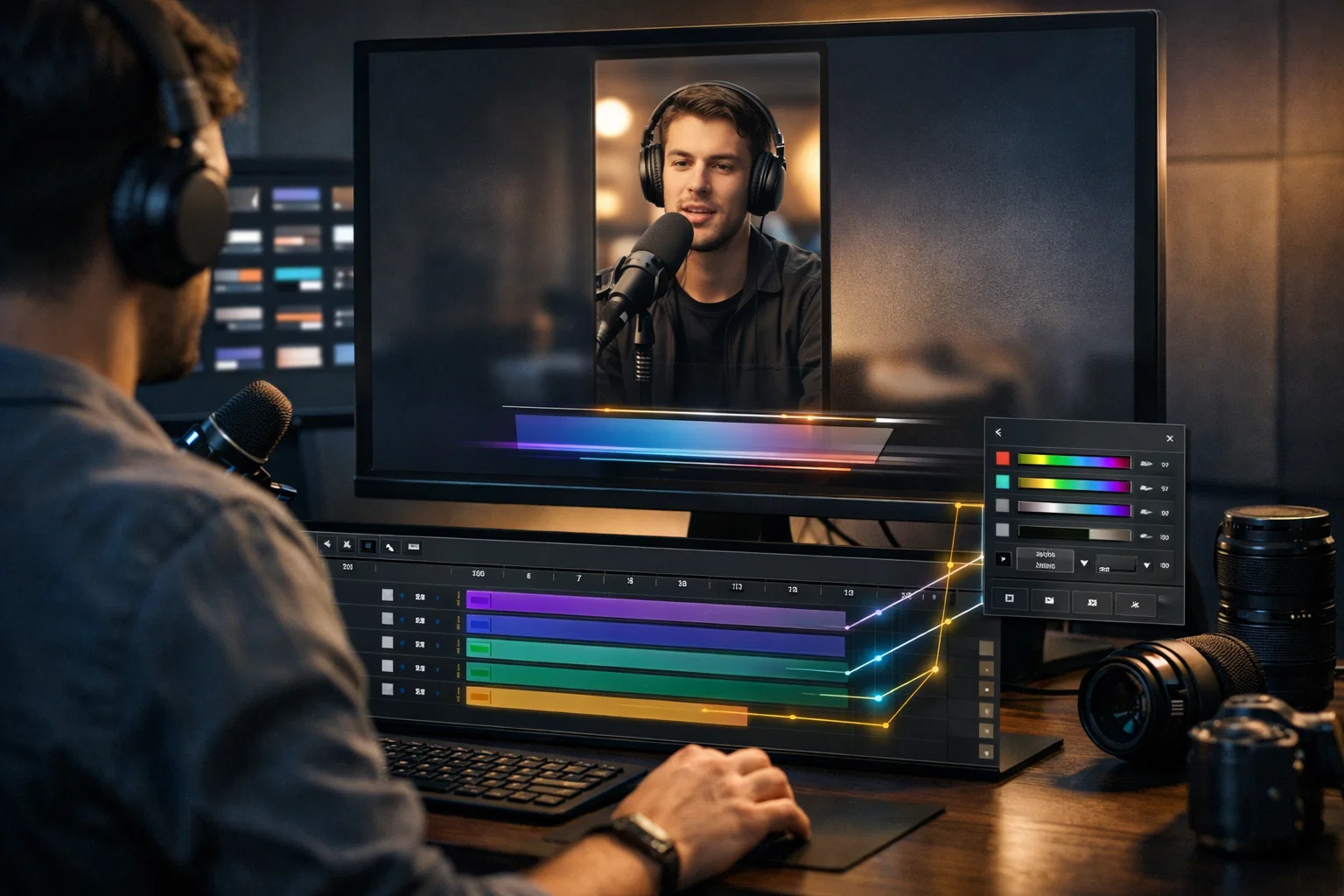
Lower third templates are animated text overlays that sit in the bottom portion of a video frame, displaying speaker names, titles, or social handles across reels, podcast clips, and YouTube content. Choosing the right lower third depends on matching the animation style to the content format, checking the file structure for real customization depth, and understanding why the gap between a locked .mogrt and an open .aep file determines whether you’re filling text boxes or building a distinctive look.
This guide covers the styles working in 2026, what to check in any lower-third file before downloading, and how to open After Effects project files to solve problems caused by marketplace templates.
Lower thirds are graphic overlays placed in the bottom 20% of a video frame that identify who’s speaking, what they do, or where to find them, without interrupting content.
Reels and podcast clips need lower thirds for the same core reason: context without audio. Most Instagram and TikTok reels get watched on mute. A lower third telling viewers who’s talking does the work audio can’t. For podcast clips, lower thirds handle speaker identification, the one element repeating across every episode and every guest appearance.
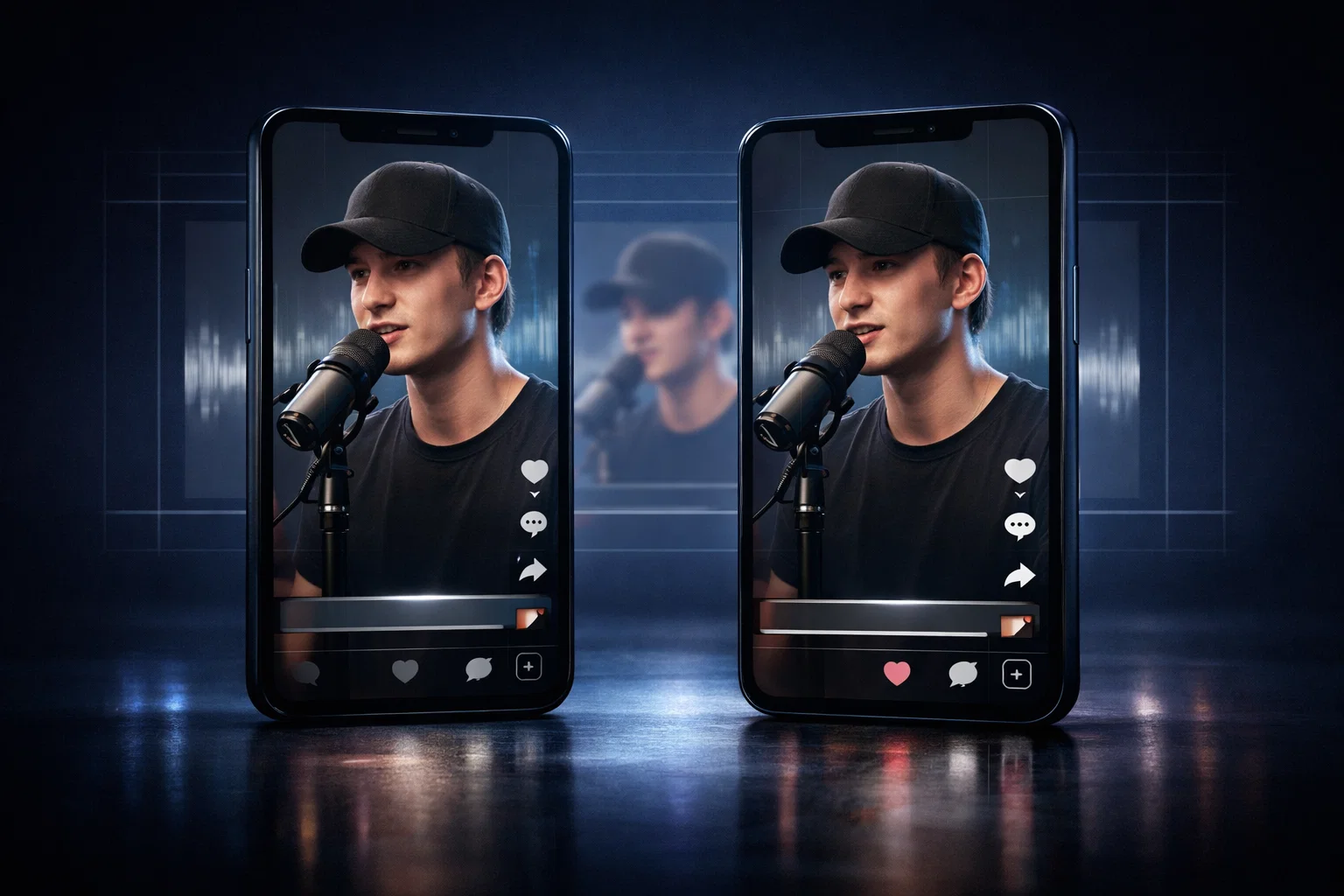
The format challenge trips most editors up. YouTube podcast clips run 16:9 horizontal. Reels run 9:16 vertical. Each format has different safe zones, the screen area where text won’t get covered by platform UI, like the like button, share icon, or video description. A lower third designed for 16:9 breaks when dropped into a 9:16 reel. The text lands behind the interface, the animation crops, and what looked clean in your timeline looks broken on a phone.
Standard display timing runs 3–7 seconds. For a name and title, 4–5 seconds works. For reels, the lower third should appear within the first 1–2 seconds; that’s the window where viewers decide to keep watching or swipe.
Lower third design in 2026 spans four dominant styles, each tailored to different content formats.
Minimalist geometric lower thirds use clean lines, subtle fade-in animations, and sans-serif typography, such as Lato, Avenir, or Helvetica Neue, set in a semi-bold weight. These work for podcast interviews and talking-head content, where the lower third should inform without competing with the speaker.
Dynamic kinetic lower thirds are built for fast-paced reels. Sliding bars, pop-in animations, and glitch effects the entrance grabs attention within the first second. These perform on TikTok and Instagram, where the first 2 seconds decide retention.
Glassmorphism uses semi-transparent backgrounds with a soft blur behind the text. It works for tech and design content where the aesthetic signals sophistication. The transparent plate solves contrast problems, and text stays readable against busy backgrounds without a hard-edged box.
Neo-brutalism runs bold borders, high contrast, and intentionally clashing colors. It performs on Gen-Z platforms where visual noise reads as intentional style.
| Style | Best For | Visual Characteristics |
| Minimalist Geometric | Podcast interviews, talking heads | Clean lines, subtle fades, sans-serif fonts |
| Dynamic Kinetic | Fast-paced reels, TikTok | Pop animations, sliding bars, glitch effects |
| Glassmorphism | Tech and design content | Semi-transparent background, soft blur |
| Neo-Brutalism | Gen-Z platforms | Bold borders, high contrast, clashing colors |
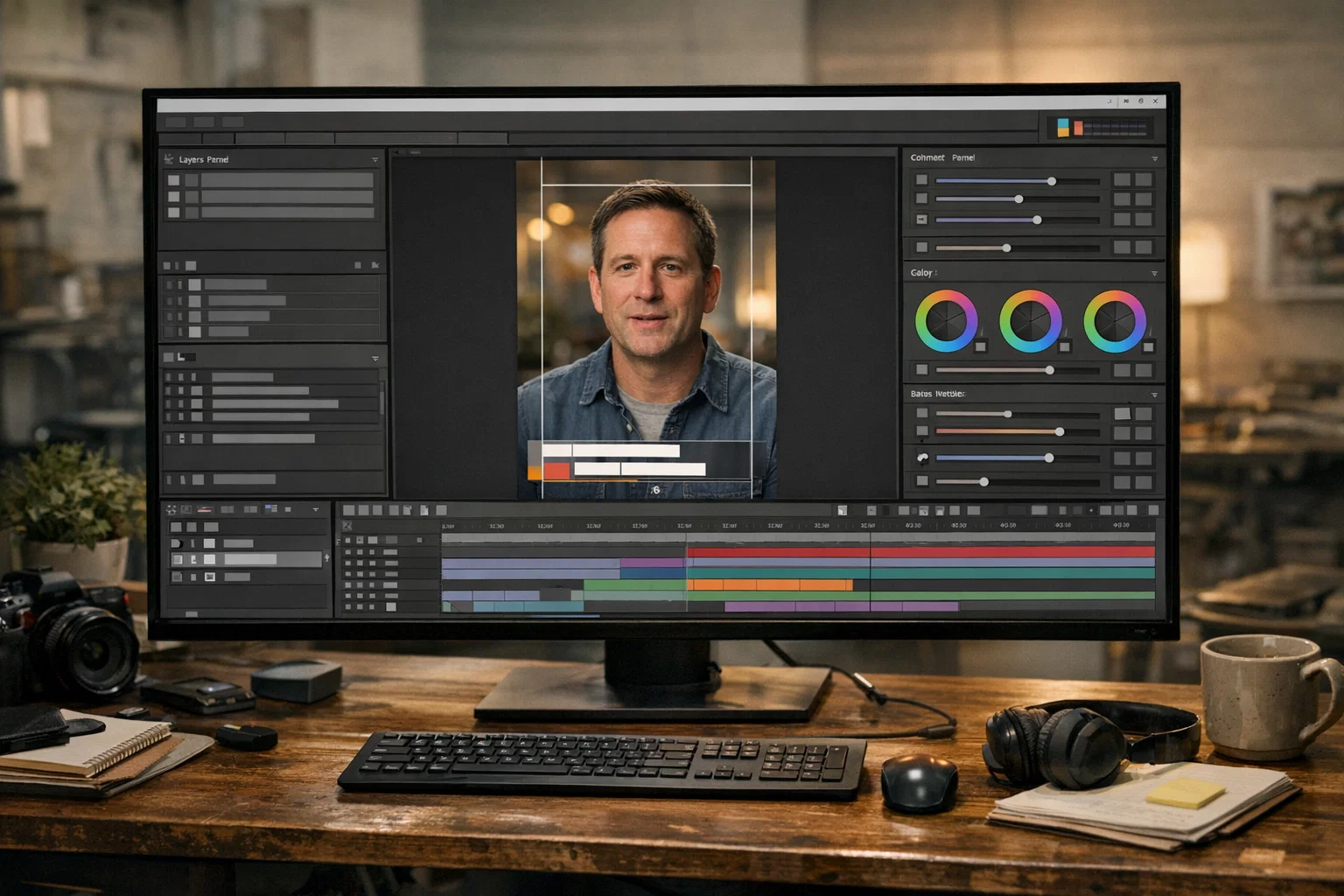
The difference between a lower-third template that speeds up your edit and one that wastes an hour comes down to six criteria that most creators skip.
Are layers named “Name Text,” “Title Text,” “Color Control”, or is everything buried in unnamed pre-comps? Named layers mean you find what you need in seconds. Unnamed layers mean reverse-engineering someone else’s file before changing a font color.
Good lower-third templates use control layers or sliders to change colors, fonts, and animation speed across one panel. Without them, you’re adjusting properties layer by layer, hoping nothing breaks downstream.
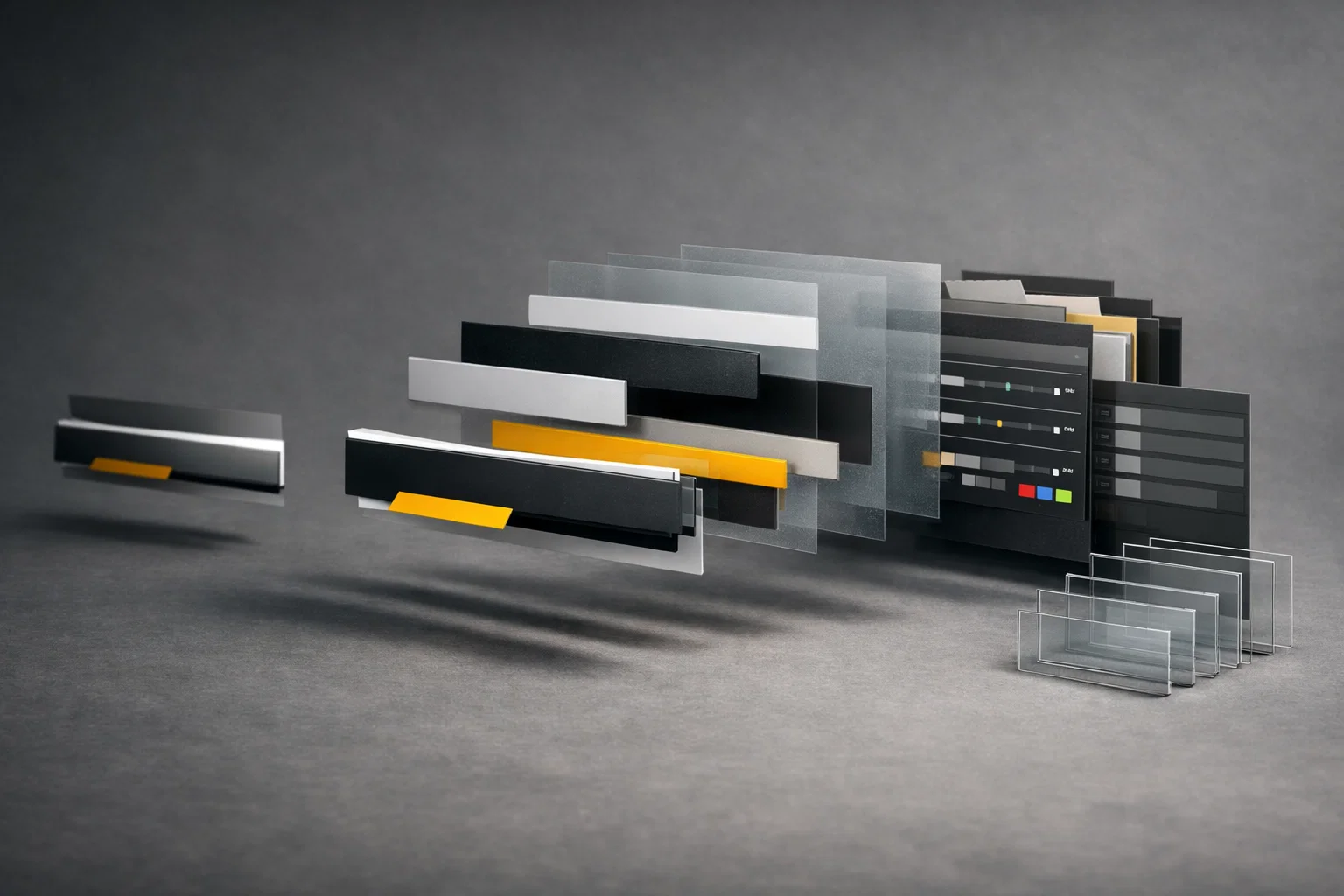
.mogrt files open in Premiere Pro with text fields and color pickers, but lock the animation and layer structure. .aep files open in After Effects with every layer, keyframe, and expression accessible. The editing experience is completely different depending on the format.
Reels lose the bottom 15–20% of the frame to captions and interface buttons. A lower third positioned for 16:9 YouTube won’t survive 9:16 without repositioning, and locked templates rarely let you reposition cleanly.
Heavy particle effects or complex expressions slow render times. For a 15–30 second reel, the lower third shouldn’t take longer to render than the clip itself.
Can you add a third line for a long guest title? Can you swap the font without breaking animation timing? Some templates hardcode text properties that collapse when you change anything.
For a deeper framework on evaluating any After Effects editing pack, we’ve covered what to look for inside the file before buying.
Explore the EarnEdits Lower Third Collection
Every lower third in the EarnEdits library ships as a fully open .aep project file, named layers, exposed expression controls, ready to restyle for reels, podcast clips, or long-form content. Built by editors who cut these formats daily.
Browse the collection →
.mogrt files and both.aep files contain lower-third animations, but they give editors completely different levels of control.
A .mogrt (Motion Graphics Template) is built for Premiere Pro. You get text fields, color pickers, and maybe an animation style dropdown. The underlying keyframes, expressions, and layer structure stay locked. Every editor is using that .mogrt produces the same visual output, animation, and timing. The only variable is the name on screen.
An .aep (After Effects Project) file opens with every layer exposed. You see the keyframes driving the entrance. You access the expressions controlling color shifts. You can restyle the motion, scale a slide, adjust easing curves to match your editing rhythm, or swap the accent shape entirely. You can also adapt one design across formats: build a 9:16 reel version and a 16:9 YouTube version from the same base without starting over.
For podcast editors cutting weekly episodes, this matters more than aesthetics. You need a lower third that you can adapt per guest, swap the name, keep the branding, adjust timing per episode, without re-downloading every week. An open .aep turns one download into a reusable production tool. The same distinction applies across all After Effects templates; format choice affects every edit that follows.
The biggest problem with marketplace lower-third templates isn’t design quality; it’s that locked-in formats push every editor toward identical output.
Browse Envato Elements, Motion Array, or Mixkit, and you’ll recognize the same sliding bar animation across hundreds of creator reels. Locked .mogrt files create visual uniformity; your lower third looks like the one on the reel before yours in someone’s feed. For podcast editors, the problem compounds. Most templates work as one-off downloads, not systems. Editors cutting 50+ episodes need lower thirds that adapt to each guest and platform without starting from scratch each time.
Open .aep project files eliminate these problems. You see every layer named in the After Effects timeline. Every keyframe is accessible. Every color and font connects to control layers you adjust in seconds. You restyle the entrance animation, match easing curves to your edit rhythm, and build format-specific versions, 9:16 for reels, 16:9 for YouTube, from one base file saved as reusable presets.
There’s a skill-development angle, too. Studying how a professional lower third .aep is built; the keyframe structure, expression logic, and layer hierarchy teach animation fundamentals that carry over to every future project. Editors working with open project files for social media produce work that stands apart from the marketplace default.
Most lower-third problems stem from ignoring platform constraints or prioritising style over readability.
Reels lose the bottom 15–20% of the frame to UI elements. If your lower third sits there, it’s covered. Most editors don’t test on an actual phone screen before publishing.
Lower thirds aren’t captions. Two lines maximum, name and title, or name and handle. Three lines mean the information belongs in a separate text card.
A 2-second entrance animation on a 7-second reel burns a third of the attention window. For reels, the lower third should fully appear within 0.5–1 second.
Busy backgrounds make text unreadable without a semi-transparent plate. White text on bright video disappears on mobile. Skipping the background plate for a “cleaner” look sacrifices the one thing lower thirds need: legibility.
If viewers recognize your lower third animation from another creator’s reel, your branding takes the hit. Locked marketplace templates guarantee this problem. Editors who understand common project file mistakes check the file structure before committing.
Built by Editors, for Editors
EarnEdits project files aren’t locked .mogrt shells. Every file opens with full layer access, clean naming, and expression controls built for fast restyling, whether you’re cutting podcast clips or reels.
See what’s inside →
Sans-serif fonts, Lato, Avenir, Helvetica Neue, at semi-bold or bold weight, minimum 24–30pt for mobile screens. Regular and light weights lose legibility at the small sizes required for the lower thirds on phones.
Named layers, expression controls for fast color and font changes, safe zone compliance for 9:16 and 16:9 formats, and animation that enters within 1–2 seconds and exits by 5–7 seconds. If the file lacks organized layers and accessible keyframes, customization takes longer than building from scratch.
.mogrt files are Premiere Pro-native and don't open in After Effects for full editing. For complete access to keyframes, expressions, and animations, you need.aep project files built in After Effects.
3–7 seconds depending on complexity. Name and title display work at 4–5 seconds. Multi-line info needs 6–8 seconds. For reels, lean shorter; a lower third overstaying on a 15-second clip feels like dead screen time.
Yes. Reels use a 9:16 vertical with different safe zones than YouTube's 16:9 horizontal. A lower third designed for one format breaks when forced into the other. Open .aep files let you adapt a single base design for both by adjusting the composition size and element positions directly.

Explore more guides on After Effects project files and viral editing workflows.
Production-ready edits that teach you how they were built.