Back
Back

 Apr 21, 2026
 Muhammad Sikandar
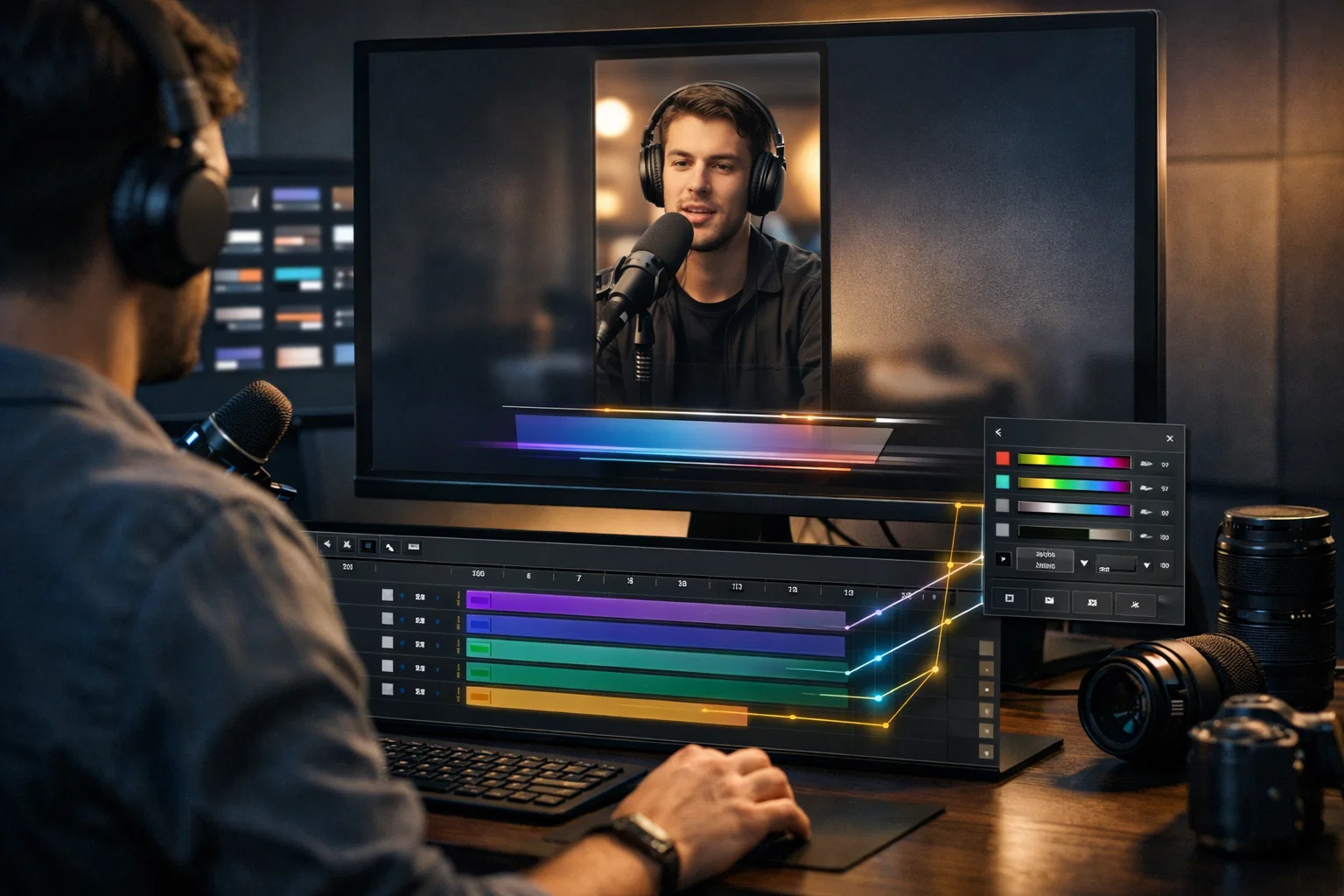
Every “best After Effects templates” list ranks files by how the preview video looks, not by how the project file works once you open it. Before downloading any template, six technical markers reveal whether the file is built for real editing or designed only to impress in a 30-second preview. The fastest quality test occurs within the project panel, reading layer names, folder structure, and control-layer design in 30 seconds of opening the file. A 5-minute post-download audit catches render problems, broken placeholders, and decorative control layers before you waste an hour editing.
Evaluation criteria shift depending on whether you’re delivering client work, producing social content, or learning motion design. The templates that score highest across all use cases are fully open After Effects project files, with every keyframe, expression, and effect visible and editable.
Every “best After Effects templates” list ranks files by how the preview video looks, not by how the project file actually performs once you open it in After Effects.
Preview videos are rendered at maximum quality with curated assets and polished color grading. They show the output, not the editing experience. A template can look cinematic in preview but be an unusable mess in the project panel: unnamed layers, broken expressions, compositions nested six levels deep with no logic.
For editors who work inside these files, “best” means the template that lets you edit efficiently, customize deeply, and understand how it was built. That’s measurable through file structure, expression quality, plugin independence, control-layer design, and layer-naming discipline.
Before evaluating aesthetics or style, six technical markers reveal whether an After Effects template is built for real editing or designed only to sell a preview.
After Effects files are forward-compatible but not backwards-compatible. A template built in AE 2026 won’t open in AE 2023. Confirm which version the file requires against your installed version before purchasing. If the description doesn’t list a version, that’s already a red flag.
Templates requiring Trapcode Particular, Element 3D, or Optical Flares add hidden cost and dependency. If you don’t own those plugins, the template is unusable, or you’re spending $200+ before editing a single frame. The quality standard is “no plugins required,” meaning all effects are built with native After Effects tools.
4K (3840×2160) is the baseline for flexibility. But if you edit for social platforms, the file must also include 9:16 vertical and 1:1 square compositions. A 4K template locked to 16:9 widescreen won’t work for reels without significant reworking.
Templates with universalized expressions work regardless of what language your After Effects is set to. Non-universalized expressions break on Spanish, Japanese, German, and other non-English AE installations, a compatibility problem most “best of” lists never mention.
Heavy motion blur, unoptimized 3D layers, and excessive pre-comps inflate render times. A well-built template renders a 10-second H.264 segment within minutes on mid-range hardware. If marketplace comments mention slow exports, that’s a structural problem, not your hardware.
Single-use, commercial, extended, royalty-free: each type restricts differently. For client deliverables, confirm broadcast and resale rights before using any template in paid work.
These six checks filter out technical problems before you download. But the real quality test happens after you open the file.
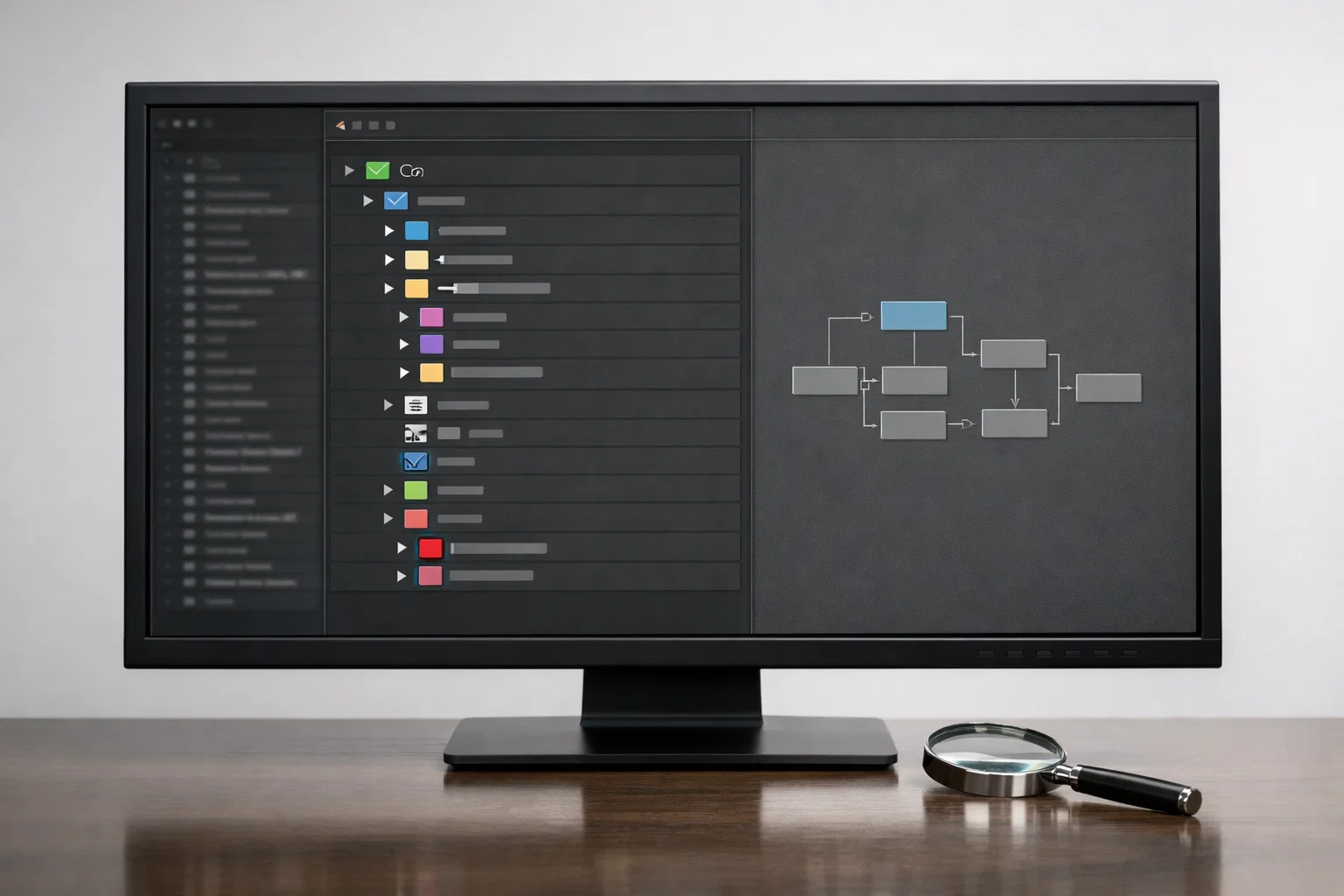
The fastest way to judge an After Effects template’s real quality is to open the project panel and read the file structure before touching a single composition.
Layer naming tells you everything: If you see “Layer 1,” “Layer 2,” “Comp 47”, the file was built carelessly. Professional templates use descriptive prefixes such as “Edit_MainText,” “Placeholder_Logo,” and “Render_Final.” Named layers mean the creator organized the project for other editors, not just for their own render.
Folder architecture separates usable files from chaotic ones: Quality templates group assets into labeled folders, editable elements, media placeholders, and render compositions. If everything sits in a flat, unsorted project panel with 80 items at the same level, you’ll spend more time searching than editing.
Control layer presence is the single biggest quality signal: A global controller composition with color pickers, font selectors, and toggle switches means the creator built the template for efficient customization. Without a control layer, changing a single accent color requires manually updating dozens of individual compositions.
Composition nesting depth reveals structural discipline: Pre-comps nested five or six levels deep obscure animation logic, making troubleshooting impossible. Two to three levels of nesting are standard for organized motion graphics work. Beyond that, the file becomes a puzzle instead of a tool.
Built to Be Read, Not Decoded.
Every After Effects project on EarnEdits is structured the way a clean file should look, labeled layers, organized folders, functional control compositions, and zero locked effects. You don’t audit these files for quality. You open the timeline and start editing.
Browse Projects →
A template’s real quality reveals itself in the first five minutes after opening, before you replace a single placeholder or adjust any color.
Check folder structure and layer naming. If the organization is clean and logical, proceed. If you’re staring at a flat list of unnamed compositions, the file is going to fight you at every step.
Check keyframe spacing. Smooth animations use intentional easing curves with varied keyframe intervals. If every keyframe is set to linear interpolation with uniform spacing, the motion will feel robotic, even if the preview appears polished.
Open the global controller composition and change one slider, an accent color or font size. Does the change propagate across the entire project? If nothing updates, the controller is decorative, not functional.
Drop in your own footage or logo. Do masks hold? Does scaling adjust? A well-built template absorbs asset swaps without manual repositioning. If your logo clips outside the frame or breaks animation timing, the placeholder system is poorly constructed.
If it exports in under 2 minutes on mid-range hardware, the file is optimized. If it takes 10+ minutes to render 10 seconds, the template has structural rendering issues that won’t improve with better hardware.
The criteria that define “best” shift depending on whether you’re delivering client work, building a social content pipeline, or learning motion design techniques.
Client deliverables demand production reliability above everything else. Prioritize licensing clarity (commercial rights confirmed), render speed (deadlines don’t wait), and control layer depth (clients request color and font changes constantly). Template aesthetics matter less than how fast you can customize and deliver.
Social media content, reels, shorts, TikTok, requires a different filter. Prioritize 9:16 vertical compositions, fast-paced motion styles that match current platform trends, and modular scene structure so you can rearrange or shorten the video to fit the timing. Most “best After Effects templates” lists rank files designed for 16:9 corporate timelines. Those won’t help you produce vertical content built around viral edit styles without heavy reworking.
Learning motion design changes the evaluation question entirely. It’s no longer “can I render this quickly?”, it’s “can I see how every animation was built?” Templates with pre-rendered effects, locked layers, or deeply buried pre-comps teach nothing. Open files where every keyframe, expression, and easing curve is visible are the ones that build transferable skills.
The hardest part of evaluating After Effects templates disappears when the file is fully open, with no locked layers, no pre-rendered shortcuts, and no nested compositions hiding how the animation actually works.
Most of the checks above, layer naming, control layers, expression quality, and nesting depth, exist because templates hide things. Open project files don’t. When every layer, keyframe, and expression is visible and editable, you evaluate quality by reading the timeline rather than guessing what’s buried in pre-comps.
The evaluation shortcut: if a file is fully open and still looks clean, organized layers, functional control compositions, intentional easing, and logical nesting, it’s genuinely well-built. The creator had nothing to hide. If a file needs locked layers and pre-rendered effects to hold together, its “quality” is cosmetic.
This is why platforms like EarnEdits build every file as a fully open .aep project around proven viral edit styles. The quality isn’t behind the preview; it’s visible the moment you open the timeline. For editors who want to understand how professionals build and use project files in real client workflows, that transparency matters more than any marketplace rating.
The Quality Is in the Timeline.
Every After Effects project on EarnEdits is fully open .aep file, organized compositions, descriptive layer names, working control panels, and zero hidden effects. No auditing required. No guesswork. Open the file, read the timeline, and start editing with full access to every technique inside.
Explore the Library →
The best After Effects templates combine a clean file structure, plugin-free native effects, a global control layer, 4K resolution, vertical and square aspect ratio options, and universal expressions. A polished preview video alone doesn't indicate quality; the project file's internal organization and editability do.
Professional editors use templates regularly for repeatable deliverables, social media content, branded intros, and client lower thirds. The difference is that professionals evaluate file structure, plugin dependencies, and licensing before committing, rather than choosing based on preview appearance.
AEP (After Effects Project) gives full editing access to every layer, keyframe, and expression. MOGRT files work inside Premiere Pro's Essential Graphics Panel but limit editing depth to sliders and text fields. For evaluation purposes, AEP files let you assess quality directly; MOGRT files hide the internal structure.
Check the template description for a "plugins required" section. Files labeled "no plugins required" use only native After Effects tools. If Trapcode Particular, Element 3D, or Optical Flares are listed, factor in the costs ($100–$300+ each) before downloading.
Free templates from verified platforms like Mixkit or MotionElements work for short-turnaround projects. Apply the same evaluation framework, check layer organization, plugin dependencies, expression universalization, and licensing terms. Free doesn't mean low quality, but it often means limited depth of customization and restricted file openness.

Explore more guides on After Effects project files and viral editing workflows.
Production-ready edits that teach you how they were built.