Back
Back

 May 01, 2026
 Muhammad Sikandar
An editing pack is a bundled collection of pre-built assets (transitions, text animations, color grades, or complete project files) that speed up viral reel production in After Effects, Premiere Pro, or mobile editors. The term covers three distinct product types: preset packs that add individual effects to existing footage, plugin extension bundles that expand your effects library, and project file packs that deliver complete viral reel formats ready for customization. Choosing the right pack depends on the reel format you produce, the editing control you need, and whether the pack works without third-party plugin dependencies.
The term “editing pack” covers three distinct product types, and the difference between them determines how much creative control you get over the final reel.
Preset packs contain individual effects saved as .FFX files or drag-and-drop assets: transitions, text animations, overlays, color grades, and camera shakes. You apply these to the footage you already edited. Preset packs change how a clip looks but do not change the structure, pacing, or narrative of the reel.
Plugin extension bundles install directly into After Effects or Premiere Pro and add browsable effects panels with hundreds of organized assets. The assets are presets, but the delivery mechanism is a plugin manager inside the editing software.
Project file packs contain complete After Effects project files (.AEP) built around specific viral reel formats. Each file includes every layer, keyframe, effect, and timing structure. You open the project, replace placeholder content with your own media, and export a finished reel that follows a proven format.
Each type fits a different workflow. The right choice depends on which reel formats you produce and how much control you need.
Most editing packs oversell on quantity (500+ transitions, 10,000+ assets) while underselling on what determines daily usability. Five criteria separate a pack worth buying from one that wastes your time.
Editability depth: Preset packs let you adjust intensity and timing. Project file packs let you change every keyframe, layer, and composition. Deeper editability produces more original output.
Plugin independence: Packs built with native After Effects or Premiere Pro effects open on any system without additional purchases or compatibility issues.
Organization quality: Labeled layers, clearly named compositions, and logical folder structures save time. Poorly organized packs waste the hours they claim to cut.
Viral format relevance: Packs designed for vertical 9:16 at 1080×1920 work immediately for Instagram Reels, TikTok, and YouTube Shorts. Horizontal 16:9 packs require resizing before use.
Sound design inclusion: Packs that pair each transition or text animation with a matched sound effect (whoosh, riser, click) cut an extra sourcing step from the workflow.
For a deeper breakdown, read about what makes a powerful editing pack.
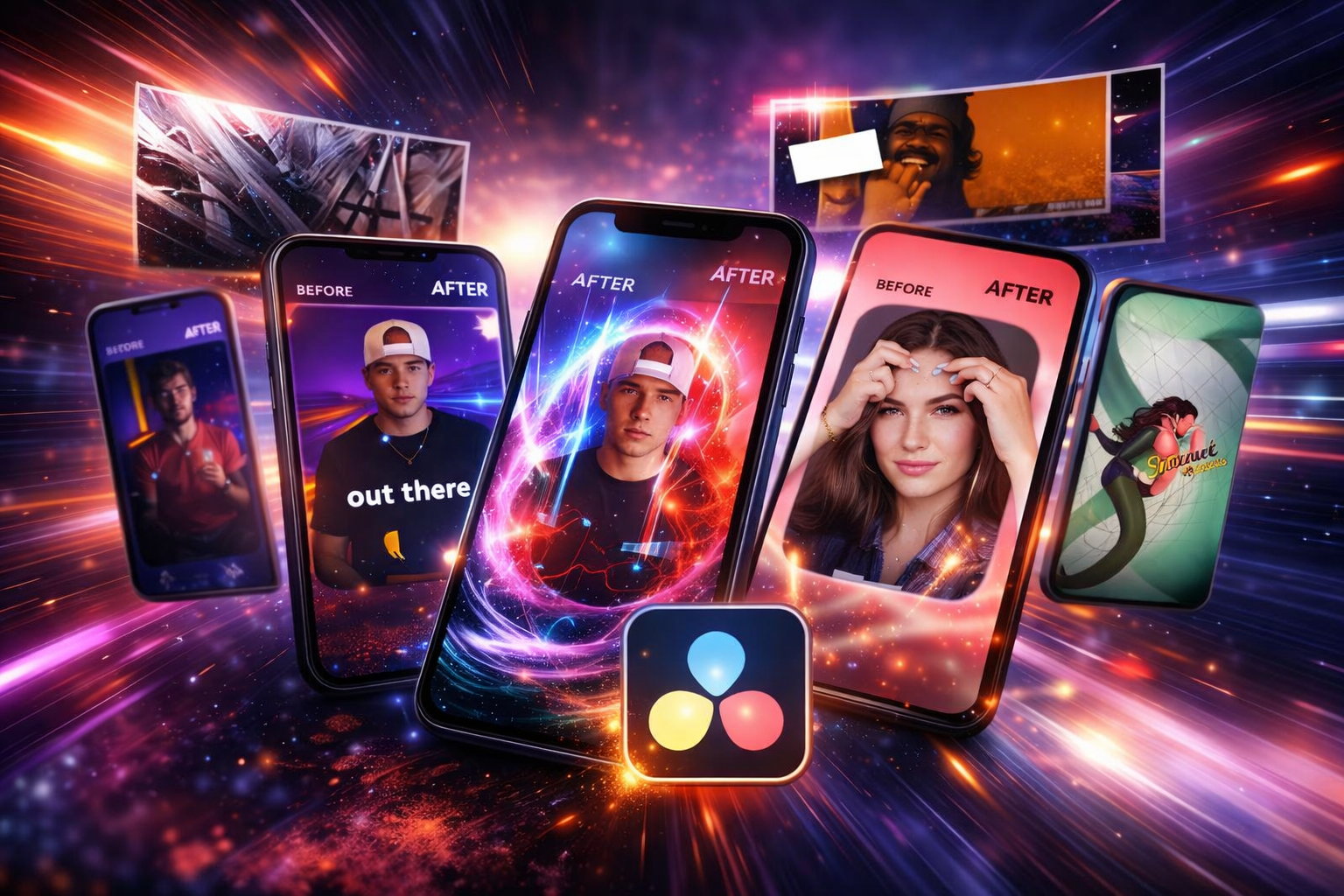
Transition packs are the most widely used editing pack category, and they determine how the viewer experiences the cut between every scene in a reel.
A standard transition pack includes zoom transitions, whip pans, glitch effects, shape wipes, motion blur cuts, camera shakes, and flash transitions. You apply these by dragging the preset onto an adjustment layer or directly onto a clip in After Effects or Premiere Pro.
Transition packs perform best in fast-cut announcement reels, countdown reels, product reveal reels, and event recap montages.
When evaluating, check four things: beat-sync compatibility (can you shift timing to land on audio beats?), vertical-first design (built for 9:16, not resized from 16:9), included sound effects paired with each transition, and native-only effects with no third-party plugin dependencies. For deeper guidance, read about when to use a transitions pack and when not to.
Text animation packs control the first 3 seconds of a reel, and the hook text is the single element that determines whether a viewer stays or scrolls past.
A text animation pack includes kinetic typography presets (word-by-word reveals, scale pops, bounce animations, rotation effects), animated caption styles (highlight, underline, shake, slam), lower third templates, and title card compositions.
Text animation packs perform best in educational tip reels, data-reveal reels, psychology hook reels, and talking-head content with animated captions.
When evaluating, check four things: mobile-readable font sizes (legible on phone screens, not desktop monitors), at least 10 to 15 distinct animation styles to avoid repetition, easy-to-access color control for brand palette matching, and caption sync support for timing text reveals to voiceover or music beats.
Color grade packs apply a consistent visual tone across every reel you publish, and they are the only editing pack type that affects brand recognition rather than individual reel performance.
A color grade pack includes LUT files (.cube format), color correction presets, and film emulation grades (warm, cool, desaturated, high-contrast).
Color grade packs perform best for editors publishing 3 to 5 reels per week who need a recognizable visual identity without manually grading each clip. When evaluating, check for preview thumbnails across different lighting conditions, compatibility with both After Effects and Premiere Pro, and adjustable intensity from 0% to 100%.
Free editing packs exist for every category listed above, and they work for practice and experimentation, but they differ from paid packs in three ways.
Organization and labeling: Free packs rarely label layers or structure folders logically. Paid packs organize every element for fast navigation. The time saved from not hunting through unnamed layers pays back the purchase price within one project.
Consistency across assets: Free packs often bundle assets from different creators with mismatched styles and quality levels. Paid packs maintain a consistent design language across every asset.
Plugin dependencies: Free packs frequently require third-party plugins that cost more than a paid pack would have. The best paid packs require zero external plugins.
Free packs test whether a category fits your workflow. Once confirmed, a well-organized paid pack saves more time than assembling scattered free assets.
Preset packs and project file packs solve different problems, and choosing the wrong type wastes money on assets you never use.
Presets fit when you already have an editing workflow, your reel structure is established, and you only need individual effects (a transition, a text style, a color grade) to add polish to footage you already edited.
Project file packs fit when you want reels that follow proven viral formats (founder stories, comparison montages, psychology hooks, product showcases) without building structure and animation from scratch. Each file delivers the complete format. You replace content and export. For the full editing process, follow the step-by-step editing workflow for viral reels with AE templates.
Many editors use both. Project file packs for format-driven reels. Preset packs for quick effects on footage-first content.
Most editors combine 2 to 3 pack types: a transition pack for scene cuts, a text animation pack for hooks and captions, and either a project file pack or a color grade pack, depending on content format.
Yes, if the pack is built at 1080x1920 vertical resolution. All three platforms use the same 9:16 aspect ratio at 30fps. The same assets export correctly for all three without resizing.
Free packs work for testing a category. Professional production benefits from paid packs with consistent quality, organized layers, and zero plugin dependencies.
Preset packs (.FFX files) install into the User Presets folder. Project file packs (.AEP files) open through File > Open Project.
An editing app is software you edit inside (After Effects, Premiere Pro, CapCut). An editing pack is a collection of assets you use inside that software: transitions, text animations, color grades, or complete project files.

Explore more guides on After Effects project files and viral editing workflows.
Production-ready edits that teach you how they were built.