Back
Back

 May 01, 2026
 Muhammad Sikandar
After Effects logo reveal templates are pre-built project files that animate a brand logo onto screen using motion, effects, or transitions. The six most effective logo reveal styles are minimalist, glitch, particle, 3D cinematic, liquid, and flat shape layer, and each fits a different brand type and video context. Choosing the right template depends on three factors: the visual identity of the brand, the platform format (horizontal 16:9 for YouTube or vertical 9:16 for Reels and Shorts), and whether the template runs on native After Effects effects without third-party plugins.
The difference between a professional logo reveal and a forgettable intro comes down to five template qualities that most free downloads lack.
Plugin independence: The template should render using native After Effects effects only. Templates that require paid third-party plugins (optical flares, particular, element 3D) add cost and compatibility risk. Plugin-free templates open and render on any system.
Logo placeholder: A quality template includes a clearly labeled composition where you drop your logo file (PNG with transparent background, AI, or EPS). Templates that hard-code a sample logo into the animation require manual layer rebuilding.
Color controller: A single expression controller layer that changes the entire color scheme from one panel. Without this, you adjust colors layer by layer across dozens of elements.
Resolution flexibility: The template should render at minimum 4K (3840×2160) for horizontal use. For Instagram Reels, TikTok, and YouTube Shorts, you need a vertical 1080×1920 composition or the ability to resize without breaking the animation.
Duration under 5 seconds: Logo reveals that run 8 to 10 seconds waste the viewer’s opening moments. The current standard for YouTube intros is 3 to 5 seconds. For Reels and Shorts, 2 to 3 seconds maximum before the content starts.
With these five criteria as your filter, six logo reveal styles cover the full range of brand types and video formats.
Minimalist logo reveals use geometric shapes, clean lines, and fast animations to introduce a brand logo in under 4 seconds with no visual clutter.
The logo fades, scales, or slides into position against a solid or subtly textured background. Supporting elements stay limited to simple lines, circles, or rectangles that animate in sync. The color palette holds to 2 to 3 tones. Motion is smooth and controlled with ease-in/ease-out keyframes.
Best for: Corporate brands, agencies, SaaS companies, educational channels, and professional service businesses. Any brand where clarity and credibility outweigh visual drama.
What to look for: Smooth easing curves (not linear motion), a tagline text layer below the logo, and a clean audio hit (short, subtle) rather than a cinematic boom.
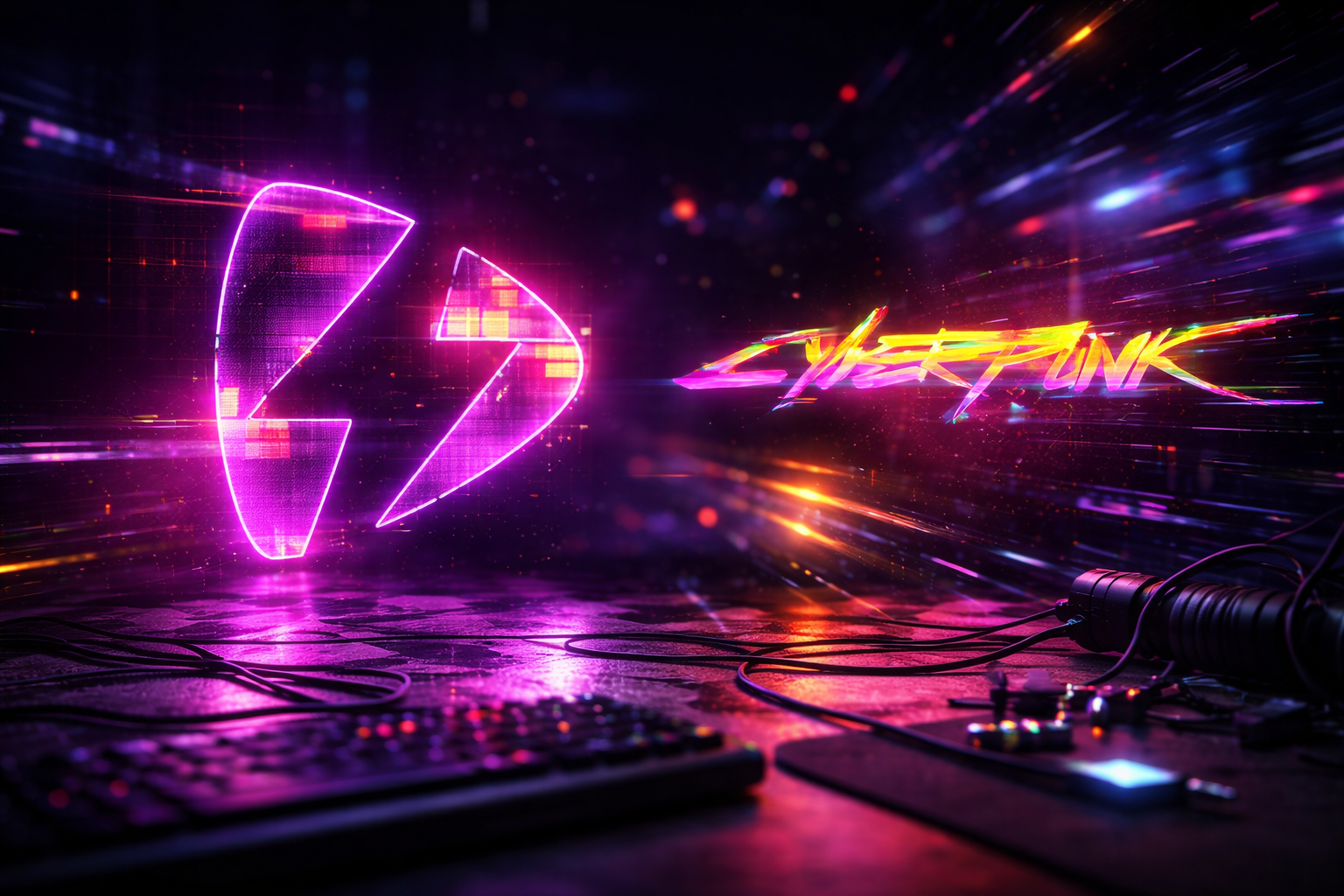
Glitch logo reveals use RGB split, digital noise, screen flicker, and distortion effects to reveal a logo through simulated digital malfunction.
The screen fractures into color channels. Static noise and horizontal tearing flash across the frame. The logo assembles through the distortion, locking into position as the glitch resolves. The effect runs 2 to 3 seconds, fast and high-energy. Neon accents over dark backgrounds are standard.
Best for: Gaming channels, tech startups, creative studios, music producers, and brands targeting audiences under 35 who associate digital distortion with modern edge.
What to look for: Adjustable glitch intensity (too much distortion makes the logo unreadable), no third-party plugin dependencies (many glitch templates quietly require paid plugins), and a matched audio hit (digital error sound, not a cinematic boom).
Particle logo reveals form or unveil a logo through animated particles (sparks, dust, embers, fire, or light streaks) that converge, explode, or dissipate around the logo shape.
Thousands of small particles stream toward a central point and assemble into the logo. Alternatively, the logo appears solid and explodes outward into particles. Light trails and glow effects add depth. The animation runs 4 to 6 seconds with a dramatic audio swell.
Best for: Production companies, event videographers, film channels, and premium product brands where a high-impact cinematic first impression is the goal.
What to look for: Native particle generation (After Effects CC Particle World or Particle Systems II) vs third-party plugins that add cost. Verify the template renders without paid plugins before downloading. Particle-heavy templates take longer to render, so check estimated duration on your system.
A logo reveal is the first 3 seconds. EarnEdits project files give you the complete viral reel format that comes after it.
3D logo reveals add physical depth, metallic textures, dramatic lighting, and camera movement to transform a flat logo into a cinematic object.
The logo renders as a 3D shape with reflections, shadows, and surface texture (brushed metal, glass, stone). A camera orbits or pushes toward the logo. Dramatic side lighting creates depth and contrast. The animation runs 4 to 6 seconds with a heavy audio impact.
Best for: Film production companies, luxury brands, gaming studios, and corporate brands producing cinematic content for product launches or event openings.
What to look for: Templates using After Effects’ built-in Cinema 4D Lite renderer (included free with AE) keep everything inside one application. Verify the template includes the actual 3D scene file, not a pre-rendered video with a logo overlaid on top.
Liquid logo reveals use fluid simulations, ink dispersion, paint splashes, or water effects to form or dissolve a logo with natural, flowing motion.
Ink bleeds outward from the center of the frame, filling the shape of the logo. Or liquid drips from the top and pools into the logo form. The motion is smooth, unpredictable, and organic. Color bleeds and blends across the frame. The aesthetic is artistic, warm, and handcrafted.
Best for: Creative agencies, design studios, art channels, photography brands, and wedding videographers where a hand-crafted aesthetic reinforces the brand identity.
What to look for: Real liquid footage composited over the logo (higher quality, larger file size) vs procedurally generated liquid effects (smaller file, less realistic). Verify color adjustability since ink and paint effects are often baked into a fixed palette.
Flat logo reveals use 2D vector animations, colorful geometric shapes, and fast-paced motion to introduce a logo with energy and visual clarity.
Circles, rectangles, lines, and custom shapes animate across the frame in rapid succession. The shapes mask, wipe, or build into the logo. Colors are bold and saturated. The animation is entirely 2D with no depth, shadows, or lighting. Duration runs 2 to 4 seconds.
Best for: Social media brands, content creators, educational channels, and startups that value speed and clarity over cinematic drama. This style renders fastest because it uses no 3D, particles, or heavy effects.
What to look for: Editable shape layer colors (not baked into the animation), smooth easing on all motion paths, and a tagline text field. These templates render in under 30 seconds on most systems.
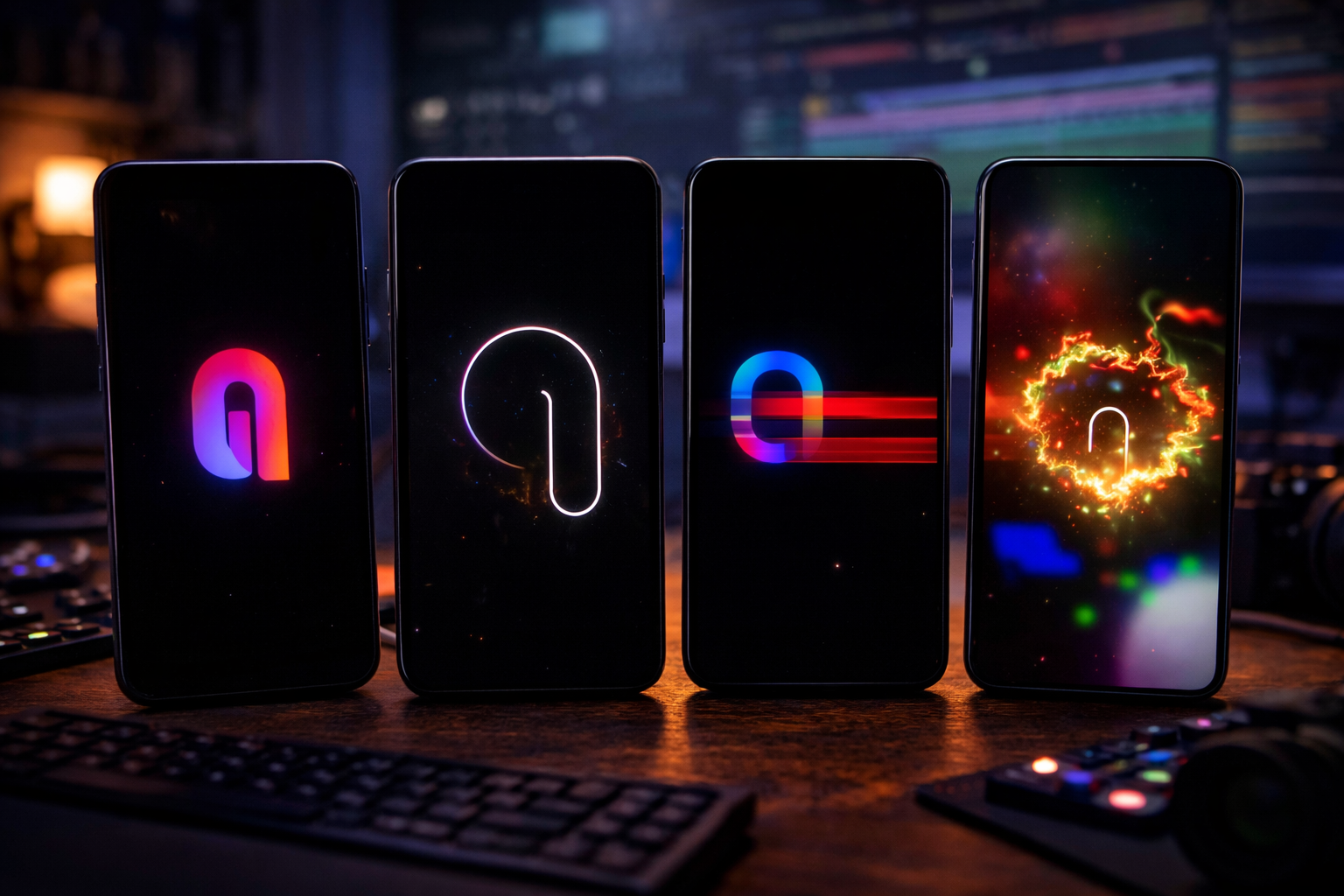
Most After Effects logo reveal templates are built for horizontal 16:9 video (1920×1080 or 3840×2160), but Instagram Reels, TikTok, and YouTube Shorts require vertical 9:16 at 1080×1920.
Cropping a horizontal logo reveal to vertical does not work. The animation safe zones and element positioning break when you cut the sides. Either search for a template pre-built at 1080×1920, or create a new vertical composition inside the horizontal project and manually reposition every element.
Vertical logo reveals need to be shorter than horizontal intros: 2 to 3 seconds maximum. Reels viewers scroll past content that delays the main message beyond the first 3 seconds. A 5-second YouTube intro becomes a skip trigger in a vertical feed.
Logo placement shifts in vertical format. Position the logo in the center or upper third of the frame, not the bottom third. Bottom placement (common in horizontal intros) gets covered by platform UI elements: the like, comment, and share buttons on Instagram and TikTok sit directly over the lower portion of the screen. For a broader overview of template formats and how they work across platforms, read the After Effects templates guide.
3 to 5 seconds for YouTube intros. 2 to 3 seconds for Instagram Reels, TikTok, and YouTube Shorts. Anything longer delays the actual content and costs viewer retention.
Yes, if it meets the five criteria: plugin-free, logo placeholder included, color controller, sufficient resolution, and under 5 seconds. Free templates more often lack color controllers and cap resolution at 1080p instead of 4K.
Not if you choose templates built on native After Effects effects. CC Particle World, fractal noise, and Cinema 4D Lite create particle, glitch, and 3D effects without paid plugins. Always verify plugin requirements before downloading.
PNG with transparent background for flat logos. AI or EPS (Adobe Illustrator format) for vector logos that need to scale without quality loss. Most templates accept all three in the logo placeholder composition.
Extract the downloaded ZIP or RAR file, open the .AEP project in After Effects, install any included fonts, and replace the logo placeholder with your file.

Explore more guides on After Effects project files and viral editing workflows.
Production-ready edits that teach you how they were built.