Back
Back

 May 01, 2026
 Muhammad Sikandar
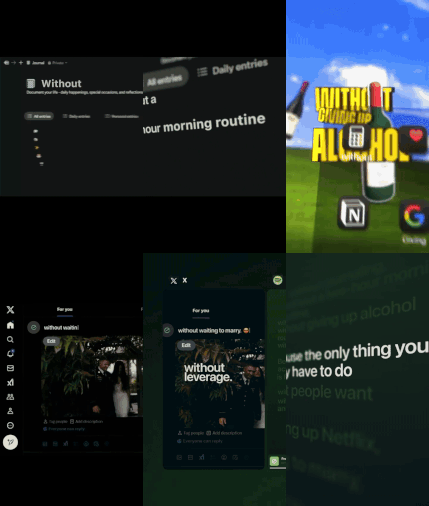
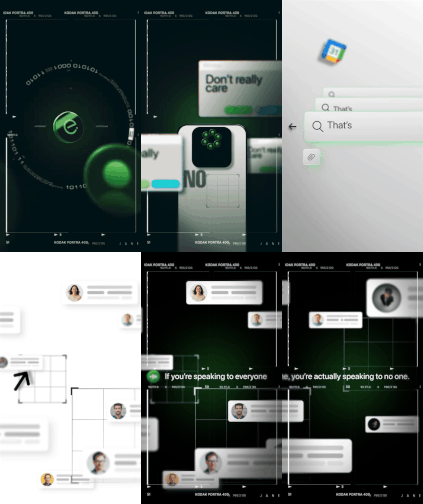
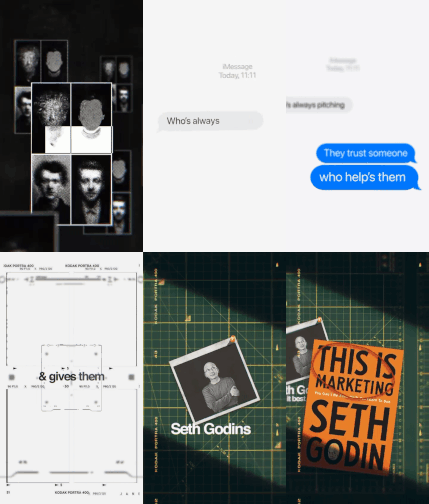
Viral editing styles follow recognizable patterns that can be recreated using templates instead of building animations from scratch. The 10 styles below fall into three categories: text-driven styles that lead with animated typography, narrative styles built on multi-scene structures, and motion/effects styles that use speed changes, camera movement, or visual distortion. Matching a viral reel to the right template format (AEP project file, transition preset, or overlay pack) is the fastest path from “I want that look” to a finished export.
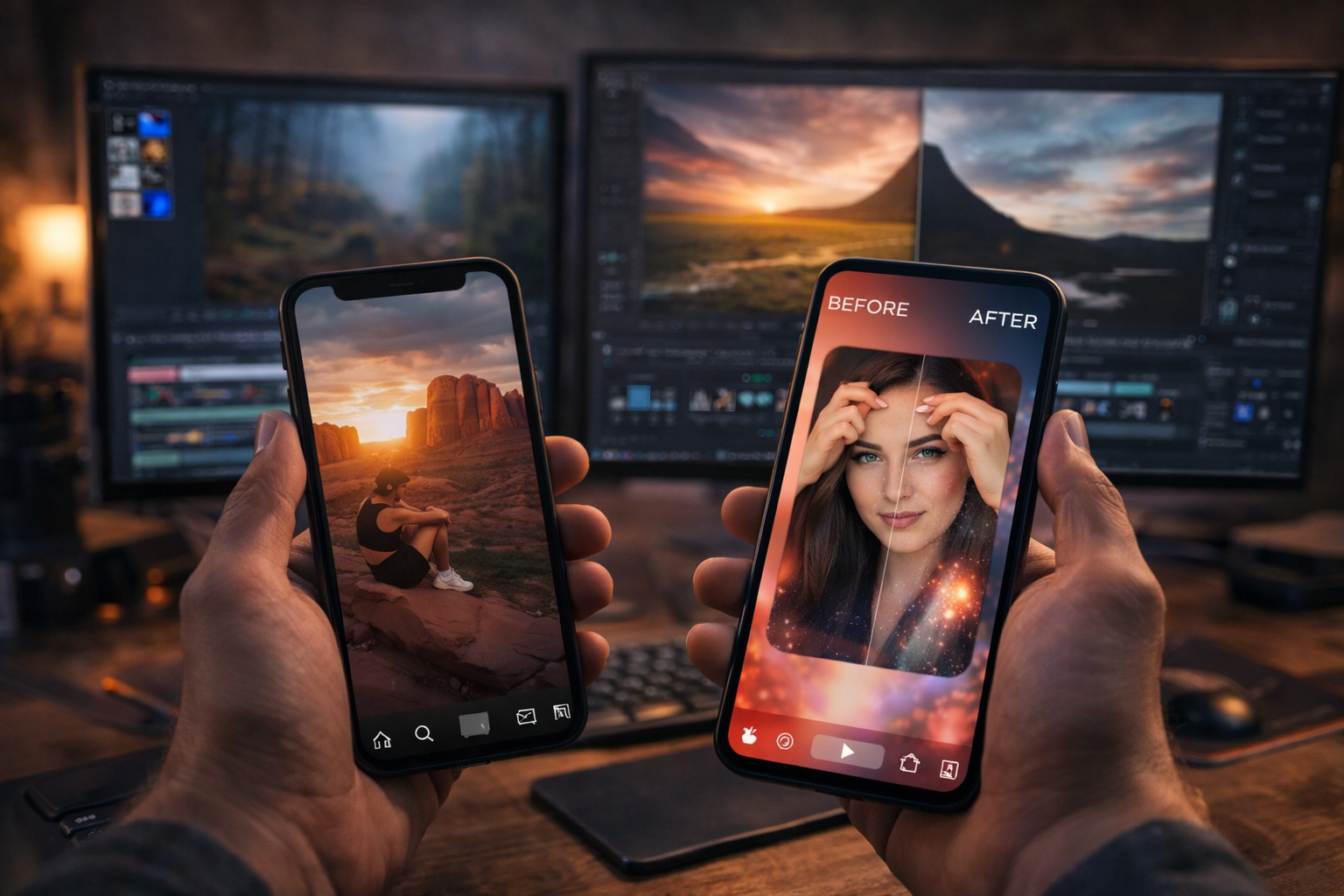
Narrative and comparison viral editing styles are built on multi-scene sequential structures where the story arc across scenes drives retention, not a single effect.
Founder and Brand Story
Founder and brand story reels compress an origin narrative into 15 to 30 seconds using sequential scenes, layered text, and cinematic transitions.
Scene 1 introduces the person or brand. Each subsequent scene reveals a milestone or turning point. Text layers overlay images or footage. The final scene shows the current outcome.
Origin stories trigger narrative investment. The viewer follows a character through a journey and stays to see the resolution.
Template format: AEP project file with 4 to 8 scene compositions, text and media placeholders, and pre-built transitions. The Founder of Canva project file follows this structure.
Comparison and Versus Montage
Comparison and versus montage reels alternate between two subjects using split frames, contrasting color palettes, and data reveals.
The screen alternates between Subject A and Subject B, each with its own color treatment. Text overlays reveal facts or attributes. Pacing is rhythmic: 2 to 3 seconds per side, alternating back and forth.
The versus framing triggers opinion. Viewers watch to see which side wins and engage through comments to argue their position.
Template format: AEP project file with alternating compositions, split-frame layouts, and contrasting color controllers. The BMW vs Mercedes project file is built on this structure.
SaaS and Product UI Animation
SaaS and product UI animation reels showcase software features through animated mockups and feature-cycling transitions.
A device mockup (phone or laptop frame) sits centered on screen. The interface transitions through features and workflows. Text labels appear alongside each feature.
Product demo reels perform because they answer “what does this actually do?” in under 20 seconds.
Template format: AEP project file with device mockup compositions and screen replacement placeholders. The Google Drive SaaS UI Animation project file follows this format.
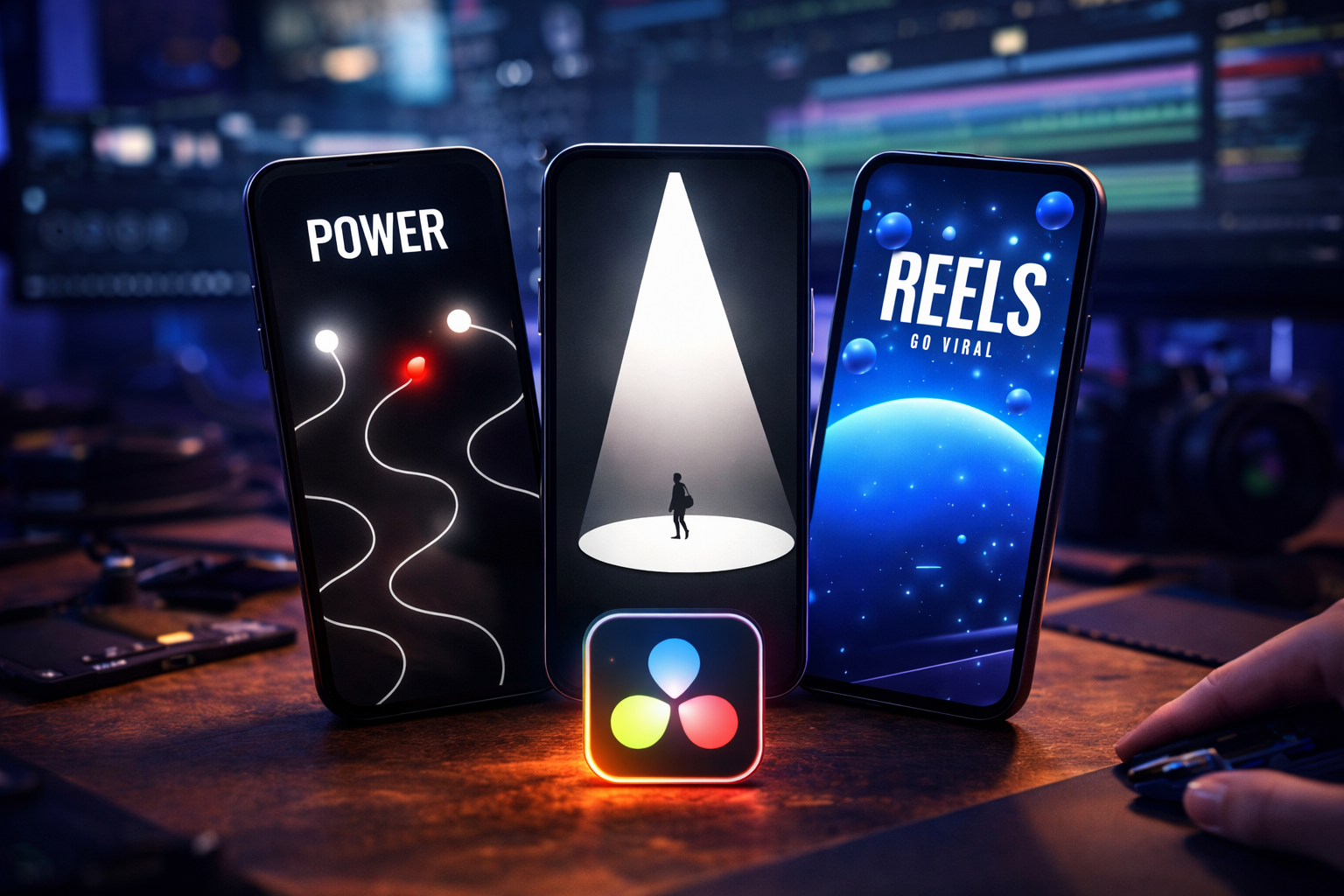
Motion and effects viral editing styles use camera movement, speed manipulation, visual distortion, or layered textures as the primary attention driver, and most can be recreated using transition presets or overlay packs rather than complete project files.
Speed Ramp Reveal
Speed ramp reveals a shift in a clip’s playback from slow motion to fast motion (or the reverse) within a single shot, creating a dramatic rhythm shift at a key moment.
A clip plays at normal speed, suddenly accelerates, then snaps back to slow motion at the reveal. The speed change lands on an audio beat. The effect works on a single continuous clip, not between separate scenes. The speed contrast creates a sensory jolt that increases replay value.
Template format: Transition preset or speed ramp preset applied within a timeline. Not a full AEP project file.
Parallax Depth and 3D Camera
Parallax depth reels separate an image into foreground and background layers, then move a virtual camera through the layers to create 3D depth in a 2D composition.
A still image appears to have physical depth. The foreground subject stays close while the background recedes. The camera floats forward or rotates slowly, transforming a flat photo into a cinematic scene. The depth illusion is visually striking on a phone screen, increasing watch time.
Template format: AEP project file with pre-separated layers and a virtual camera rig. The camera movement is pre-built.
Glitch and Distortion Transition
Glitch and distortion transitions use RGB split, digital noise, screen flicker, and signal error effects to create visual disruption between scenes.
The image fractures into color channels. Static noise fills the screen for 2 to 4 frames. The image shakes or tears horizontally, then resolves into the next scene or a text reveal. Glitch effects trigger a pattern interrupt, snapping the viewer’s eye to the disruption point.
Template format: Transition preset pack or overlay pack applied on top of existing footage.
Mixed Media Collage
Mixed media collage reels layer paper textures, film grain, hand-drawn elements, and analog artifacts over digital footage to create a tactile, editorial aesthetic.
Footage plays inside a torn paper frame or alongside scrapbook-style elements. Film burns or light leaks flicker across the composition. Hand-drawn arrows or annotations appear over the footage. The collage aesthetic stands out in feeds dominated by clean edits, reading as authentic and handmade.
Template format: Overlay pack combined with texture libraries. Some styles use AEP project files with pre-built collage compositions.
Yes, if the template is built at 1080x1920 vertical resolution (9:16). All three platforms use the same format. Export once and post to all three.
Styles 1 through 6 require After Effects (AEP project files). Styles 7 through 10 can be recreated using transition presets in Premiere Pro or other editors.
A well-organized AEP takes 15 to 30 minutes. Building the same reel from scratch takes 3 to 6 hours depending on style complexity.
An effect is a single visual treatment (a glitch, a speed ramp, a text animation). A style is the complete pattern: effects, pacing, scene structure, and text treatment combined. Templates recreate styles, not individual effects.
Open the matching template format, replace placeholders with your media and text, adjust timing, and export at 1080x1920.

Explore more guides on After Effects project files and viral editing workflows.
Production-ready edits that teach you how they were built.