Introducing Frame War
Submit your best edit, make it into the Top 3, and compete for the monthly Frame War reward. The winner receives cash plus exposure across EarnEdits community channels.
PRODUCT CATEGORIES
Submit your best edit, make it into the Top 3, and compete for the monthly Frame War reward. The winner receives cash plus exposure across EarnEdits community channels.
 Back
Back

 Apr 23, 2026
 Muhammad Sikandar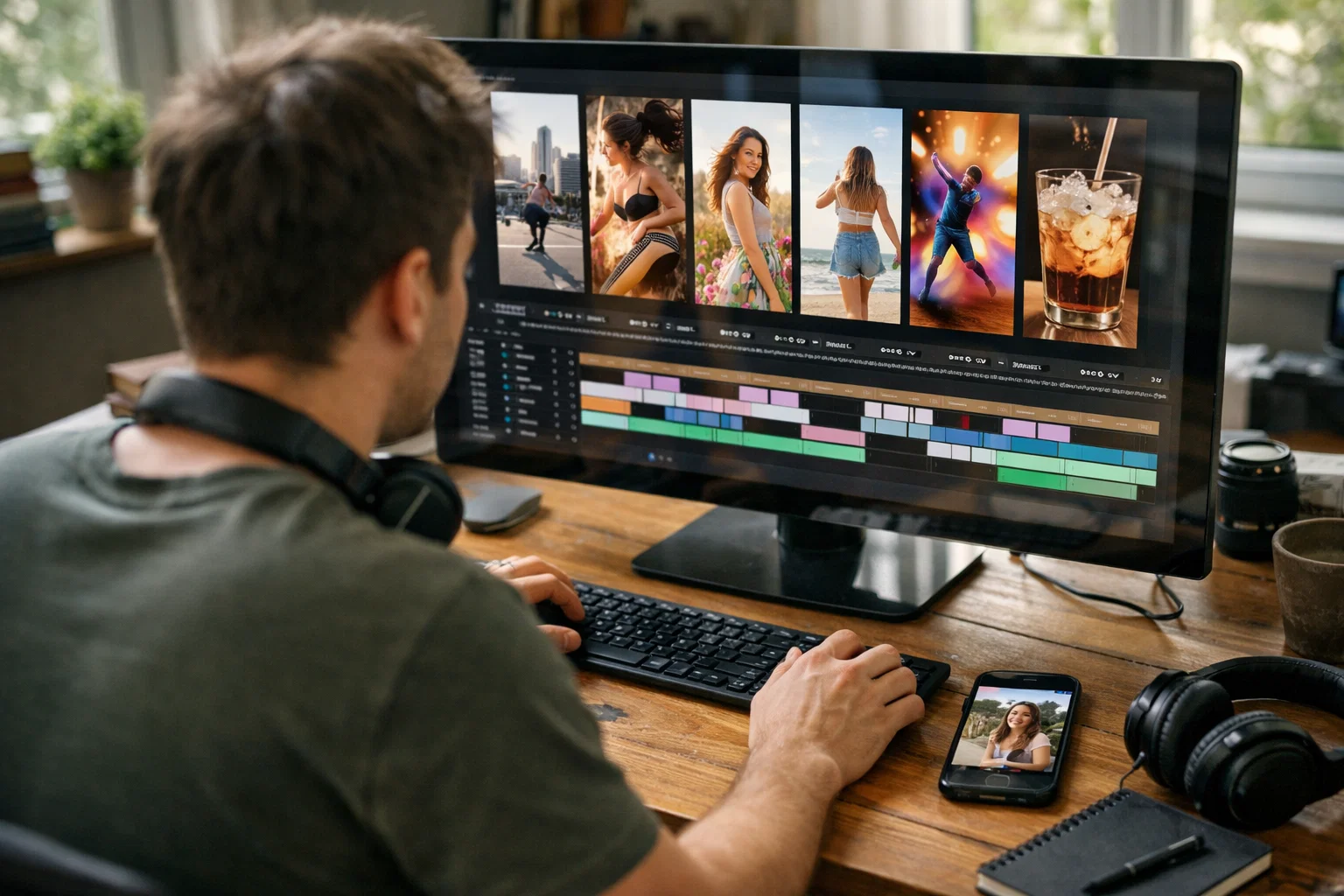
Viral Instagram edits follow five identifiable editing styles, each built on a distinct animation structure that AE templates can replicate. Recreating a viral edit starts with identifying the pattern behind it: the hook type, transition rhythm, text animation style, and audio pacing. AE templates built around proven viral formats let editors match a trending style to a pre-built project file and customize it in minutes instead of animating from scratch.
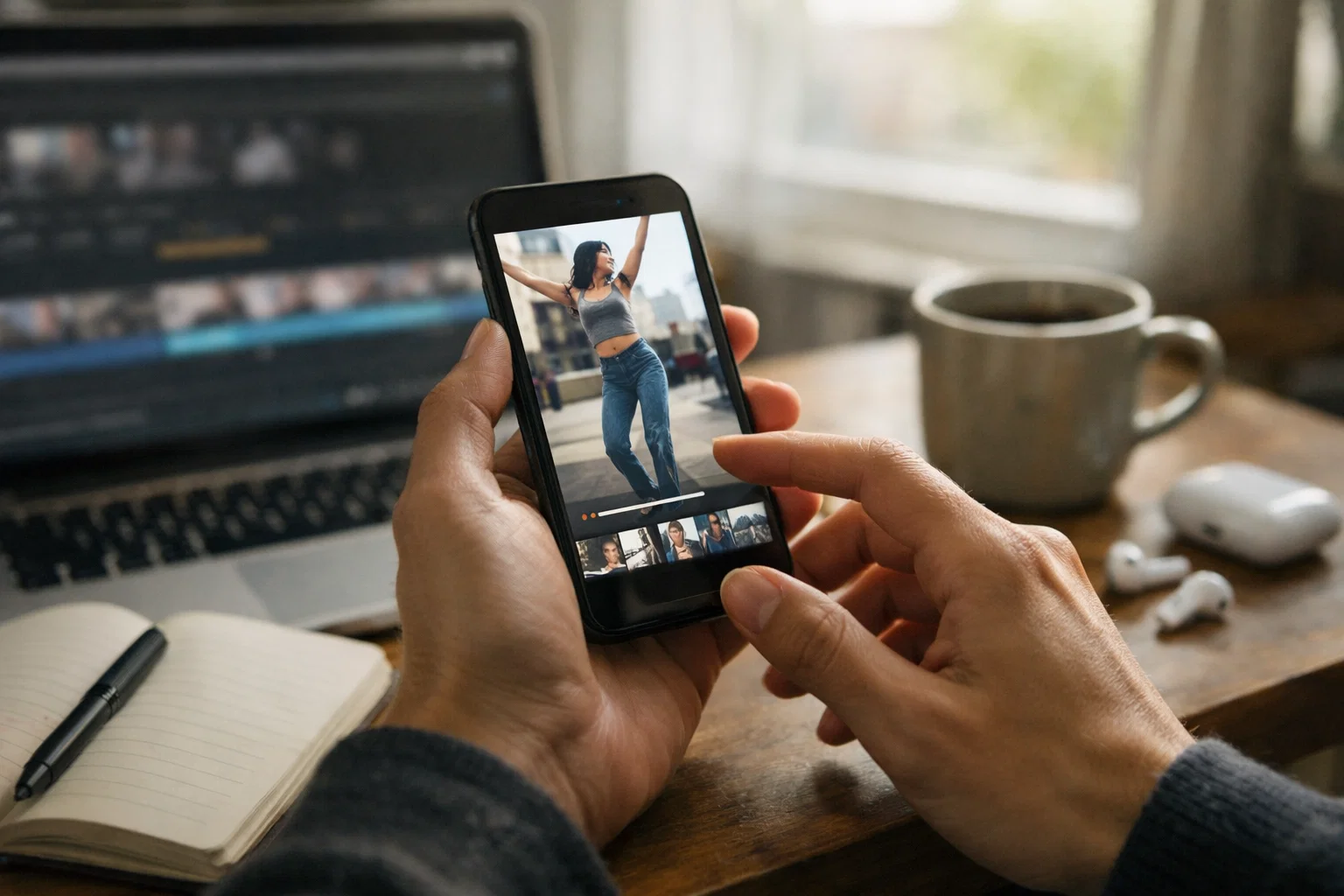
Every viral Instagram edit follows a structural pattern that becomes visible when you break the reel into four components. This breakdown turns random inspiration into a repeatable process for selecting templates.
The first component is the hook type. Watch what appears in the opening 3 seconds. Viral edits use one of four hook formats: bold, animated text; a question or statistic; a face reveal; or a high-contrast visual shift. The hook determines whether a viewer stays or scrolls.
The second component is transition rhythm. Count how often the scene changes. High-energy edits shift every 1.5 to 2 seconds with fast cuts and zoom transitions. Narrative edits shift every 3 to 4 seconds with smoother camera movements and scene dissolves.
The third component is text animation style. Watch how typography moves on screen. Word-by-word opacity reveals, scale pops, slide-in animations, and kinetic rotation each create different visual energy levels.
The fourth component is pacing and audio sync. Determine whether cuts land precisely on audio beats, whether a voiceover drives the timing, or whether background music sets the rhythm independently.
Once you identify these four elements in any viral reel, you can match it to a specific AE template category. Five viral editing styles dominate Instagram right now, and each one maps to a specific type of AE template.
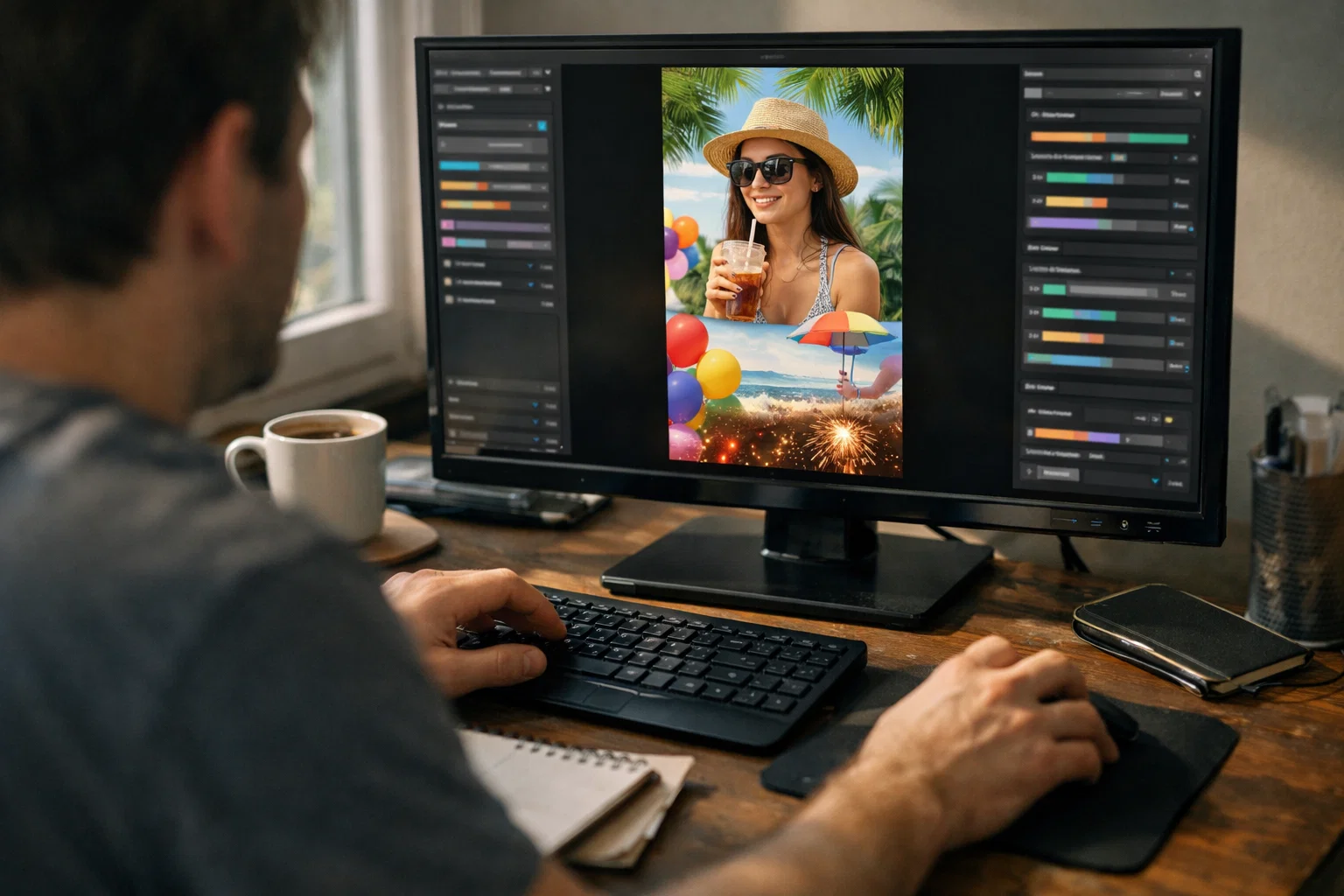
A recreated edit becomes original the moment you replace the template’s default identity with your own brand elements. Four adaptation layers turn any AE template from a generic recreation into a branded piece of content.
Start with your color palette. Swap the template’s accent colors, background tones, and text highlights to match your brand kit using the color control layers inside the AEP file. Next, replace the default typography with your brand typeface or a complementary font pair that reflects your content tone.
Adjust pacing by shifting keyframes to match your specific audio track’s BPM. The template’s default timing was built for the original creator’s audio. Your track will have different beat positions, so transition keyframes need to land on your beats, not theirs.
Finally, replace the content angle itself. Keep the structural pattern (the hook type, transition rhythm, and text animation style) but swap the topic, data points, and messaging for your own narrative. The pattern stays. The content becomes yours.
For the full step-by-step customization process, including replacing placeholder media, adjusting effects, and exporting for Instagram, follow the step-by-step workflow for editing viral reels with AE templates.
Copying a viral reel means duplicating someone else’s content. Recreating the pattern means studying the editing structure and applying it to your own message. The distinction determines whether Instagram’s algorithm rewards or buries your reel.
Copied content produces nearly identical reels that Instagram deprioritizes as derivative. The algorithm detects visual and audio similarity and limits distribution to protect original creators. Recreation works differently. It isolates the structural decisions behind a viral edit (hook placement, transition timing, text reveal cadence, audio sync pattern) and applies those decisions to original footage, original messaging, and a distinct brand identity.
The difference is the same as studying a film’s editing structure versus re-uploading the film. AE templates built from viral formats give editors the structure without the original content. The animation skeleton is pre-built. The identity is entirely yours.
Editors who recreate enough proven styles eventually develop their own visual signature. After working through 5 to 10 different viral edit formats, patterns start repeating. You notice which transition types, text animations, and pacing structures you consistently gravitate toward. Those recurring preferences become your editing identity.
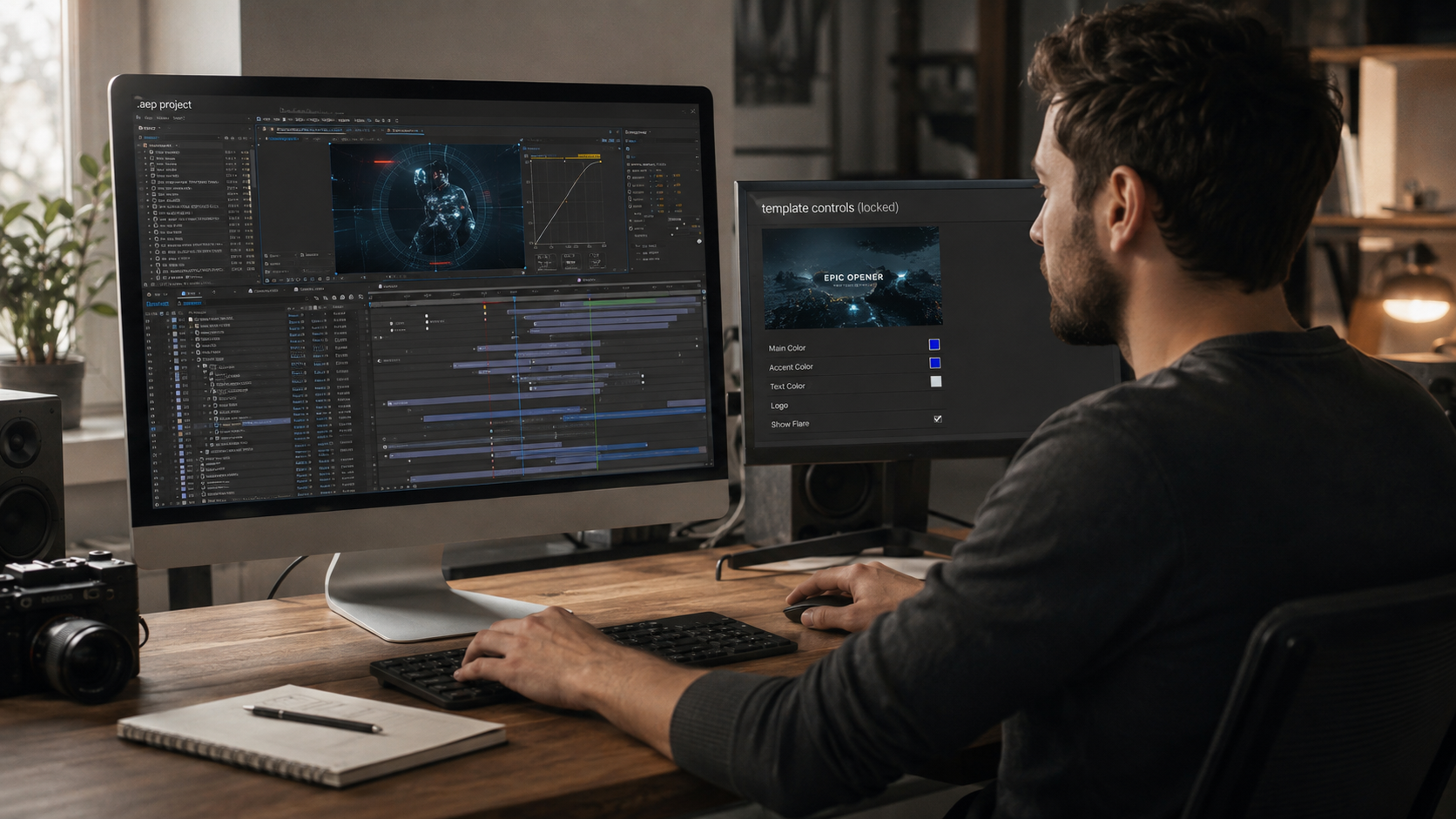
Studying open AEP files accelerates this process. Instead of guessing why an edit feels a certain way, you inspect the exact keyframe curves, effect stacking order, and timing decisions inside the project file. Each template you open reveals a new set of creative choices that become part of your reference library.
Recreation is the starting point. Original style is the result. Exploring more viral edit styles using ready after effects project files expands the range of patterns you can draw from.
Yes. AE templates contain pre-built animations, keyframes, and effects. Editors only need to replace placeholder media, update text, and adjust timing. The structural animation is already complete inside the project file.
The first 3 seconds of a reel determine whether a viewer keeps watching or scrolls past. Viral edits place a bold visual hook in the opening frame: animated text, a striking image, or a counterintuitive statement that triggers curiosity.
Yes. A vertical 1080x1920 AE template at 30 fps exports correctly for Instagram Reels, TikTok, and YouTube Shorts without any resizing or reformatting.
CapCut templates offer one-click editing with limited customization. AE templates are fully open project files (.AEP) with editable layers, keyframes, effects, and compositions, giving editors complete control over every animation element.

Explore more guides on After Effects project files and viral editing workflows.
Production-ready edits that teach you how they were built.