Back
Back

 Mar 01, 2026
 Muhammad Sikandar
After Effects links to media files instead of embedding them, so sending only the .aep triggers missing footage errors on the client’s machine. Collect Files (File > Dependencies > Collect Files) bundles the project and all referenced media into one self-contained folder. Collect Files does not collect fonts, third-party plugins, or external scripts, and these must be packaged separately. A professional delivery includes pre-collection cleanup, post-collection verification, a client README, and a preview render. EarnEdits AEP files follow this same organized structure, with all assets localized for clean collection and delivery.
After Effects stores references to media files, not the files themselves, so a .aep sent without its linked assets opens with missing footage errors on every machine except the one it was built on.
The .aep file contains compositions, keyframes, effects, and expressions. Every footage clip, audio file, and image is a reference pointing to a location on the editor’s drive. When the .aep moves to a different machine, those file paths no longer exist. Every referenced asset displays as a bars-and-tone placeholder with a “Missing Footage” label.
A single project can reference 50 to 200 or more external files. Sending the .aep alone forces the client to request each one individually or assume the project is broken.
Collect Files solves this by copying every referenced asset into a single folder alongside the .aep, making the entire project self-contained and portable to any machine.
Running two cleanup commands before Collect Files strips orphaned references and unused compositions from the project, reducing the collected folder size and eliminating assets the client does not need.
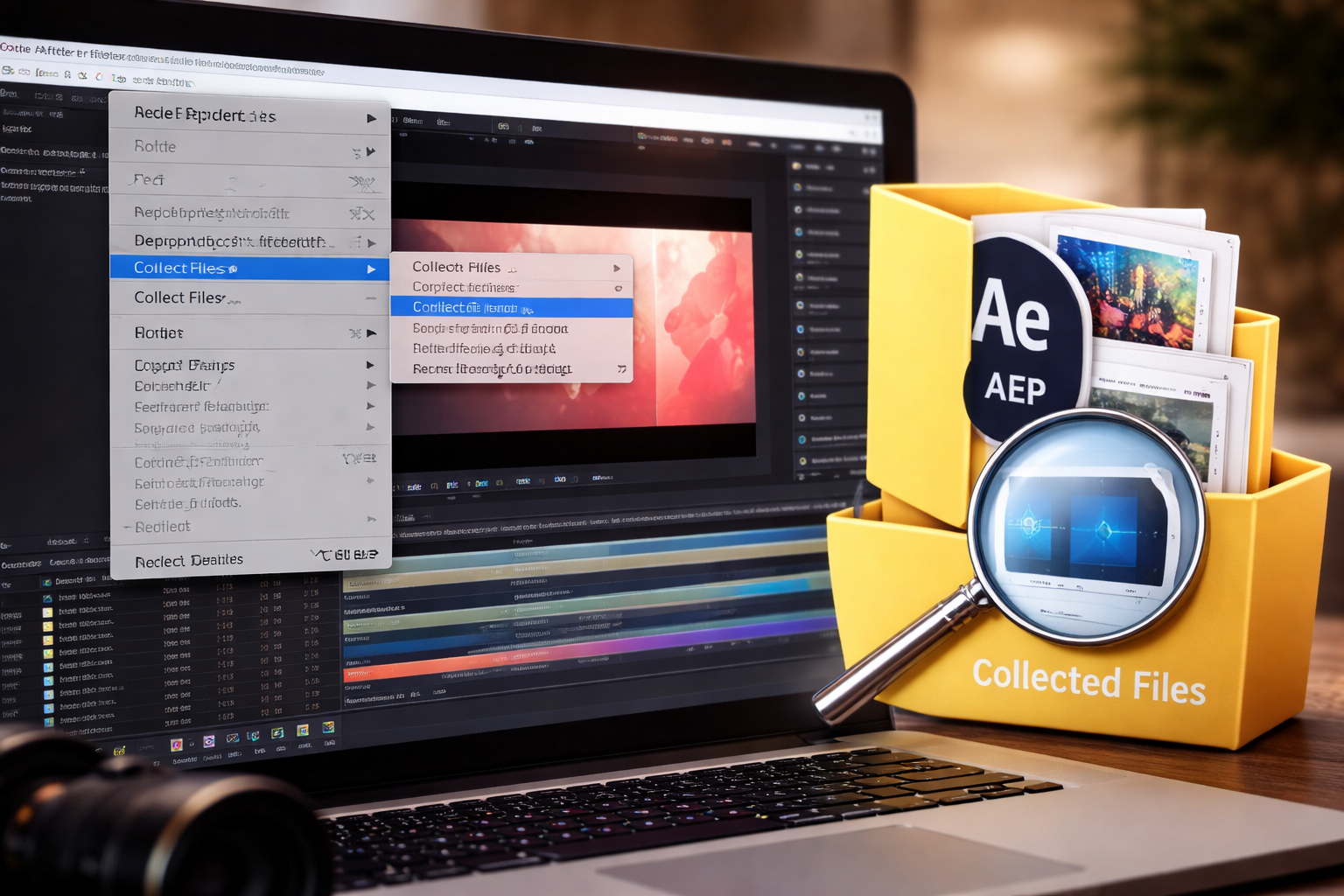
Collect Files copies every referenced asset into a single self-contained folder alongside a new .aep and a report file, making the project portable to any machine.
The process copies files. Originals remain in their original locations. The collected folder is a complete, independent duplicate. For a full Collect Files walkthrough covering every dropdown option and setting, the detailed guide breaks down each configuration.
Collect Files bundles every referenced media file, but it does not collect fonts, third-party plugins, or external script files because these are system-level installs, not file references inside the .aep.
Fonts: After Effects references font names from the operating system’s font library. When the client opens the project on a machine without those fonts installed, every text layer displays a “Missing Font” warning and substitutes a default typeface. The workaround: create a Fonts folder in the delivery package containing the .ttf or .otf files if the font license permits redistribution. For Adobe Fonts, note in the README that the client must activate them through Creative Cloud.
Third-Party Plugins: Effects from plugins like Trapcode, Element 3D, or Optical Flares are referenced by name in the .aep. If the client does not have the plugin installed, those layers render with a “Missing Effect” watermark across the composition. The workaround: create a plugins.txt file listing every third-party plugin the project uses, with version numbers and download links where available.
External Script References: Expressions that call external .jsx files or data files (JSON, CSV) also break when those files are not included in the delivery. The workaround: copy any referenced script or data file into the delivery folder and note its location in the README.
AEP Files Built for Clean Delivery
Every EarnEdits project file ships with localized assets, organized layers, and no plugin dependencies. Collect Files runs clean on every AEP in the library.
Browse All Project Files →
Opening the collected .aep from the new delivery folder and running three searches in the project panel catches every missing dependency before the client sees it.
A professional delivery package extends beyond the Collect Files output to include font files, a plugin list, a preview render, and a README that tells the client exactly how to open and use the project.
/ProjectName_v01_Delivery/
├── ProjectName.aep
├── (Footage)/
│ ├── Video/
│ ├── Audio/
│ └── Images/
├── Fonts/
│ ├── FontName-Regular.ttf
│ └── FontName-Bold.otf
├── Preview/
│ └── ProjectName_Preview.mp4
├── README.txt
└── Report.txt
The README.txt should cover:
The preview render is the most overlooked delivery item. The client opens the project, sees missing font warnings, and does not know whether the output looks correct. A 30-second low-res H.264 render of the final composition, placed in the Preview folder, gives the client a visual reference before they resolve any dependencies.
Compressing the delivery folder into a single .zip file before uploading prevents file corruption and keeps the folder structure intact during transfer.
Right-click the delivery folder and compress it to .zip. This preserves the folder hierarchy and prevents individual files from being renamed or separated during download.
For files under 2GB, Google Drive, Dropbox, or WeTransfer all transfer reliably. For files over 2GB, use Google Drive or Dropbox with folder upload since WeTransfer caps free transfers at 2GB. Avoid email attachments for any project over 25MB. Email clients strip or corrupt large archives.
Keep a local copy of the zipped delivery folder before uploading. If the client loses the file or requests revisions, resending takes seconds instead of re-collecting and re-packaging the entire project.
Start with Project Files That Collect Clean
EarnEdits AEP files use localized assets and organized folder structures. No scattered references, no plugin dependencies, no collection errors.
See All AEP Files →
Collect Files copies every referenced asset into the new folder. The original files remain in their original locations. The collected folder is an independent duplicate, not a relocation of the originals.
The project will not open if it was saved in a newer AE version than the one the client runs. Before collecting, use File > Save a Copy As to down-save the project to the client's AE version. Include the down-saved .aep in the delivery folder alongside the original, and note both versions in the README.
Yes. Select the composition in the project panel, then choose "For Selected Comps" from the Collect Source Files dropdown. This collects only the assets used in that specific composition and its nested pre-comps, producing a smaller, more focused delivery package.
The most common causes are fonts not installed on the new machine, third-party plugins not installed, or assets that were offline or on a disconnected drive when Collect Files ran. Run the step-by-step relinking workflow for missing footage, fonts, and effects to identify and resolve each missing item.
Yes. The report lists every asset Collect Files bundled, including file names and original paths. It serves as an inventory that the client can reference if anything appears missing after opening the project.

Explore more guides on After Effects project files and viral editing workflows.
Production-ready edits that teach you how they were built.