Introducing Frame War
Submit your best edit, make it into the Top 3, and compete for the monthly Frame War reward. The winner receives cash plus exposure across EarnEdits community channels.

PRODUCT CATEGORIES
Submit your best edit, make it into the Top 3, and compete for the monthly Frame War reward. The winner receives cash plus exposure across EarnEdits community channels.
 Back
Back

 Feb 26, 2026
 Muhammad Sikandar
After Effects project files are available from curated creator libraries, subscription platforms, individual-purchase marketplaces, and free resource sites, each serving a different editing workflow and budget. The right purchase source depends on what you need the file for: learning editing techniques, speeding up production, building a reusable asset library, or delivering specific client work. Price alone doesn’t determine value.
A $5 file with disorganized layers and missing documentation costs more in editing time than a well-structured file at twice the price. Understanding what each source type offers, and what it doesn’t, prevents wasted purchases and wasted hours.
Curated libraries are built by a single creator or a small team, ensuring every file adheres to consistent quality standards, internal organization, and style direction. This model differs from open marketplaces, where thousands of independent contributors upload files of varying quality.
EarnEdits specializes in viral-style After Effects project files built specifically for social media editors.
The library features a growing collection of high-quality After Effects (.AEP) project files covering beat-synced transitions, kinetic typography, motion graphics overlays, and cinematic caption styles.
Projects are available in multiple formats, including 1080×1080 (square) and 1080×1920 (vertical), with durations typically ranging between 20–32 seconds.
Individual projects start from $7.99.
Full library access is available through subscription:
• $27/month for unlimited access
• $96/year for complete yearly access
The library is continuously expanding, with new projects added every week — maintaining the same structure, quality, and execution standards across all files.
Because one production team builds every EarnEdits file, editors learn the file structure once and navigate every file in the library the same way. That structural consistency separates a curated library from a marketplace and makes EarnEdits files function as both production tools and learning resources for building editing skills.
Eleven Percent sells project files tied to their tutorial content, allowing editors to learn specific effects by studying the original .aep. Pricing is per file, with a focus on stylized motion graphics and visual effects techniques.
Ravie.co offers animated loop project files, a niche category useful for background elements, social media content, and broadcast graphics.
Style consistency across the library. Predictable internal organization. Files are designed for a specific audience rather than every possible use case. When your editing work focuses on a particular content type, social media reels, corporate motion graphics, cinematic intros, a curated library aligned to that niche saves the filtering time required by larger platforms. EarnEdits delivers this for viral social media editing; every file adheres to the format, style, and organizational standard that short-form editors need.
Subscription models charge a monthly or annual fee for unlimited downloads from a growing library. This model makes financial sense for editors who download frequently across multiple content categories.
The largest subscription library for After Effects templates. Thousands of files across every category, intros, slideshows, titles, lower thirds, logo reveals, social media templates, corporate presentations, broadcast packages. New files are added weekly from the Envato contributor base. The subscription includes stock footage, music, and graphics, along with After Effects files. Licensing covers commercial use. The trade-off: files come from thousands of contributors, so internal organization, naming conventions, and quality vary significantly across files. By contrast, in EarnEdits, every file follows identical structural standards.
Subscription platform covering After Effects templates, Premiere Pro templates, stock footage, and music. Includes an Adobe extension that lets editors browse and import templates directly inside After Effects without leaving the application. Strong for editors who work across both After Effects and Premiere Pro and want assets from one subscription.
Subscription access to After Effects templates alongside a large stock video and audio library. Files tend toward broadcast-quality motion graphics and corporate-style content. Less depth in social media or trending content categories compared to Envato Elements.
Editors who download 5+ files per month across different content categories derive strong value from subscription platforms. The unlimited download model removes per-file cost decisions, making it practical to download, test, and discard files that don’t fit, which is expensive on per-purchase marketplaces. For editors focused on social media content, EarnEdits’ yearly plan at $150/year delivers better per-file value and a guaranteed level of organizational quality than general subscriptions. For guidance on verifying any file before use, read where to download After Effects project files safely.

Pay-per-file marketplaces let editors buy exactly what they need without ongoing subscription commitments. This model works for editors who need project-specific files rather than ongoing access to a library.
The largest individual-purchase marketplace with 114,000+ After Effects templates. Files span every category: logo reveals, slideshows, title animations, infographics, social media templates, broadcast packages, HUD elements, transitions. Pricing starts at a few dollars for simple templates and scales up for complex, multi-composition projects. Each file page includes a preview video, file details, a list of required plugins, and compatibility with After Effects versions. User ratings and sales counts provide quality signals. The volume is both a strength and a challenge: finding the right file among 114,000 options requires filtering, previewing, and evaluating.
Marketplace with both free and paid After Effects templates. Covers standard categories: intros, titles, transitions, lower thirds, slideshows. Licensing covers commercial use of paid files. Smaller catalog than VideoHive, but less filtering is required to find relevant files.
Primarily a plugin and script marketplace, but hosts specialized project files and automation templates for advanced motion graphics workflows. Files here tend toward technical complexity, expression-based systems, modular animation rigs, and procedural effects, rather than ready-to-customize templates. Best for editors with intermediate-to-advanced After Effects knowledge.
Independent creator storefronts where individual motion designers sell project files, preset packs, and template bundles directly. Quality, organization, and documentation vary entirely by creator. Pricing ranges from budget bundles to premium individual files. Check reviews, preview videos, and seller history before purchasing.
Editors downloading 1-3 files per month for specific projects spend less on individual purchases than on monthly subscriptions. Per-file buying also works when you need one specific file type (a particular logo reveal style, a specific transition pack) rather than ongoing access to a broad library. EarnEdits’ individual files at $2.99- $6.99 fit this model: buy exactly the viral style you need for a specific project without committing to a subscription.
Free After Effects project files help editors explore new styles, test workflow approaches, or work on personal projects with zero budget.
Mixkit. Owned by Envato. Offers free After Effects templates for titles, transitions, slideshows, and social media formats. All files are licensed royalty-free for personal and commercial use. No account required. Smaller selection than paid platforms, but every file is legitimately licensed.
MotionElements free section. 300+ free After Effects templates alongside their paid marketplace. Account required for download. Covers basic categories: intros, titles, transitions, and lower thirds.
ProductionCrate. Free tier (account required) provides VFX-focused elements, explosions, muzzle flashes, energy effects, and environmental elements. Stronger for action and sci-fi production work than social media or corporate content.
VideoCopilot. Andrew Kramer’s site offers free project files and tutorials on cinematic VFX techniques. Files are professional-grade and educational, demonstrating advanced compositing and effects workflows. Plugin-dependent files require Element 3D or Optical Flares.
YouTube tutorial companions. Creators like SonduckFilm, Vane Motion, and others release free .aep files alongside their tutorial videos. Quality and organization depend on the individual creator.
Smaller selection. Less frequent updates. Categories skew toward basic templates and VFX elements rather than trending social media styles. For production work that requires consistent quality across multiple files, free sources supplement paid libraries rather than replace them. EarnEdits fills the gap left by free sources, viral social media styles, and professional organization, commercial licensing, and a consistent file structure across the entire library. Understanding the difference between open project files and locked templates helps set expectations for what free files typically include.
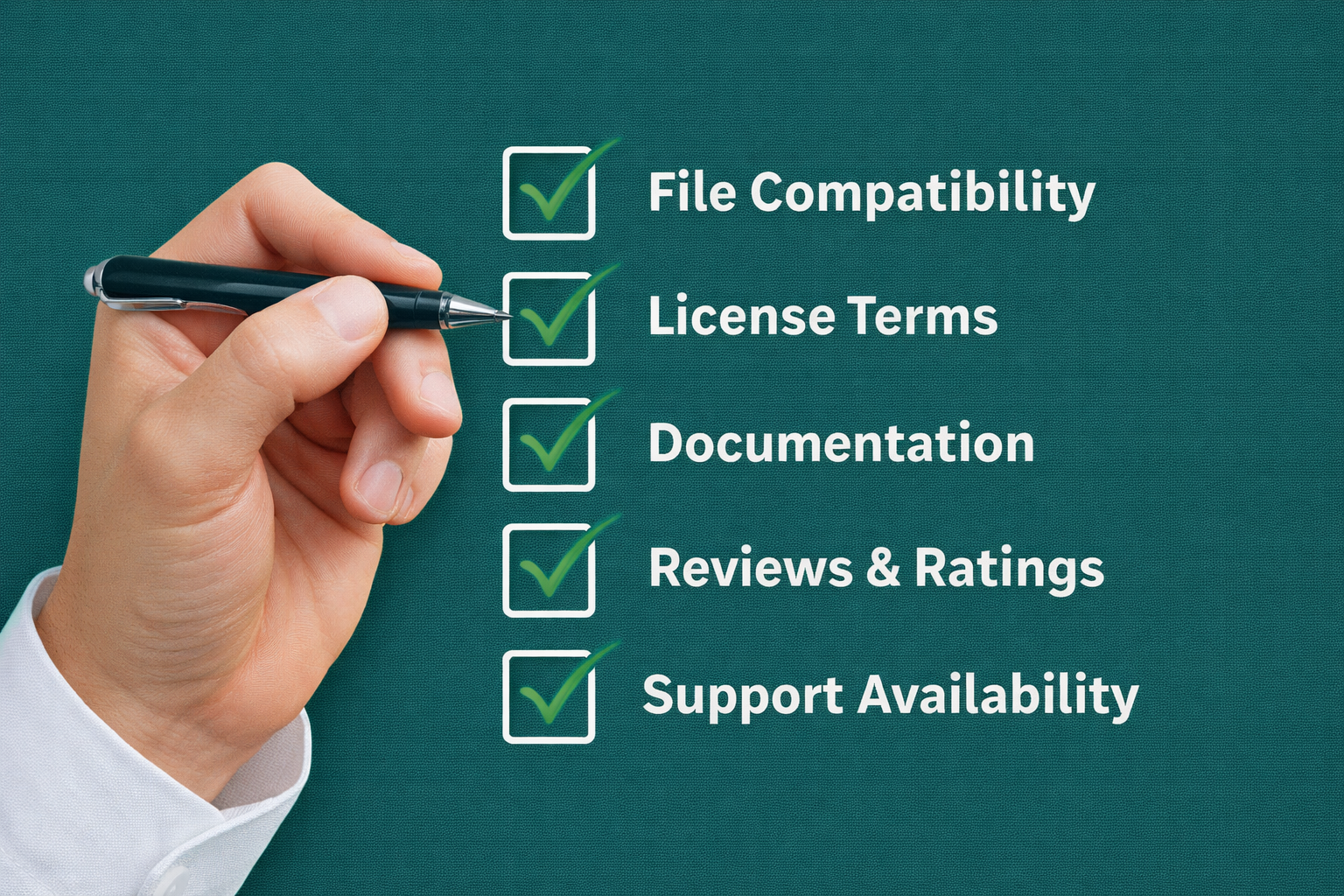
Every purchase source, curated, subscription, marketplace, or free, requires the same verification steps before downloading or buying. EarnEdits lists the following for every file; this is the standard to expect from any source.
After Effects version compatibility. Files created in newer versions of After Effects won’t open in older versions. Check the listed version requirement against your installation. Files requiring CC 2024 won’t open in CC 2022.
Plugin requirements. Third-party plugins such as Trapcode Particular, Element 3D, Optical Flares, Deep Glow, or RSMB add effects that can’t be rendered without the plugins installed. Files listing “No Plugins Required” use only native After Effects effects. EarnEdits generates multiple files using native AE effects and lists all plugin dependencies for each file, minimizing unexpected incompatibilities.
License type. Commercial licenses allow the use of the file in client work and paid content. Personal licenses restrict use to non-commercial projects. Some free files require attribution. EarnEdits includes commercial-use rights on every file; no attribution is required, and there is no license ambiguity for client work.
File organization and documentation. Preview videos show the visual output. They don’t show internal layer organization, naming conventions, or keyframe accessibility. EarnEdits files open with labeled layers, organized compositions, color control panels, and visible keyframes every time. For marketplace files, check the descriptions for details on the internal structure. Disorganized files with generic layer names (“Layer 1,” “Shape Layer 4”) require time to decipher before editing can begin. For full details on evaluating file quality, read why editable After Effects project files matter.
Resolution and aspect ratio. Verify the composition matches your delivery format. A 1920×1080 horizontal file requires reworking for vertical social media delivery (1080×1920). EarnEdits files ship in 1080×1920 vertical format, built for the social media delivery format most editors need now.
Different editing workflows call for different purchasing approaches.
A curated library aligned to social media editing, EarnEdits for viral-style vertical content, provides the most time-efficient source. Every file matches the format, style, and organizational standard you need. Supplement with a free source like Mixkit for occasional experimentation outside your core style.
A subscription platform (Envato Elements or Motion Array) provides breadth across categories, corporate, social, broadcast, wedding, and event. The unlimited download model supports experimenting across styles without per-file cost risk. Add EarnEdits for social media client deliverables specifically, the organizational quality and viral style focus outperforms what general subscriptions offer for short-form content.
Per-file purchasing on VideoHive, MotionElements, or EarnEdits keeps costs proportional to actual usage. Pay only for the files you need, when you need them.
Files are designed to be open .aep projects with exposed keyframes and labeled layers serve both production and education. EarnEdits files and tutorial companion files typically offer better learning value than mass-market templates with locked expression controls. Each EarnEdits file teaches editorial technique through its structure, and how courses compare to project files for learning explains this in detail.
Most working editors combine two sources: one curated or subscription source for core production work, and one marketplace or free source for specific one-off needs. This combination provides both consistency and flexibility without overspending.
After Effects project files are available from curated creator libraries, subscription platforms, individual-purchase marketplaces, and free sources. Each model serves a different workflow: curated libraries like EarnEdits deliver style consistency and organizational quality; subscriptions deliver breadth and download volume; marketplaces deliver specific one-off needs; and free sources deliver accessible experimentation. Check version compatibility, plugin requirements, license type, and file organization before every purchase, regardless of source.
Browse curated viral-style project files built for social media editors at EarnEdits, or return to the complete guide to After Effects project files for the full technical foundation.
Files from Mixkit, MotionElements (free section), and ProductionCrate carry commercial licenses. Always verify the specific license on each file; some free sources require attribution, and some restrict commercial use. EarnEdits includes commercial use rights on every file by default. Read the license page, not the download button.
Individual files range from $2.99 (EarnEdits single files) to $50+ for complex multi-composition projects on VideoHive. Subscription platforms cost $10- $30/month for unlimited access. EarnEdits offers both per-file purchasing ($2.99-$6.99) and full library access ($17/month or $150/year).
Calculate your actual download pattern. Downloading fewer than 3-4 files per month makes individual purchases more cost-effective. Downloading 5+ files per month makes subscriptions more cost-effective. For social media editors specifically, EarnEdits' yearly plan at $150/year delivers focused value: every file aligns with your workflow, whereas with general subscriptions, many downloads go unused.
Preview accuracy depends on having the same fonts, plugins, and After Effects version that the creator used. Check the requirements list before purchasing. EarnEdits lists every dependency for each file and previews all editing styles on its YouTube channel. What you see is what opens in your timeline.
Commercial licenses explicitly permit client work usage. EarnEdits files include commercial rights on every download. Most paid marketplace files and subscription downloads also include commercial licenses. Verify the specific license type, "Regular" vs "Extended" licenses on VideoHive, for example, carry different usage rights.

Explore more guides on After Effects project files and viral editing workflows.
Production-ready edits that teach you how they were built.