Back
Back

 Mar 01, 2026
 Muhammad Sikandar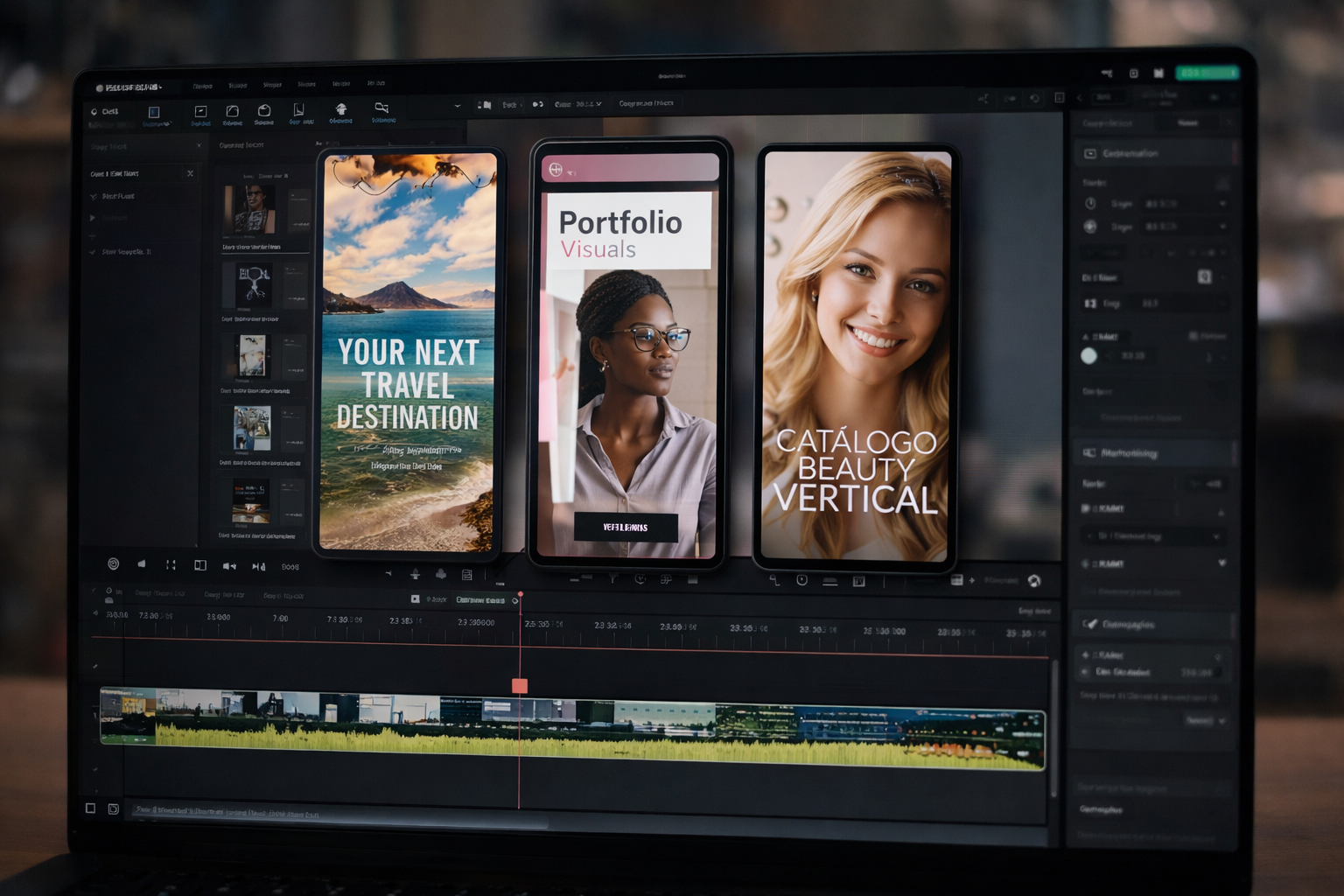
Vertical templates built in 9:16 aspect ratio outperform horizontal alternatives on every short-form platform. The performance gap is measurable: higher completion rates, stronger engagement, and better algorithmic distribution. The advantage is structural, not stylistic. Full-viewport coverage, safe zone architecture, and native formatting signals give vertical-native templates a compounding edge over cropped or letterboxed horizontal content. Horizontal 16:9 remains the correct format for YouTube long-form and cinematic work, but short-form mobile content belongs to vertical.
Vertical content in 9:16 aspect ratio (1080×1920) is the native format for Instagram Reels, TikTok, and YouTube Shorts because it matches how people hold and scroll their phones.
Ninety-four percent of smartphone users hold their devices vertically. A 9:16 composition fills 100% of the mobile viewport in every short-form feed. Horizontal 16:9 content letterboxes with black bars above and below, occupying roughly one-third of the screen when viewed without rotation. That difference in screen coverage is not cosmetic. It determines whether the content commands attention or gets buried under dead space.
Mobile devices now account for 79% of weekly video views in the US, and average daily mobile video consumption reached 4.7 hours per US adult in 2026. Short-form platforms are built entirely around vertical scroll. Every Reel, Short, and TikTok renders in portrait orientation by default. The feed architecture assumes 9:16 content. Anything else is an exception the platform accommodates, not a format it rewards.
Horizontal content in a vertical feed forces a decision: watch a shrunken letterboxed version or rotate the device. Neither outcome favors the creator. Research indicates 67% of mobile viewers swipe away from content that does not engage within 3 seconds. Letterboxing burns that window before the first frame of actual content registers.
This is not about how footage is filmed. It is about how the template is built. A project file composed at 1080×1920 from the first keyframe delivers full-viewport content. A 16:9 composition cropped after the fact does not.
Vertical video achieves 33.8% higher completion rates than horizontal video on mobile, and the gap widens on platforms where full-screen immersion is the default viewing experience.
The data is consistent across multiple measurement frameworks. Seventy-six percent of users watch vertical video to completion, compared to 54% for horizontal. Vertical content generates 58% more engagement on mobile than horizontal equivalents. Vertical ads deliver 33% higher click-through rates. Short-form vertical content under 30 seconds sees average completion rates above 68%. These are not marginal differences. A 22-point completion rate gap between 76% and 54% means nearly half of horizontal viewers drop off before the video ends, while three-quarters of vertical viewers stay through the final frame.
The mechanics behind these numbers trace back to four structural advantages that vertical templates build into the content from the composition stage.
Screen dominance:A vertical template fills the entire viewport. No black bars. No adjacent post fragments. The viewer sees one piece of content and nothing else. That single-focal-plane design reduces cognitive load and increases watch-through.
Hook positioning: Vertical framing places the subject center-screen at full scale from frame one. The hook occupies the maximum possible screen area the instant it appears. Horizontal content in a vertical feed shrinks the hook to roughly 35-40% of the screen, surrounded by black bars. The same element that stops a scroll at full-screen scale gets ignored at one-third scale. Intro templates that position the hook in the first second rely on this full-viewport advantage to trigger the initial retention signal.
Text and caption architecture: Vertical templates stack text across the full 1080-pixel width with 1920 pixels of vertical space. Headlines, hooks, subtitles, and CTAs each occupy a dedicated zone without overlapping the visual. Horizontal templates compress the same information into a wider but shorter frame, where stacking more than two lines obscures the subject.
Emotional proximity: Vertical framing naturally produces closer crops. On a phone screen, a vertical talking-head clip fills the display the way a FaceTime call does, triggering a psychological sense of direct, one-to-one connection. Horizontal framing does not replicate that intimacy. The closer crop drives saves, shares, and comments at higher rates than detached widescreen compositions.
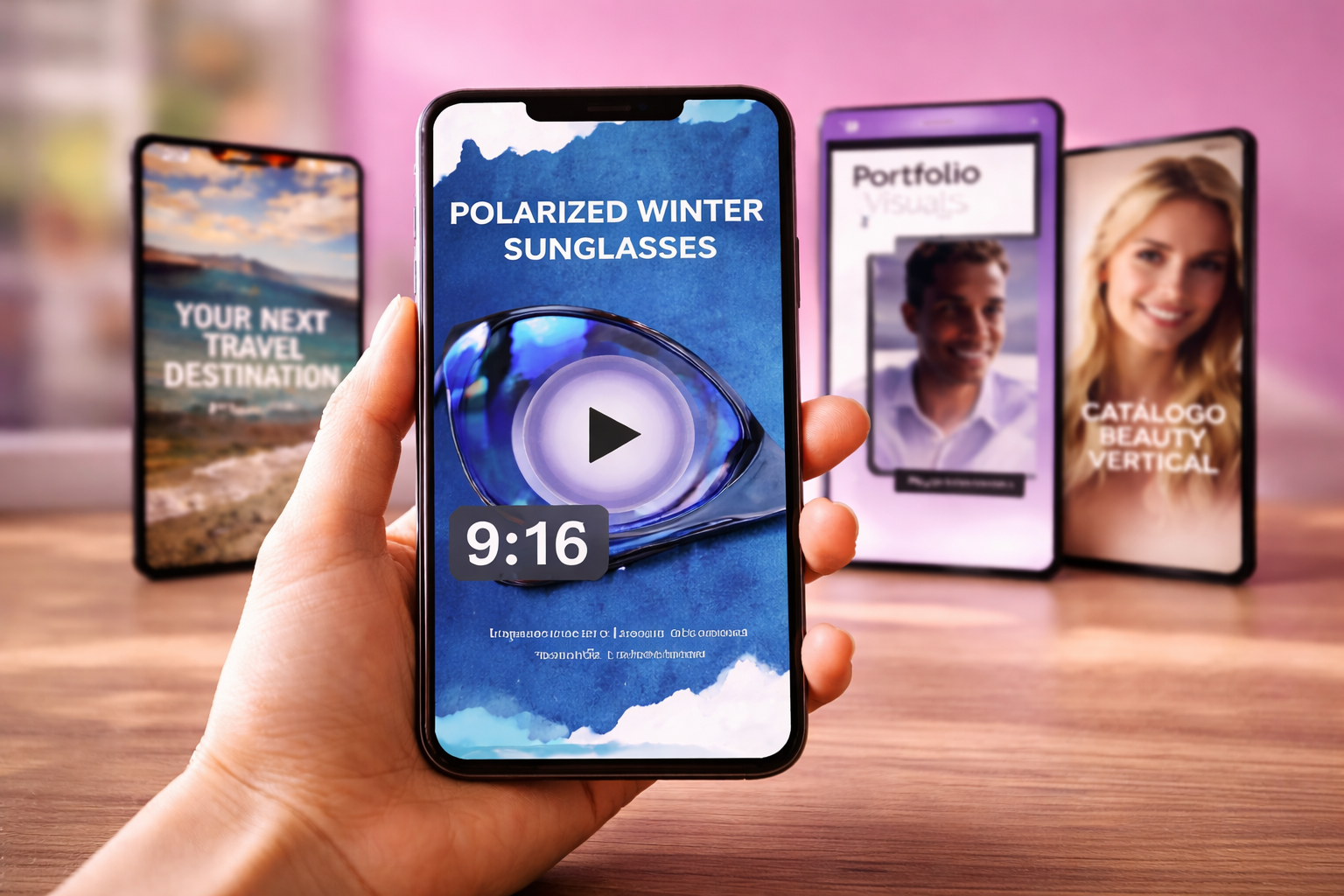
Instagram Reels, TikTok, and YouTube Shorts all prioritize content that matches their native 9:16 format in feed distribution and recommendation logic.
When a video uploads at 1080×1920, the platform registers it as native content built for that environment. When a 16:9 video uploads and gets letterboxed or auto-cropped, the platform registers a repurposed asset. Native content signals intentional creation. Repurposed content signals an afterthought. Algorithms do not formally penalize horizontal uploads, but they score content using completion rate, watch time, and interaction rate. Vertical-native content scores higher on all three because full-viewport immersion keeps viewers in the content longer. Higher engagement scores trigger broader distribution, and broader distribution compounds the advantage into a feedback loop that letterboxed content never enters.
For editors, this distinction matters at the composition stage, not the export stage. A vertical-native template locks the 9:16 ratio from the first keyframe. Every motion path, text zone, and visual element is designed for how the algorithm will evaluate the final output. Exporting a horizontal project as a vertical crop does not replicate that structural alignment.
Build Vertical-Native from Frame One
EarnEdits vertical AEP files ship at 1080×1920 with safe zones, text placement, and motion paths designed for Reels, TikTok, and Shorts.
Browse Vertical Templates →

A vertical-native template designed at 1080×1920 preserves full framing intent, while a horizontal template cropped to 9:16 loses 44% of the original frame and misaligns every design decision made for 16:9.
The math is straightforward. A 1920×1080 horizontal frame contains 2,073,600 pixels. Cropping that frame to 9:16 portrait keeps only the center column, roughly 607×1080, then upscales it to fill 1080×1920. That operation discards 44% of the designed area. Text positioned for 16:9 safe zones lands outside the crop boundaries. Motion paths that travel edge-to-edge in landscape compress into the center third of the vertical frame. Elements placed in the outer portions of the horizontal composition disappear entirely.
A vertical-native composition starts at 1080×1920. Text zones sit above the bottom 20% of the frame, where platform UI overlays cover content on Reels, TikTok, and Shorts. Usernames, captions, and like/comment buttons occupy that strip on every platform. Vertical-native templates position hook text, CTAs, and subtitles above these overlays during the design phase. Cropped horizontal templates cannot account for these dead zones because horizontal composition has no equivalent overlay region. For exact dimensions per platform, the platform-specific safe zones and dimension standards for Reels, TikTok, and Shorts break down each overlay area and text-safe boundary.
This single architectural difference, designing with platform UI overlays in mind versus ignoring them, determines whether on-screen text remains readable across every short-form feed.
Horizontal 16:9 templates remain the correct choice for content designed to be viewed on landscape screens or at cinematic scale.
Four contexts consistently favor horizontal formatting. YouTube long-form is the most common: videos over 60 seconds intended for desktop and TV viewing render in YouTube’s landscape player, where 16:9 fills the frame and 9:16 would pillarbox with black bars on either side. Cinematic storytelling, including narrative sequences, documentary footage, and film-style compositions, depends on wide framing and lateral motion that vertical cropping destroys. Presentations and pitch decks displayed on conference screens, webinar embeds, and landscape monitors require 16:9 to fill the projection area. Website hero sections that run above-the-fold video backgrounds on desktop-first landing pages also need horizontal formatting to span the browser viewport.
Outside these four cases, every short-form, mobile-first output performs better in vertical-native 9:16. The format decision is not a preference. It is a structural match between the composition ratio and the platform’s viewing architecture. For a breakdown of choosing the right After Effects template format for each platform, the templates guide maps the format to the distribution channel.
Every EarnEdits AEP Ships Vertical
All 51 project files on EarnEdits are built at 1080×1920 with platform-ready safe zones. Start editing in the format that performs.
See All Project Files →
All three platforms use 9:16 vertical at 1080×1920 pixels. Content uploaded in this ratio fills the full mobile screen without letterboxing. Horizontal 16:9 content displays with black bars in these feeds, reducing visual impact and weakening the engagement signals algorithms use for distribution.
Cropping a 1920×1080 frame to 9:16 discards 44% of the designed area. Text zones, motion paths, and subject framing all shift or disappear. A vertical-native template built at 1080×1920 avoids these losses because every element is placed for the portrait canvas from the start.
Platforms do not formally penalize horizontal uploads. Letterboxed content, however, consistently underperforms vertical-native content in completion rates and engagement. Those are the primary signals algorithms use for distribution. Lower engagement scores mean narrower reach, which functions as an indirect penalty even without an explicit format rule.
Safe zones are the areas of the frame not covered by platform UI overlays. On Reels, TikTok, and Shorts, the bottom 15-20% of the screen displays usernames, captions, and interaction buttons. Vertical-native templates position hook text and CTAs above these overlays during design, so nothing critical gets buried under the UI.
YouTube Shorts uses 9:16 vertical. YouTube’s standard player uses 16:9 horizontal. The format depends on the content type: vertical for Shorts, horizontal for long-form. Using the wrong ratio for either context results in letterboxing or pillarboxing that reduces screen coverage and viewer retention.

Explore more guides on After Effects project files and viral editing workflows.
Production-ready edits that teach you how they were built.