
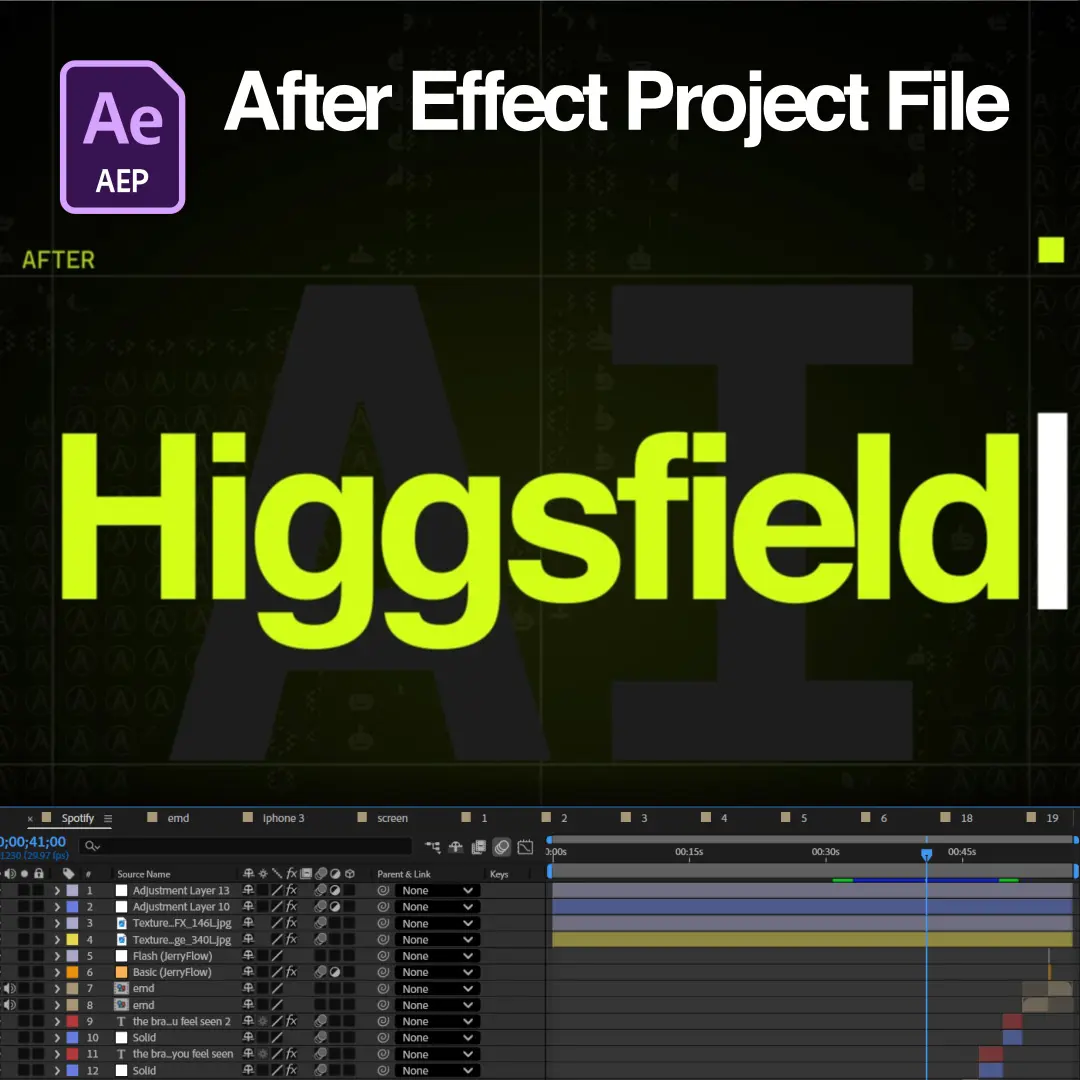
Download the exact .AEP file used in this tutorial and follow along inside After Effects.
Part 1 of the Higgsfield AI x After Effects tutorial teaches the AI asset generation stage of the workflow: prompt writing, AI tool selection, animation-friendly asset creation, and creative brainstorming. We use AI as a creative partner in this tutorial, not as a replacement for design skill. AI speeds up ideation, generates raw assets, and solves creative problems, while the animation craft stays in After Effects.
The lessons follow the exact assets inside our open Higgsfield project file, so every technique is reproducible in your own timeline. Editors finish Part 1 able to generate clean, animation-ready assets for any After Effects project.
Part 1 covers the five skills that separate usable AI assets from wasted generations. The lesson sequence is listed below:
Structured prompts produce usable assets because detail controls the output. The lesson demonstrates giving AI proper context, describing style and composition and mood, specifying camera angles, using reference images, and iterating instead of expecting a perfect first result.
The difference shows in one example from the tutorial. A vague prompt reads: “Make a football player.” Our structured prompt reads: “Create a full-body football player viewed from behind, FIFA Ultimate Team promotional style, realistic proportions, wearing a modern kit, dramatic stadium lighting, isolated on a transparent background.”
The structured version specifies subject, angle, style reference, proportions, wardrobe, lighting, and background in a single pass. Each specification removes one round of failed generations.
Each AI tool serves one production task well, and combining tools beats relying on one. The lesson maps the tool categories we use in the EarnEdits workflow: image generation, background removal, upscaling, video generation, object replacement, voice generation, sound effects, and script writing.
Higgsfield handles the video asset generation in this project, and image models such as Nano Banana produce the still visual assets we animate. The lesson explains when a single tool covers a scene and when a multi-tool chain produces a cleaner result.
Animation-friendly assets share six properties: transparent backgrounds, clean silhouettes, separated layers, high resolution, consistent perspective, and matched lighting. The lesson demonstrates generating for each property, because assets that fail these checks fight the animator at every keyframe.
Transparent PNGs with clean silhouettes drop straight onto the timeline. Layer separation keeps foreground, subject, and background independently animatable. Matched lighting across generations keeps multi-asset scenes believable after compositing.
AI brainstorming accelerates story ideas, visual metaphors, transition concepts, motion references, color palettes, and typography directions. The lesson demonstrates prompting for concepts rather than finished assets, which keeps the creative decisions with the editor.
Five mistakes account for most wasted AI generations in motion design work. The mistakes are listed below:
Each mistake has a fix demonstrated in the lesson, and the consistency mistake receives the deepest treatment because scene-to-scene mismatch is the most common failure we see in AI-assisted edits.
This tutorial is built on our open Higgsfield for After Effects project file, which ships with every AI-generated asset used in the lessons. The file follows the EarnEdits open standard: full layer access, editable text, color controls, and organized folders. Editors who download the file follow the tutorial inside the exact project shown on screen. The file lives in our AI + After Effects workflow project files category alongside future AI-assisted releases.
Part 1 serves editors at any After Effects skill level because the AI generation stage happens before the timeline work begins. No advanced After Effects knowledge is required. Editors ready for the animation stage continue with Higgsfield AI x After Effects Tutorial Part 2, which covers composition building, motion principles, expressions, and final polish.
The full library of After Effects tutorials built on real project files is included in every EarnEdits subscription.
Part 1 is free to watch. The full tutorials library plus every project file category is included in the EarnEdits subscription.
The tutorial requires no Higgsfield subscription because every generated asset ships inside the project file. Editors who want to generate their own assets follow the prompting lessons with any comparable AI tool.
The prompting structure applies to any image or video generation model. Context, style, composition, lighting, and background specification improve results across every major AI platform.

Stay inspired with weekly viral edits, motion tutorials, and behind-the-scenes design breakdowns.


 Back
Back
