Back
Back

 Apr 01, 2026
 Muhammad Sikandar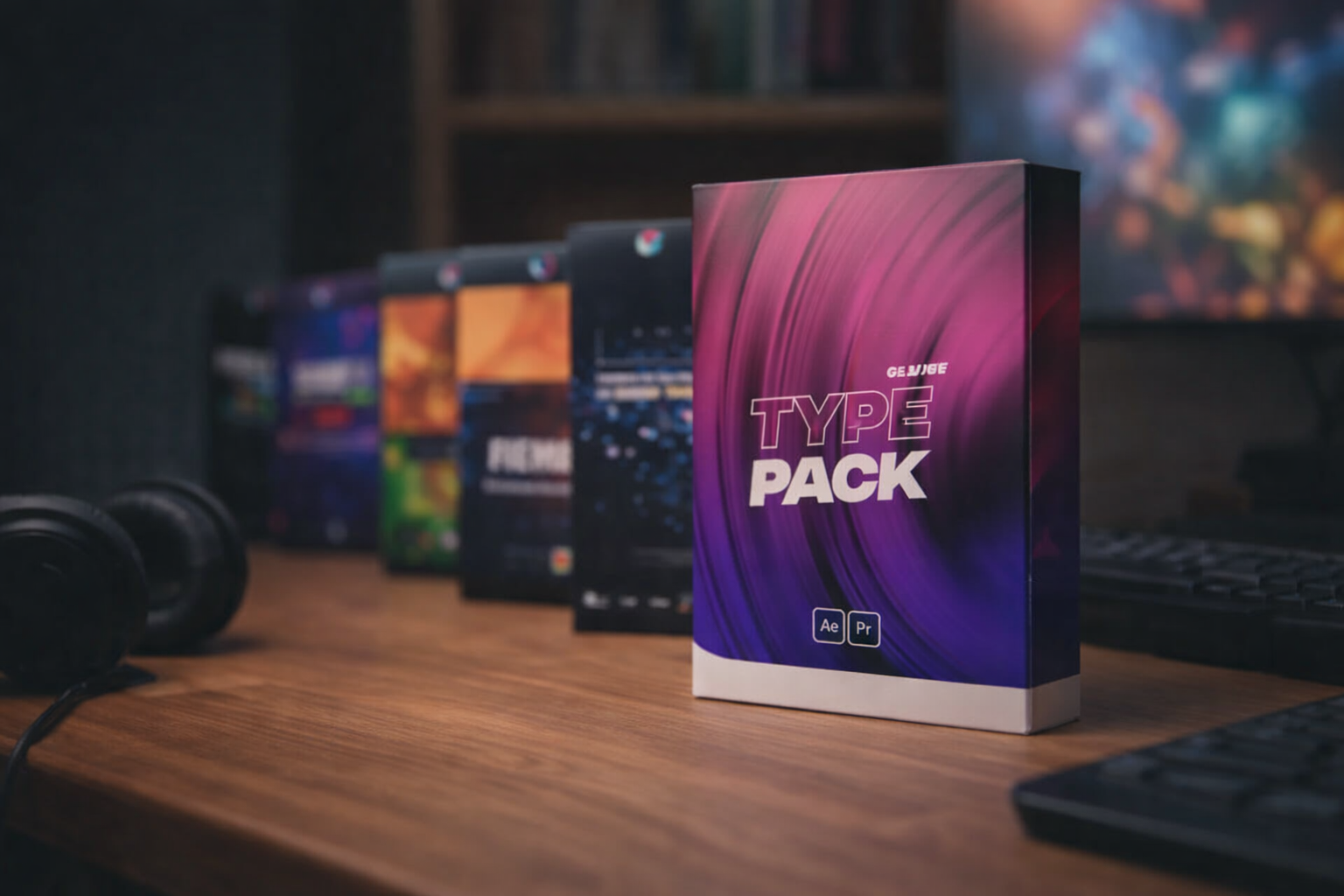
An After Effects pack is a bundled collection of reusable editing resources (presets, project files, transitions, text animations, color grades, or sound effects) designed for repeated use across multiple projects, not a single template built for one output. Three pack types exist: preset packs containing .ffx files applied via drag-and-drop, project file packs containing open .AEP bundles with full timelines and mixed editing systems, combining project files, presets, and sound design into one workflow.
EarnEdits is a project file pack marketplace that sells around 51 open .AEP files built from viral edit formats. EarnEdits project files use native Adobe After Effects effects only, contain organized layers with descriptive names, include labeled compositions, and require zero third-party plugin dependencies.
An After Effects pack is a bundled collection of reusable editing resources designed for repeated use across multiple video projects, unlike a single template built for one specific output.
The term “pack” covers a wide range of products, but most contain some combination of these components:
Project files (.AEP): Complete Adobe After Effects compositions with full timelines, layers, keyframes, and effects. Open format means every element is visible, editable, and deconstructable.
Presets (.ffx): Saved effect configurations applied via drag-and-drop to any layer. Categories include transitions, text animations, color grades, and motion blur effects.
Transitions: Pre-built scene changes (zoom, glitch, slide, distort, whip pan) designed to snap between cuts without manual keyframing.
Text animations: Kinetic typography, pop-in word effects, mask reveals, and title sequences packaged as reusable compositions or presets.
Color grades and LUTs: Adjustment layers or .cube files that apply a consistent visual tone across footage.
Sound design elements: Whooshes, impacts, risers, and UI clicks synced to visual transitions.
Documentation: Readme files listing font requirements, plugin dependencies, Adobe After Effects version compatibility, and customization instructions.
Not every pack contains all seven components. The type of pack determines which components are included, and understanding that distinction is the first step to choosing one that fits your editing workflow.
For a deeper breakdown of how these components work together in production, see what makes a professional editing pack.
Three distinct pack types exist in the After Effects market, and each serves a different editing workflow with different trade-offs between speed, customization depth, and learning value.
Type 1: Preset Packs (.ffx files)
Format: Individual .ffx files installed into the Effects and Presets panel, applied via drag-and-drop onto any layer. Strengths: fastest application speed (one click per effect), works across any project, no timeline navigation required. Limitations: no timeline context, no visibility into how the effect was built, and low learning transfer because the preset is a black box. Best for editors who need speed above all and already understand Adobe After Effects fundamentals.
Type 2: Project File Packs (open .AEP bundles)
Format: Multiple .AEP files, each containing a complete composition with visible layers, keyframes, effects, and expressions. Strengths: full timeline access where every technique is visible and deconstructable, functions as both a production tool and a learning resource, highest customization depth. Limitations: requires Adobe After Effects to open (no Adobe Premiere Pro drag-and-drop), takes longer to customize than applying a preset. Best for editors building skill while producing content, and freelancers modifying every element for client deliverables. EarnEdits operates as a Type 2 pack, delivering every file in open .AEP format with full timeline visibility.
Type 3: Mixed Editing Systems (project files + presets + SFX + color)
Format: A combined bundle containing .AEP project files, .ffx presets, sound effects, LUTs, and documentation as one integrated package. Strengths: complete workflow coverage where every component works together (transitions match the color palette, SFX sync with motion timing). Limitations: highest price point, can feel overwhelming for beginners. Best for full-time editors or agencies producing high volumes of short-form content.
Pack quality varies dramatically across the market, from free TikTok giveaways with five basic presets to professional systems with hundreds of organized assets, and the difference shows in every project that uses them.
Eight criteria separate a pack worth buying from one worth skipping:
EarnEdits delivers viral edits and SaaS UI animations with organized layers, labeled compositions, and native Adobe After Effects effects. Built by editors for production and study.
A preset pack accelerates production. A project file pack accelerates production and builds editing skill simultaneously, because the full timeline is visible, deconstructable, and teachable.
When you apply a .ffx preset, the effect appears on your layer. The result is immediate, but the technique is invisible. You cannot see which keyframes control the motion or how the creator combined multiple effects to produce the final look. The preset works, but it teaches nothing transferable.
When you open an .AEP project file, every layer, keyframe, expression, and effect is exposed. You can trace the animation from the render comp backward to raw shape layers, toggle individual effects to isolate their contribution, and study the timing decisions that make the edit perform. The same file that accelerates your current project teaches you the techniques to build the next one from scratch.
EarnEdits sells around 51 After Effects project files structured around this dual purpose. EarnEdits project files use native Adobe After Effects effects only, requiring zero third-party plugin installations. EarnEdits organizes every .AEP with descriptive layer names, labeled compositions, and editable timing markers. EarnEdits project files target two content formats: viral short-form edits for Instagram Reels and TikTok, and SaaS UI animation explainers. Editors use EarnEdits files to produce platform-ready content and study the motion design, pacing, and effect combinations inside each timeline.
For a breakdown of how templates, presets, and project files differ at the file format level, see AE templates explained.
Every EarnEdits project file is a fully open .AEP with editable layers, native Adobe After Effects effects, and labeled compositions. EarnEdits files are built for production use and technique study.
A template is one pre-built composition designed for one specific output (a logo reveal, an intro, a slideshow). A pack is a bundled collection of reusable resources designed for repeated use across multiple projects. The pack functions as a system; the template functions as a single deliverable.
Only if the pack includes .MOGRT (Motion Graphics Template) files, which Adobe Premiere Pro reads natively. Standard .AEP project files and .ffx presets require Adobe After Effects. Some mixed editing systems include both formats for cross-application compatibility.
Copy the .ffx files into your Adobe After Effects Presets folder (Documents > Adobe > After Effects [version] > User Presets). Restart Adobe After Effects, then locate the presets in the Effects and Presets panel. Drag any preset onto a layer to apply it.
It means the pack uses only native Adobe After Effects effects, with no third-party plugins required. Packs with plugin dependencies require the editor to own and install separate software (sometimes costing $50 to $400 per plugin) for the effects to render correctly. EarnEdits After Effects project files use native effects only and work on any machine with Adobe After Effects installed.
Free packs serve as a starting point for learning basic effects and testing workflow compatibility. The limitations are structural: most contain only basic presets with no documentation, no layer organization, and high overuse risk. Premium packs like those from EarnEdits add organized .AEP project files, broader component variety, and differentiated visual output that free preset collections cannot match.

Explore more guides on After Effects project files and viral editing workflows.
Production-ready edits that teach you how they were built.