Back
Back

 Apr 22, 2026
 Muhammad Sikandar
Animated text effects templates increase average watch time by 15–30% in the first 10 seconds of short-form video because motion-based typography triggers involuntary visual attention that static captions cannot. Text effects fall into four functional categories: hook text, emphasis text, transition text, and CTA text, each solving a specific retention problem at a different point in the timeline.
Template quality depends on timing control, easing curves, and layer access rather than visual style alone. Most text animation presets and closed MOGRT files lock the animation mechanics that actually determine whether viewers stay or swipe. Open After Effects project files expose every keyframe and per-character parameter, giving editors full control over text pacing across TikTok, Reels, and YouTube Shorts from a single .aep file.
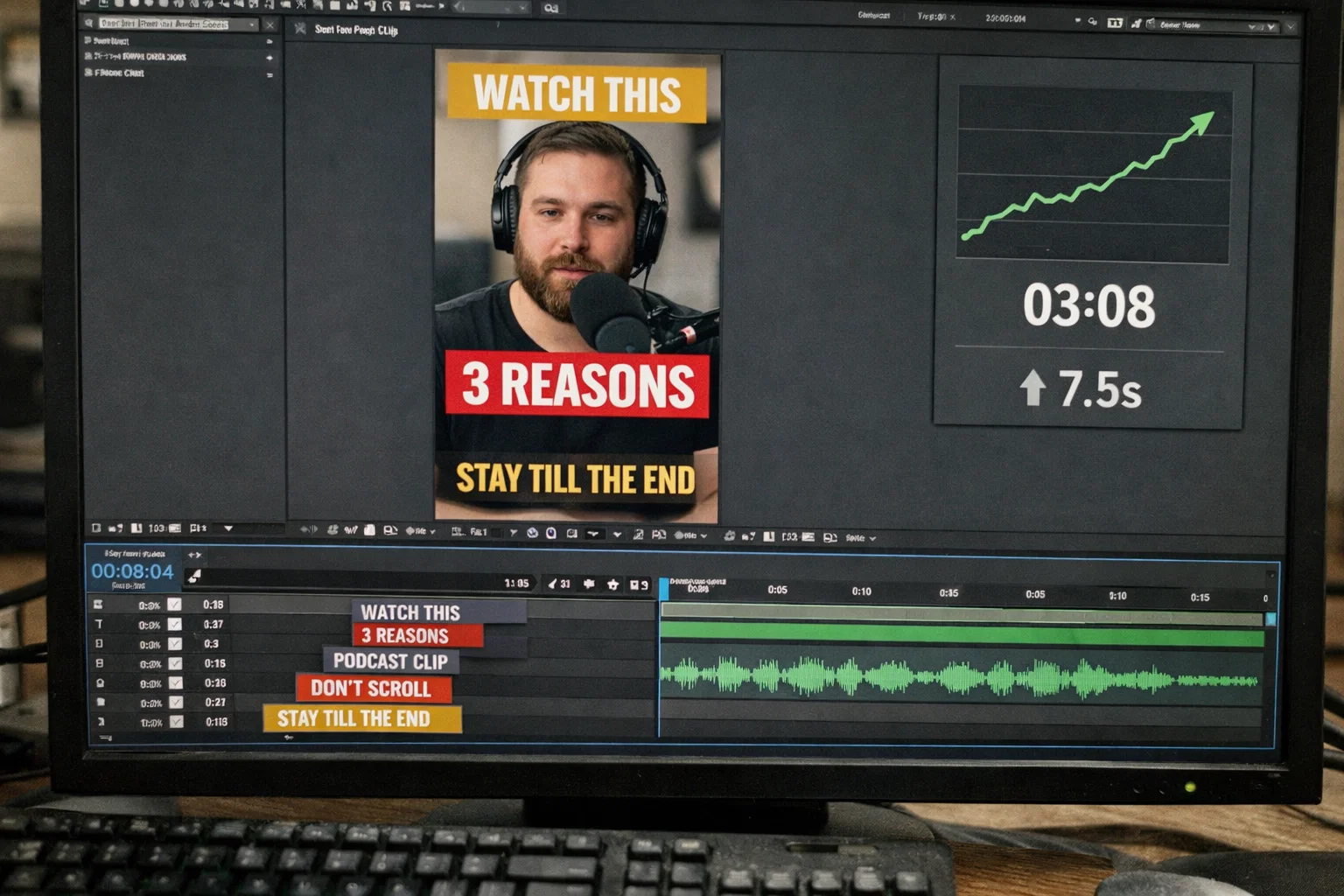
Animated text increases average watch time by 15–30% in the first 10 seconds because motion triggers the human visual attention system faster than static elements on screen. With 85% of social media videos watched on mute, text isn’t supplementary; it’s the primary information channel on TikTok, Instagram Reels, and YouTube Shorts. Text effects templates that match the right animation style to the right video moment compound this watch time advantage across every piece of content an editor publishes.
Every time animated text moves on screen, it creates a pattern interrupt, a visual reset that forces the viewer’s eye back to the content. That directly affects distribution, because TikTok, YouTube Shorts, and Reels use retention curves to decide which videos reach wider audiences. Videos that hold attention past the 7-second mark get promoted. Videos where viewers drop at second 3 get buried.
The practical rule: change text style or position every 3 seconds to reset attention before focus drifts. Pair each text hit with a synced sound effect, a pop or whoosh within 2 frames of the text appearing, and information retention increases by roughly 50%. The catch is that the text effect needs to match the specific moment in the video when it appears.
Text effects templates fall into four functional categories based on where they appear in a video and what retention problem they solve. Most marketplaces sort text animations by visual style, glitch, bounce, fade, and kinetic. What matters is what each effect does to the viewer’s attention at a specific point in the timeline.
Stomp openers, pop captions, and bouncing text stop the scroll before the viewer swipes. The animation needs to complete in under 0.5 seconds; TikTok and Reels are fast-swipe environments where a 1.5-second fade loses the viewer before the word appears. Bold keyword pop synced to the first audio hit delivers immediate impact.
Highlighted keywords, color-shift text, and scale-on-word animations re-engage attention at natural drop-off points, around the second 7 on Reels, the second 15 on YouTube Shorts. The speech-sync pop style, where one or two words appear with high-contrast strokes timed to the speaker’s voice, has become standard for talking-head content because it turns passive listening into active reading.
Kinetic typography, slide-in titles, and typewriter reveals bridge scenes without dead air. Typewriter text works well for educational content because viewers instinctively want to finish reading a sentence that appears letter by letter; that curiosity carries them through the scene change.
Pulse animations, countdown text, and “coming up next” teasers convert retained attention into action. Lower-third progress bars give viewers a visual reason to stay, if they see the payoff arrives in 5 more seconds, they wait. CTA text animation needs faster pacing (0.3–0.5 seconds) and high contrast to register before the video loops.
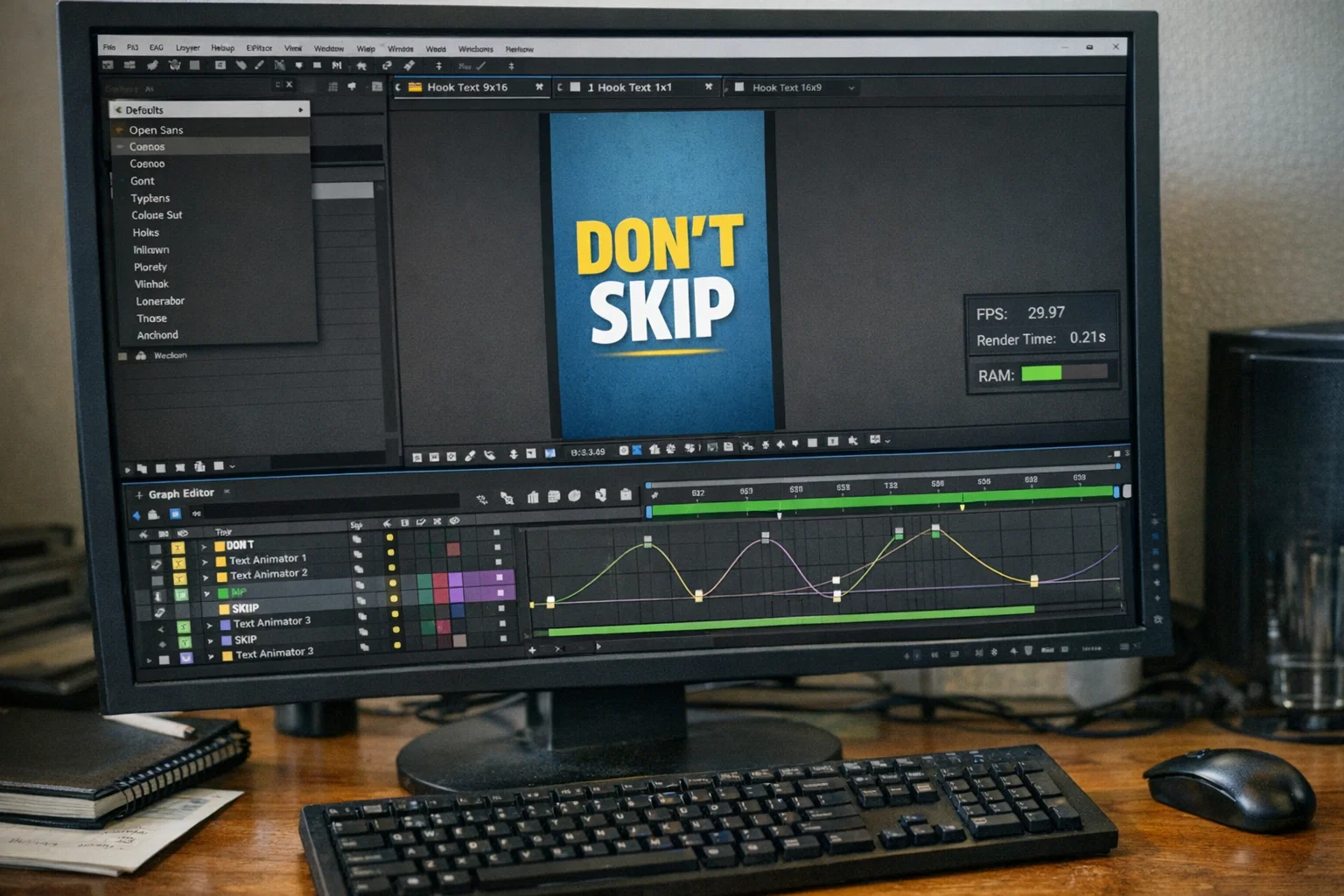
The quality of a text effects template depends on six factors that separate animations that improve watch time from those that create visual clutter.
Can you adjust animation speed per word or per character? Fixed-duration text animations that can’t match your cut rhythm break pacing and cost you viewer retention.
Smooth easing (ease-in, ease-out) versus linear motion separates professional text animation from amateur work. Linear looks robotic. Smooth easing feels intentional and weighted.
Templates that lock you into one font kill reusability across projects and clients. Text effects should accept any typeface without breaking the animation structure.
Labeled, color-coded layers versus unnamed “Layer 1, Layer 2” chaos. Organized layers mean faster customization. Disorganized layers mean guessing for 30 minutes before changing a word.
Lightweight text effects allow real-time preview. Heavy effects with nested pre-compositions slow playback and add 10–20 minutes to each export.
Does the template include vertical (9:16), square (1:1), and landscape (16:9) compositions? A single text effect that works across three aspect ratios saves hours per week of publishing.
Avoid templates with baked-in fonts you can’t swap, text animations with fixed durations that ignore your edit’s rhythm, and packs with no preview or layer visibility. If you can’t inspect the project structure before buying, assume it’s disorganized. Most common mistakes with After Effects project files start with messy timelines and unlabeled layers.
What Organized Text Effects Actually Look Like Inside a Project File
Every project in the EarnEdits library ships as a fully open .aep, organized layers, adjustable timing on every text animation, and compositions built around proven viral pacing. No locked presets. No guessing what’s inside.
Browse All Projects →
Most text effects templates ship as locked presets or closed MOGRT files that limit editing to surface adjustments, font color, text content, and sometimes scale, while sealing off the animation mechanics underneath.
Text presets (.ffx files) apply a single animation to your text layer, one fade, one bounce, one slide. You can’t modify the easing curve, timing offset, or per-character delay. The animation either matches your edit’s rhythm or it doesn’t.
MOGRT files offer slightly more through the Essential Graphics Panel in Premiere Pro, but only for parameters the creator chose to expose. If animation speed wasn’t made editable, you’re stuck with their timing decisions. A text pop built for a 60-second YouTube explainer doesn’t work on a 7-second TikTok, but the MOGRT gives you no way to retime it.
This is where watch time breaks down. When your cuts land at 0.4-second intervals but the text animation takes 1.2 seconds to resolve, the visual rhythm fractures and viewers swipe. Closed text effects templates treat every platform and video length as identical, but TikTok hook text needs sub-half-second animation, YouTube lower thirds can breathe for 2 full seconds, and Reels emphasis text performs best around 0.8 seconds.
Open .aep project files expose every keyframe, easing curve, and per-character parameter, giving editors full control over text timing, motion, and rhythm across any platform.
Per-character timing is the first advantage. Inside an open After Effects project file, you control how each letter or word enters the frame, speed it up for a TikTok hook, slow it for a cinematic reveal, or stagger characters by 3 frames for a typewriter rhythm. All from one .aep file.
Easing curve editing separates professional motion typography from amateur text pops. In After Effects, drag bezier handles on the graph editor to shape acceleration and deceleration of every movement; that’s the difference between text that snaps into place with weight and text that slides in like a PowerPoint transition.
Layer-level access means you see exactly how the animation was built, duplicate it, reverse direction, retime for a different section, or study the keyframe structure. Editors who integrate project files into client workflows build skill this way, learning through production, not tutorials.
Beat-sync capability ties everything together. When you can move individual keyframes, you align text hits to audio beats frame-by-frame, text on the kick, emphasis on the snare, CTA on the final beat. Locked presets animate on their own schedule regardless of your audio.
Each social platform rewards different text animation pacing, and using the wrong speed costs watch time before your content has a chance to perform.
| Platform | Text Speed | Best Styles | Key Timing Point |
| TikTok | Under 0.5s per hit | Pop, stomp, bounce | Hook in first 1.5 seconds |
| Instagram Reels | 0.5–0.8s | Highlight, scale, slide | Re-engage at the 7-second mark |
| YouTube Shorts | 0.8–1.2s | Kinetic, typewriter | CTA at 12–15 seconds |
| YouTube (long-form) | 1.5–2.5s | Fade, minimal, lower third | Title holds 3+ seconds |
Shorter content demands faster text. TikTok viewers make swipe decisions in under 2 seconds, so text that takes a full second to animate loses attention before the word appears. YouTube long-form allows slower motion because viewers have already committed.
Most text effects template packs ship with a single animation speed for each platform. This is why open project files built for viral social content outperform locked text effects templates. You retime the same animation for three platforms from one After Effects project.
Text Animations Timed for Social Platform Pacing
EarnEdits projects include text effects designed to leverage the retention patterns that drive views on TikTok, Reels, and Shorts. Every file is fully open .aep, retime any animation for any platform from a single project.
Explore the Collection →
Text presets (.ffx files) apply a single animation to any text layer with one click and no customization. Text effects templates are full compositions with multiple animated elements and timing structures. Open .aep templates add complete keyframe-level editability on top of that complexity.
After Effects offers the most control over timing, easing, and per-character parameters. CapCut handles mobile editing, Canva covers basic web motion text, and Jitter works for simple kinetic typography. For frame-level timing and beat-sync, After Effects remains standard.
Text effects templates with animated text in the first 3 seconds reduce swipe-away rate because motion triggers involuntary attention. With 85% of social video muted, text animation is the primary driver of watch time on the platform.
Roughly every 3 seconds. Varying between pop, highlight, and slide prevents the animation from becoming predictable, thereby canceling the pattern-interrupt effect.
Free After Effects text effects templates work for personal projects, but locked fonts, fixed timing, and inaccessible layers make them hard to adapt for brand-specific deliverables where customization is non-negotiable.

Explore more guides on After Effects project files and viral editing workflows.
Production-ready edits that teach you how they were built.