Back
Back

 Apr 22, 2026
 Muhammad Sikandar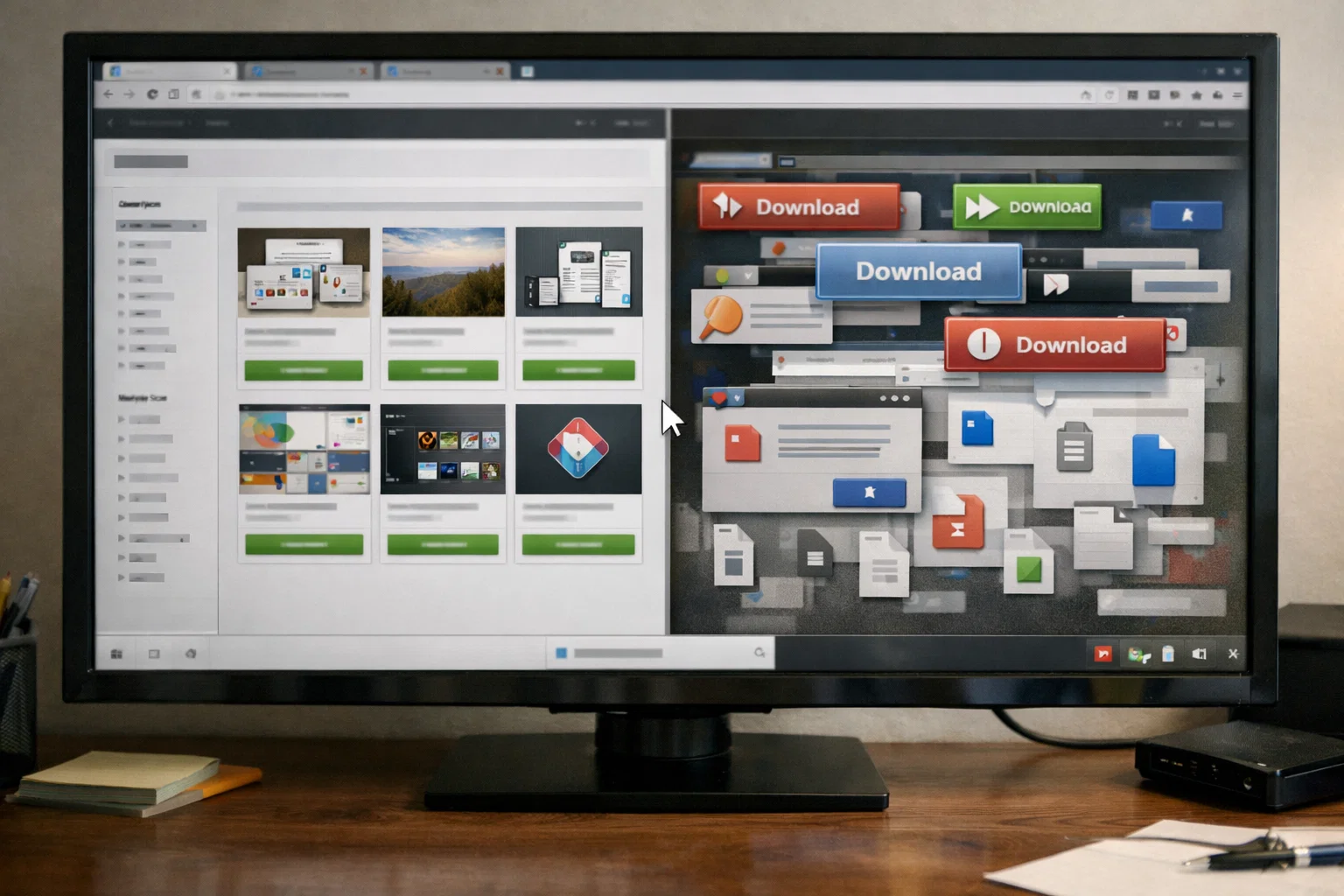
Free After Effects templates give editors a no-cost entry point into motion graphics, but the wrong source turns that shortcut into a project-breaking problem. The safest free templates come from established marketplaces that vet files before listing, not from Telegram groups, anonymous Google Drive folders, or sites with fake download buttons. Knowing how to spot unsafe sources, evaluate a file before opening it, and recognize what free templates typically lack separates editors who save time from editors who waste it. For client work, social content, or building motion design skills, the limitations of free files push most editors toward open project files where every layer, keyframe, and expression is accessible.
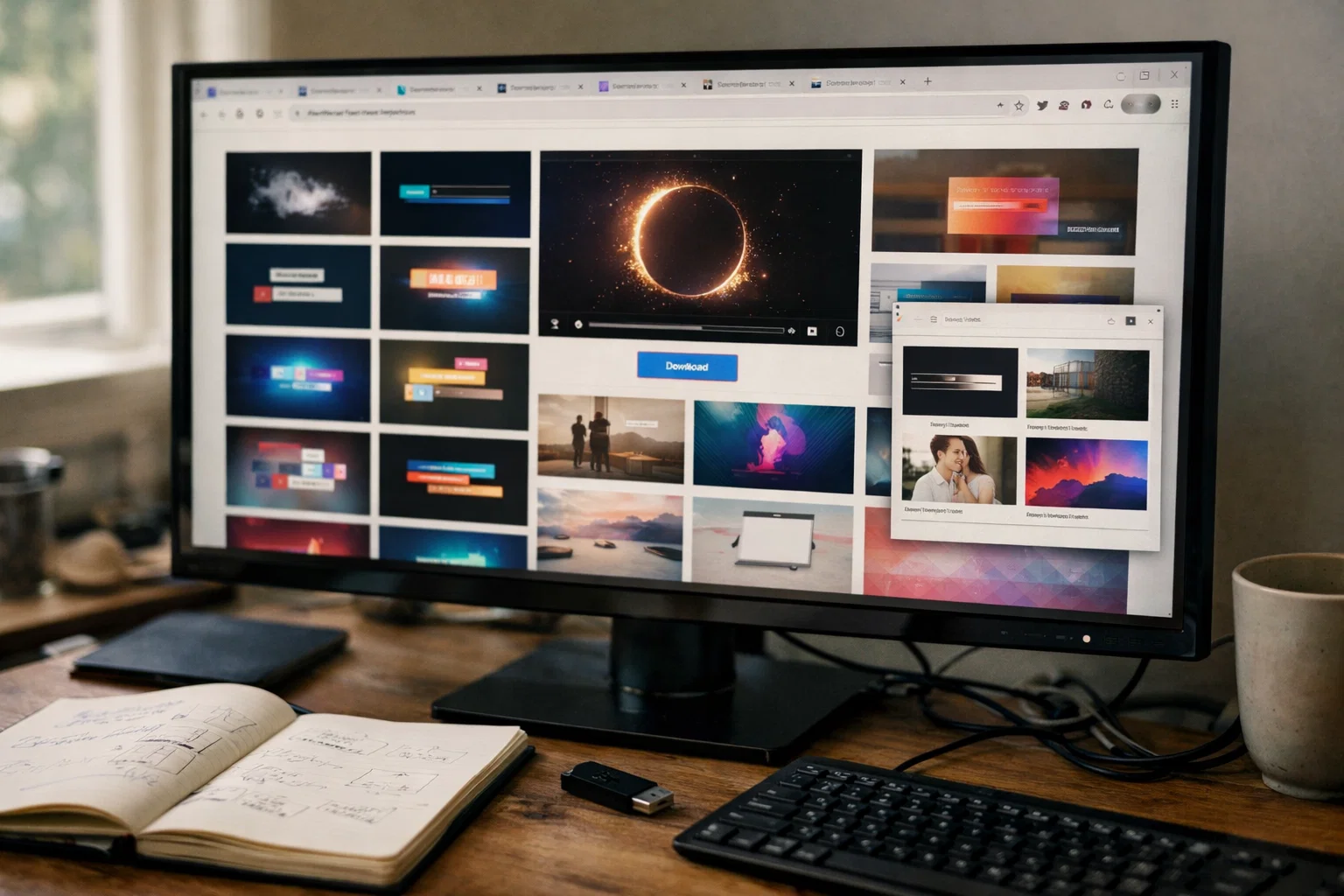
Free After Effects templates give editors a zero-cost starting point for learning motion graphics, testing unfamiliar styles, and producing basic projects without a subscription or per-file purchase.
There are three situations where that search makes sense. First, learning, opening a template to study how someone else structured a composition and applied keyframes. Second, testing, trying a template style (slideshow, text animation, logo reveal) before investing in a full pack for client work. Third, quick output, a one-off personal project that doesn’t justify a purchase.
The problem isn’t searching for free files. The problem is that most free sources deliver templates that are unsafe, incomplete, or so locked down that you can’t learn anything from them. The difference between a productive download and a wasted afternoon comes down to source and evaluation.
The safest free After Effects templates come from established marketplaces that review files before listing, not from random download links, Telegram channels, or Google Drive folders shared in YouTube comments.
Free sources break into three trust levels. Knowing which tier you’re downloading from helps prevent malware, missing assets, and licensing issues.
These platforms vet files before they go live, list licensing terms on every page, and deliver direct .zip downloads without third-party installers.
YouTube creators like SonduckFilm, Jack Cole, and Video Copilot often include free project files alongside tutorials. PremiumBeat publishes template roundups linking to vetted files. School of Motion shares project files as learning resources. Generally safe, but always check AE version requirements and plugin dependencies before opening.
This is where editors get burned. Telegram groups sharing “free Envato packs” distribute pirated files. Google Drive links in anonymous posts lack licensing verification and malware scanning. Sites requiring pop-up clicks and a “download manager” installation are monetizing your system, not giving you a template.
Reddit threads in r/AfterEffects are useful for recommendations, but they should link back to the original platform. If someone shares a direct file-sharing link instead of pointing to Mixkit or Motion Array, treat that download as unverified.
For a deeper breakdown of source verification, the guide on safely downloading After Effects project files covers each platform in detail.
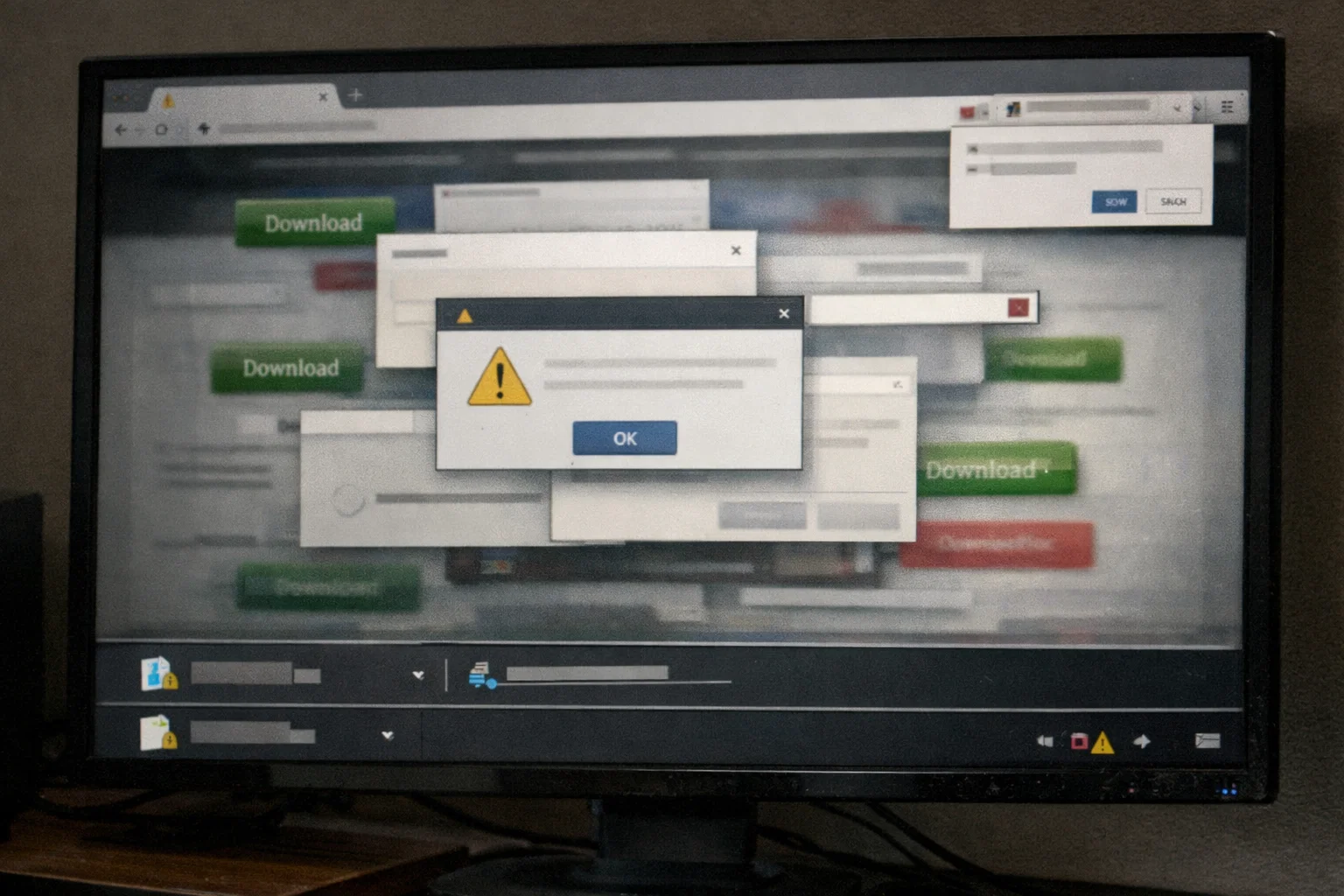
An unsafe After Effects template download usually signals itself before you open the file, through site behavior, file format, and licensing gaps that experienced editors learn to catch immediately.
A legitimate AE template is an .aep, .aet, or .mogrt file inside a .zip archive. If the download is an .exe, .dmg, or .msi, it’s not a template; it’s an installer, likely containing malware.
Any site forcing you to install separate software to access a free template is harvesting system access. Verified platforms deliver direct .zip downloads with no middleman.
Multiple “Download Now” buttons on the same page, notification pop-ups, and redirect chains before the actual file link signal an ad-farm, not a template library.
Legitimate free sources specify licensing terms for each file: personal use, commercial use, royalty-free, or attribution required. If there’s no licensing information, you don’t know whether using that file in client work creates legal exposure.
On platforms where reviews exist, disabled comments often mean the uploader is hiding complaints about missing assets, crashes, or pirated content.
Sites offering free downloads of files from paid platforms like Envato or VideoHive distribute pirated content. Using those files exposes you to DMCA takedowns, even if you didn’t know the file was pirated.
If a source passes all six of these checks, the file is worth evaluating. If it fails even one, move on.
A free After Effects template from a verified source still needs inspection, version compatibility, plugin dependencies, and layer structure determine whether the file saves time or creates more work.
Run antivirus on the downloaded archive before extracting. Takes seconds, preventing the rare case where even a legitimate platform hosts a compromised upload.
Look at the readme or listing description for the required After Effects version. AE files are forward-compatible; newer versions open older files, but not backwards-compatible. A template built in AE 2025 won’t open in AE 2022.
Free templates often rely on third-party plugins such as Trapcode Particular, Sabre, or Element 3D. If the listing names plugins you don’t own, the template won’t render correctly, turning a “free” download into a $50–$200+ purchase.
Before editing, check the project panel. Are folders labeled? Are the layers named “Layer 1” or “Comp 12”? Is there a control layer for adjusting colors and fonts across the entire project?
Free templates rarely include control layers. Changing a single accent color means manually updating it inside every composition, a 45-minute task on a 30-comp file. Not a dealbreaker for simple projects, but it’s the quality gap that separates free files from professionally structured ones.
Free After Effects templates deliver basic functionality but consistently miss the structural depth that makes a file useful for production work or learning.
Without a control layer, every edit, color, font, and duration requires manual changes across individual compositions. On a 30-comp template, a single branding change becomes a 45-minute task.
Most free templates ship in 16:9 only. No vertical (9:16) for reels and TikTok. No square (1:1) for feed posts. Editing for social platforms means rebuilding compositions from scratch.
Free files rarely specify “no plugins required.” You discover the dependency after opening the project and seeing broken effects across the timeline.
Free templates often pre-compile elements that hide the actual animation. You can swap placeholder text, but you can’t study the keyframing, easing curves, or expression logic underneath.
No readme, no tutorial, no explanation of folder structure. You’re reverse-engineering the file yourself.
For quick personal projects, these gaps are manageable. For client work or building motion design technique, they’re the reason editors stop searching free and invest in files built for production.
The real cost of free After Effects templates isn’t the download; it’s the hours spent finding usable files, troubleshooting missing assets, and rebuilding elements that should have been included.
Consider the math. An editor spends 90 minutes finding a free template that looks right. Opens it, missing fonts. Spends 30 minutes substituting. Discovers it requires Trapcode Particular. Finds a different file. That one has unnamed layers, compositions nested six levels deep, 16:9 only. Total time: 3+ hours on a file that “cost nothing.”
Compare that to a $10–$25 open project file where every layer is labeled, aspect ratios are included, no plugins are required, and the timeline is organized for immediate editing. The file takes 15 minutes to work, and because every keyframe and expression is visible, the editor learns something transferable.
The question isn’t free vs. paid. It’s how much your editing time is worth, and whether the file provides only output or both output and education.
For editors creating client content or building workflow skills from project files, the math favors files built for production over files built as subscription teasers.
Open Files. Real Edits. No Guesswork.
EarnEdits projects aren’t locked templates with missing assets. Fully open After Effects files built from real viral edits, organized layers, editable expressions, and compositions ready for vertical and widescreen output.
Explore the Library →
Depends on the license. Platforms like Mixkit and MotionElements offer royalty-free licenses for commercial use. Others restrict free files to personal projects only. Always check the licensing terms on the specific file page before using any free template in client work.
Reddit threads are useful for discovering sources, but the files linked aren't always verified. Follow the recommendations back to the original platforms: Mixkit, Motion Array, and MotionElements, instead of downloading from file-sharing links. If a post links to a Google Drive folder or Telegram channel, treat it as unverified.
A legitimate template is an .aep, .aet, or .mogrt file inside a .zip archive. If the download is an .exe, .dmg, or .msi installer, it's not a template. Don't open it.
Many do. Templates depending on Trapcode Particular, Element 3D, or Sabre won't render without those plugins, each costing $50–$200+. Check the file description for "no plugins required" before downloading.
Extract the .zip to a local folder. In After Effects, go to File → Open Project and select the .aep file. If the template uses external assets (footage, fonts, audio), keep them in the same folder structure; otherwise, After Effects flags them as missing on import.

Explore more guides on After Effects project files and viral editing workflows.
Production-ready edits that teach you how they were built.