Back
Back

 Mar 01, 2026
 Muhammad Sikandar
An audio visualizer template is a pre-built After Effects project file that converts audio amplitude and frequency data into synchronized visual motion, translating sound into rhythm that viewers recognize before they unmute. Four visualizer forms dominate short-form content: circular spectrums for music drops, bar and line spectrums for podcasts, reactive particles for high-energy beats, and ambient glow for cinematic or emotional edits. A production-ready visualizer template includes beat-responsive audio expressions, 9:16 vertical compositions with platform-safe text zones, adjustable sensitivity controls, and zero third-party plugin dependencies. Visualizers increase Reel retention because they communicate audio energy visually on mute-first platforms, stopping the scroll before the viewer unmutes.
An audio visualizer template is a pre-built After Effects project file that converts audio amplitude and frequency data into synchronized visual motion, turning sound into reactive waveforms, spectrums, particles, or shapes without building expression-based audio systems from scratch.
Inside After Effects, visualizers rely on expression-driven animation. The template reads audio data from the imported track and translates volume changes or frequency band activity into keyframe-driven motion on shapes, lines, or particles.
Two reactivity types exist, and understanding the difference before buying prevents a content mismatch:
A volume-only visualizer applied to a bass-heavy track will not isolate the kick. A frequency-isolated template applied to a podcast will react unevenly because the spoken word lacks consistent frequency separation.
Four visualizer forms dominate short-form content, and each serves a different content type based on how it directs viewer attention and communicates audio energy.
A radial ring of bars or lines pulsing outward from a center point, reacting to audio amplitude or frequency. The circular form anchors the viewer’s eye to the center of the frame, increasing watch time on content where attention should stay focused rather than scanning. Best for music drops, DJ promos, EDM Reels, and artist branding where the audio is the content and the visualizer is the hero element. Place the artist logo or album art in the center of the ring for branding that pulses with the beat.
Horizontal or vertical bars (or a continuous waveform line) that rise and fall with audio amplitude. The linear form communicates voice presence and pacing without overwhelming the visual frame, leaving room for text overlays, speaker images, or background footage. Best for podcast snippets, motivational speech edits, interview clips, and lyric videos where the audio carries a spoken message and the visualizer signals that this content contains sound worth turning on.
Particles, dots, or small shapes that burst, scatter, or pulse in response to audio peaks. Particle systems create a sense of explosive energy at beat drops and visual calm during quieter passages, mapping audio dynamics directly to visual intensity. Best for high-energy beats, trap and rap edits, hype Reels, and event promos where the content needs to feel physically impactful. Particle reactivity performs best with frequency-isolated templates because bass hits drive the burst while higher frequencies control ambient drift.
Soft color shifts, light pulses, or gradient waves that respond to audio with smooth transitions rather than sharp reactive peaks. The ambient form creates mood without competing for foreground attention, making it ideal for content where the message is primary and the visualizer is atmospheric support. Best for cinematic edits, emotional music Reels, slow-build motivational content, and branded audio.
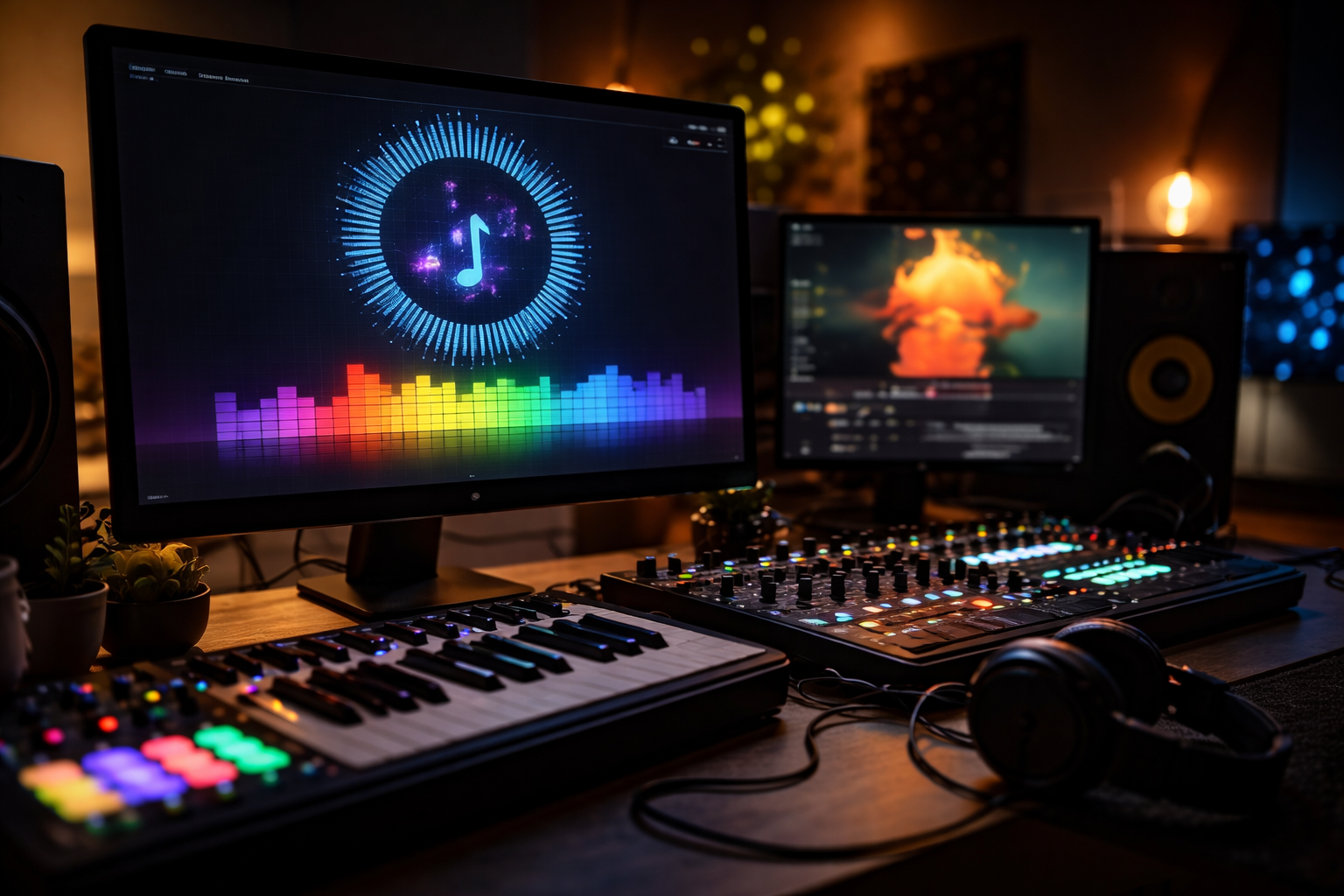
Five structural signals separate a production-ready audio visualizer template from a decorative preset: beat-responsive accuracy, vertical-first design, customization controls, project organization, and plugin independence.
For a broader breakdown of how to evaluate any After Effects template, see the After Effects templates guide.
EarnEdits audio-driven AEPs ship with expression-based reactivity, organized compositions, 9:16 vertical framing, and zero plugin dependencies. Drop audio, adjust, render.
Browse Audio Templates
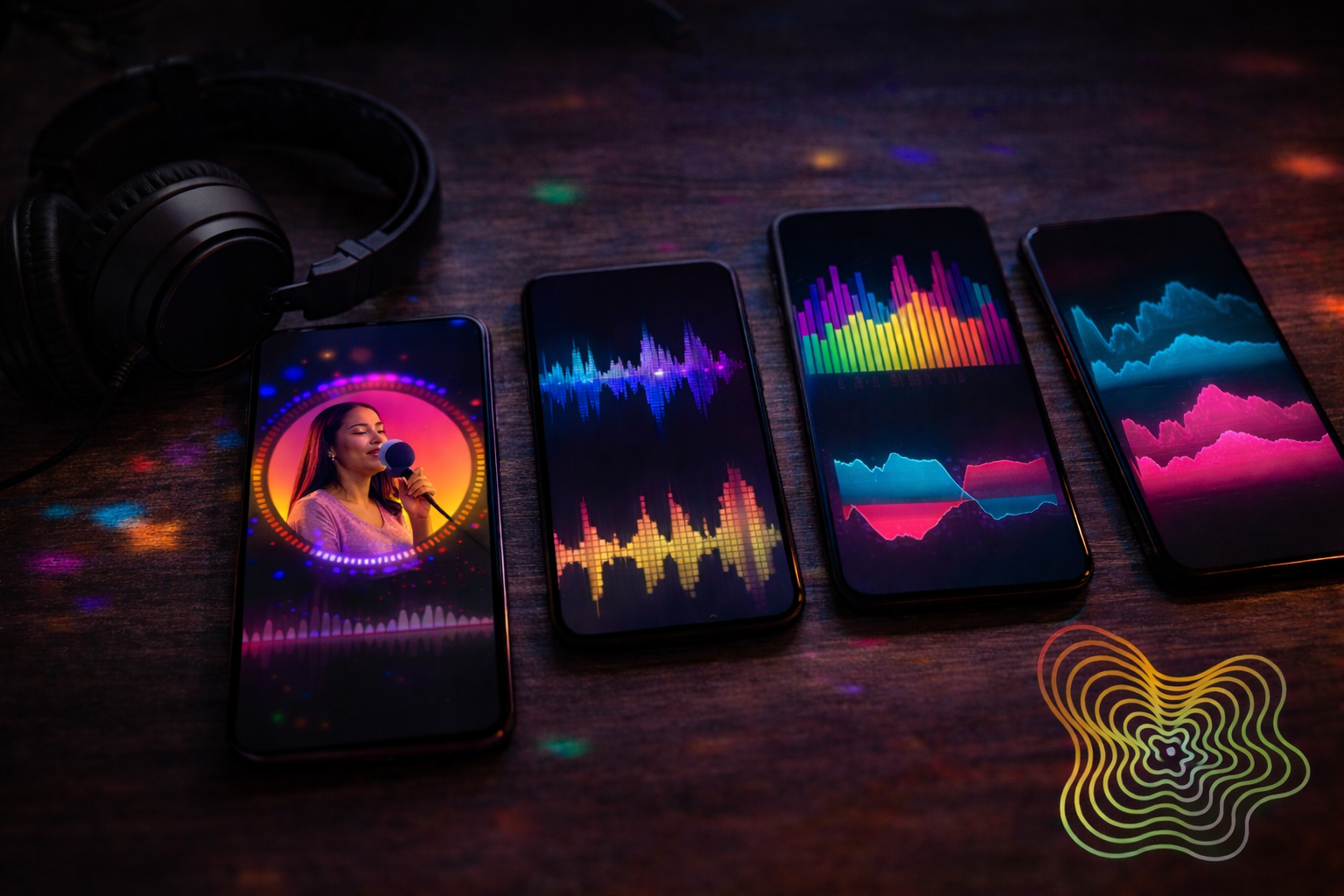
Four decisions determine whether a visualizer template increases retention or becomes decorative noise: energy matching, sensitivity tuning, branding integration, and hook positioning.
High-energy music with clear beat drops calls for reactive particles or circular spectrums. Podcasts and spoken-word content need bar and line spectrums that communicate voice presence without overwhelming the frame. Emotional or cinematic audio fits the ambient glow. Choosing the wrong form for the energy type creates a mismatch that viewers feel, even if they cannot name it.
Audio sensitivity controls how aggressively the visualizer reacts to volume and frequency changes. Too sensitive, and the motion becomes chaotic, with constant jittering that exhausts the eye. Too low and the animation appears lifeless, disconnected from the audio. Preview a 10-second section and adjust the amplitude or frequency slider until the movement feels synchronized and natural.
Place the logo, social handle, or artist name inside the visualizer composition, not on top of it as a separate layer. Circular spectrums frame a centered logo naturally. Bar spectrums leave space above or below for text. Particle systems work with semi-transparent watermarks. Color-match the visualizer palette to the brand’s primary tones for instant recognition across multiple Reels.
The first 1 to 2 seconds of a Reel determine whether the viewer keeps watching or scrolls past. Do not let the visualizer build slowly from silence. Start the audio at a peak moment or cut directly to the first beat drop so the reactive motion is visible in frame one. A visualizer that sits still for the first second has already lost the scroll.
Visualizers increase Reel retention because they communicate audio energy visually on platforms where the majority of initial views occur with sound off.
Short-form platforms auto-play content on mute as viewers scroll. The first seconds of a Reel are silent for most viewers. A static frame or a slow-motion intro gives no signal that the content contains audio worth unmuting for.
A visualizer changes this. The reactive motion (bars pulsing, particles bursting, rings expanding) communicates beat intensity, vocal energy, and pacing rhythm before the viewer touches the volume. The visual rhythm stops the scroll. Once the thumb pauses, the platform registers a retention signal that pushes distribution.
The visualizer is not a decoration. It is the audio’s surrogate on a mute-first feed.
EarnEdits AEPs include audio-reactive compositions with labeled layers, color controls, and vertical framing ready for Reels and Shorts.
Explore the Library
Production-ready templates run on native After Effects expressions and effects with zero external plugin dependencies. If a template requires a paid plugin to render, the product page should list that dependency before download.
Different audio types need different visual forms. Music with strong beat dynamics works best with circular spectrums or reactive particles. Podcasts and spoken word fit bar and line spectrums that communicate voice presence without overwhelming the frame. Using a particle-burst visualizer on a podcast interview creates a visual energy mismatch.
Amplitude-based visualizers respond to overall loudness: louder passages drive more motion. Frequency-based visualizers isolate specific audio bands (bass, mid, high) and drive different visual elements from each. Frequency templates are more nuanced for music; amplitude templates are more versatile for mixed audio.
The bottom 20% of a Reel is covered by platform UI (username, caption text, like/comment buttons). If the visualizer or branding text sits in that zone, it will be obscured on Instagram, TikTok, and YouTube Shorts. Use templates with 9:16 compositions that account for platform-safe zones.
Most audio visualizer Reels perform between 15 and 30 seconds. Shorter edits work for single beat drops and song teasers. Longer edits suit podcast clips and motivational snippets. Anything beyond 30 seconds typically needs additional visual elements (footage cuts, text overlays) to maintain retention.

Explore more guides on After Effects project files and viral editing workflows.
Production-ready edits that teach you how they were built.