Back
Back

 Feb 27, 2026
 Muhammad Sikandar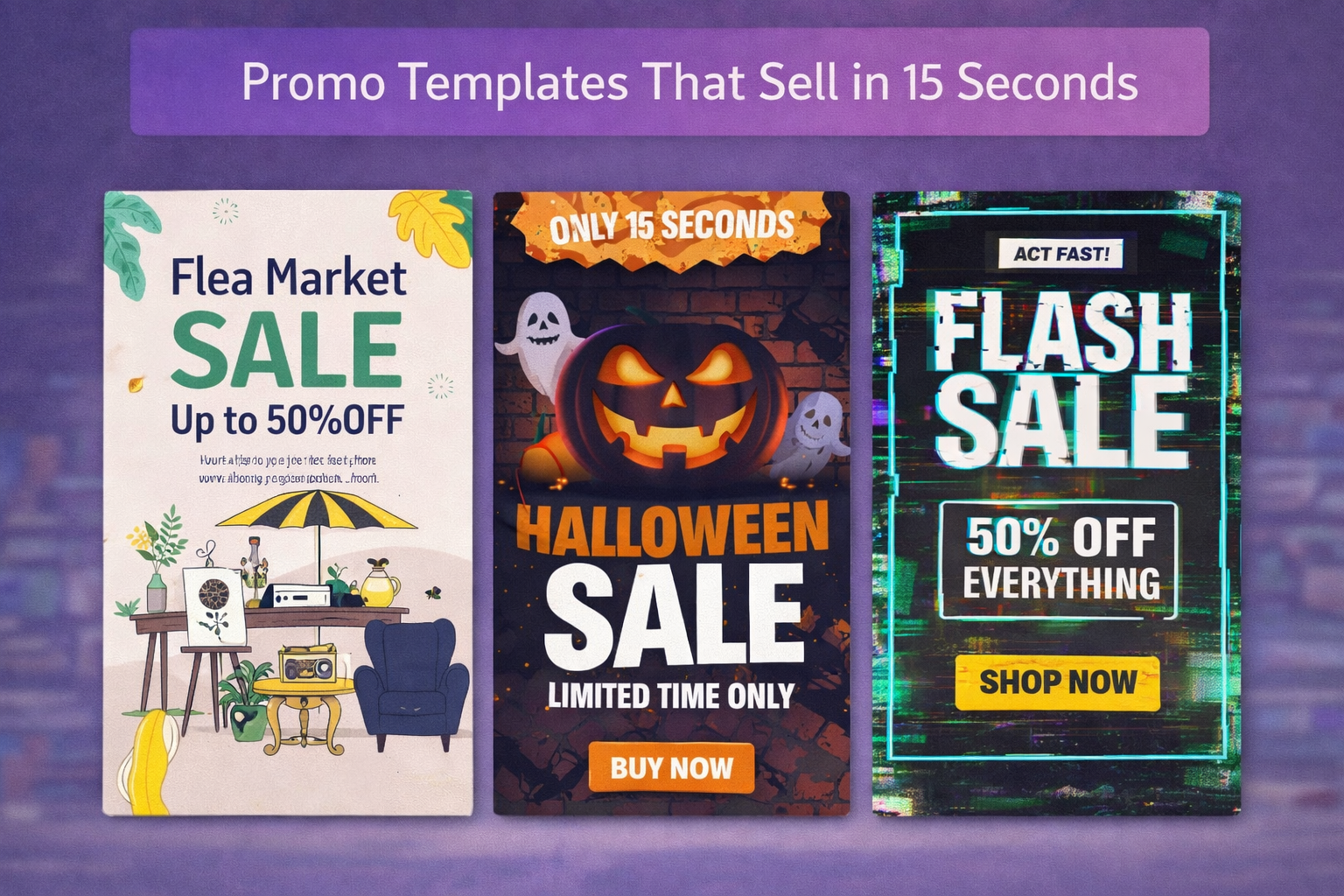
Promo templates are pre-built After Effects project files designed to sell a product, service, or offer through timed motion graphics and a clear call to action. The difference between a promo that converts and one that gets scrolled past comes down to timing: hook the viewer in 3 seconds, deliver the offer by second 10, close with a CTA before the 15-second mark.
Most promo templates were built for corporate presentations, not social feeds. Wrong pacing, wrong aspect ratio, missing CTA. This guide covers what makes promo templates convert, how to evaluate them, and why open project files build better promo editors.
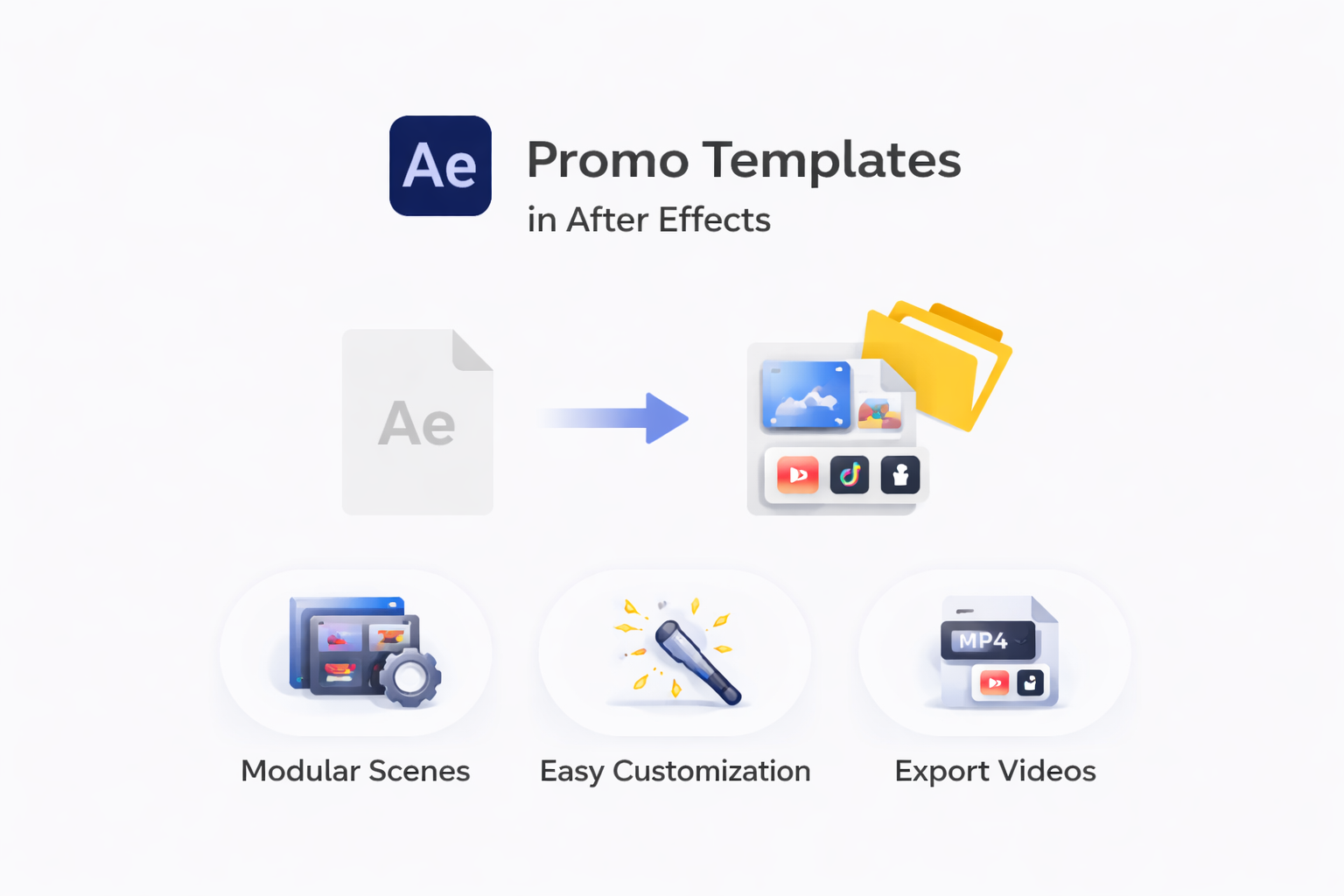
Promo templates are pre-built After Effects project files structured around a single goal: communicate a selling message through motion graphics, animated text, and timed transitions within a fixed duration.
That separates them from every other template category. Intro templates build brand recognition. Slideshow templates display media sequences. Text animation templates increase viewer retention. Promo templates exist to drive a specific action: a purchase, a sign-up, a swipe, or a click.
A typical promo template includes text placeholders for headlines, media placeholders for product shots, a color control layer for brand matching, and a final composition timed to a set duration. Formats are split into .AEP (full project access in After Effects) and MOGRT (limited editing through Premiere Pro’s Essential Graphics Panel). If you need control over timing and transition pacing .AEP is the only format worth using.
The challenge is that “promo template” covers a wide range of use cases. A flash sale promo and a brand awareness promo need completely different pacing. Downloading the wrong type is one of the most common reasons promo videos underperform.
A promo video that converts in 15 seconds follows a three-phase timing structure, moving the viewer from attention to action.
| Phase | Timing | Purpose | What Happens |
| Hook | 0 to 3 sec | Stop the scroll | Bold motion, pattern interrupt, visual contrast, or unexpected element |
| Value Frame | 3 to 10 sec | Show the offer | Product demo, key benefit text, price point, or social proof stat |
| CTA | 10 to 15 sec | Drive action | Text overlay with clear instructions, URL, swipe prompt, or urgency element |
The hook phase is non-negotiable on social platforms. Instagram, TikTok, and YouTube Shorts all prioritize watch time. If your promo does not stop the scroll in the first 2 to 3 seconds, the platform deprioritizes it.
The value frame is where the selling happens. One clear benefit or offer, presented through motion and text hierarchy, that keeps the viewer locked in. Product promos show the item in use. Service promos stack a benefit with a supporting stat. Sale promos display price and discount with urgency cues.
The CTA closes the loop. The last 3 to 5 seconds are the highest-value real estate in the entire video. If the template fades to black or loops to a logo, you lose the moment when the viewer is most ready to act.
Most promo templates on major marketplaces do not follow this structure. They front-load branding, spread the value thin, and treat the CTA as an afterthought.
Promo templates fall into four categories based on what is being promoted, each requiring different pacing and visual hierarchy to convert.
Product Promo targets sales of physical or digital products. Clean product shots, minimal text, fast cuts between angles or use cases. The visual does the selling. Common for e-commerce reels and product launch announcements.
Service Promo targets service-based businesses. Text is heavier because the “product” is not visual. Uses benefit stacking, stat callouts, or short testimonial overlays to build trust quickly.
Sale and Event Promo targets time-sensitive offers. Fastest tempo of all four types. Countdown elements, bold pricing text, urgency-driven transitions. Flash sales, limited-time discounts, and event registrations fall under this.
Brand Story Promo targets awareness and positioning. Slower pacing, cinematic feel, identity-focused. Ends with a brand statement instead of a hard CTA.
The problem is that template libraries lump all four types into one “promo” category. An editor searching for a flash sale promo downloads a brand story template instead. Wrong pacing, wrong energy, wrong result.
Built for the Promos That Actually Perform.
EarnEdits organizes After Effects projects by functionality, emphasizing viral pacing and vertical framing for TikTok, Instagram, and YouTube Shorts, with fully editable .AEP files.
Browse Projects
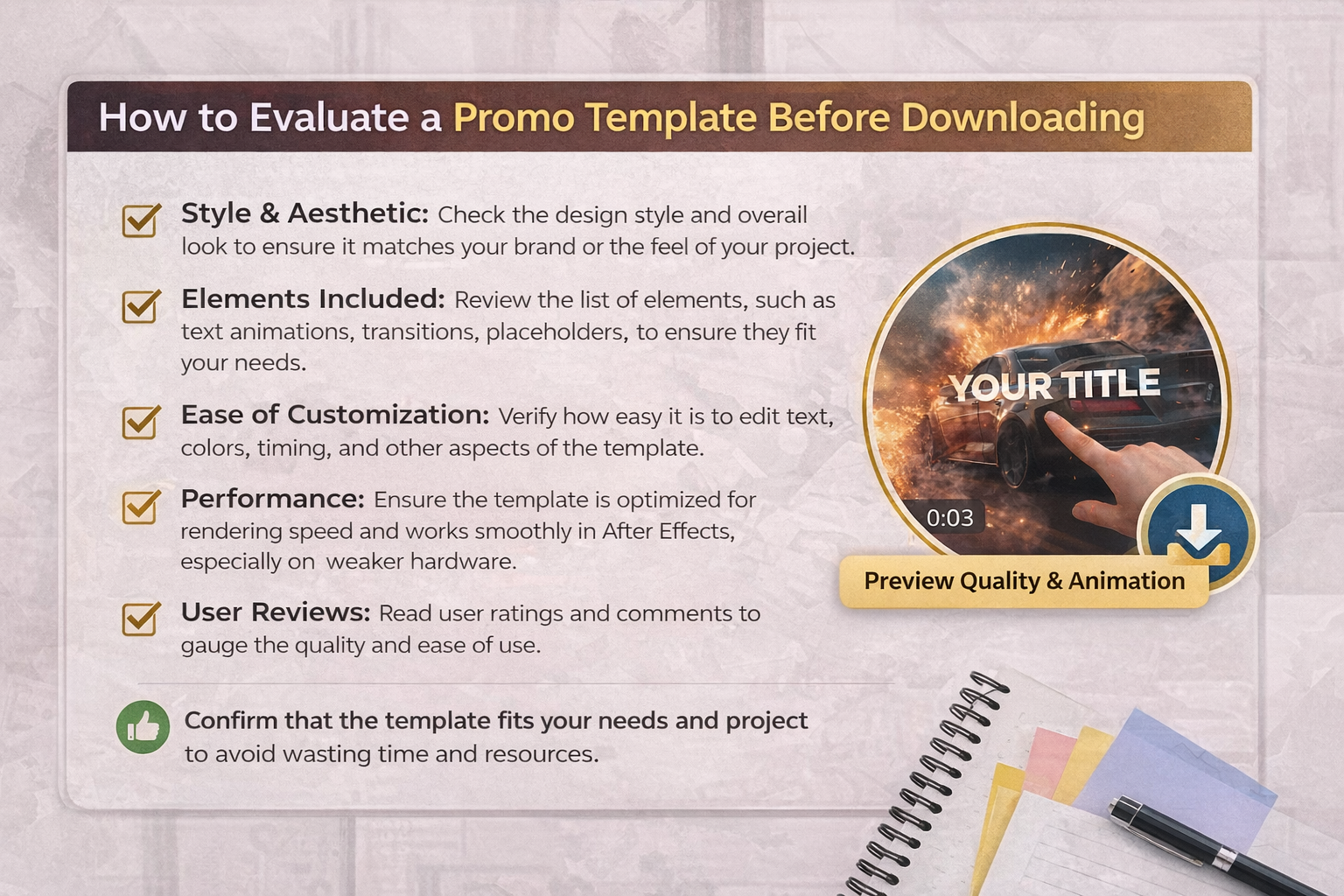
A polished preview reel does not tell you whether the template’s timing, text hierarchy, and aspect ratio will actually convert on the platform you are publishing to. Run through these five checks before downloading:
1. Timing Structure – Play the preview and count. Does the hook land within 3 seconds, or is the opening a logo intro? Does the CTA appear in the final 3 to 5 seconds? If the timing does not follow hook-value-CTA pacing, you will need to rebuild the keyframes yourself.
2. Aspect Ratio – Vertical 9:16 for Reels, Shorts, and TikTok. Square 1:1 for feed posts. Widescreen 16:9 only for YouTube pre-roll or website headers. A promo template locked to 16:9 requires significant reworking to function on social platforms.
3. Text Placeholder Flexibility – Check whether text length, position, and animation are independently editable. Templates with fixed-length placeholders break the layout when you add or remove words.
4. Audio-Sync Capability – Are keyframes aligned to beat markers, or is the animation on static timing? Beat-synced promos outperform static-timing promos on social because the motion feels intentional.
5. CTA Placement – Does the template end with a clear CTA frame, or does it loop, fade, or cut to a logo? The last 3 seconds are the most valuable. If they are wasted, the promo loses its moment of conversion.
These checks filter for functional promo templates. But even a well-timed template limits your growth if you cannot see how the sell was structured inside the file.
Open After Effects project files let editors study exactly how a high-converting promo was timed, layered, and paced, turning every downloaded file into a practical lesson in selling through motion.
With a closed promo template, you swap text, drop in a product shot, and render. The output looks clean, but you learned nothing about why the hook hits at that frame or what easing curve makes the CTA pop. With an open .AEP file, every decision is visible. You see the keyframe spacing that creates the hook, how text layers stack to control the reading sequence, and the expression that ties transitions to audio markers.
That knowledge transfers. The next time you build a promo from scratch, you are applying a technique you studied inside a real file, not guessing.
The growth path for promo editors is clear: close templates for fast output, open project files to learn how promos convert, then build original edits from skill. This is how EarnEdits structures its library. Every file is fully open .AEP project built around viral edit styles that perform on social. No locked layers. Full timeline access.
Promo template sources range from subscription libraries to specialized platforms, each with different strengths in promo-specific content.
Subscription platforms like Envato Elements and Motion Array offer large promo template libraries for a monthly fee. Volume is high, but most files are targeted for corporate or widescreen use cases.
Design tools like Canva and CapCut include basic promo templates with drag-and-drop editing. Quick for social graphics, but limited in motion design depth compared to After Effects.
Free sources like Mixkit offer starter promo templates. Functional for simple projects, though layer access and customization are restricted.
Open project file platforms like EarnEdits deliver fully open .AEP promo files built around proven viral styles, with every layer and timing decision accessible.
Promos Built Around What Converts. Not What Looks Corporate.
Every promo-style project on EarnEdits follows real viral pacing, vertical framing, and hook-to-CTA timing. Fully open After Effects files. Study the timeline. Edit every layer. Export a finished promo in minutes.
Explore the Library
15 seconds or less for TikTok, Instagram Reels, and YouTube Shorts. Paid ad placements on Meta and TikTok allow up to 60 seconds, but the highest-performing ad creatives run 6 to 15 seconds.
Yes, if the licensing terms allow commercial use. Most paid templates include a commercial license, but always verify before running the file as a paid ad. Free templates often restrict commercial usage.
Most do not bundle licensed music. You will need to source audio separately from royalty-free libraries. Check whether the template's keyframes are synced to a specific BPM so you can match a replacement track.
4K (3840x2160) provides the most flexibility for scaling and cropping. For social-first promos, confirm the template includes 9:16 vertical or 1:1 square compositions, in addition to the widescreen version.
The terms overlap. "Ad template" usually refers to files designed for paid placement, with platform-compliant specs such as safe zones and duration caps. "Promo template" covers both organic and paid creatives. The evaluation criteria are the same: hook timing, CTA placement, and aspect ratio.

Explore more guides on After Effects project files and viral editing workflows.
Production-ready edits that teach you how they were built.