Back
Back

 Feb 27, 2026
 Muhammad Sikandar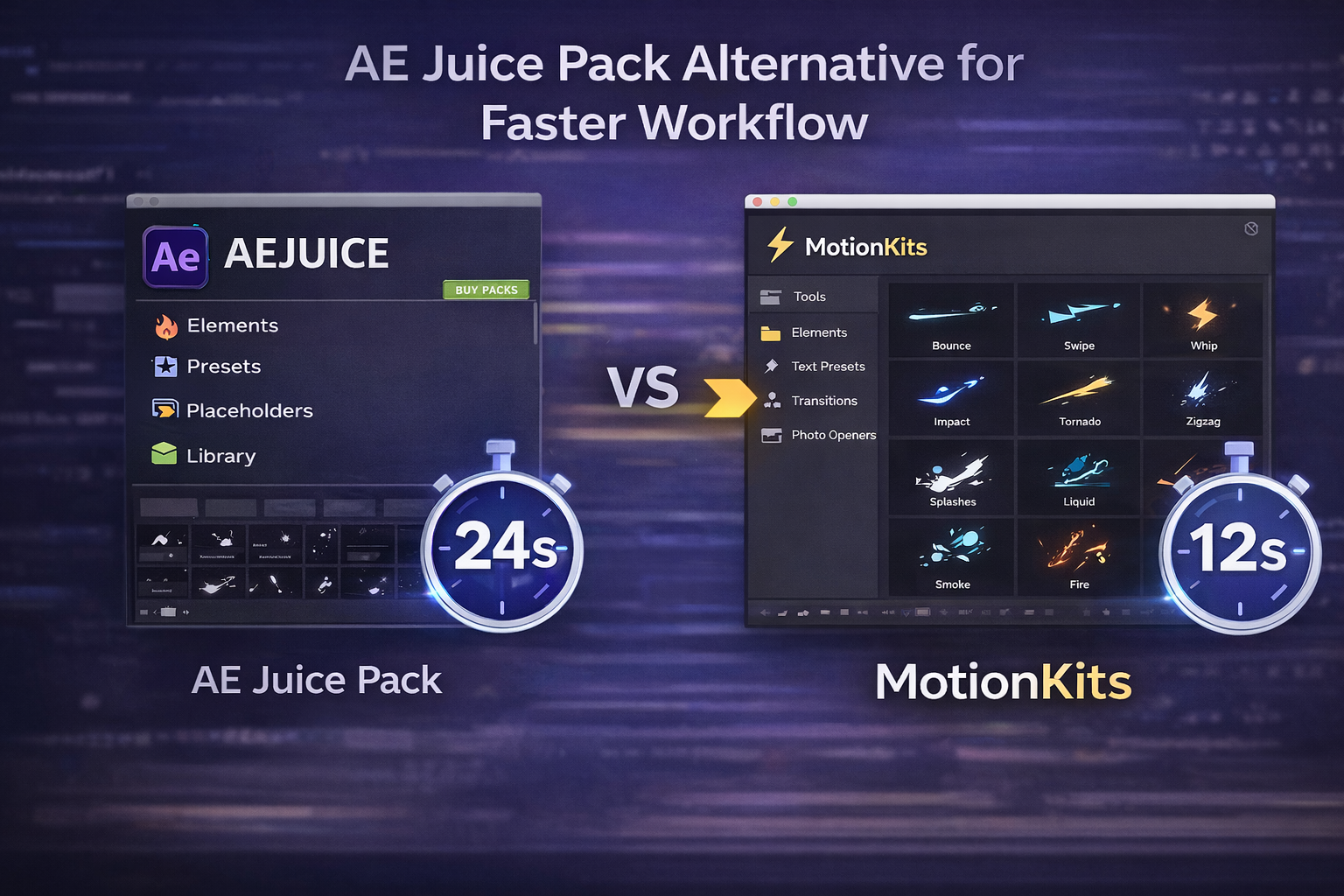
AE Juice bundles thousands of transitions, text presets, and effects inside a single Pack Manager panel for After Effects and Premiere Pro. For editors who need quick access to drag-and-drop animations, that library has clear value. But for editors producing reels, TikToks, and shorts on tight deadlines, the plugin pack workflow introduces friction that slows things down.
The real question is not which plugin pack is lighter. It is whether assembling edits from scattered presets is the fastest way to work, or whether starting from a complete project file gets you to export faster.
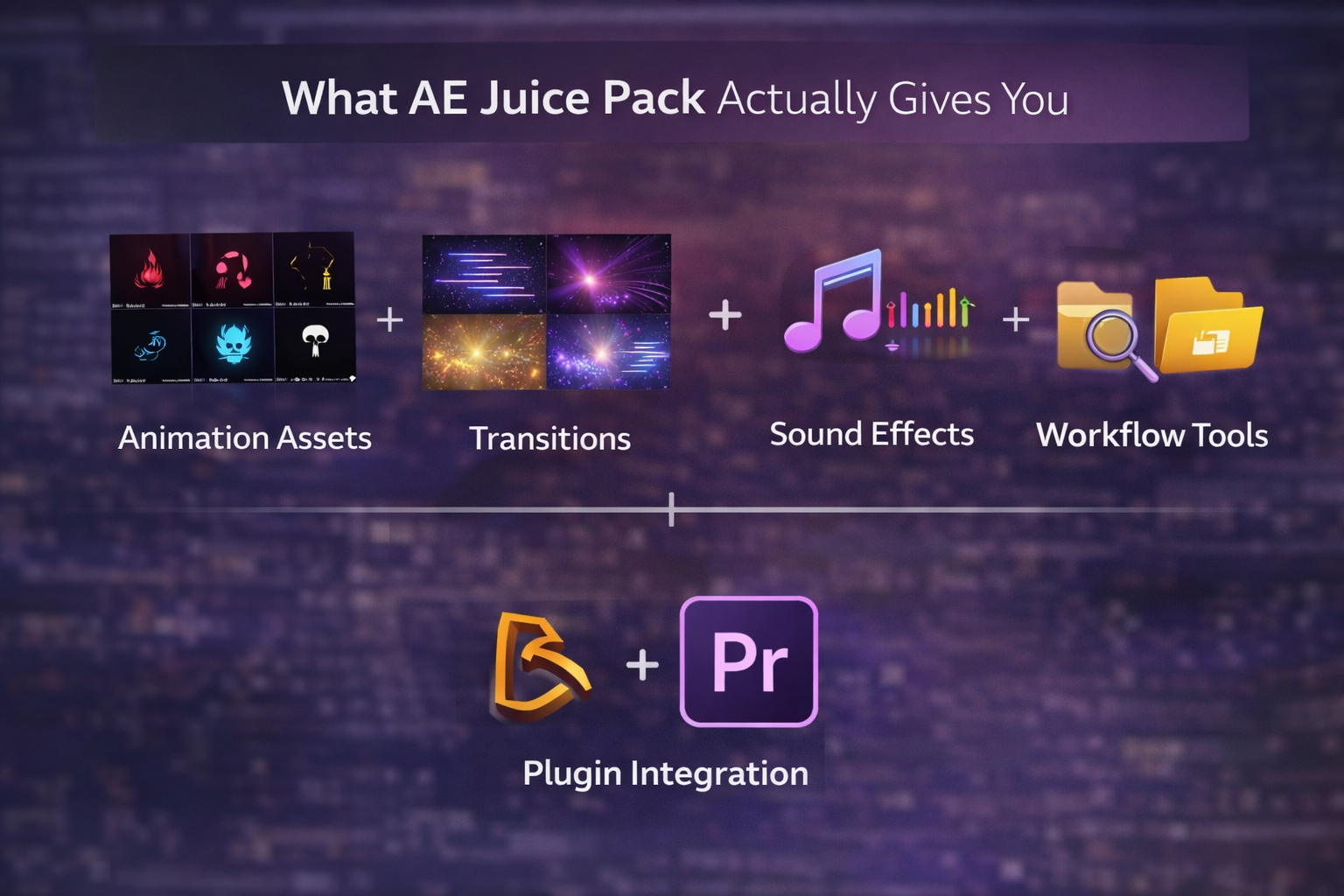
AE Juice is an all-in-one animation plugin for After Effects and Premiere Pro that delivers thousands of pre-built presets through a built-in Pack Manager panel.
The library covers the assets editors search for most often: transitions (zoom, slide, glitch, wipe), text animations, liquid motion graphics, shape elements, overlays, VFX composites, and sound effects. You browse previews in the panel, click Apply, and the preset drops onto your timeline.
Pricing breaks down into several tiers. The free starter pack includes basic transitions and a GIF export tool. The standalone bundle runs around $149 for the most popular packs as a lifetime purchase. The “I Want It All” bundle gives access to all the packs AE Juice has released. And the All Access subscription adds stock footage, templates, and future products on a recurring payment.
For editors who need a large preset library across different project types, that volume is genuinely useful. The Pack Manager keeps everything in one place, the previews help you browse quickly, and the drag-and-drop application means you skip manual keyframing for common effects.
The friction shows up in how that workflow plays out over time.
The biggest problem with AE Juice and similar plugin packs is not the quality of individual presets. It is the workflow pattern they create: browsing thousands of options, assembling edits from separate parts, and managing the performance hit of loading massive libraries.
Performance drag. With all packs loaded, the AE Juice Pack Manager adds noticeable weight to After Effects. On machines with 16GB RAM, editors frequently report sluggish panel loading, slower project open times, and occasional crashes. Reddit threads consistently mention this, with comments like “buggy,” “heavy,” and “outdated” appearing in discussions about the bundle. You can reduce the impact by only loading packs you actively use, but the default experience after a full install is heavier than most editors expect.
Decision fatigue. A library of 4,000+ presets sounds like an advantage until you need to pick one. There is no context for which transition works best in a 9:16 reel versus a 16:9 client presentation. No guidance on which pacing works best for TikTok versus YouTube Shorts. You end up browsing for 15 to 20 minutes before applying a single effect, and that browsing time adds up across every project.
The assembly problem. Even after choosing your presets, the workflow requires building every edit from an empty timeline. You apply a transition here, a text animation there, a shape element somewhere else. Each preset is an individual part. You are still assembling the entire edit yourself, piece by piece.
For editors working on long-form content where you occasionally need a single transition or text effect, that assembly process is manageable. But for editors producing short-form social content daily, assembling from parts every time is slower than it needs to be.
Instead of assembling edits from individual plugin presets, a growing number of editors work with complete After Effects project files. These are fully built edits you open, study, customize, and export.
An open project file is a standard .AEP file where every layer, keyframe, and expression is visible and editable. Nothing is pre-rendered, locked, or hidden inside nested compositions. You see exactly how each animation was built, how transitions are timed, how text moves on screen, and how effects are stacked.
The workflow difference is practical. Compare the two approaches for producing a 15-second reel:
With a plugin pack, you open an empty composition, browse transitions, browse text presets, browse effects, apply them one at a time, adjust timing across all elements, then export. That process takes 45 to 90 minutes, depending on how quickly you make creative decisions.
With an open project file, you open a complete edit that already has working transitions, text, pacing, and effects. You swap your media into the placeholders, adjust text and colors, and export. That process takes 10 to 20 minutes because the creative structure is already built.
There is also a learning difference that matters over time. Applying a drag-and-drop preset teaches you nothing about why the effect works. Opening a project file that shows every keyframe makes the technique clear. You see easing curves, keyframe spacing, expression logic, and layer stacking. That knowledge transfers to your next project, whether you use a template or build from scratch.
Built From Real Viral Edits. Fully Open. Ready to Customize.
EarnEdits offers complete .AEP files with effective edit styles. Easily customize by swapping content, studying the timeline, and exporting, no locked layers or presets needed.
Browse Projects
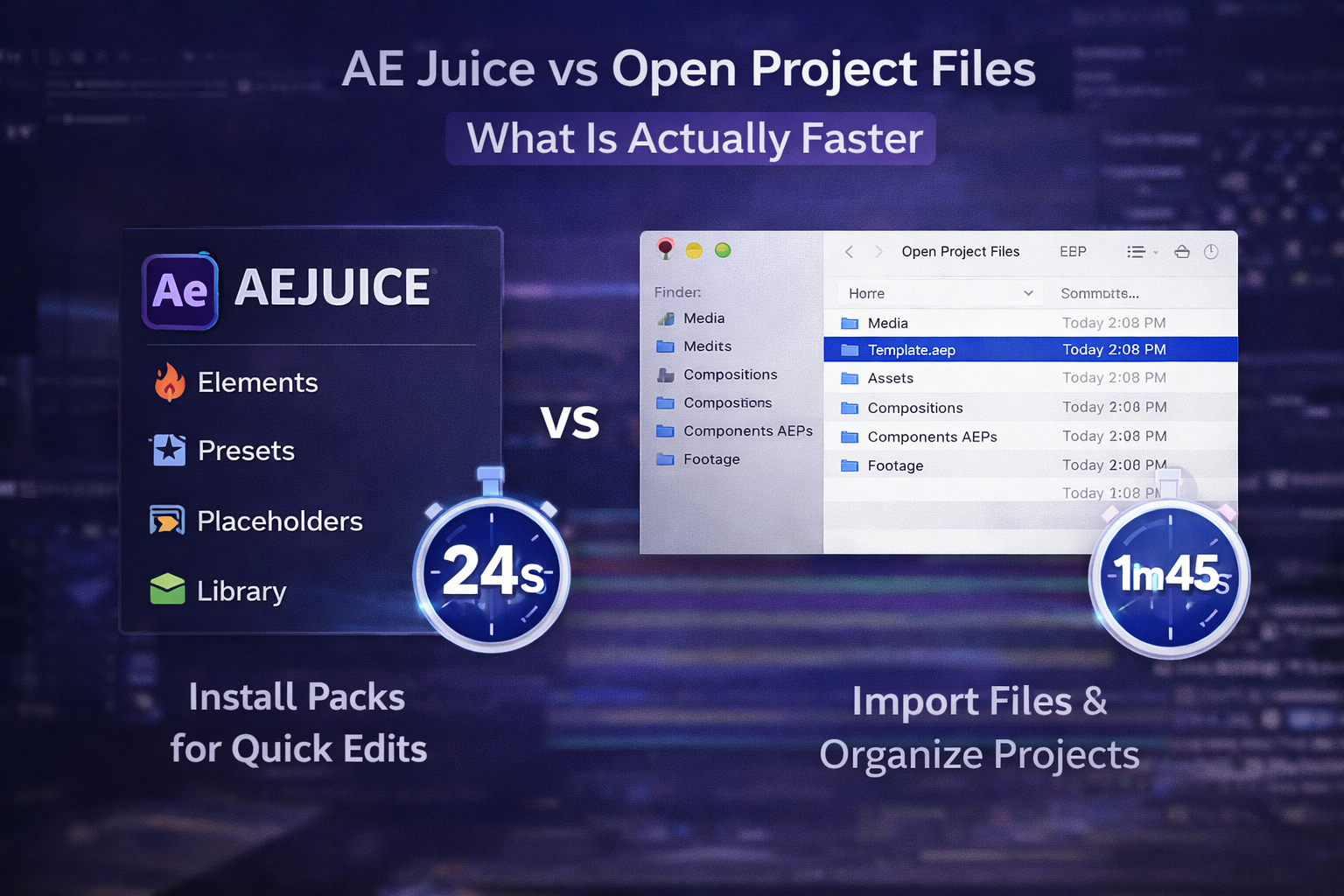
For editors producing reels, TikToks, and shorts on tight deadlines, the speed difference between assembling from plugin presets and customizing a complete project file adds up quickly.
| Factor | AE Juice / Plugin Packs | Open Project Files |
| Starting point | Empty timeline | Complete, finished edit |
| Time to first export | 45-90 min (assemble from parts) | 10-20 min (customize and render) |
| Learning value | Applies effects without teaching technique | Every keyframe and expression is visible |
| System performance | Heavy with all the packs loaded | Single .AEP file, lightweight |
| Creative direction | You choose from 4,000+ options | Pre-proven viral edit styles |
| Reuse value | Same presets, new assembly each time | Techniques transfer to the original work |
This comparison is not about one approach being universally better. Plugin packs and project files solve different problems. Plugin packs give you individual effects to add to existing edits. Project files give you complete edits to customize and learn from.
The question is which one matches how you actually work. If your main output is short-form content for social platforms, and you are assembling every edit from scratch using preset parts, you are spending time on a problem that is already solved inside a well-built project file
Plugin packs like AE Juice, Animation Composer, and Motion Bro are the right tools when you need individual effects applied to an existing edit, not when you are building a complete project from nothing.
Specific cases where presets win: adding a single transition to a long-form YouTube video you have already cut, applying consistent text styling across a 10-episode series, dropping a quick lower third onto interview footage, or layering a simple overlay onto a client presentation. In those situations, a drag-and-drop preset is faster than opening a full project file.
If you want lighter alternatives to AE Juice for those specific tasks, three tools consistently appear in editor recommendations. FX Console from Video Copilot is free and replaces menu-diving with an instant search bar for applying effects. Flow from aescripts simplifies easing curves without opening the graph editor. Motion Tools Pro handles layer management tasks like staggering, centering anchor points, and renaming in one click.
But for editors whose daily work is producing reels, shorts, and TikToks, assembling from presets every time is the slower path. Starting with a complete project file that already has the transitions, pacing, and effects built in lets you export faster and teaches you real technique along the way.
Skip the Preset Browsing. Start From a Finished Edit.
EarnEdits gives you fully open After Effects project files built from viral edit styles that already work on TikTok, Instagram, and YouTube Shorts. Study the timeline, customize every layer, and deliver faster.
Explore the Library
It depends on your workflow. For editors who need a large preset library across many project types, the lifetime bundle offers volume at a reasonable one-time price. For short-form editors focused on speed, open project files deliver faster output with less system overhead by skipping the assembly step entirely.
FX Console from Video Copilot is the most recommended free workflow tool for After Effects. It replaces slow menu navigation with instant effect search. For free animation presets specifically, the free tier of Animation Composer from Mister Horse is the closest equivalent to AE Juice's drag-and-drop library.
With all packs loaded, the Pack Manager can degrade performance, especially on machines with 16GB or less RAM. Loading only the packs you actively use and closing the panel when not needed reduces the drag. Some editors report smoother performance after switching to lighter, single-task plugins.
Yes. AE Juice works in both After Effects and Premiere Pro through the Pack Manager panel. Some asset types are exclusive to After Effects, but transitions, text presets, and overlays work in both editing environments.
A plugin pack gives you individual presets like transitions, effects, and text styles that you apply one at a time to build an edit from scratch. An open project file is a complete, finished edit where every layer is accessible. You customize the existing structure instead of building from an empty timeline, which is significantly faster for short-form content.

Explore more guides on After Effects project files and viral editing workflows.
Production-ready edits that teach you how they were built.