Back
Back

 Feb 26, 2026
 Muhammad Sikandar
After Effects courses teach concepts through structured video instruction. Project files teach through direct interaction with real compositions, keyframes, and effects inside your own timeline. Both build skills, but they develop different types of skills at different speeds and with different budgets. Editors producing reels, shorts, and TikTok content consistently report faster workflow improvement from deconstructing real .aep files rather than from completing full course curricula. EarnEdits builds every project file around this principle: open the .aep, see exactly how the edit was made, re-edit with your footage, and finish faster while learning permanently. The Learn After Effects with Real Project Files pack is built specifically for this workflow.
After Effects courses deliver structured knowledge through video lessons, instructor explanations, and guided exercises that progress from fundamentals to advanced techniques.
Platforms like School of Motion, Domestika, and Skillshare offer courses ranging from 4-week structured programs ($800-$1,500 for School of Motion) to shorter self-paced classes ($15-$30 on Domestika and Skillshare subscriptions at $14/month). YouTube offers free instructional videos from creators like Ben Marriott, SonduckFilm, and Video Copilot, which are unstructured but accessible.
Courses are most effective for learning foundational concepts: how the After Effects interface works, what the timeline does, how keyframes function at a basic level, and why compositions nest inside other compositions.
The limitation appears when editors try to bridge the gap between understanding a concept and executing it independently. A course explains what ease curves do. It rarely gives you a fully built composition where you manipulate those curves yourself to feel the difference between 33% and 75% influence. That’s where a real .aep file from a platform like EarnEdits picks up, you open the file, adjust the curves, and feel the difference immediately.
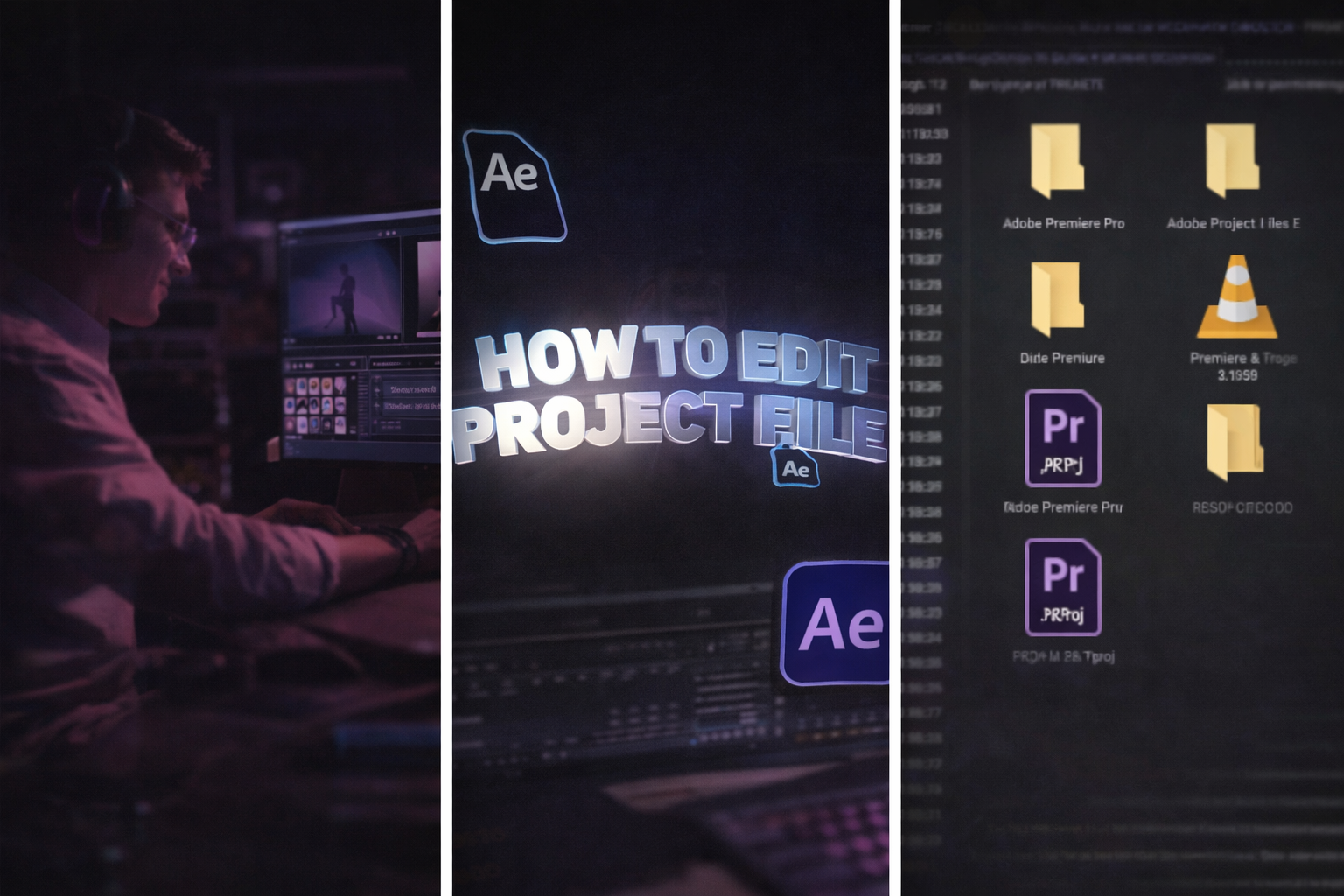
Real After Effects project files (.aep) teach through reverse-engineering, opening a finished edit, soloing layers, scrubbing the timeline, adjusting keyframes, and observing cause and effect inside an actual composition.
EarnEdits project files are built specifically for this kind of learning. Each .aep contains organized folders, labelled layers (“MAIN_COMP,” “TEXT_EDIT,” “COLOR_CONTROL”), editable text and colour control panels, and the full keyframe structure of a real viral-style edit. Open the file. Solo a layer. Adjust a velocity curve in the graph editor. Watch how the timing shifts. That interaction builds muscle memory, and no video lesson replicates.
When you deconstruct an EarnEdits .aep, you absorb patterns that courses take weeks to explain: why specific layers sit in specific order, how the editor achieved a velocity ramp by manipulating bezier handles in the graph editor rather than using linear keyframes, where null objects create 3D camera movement, how text animators control scale and opacity in sequence.
Project-based learning is the most effective method for developing motion design skills. Google’s AI Overview for “learn After Effects from real projects” directly recommends reverse-engineering project files to understand composition structure, keyframe logic, and effect application. Tutorials explain outcomes. EarnEdits project files reveal the complete process, layer by layer, keyframe by keyframe.
For the full breakdown of .aep file structure, read the complete guide to After Effects project files.
Courses are designed for dedicated learning time. Most assume you have 2-6 weeks to complete modules, complete practice assignments, and absorb theory before applying what you’ve learned to real work.
Working editors producing reels and shorts weekly do not have that runway. They need to deliver today and improve along the way. A 6-week motion design course from School of Motion is excellent, but an editor who needs a viral-style transition by Thursday cannot wait until Module 4 covers that technique. An EarnEdits project file with that exact transition is ready to open, study, and re-edit in 15 minutes.
Three specific gaps appear:
Time-to-application gap. Courses front-load theory. Editors often complete 40-60% of a course before reaching the applicable technique. EarnEdits project files are applicable from minute one. Open the .aep, replace your footage, and export while studying how the edit was built.
Style relevance gap. Most courses teach broad After Effects skills. Editors making vertical content for reels, shorts, and TikTok need specific techniques, velocity editing, beat-synced keyframes, and 3D camera rigs for 20-32 second formats. Few courses target this directly. Every EarnEdits file is built around these exact viral editing styles.
Retention gap. Watching a 15-minute tutorial on motion blur produces short-term understanding. Open an EarnEdits .aep with RSMB applied, adjust the parameters, and observe how different values affect the output that produces permanent skill. Interaction beats observation for long-term retention.
Project files are not self-explanatory for complete beginners.
Opening a complex .aep without understanding what a composition is, what the Project Panel contains, or how keyframes work creates confusion rather than learning. Even well-organized EarnEdits files assume you know the After Effects basics, timeline navigation, layer concept, and keyframe fundamentals.
For editors who have never used After Effects, a foundational course or a YouTube tutorial series (such as Ben Marriott’s beginner playlist or SonduckFilm’s fundamentals) provides the necessary context. Learn the interface. Understand the timeline. Know what layers and keyframes are. Then open the EarnEdits project files and start deconstructing real edits.
The learning path that produces the fastest real-world improvement:
Phase 1 (Week 1-2): Free YouTube fundamentals, interface navigation, basic keyframes, and composition setup. Cost: $0. Time: 5-10 hours.
Phase 2 (Week 3+): Open EarnEdits .aep files and start deconstructing. Solo layers. Adjust timing. Replace footage. Study effect stacking. This is where skill compounds: you build while you learn. Every EarnEdits file doubles as a production tool you can use for client work or social posts immediately. For a structured approach to this phase, read how to study AE project files efficiently.
Beginners looking for the right starting files should read the best After Effects project files for beginners.
The financial difference between these learning methods is significant.
Structured courses: School of Motion programs cost $800- $1,500 per course. Domestika classes cost $15-$30 each. Skillshare subscriptions cost $14/month. LinkedIn Learning costs $27/month.
YouTube tutorials: Free. Unstructured. Quality varies widely. In most cases, no project files are included.
EarnEdits project file library: Individual files cost $2.99-$6.99 each. Monthly subscription runs $17/month for full library access. Yearly access costs $150/year, less than a single School of Motion course, with new viral-style files added weekly. Every file serves as both a production tool and a learning resource.
Free project files: Mixkit and Video Copilot offer free .aep downloads. Quality and style vary. Most target generic use cases, not viral social editing, which EarnEdits focuses exclusively on.
An editor spending $150/year on EarnEdits gets 30+ viral-style project files that teach real editing techniques while producing deliverable content. The same editor spending $800 on a single structured course gains knowledge without producing deliverables that are production-ready.
The question is which produces faster skill growth per dollar for your specific editing goals. For social media editors who need to produce and improve simultaneously, EarnEdits delivers both at the lowest cost.
The right choice depends on where you are and what you produce.
Choose courses if you have zero After Effects experience and need structured guidance from the interface up. Invest 2-4 weeks in fundamentals. YouTube handles this for free.
Choose the EarnEdits project files if you understand After Effects basics and want to build real techniques by working inside actual compositions. Every file is a real viral-style edit with full layer transparency, organized for deconstruction and re-editing. You produce content and build skills from the same file.
Choose both if you want the fastest growth curve. Learn fundamentals through free tutorials. Then immediately start deconstructing .aep files from EarnEdits to convert that knowledge into a repeatable skill. This combination, free YouTube basics plus EarnEdits project files, costs under $170/year and outperforms any standalone course for working editors.
The editors who improve fastest are not the ones who watch the most tutorials. They are the ones who spend the most time inside real timelines, adjusting real keyframes, rebuilding real edits, exactly what EarnEdits files are built for.
Courses teach you what After Effects can do. EarnEdits project files teach you how working editors actually do it. The fastest learning path combines free fundamentals with immediate .aep deconstruction.
EarnEdits exists for exactly this: project files built by working editors, organized for learning and production simultaneously. Open the file. See the workflow. Re-edit with your footage. Finish faster. Get better with every project you open.
Browse the full library at EarnEdits. For the complete foundation .aep files start with the After Effects project files guide. Ready to see how project files compare to templates? Read After Effects project files vs templates.
You need basic After Effects literacy, understanding the interface, timeline, and keyframe concept. Free YouTube tutorials provide this in 5-10 hours. After that, the EarnEdits project files teach faster than any paid course.
For editors with basic AE knowledge who produce social media content, yes. EarnEdits project files teach technique through application, you learn by doing inside real viral-style compositions. For editors pursuing motion design careers that require theory (expressions, scripting, 3D integration), structured courses add value alongside project-file practice.
Absolutely. Courses provide concepts. EarnEdits project files provide implementation patterns. Studying how a working editor keyframed a specific velocity ramp teaches what no textbook covers.
EarnEdits files are built for viral social editing styles: 20-32-second vertical compositions with organized layers, colour control panels, and beat-synced keyframes. Free YouTube files typically accompany tutorials and serve as demonstration pieces, not production-ready edits with full editorial transparency.
Deconstructing 3-5 EarnEdits .aep files produces noticeable improvement in keyframe intuition and workflow speed. Studying 10+ builds pattern recognition across viral editing styles that transfers to original work.

Explore more guides on After Effects project files and viral editing workflows.
Production-ready edits that teach you how they were built.