Back
Back

 Feb 28, 2026
 Muhammad Sikandar
If you’ve ever downloaded a transitions pack and thought:
“This looks cool… but why does my edit feel worse?”
You’re not alone.
A transitions pack can either:
Or…
This guide explains exactly when to use a transitions pack — and when not to.
No hype. Just practical editing logic.
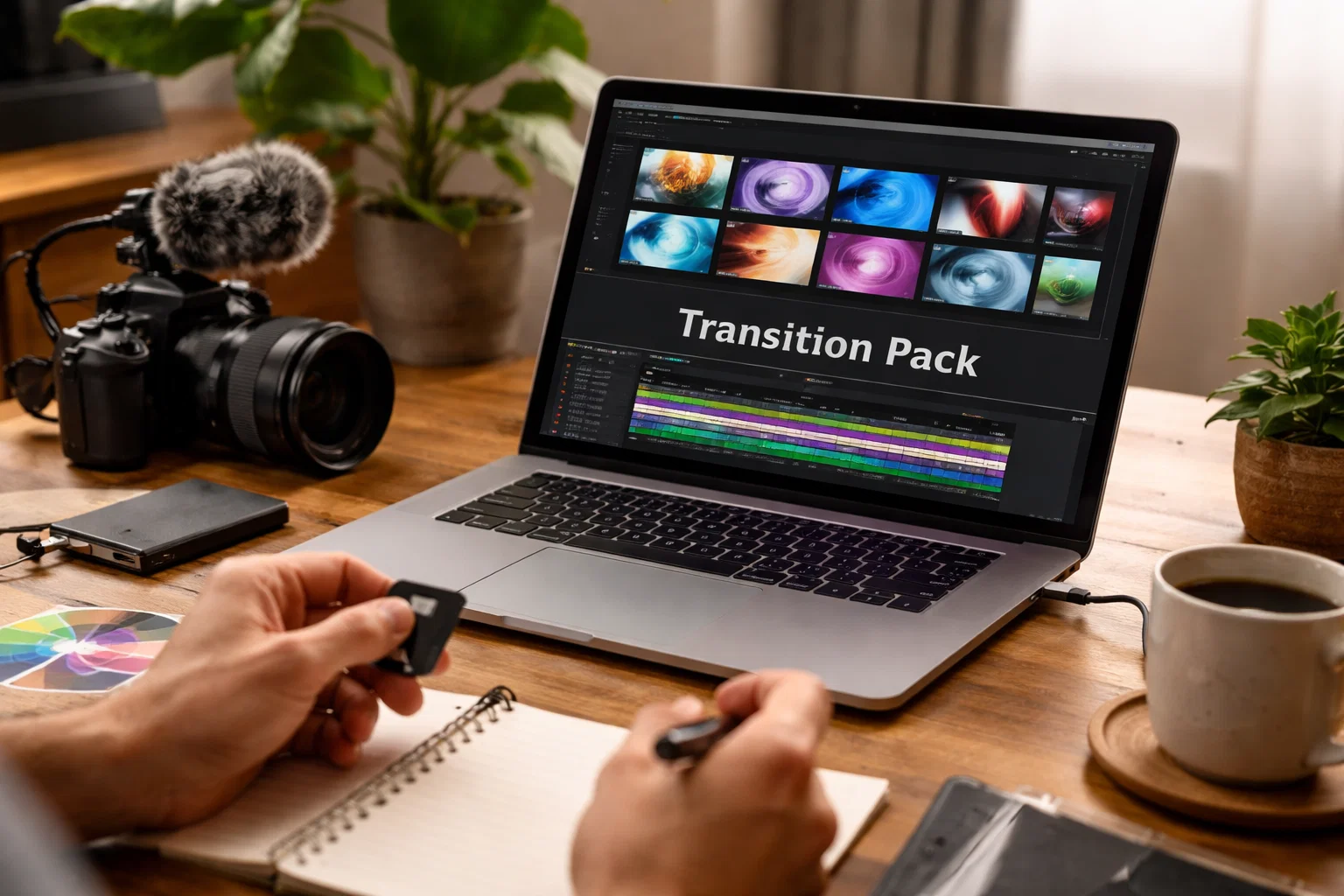
A transitions pack is a collection of pre-built motion transitions designed for software like Adobe After Effects.
It typically includes:
But here’s what most explanations miss:
A transitions pack is not a style.
It’s a pacing tool.
And pacing is what determines viewer retention.
Let’s break this down clearly.
If you’re creating content for:
Fast transitions help:
✔ Maintain momentum
✔ Match music rhythm
✔ Prevent dead air
✔ Increase scroll resistance
In high-energy edits, transitions become rhythm markers.
Music-driven content benefits from:
A transitions pack with timing markers makes beat syncing faster and cleaner.
If your edit is built around drops and punches — use them.
Freelancers and content teams often need:
Instead of manually animating every cut, using a structured transitions pack reduces setup time.
This is especially helpful when working with organized AEP systems from curated marketplaces like Earnedits — where transitions are designed inside full project frameworks rather than random presets.
Transitions can:
Used correctly, they improve narrative cohesion.
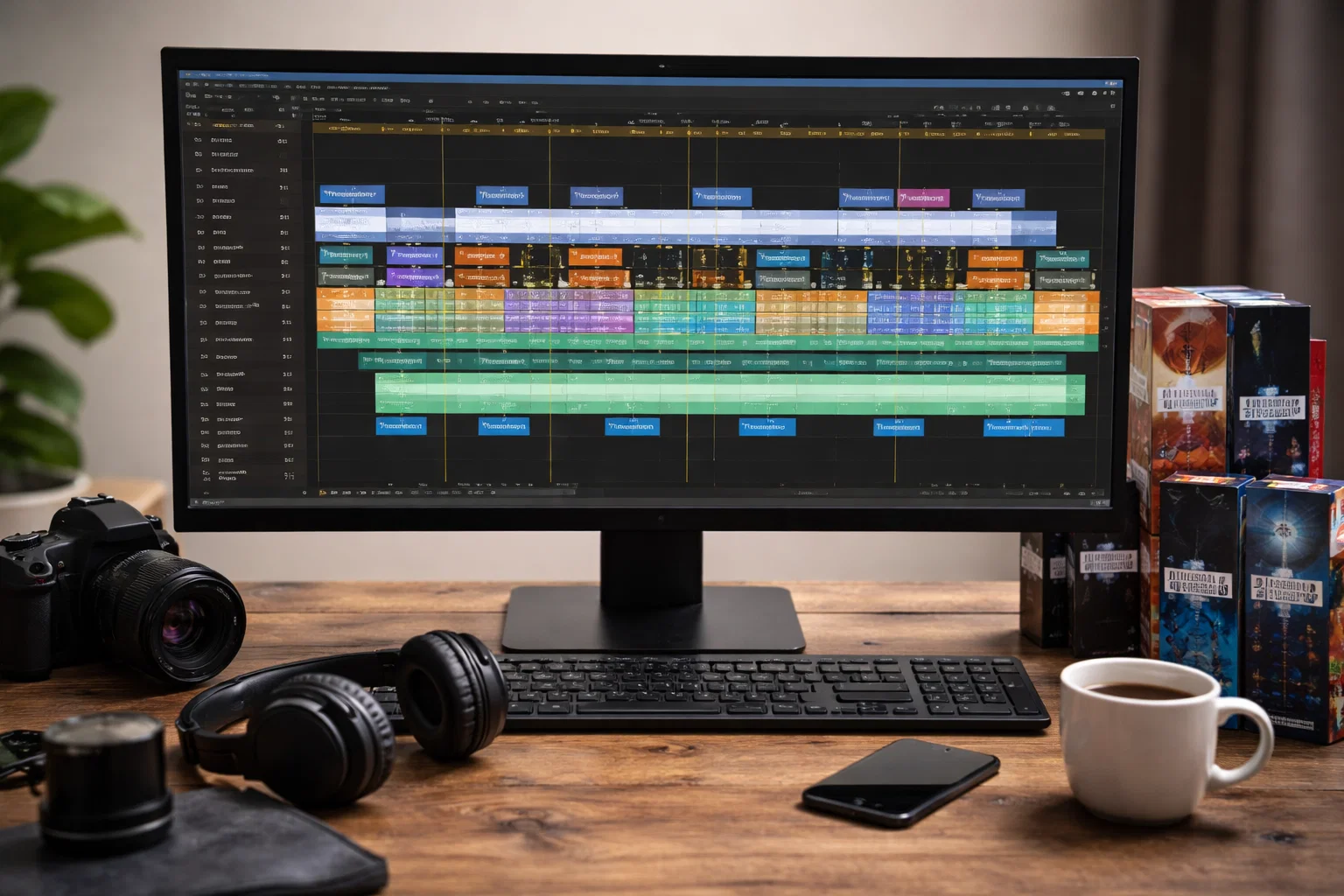
This is where most editors make mistakes.
Not every cut needs motion.
If you’re editing:
Heavy transitions can:
⚠️ Break immersion
⚠️ Distract from dialogue
⚠️ Reduce emotional weight
Sometimes a hard cut is stronger.
Transitions don’t solve:
If your content feels weak, adding effects won’t fix it.
Fix structure first.
Overuse kills impact.
If every scene includes:
The viewer stops noticing them.
Transitions should emphasize moments — not replace editing logic.
Short-form platforms reward:
Overcomplicated transitions in the first 2 seconds reduce retention.
Hook first. Transition later.
If you remember nothing else, remember this:
Ask:
Why is this transition here?
If the answer is “because it looks cool” — reconsider.
High-energy content → dynamic transitions
Low-energy content → minimal movement
Motion should reflect emotional tone.
If a transition:
It’s hurting performance.
Best for:
Avoid in cinematic storytelling.
Best for:
Avoid in professional corporate branding.
Best for:
Avoid when visual clarity matters most.
Best for:
These often outperform flashy effects in conversion-based content.
Pros:
Cons:
Pros:
Cons:
For many modern editors, hybrid use works best:
Use packs as a base. Customize intelligently.
Yes — when used strategically for pacing and rhythm.
They can — if aligned with music and retention logic.
Yes — they accelerate learning and structure understanding.
Absolutely. Smart editors prioritize efficiency.
A transitions pack is not a magic tool.
It’s a pacing amplifier.
Use it when:
✔ You need speed
✔ You need rhythm
✔ You need structured motion
Avoid it when:
✖ The story needs simplicity
✖ Emotion requires stillness
✖ You’re compensating for weak editing
The best editors don’t ask:
“Should I use transitions?”
They ask:
“Does this transition improve the viewer experience?”
Because in modern content — especially short-form — clarity and retention always win over unnecessary effects.

Explore more guides on After Effects project files and viral editing workflows.
Production-ready edits that teach you how they were built.