Back
Back

 Feb 27, 2026
 Muhammad Sikandar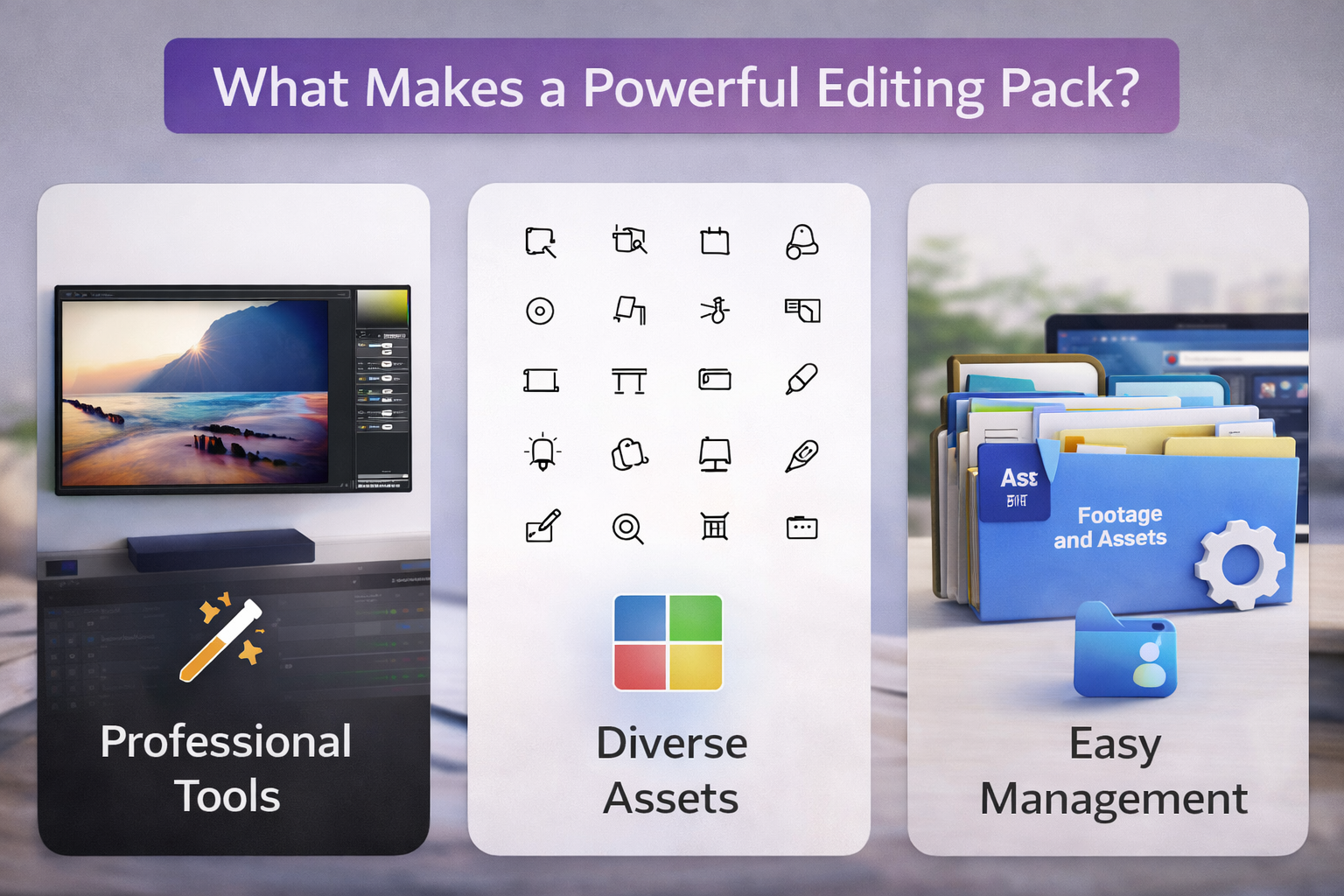
An editing pack is only as useful as what you can actually do with it after the first day. Most editors have downloaded at least one pack that looked great in the preview, delivered a few usable assets, and then sat untouched in a folder for months.
The difference between a pack that becomes part of your daily workflow and one that collects dust comes down to how it’s built, not how many assets it contains. This guide breaks down what to look for, what to avoid, and why the most valuable packs are the ones that show you how the edit was made, not just the finished result.
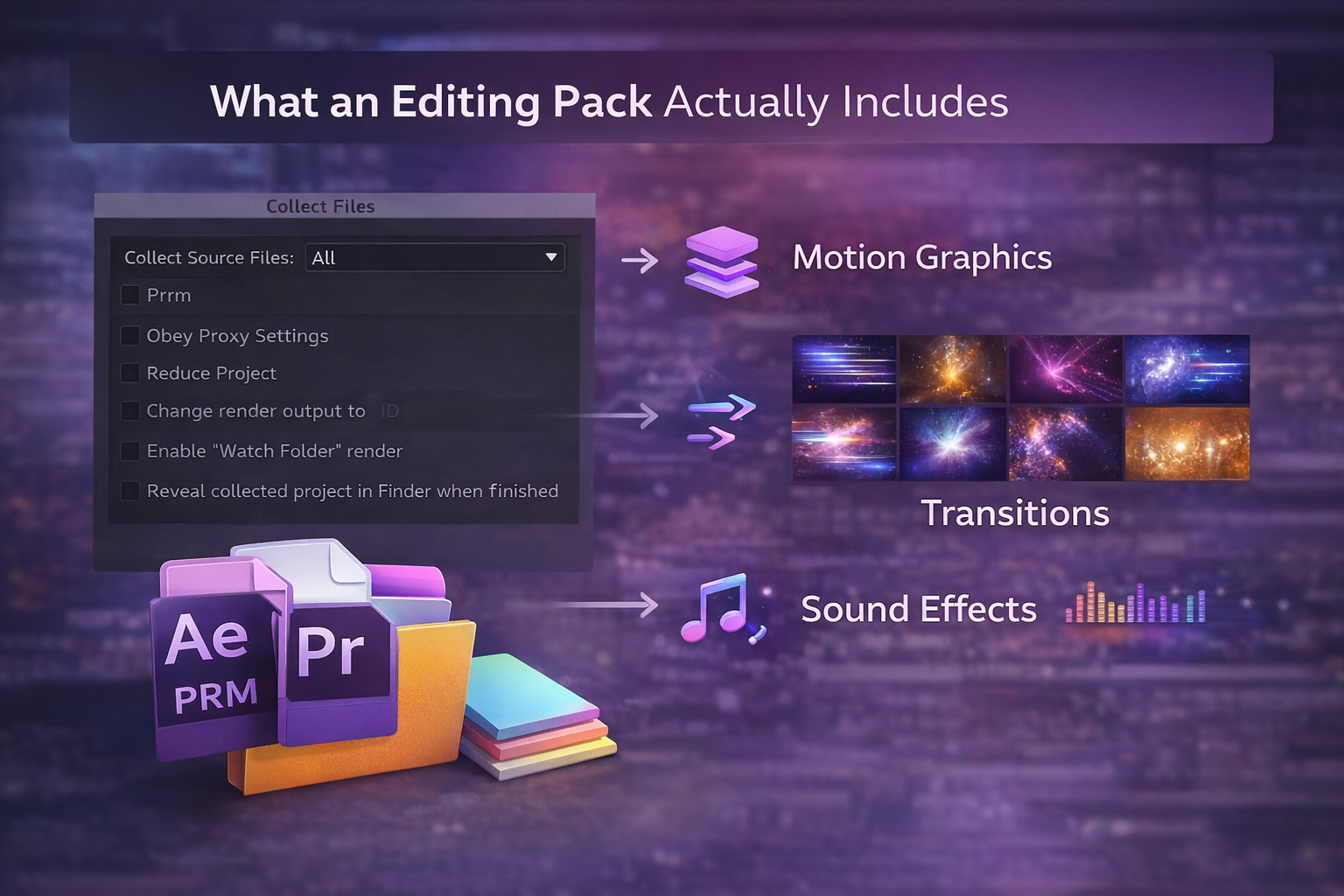
An editing pack is a bundled collection of pre-made video editing assets, presets, transitions, overlays, LUTs, sound effects, and sometimes full project files that editors apply within After Effects or Premiere Pro to speed up production.
A typical pack includes some combination of these components:
The ratio of these components varies by pack. Some focus entirely on presets. Others bundle everything into a mega collection. What matters isn’t the category count, it’s how usable and well-built each asset actually is.
The difference between a pack that speeds up every project and one that sits unused comes down to five things most editors don’t check before purchasing.
1. Organization That Actually Makes Sense
Open the folder before you judge the effects. If files are named “Effect_01_v2_final” and dumped into a single directory, you’ll spend more time searching than editing. A strong pack uses a logical folder structure, separate directories for transitions, overlays, presets, and SFX, and descriptive filenames like Swoosh_Deep_Aggressive.wav instead of Sound_3.mp3. Preview sheets or sample videos for large packs save even more time.
2. Customization Over One-Click Convenience
Presets saved as .ffx files with editable keyframes let you adjust timing, intensity, and easing to match your footage. Baked-in effects that you can’t tweak force you into the creator’s exact look with no room for adjustment. If the pack doesn’t let you modify the effect, you’ll outgrow it fast.
3. Cohesive Aesthetic Instead of Random Quantity
The best editing packs commit to one style and execute it well, kinetic text, glitch effects, cinematic film looks, or clean minimal motion. Packs that try to include everything (grunge, corporate, retro, neon) end up doing nothing particularly well. A 50-asset pack with a clear visual identity beats a 3,000-asset bundle with no direction.
4. Technical Standards That Don’t Compromise Your Output
This is where cheap packs reveal themselves. The baseline for a professional editing pack in 2026:
5. Sound Design That Matches the Visuals
Half of a transition’s impact comes from audio. A strong pack pairs every visual effect with a corresponding sound. A glitch transition includes a digital static hit, a zoom includes a bass whoosh, and a text reveal includes a subtle click. Packs without matching SFX leave you sourcing audio separately, which breaks the workflow they were supposed to speed up.
The pattern is predictable: an editor downloads a mega bundle with thousands of assets, uses a handful of presets in the first session, and never opens the folder again.
This happens for three reasons.
No cohesion. When a pack includes 200 transitions across 15 different visual styles, nothing works together. You can’t use a cyberpunk glitch cut next to a soft film dissolve without the edit looking inconsistent. Random variety creates more decision fatigue than creative freedom.
No context. A preset sits in your effects panel with a name and nothing else. You don’t know when it works best, what pacing it was designed for, or what type of footage it complements. You apply it, decide it doesn’t fit, and move on. Without context, most assets in any pack go untouched.
No workflow visibility. Presets give you a finished look, but you can’t see how the effect was built. The keyframes are hidden. The expressions are invisible. The timing logic is locked. You get one result you can apply, but you learn nothing transferable. Next time you need something similar, you’re back to browsing packs instead of building it yourself.
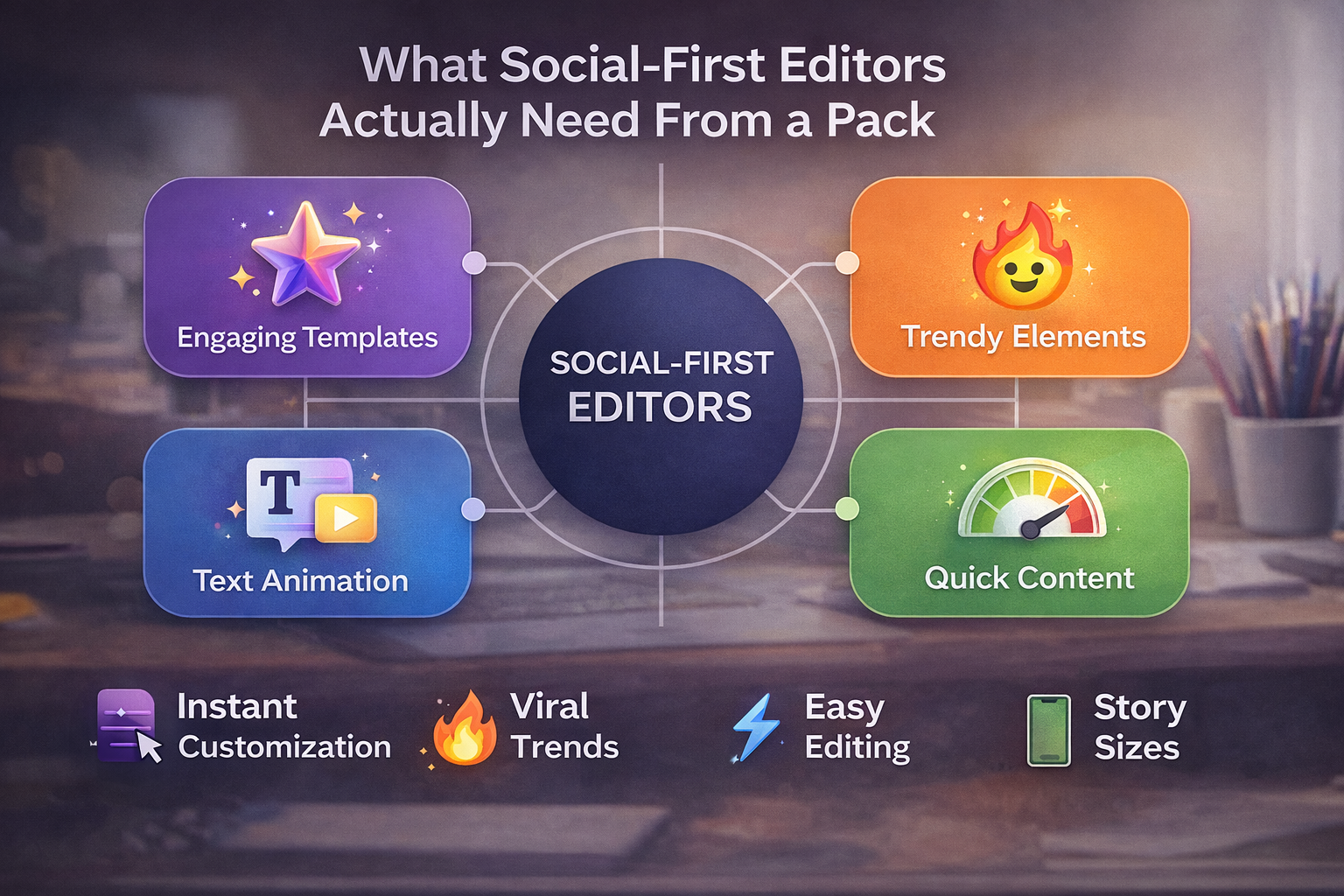
Editors creating reels, TikToks, and YouTube Shorts need assets built for a format that most traditional editing packs completely ignore.
The core mismatch: most packs are built for 16:9 horizontal video. The transitions are timed for 30-60 second sequences. The text animations assume wide frames. The pacing suits corporate presentations or wedding films, not content designed to hook someone in the first second.
What social-first editors need from an editing pack:
If your editing pack doesn’t include viral edit styles built for social media formats, you’re forcing horizontal assets into a vertical workflow, and the output shows it.
Built for the Edits That Actually Go Viral.
EarnEdits offers unique transitions for vertical videos, featuring engaging editing styles for TikTok, Instagram Reels, and YouTube Shorts, with customizable AEP files.
Browse Projects →
A preset gives you a look you can apply. An open project file gives you the look, plus the complete workflow behind it, making it a more valuable asset in any editing pack.
Here’s the difference in practice. A transition preset drops onto your timeline and plays. You see the result, but you don’t see the keyframe spacing that controls speed, the easing curve that makes it feel smooth, or the expression that ties it to audio. If you want a slightly different version, you’re stuck adjusting surface-level parameters or searching for another preset.
An open .AEP project file shows you everything. The full timeline is visible. Every layer is labeled and editable. You see exactly how the effect was constructed, what keyframes were set, where expressions drive the motion, how compositions are nested, and why the timing works. You’re not applying a result. You’re studying a technique.
That distinction compounds over time:
The editor growth path is clear: closed presets for quick output → open project files for learning by doing → building your own edits from scratch. Open project files are the bridge between depending on someone else’s work and creating your own.
This is how every file on EarnEdits is built fully open After Effects projects structured around proven edit styles that editors actually use in client work. Not presets to apply. Projects to learn from.
Before purchasing any pack, run through these checks to avoid spending money on assets you’ll never use.
Open Files. Organized Timelines. Zero Guesswork.
EarnEdits offers fully open After Effects files with labeled layers and editable effects. Customize everything and quickly export a polished edit without locked presets.
Explore the Library →
A preset pack contains saved effect settings (.ffx files) you apply to individual layers, quick to use, but limited in what you can modify or learn from. A project file pack contains full .AEP compositions with visible timelines, editable layers, and a complete workflow structure. Project files deliver production speed and learning value in one asset.
It depends on the file format. .ffx presets and .aep files require After Effects. .mogrt files work in Premiere Pro's Essential Graphics Panel. LUTs (.cube files) and audio (.wav) work across most editing software, including DaVinci Resolve and Final Cut Pro.
Free packs from verified sources work fine for basic use, simple transitions, standard LUTs,and common SFX. For deeper customization, cohesive style, and assets built for social-first editing, paid packs and open project file libraries deliver significantly more value.
Quantity doesn't determine quality. A focused pack with 30-50 well-organized, cohesive assets outperforms a 3,000-item mega bundle with no stylistic direction. Look for packs that commit to one aesthetic and execute it thoroughly.
.ffx for editable presets, .aep for full project files with layer access, ProRes 4444 for alpha-channel overlays, .cube for LUTs, and 24-bit WAV for sound effects. Avoid packs that deliver overlays as black-background MP4 files or audio as compressed MP3s.

Explore more guides on After Effects project files and viral editing workflows.
Production-ready edits that teach you how they were built.