Back
Back

 Feb 27, 2026
 Muhammad Sikandar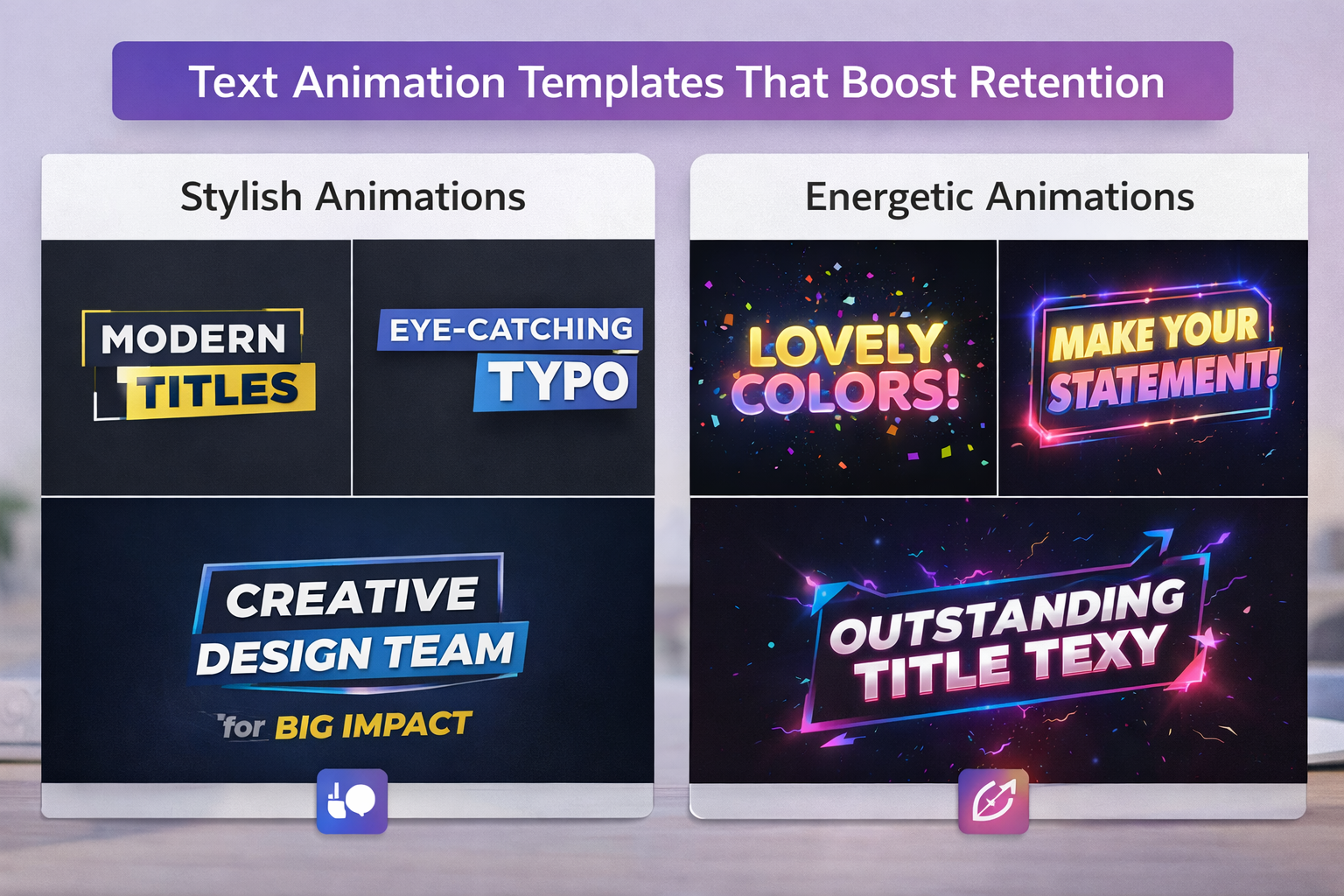
After Effects text animation templates ship as pre-keyframed typography files .AEP projects.MOGRT files, or .ffx presets that give editors ready-made motion for titles, captions, and on-screen text. But not every text animation style affects whether viewers actually keep watching.
The difference between decorative text motion and retention-driving text animation comes down to timing, emphasis, and pacing at the keyframe level. This guide covers which styles increase watch time, what to evaluate before downloading, and why the technique behind the animation matters more than the animation itself.
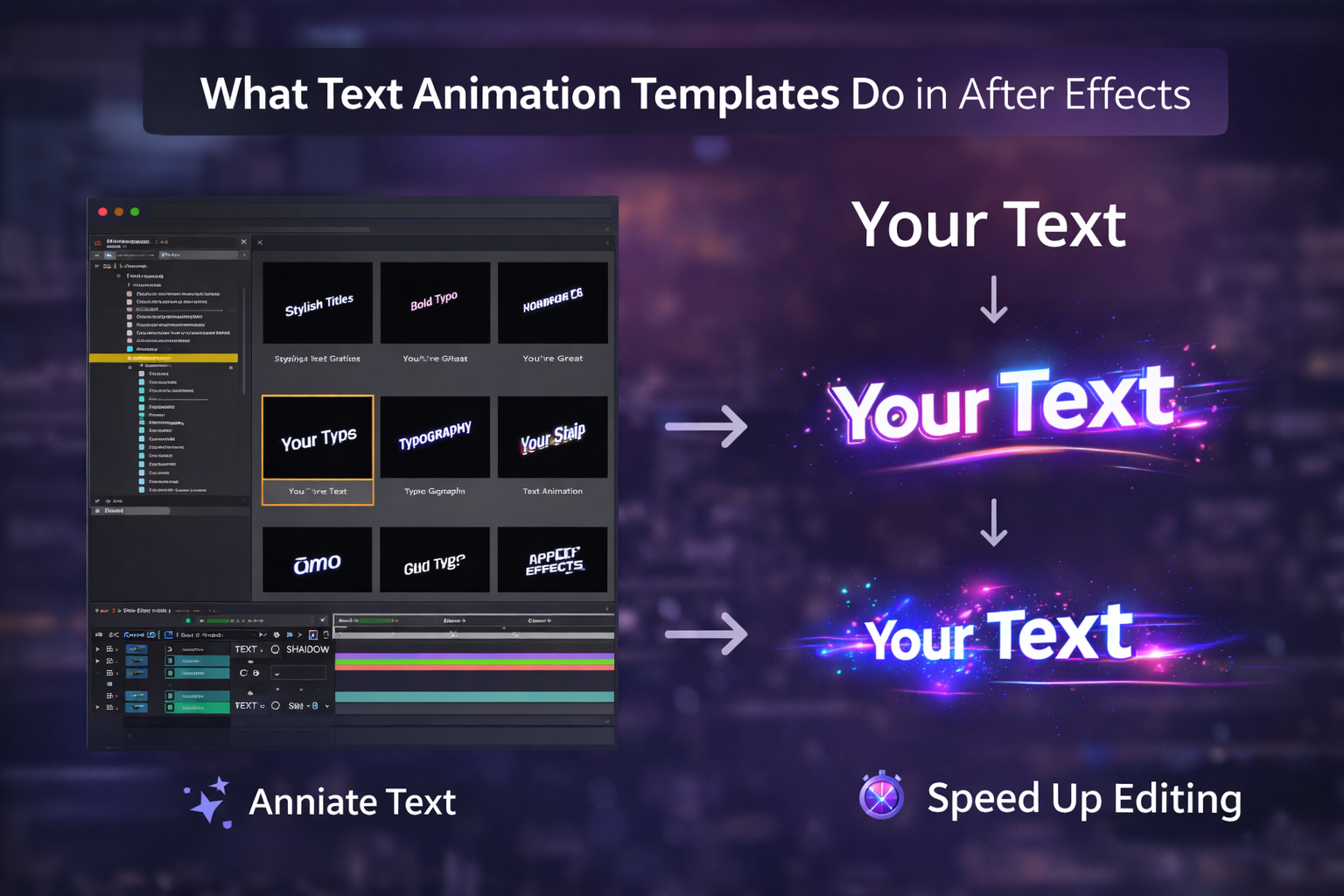
Text animation templates are pre-built typography files with keyframed motion, expression controls, and customizable placeholders that let editors produce animated titles, captions, lower thirds, and on-screen text without building animations from scratch.
A title sequence that takes 2–3 hours to keyframe manually can be completed in 10 minutes with a structured template. Three formats carry text animation templates, each with a different level of access to the underlying animation:
AEP (After Effects Project File): The full project where every keyframe, expression, and easing curve sits on the timeline. You can open the Graph Editor, study how each movement was built, and adjust individual timing values.
MOGRT (Motion Graphics Template) Built for Premiere Pro’s Essential Graphics Panel. You get sliders for text, color, and basic timing, but keyframes and the Graph Editor stay hidden.
.ffx Presets: Lightweight effects applied directly to a text layer inside After Effects. One click adds a bounce, fade, or slide. Useful for quick single-layer motion, but no multi-composition structure or expression controls.
For basic title cards, any format works. But text animation that affects whether someone stays or scrolls depends on entrance timing, word-level emphasis, and pacing, and those require access to what’s happening inside the keyframes.
Four text animation styles consistently drive higher viewer retention. Each works through a different mechanism that keeps attention on the screen.
Individual words scale up, shift color, or bounce as they appear, the caption style that now dominates reels, shorts, and TikTok clips. Each word-level change forces the viewer’s brain to re-engage. The visual variation creates a micro-reset of attention at every transition, and that cumulative effect keeps viewers watching the full clip instead of swiping past the second three.
Strongest on TikTok, Instagram Reels, and YouTube Shorts, any content under 60 seconds, where opening frames determine who stays.
Text moves, scales, and transitions in sync with the audio beat or the vocal rhythm. The text is displayed in a full-screen, fast-paced, locked-to-sound format. When movement matches audio, it triggers a cognitive rhythm loop that the brain wants to follow forward. That audio-visual sync is why kinetic typography consistently outperforms static title cards in ad spots, promos, and YouTube intros.
Characters appear one at a time, simulating real-time typing or handwriting. The viewer’s brain automatically tries to complete each word before it finishes rendering that anticipation keeps attention locked through every line. Simple mechanism, reliable across explainer videos, narrative reels, and storytelling content.
Clean name or title overlays with smooth entrance and exit motion. Lower thirds reduce cognitive load by labeling information on screen so viewers don’t have to figure out context themselves. Lower cognitive load means longer watch time, particularly on interview, podcast, and documentary-style content.
| Style | Strongest Platform | Retention Mechanism | Complexity |
| Dynamic Captions | TikTok / Reels / Shorts | Attention re-engagement per word | Low (templated) |
| Kinetic Typography | YouTube / Ads / Promos | Audio-visual rhythm loop | High |
| Typewriter / Write-On | Explainers / Narrative | Anticipation and completion | Medium |
| Minimalist Lower Thirds | Podcasts / LinkedIn / Docs | Cognitive load reduction | Low |
Retention Starts at the Timeline
Each text animation in an EarnEdits project is fully editable, allowing you to study and recreate the timing for optimal watch-time effects.
Browse Projects →
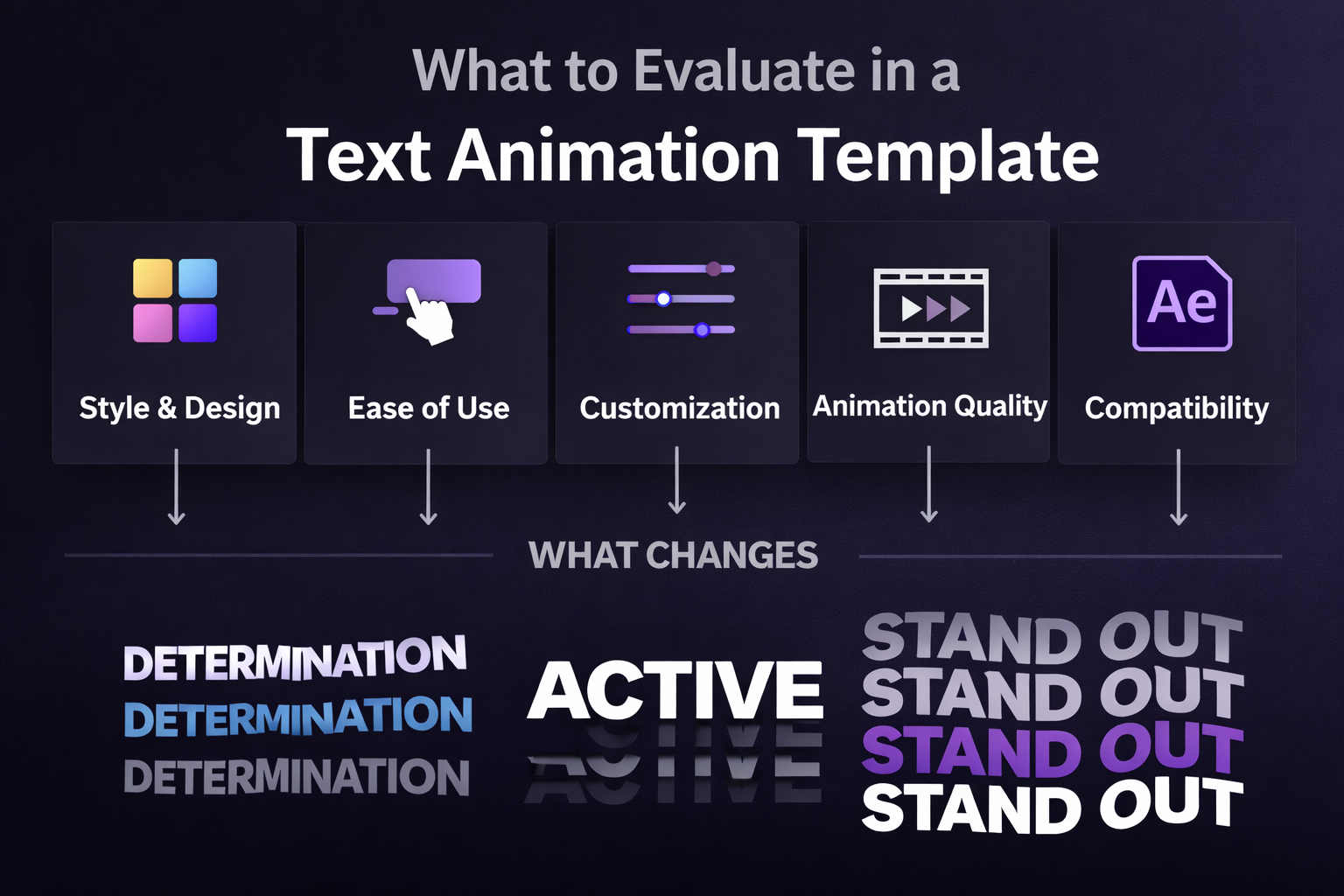
A template’s preview clip shows the finished animation. Whether that animation improves retention depends on five things the preview won’t tell you.
Keyframe Access. Can you open the Graph Editor and see how each movement was eased? If the animation lives in a pre-rendered layer or a locked composition, you can change the text content but not the timing. Timing is the variable that separates text animation viewers watch from text animation they scroll past.
Expression Controls. Quality text templates use slider controls for entrance speed, exit duration, color, and animation intensity. Without expression controls, adjusting one timing variable means hunting through dozens of keyframes across nested compositions.
Font Flexibility. Does the template break when you swap fonts? Well-built files use auto-resizing text boxes with expression-driven backgrounds that adapt to any typeface.
Aspect Ratio Versions. Editors producing for social: 9:16 vertical compositions for reels and shorts, alongside 16:9 horizontal for YouTube. A text template locked to one ratio limits half your output.
Motion Blur and Easing. Fast-moving text without motion blur looks mechanical. Keyframes with linear easing, no Easy Ease, no custom Graph Editor curves, feel stiff regardless of the style. Check both before downloading.
Most After Effects text templates are designed to impress inside a marketplace preview not to solve the timing and emphasis problems that determine whether viewers keep watching your actual content.
The root issue is the distinction between decorative and functional animation. A template with 3D letter spins or glitch effects looks great in a thumbnail, but if the entrance timing doesn’t match your audio pacing or the emphasis misses the right words, it adds visual noise without adding watch time.
Three failure patterns repeat across text templates that don’t move retention:
Fixed timing with no adjustment path. Entrance, hold, and exit durations were keyframed for the preview clip. If the file doesn’t expose those values through expression controls or accessible keyframes, the animation runs at the creator’s pace, not yours.
No word-level control. A dynamic caption style emphasizes individual words. Most text templates animate entire lines as single objects. Rebuilding per-word emphasis inside a line-level template means restarting the animation, which defeats the point of using a template.
Identical motion on every line. Attention drops when text movement becomes predictable. Templates applying the same speed, direction, and scale to every element create visual repetition. By the fourth line, the brain stops registering the motion, and that’s when viewers scroll.
Editors who consistently produce retention-driving text aren’t searching for better templates. They’re studying how timing and emphasis decisions work at the keyframe level. If you’re still hitting common project file mistakes like mismatched timing or broken expressions, understanding what’s inside the file is the fix.
Open After Effects project files expose the exact keyframe timing, easing curves, and expression logic behind text animations that keep viewers watching.
In a closed text template, you see the animation result. In a fully open .AEP file, you see the decisions why the entrance was set at 6 frames instead of 12, what easing curve gives a bounce its snap versus a reveal its smoothness, how one expression slider controls speed across every text layer, and why motion blur is enabled on fast kinetic titles but disabled on lower thirds.
That’s the gap between using a text animation once and understanding the mechanics well enough to create the retention effect in any future project.
The editor growth path runs in one direction: closed templates deliver fast output with zero learning. Open project files let you study real keyframe decisions. Once you’ve studied enough, you build text animations from techniques rather than dependencies. EarnEdits designs every project around viral edit styles built for social platforms, with every text layer fully open for study and reuse.
After Effects built-in presets. The Effects & Presets panel includes a Text category with presets pre-installed. Free and immediate. Limited in style variety and customization.
Free template sites. Mixkit and Motion Island offer free downloadable text animation templates. Solid for basic titles. Most free files lack expression controls or multi-format compositions.
Subscription marketplaces. Envato Elements and Motion Array carry thousands of text animation templates across every style. Quality and file openness vary; some include full expression controls, others are pre-rendered with editable text only.
Open project file platforms. EarnEdits provides full openness .AEP files where every text keyframe is accessible, built for editors who want to learn technique while producing content that performs.
For a deeper breakdown of marketplace differences and evaluation criteria, the complete guide to choosing After Effects templates covers format types and what to check in each source.
Text Animation That Teaches While You Edit
EarnEdits offers fully open After Effects files based on viral edits, featuring organized timelines and customizable keyframes for easy, hassle-free exporting.
Explore the Library →
A text preset (.ffx) is a single animation effect applied to one text layer, such as a fade-in, bounce, or slide. A text animation template is a full project file (.AEP or .MOGRT) with multiple compositions, styled typography, expression controls, and pre-built timing structures ready for full customization.
Only .MOGRT files load directly into Premiere Pro through the Essential Graphics Panel. Standard .AEP text templates require After Effects. You can dynamically link an After Effects composition into your Premiere timeline for a connected workflow.
Most retention-focused styles, dynamic captions, kinetic typography, and typewriter reveals work natively in After Effects without third-party plugins. Always check the file description before downloading. If a template lists Trapcode or Element 3D, those need a separate installation.
For 9:16 vertical video at 1080×1920 resolution, keep the primary text at a minimum of 80px. Anything smaller becomes unreadable on phone screens, and unreadable text kills retention regardless of how well-timed the animation is.
Select the text layer with your animation, go to Animation → Save Animation Preset, and export as an .ffx file. That preset appears in your Effects & Presets panel for use on any text layer in future projects.

Explore more guides on After Effects project files and viral editing workflows.
Production-ready edits that teach you how they were built.