Back
Back

 Mar 01, 2026
 Muhammad Sikandar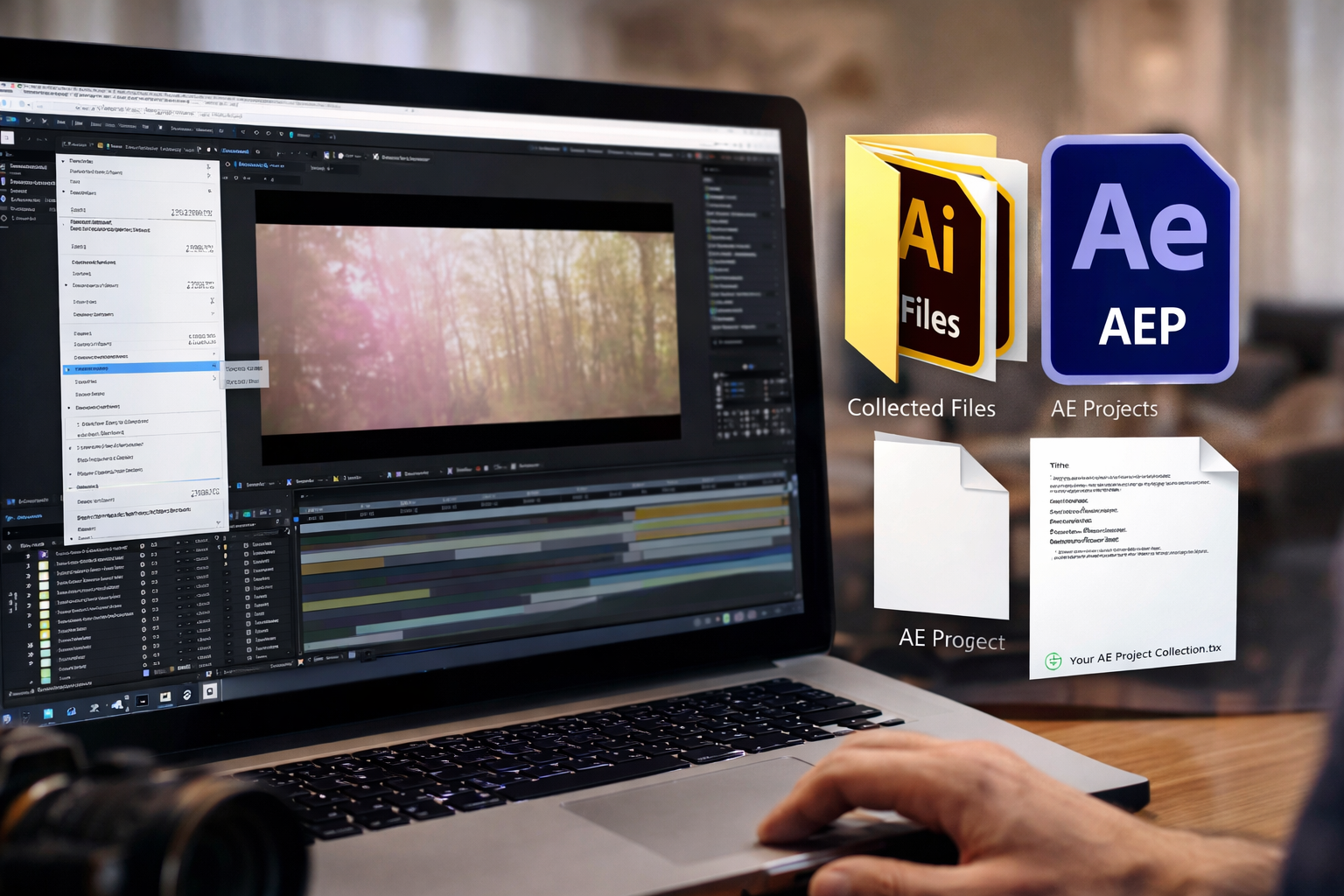
Delivering an After Effects project to a client isn’t just about sending the .AEP file. If the media assets aren’t included, the project will break — missing footage, unlinked audio, and broken compositions can frustrate clients and delay revisions. This guide shows how to save an AE project with all files professionally for smooth client delivery.
After Effects references media rather than embedding it. Sending only the project file can cause:
Professional delivery ensures your client can open, edit, and render the project without issues.
Before collecting files, create a clear folder structure:
/AE Project Folder
├── Project.aep
├── Footage/
├── Audio/
├── Images/
├── Exports/
A clean structure prevents missing files and simplifies client navigation.
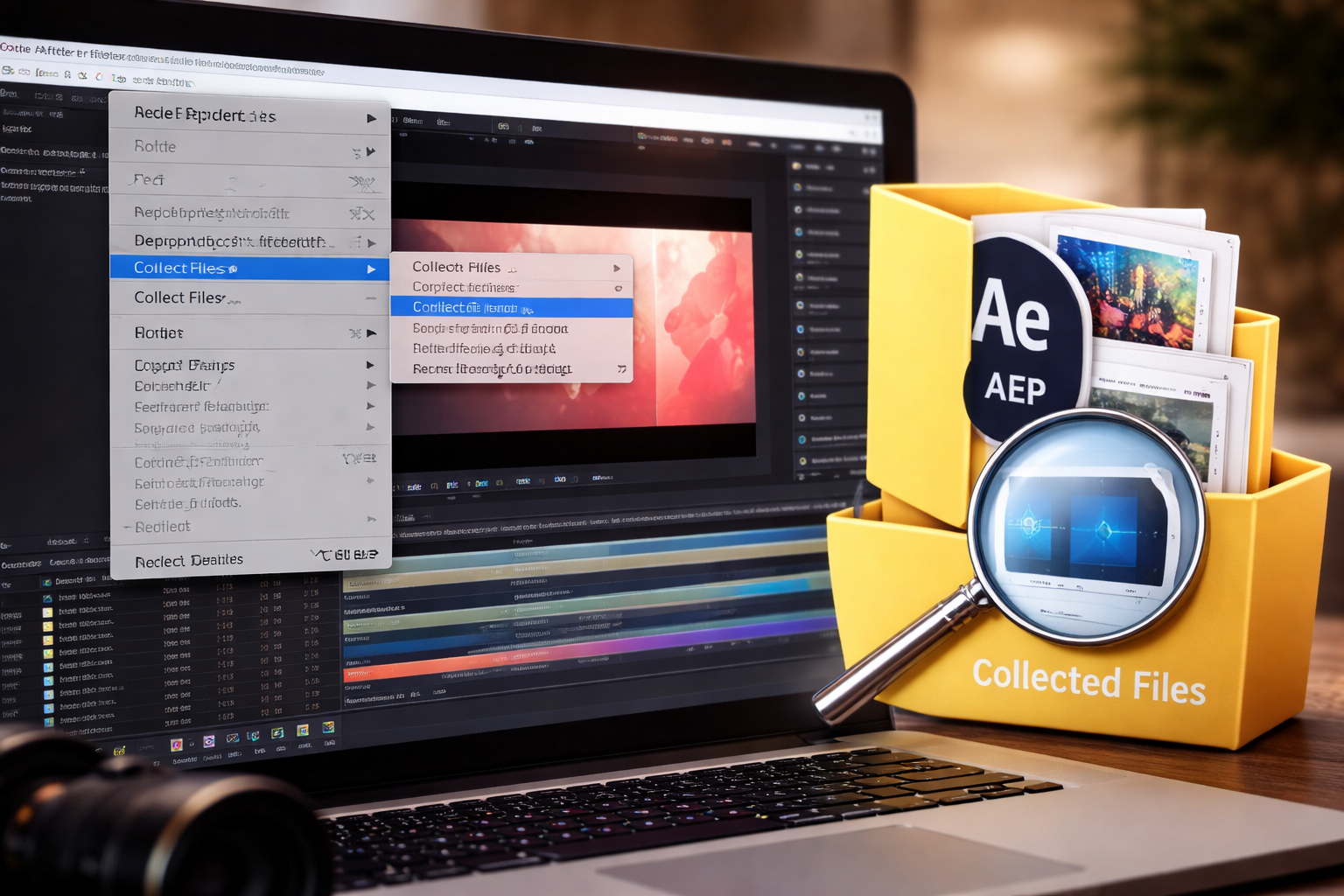
After Effects provides a built-in tool for bundling all project files:
This process generates:
Clients can open the project without broken links.
After collecting:
If your project uses templates from marketplaces like Earnedits, confirm that all placeholders and downloaded assets are included.
A short README.txt can help the client:
This reduces confusion and minimizes support requests.
Missing fonts or third-party plugins can break the project:
This ensures the client can open the project fully functional.
Keep a backup copy:
This allows you to resend quickly if the client loses files or requests revisions.
Use reliable platforms for sending large projects:
Avoid emailing raw folders to prevent file corruption.
❌ Sending only the .AEP file
❌ Using media stored outside the project folder
❌ Ignoring font or plugin dependencies
❌ Skipping verification of the collected project
Following these steps ensures professional, client-ready delivery every time.
Use File → Dependencies → Collect Files → For All Comps to bundle everything.
Yes, if the media is used and stored in the project folder.
Include fonts if licensed; notify the client about any plugins required.
Large projects are safer when sent via cloud storage.
Delivering an After Effects project professionally is about organization, completeness, and foresight. Following this workflow ensures your client receives:
✔ A fully functional project
✔ All media files included
✔ Clear folder structure
✔ Minimal troubleshooting
Professional delivery builds trust, reduces revisions, and positions you as a reliable editor — making your work stand out.

Explore more guides on After Effects project files and viral editing workflows.
Production-ready edits that teach you how they were built.